
Retool
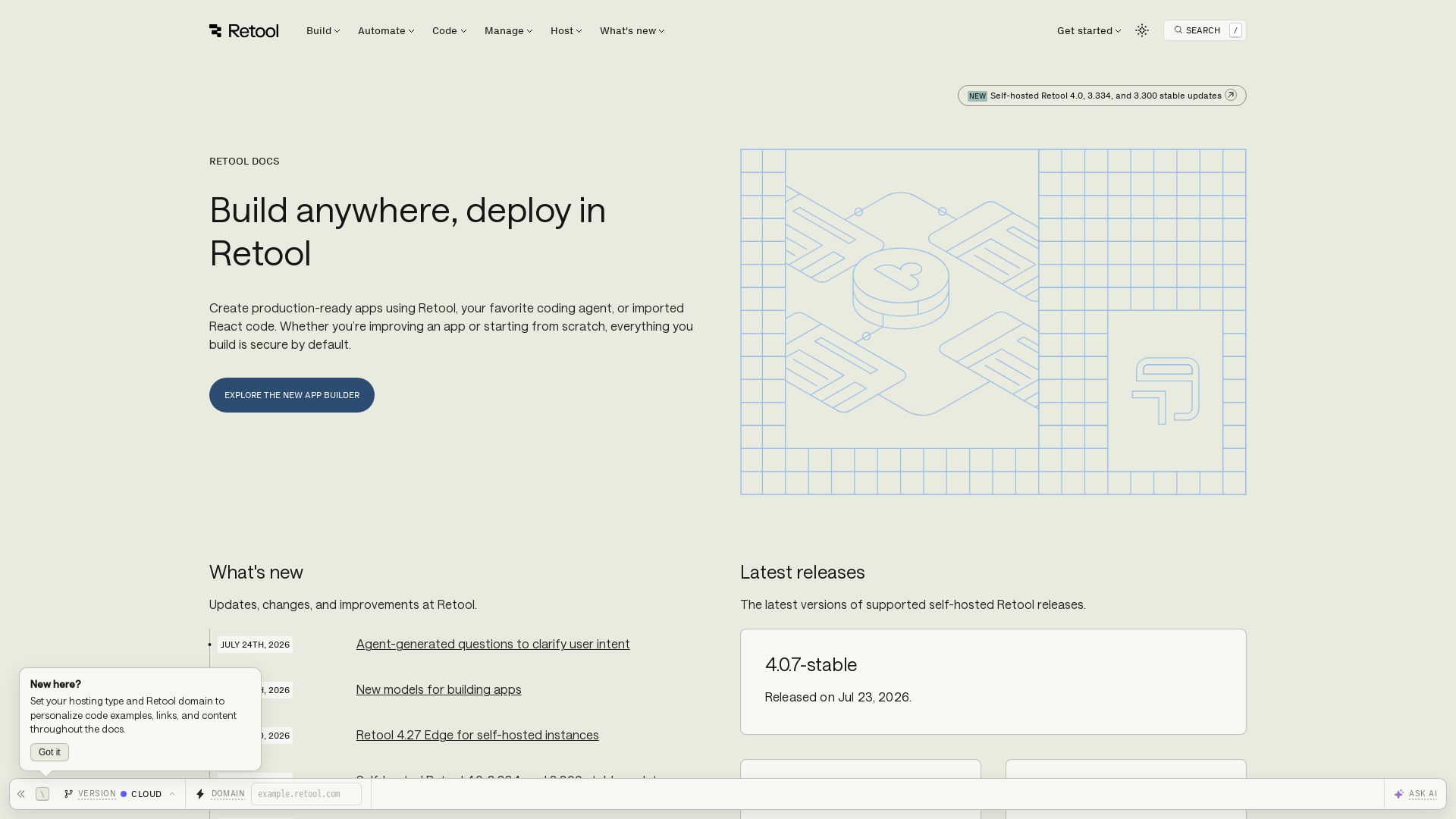
Create production-ready apps with Retool. Use AI to generate apps, automate workflows, and govern securely. Build web & mobile apps.
Editor's Verdict
Key Takeaways
- AppGen
- Agents
- AI primitives
- App builder
In-Depth Review: What is Retool?
Retool is a comprehensive platform for building custom apps quickly. Leverage AI-powered AppGen to generate apps from a prompt, automate workflows with human-in-the-loop, and build native mobile apps. Built-in security and governance ensure enterprise readiness. Ideal for engineers, operations, and financial services.
Core Features
AppGen
Generate apps with AI from a single prompt.
Agents
Automate human work with AI, keeping humans in the loop.
AI primitives
Built-in AI capabilities to enhance apps.
App builder
Create production-ready apps with a drag-and-drop builder.
Mobile apps
Build native mobile apps for iOS and Android.
Workflows
Automate jobs, alerts, and ETL tasks.
Database
Built-in database capabilities for storing and querying data.
External apps
Integrate with external applications and services.
Self-hosting
Deploy Retool on your own infrastructure for full control.
Administration
Manage your organization, users, and spaces.
Permissions
Control user access and permissions in Retool.
Pricing
Free
- Up to 5 users
- 1 GB data storage
- Community support
Team
- Unlimited users
- Custom integrations
- Priority support
Business
- Advanced governance
- SAML/SSO
- Dedicated support
Enterprise
- Self-hosting
- Custom SLA
- Audit logs
Pros and Cons
Pros
- Low-code platformBuild apps quickly without extensive coding knowledge.
- AI-poweredLeverage AI for app generation and automation.
- Secure by defaultBuilt-in security, governance, and permission controls.
- Mobile supportCreate native mobile apps for iOS and Android.
- Self-hosting optionDeploy on-premises for full data control.
Cons
- Pricing for larger teamsCan become expensive as team size grows.
- Learning curveAdvanced features may require time to master.
- Limited customizationSome traditional development flexibility is restricted.
- Dependency on platformVendor lock-in for specific Retool features.
Use Cases & Recommended Professions
Data Engineer→ View Toolkit
Needs to build internal tools to connect and transform data from various sources.
Software Engineer→ View Toolkit
Uses Retool to quickly prototype internal applications and automate workflows.
Operations Manager→ View Toolkit
Automates business processes and monitoring alerts with Retool workflows.
Financial Analyst→ View Toolkit
Creates dashboards and reports by integrating Retool with financial databases.
IT Administrator→ View Toolkit
Manages user access and governance across the organization using Retool's admin features.
Product Manager→ View Toolkit
Uses AppGen to rapidly generate app prototypes for stakeholder demos.
Frequently Asked Questions
Alternative AI Tools
View Detailed Comparison →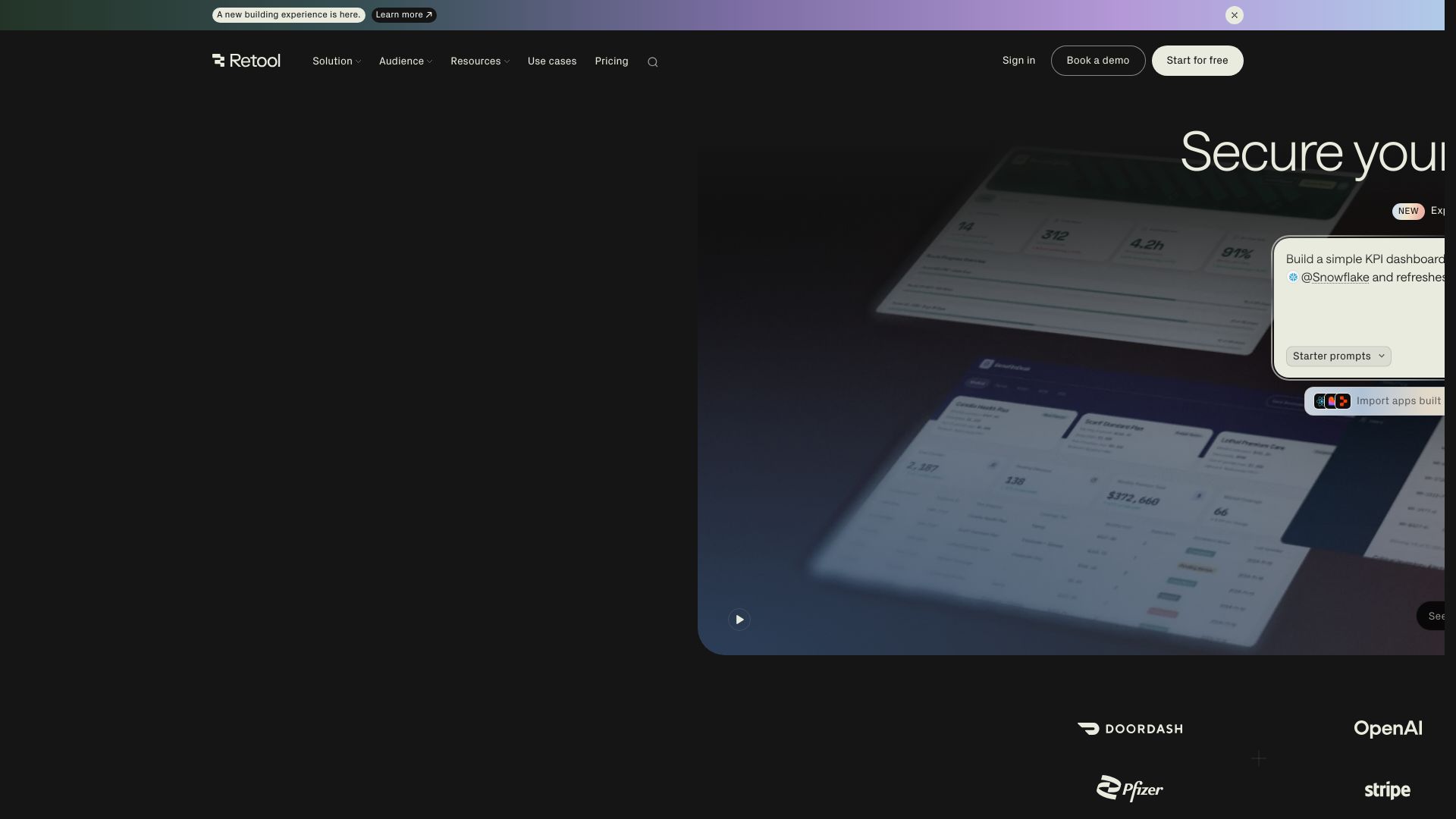
Retool
Build powerful, secure apps on your data with Retool's AI-powered app builder. Connect to any data source, deploy with governance, and scale across your enterprise.


Claude Code vs LangGraph: Agent vs Workflow
Low-code development agency building custom apps, AI automations, and MVPs for businesses and startups. 400+ projects delivered. Trusted by Fortune 500s and founders.


PrometAI
Generate investor-ready business plans in minutes with PrometAI's AI. Trusted by 100,000+ founders. Start for free, no guesswork.


Figr
Ship better UX faster. Figr builds a living understanding of your product, maps flows, finds edge cases, and generates high-fidelity prototypes from your actual design system.


Softr
Create custom business apps, portals, and dashboards with AI. No coding needed. Secure, scalable, and loved by 1M+ teams. Start free.

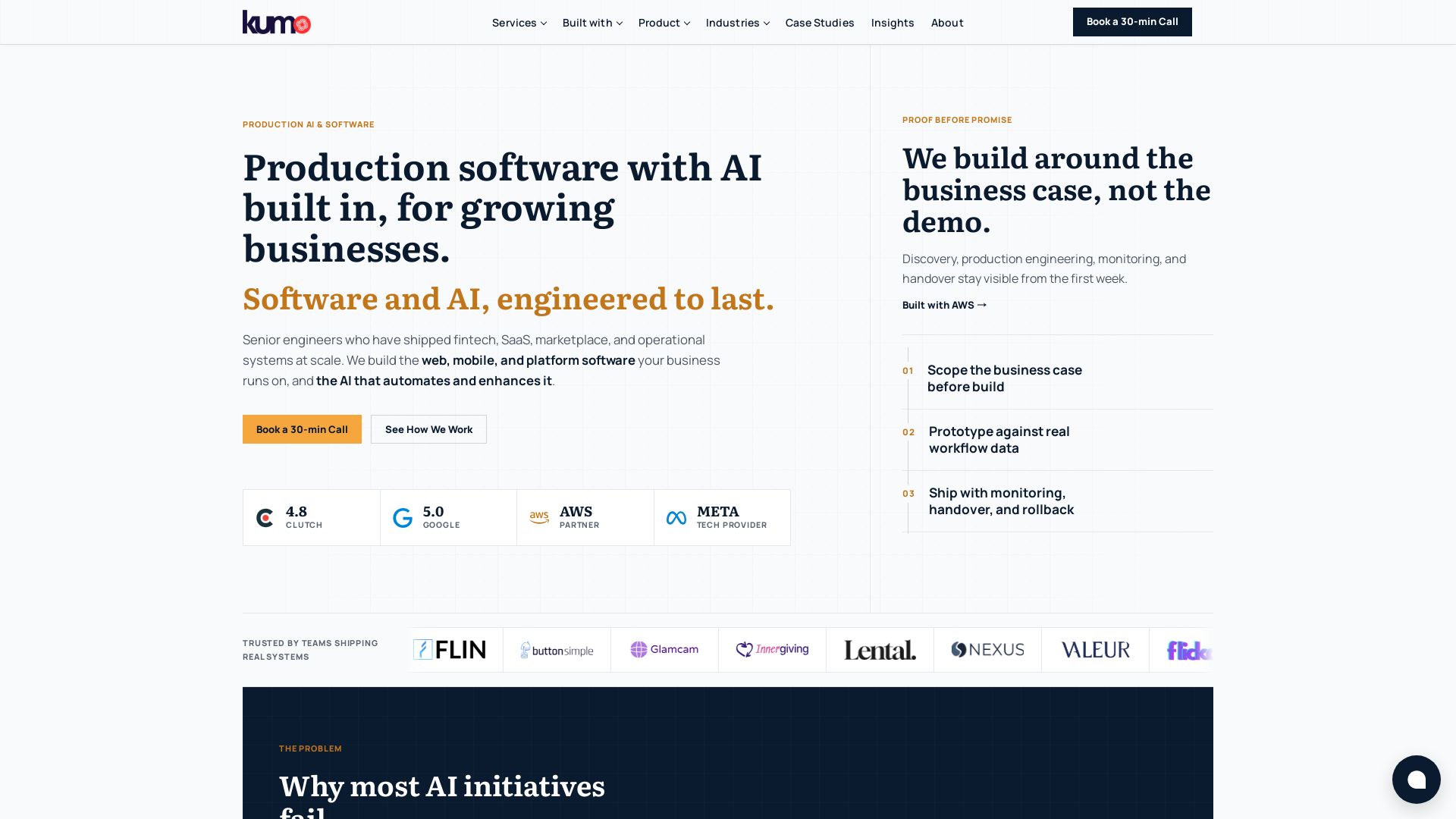
KUMO
Senior engineers build AI-powered software that lasts. Trusted by teams shipping real systems. Book a 30-min call to start building.


BrainGrid
Build apps that work: plan first, build second. BrainGrid writes specs, verifies each feature, and deploys live. No fragile prototypes.

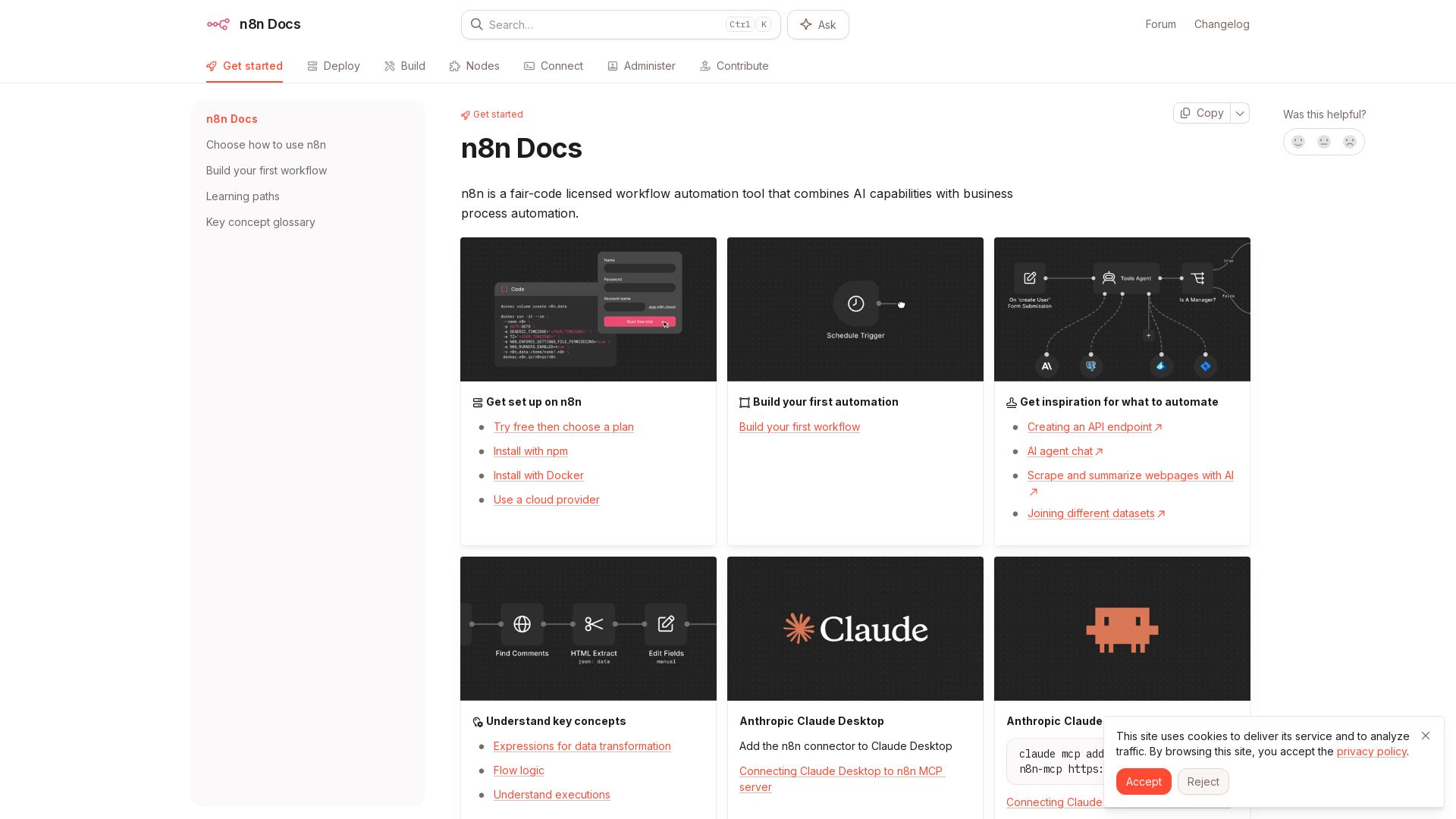
n8n
n8n is a fair-code licensed workflow automation tool that combines AI capabilities with business process automation. Get started with npm, Docker, or cloud.

SKULaunch
Automate supplier data onboarding, AI extracts attributes, enrich product catalogs, and publish ready data. From messy files to filterable search.

IBM
Discover how IBM's AI agents transformed operations, delivering $4.5 billion in productivity. Explore IBM Bob, watsonx Orchestrate, and more.

What is crewAI?
Discover how IBM's AI agents unlocked $4.5B in productivity gains. Explore watsonx, IBM Bob, and hybrid cloud to drive smarter business outcomes.


ProductCrafters
Get a free 2-week trial sprint for your AI product. Working prototype in 30 days, production-ready in 90. No contract, no credit card. Test your dev team risk-free.

ℹ️ Curation Disclosure: The overview and features of Retool were synthesized using AI and fact-checked by our curation team to ensure accuracy.
