
LiteLLM
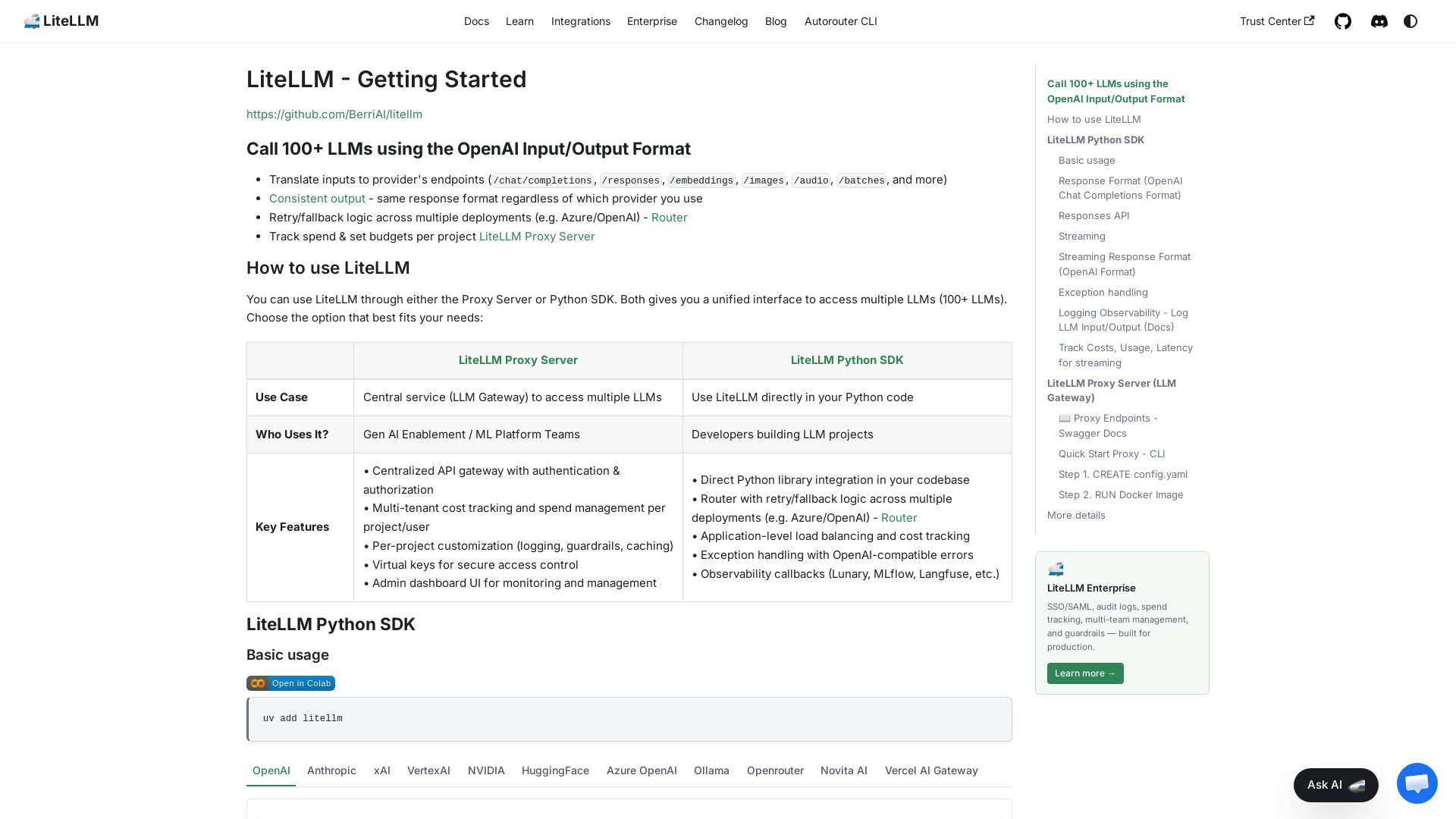
Unified interface to call 100+ LLMs (OpenAI, Anthropic, etc.) using OpenAI format. Python SDK & Proxy Server with cost tracking, retry, streaming, and more.

Editor's Verdict
Key Takeaways
- Unified API Format
- Retry/Fallback Logic
- Cost Tracking & Budgets
- Proxy Server (LLM Gateway)
In-Depth Review: What is LiteLLM?
LiteLLM provides a unified interface to access over 100 large language models from providers like OpenAI, Anthropic, Google, and more, using the familiar OpenAI input/output format. It offers both a Python SDK for direct integration and a Proxy Server (LLM Gateway) for centralized management. Key features include automatic retry/fallback logic across multiple deployments, cost tracking and budgeting per project, streaming support, consistent error handling, and observability callbacks. Ideal for developers and ML platform teams who need a reliable, scalable way to use multiple LLMs with minimal code changes.
Core Features
Unified API Format
Call 100+ LLMs using the OpenAI Input/Output Format, enabling easy switching between providers without code changes.
Retry/Fallback Logic
Automatically retry failed requests and fallback to alternative deployments for high availability.
Cost Tracking & Budgets
Track spend and set budgets per project or user, with multi-tenant cost management.
Proxy Server (LLM Gateway)
Centralized API gateway with authentication, rate limiting, and virtual keys for secure access control.
Observability & Logging
Log LLM input/output to platforms like MLflow, Langfuse, Lunary, and Helicone via callbacks.
Streaming Support
Stream responses with consistent OpenAI-format chunks, enabling real-time output.
Exception Handling
Maps provider-specific errors to OpenAI-compatible exceptions for uniform error handling.
Pricing
Open Source (Community)
- Access to all supported LLMs via Python SDK
- Retry/fallback logic with Router
- Basic cost tracking
- Community support
Enterprise
- SSO/SAML authentication
- Audit logs
- Advanced multi-team spend management
- Guardrails
- Admin dashboard UI
- Priority support
Pros and Cons
Pros
- Unified InterfaceSingle input/output format for 100+ LLMs reduces integration complexity.
- Cost ControlBuilt-in spend tracking and budget management across projects and users.
- High ReliabilityAutomatic retries and fallbacks ensure minimal downtime.
- Easy ObservabilityPre-built callbacks for popular logging tools simplify monitoring.
- Open Source CoreFree to use and self-host, with enterprise features available.
Cons
- Learning Curve for New UsersUnderstanding the proxy server and Router may be challenging for beginners.
- Dependency on Proxy for Full FeaturesAdvanced features like rate limiting and key management require the proxy setup.
- Limited Documentation for Some ProvidersSome provider integrations may have less detailed documentation.
- Enterprise Pricing Not PublicEnterprise plan requires contacting sales, which may not suit small teams.
- Potential Latency OverheadUsing the proxy server may add slight latency compared to direct API calls.
Use Cases & Recommended Professions
Machine Learning Engineer→ View Toolkit
Needs to quickly integrate and test multiple LLMs without rewriting code.
ML Platform Engineer→ View Toolkit
Manages a centralized LLM gateway for cost tracking and access control.
Software Developer→ View Toolkit
Builds applications that require LLM capabilities with minimal vendor lock-in.
Data Scientist→ View Toolkit
Experiments with different models and needs consistent output formats.
Product Manager→ View Toolkit
Oversees AI features and requires usage analytics and spend reports.
Startup CTO→ View Toolkit
Wants to evaluate multiple LLMs cost-effectively before committing to one provider.
Frequently Asked Questions
Alternative AI Tools
View Detailed Comparison →
Envoy AI Gateway
Envoy AI Gateway is an open source project for handling GenAI traffic with Envoy Gateway. Supports 16+ LLM providers, production-ready v1.0.

Mirascope
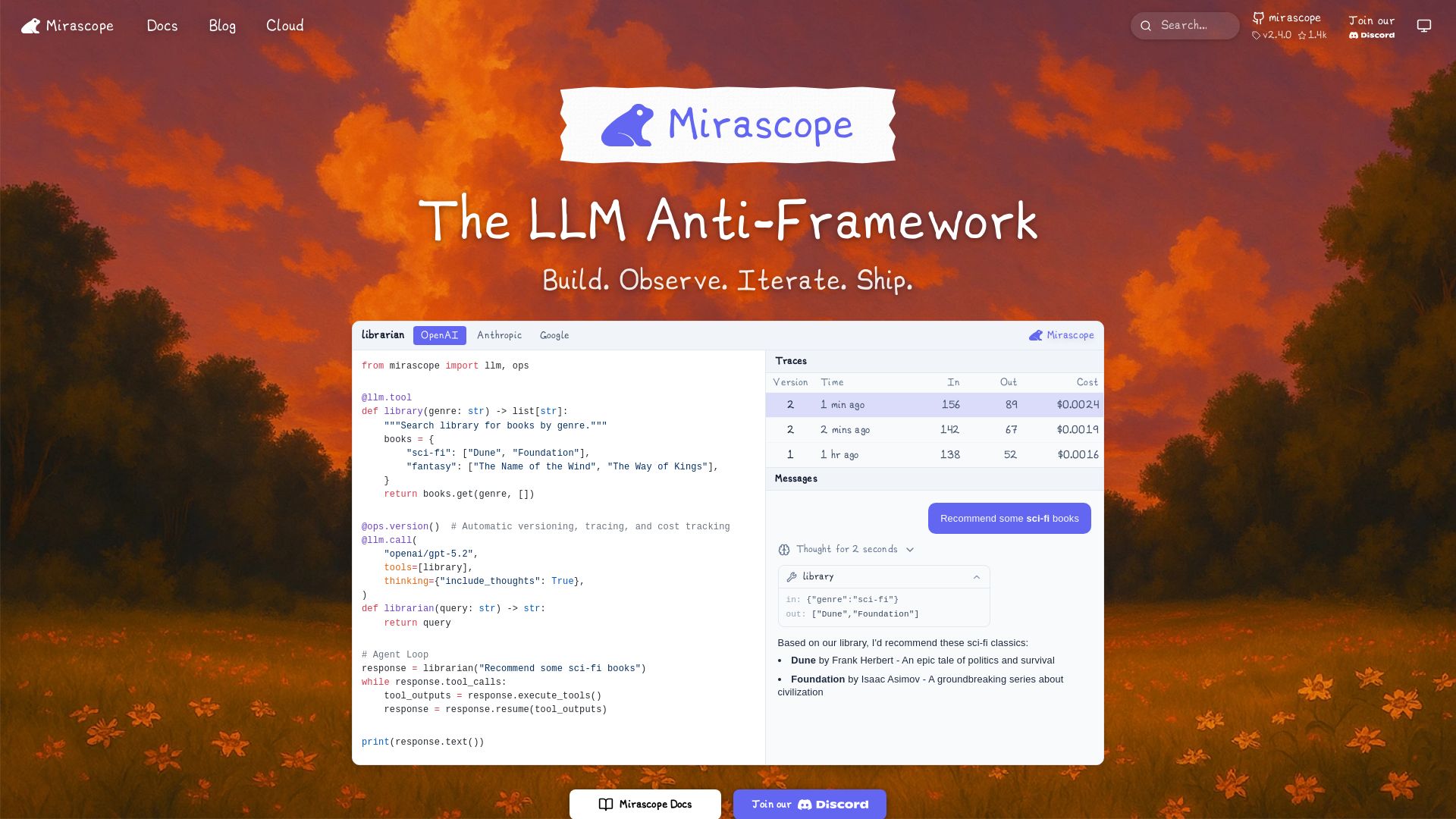
Build, observe, and iterate LLM applications with automatic versioning, tracing, and cost tracking. Supports OpenAI, Anthropic, Google, and more.

LLM Price Check
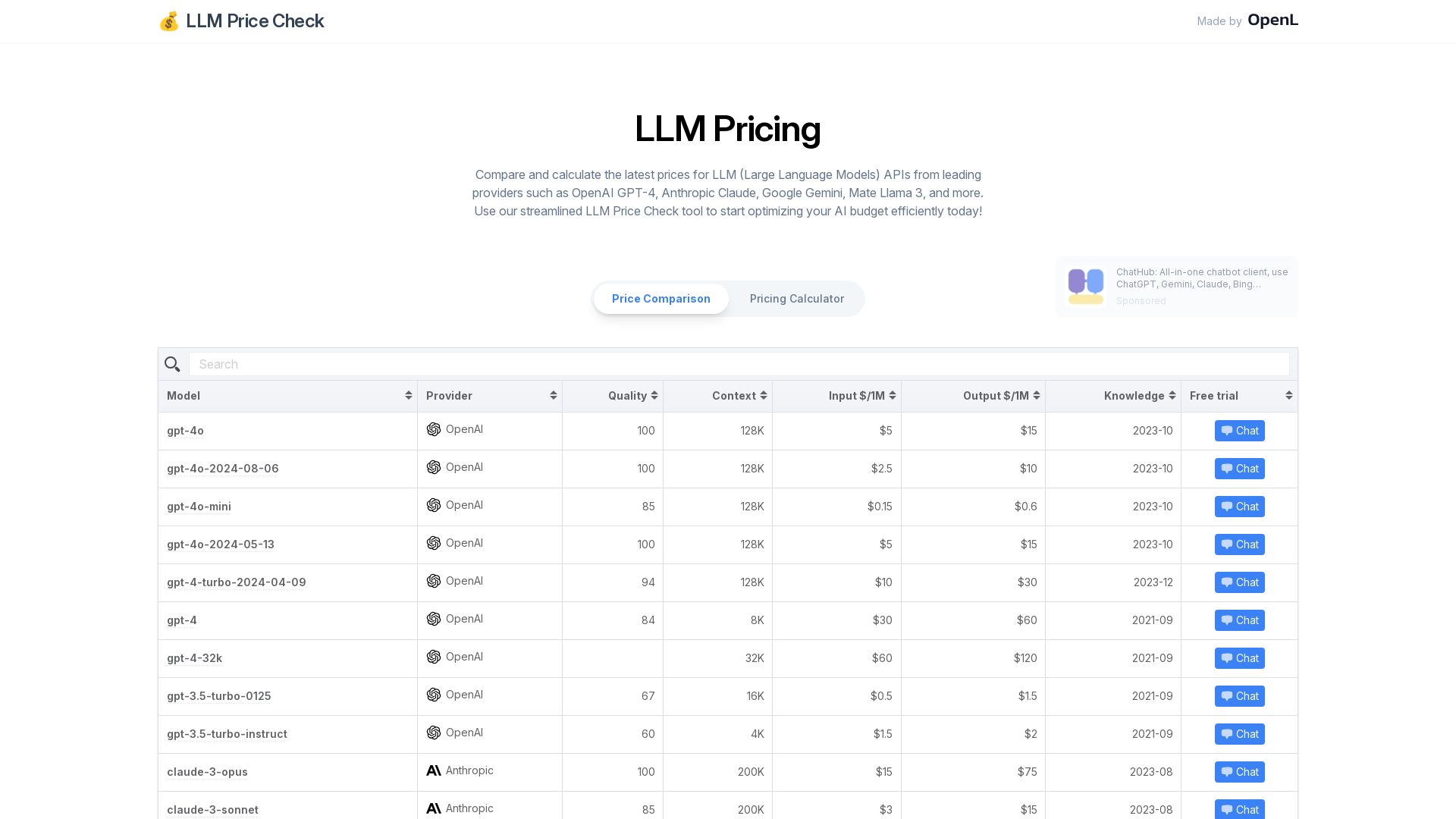
Instantly compare prices for leading LLM APIs including OpenAI GPT-4, Anthropic Claude, Google Gemini, and more. Optimize your AI budget with our free pricing calculator.

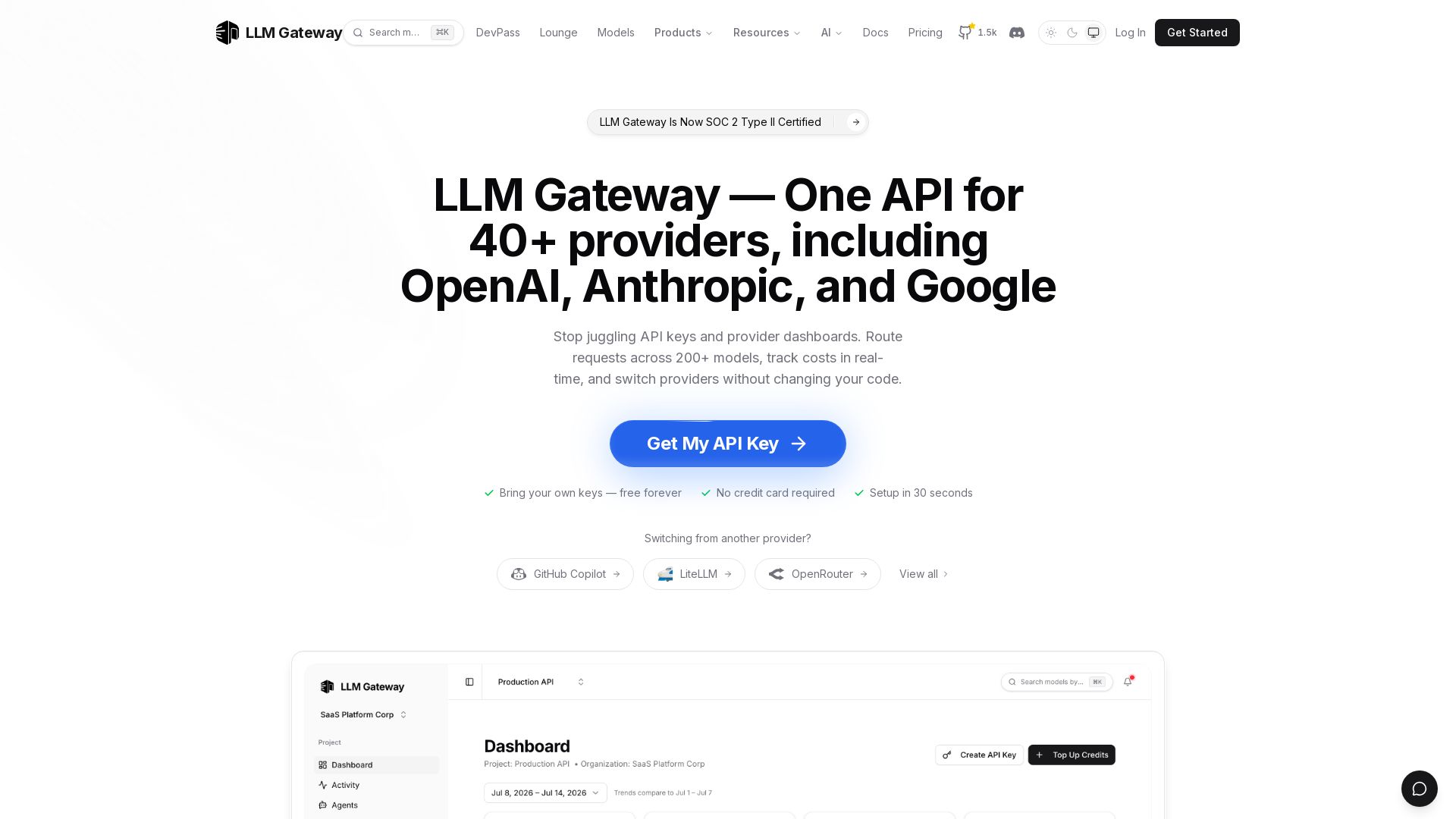
LLM Gateway
One API for 40+ LLM providers (OpenAI, Anthropic, Google). Switch models, track costs, auto-failover. Bring your own keys, free forever.

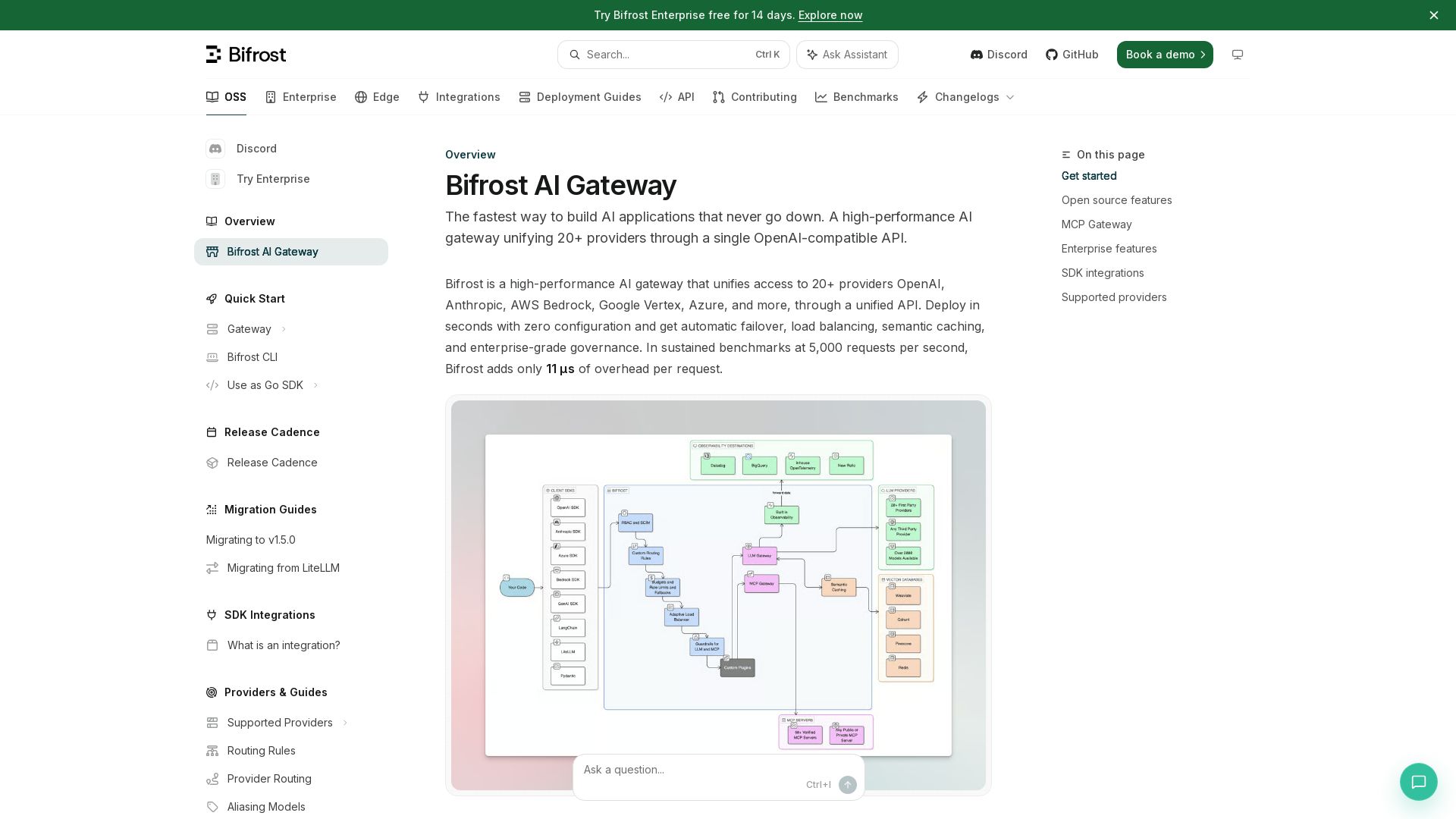
Bifrost AI Gateway
Unify 20+ AI providers with automatic failover, load balancing, and semantic caching. Drop-in replacement for OpenAI SDK. Deploy in seconds.

LLM Token Counter
Calculate exact token count for GPT-3.5, GPT-4, and other LLMs instantly. Optimize your language model usage with our free online token counter.


LangChain Academy
Learn to build powerful LLM applications with LangChain. Expert-led courses, hands-on projects, and community support. Start your journey today!

Cequence AI Gateway
Safely connect AI agents to business apps with enterprise-grade security, OAuth 2.1, and MCP. Unlock agentic AI productivity.

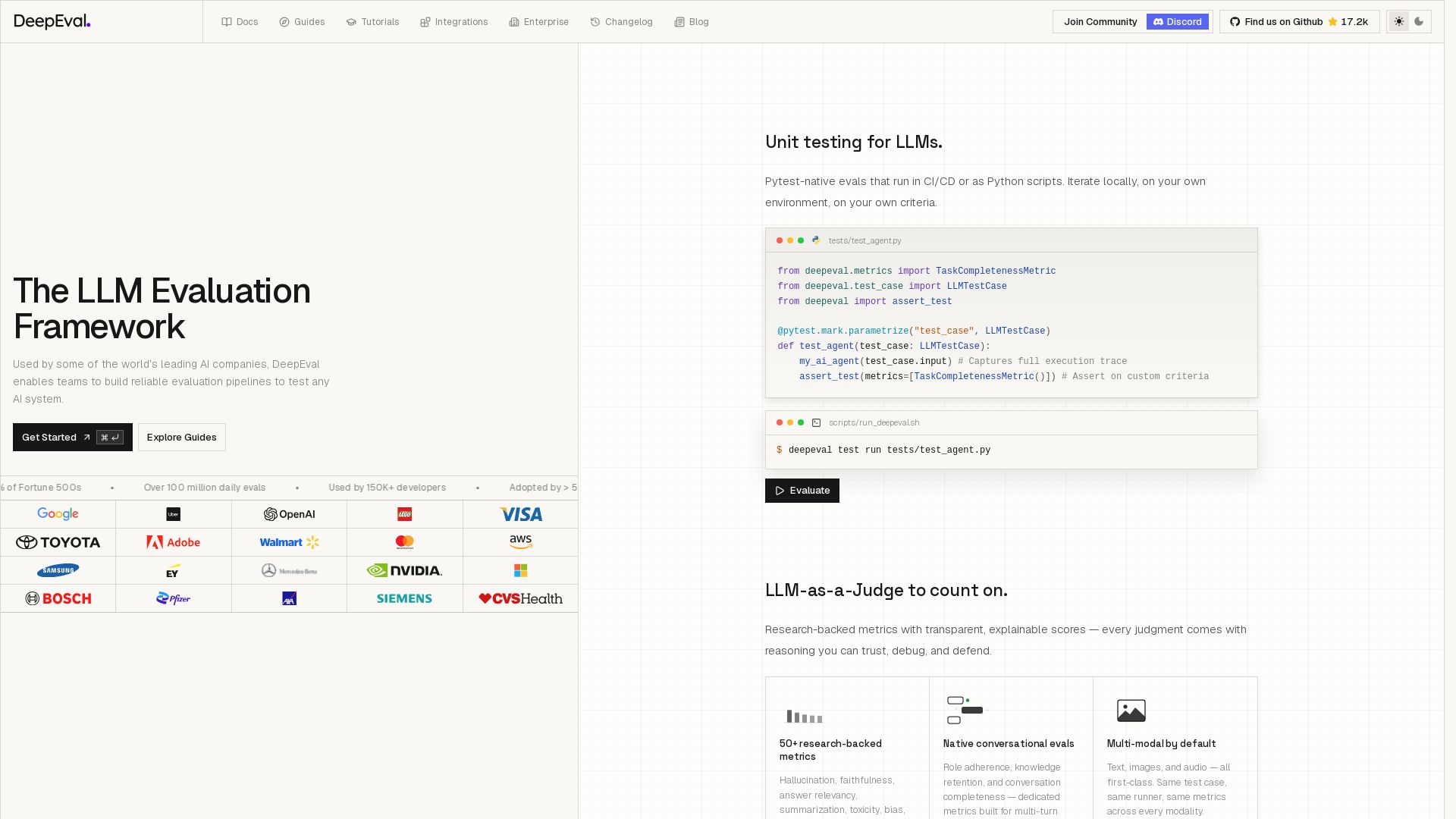
DeepEval
Open-source LLM evaluation framework with 50+ metrics, unit testing, CI/CD support, and synthetic data generation. Trusted by 150K+ developers and 50% of Fortune 500s.

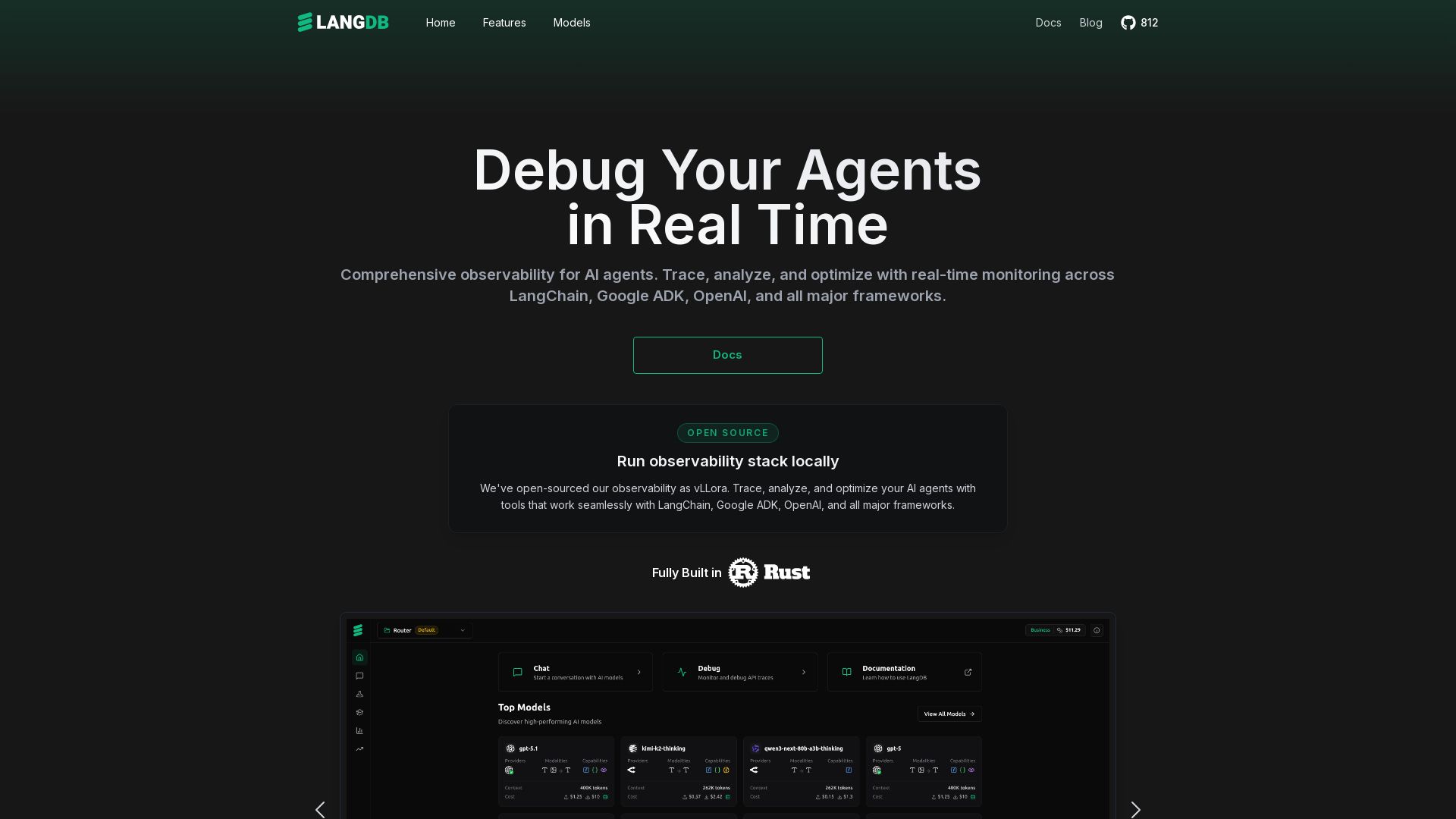
LangDB
Comprehensive observability for AI agents. Trace, analyze, and optimize with real-time monitoring across all major LLM frameworks. Unified API for 250+ models.

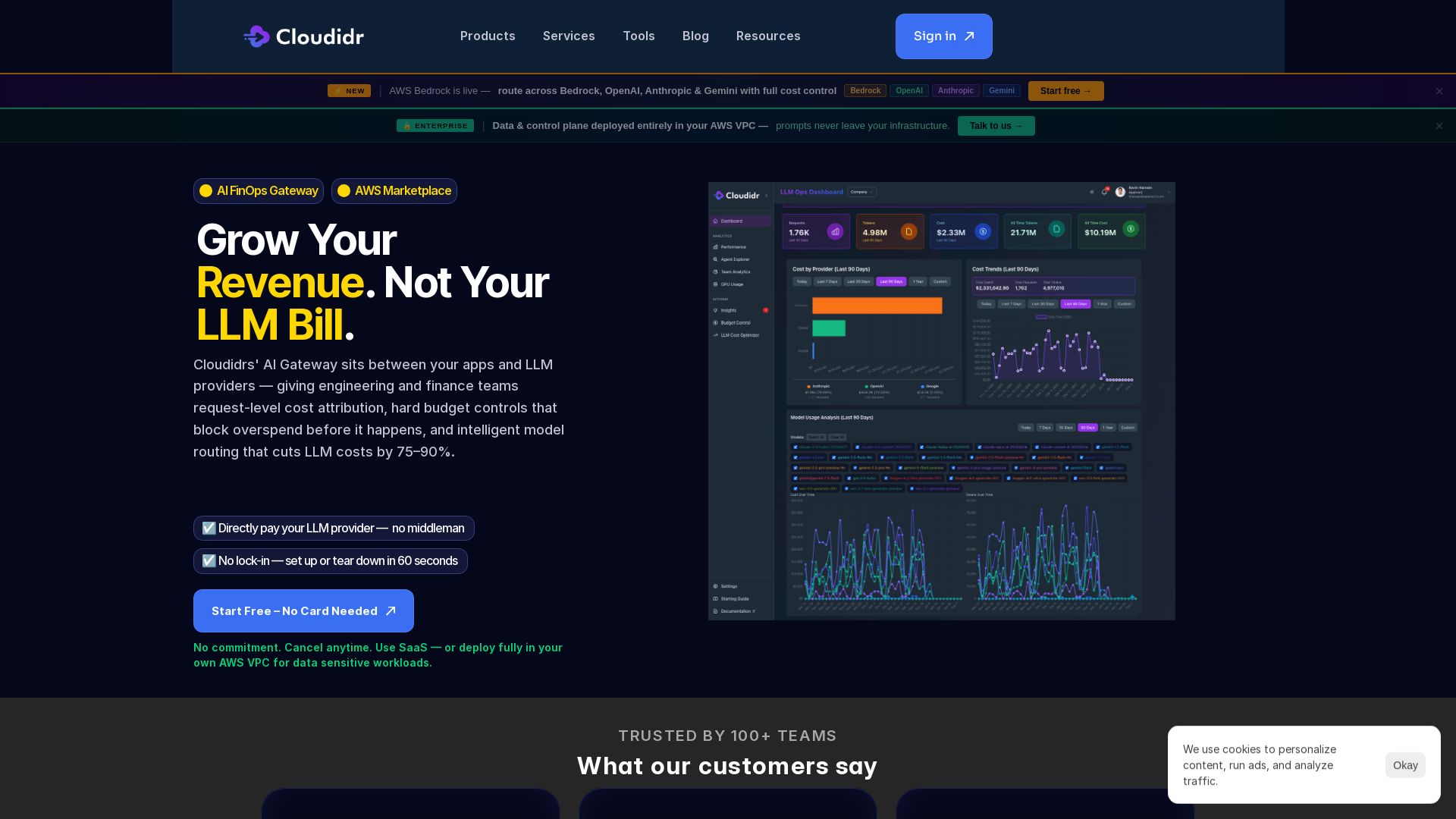
Cloudidr
Cloudidr’s AI Gateway gives engineering and finance teams request-level cost control, budget enforcement, and intelligent routing to slash LLM spend. Start free, no card needed.

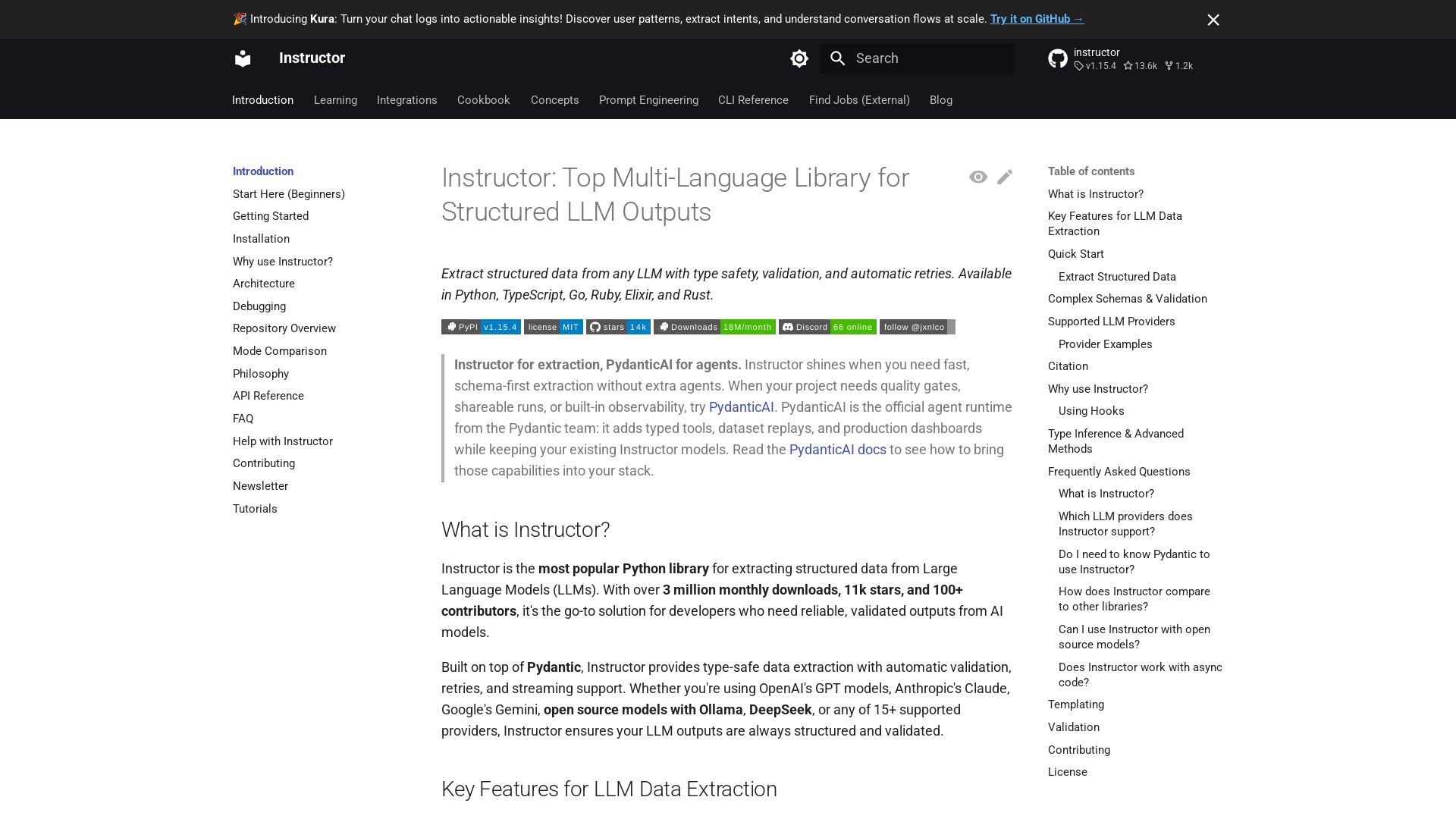
Instructor
Extract structured data from any LLM with type safety, validation, and auto-retries. Supports Python, TypeScript, Go, and more.

ℹ️ Curation Disclosure: The overview and features of LiteLLM were synthesized using AI and fact-checked by our curation team to ensure accuracy.