
DigiParser
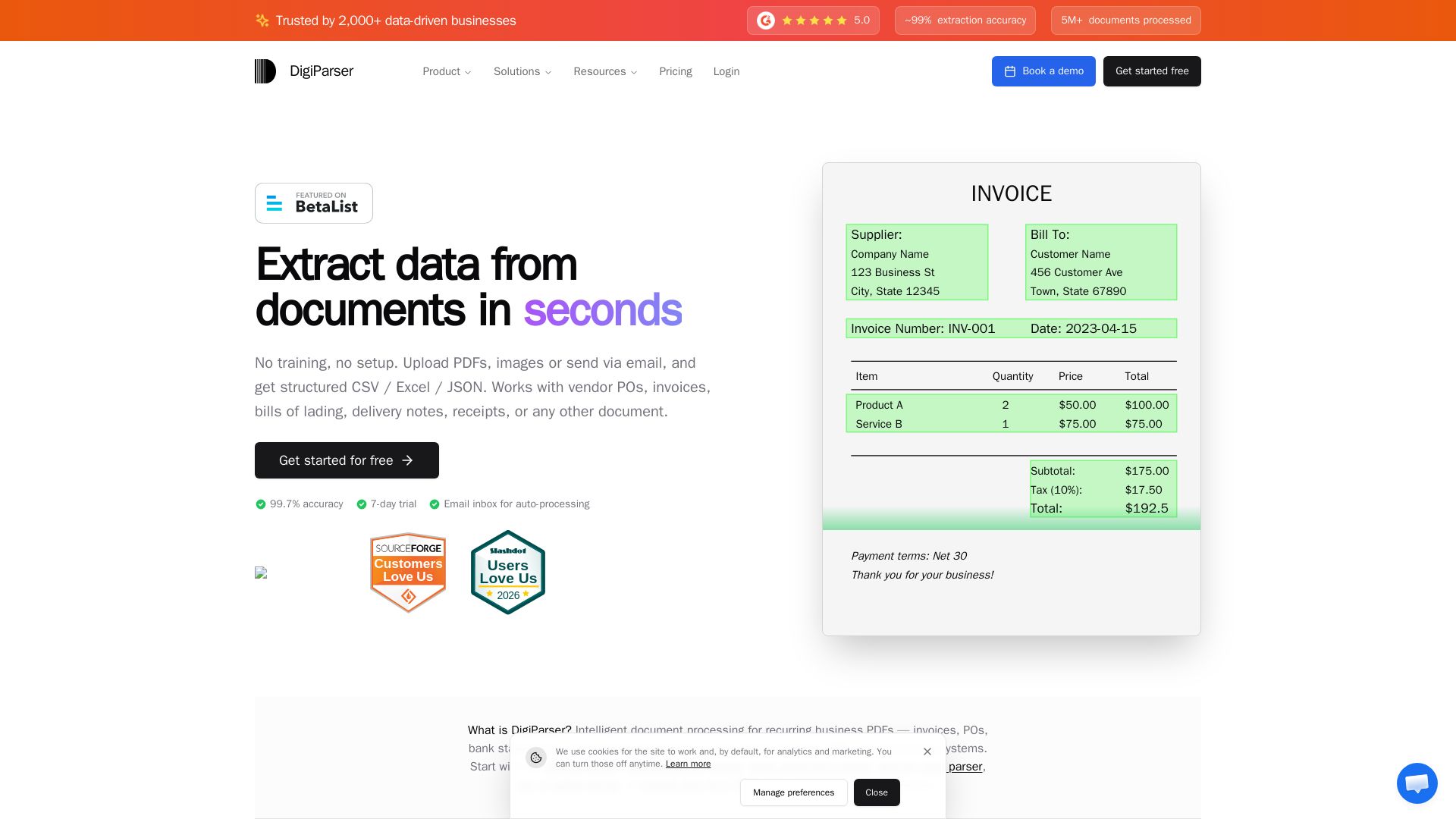
Extract data from invoices, POs, and bank statements with 99.7% accuracy. No training needed. Export to CSV/Excel/ERP. Save 96% time. Try free for 7 days.
Editor's Verdict
Key Takeaways
- Batch Processing
- Email Inbox for Documents
- Low Friction / No Setup
- 99.7% Extraction Accuracy
In-Depth Review: What is DigiParser?
DigiParser is an intelligent document processing platform that uses AI to automatically extract data from invoices, purchase orders, bills of lading, bank statements, and more. With no setup or training required, users can upload PDFs, images, or forward emails to a unique inbox, and receive structured CSV/Excel/JSON output in seconds. The platform boasts 99.7% accuracy, batch processing, and integrations with 5,000+ apps via Zapier. It serves accounting firms, freight forwarders, manufacturers, and other industries, helping them save up to 96% of time on data entry and reduce costs significantly. Pricing starts at $20/month for 100 pages.
Core Features
Batch Processing
Upload dozens of files at once and process multiple documents simultaneously to save hours.
Email Inbox for Documents
Send documents via email to your dedicated inbox and they get processed automatically.
Low Friction / No Setup
Get started in under 60 seconds with no training, configuration, or technical knowledge required.
99.7% Extraction Accuracy
AI-powered extraction with validation ensures highly accurate data from any document.
Pre-built Parsers
Ready-to-use parsers for invoices, POs, bank statements, resumes, and 48+ document types.
Handles Messy Files
Works with poor scans, images, handwriting, and mixed formats – if you can read it, we can extract it.
Easy Integration
Connects with 5,000+ apps via Zapier, plus API, webhooks, and direct integrations with QuickBooks, Xero, etc.
Always-On Workflows
Schedule future parsing or auto-process folders – set it once and let it run automatically.
Pricing
Starter (100 pages)
- 100 pages per month
- 5 parsers
- 5 team members
- Table extraction
- Auto detects schema/fields
- ~99% accuracy
- Email inbox processing
- CSV, Excel, JSON export
- API access
- Zapier integration
- Google Sheets integration
- Role-based access
Starter (500 pages)
- 500 pages per month
- 5 parsers
- 5 team members
- Table extraction
- Auto detects schema/fields
- ~99% accuracy
- Email inbox processing
- CSV, Excel, JSON export
- API access
- Zapier integration
- Google Sheets integration
- Role-based access
Pro (1,000 pages)
- 1,000 pages per month
- 25 parsers
- 25 team members
- Table extraction
- Auto detects schema/fields
- ~99% accuracy
- Per-field confidence scores
- Split with AI
- Document type rules
- Email inbox processing
- Post processing support
- Reviews & multi-stage approvals
- Automations
- CSV, Excel, JSON export
- API access
- Zapier integration
- Webhooks
- Google Sheets integration
- Role-based access
- Audit logs
- Forever data retention
- Priority email support
Pro (2,000 pages)
- 2,000 pages per month
- 25 parsers
- 25 team members
- Table extraction
- Auto detects schema/fields
- ~99% accuracy
- Per-field confidence scores
- Split with AI
- Document type rules
- Email inbox processing
- Post processing support
- Reviews & multi-stage approvals
- Automations
- CSV, Excel, JSON export
- API access
- Zapier integration
- Webhooks
- Google Sheets integration
- Role-based access
- Audit logs
- Forever data retention
- Priority email support
Scale (5,000 pages)
- 5,000 pages per month
- Unlimited parsers
- Unlimited team members
- Table extraction
- Auto detects schema/fields
- ~99% accuracy
- Per-field confidence scores
- Split with AI
- Document type rules
- Document classification
- Extraction modes
- Email inbox processing
- Post processing support
- Reviews & multi-stage approvals
- Automations
- CSV, Excel, JSON export
- API access
- Zapier integration
- Webhooks
- Google Sheets integration
- Role-based access
- Audit logs
- Forever data retention
- Priority email support
Scale (10,000 pages)
- 10,000 pages per month
- Unlimited parsers
- Unlimited team members
- Table extraction
- Auto detects schema/fields
- ~99% accuracy
- Per-field confidence scores
- Split with AI
- Document type rules
- Document classification
- Extraction modes
- Email inbox processing
- Post processing support
- Reviews & multi-stage approvals
- Automations
- CSV, Excel, JSON export
- API access
- Zapier integration
- Webhooks
- Google Sheets integration
- Role-based access
- Audit logs
- Forever data retention
- Priority email support
Enterprise
- Custom pages per month
- Unlimited parsers
- Unlimited team members
- All extraction & intelligence features
- All workflow & review features
- Custom integrations
- Single sign-on (SSO)
- Two-factor authentication (coming soon)
- Dedicated onboarding & phone support
- Priority SLAs
- Security & compliance
Pros and Cons
Pros
- High Accuracy99.7% AI-powered extraction accuracy reduces errors and rework significantly.
- Fast SetupGo from zero to extracting data in under 60 seconds with no training or templates required.
- Batch ProcessingUpload dozens of documents at once and process them in seconds, saving hours of manual work.
- Wide IntegrationConnects with 5,000+ apps via Zapier, plus native integrations with accounting and ERP systems.
- Handles Diverse DocumentsSupports PDFs, images, scans, handwritten text, and emails – works with poor quality files too.
Cons
- Pricing for High VolumeLarger volumes can become expensive, especially for organizations processing over 10,000 pages per month.
- Limited Free TierOnly a 7-day free trial with 20 documents; no permanent free plan for very light users.
- Dependency on InternetRequires an internet connection for document processing and data extraction – no offline mode.
- Learning Curve for Custom WorkflowsWhile basic setup is easy, advanced automation and custom integrations may require some technical know-how.
- No Native Mobile AppUploads are primarily via web or email; no dedicated mobile app for on-the-go processing.
Use Cases & Recommended Professions
Operations Manager→ View Toolkit
Handles 20–200 vendor POs, BOLs, and delivery notes per day; automates ERP entry to reduce manual workload and errors.
Supply Chain Manager→ View Toolkit
Manages shipment docs received via email in random formats; eliminates manual TMS entry delays and errors.
Bookkeeper at Accounting Firm→ View Toolkit
Processes invoices and bank statements for 15+ clients monthly; batch processes all documents in under 2 hours and exports to QuickBooks/Xero.
HR Manager→ View Toolkit
Manages 200+ job applications monthly; auto-extracts candidate info from resumes in seconds.
Partner at Accounting Firm→ View Toolkit
Staff spends 20+ hours/week keying client documents; DigiParser reduces that to a fraction, closing month-end faster.
Office Manager→ View Toolkit
Handles vendor invoices, POs, and payment records; automated inbox processes everything with zero manual entry.
Frequently Asked Questions
Alternative AI Tools
View Detailed Comparison →
PrometAI
Generate investor-ready business plans in minutes with PrometAI's AI. Trusted by 100,000+ founders. Start for free, no guesswork.


Figr
Ship better UX faster. Figr builds a living understanding of your product, maps flows, finds edge cases, and generates high-fidelity prototypes from your actual design system.

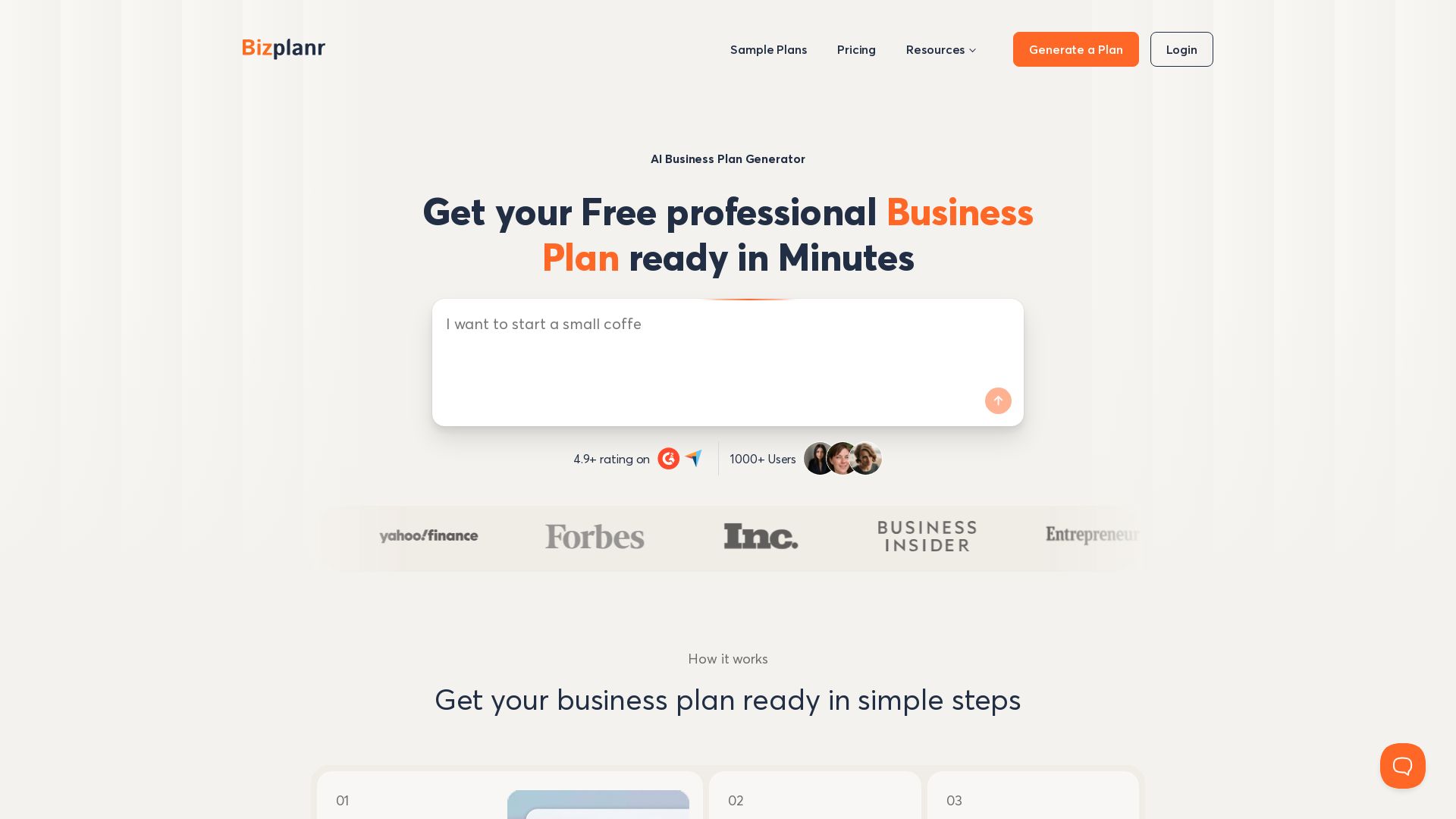
BizPlanr
Create a professional business plan in minutes with our free AI-powered generator. Used by 1000+ users. Get your free draft now!

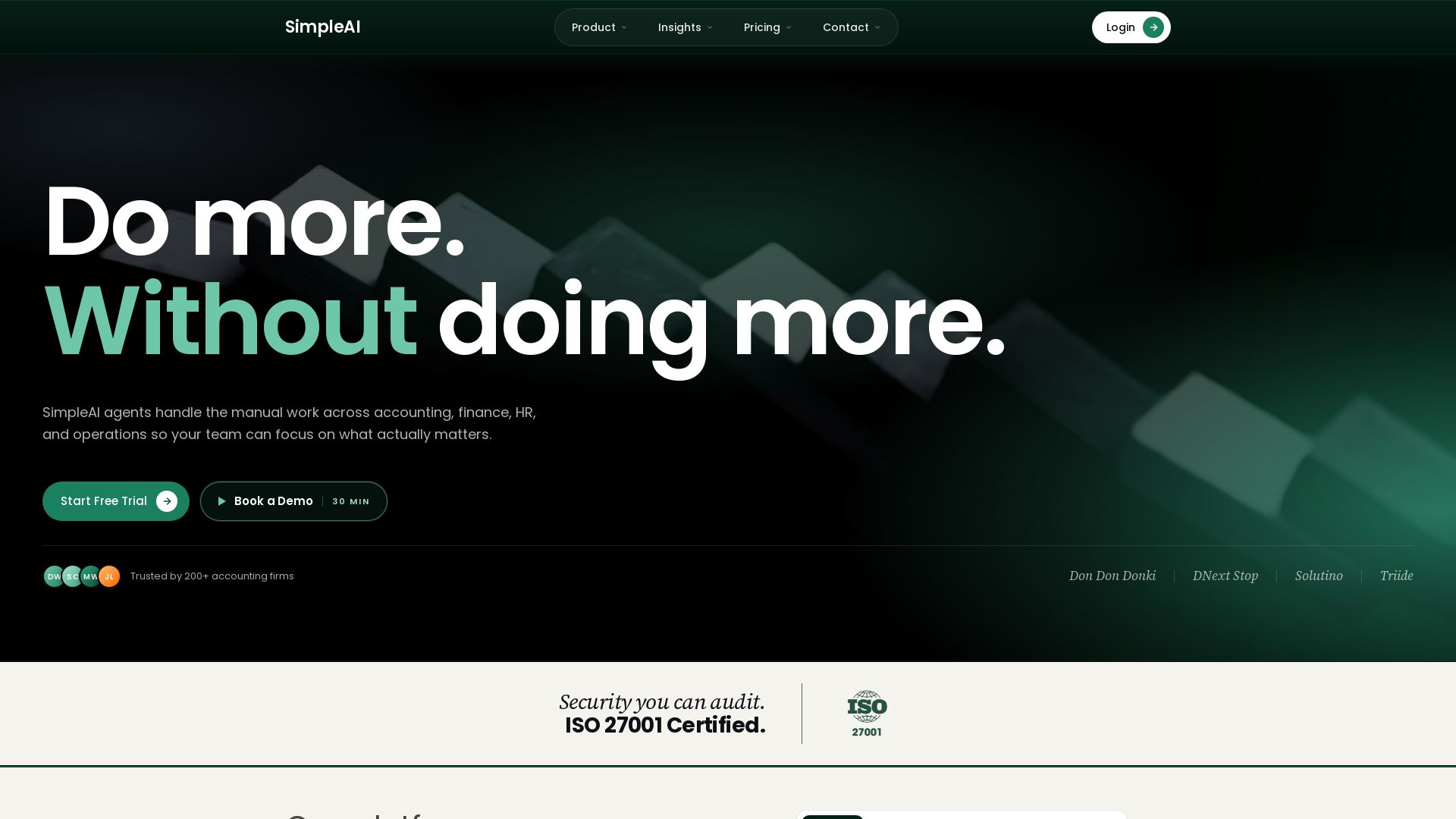
SimpleAI
SimpleAI deploys AI agents to automate accounting, finance, HR, and operations. Trusted by 200+ firms, ISO certified. Reduce manual work by 90%.

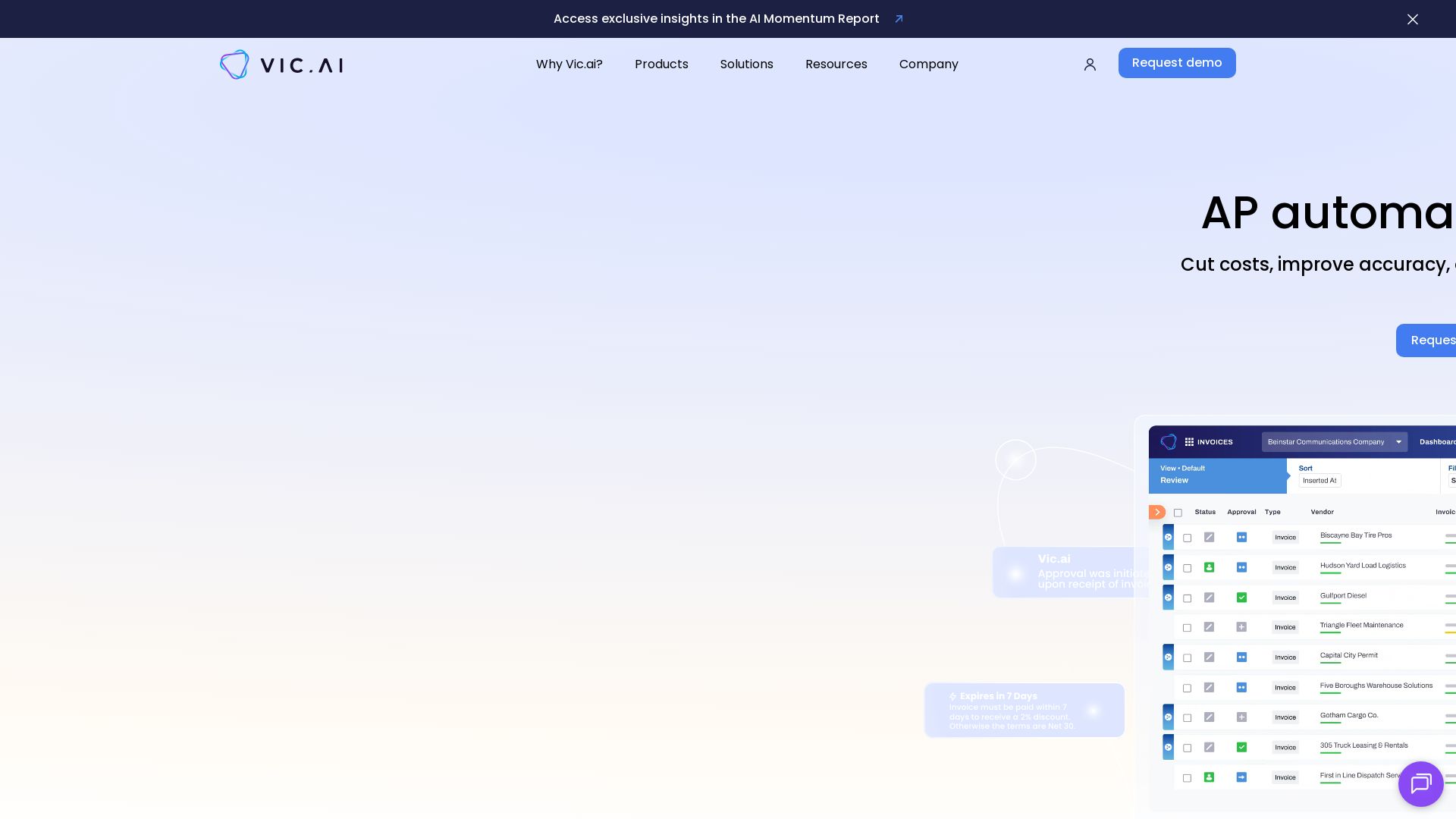
Vic.ai
Cut AP costs, improve accuracy, and scale smarter with Vic.ai's AI-first accounting platform. Automate invoice processing, bill pay, expense management, and gain real-time insights.


AIGenerator
Plan, launch, and grow your business with AI. Generate business plans, ads, and content in minutes. Free to start.

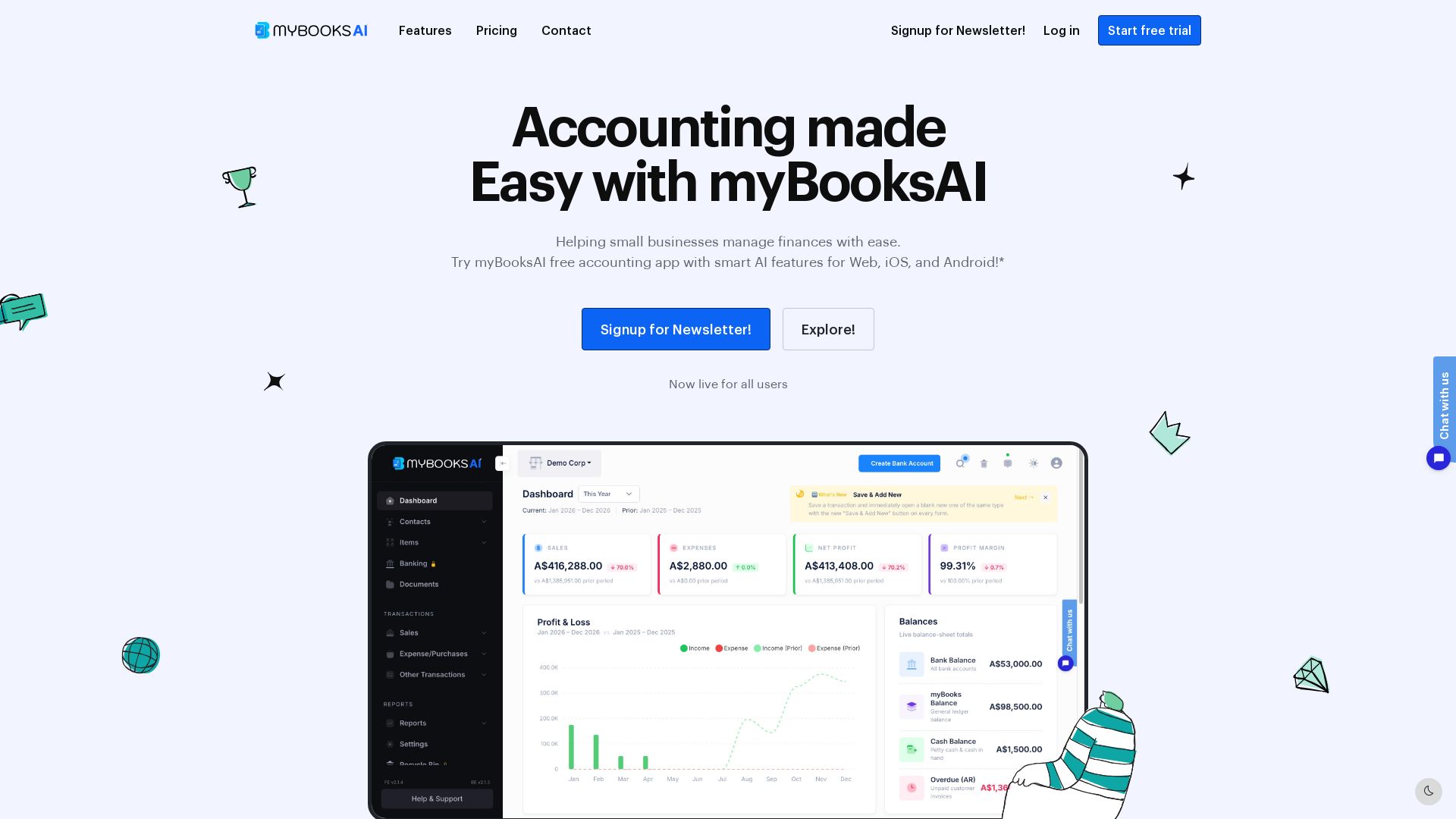
myBooks AI
Simplify your business finances with myBooksAI. Free trial available. Manage invoicing, inventory, bank sync, and GST compliance effortlessly.

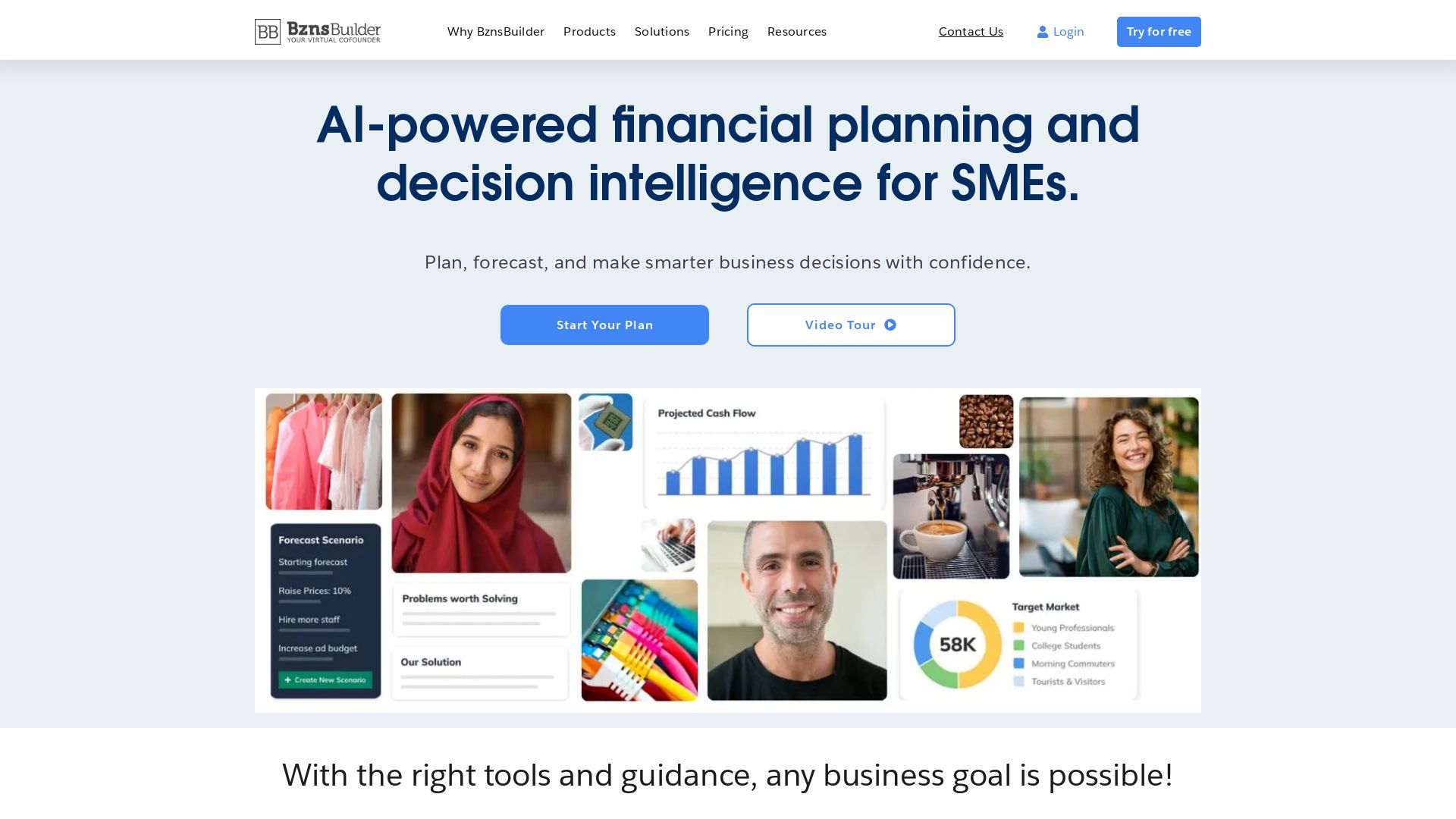
BznsBuilder
AI-powered financial planning and forecasting for SMEs. Build business plans, track KPIs, and make smarter decisions with confidence.



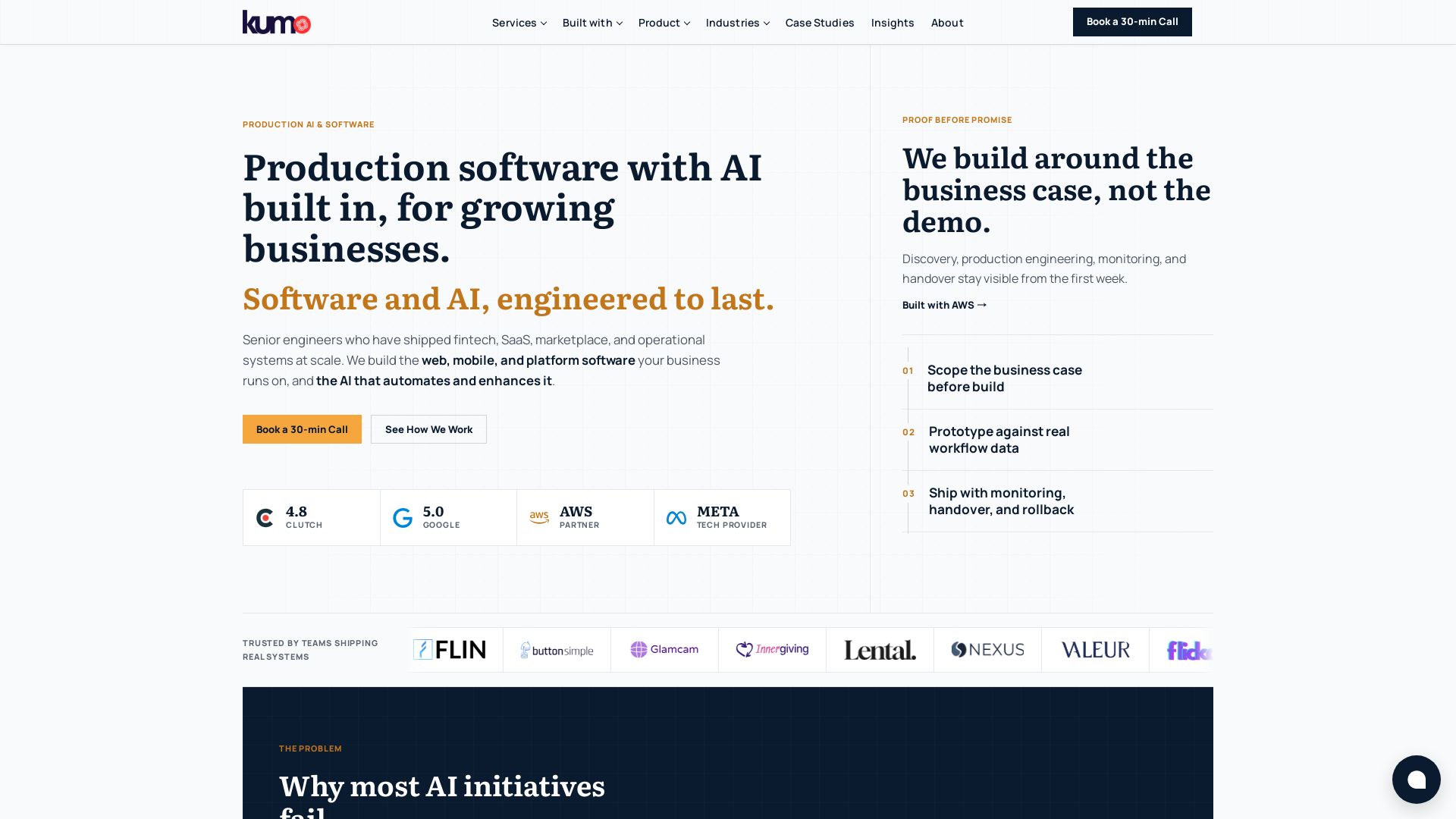
KUMO
Senior engineers build AI-powered software that lasts. Trusted by teams shipping real systems. Book a 30-min call to start building.

SKULaunch
Automate supplier data onboarding, AI extracts attributes, enrich product catalogs, and publish ready data. From messy files to filterable search.

IBM
Discover how IBM's AI agents transformed operations, delivering $4.5 billion in productivity. Explore IBM Bob, watsonx Orchestrate, and more.

ℹ️ Curation Disclosure: The overview and features of DigiParser were synthesized using AI and fact-checked by our curation team to ensure accuracy.
