
Chroma Explorer
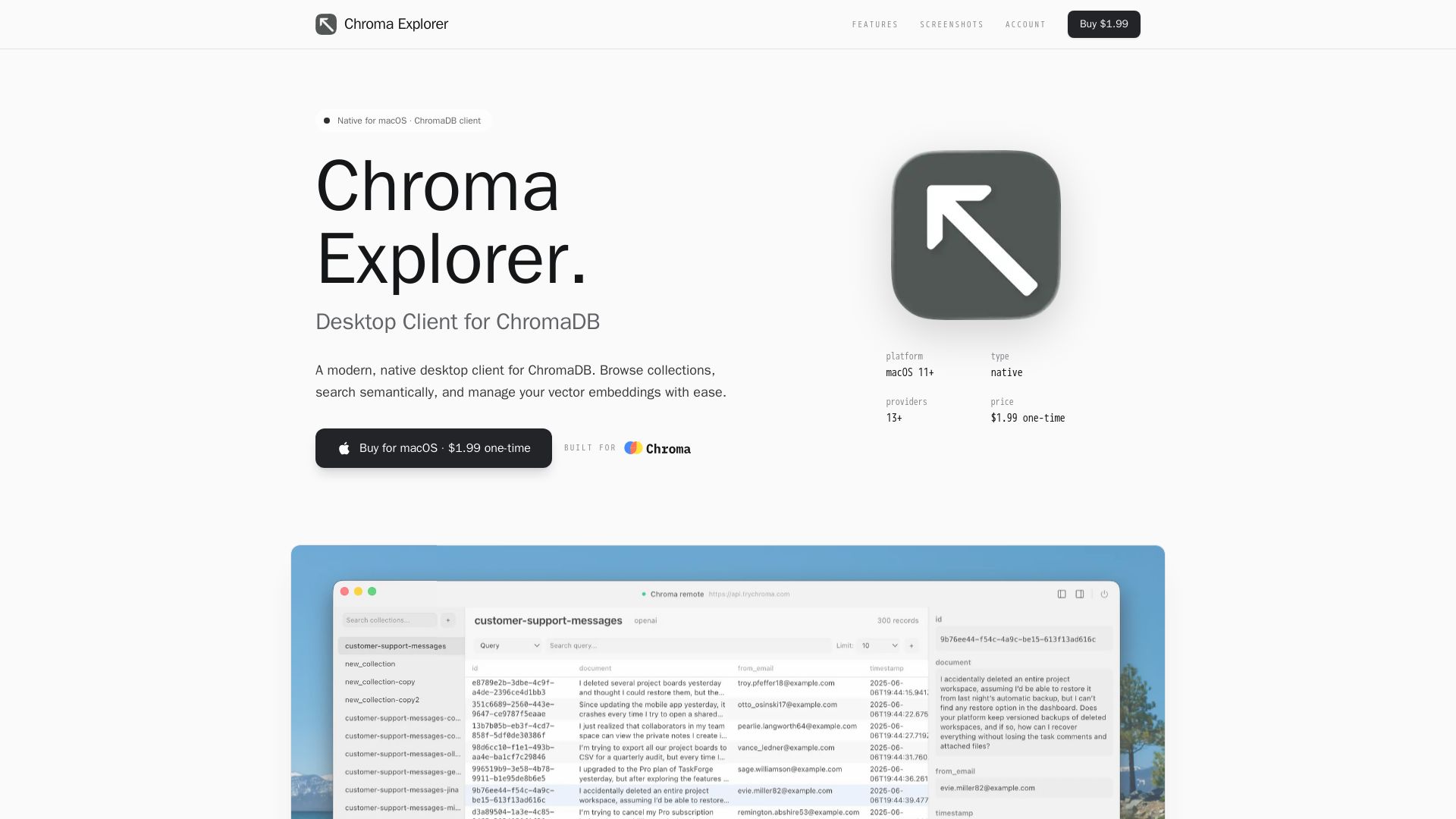
Browse, search, and manage ChromaDB collections with a beautiful native macOS app. Supports 13+ embedding providers, semantic search, and more. One-time purchase $1.99.
Editor's Verdict
Key Takeaways
- Multi-Profile Connections
- Collection Management
- Semantic Search
- 13+ Embedding Providers
In-Depth Review: What is Chroma Explorer?
Chroma Explorer is a modern, native desktop client for ChromaDB, designed for macOS 11+. It allows you to browse collections, perform semantic search, and manage vector embeddings effortlessly. Key features include multi-profile connections, collection management with custom embedding functions and HNSW parameters, semantic search using natural language, support for 13+ embedding providers (OpenAI, Cohere, Gemini, etc.), document CRUD operations with batch support, and a beautiful glass morphism design. Priced at $1.99 one-time, it's a perfect tool for developers working with ChromaDB.
Core Features
Multi-Profile Connections
Connect to local, remote, or Chroma Cloud databases. Save and manage multiple connection profiles with secure API key storage.
Collection Management
Create, copy, and configure collections with ease. Set custom embedding functions and HNSW parameters.
Semantic Search
Search your documents using natural language. Find similar content instantly with vector similarity search.
13+ Embedding Providers
Built-in support for OpenAI, Cohere, Gemini, Ollama, Jina, Mistral, Voyage AI, and more.
Document Operations
Browse, create, edit, and delete documents. Batch operations for efficient bulk document management.
Native macOS Experience
Beautiful glass morphism design that feels right at home on your Mac.
Pricing
Chroma Explorer
- All features including multi-profile connections, collection management, semantic search, 13+ embedding providers, document operations, and native macOS experience
Pros and Cons
Pros
- Native macOS AppBeautiful glass morphism design optimized for macOS with a seamless user experience.
- Wide Embedding Provider SupportSupports over 13 providers including OpenAI, Cohere, Gemini, and more, giving flexibility.
- Semantic Search CapabilitiesEnables natural language searching and similarity scoring for efficient data retrieval.
- Easy Collection ManagementSimplifies creating, copying, and configuring collections with custom parameters.
- Affordable One-Time PaymentCosts only $1.99 with no recurring fees, making it accessible for individuals.
Cons
- macOS OnlyThe app is exclusively for macOS 11+ and does not support Windows or Linux.
- Limited to ChromaDBDesigned solely as a client for ChromaDB, not compatible with other vector databases.
- No Free TierRequires a one-time purchase of $1.99 with no free version available.
- Single Pricing PlanNo tiered pricing or additional feature sets for different user needs.
- Potential Lack of Advanced FeaturesMay not include enterprise-grade features like role-based access control or advanced analytics.
Use Cases & Recommended Professions
Data Scientist→ View Toolkit
Needs to manage and query vector embeddings for machine learning models and similarity searches.
Machine Learning Engineer→ View Toolkit
Works with embeddings for NLP tasks and requires a native client to interact with ChromaDB efficiently.
Backend Developer→ View Toolkit
Builds applications using vector databases and needs a GUI for testing and debugging collections.
AI Researcher→ View Toolkit
Experiments with various embedding models and requires a tool to explore and compare results.
Data Analyst→ View Toolkit
Uses semantic search to find patterns in unstructured data and needs a user-friendly interface.
Software Engineer→ View Toolkit
Integrates ChromaDB into projects and benefits from a visual client for quick data inspection.
Frequently Asked Questions
Alternative AI Tools
View Detailed Comparison →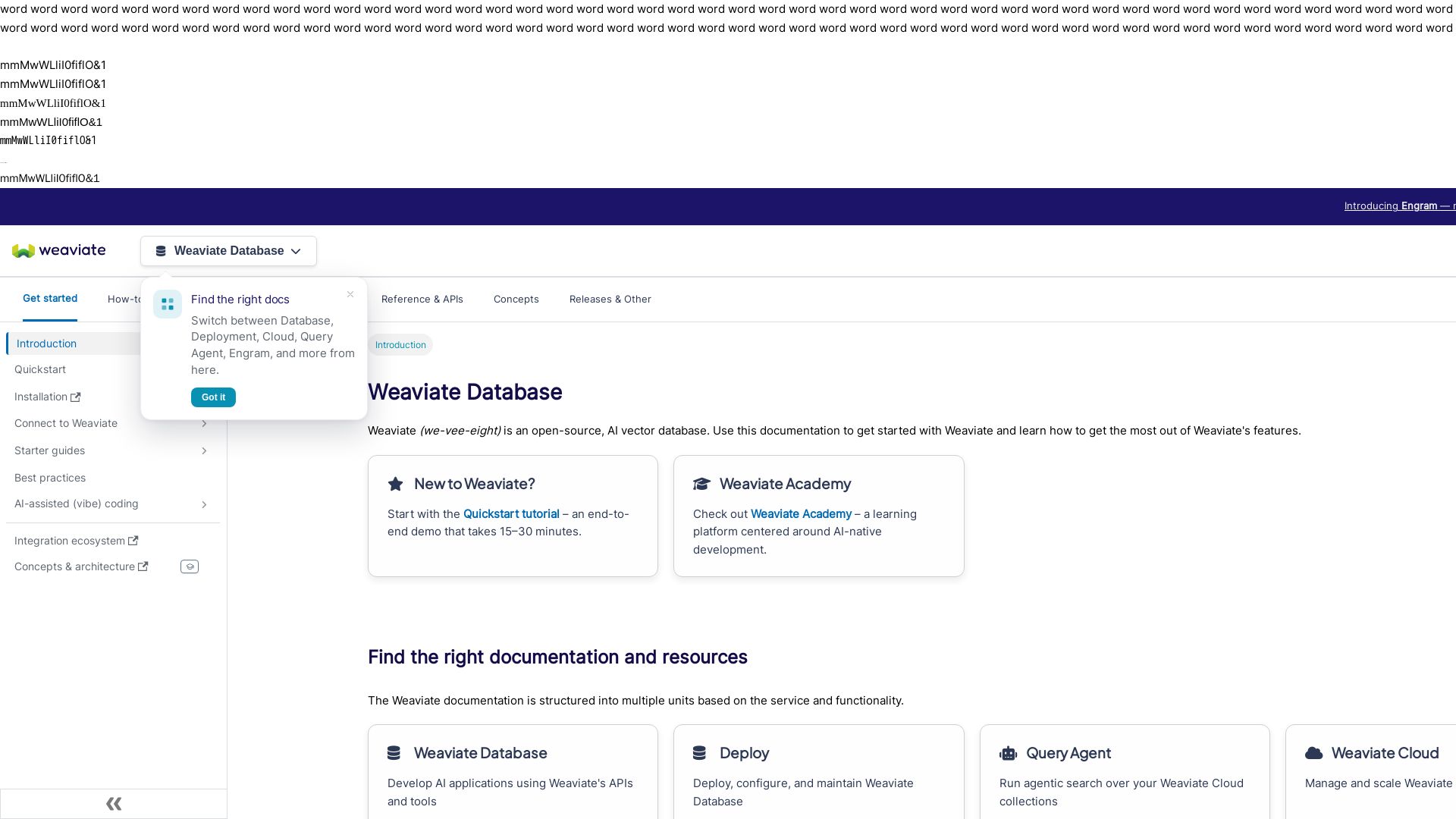
Weaviate
Build AI applications with semantic search, hybrid search, and RAG. Deploy on cloud, Docker, or Kubernetes. Get started free.

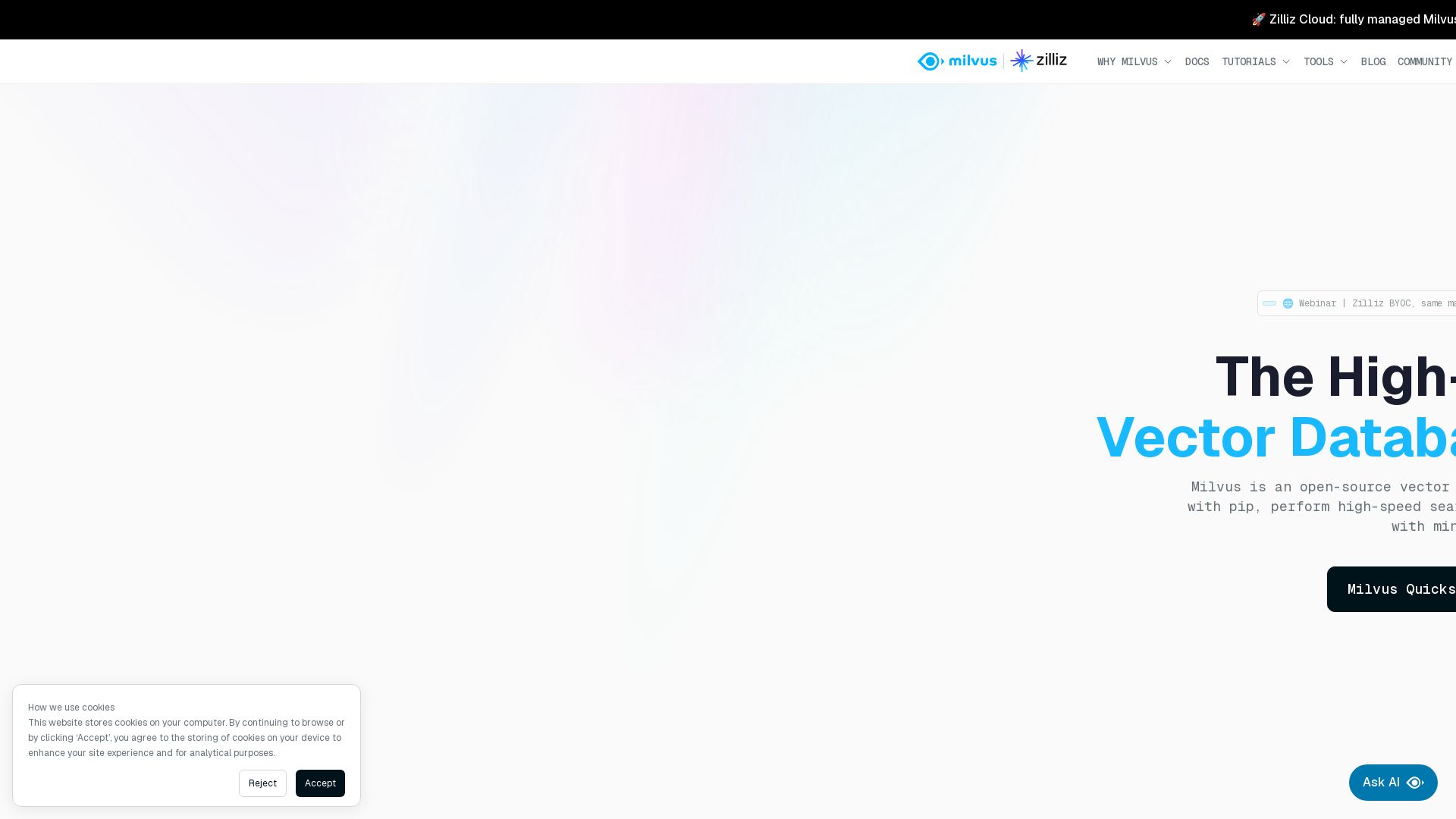
Milvus
Milvus is a high-performance vector database for GenAI. Scale to billions of vectors with minimal loss. Deploy via Lite, Standalone, Distributed, or Zilliz Cloud.

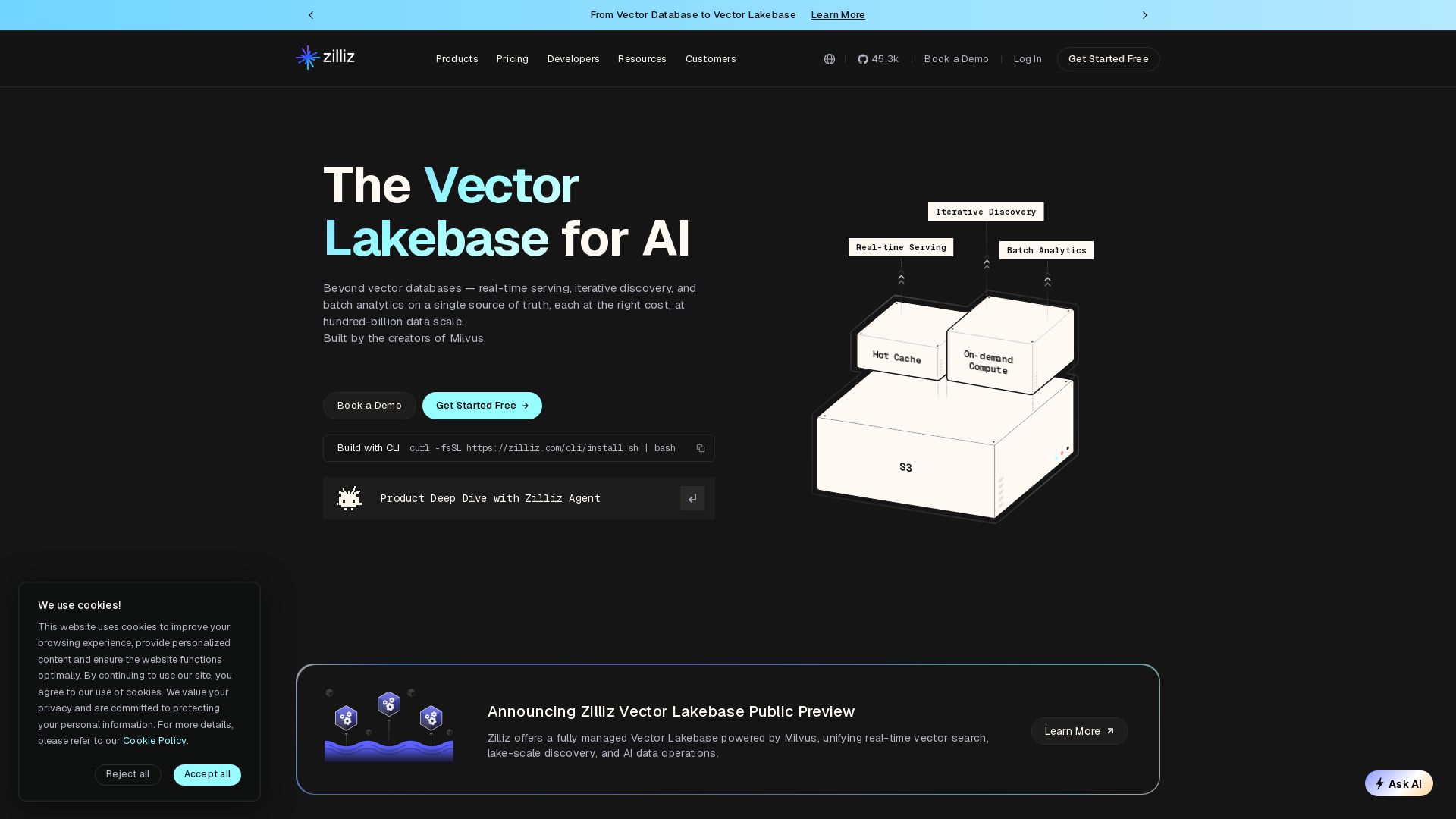
Zilliz
Unify real-time vector search, iterative discovery, and batch analytics on a single source of truth. Built by Milvus creators. Scale to 100B+ entities.

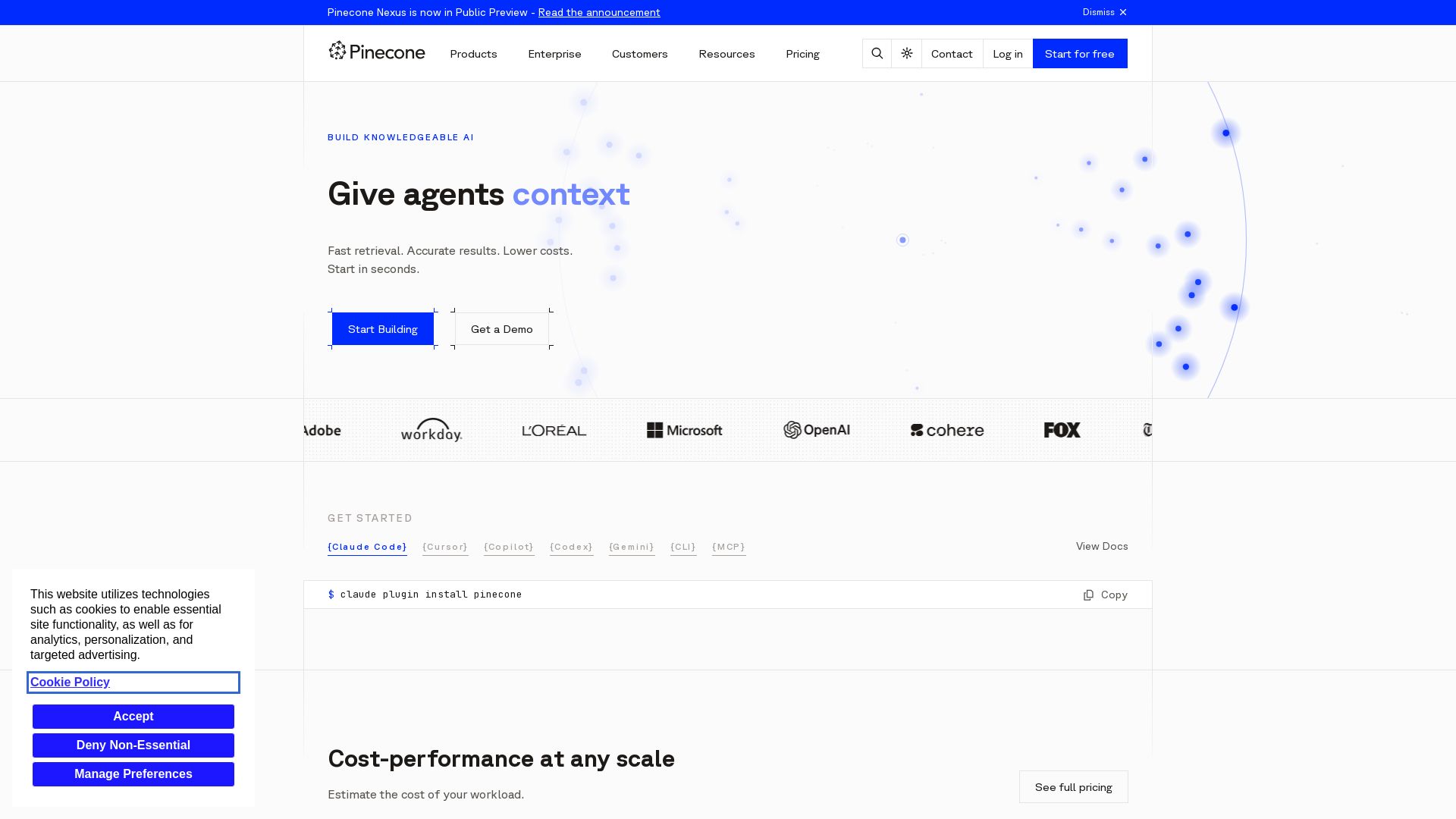
Pinecone
Build knowledgeable AI with Pinecone. Fast retrieval, accurate results, lower costs. Start for free.


Chroma
Fast, serverless, scalable search for AI. Supports vector, full-text, regex, and metadata search. Built on object storage. Apache 2.0. 27k GitHub stars.

Weaviate Academy
Hands-on courses on semantic search, RAG, and AI agents. Learn to build AI apps with Weaviate. Start for free!

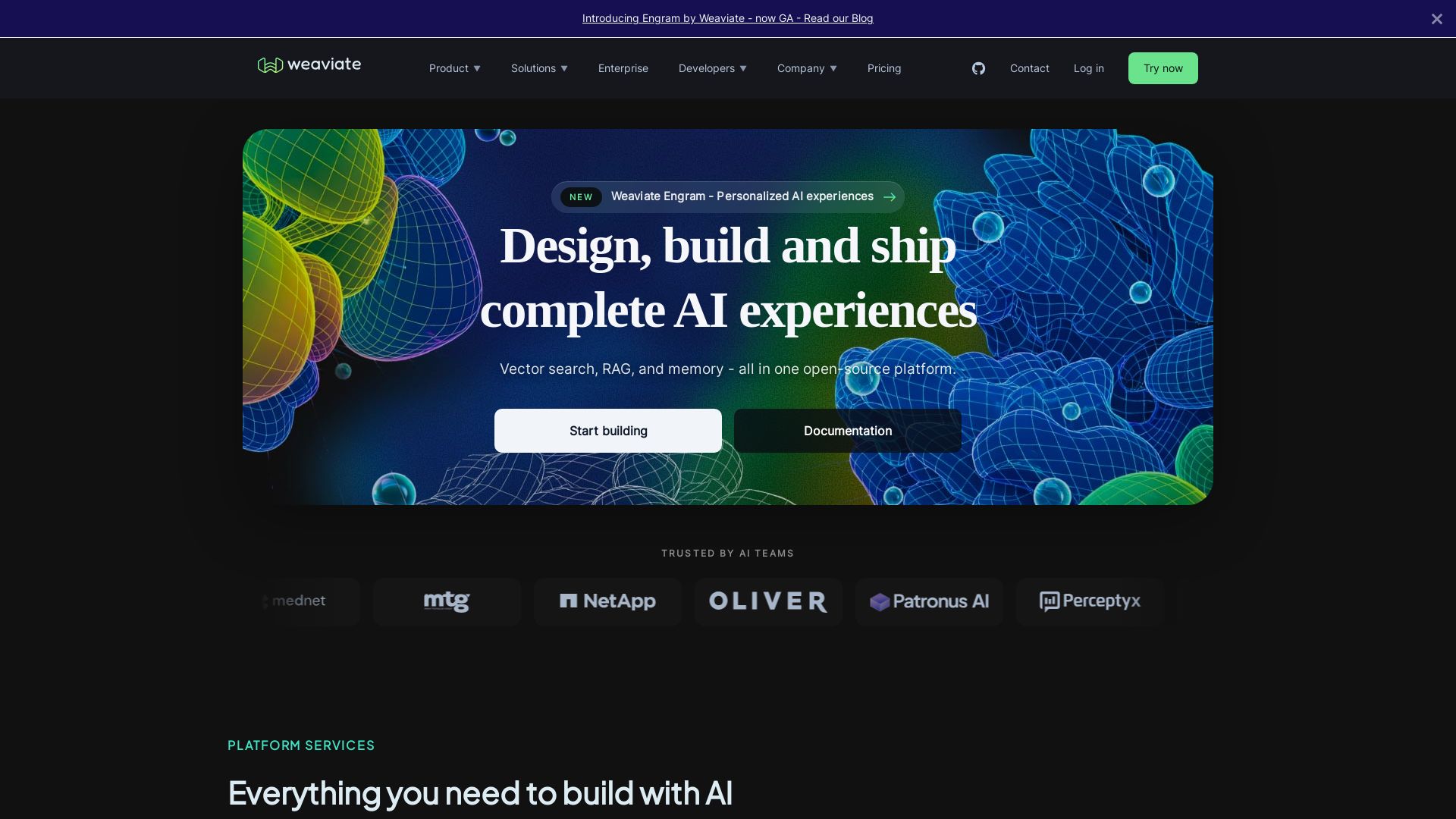
Weaviate
Weaviate is an open-source AI platform for building scalable vector search, RAG, and agentic AI applications. Deploy anywhere, enjoy billion-scale performance and enterprise security.


Chroma
Store, embed, and search AI data with advanced vector, metadata, and full-text retrieval. Easy to use, self-host or cloud.

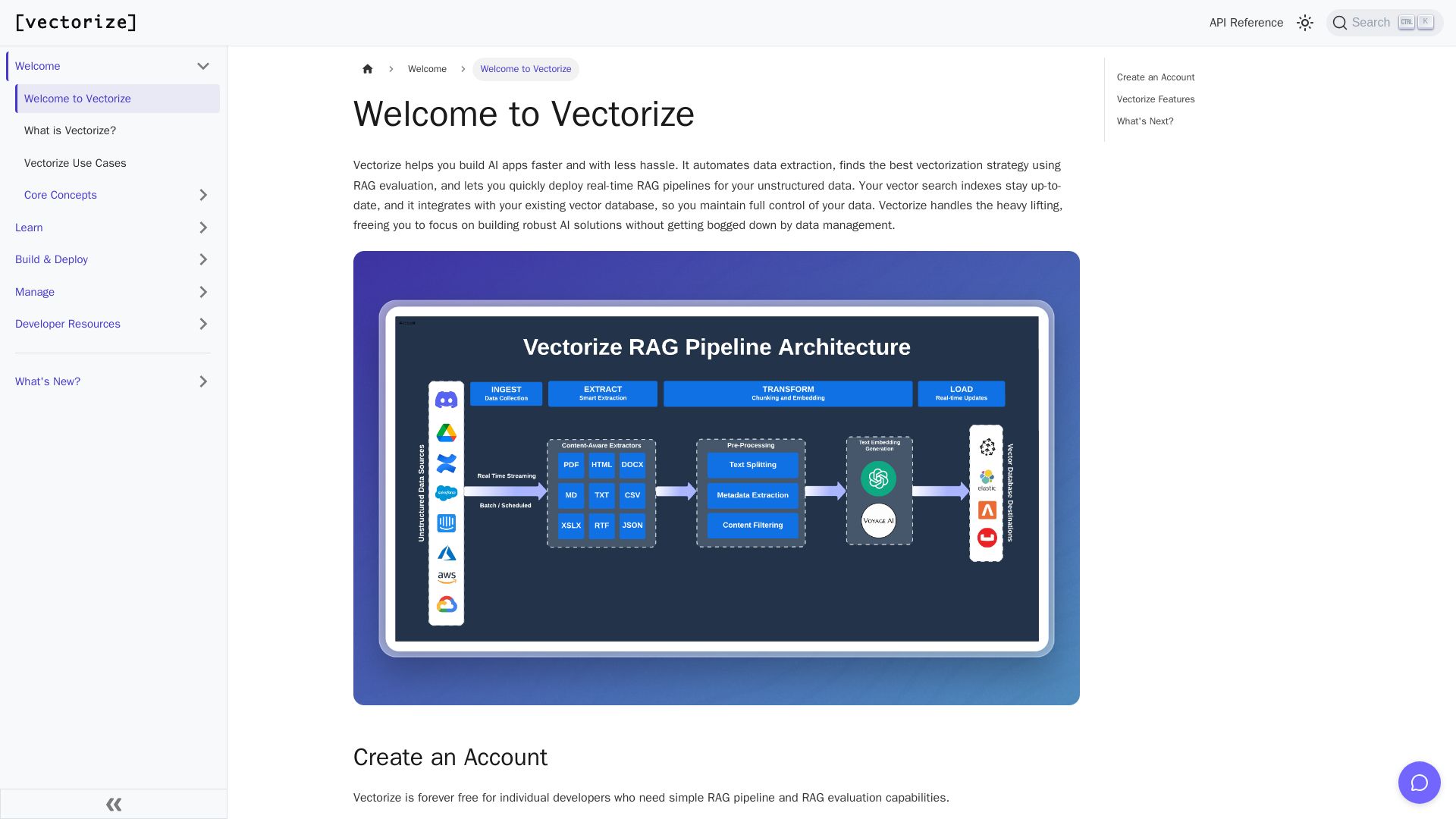
Vectorize
Automate data extraction, evaluate RAG strategies, and deploy real-time pipelines. Forever free for individual developers.

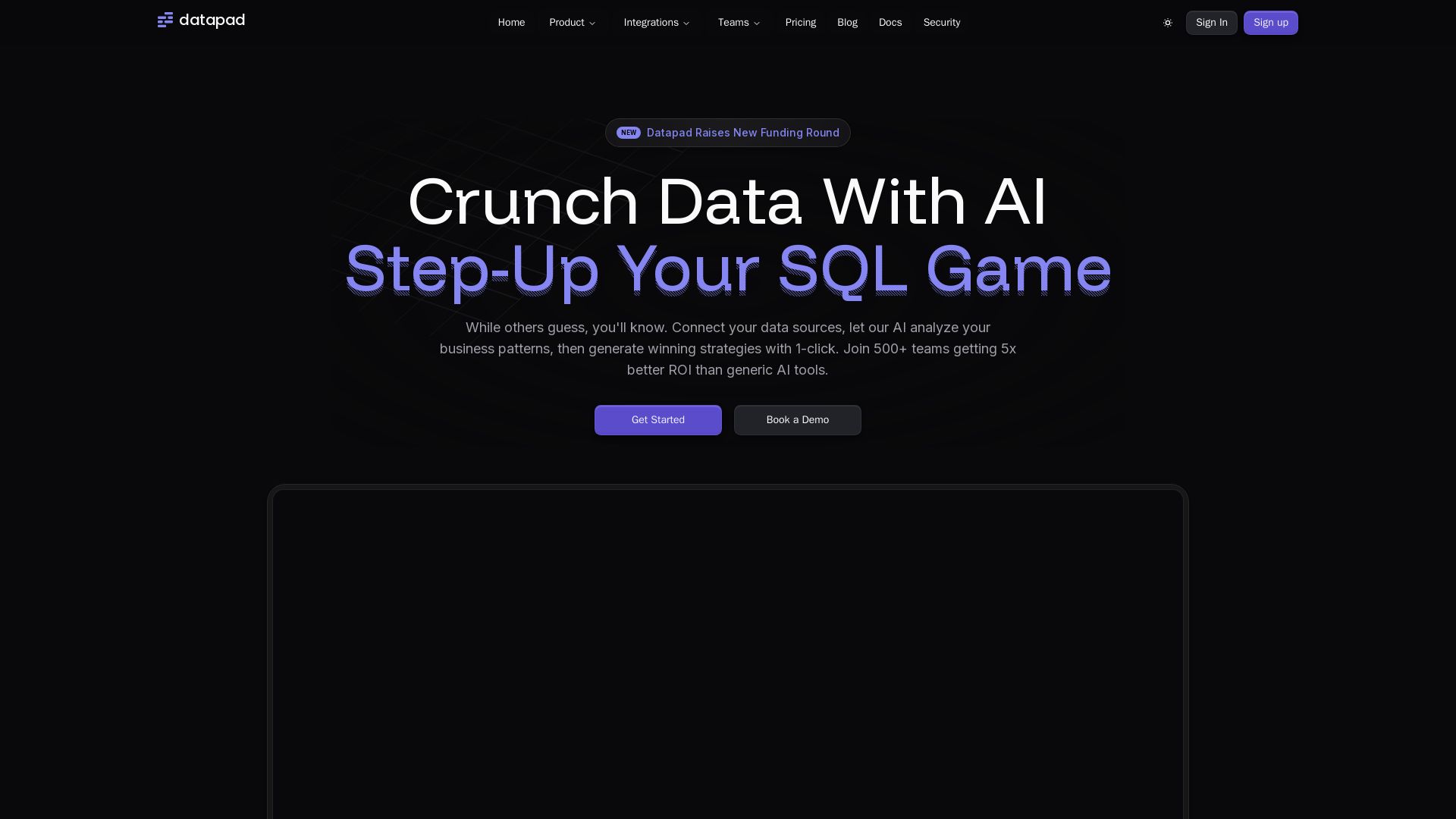
Datapad
Connect any data source, ask questions in plain English. Datapad's AI generates instant insights, dashboards, and strategies. Join 500+ teams getting 5x better ROI.

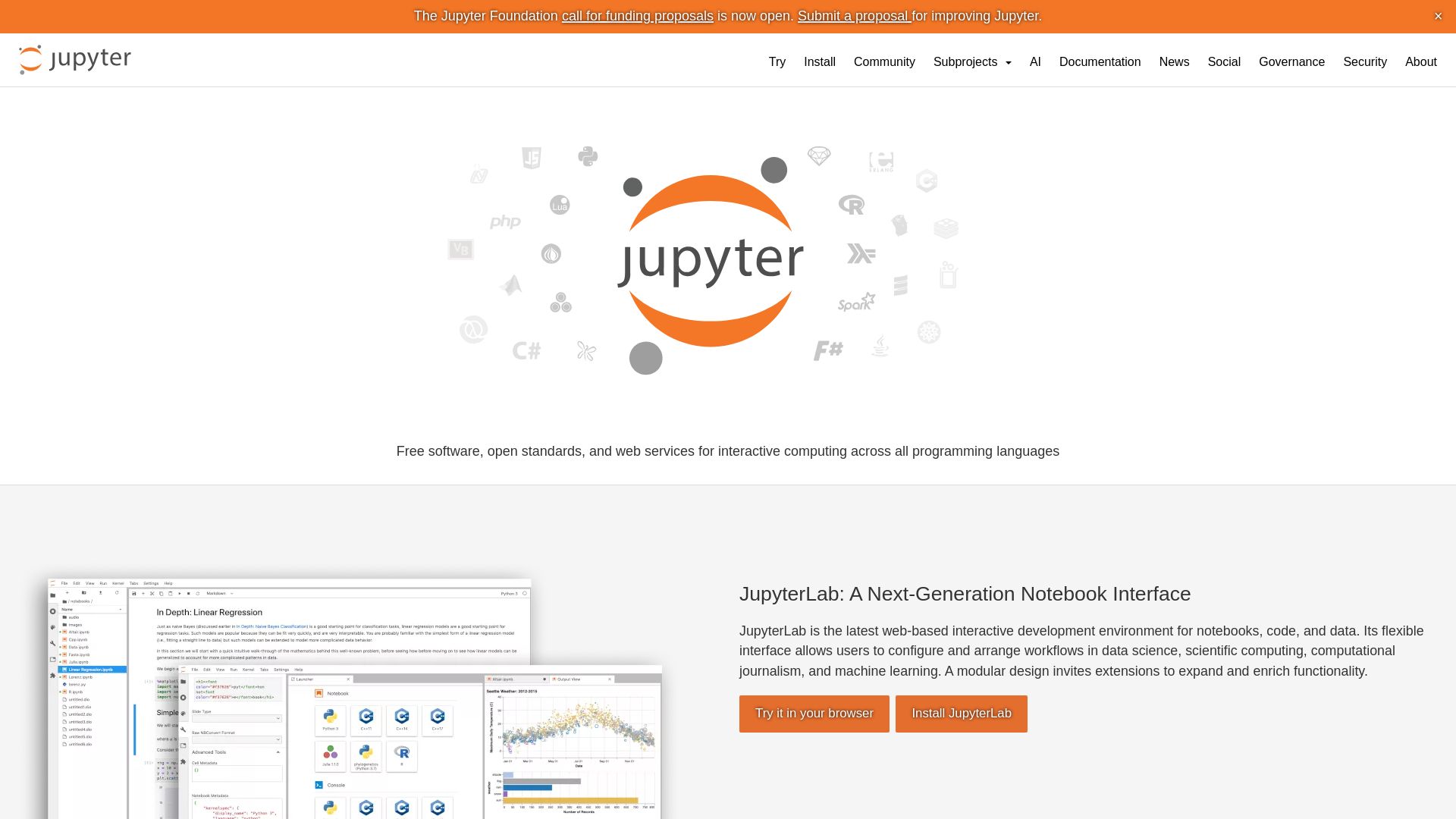
Project Jupyter
Open-source tools for interactive computing: JupyterLab, Notebook, JupyterHub, Voilà. Supports Python, R, Julia, and more. Try it now!

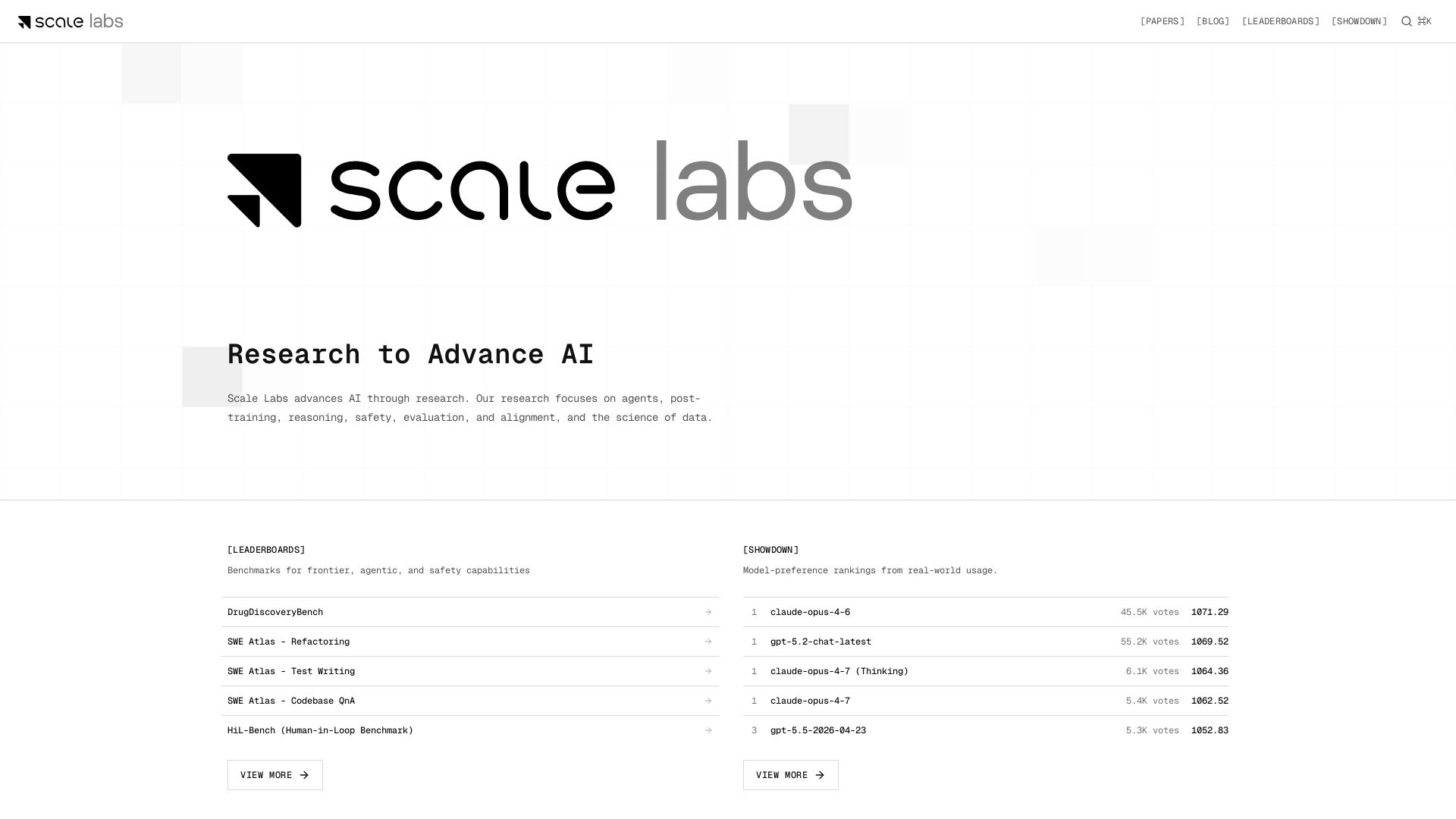
Scale Labs
Your hub for cutting-edge AI research on agents, safety, and evaluation. Explore leaderboards, model showdown rankings, and insightful blogs.

ℹ️ Curation Disclosure: The overview and features of Chroma Explorer were synthesized using AI and fact-checked by our curation team to ensure accuracy.
