
Chatbox AI
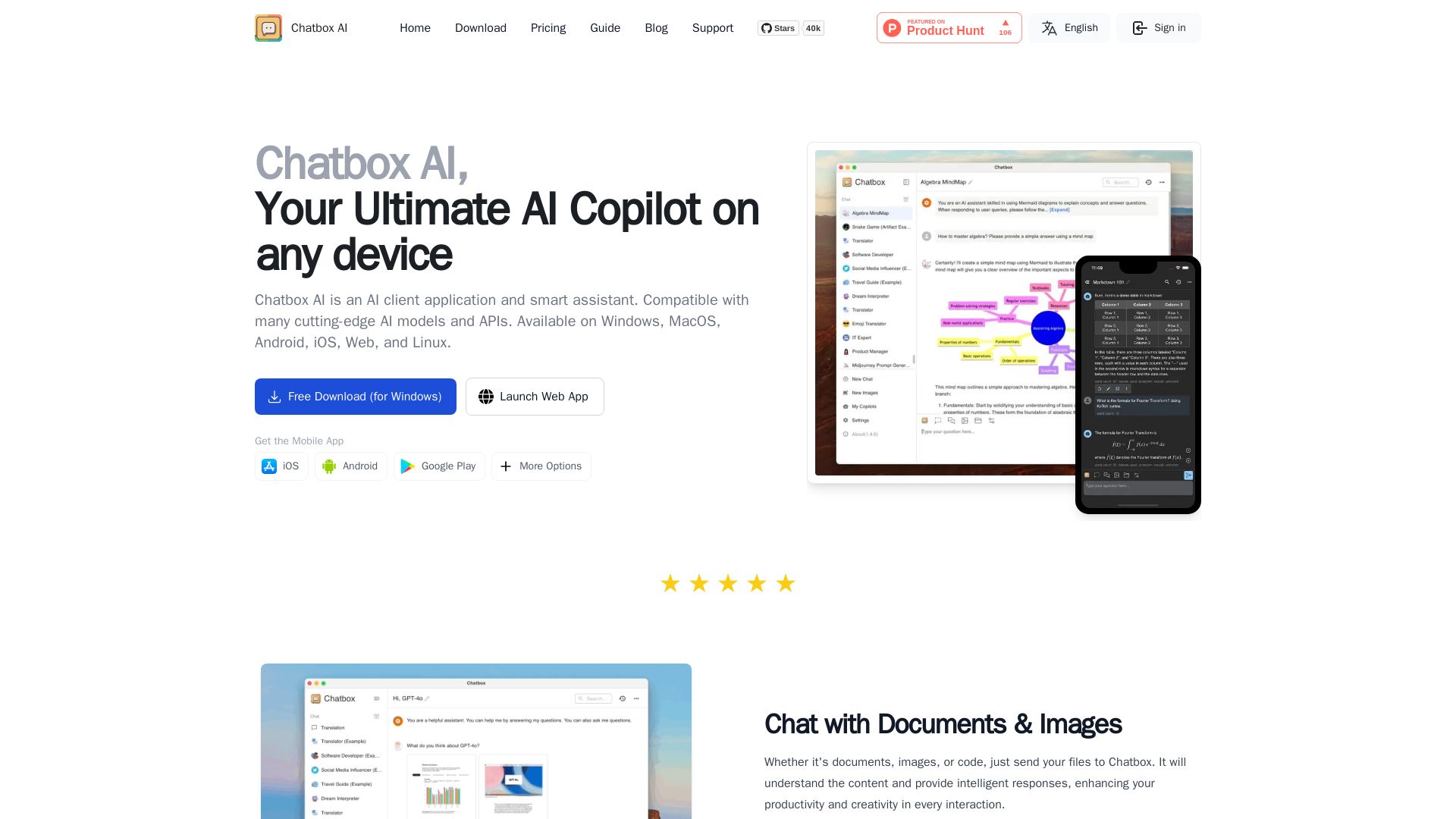
Chatbox AI is a cross-platform AI client with document, image, and code support. Enjoy local storage, web search, chart generation, and more. Free download available.
Editor's Verdict
Key Takeaways
- Chat with Documents & Images
- Code Magic: Generate & Preview
- Real-Time Web Search & Browsing
- Visualized Insights with AI-Generated Charts
In-Depth Review: What is Chatbox AI?
Chatbox AI is a versatile AI assistant that runs on Windows, Mac, Linux, iOS, Android, and Web. It supports chatting with documents (PDF, DOC, PPT, XLS, images, code), real-time web search, AI-powered image generation, code generation with preview, LaTeX/Markdown rendering, and visualized insights through charts. All data is stored locally for privacy. With built-in message history search and easy backup, Chatbox offers a secure and productive AI experience. It integrates with multiple cutting-edge AI models and provides flexible pricing plans including a free tier with BYOK.
Core Features
Chat with Documents & Images
Send PDF, DOC, PPT, XLS, images, or code files to AI for understanding and intelligent responses, including scanned and handwritten PDFs.
Code Magic: Generate & Preview
AI-powered coding assistant with features like code generation, artifact preview, syntax highlighting, code review, refactoring, smart docs, debug assistant, optimization, and security checks.
Real-Time Web Search & Browsing
Get real-time information through AI-powered web search, including latest news, real-time data, URL analysis, content summary, and fact checking.
Visualized Insights with AI-Generated Charts
Seamlessly integrated charts to clarify complex concepts, trends, and statistics, enhancing understanding and decision-making.
AI-Powered Image Creation
Transform text descriptions into stunning visuals with AI, offering boundless creativity and infinite artistic styles.
LaTeX & Markdown Rendering
Express complex ideas and formulas clearly with built-in LaTeX and Markdown support for academic writing, math equations, and discourse.
Local Storage & Privacy
All data stored locally on your device, ensuring full control and peace of mind with easy backup and message history search.
Pricing
Chatbox AI Lite
- 2,000,000 compute points per month
- Chat with Standard Models (DeepSeek V3, DeepSeek R1, GPT 5-mini, Claude 3.5 Haiku, Gemini 2.5 Flash)
- Real-Time Web Search & Browsing
- Generate up to 25 AI drawings
- Chat with Any Images
- Supports up to 5 devices in use simultaneously
Chatbox AI Pro
- 12,000,000 compute points per month (6x base quota)
- Chat with Advanced Models (GPT 5, Claude 4.5 Sonnet, Gemini 3 Pro)
- Chat with Standard Models
- Real-Time Web Search & Browsing
- Generate up to 100 AI drawings
- Chat with Any Images
- Chat with Any Document (PDF, DOC, XLS, TXT, Code)
- Integrated MCP service with one-click connectivity to major MCP servers
- Configuration-free knowledge base service pipeline
- Document Preprocessing: Industry-Leading PDF and File Recognition
- Supports up to 5 devices in use simultaneously
Chatbox AI Pro+
- 30,000,000 compute points per month (15x base quota)
- Chat with Advanced Models (GPT 5, Claude 4.5 Sonnet, Gemini 3 Pro)
- Chat with Standard Models
- Real-Time Web Search & Browsing
- Generate up to 200 AI drawings
- Chat with Any Images
- Chat with Any Document
- Integrated MCP service with one-click connectivity to major MCP servers
- Configuration-free knowledge base service pipeline
- Document Preprocessing: Industry-Leading PDF and File Recognition
- Supports up to 5 devices in use simultaneously
Chatbox Apps Free
- Use all features of Chatbox applications for free
- Support all platforms: Windows/Mac/Linux/iOS/Android/Web
- Use your own API KEY to access various AI model services
Pros and Cons
Pros
- Versatile AI CopilotChatbox works across multiple platforms and supports a wide range of tasks including document chat, code assistance, image generation, and web search.
- Privacy-First DesignAll data is stored locally on your device, ensuring full control and security without relying on cloud storage.
- Multi-Platform AvailabilityAvailable on Windows, macOS, Linux, iOS, Android, and Web, providing a seamless experience across devices.
- Comprehensive Code FeaturesAI-powered coding assistant includes generation, preview, review, refactoring, debugging, and security checks, boosting developer productivity.
- Real-Time Web SearchStay updated with current news, data, and facts directly within conversations, enhancing accuracy and relevance.
Cons
- No Auto Spelling CheckAs mentioned in user feedback, the app lacks automatic spelling check and correction when inputting text.
- Limited Free PlanThe free app requires users to provide their own API key, which may involve additional costs and setup.
- Dependency on Compute PointsPaid plans use a point system that may be confusing, and heavy users might need higher-tier plans.
- No Offline AI ProcessingWhile data is stored locally, the AI capabilities still require an internet connection to access models and APIs.
- Potential Learning CurveNew users may need time to explore all features and integrations, though the interface is generally user-friendly.
Use Cases & Recommended Professions
Software Engineer→ View Toolkit
Leverage AI-powered code generation, review, debugging, and optimization to accelerate development and improve code quality.
Researcher→ View Toolkit
Analyze documents, extract insights from PDFs and images, and stay current with real-time web search for literature and data.
Student→ View Toolkit
Use AI to help with homework, understand complex topics via LaTeX rendering, and generate study aids like summaries and flashcards.
Content Writer→ View Toolkit
Generate ideas, create drafts, and refine writing with AI assistance, while using image creation for visual content.
Data Analyst→ View Toolkit
Interpret data with AI-generated charts, query spreadsheets, and get real-time data from web searches for reports.
Graphic Designer→ View Toolkit
Quickly generate visual concepts and artwork from text descriptions, exploring various artistic styles and ideas.
Frequently Asked Questions
Alternative AI Tools
View Detailed Comparison →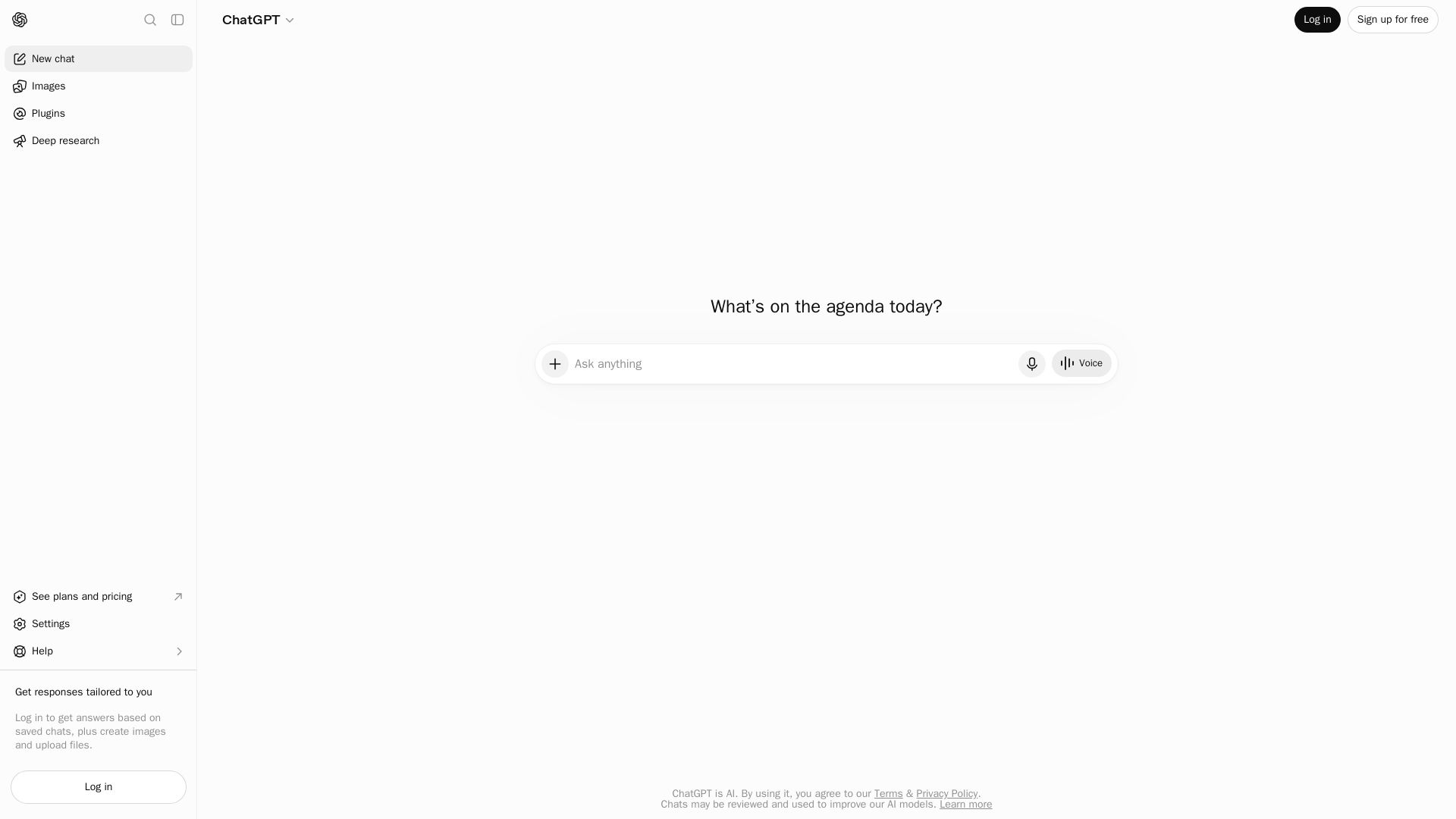
ChatGPT
ChatGPT is an AI assistant that lets you chat, generate images, do deep research, and more. Sign up for free.

Chat Smith
Unlock powerful AI tools for image creation, deep research, web search, writing, and work. Sign in for unlimited chats and history.


Expo AI Chatbot
Build AI chatbot apps for iOS, Android & web with Expo SDK 54, AI SDK 5, voice, long-term memory, and more. Open-source codebase.

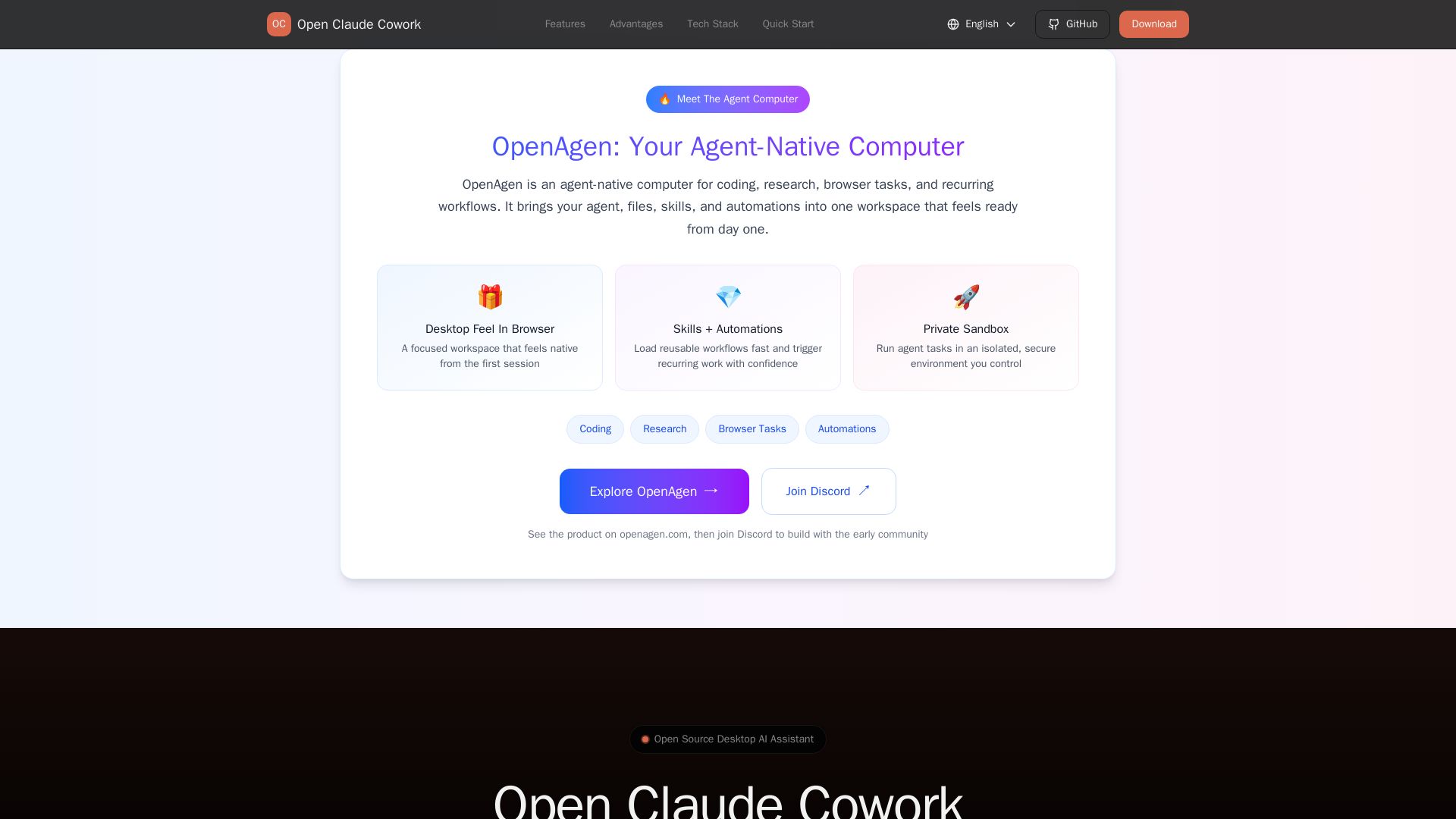
Open Claude Cowork
Bring Claude Code to desktop with visual AI collaboration. Open source assistant for coding, research, browser tasks. Supports Chinese LLMs, session management, and tool control.

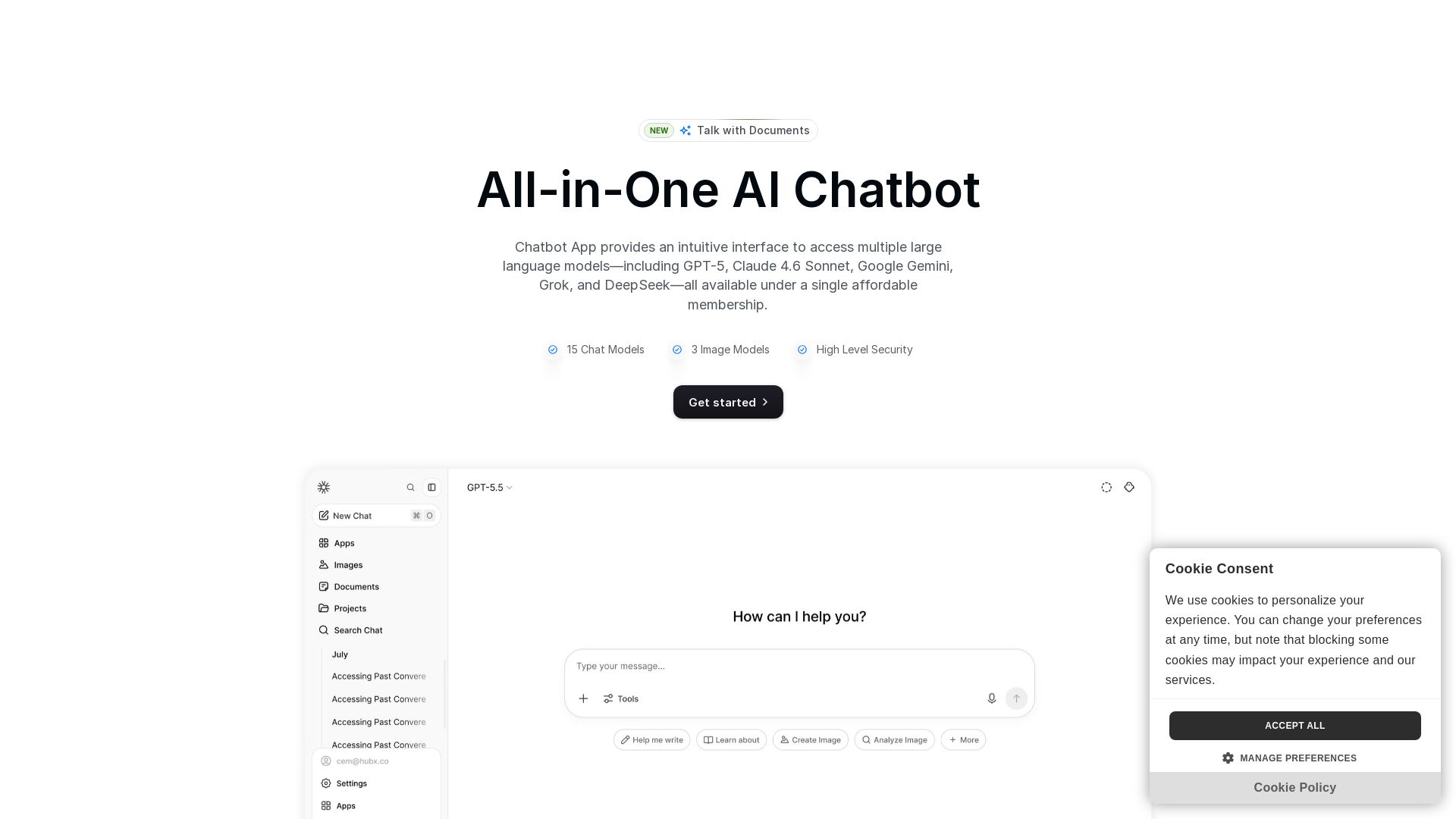
Chatbot App
Access 15+ top AI models including GPT-5, Claude 4.6, Gemini, DeepSeek in one app. Affordable membership, chat, image generation, PDF support, and more. Save 70%.

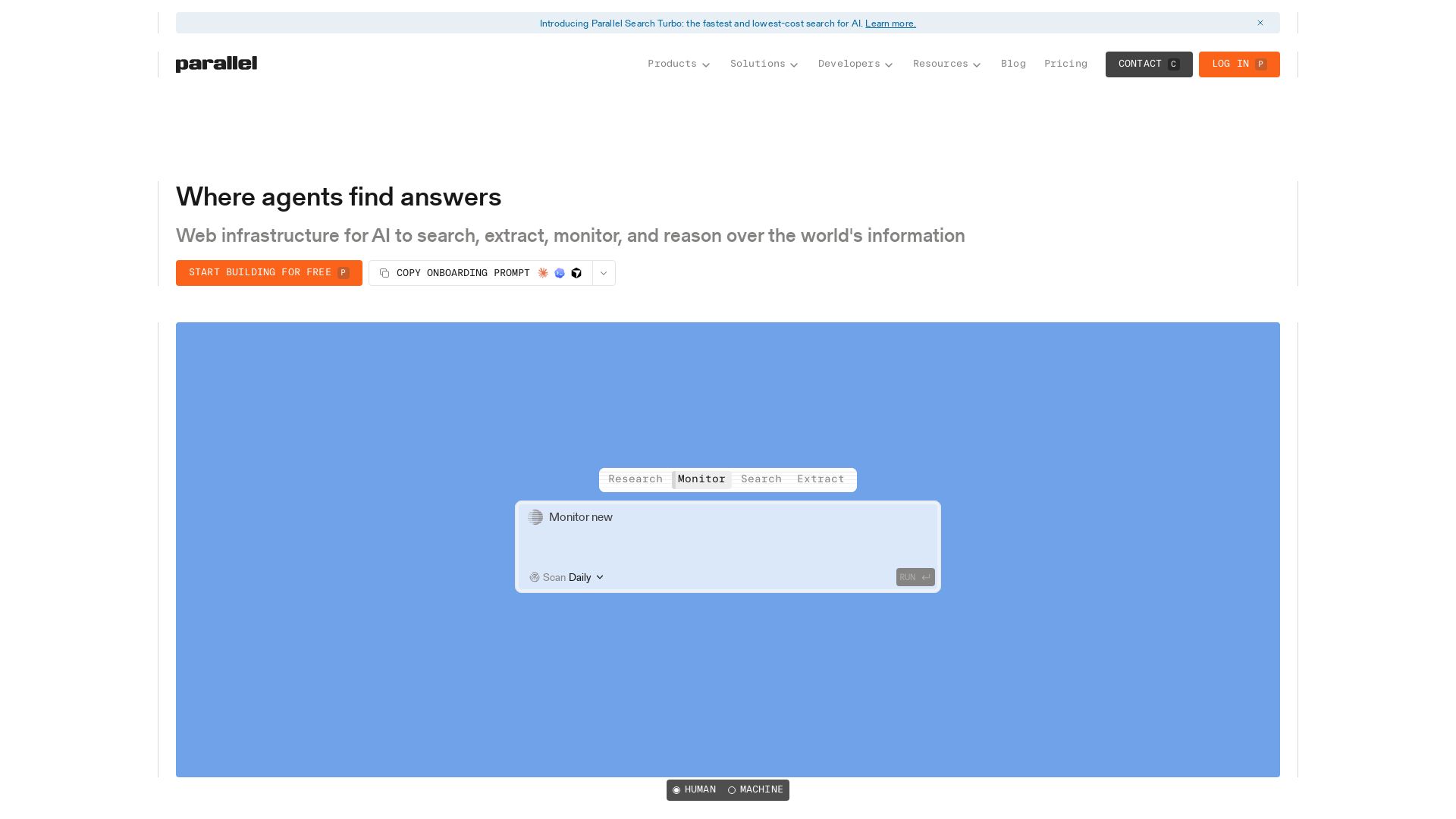
Parallel
Parallel gives AI agents real-time web search, extraction, monitoring, and deep research with cited outputs. Built for production, trusted by enterprises.

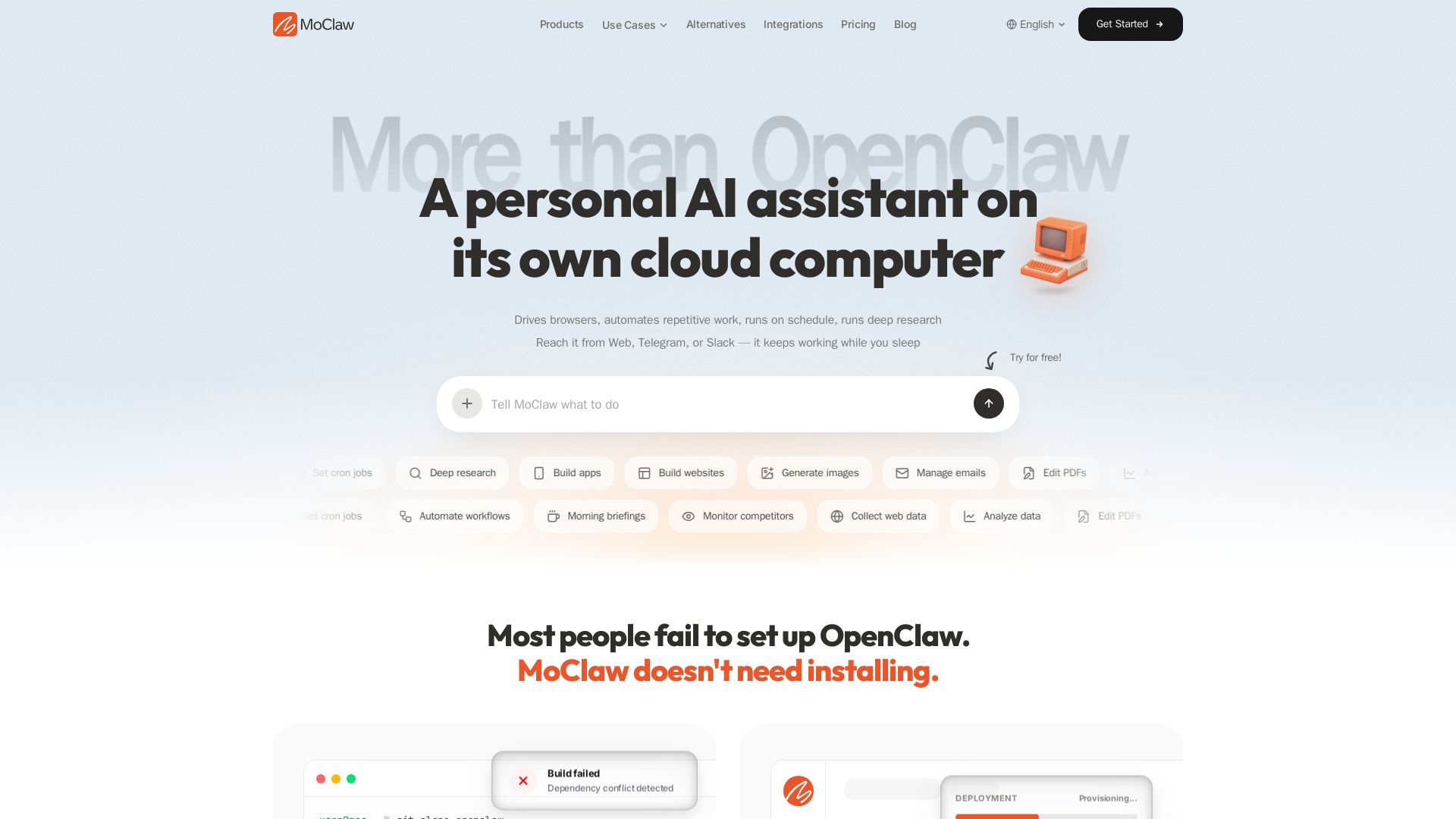
MoClaw
Automate tasks, research, and workflows with MoClaw's always-on AI computer. No setup, no crashes. Deep research, browser control, scheduling. Try free.


HIX AI
HIX AI is an AI agent workspace that lets you research, create slides, videos, images, and more with one tool. Boost productivity with deep research and automated content creation.


Figr
Ship better UX faster. Figr builds a living understanding of your product, maps flows, finds edge cases, and generates high-fidelity prototypes from your actual design system.

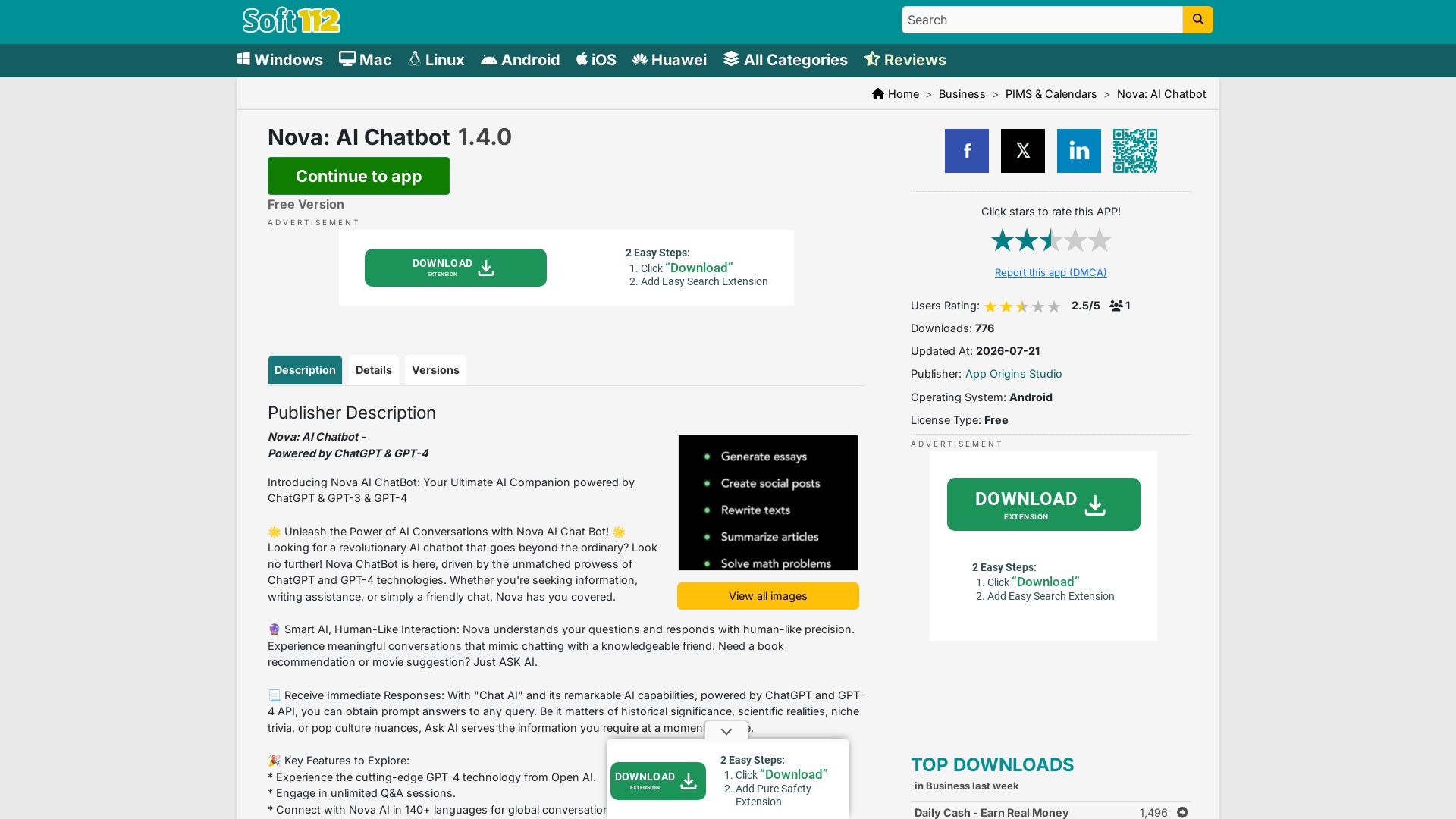
Nova AI Chatbot
Download Nova AI Chatbot for Android. Engage in human-like conversations, get writing help, and enjoy unlimited Q&A. Free version available.

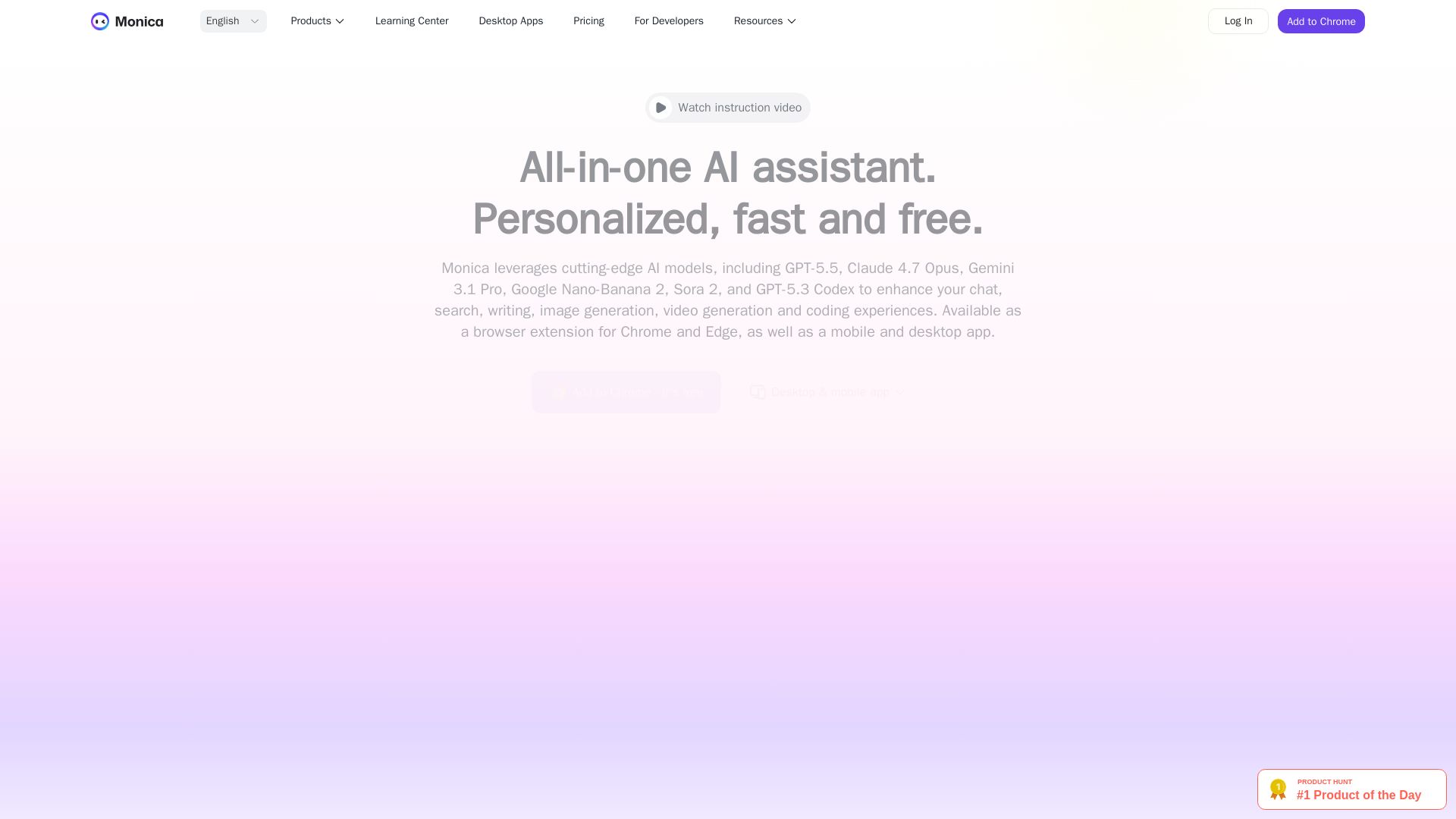
Monica
Powered by GPT-5.5, Claude, Gemini & more. Chat, summarize, translate, generate images/videos. Free extension & apps. 10M+ users trust Monica.

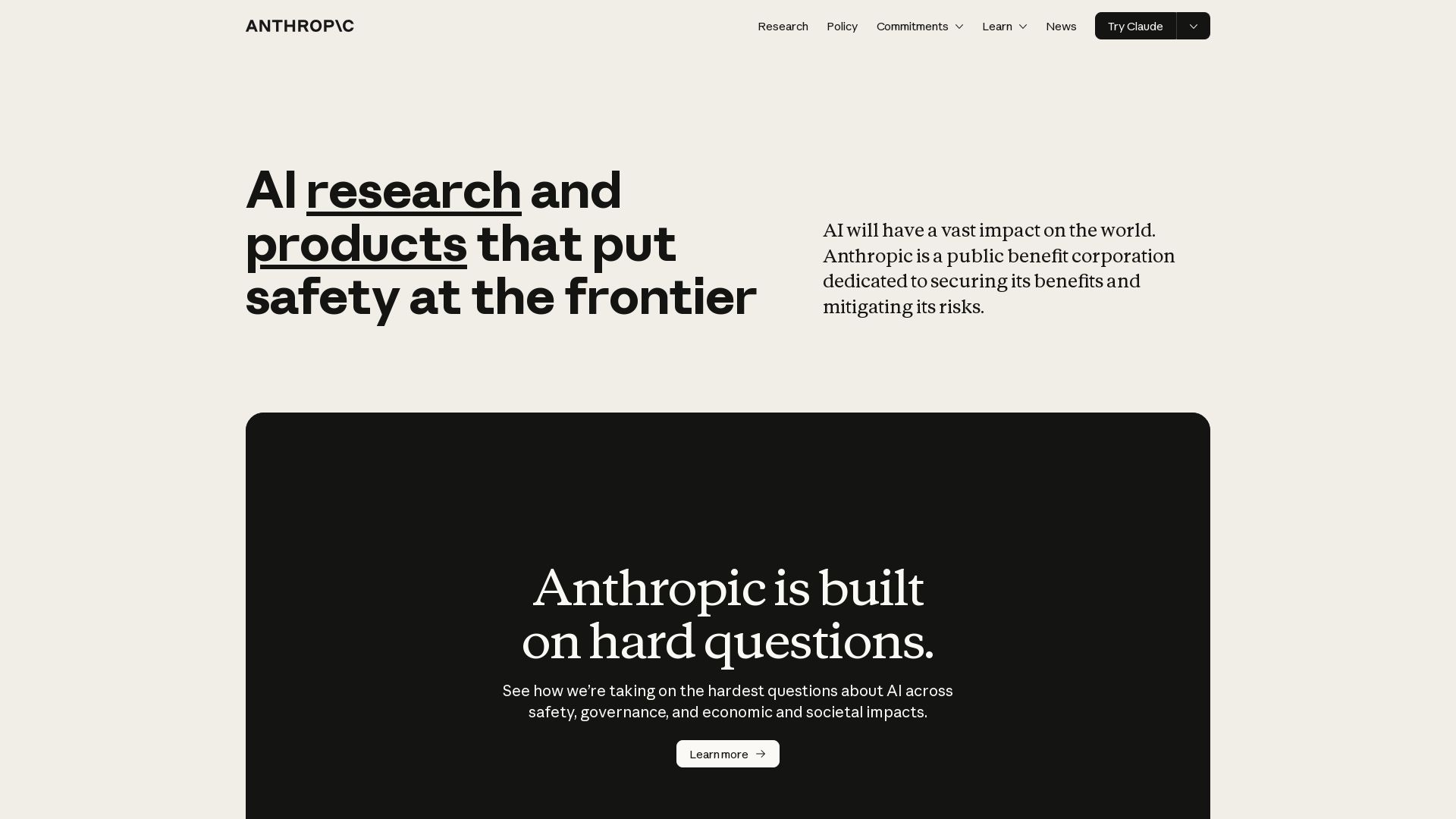
Anthropic
Anthropic is a public benefit AI company building safe, powerful systems like Claude. Explore our research, products, and commitments to responsible AI.

ℹ️ Curation Disclosure: The overview and features of Chatbox AI were synthesized using AI and fact-checked by our curation team to ensure accuracy.
