
Buda
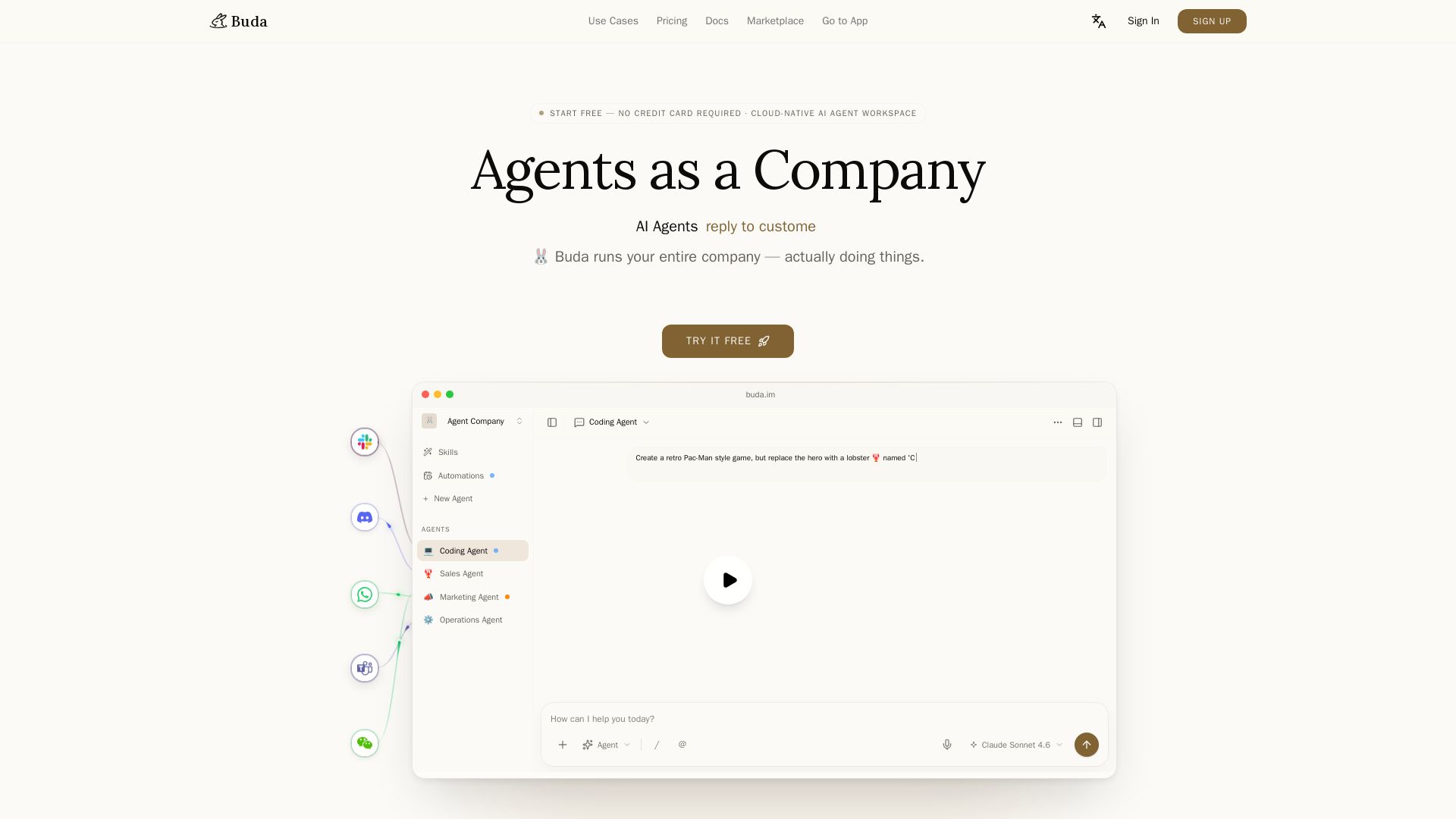
Run your entire company with AI agents. Cloud-native workspace with persistent memory, reviewable steps, and zero setup. Start free.

Editor's Verdict
Key Takeaways
- Agents as a Company
- Agent Drive
- Marketplace
- Chat Channels
In-Depth Review: What is Buda?
Buda is a cloud-native AI agent workspace that lets you build and manage an entire company of agents. With persistent memory, shared drives, and a marketplace of ready-made skills and workflows, Buda enables agents to autonomously handle tasks across sales, marketing, operations, coding, and more. No hardware, no setup—just start with one workflow and grow your AI team. Review every step, deploy in private workspaces, and let agents do real work.
Core Features
Agents as a Company
Coordinate multiple AI agents to run entire business functions like HR, sales, operations, and coding.
Agent Drive
Persistent file storage for each agent, with shared Space Drive for team knowledge and outputs.
Marketplace
Install ready-made agents, skills, and workflows from a marketplace, customizable to your workspace.
Chat Channels
Connect messaging channels so agents can receive requests and return finished work seamlessly.
Tool Workspace
Agents can use browser, terminal, Git, image/video generation, and file editing in isolated sandboxes.
Reviewable Steps
Every agent action (files, browser, terminal, diffs) is logged and reviewable for transparency and control.
Cloud-Native
No local hardware needed; agents run in the cloud with persistent memory and scalable resources.
Shared Context
Agents share memory, drives, skills, and automations within a workspace for coordinated workflows.
Automations
Schedule recurring agent tasks with cron-like triggers to run checks, follow-ups, and data processing.
Enterprise Controls
Roles, audit logs, SSO, BYOK, and self-hosted options for secure and compliant deployments.
Pricing
Free
- 2 Agents
- 300 Credits / day
- 500 MB SSD Drive / agent
- 0.5 vCPU 0.5 GB RAM / agent
- 1 GB Space Drive (shared)
- 10 Sessions & 10 Chat Channels / agent
- Agent + Drive (no Browser / Terminal / Git)
- 5 Automations (2h min interval)
Plus
- 300 Credits / day +4,000 Credits / agent
- 2 GB SSD Drive / agent
- 2 vCPU 2 GB RAM / agent
- 50 GB Space Drive (shared)
- Unlimited Sessions & Chat Channels
- Browser, Terminal & Git
- 20 Automations + Cron (30min min)
- Community Support
Pro
- 300 Credits / day +20,000 Credits / agent
- 10 GB SSD Drive / agent
- 4 vCPU 4 GB RAM / agent
- 200 GB Space Drive (shared)
- High-Performance SSD (EBS)
- Unlimited Sessions & Chat Channels
- Browser, Terminal & Git
- 100 Automations + Cron (5min min)
- Priority Support
Enterprise
- Custom Agents
- Custom AI Credits
- Custom Agent SSD Storage
- Custom Shared Space Drive
- BYOK (Bring Your Own Key)
- Unlimited Automations + Cron (1min min)
- Self-Hosted Option
- SSO / Roles
- Audit Logs
- Custom Integrations
- Dedicated Support & SLA
Pros and Cons
Pros
- No Hardware ManagementAgents run in the cloud without requiring local machines, setup, or maintenance.
- Persistent Memory and DriveWork and files are saved between sessions, enabling continuity across agent runs.
- Reviewable and AuditableEvery step, file change, browser action, and git commit is logged for human review.
- Reusable Skills and AutomationsCreate standard operating procedures that agents can reuse, reducing repetitive work.
- Parallel Agent ExecutionMultiple agents can work simultaneously in the cloud, increasing productivity.
Cons
- Cost Scales with AgentsPricing per agent can become expensive for large teams or complex workflows.
- Free Tier LimitationsFree plan restricts agents, credits, storage, and advanced tools like browser/terminal/Git.
- Learning CurveSetting up agents, skills, and automations may require initial time and experimentation.
- Cloud DependencyRequires stable internet connection; offline or local execution not available.
- Enterprise Features PaywalledSSO, audit logs, self-hosting, and dedicated support are only available on custom Enterprise plans.
Use Cases & Recommended Professions
Software Engineer→ View Toolkit
Automate coding, testing, pull requests, and documentation using the Coding Agent and Git tools.
Marketing Specialist→ View Toolkit
Generate content, manage social media outreach, and analyze campaigns with Content Studio and Sales Agent.
Operations Manager→ View Toolkit
Delegate tasks across HR, finance, and operations agents to streamline departmental workflows.
Sales Representative→ View Toolkit
Automate lead research, draft personalized outreach, and track CRM updates with Sales Outreach features.
Product Manager→ View Toolkit
Coordinate research, strategy, and development tasks by assigning agents to specific projects and sprints.
Customer Support Lead→ View Toolkit
Deploy a Knowledge Base Support agent to answer queries from manuals, FAQs, and support records.
Frequently Asked Questions
Alternative AI Tools
View Detailed Comparison →
PrometAI
Generate investor-ready business plans in minutes with PrometAI's AI. Trusted by 100,000+ founders. Start for free, no guesswork.

What is crewAI?
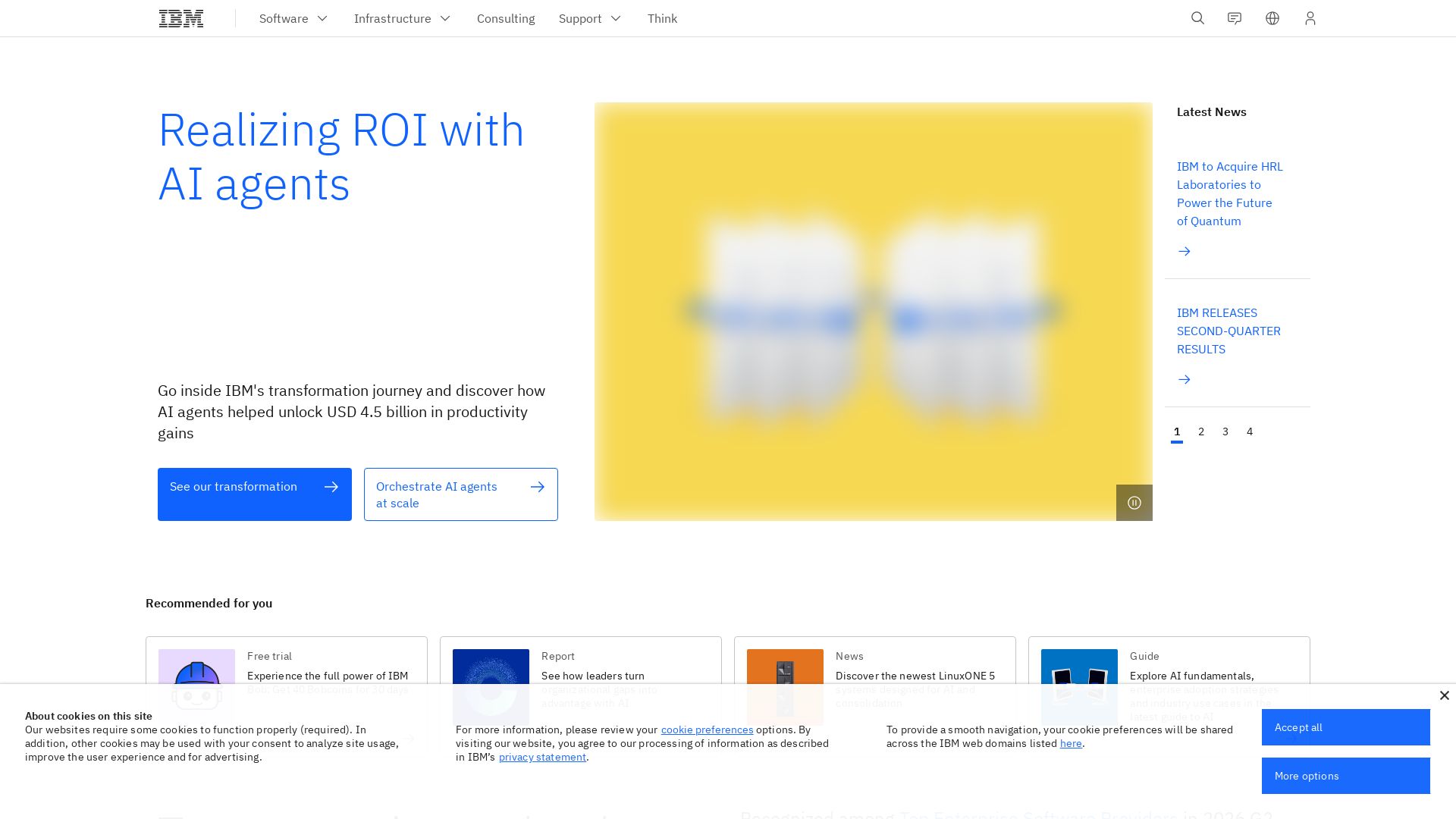
Discover how IBM's AI agents unlocked $4.5B in productivity gains. Explore watsonx, IBM Bob, and hybrid cloud to drive smarter business outcomes.

IBM
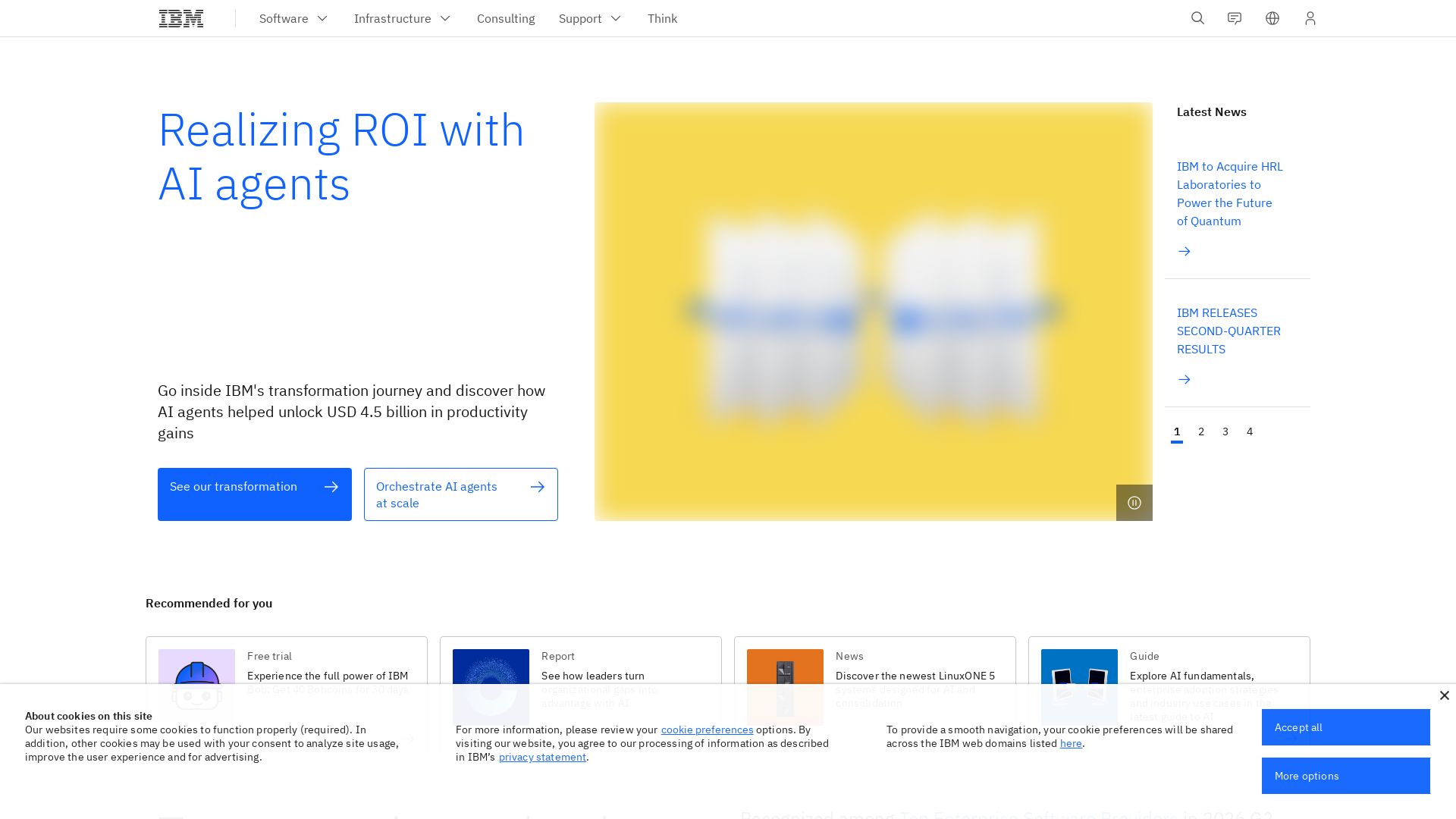
Discover how IBM's AI agents transformed operations, delivering $4.5 billion in productivity. Explore IBM Bob, watsonx Orchestrate, and more.

Kroolo
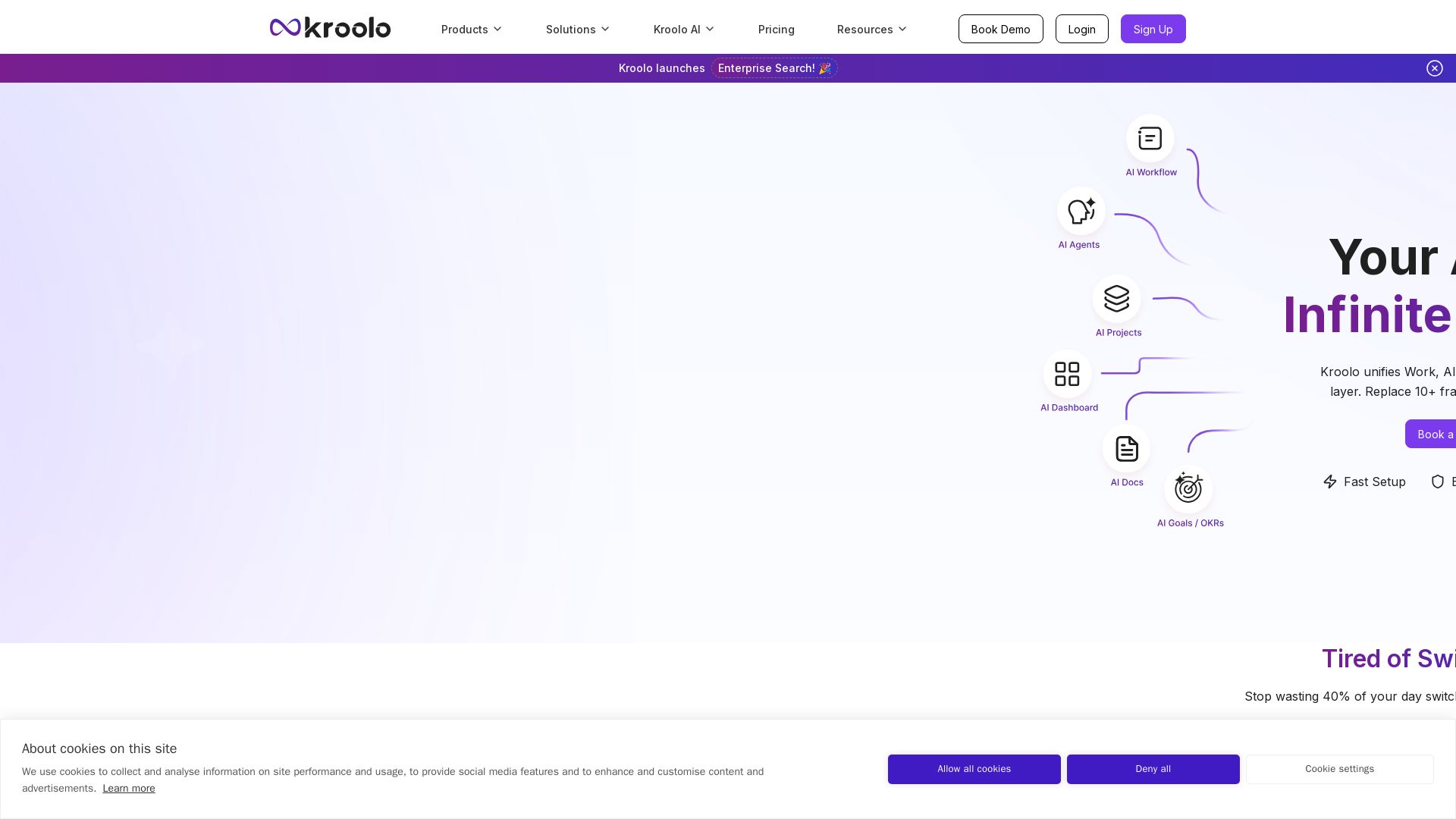
Replace 10+ fragmented apps with one AI-native platform. Kroolo unifies work, AI agents, and enterprise search to boost productivity up to 70%.

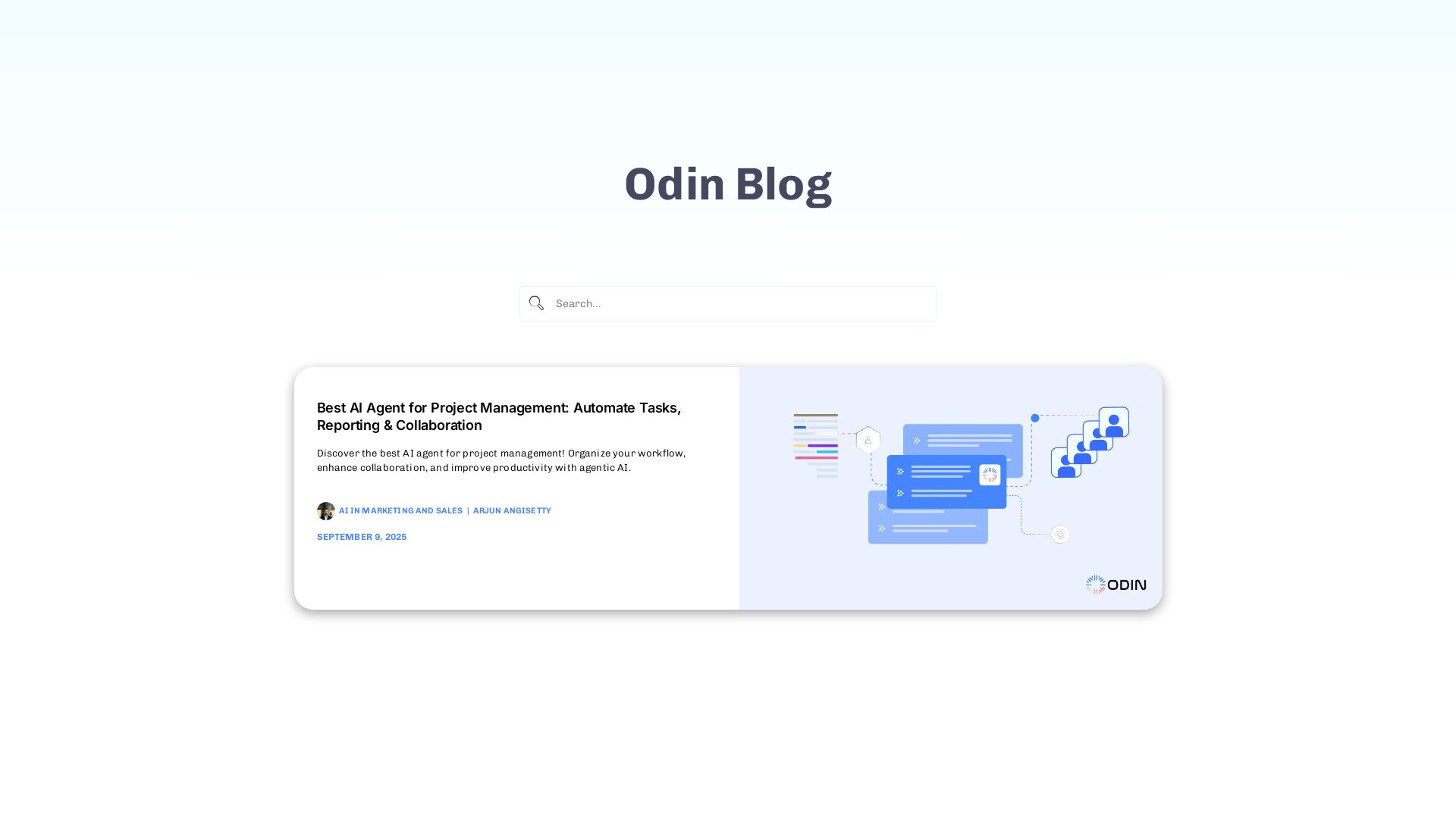
Odin AI
Automate tasks, document summarization, and collaboration with Odin AI's no-code platform. Boost productivity with intelligent AI agents.


Cequence AI Gateway
Safely connect AI agents to business apps with enterprise-grade security, OAuth 2.1, and MCP. Unlock agentic AI productivity.

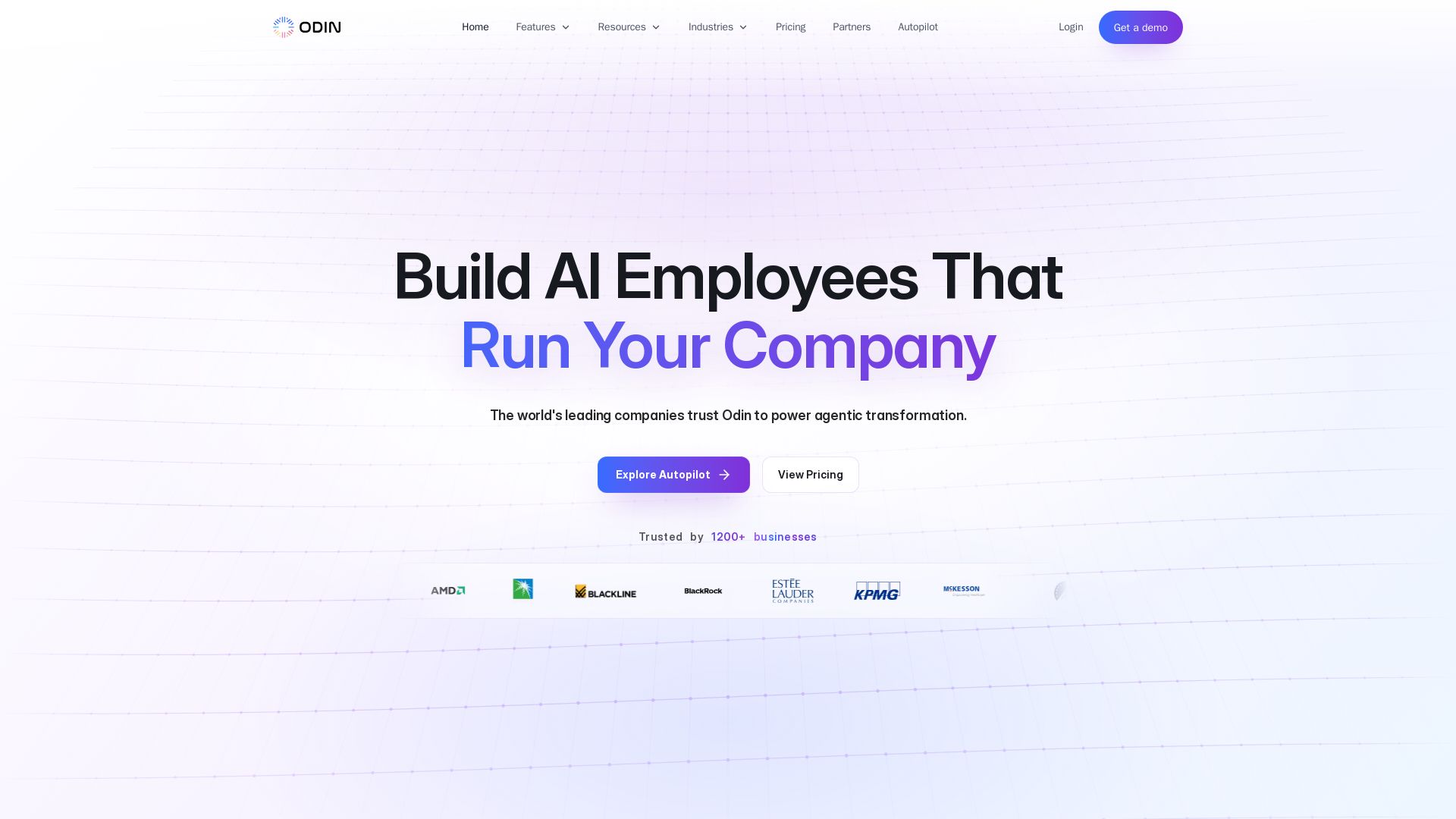
Odin AI
Deploy production-ready AI agents that automate workflows across ERP, CRM, ITSM, and more. Save thousands of hours. Trusted by 1200+ businesses.

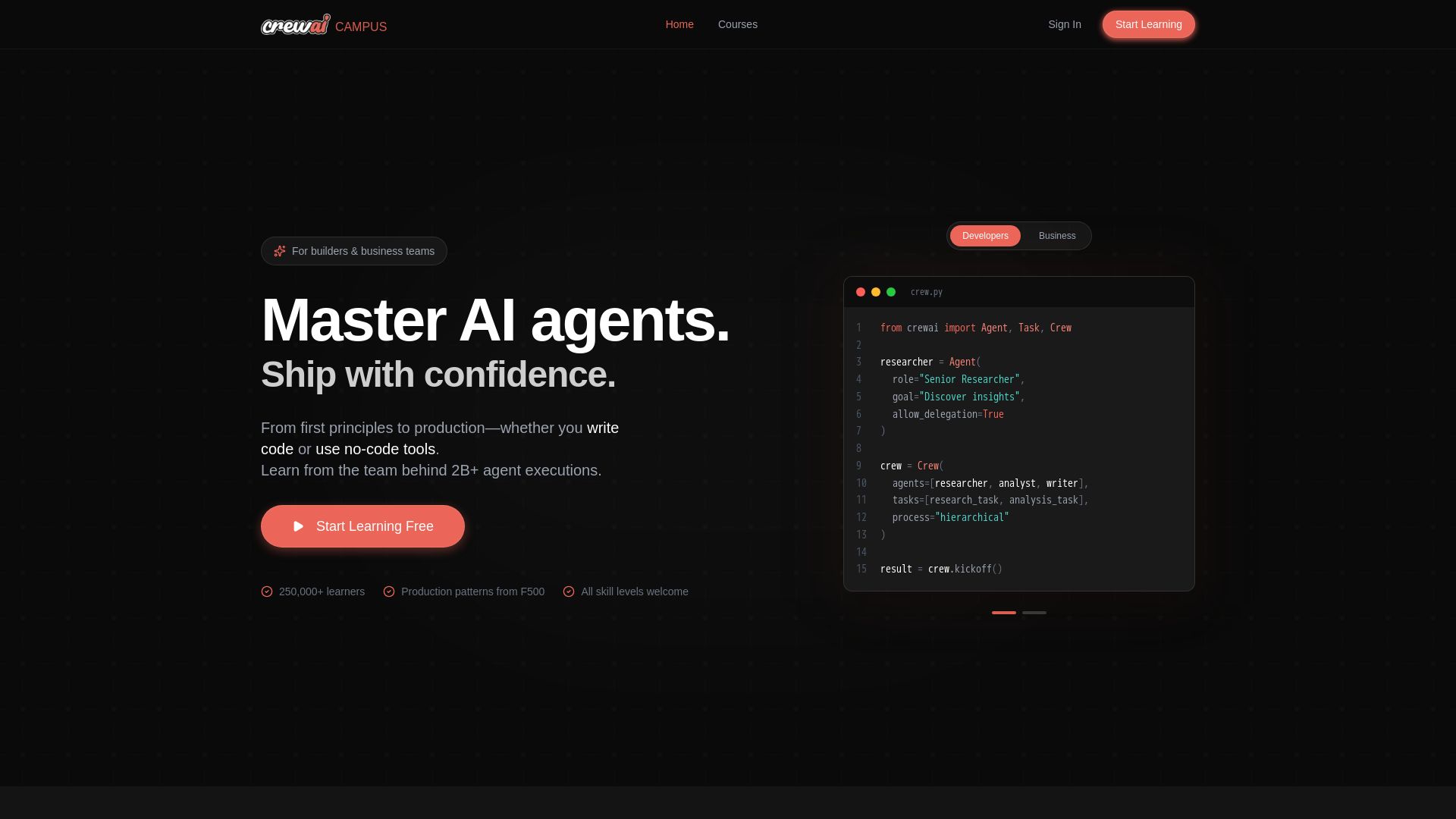
CrewAI Campus
Build production AI agents with hands-on courses from the team behind 2B+ agent executions. For developers and business teams. Start free.


Figr
Ship better UX faster. Figr builds a living understanding of your product, maps flows, finds edge cases, and generates high-fidelity prototypes from your actual design system.

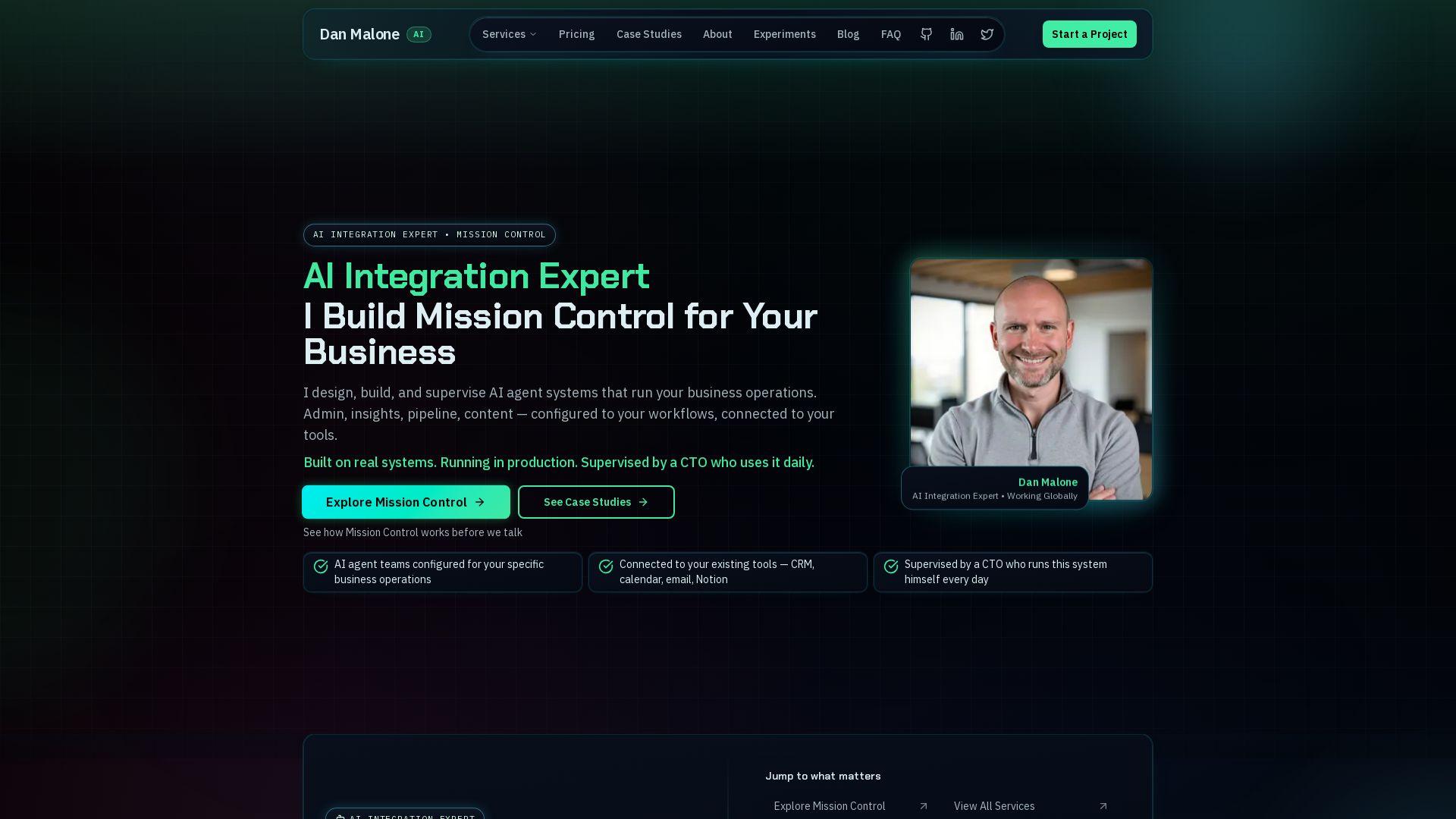
Mission Control
Mission Control: AI agent team for admin, insights, pipeline, content. Connected to your tools, supervised by a CTO.

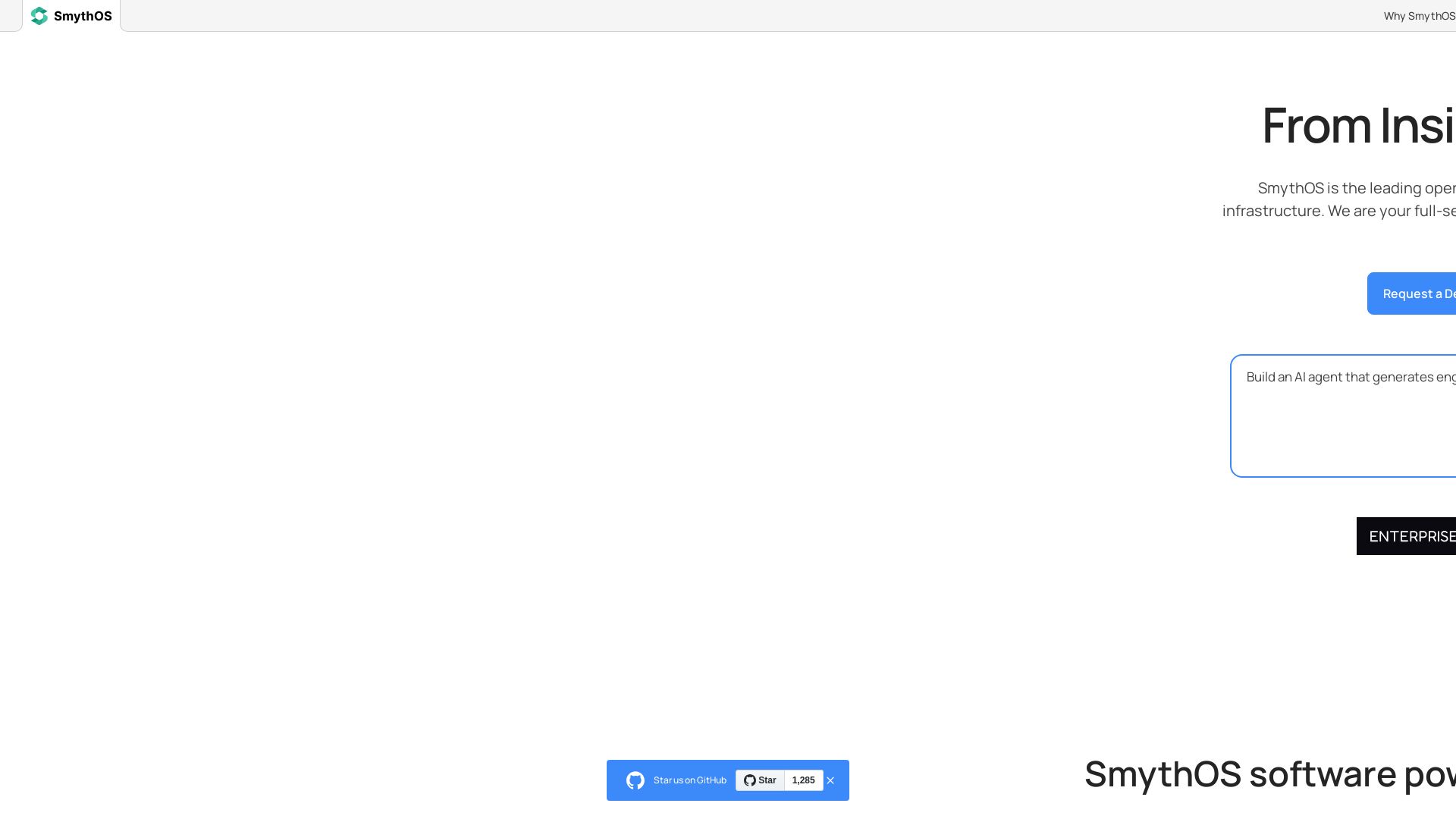
SmythOS
Build, test, and deploy secure AI agents at scale with SmythOS. Open-source runtime, SDK, and visual studio. Democratizing AI agent development.

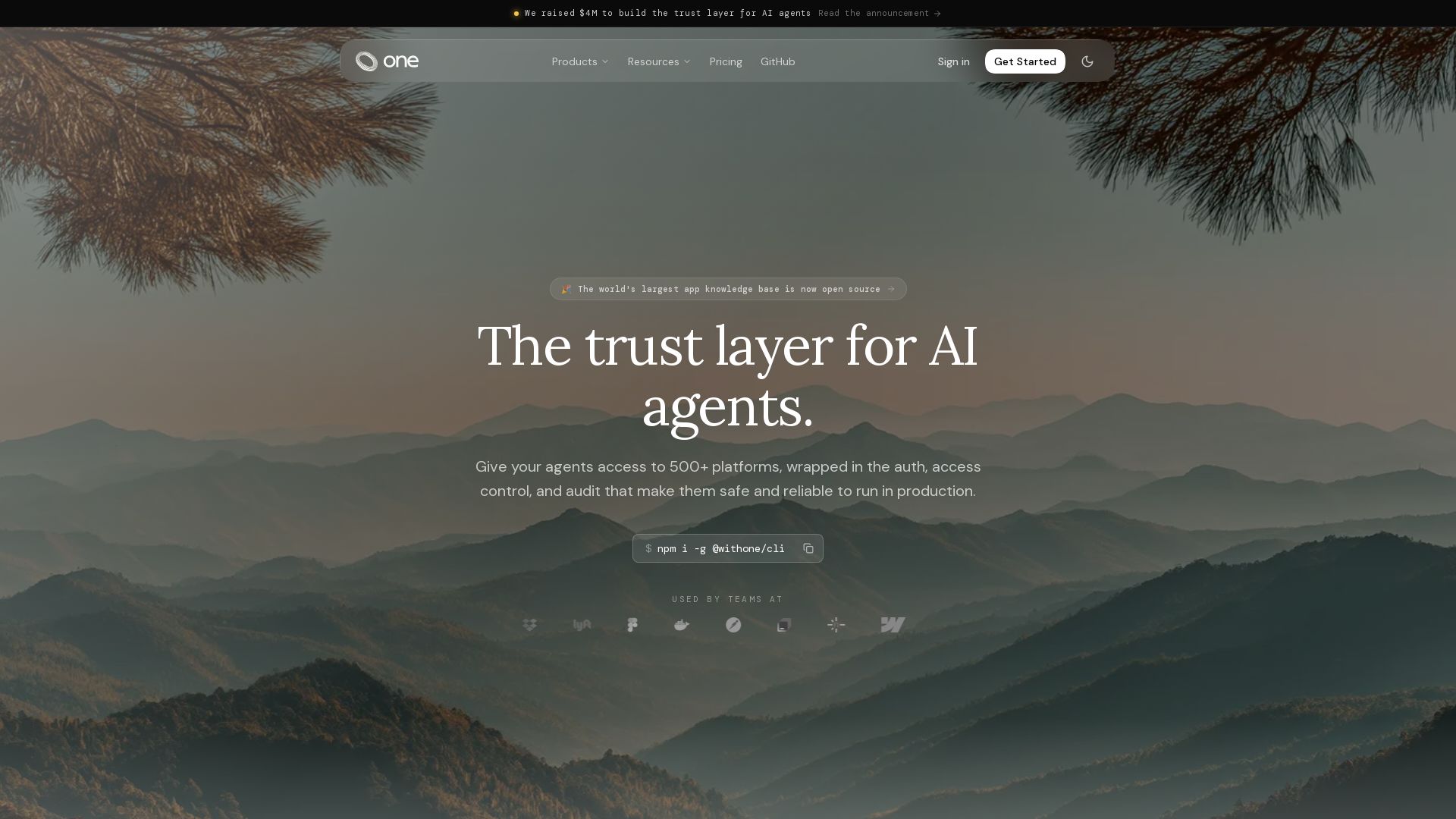
One
Give your AI agents secure access to 500+ platforms with one CLI. Managed auth, 80k+ tools, and production-ready runtime. Free to start.

ℹ️ Curation Disclosure: The overview and features of Buda were synthesized using AI and fact-checked by our curation team to ensure accuracy.
