
Type
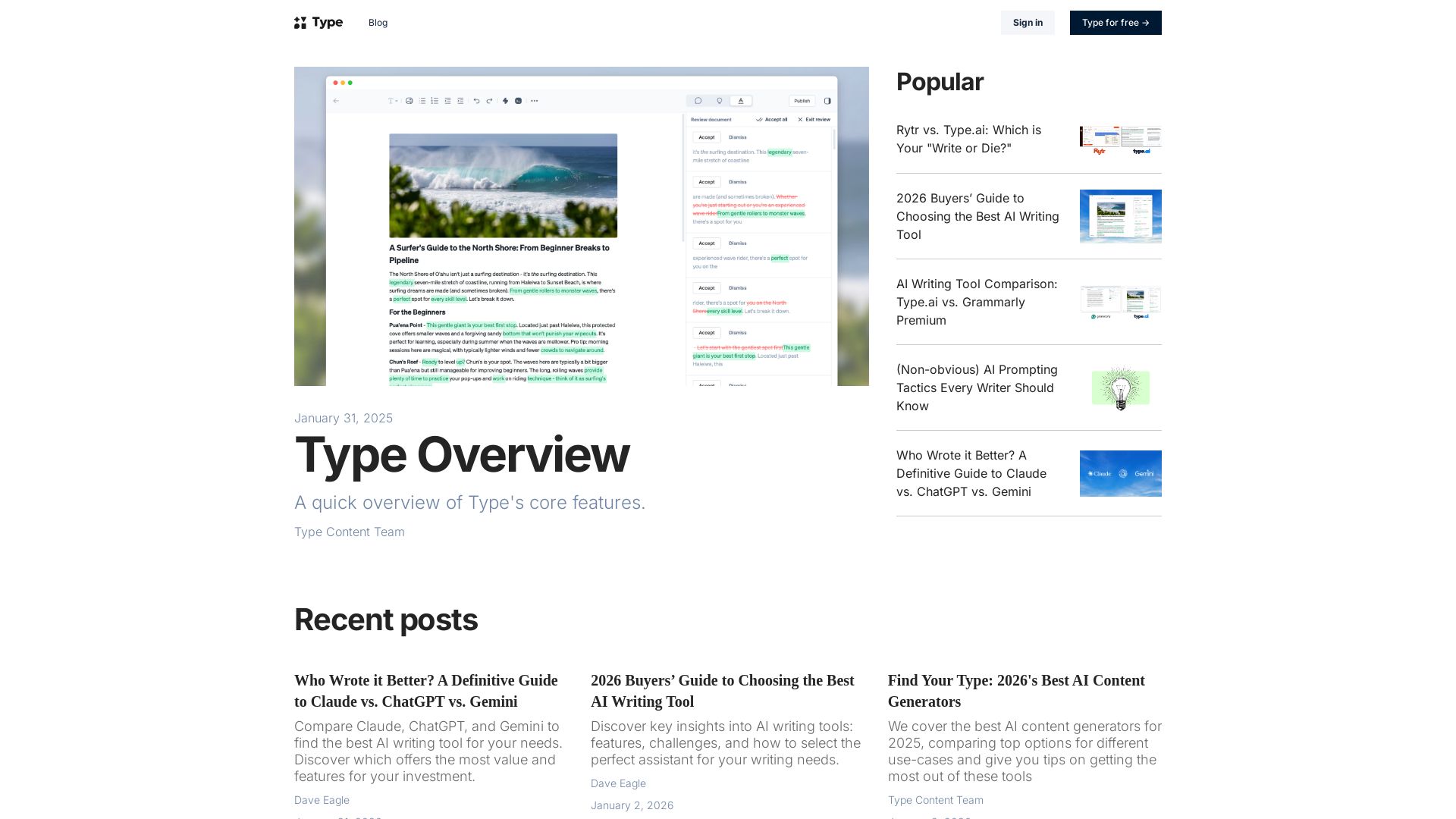
Discover Type, the AI-first document editor. Write faster with GPT-4o, GPT-3.5. Compare AI writing tools, get tips, and boost your content creation.
Editor's Verdict
Key Takeaways
- Generate Drafts
- Rewrite Text
- Type Chat
- Document Review
In-Depth Review: What is Type?
Type is an AI-first document editor that integrates powerful language models like GPT-4o and GPT-3.5 to help you write faster and smarter. With speed and power modes, you can choose the right balance of speed and creativity. The blog offers in-depth comparisons of AI writing tools, buyer's guides, and practical tips for content writers and teams. Whether you're a solo creator or part of a team, Type provides the tools you need to produce high-quality content efficiently.
Core Features
Generate Drafts
Create original, structured first drafts from a brief description, outline, and relevant URLs, providing a solid foundation to build upon.
Rewrite Text
Transform selected text using style brushes (Shorten, Simplify, etc.) or custom instructions, maintaining core message while adjusting tone and clarity.
Type Chat
Document-aware chatbot in the sidebar that provides brainstorming, editing, and research assistance, with the ability to highlight text for precision editing.
Document Review
Automated review of entire documents for style inconsistencies, tone mismatches, structural issues, and custom instructions, with accept/reject suggestions.
Content Ideas
Contextual suggestions for new directions and topics as you write, helping overcome writer's block and maintain momentum.
Inline Commands
Execute complex writing and editing commands via slash (/) key or keyboard shortcuts without leaving the keyboard, preserving creative flow.
Pricing
Monthly
- Unlimited document creation
- Access to GPT-4.5 and Claude 3.7 Sonnet
- Type Chat with document awareness
- Document Review
- Inline commands
- Export to PDF, DOCX, Markdown, TXT
- Publish to Type blog
- View-only sharing links
Yearly
- All features of Monthly plan
- Same features at discounted rate
Pros and Cons
Pros
- Human-like Content QualityUses latest LLMs (GPT-4.5, Claude 3.7) to produce natural, nuanced writing that requires less editing compared to older models.
- Document-Aware AI AssistantType Chat is always available in the sidebar, understands document context, and allows precise editing of selected text.
- Flexible PromptingUsers can write custom prompts, save them, and reuse, offering endless customization rather than rigid tone selectors.
- Inline Commands and Keyboard ShortcutsComprehensive system of slash commands and keyboard shortcuts to perform actions without breaking flow.
- No Feature Limits on Paid PlanSingle plan with no character limits or feature restrictions, only basic rate limits on Power mode that reset monthly.
Cons
- No Free PlanUnlike some competitors, Type does not offer a free tier; only a paid subscription is available.
- No Built-in Tone SelectorLacks a preset tone dropdown; users must define tone manually in prompts, which may be less convenient for quick tasks.
- Limited Collaboration FeaturesCompared to Rytr, Type has fewer explicit team collaboration tools like simultaneous editing or version history.
Use Cases & Recommended Professions
Content Writer→ View Toolkit
Needs to produce high-quality blog posts, articles, and marketing copy efficiently while maintaining creative control and originality.
Freelance Writer→ View Toolkit
Requires an AI assistant that acts as an editor and research partner, helping to generate drafts and refine text without sacrificing personal voice.
Marketing Manager→ View Toolkit
Oversees content production for a team; needs a tool that ensures consistent tone, high output quality, and easy document review.
SEO Specialist→ View Toolkit
Relies on AI to generate optimized content with natural language that ranks well, while also needing features like keyword integration and readability analysis.
Entrepreneur→ View Toolkit
Handles own marketing and business collateral; needs a cost-effective writing partner that produces professional-grade content quickly.
Copywriter→ View Toolkit
Creates persuasive copy for ads, emails, and landing pages; requires flexibility in prompt design and the ability to switch between creative and analytical modes.
Frequently Asked Questions
Alternative AI Tools
View Detailed Comparison →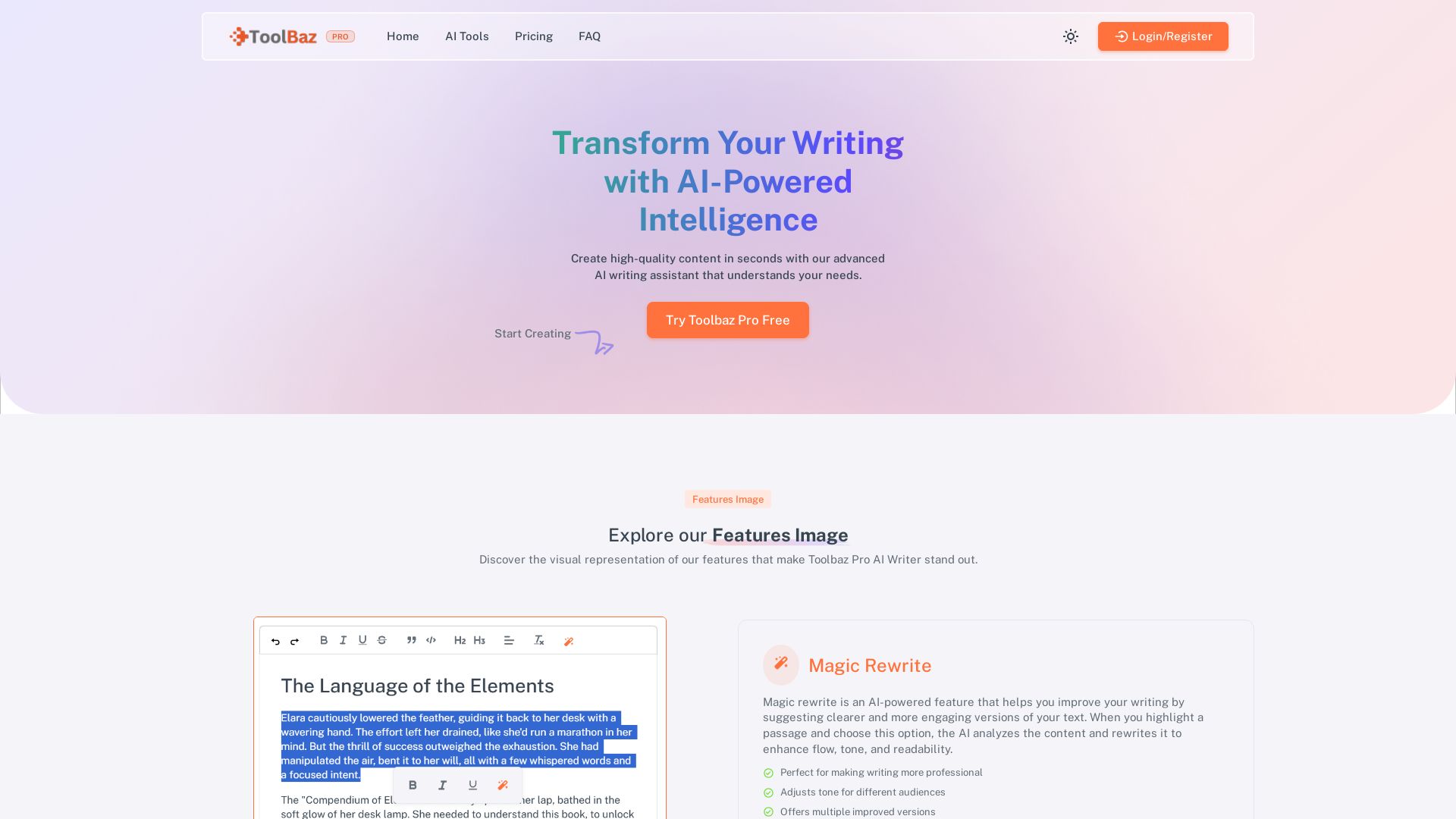
ToolBaz Pro
Create high-quality content fast with Toolbaz Pro AI Writer. Features Magic Rewrite, Continue Writer, and 20+ AI models. Perfect for blogs, emails, social media. Try free!


Figr
Ship better UX faster. Figr builds a living understanding of your product, maps flows, finds edge cases, and generates high-fidelity prototypes from your actual design system.

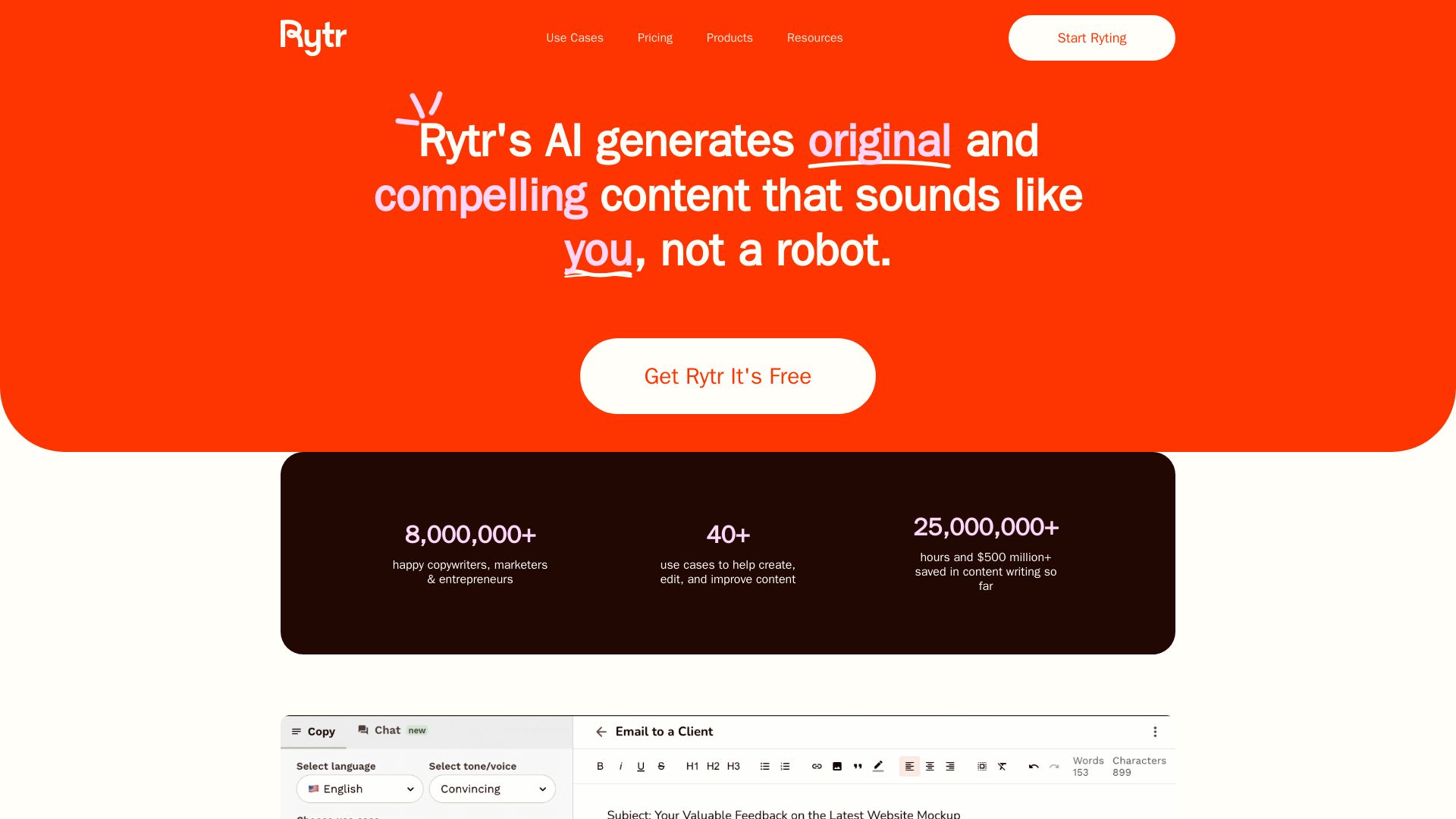
Rytr
Rytr AI writing tool generates original content in your voice. 40+ use cases, plagiarism checks, affordable plans. Trusted by 8M+ users.

Hypotenuse AI
Enhance product data, generate SEO-optimized descriptions, and perfect images with AI. Trusted by global brands. Try free.

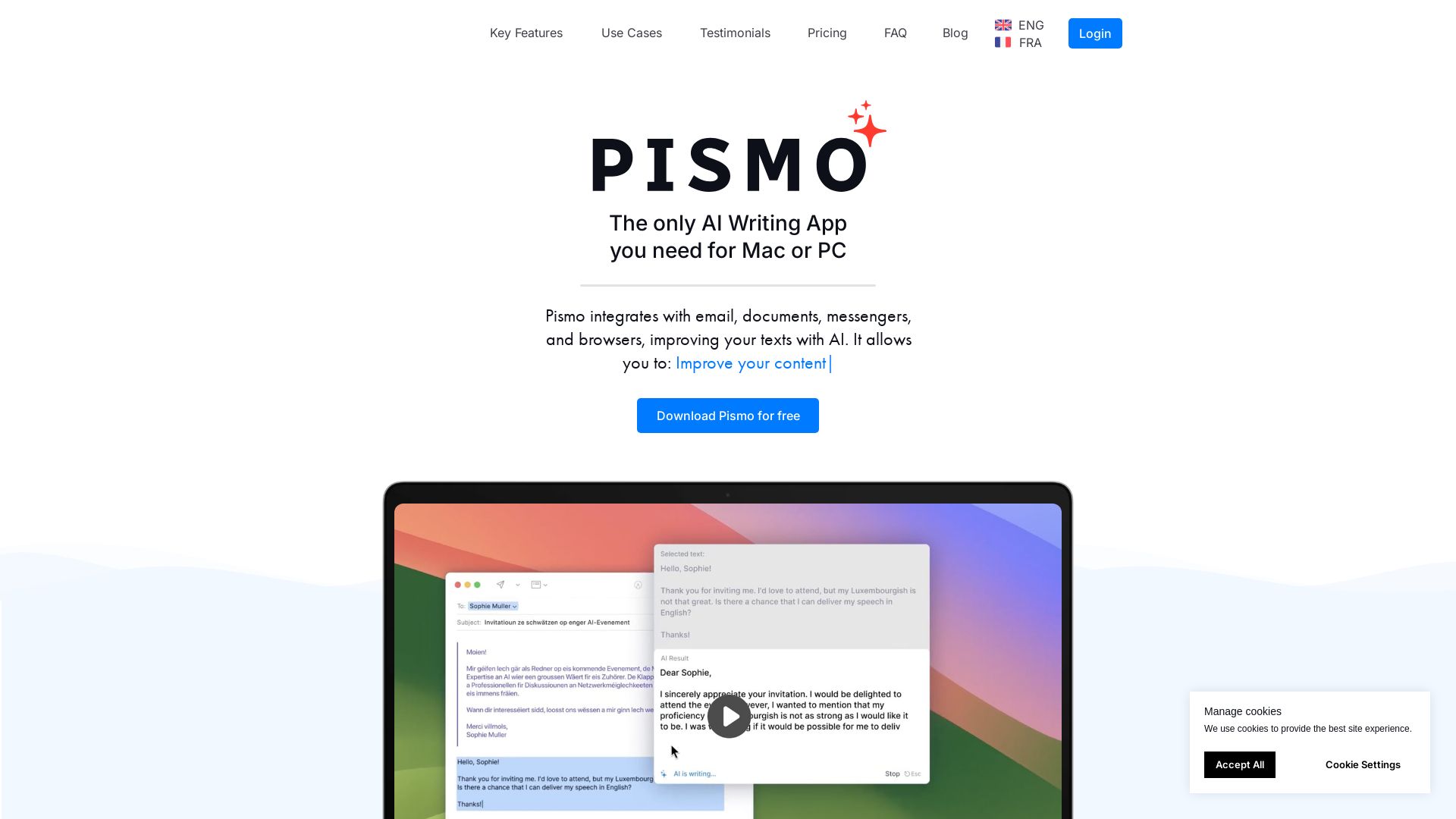
Pismo
Write faster, translate, change tone, and fix errors in any app. Pismo enhances your texts with AI. Download free for Mac or PC.

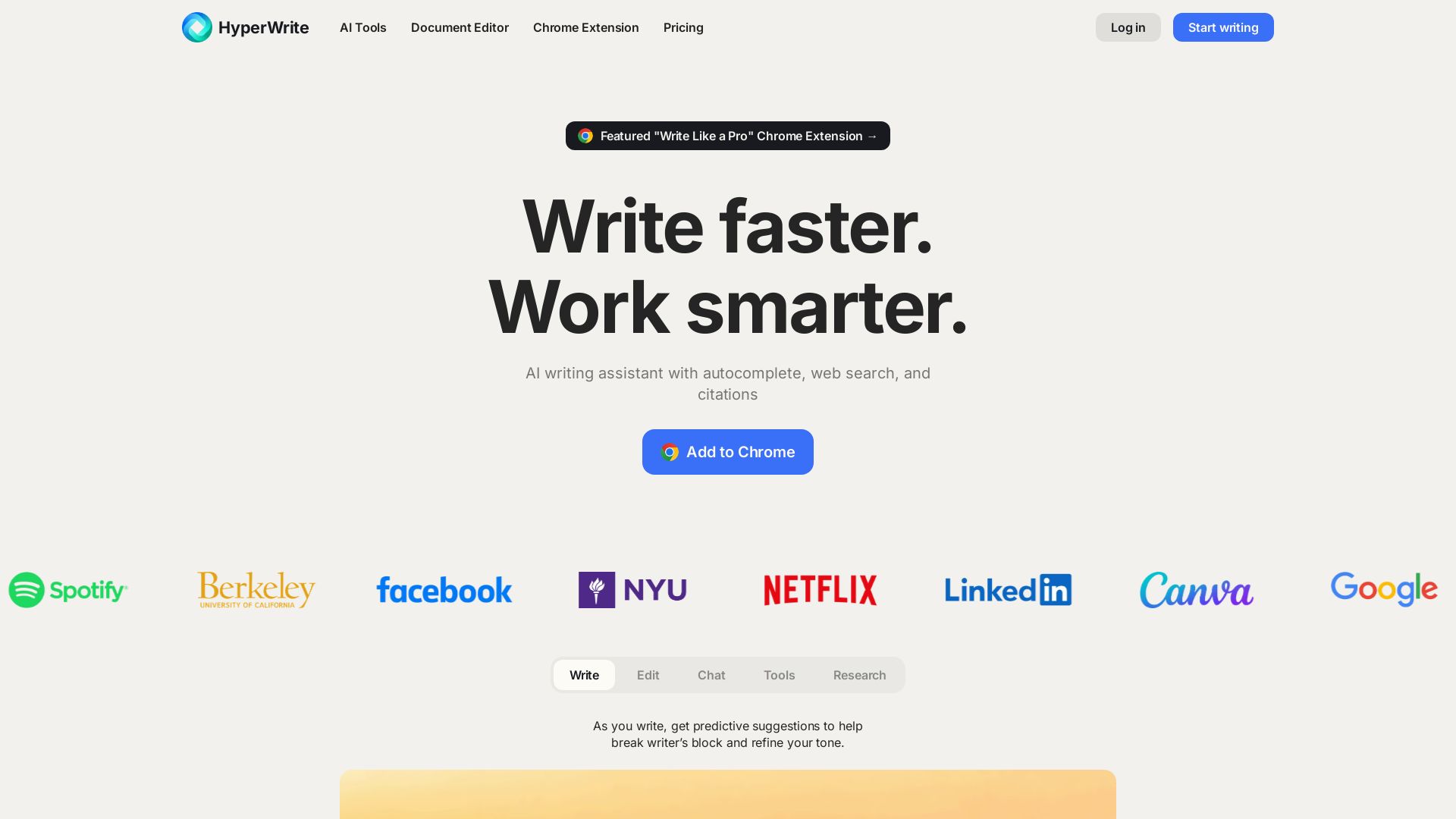
HyperWrite
Write faster, smarter with HyperWrite's AI. Get predictive suggestions, citations, and hundreds of writing tools. Free Chrome extension available.

Nova
Download Nova, the free AI chatbot powered by GPT-4. Unlimited questions, multi-language, cross-platform. Get human-like conversations and writing assistance.

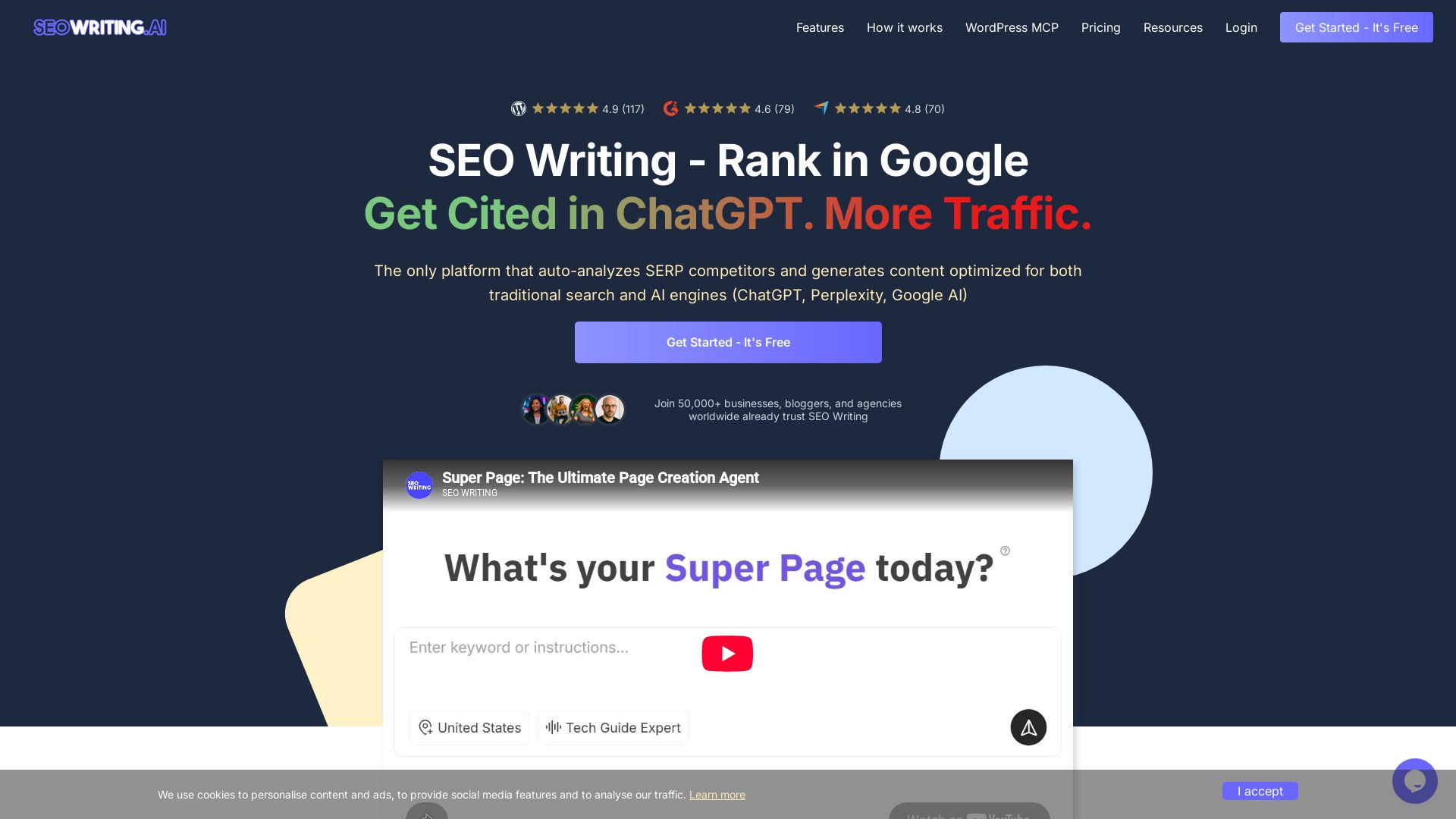
SEO WRITING
Create SEO-optimized articles, product listings, and more with AI. Rank higher in search and AI engines. Start free.

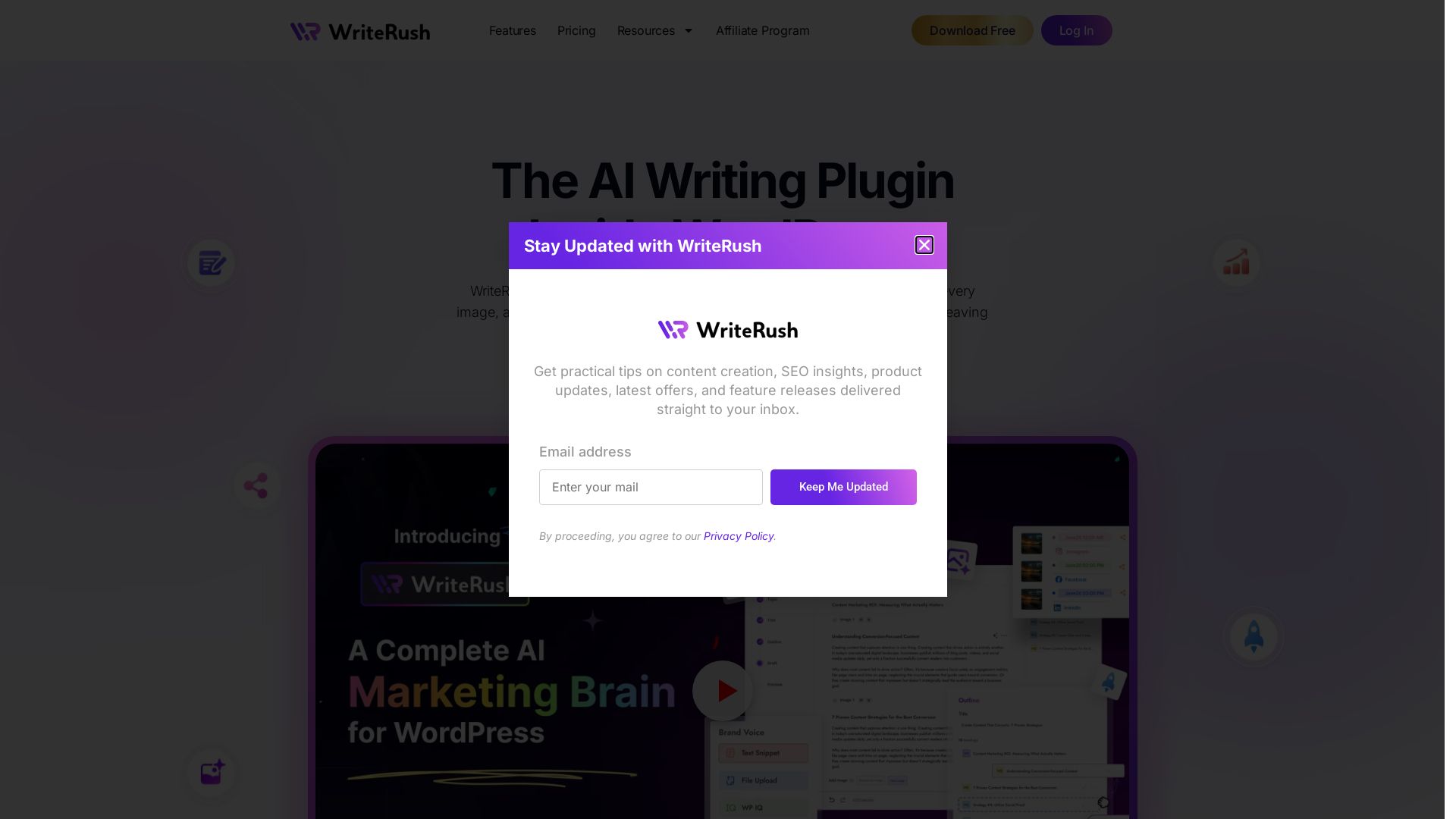
WriteRush
WriteRush AI plugin writes blogs, generates images, and schedules social posts inside WordPress. Train your voice, rank higher. Start free.

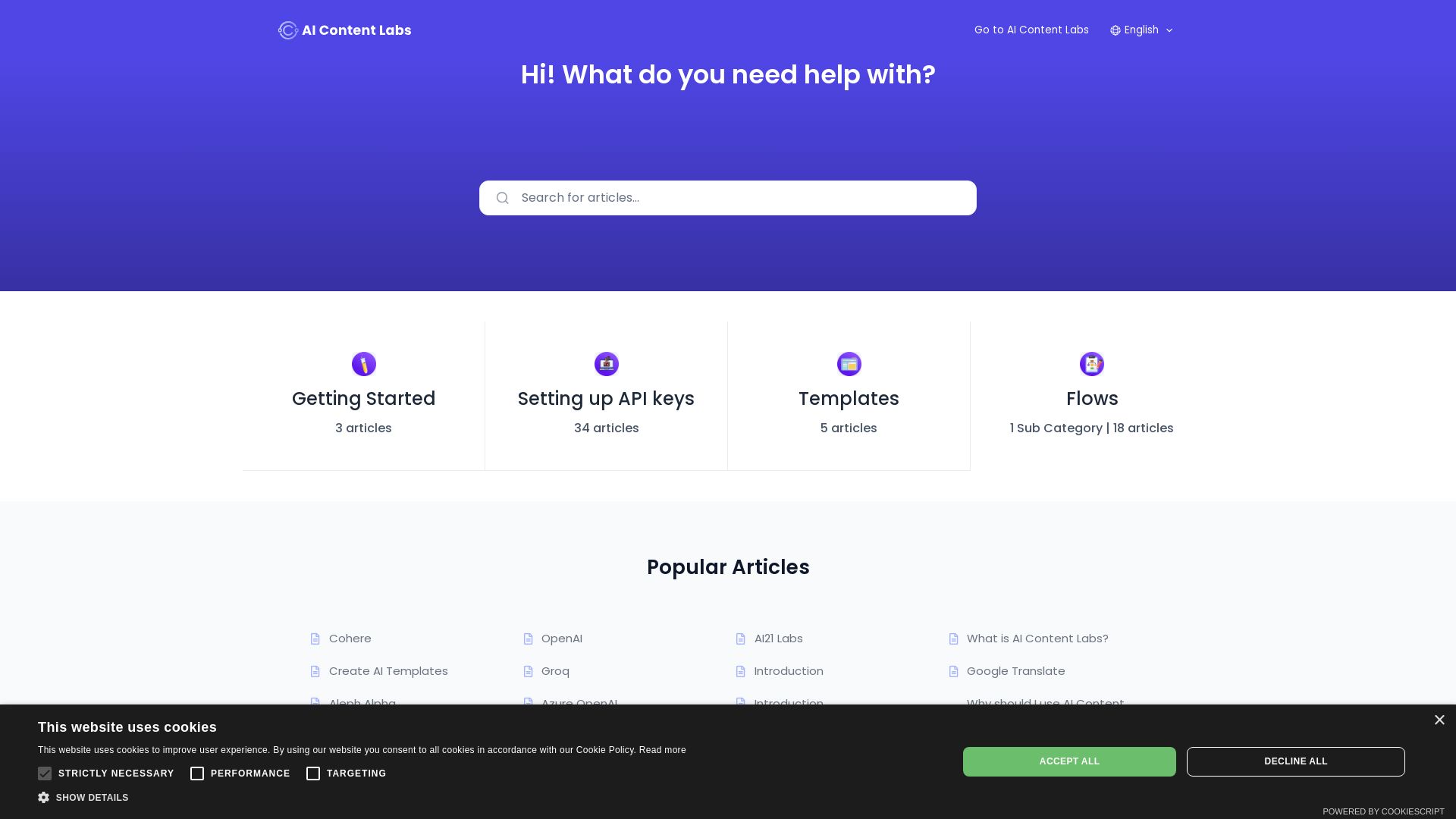
AI Content Labs
Create, manage, and optimize AI-generated content with ease. Integrate top AI models, use templates, and automate workflows.

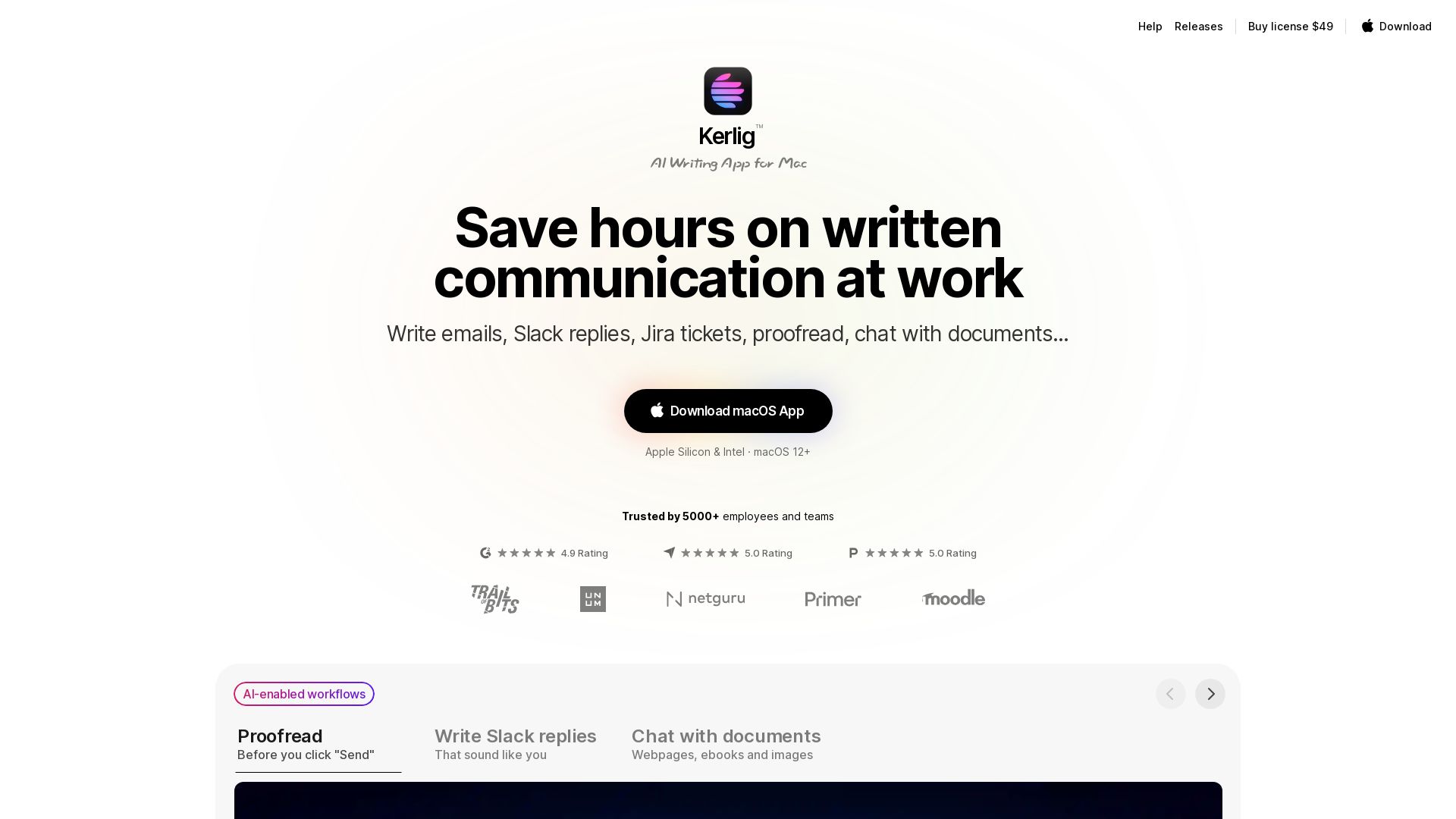
Kerlig
Boost productivity with Kerlig: AI-powered writing assistant for Mac. Write emails, Slack replies, proofread, chat with documents. One-time payment, 350+ models.

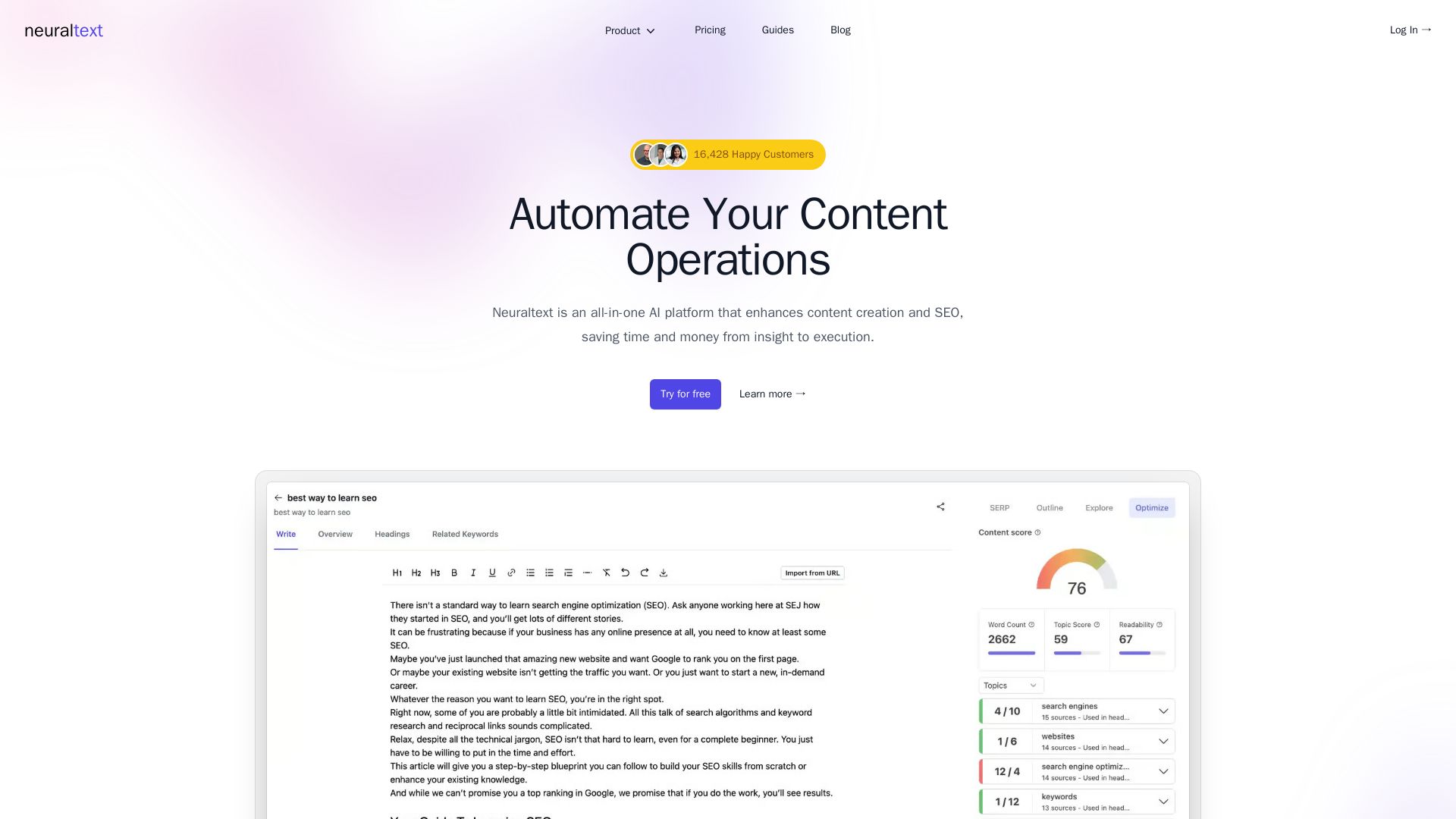
NeuralText
Boost SEO and content creation with Neuraltext's AI writer, SERP analysis, keyword clustering, and Search Console integration. Save time and rank higher.

ℹ️ Curation Disclosure: The overview and features of Type were synthesized using AI and fact-checked by our curation team to ensure accuracy.
