
BeLikeNative
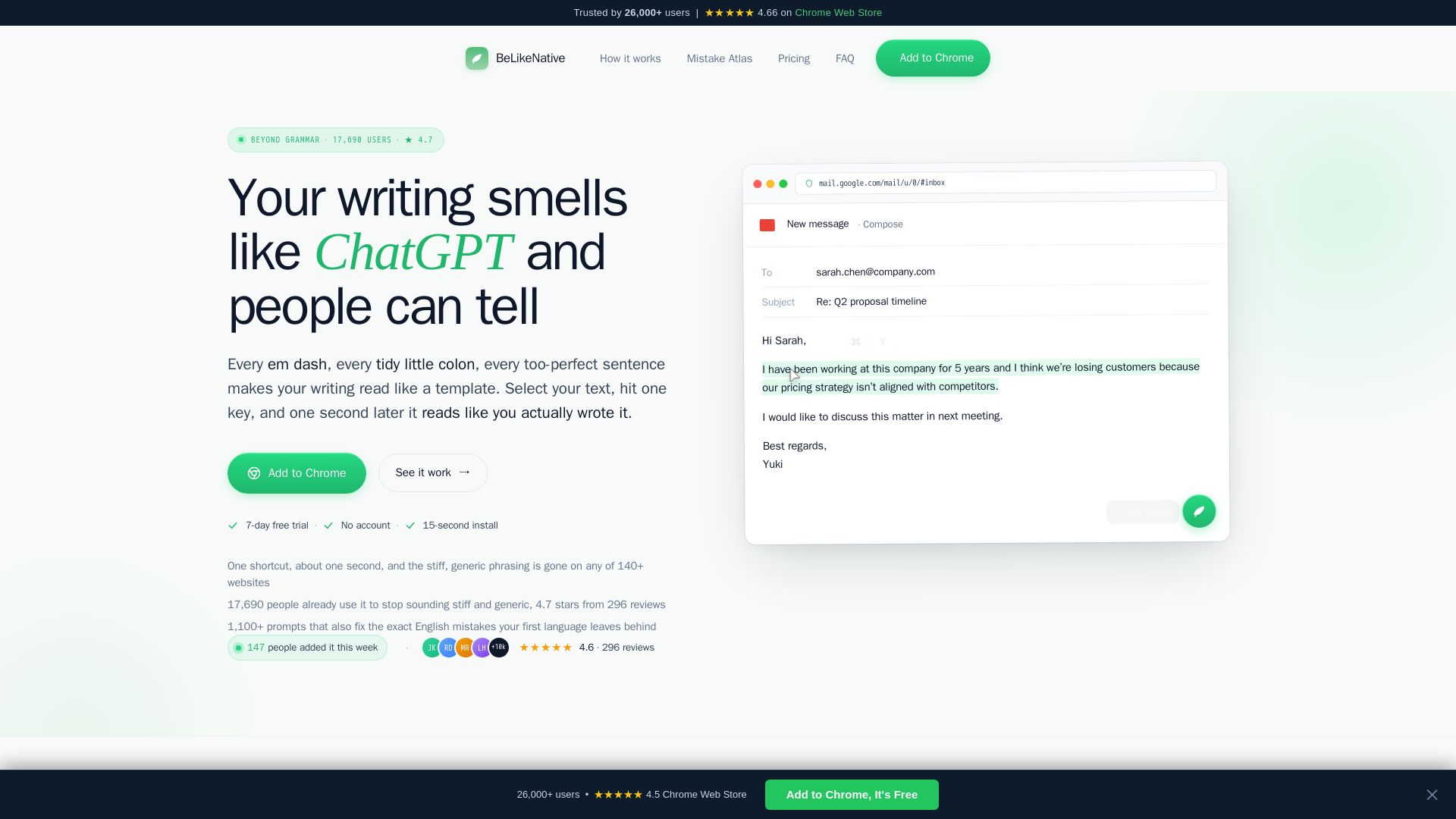
Fix grammar, translate, and humanize your writing on any website with one shortcut. Trusted by 26,000+ users. ★4.7 on Chrome Web Store.
Editor's Verdict
Key Takeaways
- One-Shot Rewrite
- L1-Aware Corrections
- Tone Adjustment
- Works on 140+ Websites
In-Depth Review: What is BeLikeNative?
BeLikeNative is a Chrome extension that rewrites your text in one second. It fixes grammar, adjusts tone, translates to native phrasing, and removes AI filler. Supports 80+ languages, 140+ sites, and understands your first language's common mistakes. No tab switching, just select text and press a shortcut. Trusted by 17,690 active users. Free 7-day trial, then from $8/mo.
Core Features
One-Shot Rewrite
Select any text, press a keyboard shortcut, and get a native-grade rewrite in your clipboard in about one second. No tab switching, no side panels.
L1-Aware Corrections
Understands the specific mistakes your first language (e.g., Japanese, Spanish, Korean) causes in English and provides corrections that address the root cause.
Tone Adjustment
Rewrite text with different tones: formalize, soften, polish, summarize, translate, and more. Each tone has its own keyboard shortcut.
Works on 140+ Websites
Compatible with Gmail, Slack, LinkedIn, Notion, Google Docs, ChatGPT, Twitter, Outlook, Teams, Discord, GitHub, and many more.
AI Humanization
Detects and removes ChatGPT-like filler and boilerplate, making text sound natural and human-written.
1,100+ Prompt Templates
Includes a library of over 1,100 pre-built prompts across 69 packs, plus unlimited custom prompts with keyboard shortcuts.
Shadow DOM Rendering
The extension operates invisibly within a shadow DOM, so the page cannot read your selected text, ensuring privacy and no interference.
Multi-Language Support
Supports 80+ languages for translation and native-level writing assistance, with language-specific error detection.
Pricing
Learner
- 50 daily uses
- Up to 4,000 characters per request
- All 4 modes: Fix, Paraphrase, Translate, Tone
- L1-aware corrections for 80+ languages
- 1,100+ prompt templates across 69 packs
- Custom keyboard shortcuts
- Priority processing
- Powered by GPT-5.4 mini
- 7-day free trial
Learner Yearly
- 50 daily uses
- Up to 4,000 characters per request
- All 4 modes: Fix, Paraphrase, Translate, Tone
- L1-aware corrections for 80+ languages
- 1,100+ prompt templates across 69 packs
- Custom keyboard shortcuts
- Priority processing
- Powered by GPT-5.4 mini
- 7-day free trial
Native
- 125 daily uses
- Up to 6,000 characters per request
- Everything in Learner
- Draft cleanup mode
- Priority support
- Powered by GPT-5.4 mini
- 7-day free trial
Native Yearly
- 125 daily uses
- Up to 6,000 characters per request
- Everything in Learner
- Draft cleanup mode
- Priority support
- Powered by GPT-5.4 mini
- 7-day free trial
Premium
- 180 daily uses
- Up to 10,000 characters per request
- Everything in Native
- Humanize mode powered by Claude Sonnet 4.6
- Long-form rewrites (docs, proposals, articles)
- Early access to new features
- Your requests jump the build queue
- 7-day free trial
Premium Yearly
- 180 daily uses
- Up to 10,000 characters per request
- Everything in Native
- Humanize mode powered by Claude Sonnet 4.6
- Long-form rewrites (docs, proposals, articles)
- Early access to new features
- Your requests jump the build queue
- 7-day free trial
Pros and Cons
Pros
- Saves TimeRewrites text in about one second with a single keyboard shortcut, eliminating the need to switch tabs or use separate tools.
- L1-Aware CorrectionsUnlike generic grammar checkers, it knows the specific errors your first language introduces and provides targeted fixes.
- Privacy-FocusedText is processed but never stored; uses shadow DOM to keep your content invisible to other extensions or page scripts.
- Wide CompatibilityWorks on over 140 websites including Gmail, Slack, LinkedIn, Notion, and Google Docs, covering most writing needs.
- Flexible Tone CustomizationOffers multiple tones (formal, soft, confident, etc.) and custom shortcuts, adapting to different contexts like emails, Slack messages, or LinkedIn posts.
Cons
- Daily Usage LimitsFree trial and lower-tier plans have daily use caps (50, 125, or 180 uses per day), which may be insufficient for heavy users.
- Chrome-Only SupportCurrently only available as a Chrome extension, limiting access for users of other browsers.
- Internet RequiredRelies on cloud AI models (GPT-5.4 mini and Claude Sonnet), so an active internet connection is necessary for rewrites.
- Not a Full Grammar CheckerFocuses on rewriting and naturalness rather than catching every minor grammar or spelling error in real-time.
- Learning Curve for CustomizationWhile shortcuts are simple, creating and managing custom prompts may require initial effort to set up.
Use Cases & Recommended Professions
Non-Native English Speaker→ View Toolkit
Perfect for anyone whose first language isn't English and wants to write more naturally and avoid common L1 transfer errors.
Marketing Professional→ View Toolkit
Needs to craft professional emails, social media posts, and copy that sound authentic and engaging to native speakers.
Remote Worker / Freelancer→ View Toolkit
Writes daily in English across multiple platforms (email, Slack, docs) and needs fast, reliable writing assistance without disrupting workflow.
Student→ View Toolkit
Helps improve academic writing, polish essays, and avoid AI-detection tools by rewriting ChatGPT output to sound natural.
Customer Support Representative→ View Toolkit
Handles customer queries via email or chat and needs to respond quickly with clear, polite, and grammatically correct English.
Content Creator / Blogger→ View Toolkit
Writes articles, LinkedIn posts, and social media content that need to be engaging, original, and free of AI-like phrasing.
Frequently Asked Questions
Alternative AI Tools
View Detailed Comparison →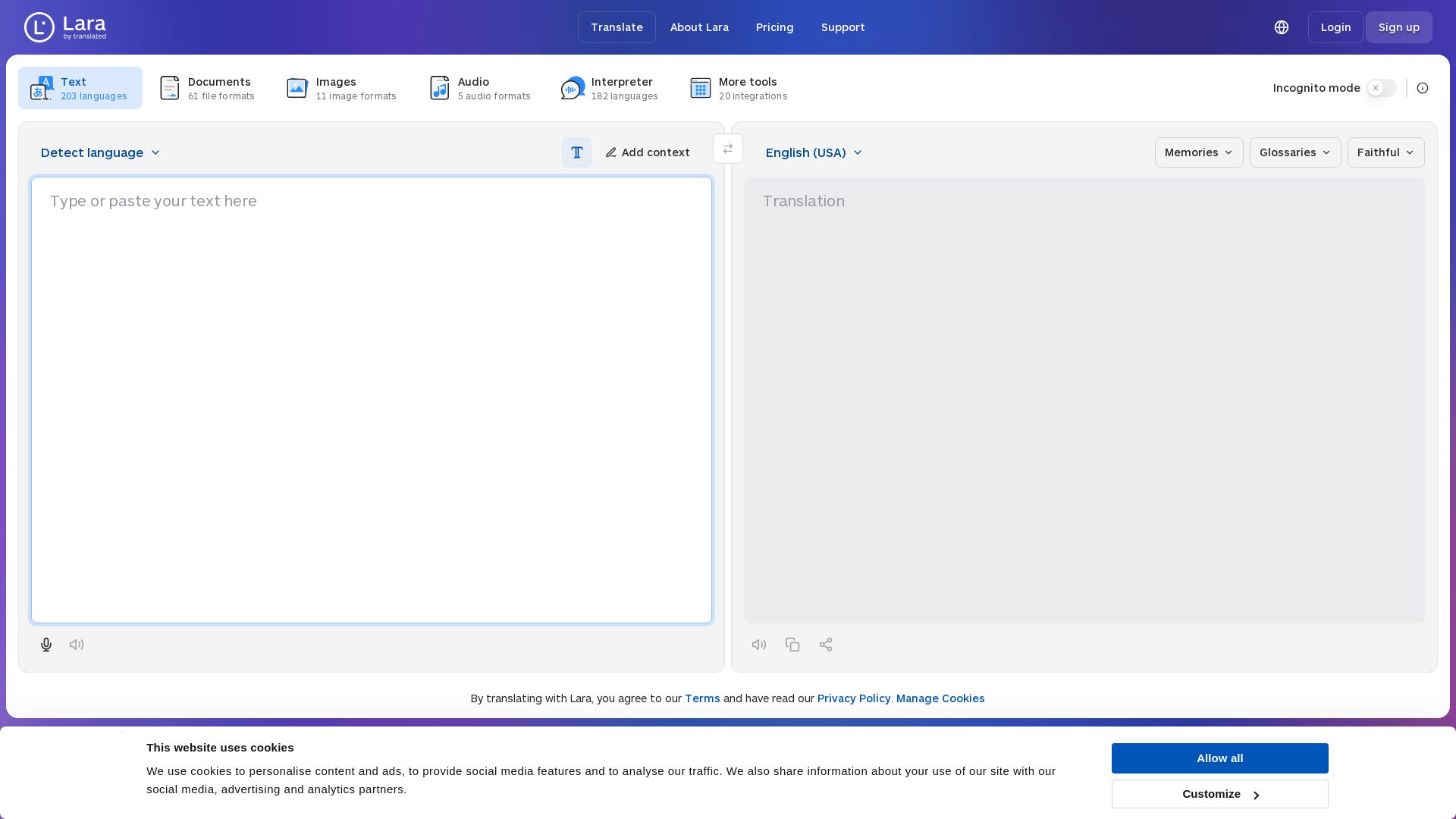
Lara Translate
Translate text, documents, images, and audio instantly in 200+ languages. Trusted by 350,000+ professionals. AI-powered by Translated since 1999.

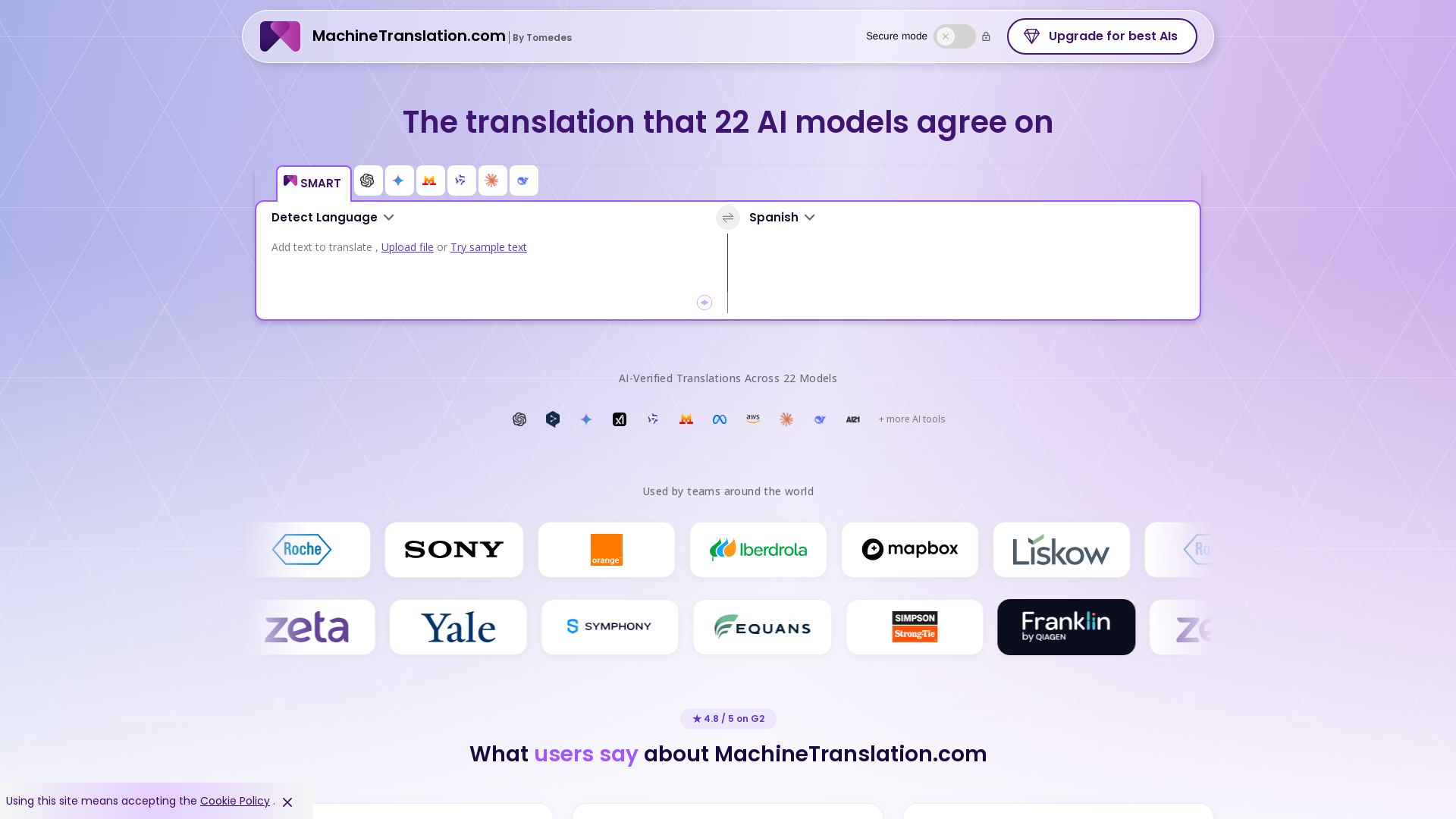
Free AI Translator
Translate with confidence using 22 AI models. SMART picks the most agreed translation, cutting errors by 90%. Human review optional. Secure & affordable.

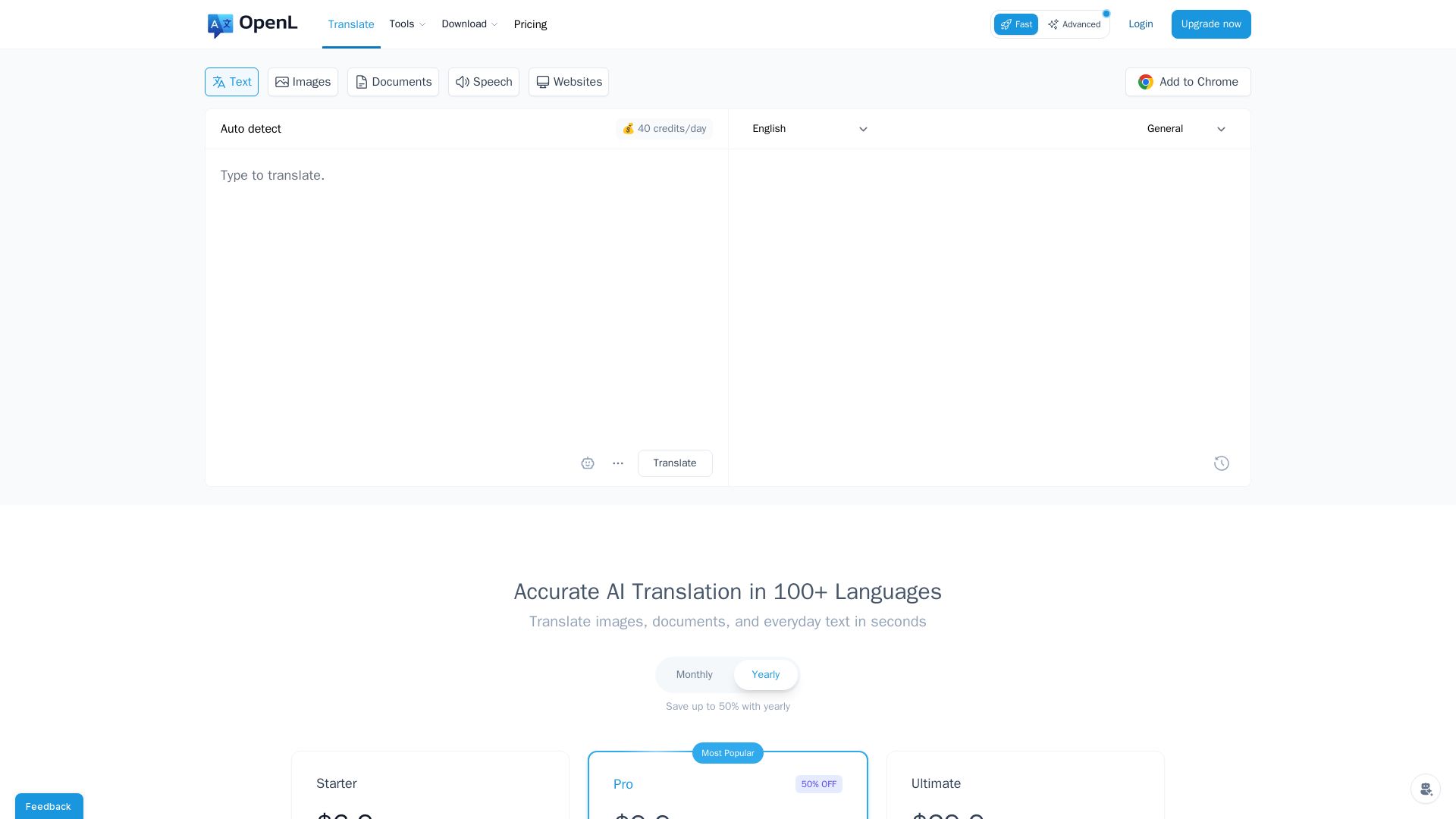
OpenL Translate
Fast, accurate AI translations for text, images, documents, and websites. Supports 100+ languages. Try free!

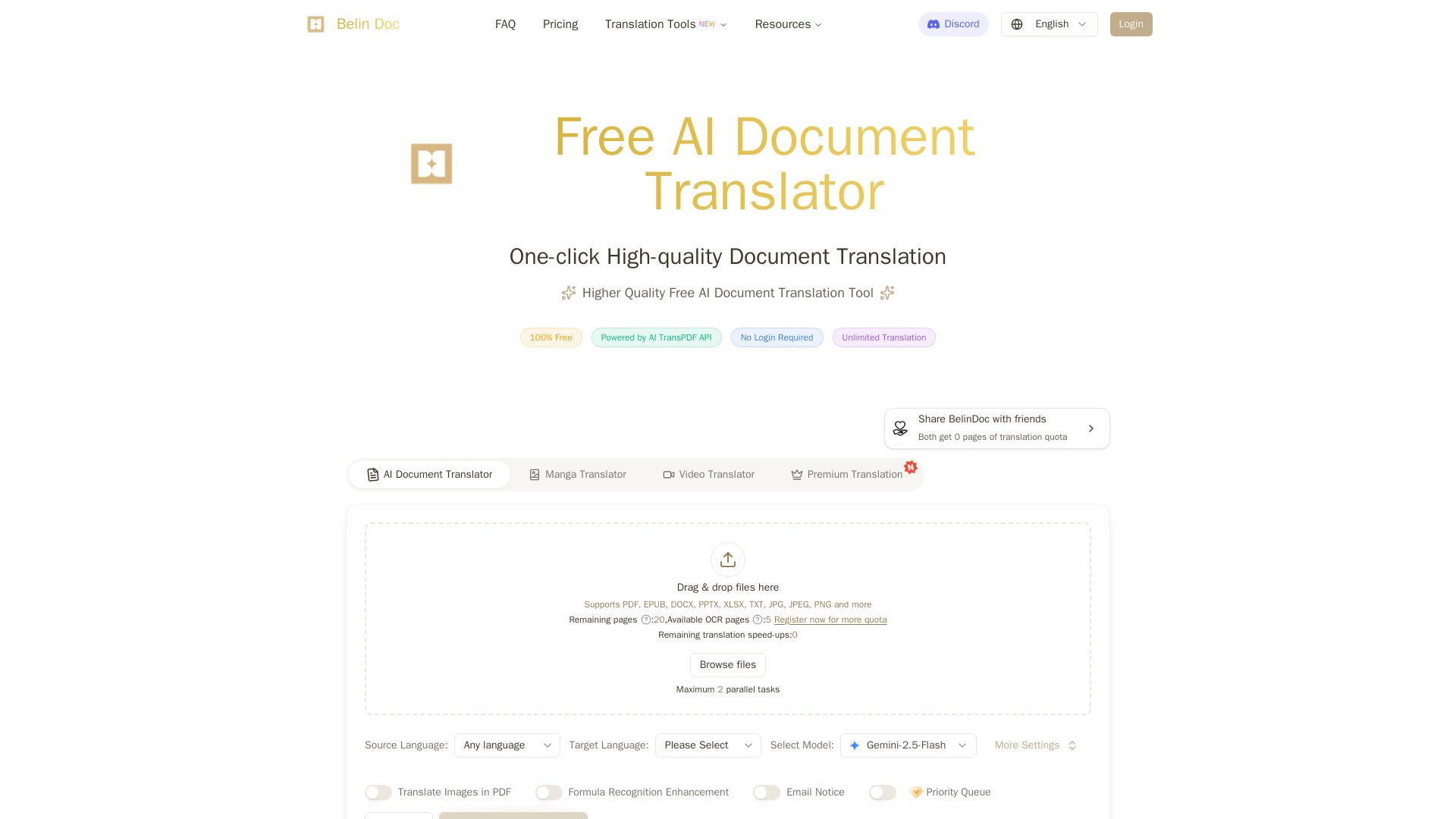
Belindoc
Translate documents online for free! AI-powered PDF, Word, Excel, PPT translation with original layout preserved. No login, unlimited pages.

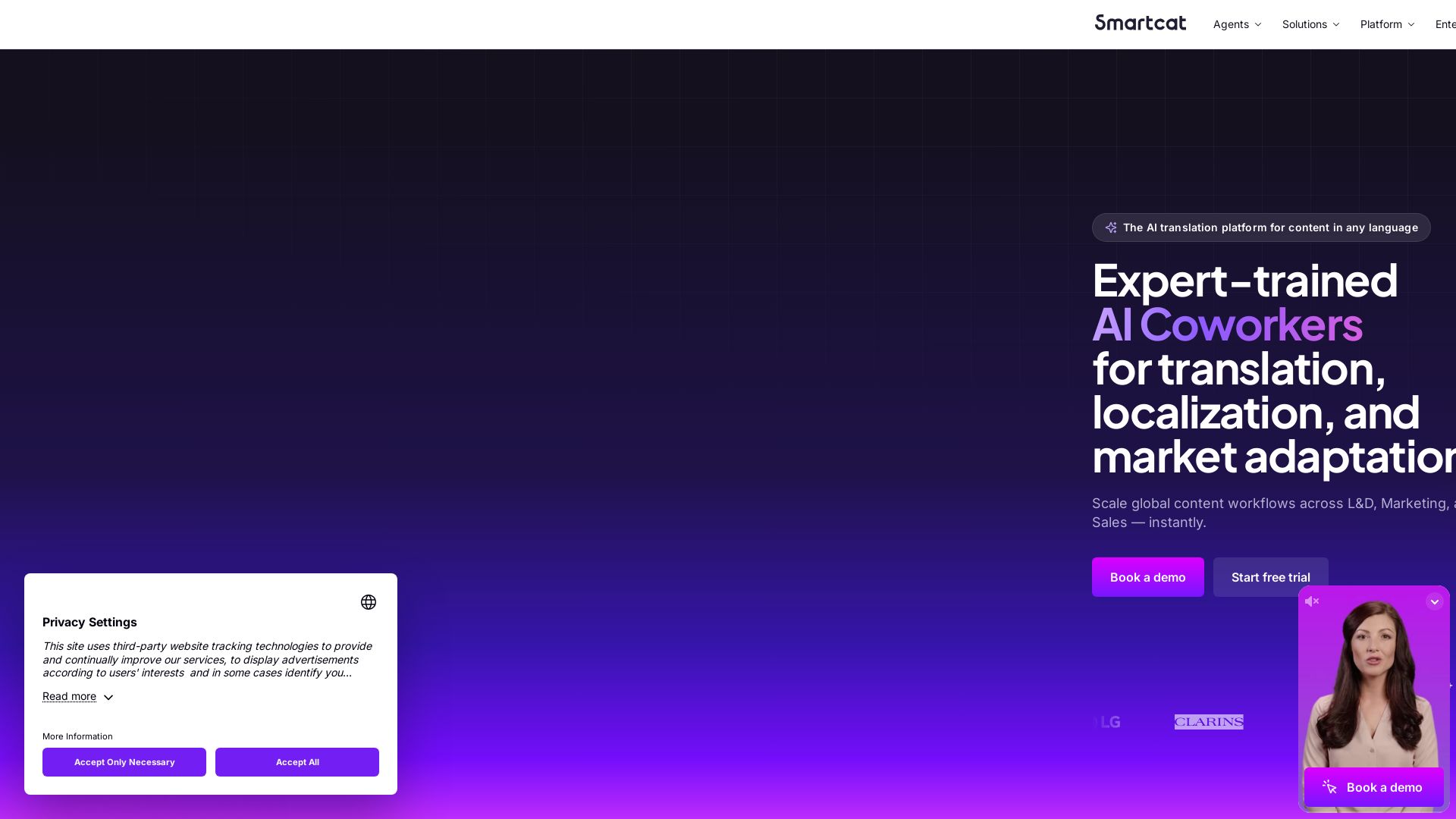
Smartcat
Translate content into 280+ languages with near-human accuracy. Scale global workflows for L&D, Marketing, and Sales. Trusted by 1,000+ enterprise brands


Figr
Ship better UX faster. Figr builds a living understanding of your product, maps flows, finds edge cases, and generates high-fidelity prototypes from your actual design system.

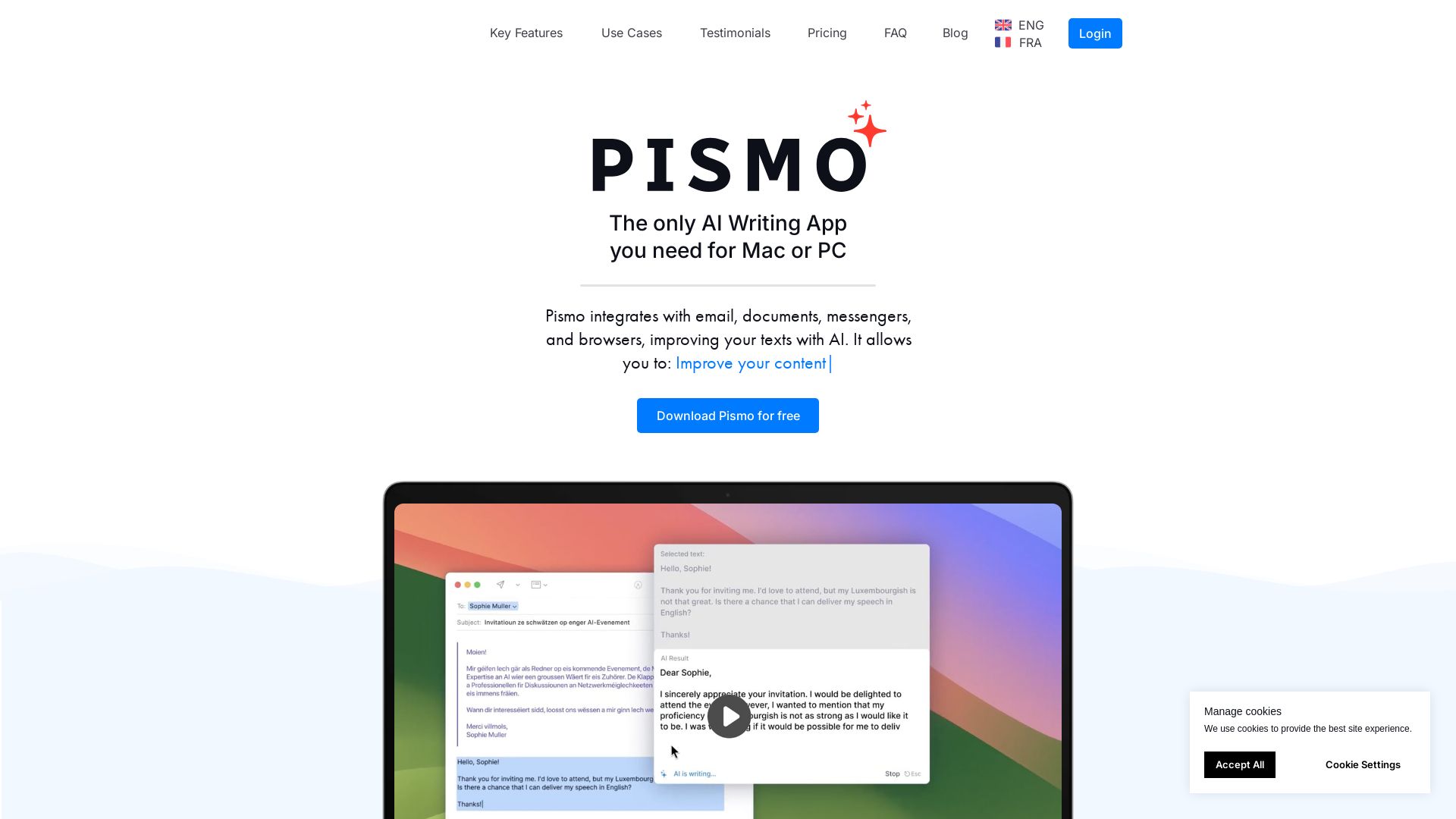
Pismo
Write faster, translate, change tone, and fix errors in any app. Pismo enhances your texts with AI. Download free for Mac or PC.

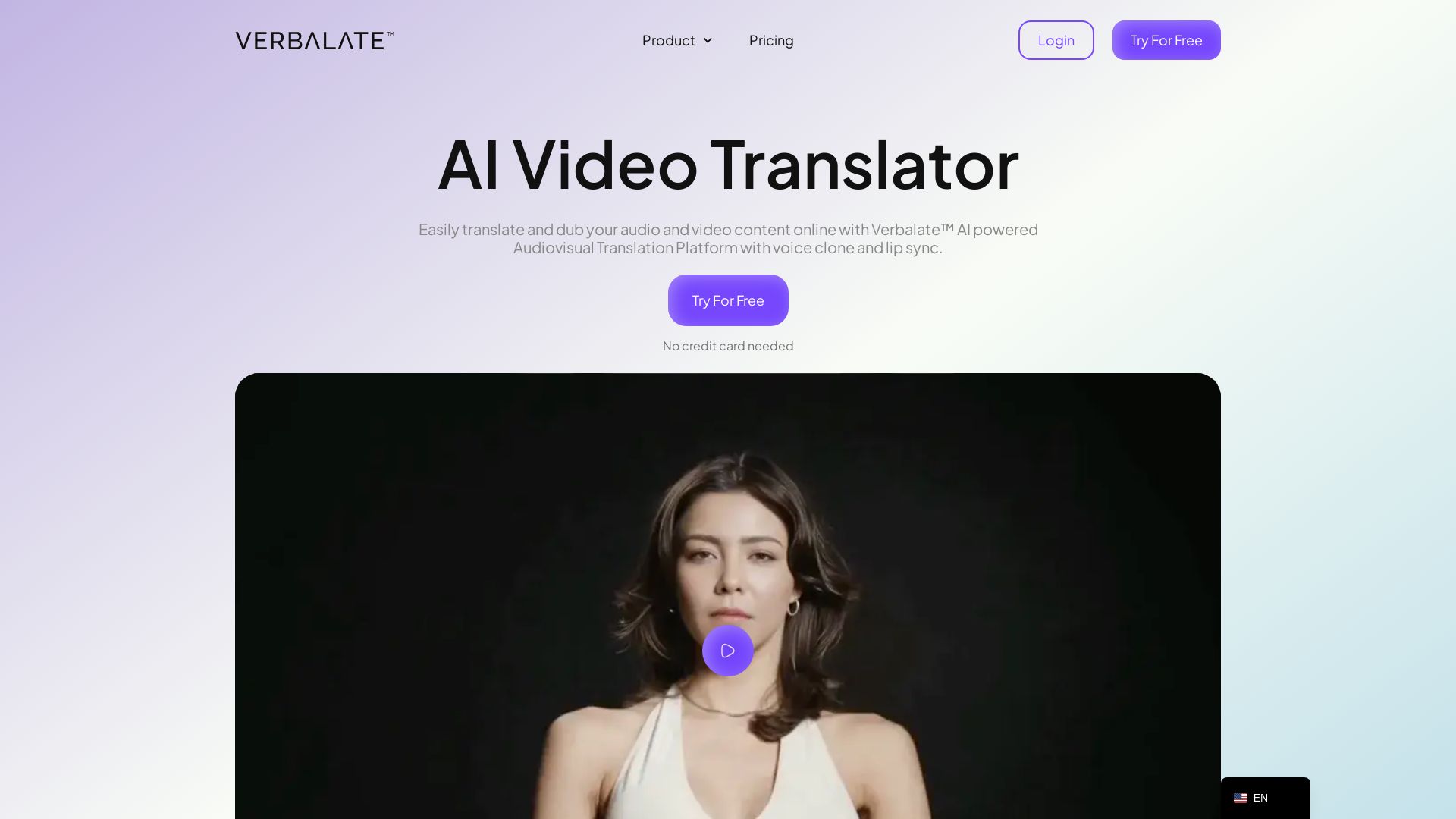
Verbalate
Translate and dub videos into 230+ languages with AI voice cloning and lip sync. Perfect for e-learning, YouTube, marketing. Globalize your content effortlessly.

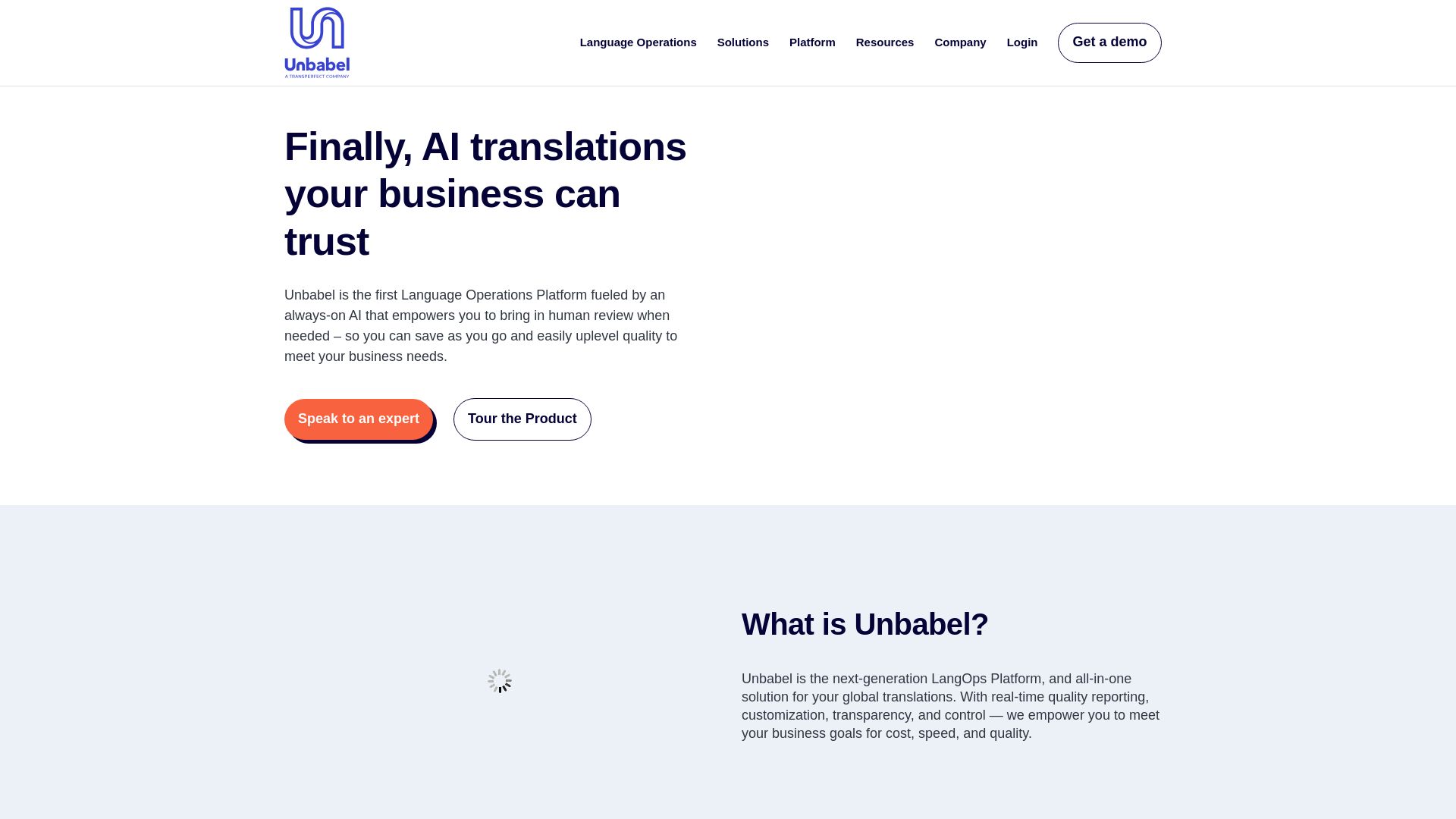
Unbabel
Unbabel's LangOps Platform: AI-driven translations with human review. Reduce costs, customize workflows, and ensure quality with real-time estimation. Trusted by leading brands.

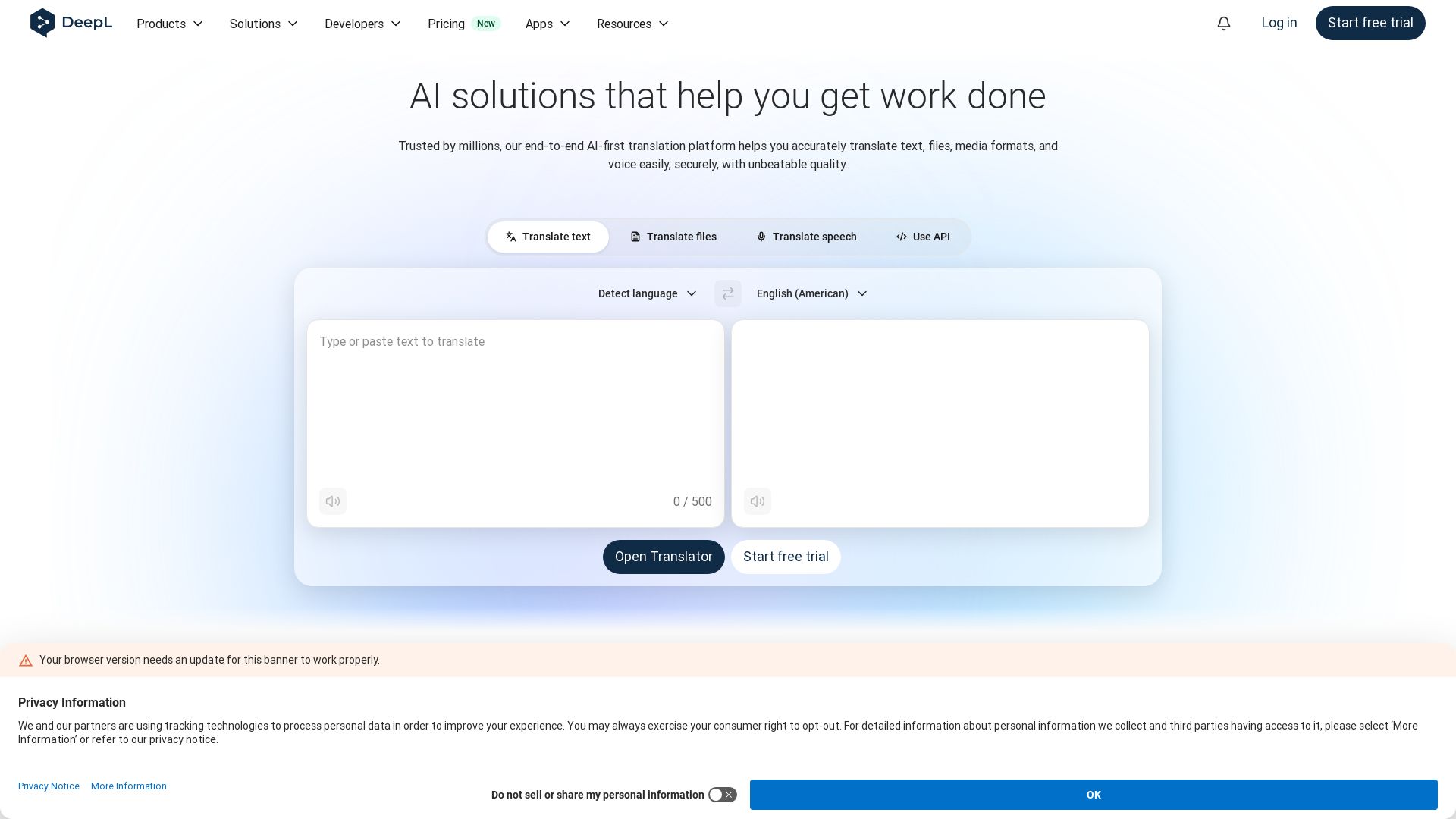
DeepL
Translate text, files, and speech with DeepL's AI-native technology. Trusted by 200,000+ businesses for secure, high-quality multilingual communication. Start free.

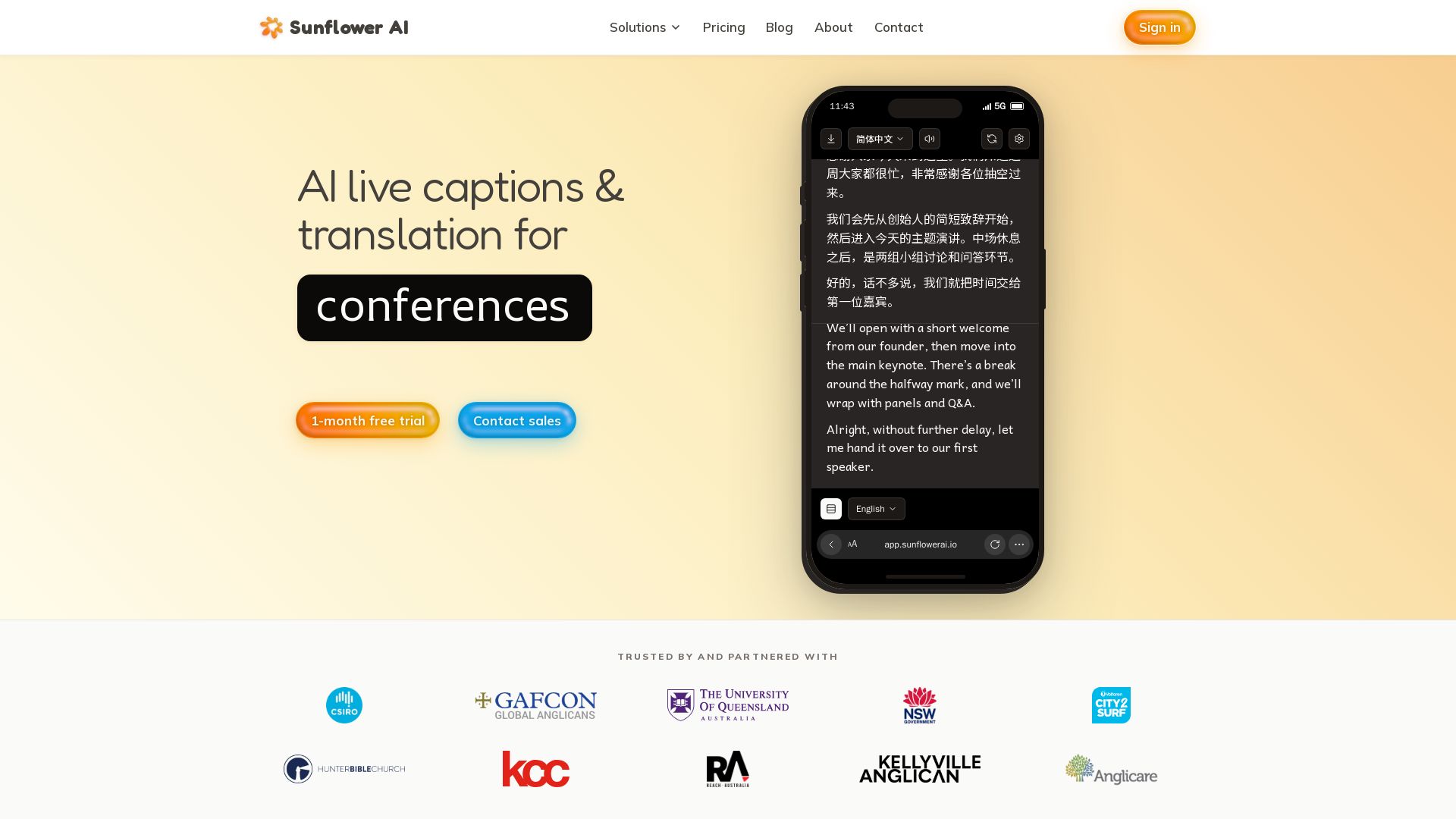
Sunflower AI
AI-powered live captions and real-time translation for multilingual audiences. One QR code, 83 languages. Trusted by churches and events. Start free trial.

Wordly
AI-powered live translation and captions for in-person, virtual, and hybrid events. Trusted by millions, affordable, accurate, and enterprise-ready. Get a demo.

ℹ️ Curation Disclosure: The overview and features of BeLikeNative were synthesized using AI and fact-checked by our curation team to ensure accuracy.
