
Agent CLI
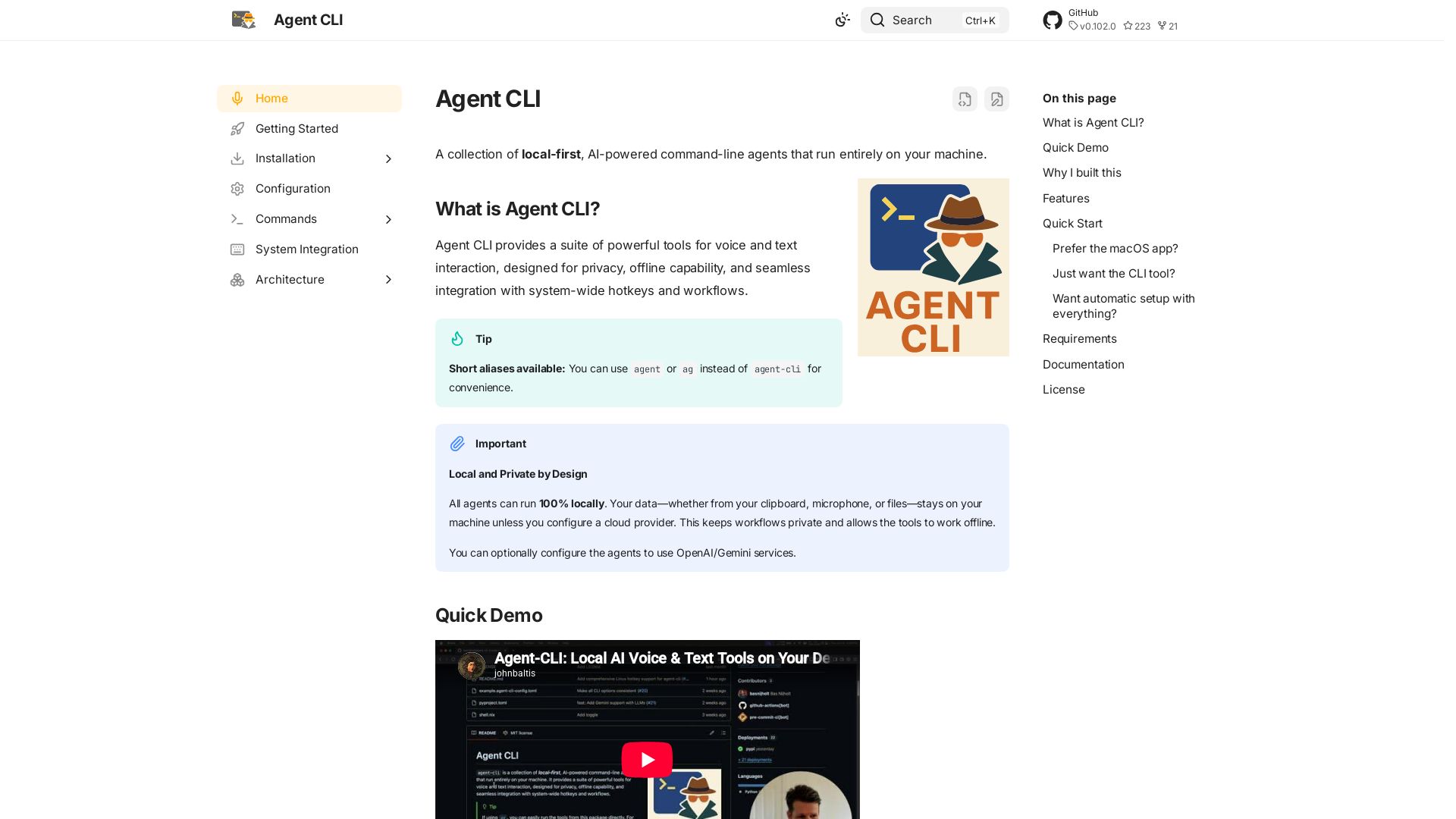
Private, offline AI agents for your terminal: voice, chat, autocorrect, and more. No data leaves your machine.
Editor's Verdict
Key Takeaways
- Autocorrect
- Transcribe
- Transcribe Live
- Diarize Live Session
In-Depth Review: What is Agent CLI?
Agent CLI provides a suite of powerful command-line tools that run entirely on your machine. Use voice transcription, autocorrect, text-to-speech, and conversational AI without sending data to the cloud. Supports hotkeys, local LLMs, and seamless system integration.
Core Features
Autocorrect
Correct grammar and spelling using a local LLM, keeping your data private.
Transcribe
Transcribe audio from microphone directly to clipboard with a hotkey.
Transcribe Live
Continuous background transcription with voice activity detection.
Diarize Live Session
Retroactively label speakers in saved transcribe-live sessions.
Speakers Management
List, rename, and merge persistent diarization speaker identities.
Speak
Convert text to speech using a local TTS engine.
Voice Edit
Edit clipboard text with voice commands like 'make this more formal'.
Assistant
Wake word-based voice assistant for hands-free interaction.
Chat
Conversational AI with tool-calling capabilities.
RAG Proxy
Chat with your documents via Retrieval-Augmented Generation.
Memory
Long-term memory system for persistent conversations.
Dev
Parallel development with git worktrees and AI coding agents.
Server
Local ASR and TTS servers with dual protocols (Wyoming & OpenAI) and multi-platform acceleration.
Pricing
Open Source (Free)
- All features including autocorrect, transcribe, voice-edit, assistant, chat, dev, server, and more
- 100% local and private
- Offline capable
- System-wide hotkeys
- MIT License
Pros and Cons
Pros
- Local & PrivateAll agents can run 100% locally. Your data stays on your machine unless you configure a cloud provider.
- Offline CapableWorks without internet; no external dependencies required for core functionality.
- System-wide HotkeysGlobal shortcuts (e.g., Cmd+Shift+R on macOS) for quick voice transcription and actions.
- Voice-First ProductivityTranscribe, edit, and interact using voice, reducing typing fatigue.
- Open SourceMIT licensed, fully transparent, and community-driven.
Cons
- Requires SetupNeeds Python/uv and installation of local AI services (Ollama, Whisper, etc.) for full functionality.
- Hardware RequirementsMicrophone and speakers required for voice features; local models may need significant CPU/GPU resources.
- macOS FocusMenu bar app and hotkey scripts are macOS-specific; Linux/Windows support may be limited.
- No Cloud SyncNo built-in cloud synchronization; configuration and data are local only.
- Learning CurveNumerous commands and services may be overwhelming for non-technical users.
Use Cases & Recommended Professions
Software Engineer→ View Toolkit
Speeds up coding workflows by allowing voice-driven context input, code review, and parallel development with AI agents.
Writer / Content Creator→ View Toolkit
Dictates text faster than typing, uses autocorrect and voice editing to polish drafts.
Student→ View Toolkit
Takes notes hands-free, transcribes lectures, and queries documents with RAG proxy.
Researcher→ View Toolkit
Analyzes papers via RAG, manages long-running conversations with memory, and uses live transcription for interviews.
Productivity Enthusiast→ View Toolkit
Automates repetitive tasks using local AI agents, hotkeys, and voice commands.
Privacy-Conscious User→ View Toolkit
Needs AI tools that run entirely offline without sending data to third parties.
Frequently Asked Questions
Alternative AI Tools
View Detailed Comparison →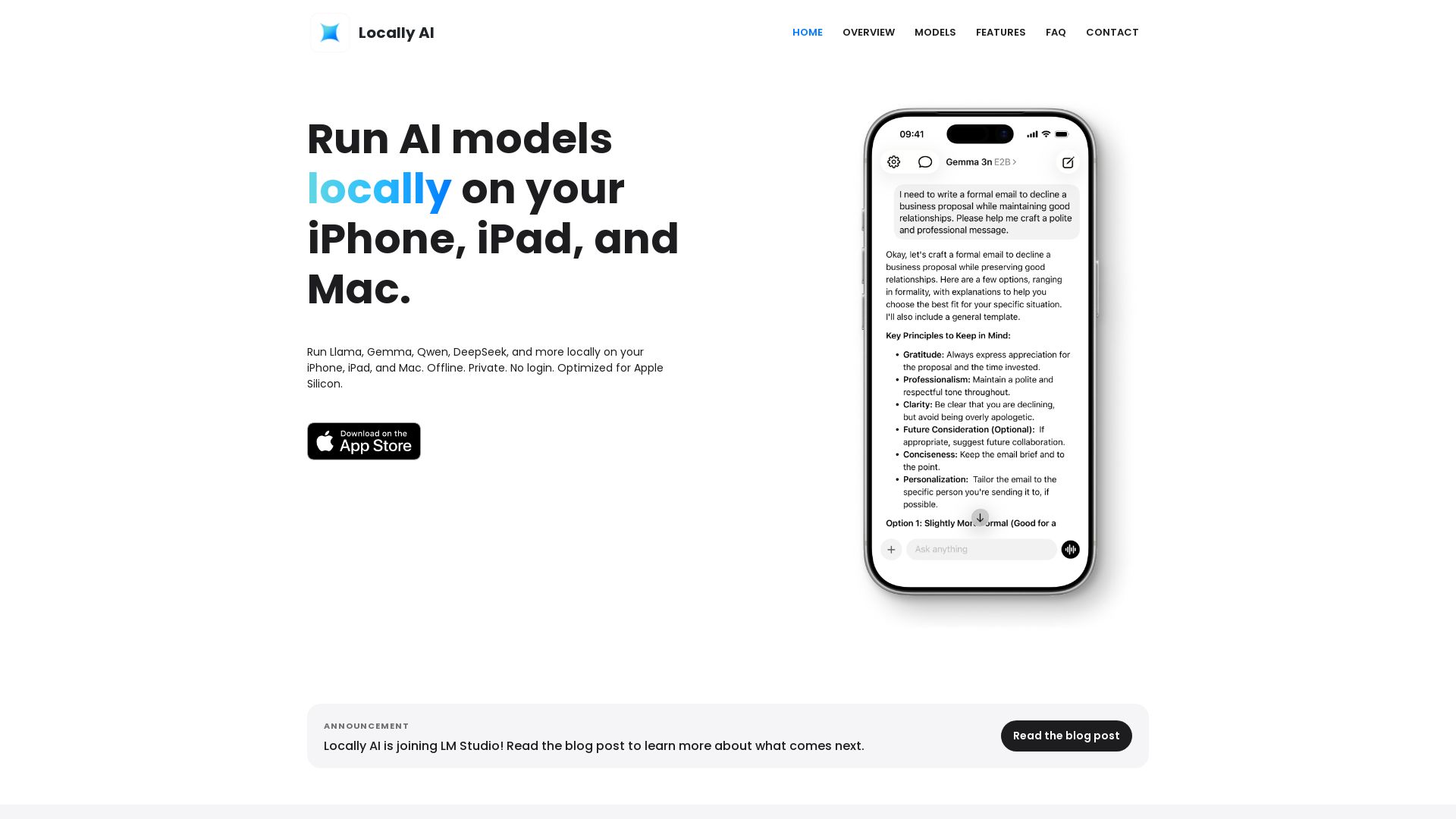
Locally AI
Run Llama, Gemma, DeepSeek & more locally on iPhone, iPad & Mac. Offline, private, no login. Apple Silicon optimized. Download now.

Cassandra Research
Australia's leading AI-powered tax and legal research platform. Instant analysis of ITAA 1997, ATO rulings, and case law for professionals.

Local AI
Download Local AI for Android. Private, offline AI chat with on-device LLM. No internet needed. Free and secure on Uptodown.

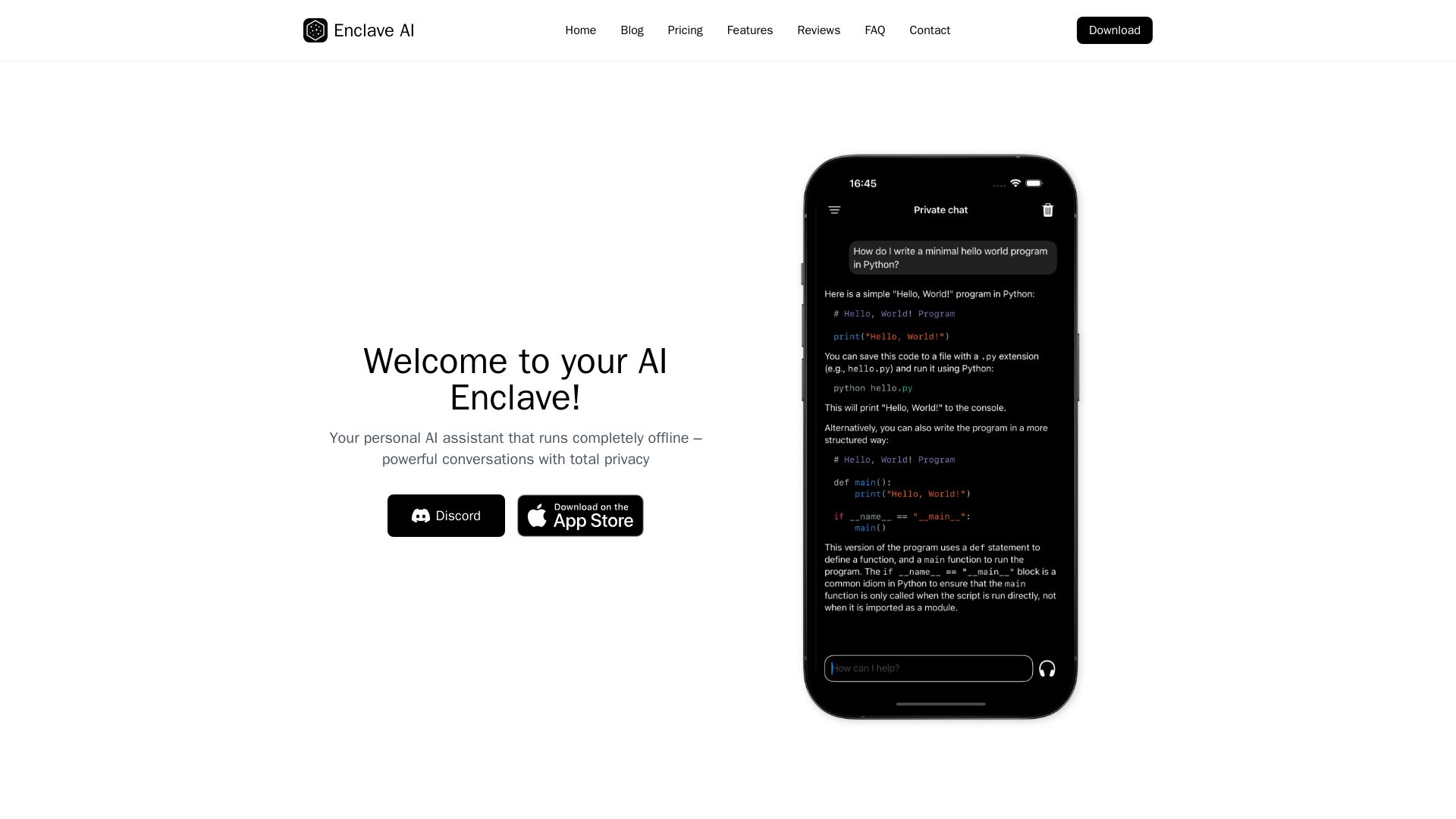
Enclave AI
Private offline AI assistant for iPhone & Mac. Voice chat, document support, custom AI. No cloud needed.

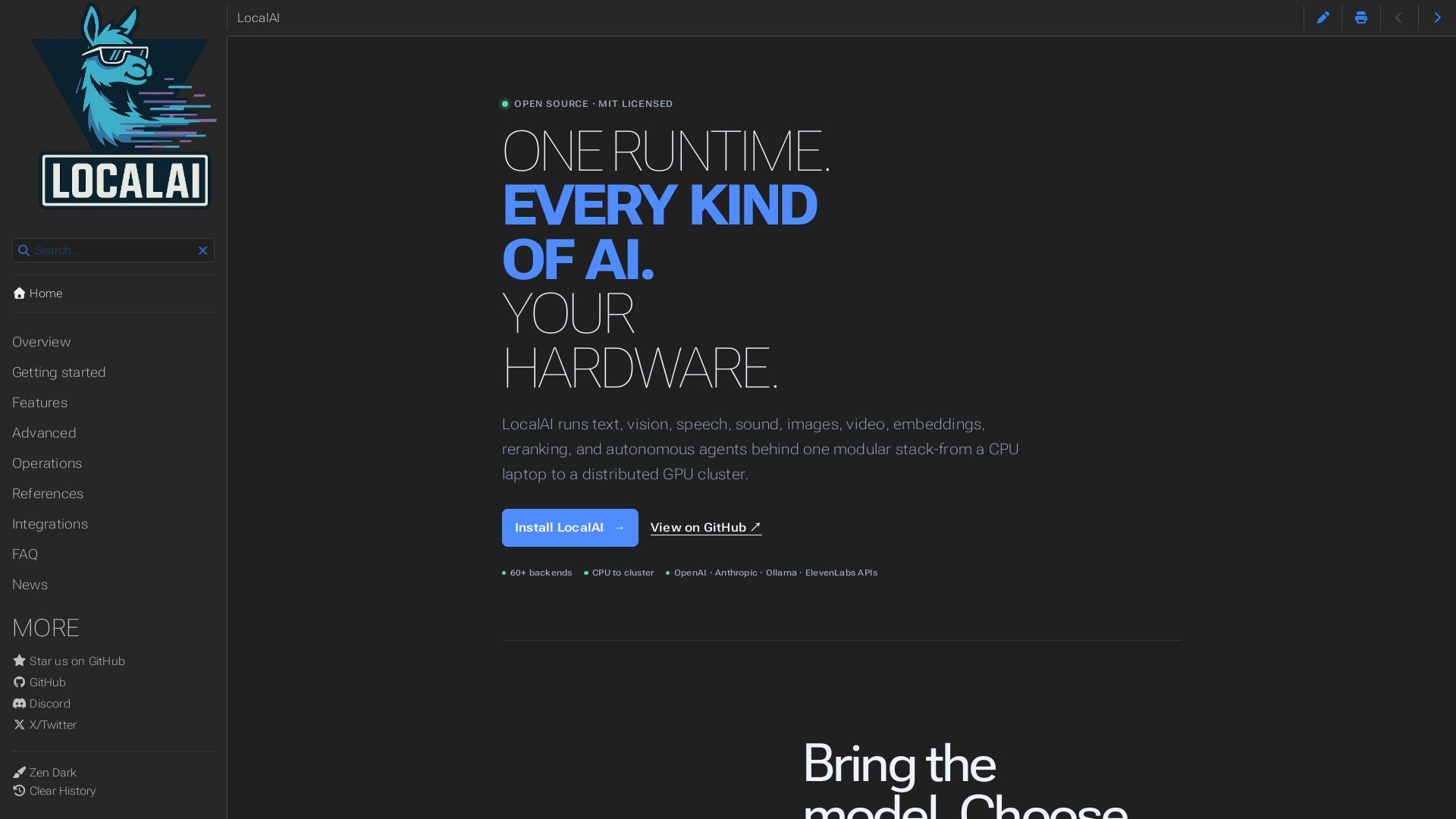
LocalAI
Open-source AI runtime running text, vision, speech, images, video on CPU to GPU. Build agents, realtime voice, and keep data private. MIT licensed.



IBM demonstrates extreme scale with a 100B vector ...
IBM Research invents the future of computing with quantum supercomputing, AI, and hybrid cloud. Explore breakthroughs, open-source tools like Qiskit and Granite models, and more.

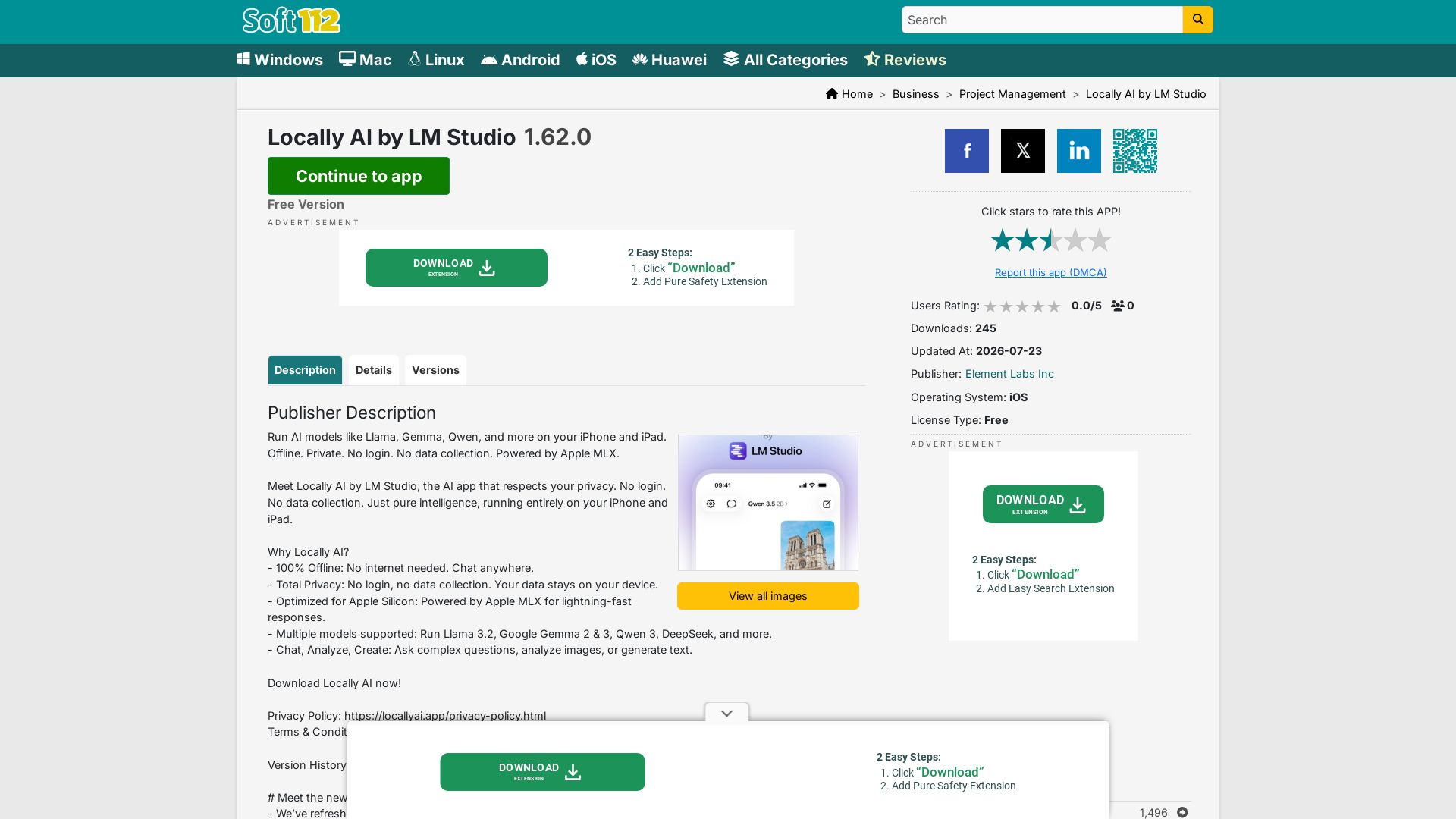
Locally AI
Run AI models like Llama, Gemma, Qwen offline on iPhone/iPad. Private, no login, no data collection. Powered by Apple MLX.

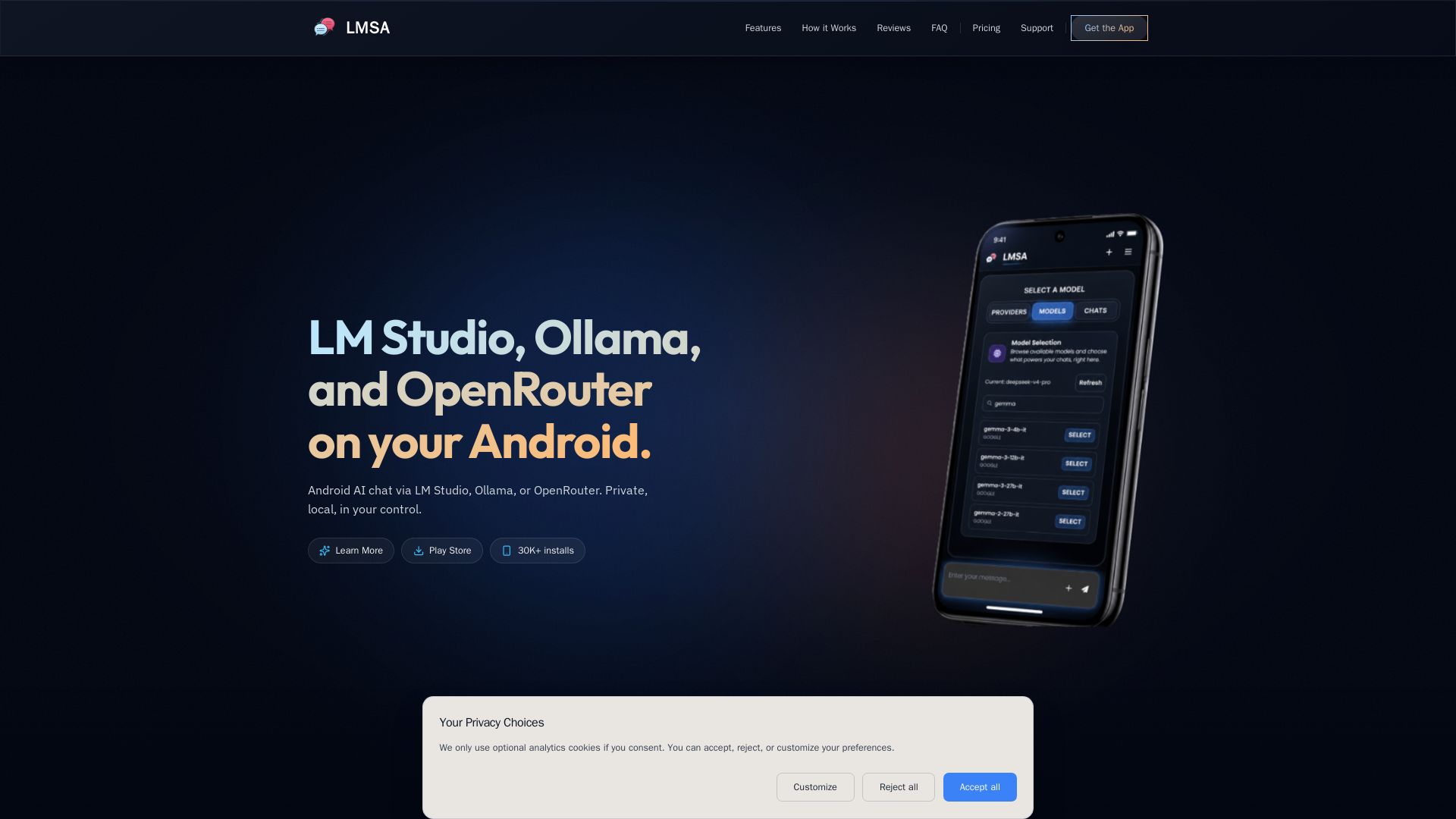
LMSA
Chat privately with AI on Android using local LM Studio/Ollama or cloud OpenRouter. Zero data retention, AES-256 encryption, voice mode. No subscriptions.


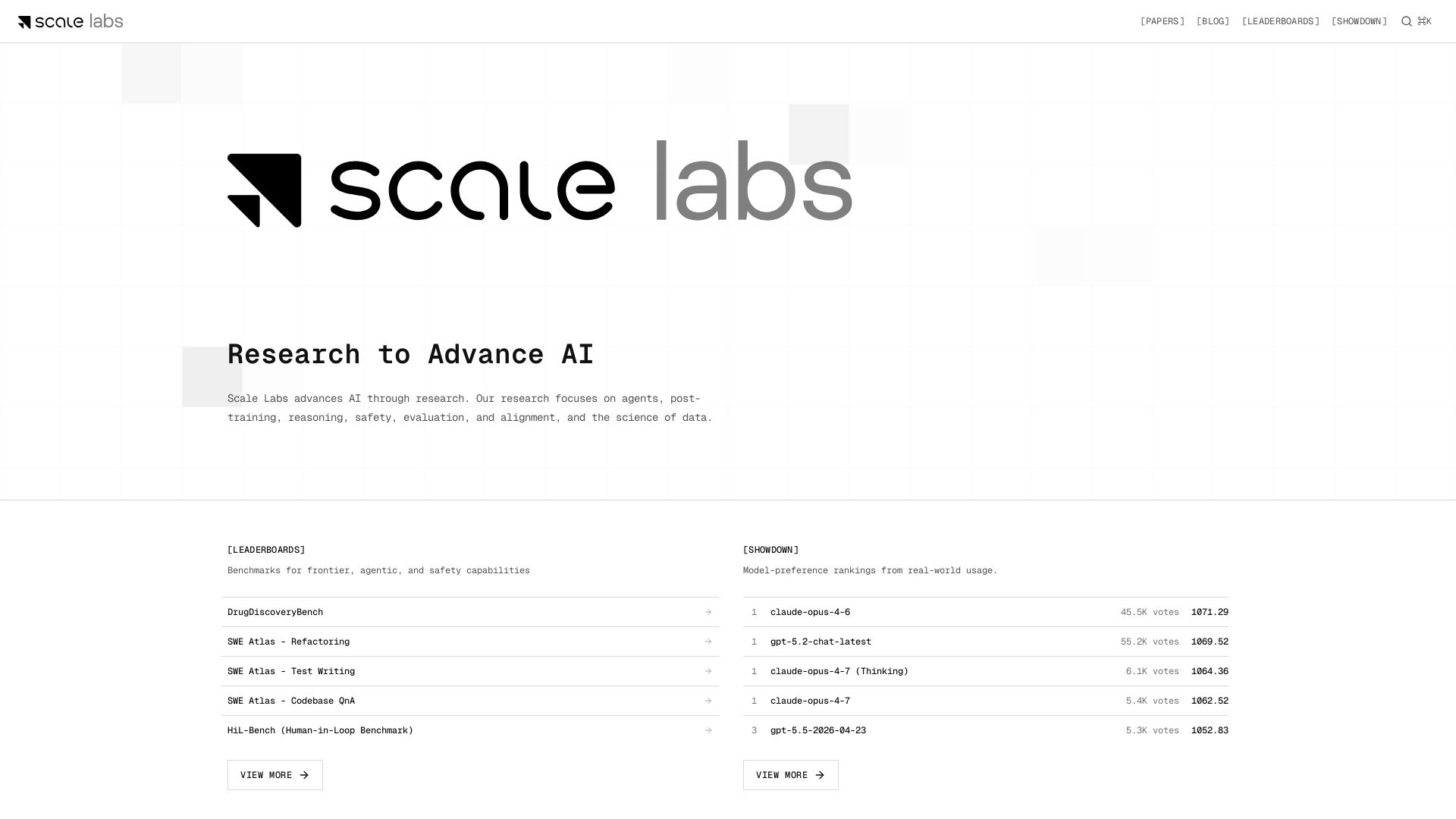
Scale Labs
Your hub for cutting-edge AI research on agents, safety, and evaluation. Explore leaderboards, model showdown rankings, and insightful blogs.

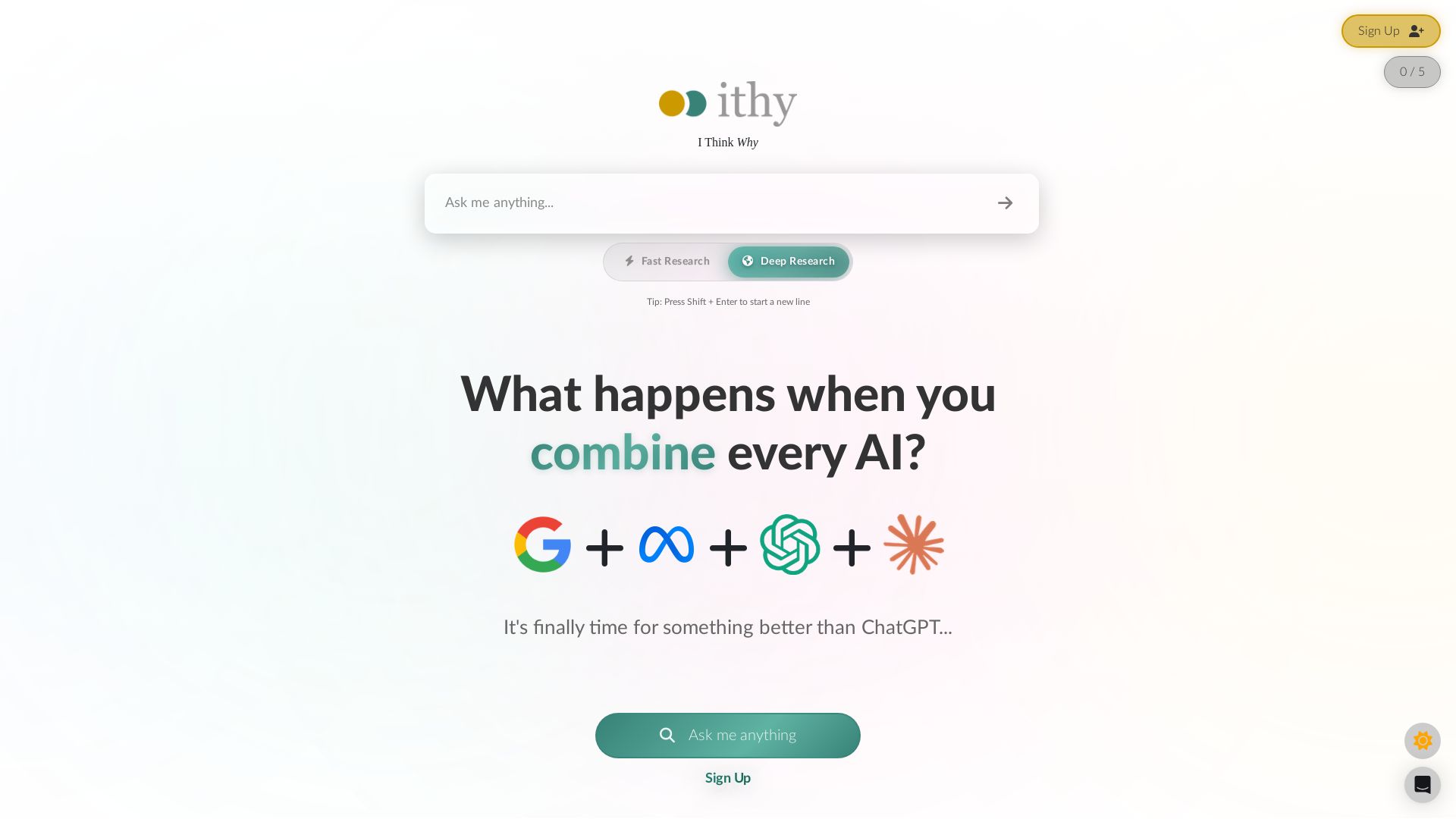
Ithy
Ithy aggregates top AIs (ChatGPT, Gemini, Perplexity) for 1-minute deep research. Interactive articles, rewards, #1 GPQA score. Try free.

ℹ️ Curation Disclosure: The overview and features of Agent CLI were synthesized using AI and fact-checked by our curation team to ensure accuracy.
