
WebsiteVoice
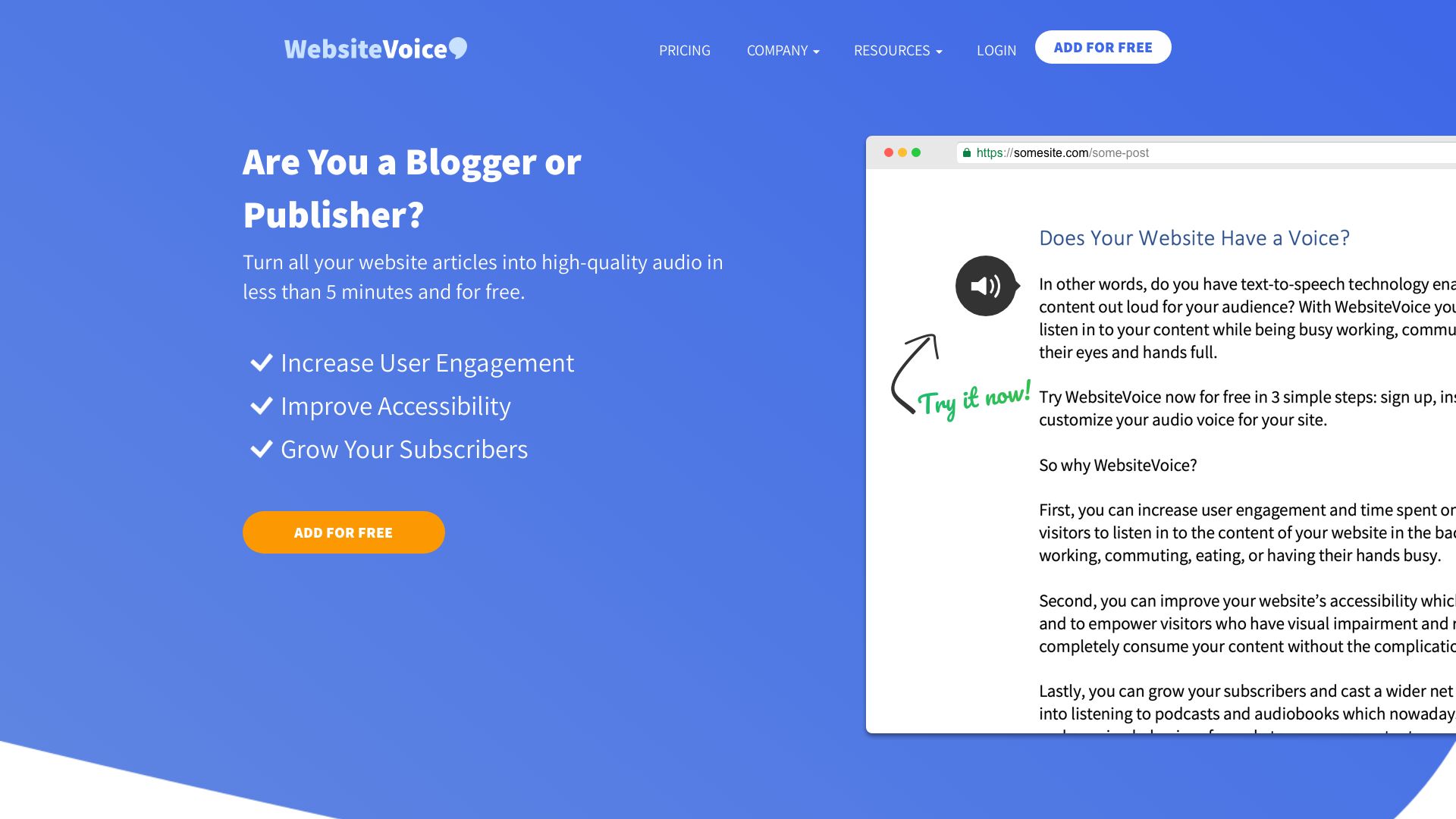
Turn articles into high-quality audio in minutes. Boost engagement, accessibility, and subscribers. Easy install, smart voices, 38+ languages.



Editor's Verdict
Key Takeaways
- Automatic Content Recognition
- Smart Natural Voice
- Multiple Languages Supported
- Speed Control with Pitch Maintenance
In-Depth Review: What is WebsiteVoice?
WebsiteVoice is a free text-to-speech tool for bloggers and publishers. With simple setup (sign up, customize, paste a script), you can let visitors listen to your content. Features include automatic content recognition, natural AI voices, multiple languages, speed control, and customizable widgets. Plans start free with a 14-day trial. Improve user engagement, accessibility, and grow your audience.
Core Features
Automatic Content Recognition
Automatically identifies key content on your website and converts it to speech without manual setup.
Smart Natural Voice
AI and machine learning algorithms generate realistic, non-robotic voices for an engaging listening experience.
Multiple Languages Supported
Supports 38+ languages including English, Spanish, French, Japanese, and more, expanding global reach.
Speed Control with Pitch Maintenance
Universal Voice Tailor (UVT) allows users to adjust speed from 80% to 170% while preserving natural pitch.
Customizable Widget
Highly customizable audio play button that can be styled to match your website's theme.
Social Sharing Button
Enables quick sharing of audio content to popular social media platforms, increasing virality.
MP3 Audio Download
Allows visitors to download and save audio files for offline listening, enhancing convenience.
WordPress Plugin
Dedicated plugin for easy integration on WordPress websites, simplifying deployment.
Custom Intro/Outro Text
Add personalized text at the beginning and end of audio plays for branding or calls-to-action.
Pricing
Starter
- 38 languages
- Customize widget
- Audio analytics
- 1* new audio plays per day
- Social sharing
- No audio or text ads
- Removal of WebsiteVoice watermark
- Additional voices
- Accessibility features
- Help visual impairment global non-profit
- Ticket support
- Faster audio conversion
- Custom text at the beginning and end
- MP3 audio downloads
- Voice speed control UVT
Premium
- 38 languages
- Customize widget
- Audio analytics
- 5* new audio plays per day
- Social sharing
- No audio or text ads
- Removal of WebsiteVoice watermark
- Additional voices
- Accessibility features
- Help visual impairment global non-profit
- Ticket Support
- Faster audio conversion
- Custom text at the beginning and end
- MP3 audio downloads
- Voice speed control UVT
Professional
- 38 languages
- Customize widget
- Audio analytics
- 10* new audio plays per day
- Social sharing
- No audio or text ads
- Removal of WebsiteVoice watermark
- Additional voices
- Accessibility features
- Help visual impairment global non-profit
- Priority Support
- Faster audio conversion
- Custom text at the beginning and end
- MP3 audio downloads
- Voice speed control UVT
Pros and Cons
Pros
- Increase User EngagementLet visitors listen to your content while multitasking, increasing time spent on your website.
- Improve AccessibilityEmpower visitors with visual impairments or reading disabilities to consume content effortlessly.
- Grow SubscribersCapture a wider audience that prefers listening to reading, boosting subscription rates.
- Easy SetupSign up, customize the button, and install with a single script line in under 5 minutes.
- Natural VoicesAI-powered voices that sound realistic, avoiding the robotic tone of traditional text-to-speech.
Cons
- Limited Free TrialOnly a 14-day free trial is available; after that, paid plans are required.
- Daily Play CapsPaid plans have daily limits on new audio plays (1, 5, or 10 plays per day), which may be restrictive for high-traffic sites.
- Single Website Per AccountEach account can only be used for one website, requiring separate accounts for multiple sites.
- No Offline Playback on FreeMP3 downloads for offline listening are only available on paid plans.
- Requires Internet for PlaybackAudio streams online, so visitors need an internet connection to listen.
Use Cases & Recommended Professions
Blogger→ View Toolkit
Convert blog posts into audio to reach busy readers who prefer listening while commuting or multitasking.
Publisher→ View Toolkit
Improve user engagement and accessibility by turning articles into audio, catering to diverse audiences.
E-Learning Content Creator→ View Toolkit
Provide audio versions of courses to accommodate different learning styles and improve retention.
News Editor→ View Toolkit
Allow readers to listen to news on the go, increasing time spent on site and subscriber growth.
Podcast Producer→ View Toolkit
Easily create audio versions of written content to expand podcast offerings and repurpose material.
Marketer→ View Toolkit
Boost website metrics like engagement and subscription rates by offering an audio alternative to text.
Frequently Asked Questions
Alternative AI Tools
View Detailed Comparison →
Marketing Mary
Unify research, creation, publishing & optimization with one AI Co-Pilot. Works in your existing stack. Join 500+ leaders on the waitlist.


Marketing Titan
Replace HubSpot, ZoomInfo, Hootsuite & Jasper with 180+ AI agents & Darwin AI. Save $50K+/yr. Start free trial.


Marketing Copilot
Boost AI visibility, engage buyers, and manage data with expert-led marketing. Trusted by tech companies. Claim your AI Visibility Assessment.

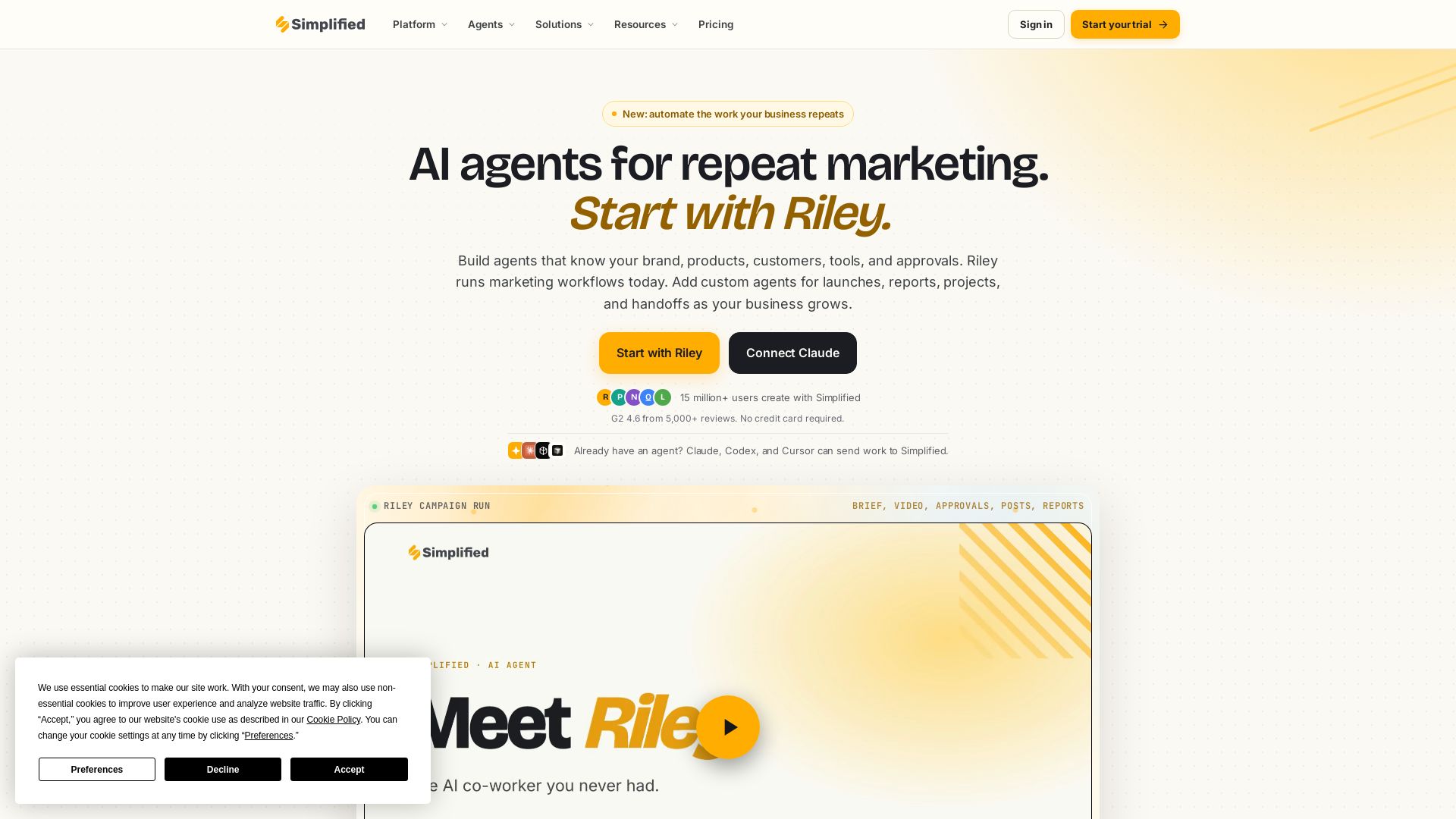
Simplified
Automate end-to-end marketing campaigns with Riley AI. Plan, create, approve, publish, and report. Trusted by 15M+ users. Start free.

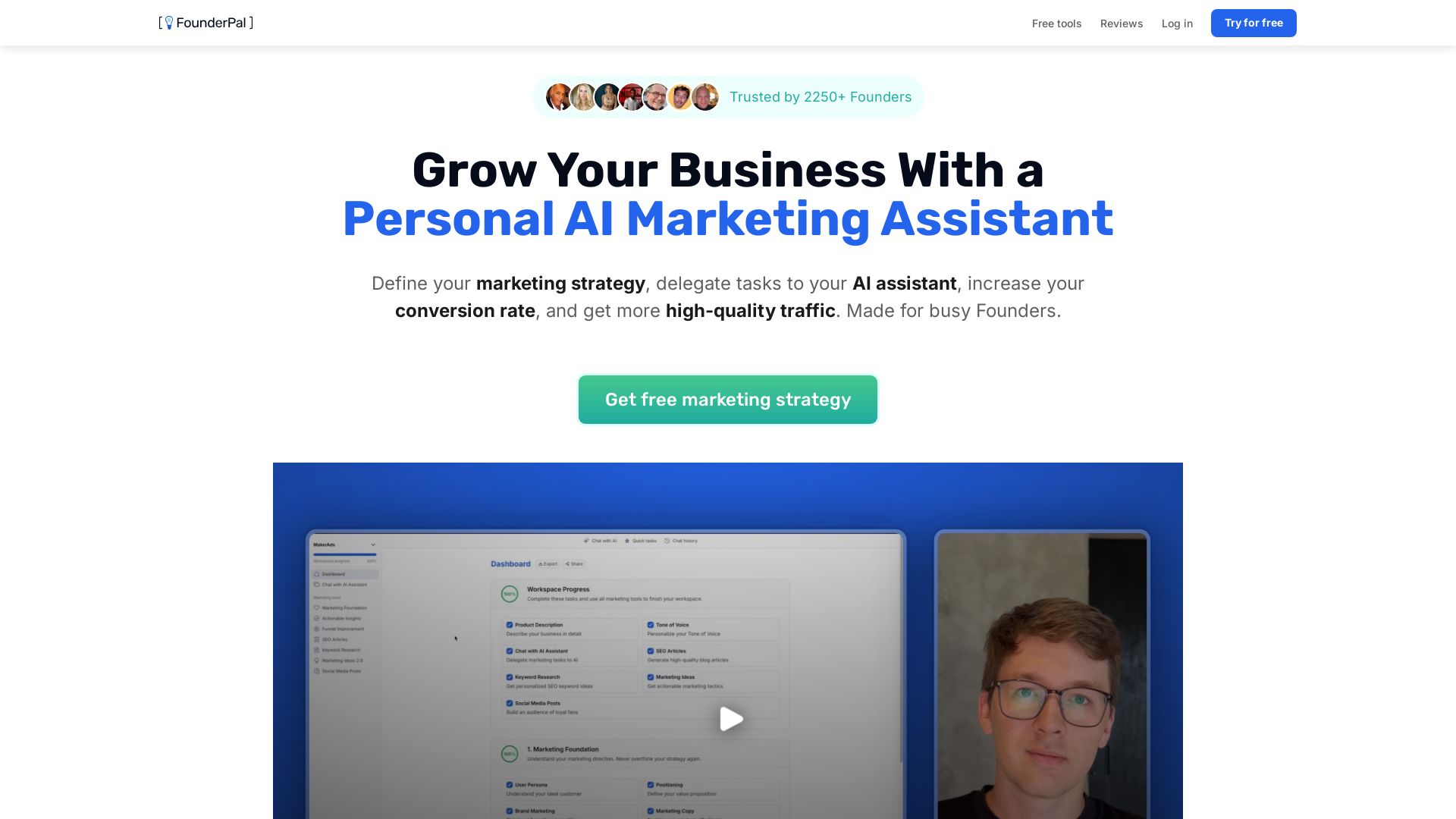
FounderPal
Trusted by 2250+ founders. Get a personal AI marketing assistant to define strategy, delegate tasks, boost conversions. Save 100+ hours/month. Try free.


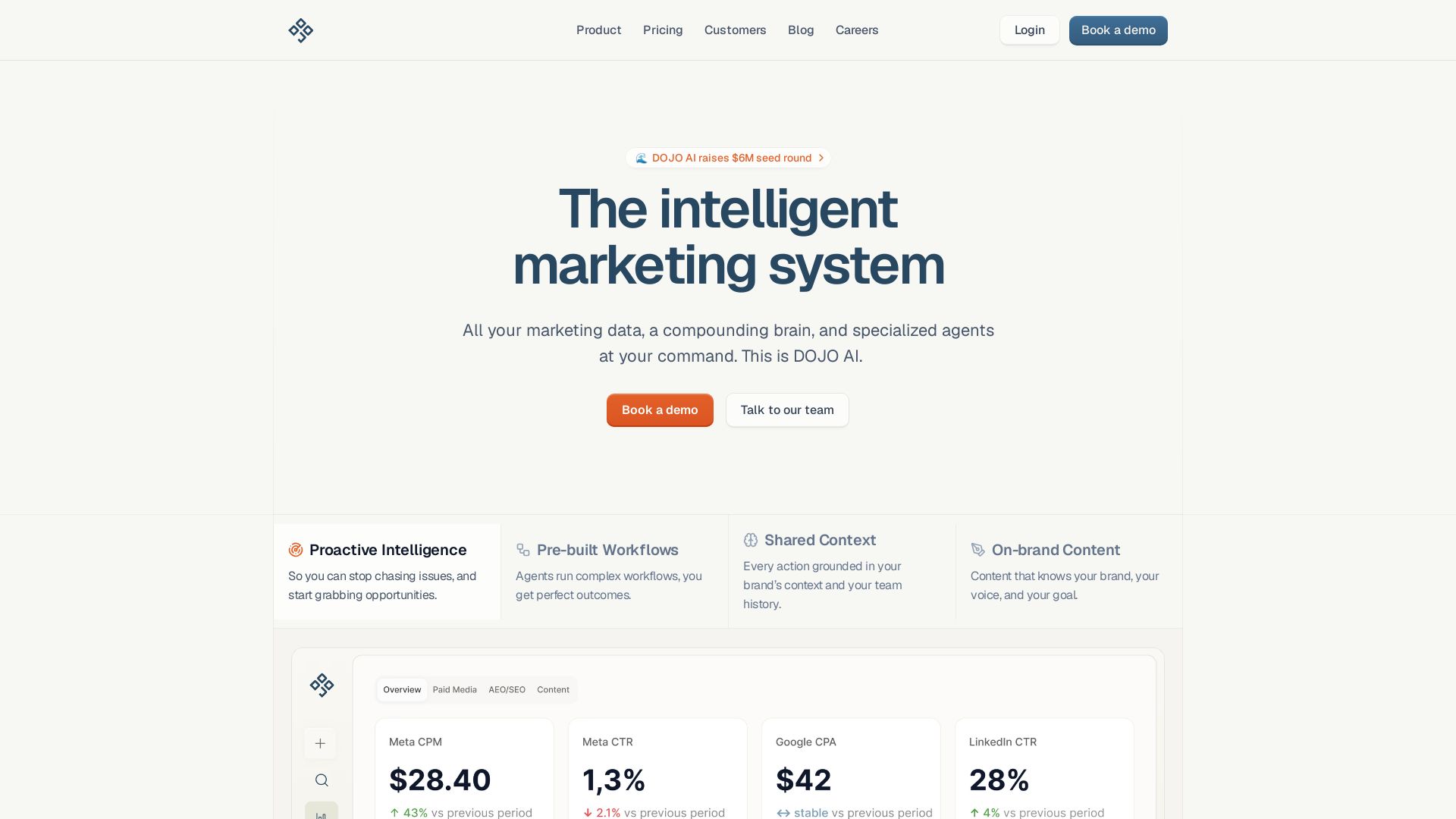
DOJO AI
All your marketing data, a compounding brain, and specialized agents at your command. Reduce CPA, boost efficiency. Book a demo.

Jasper
Jasper is the AI-powered execution platform for marketing teams. Orchestrate 100+ agents to automate campaigns, scale content, and maintain brand voice. Get cited by AI search.

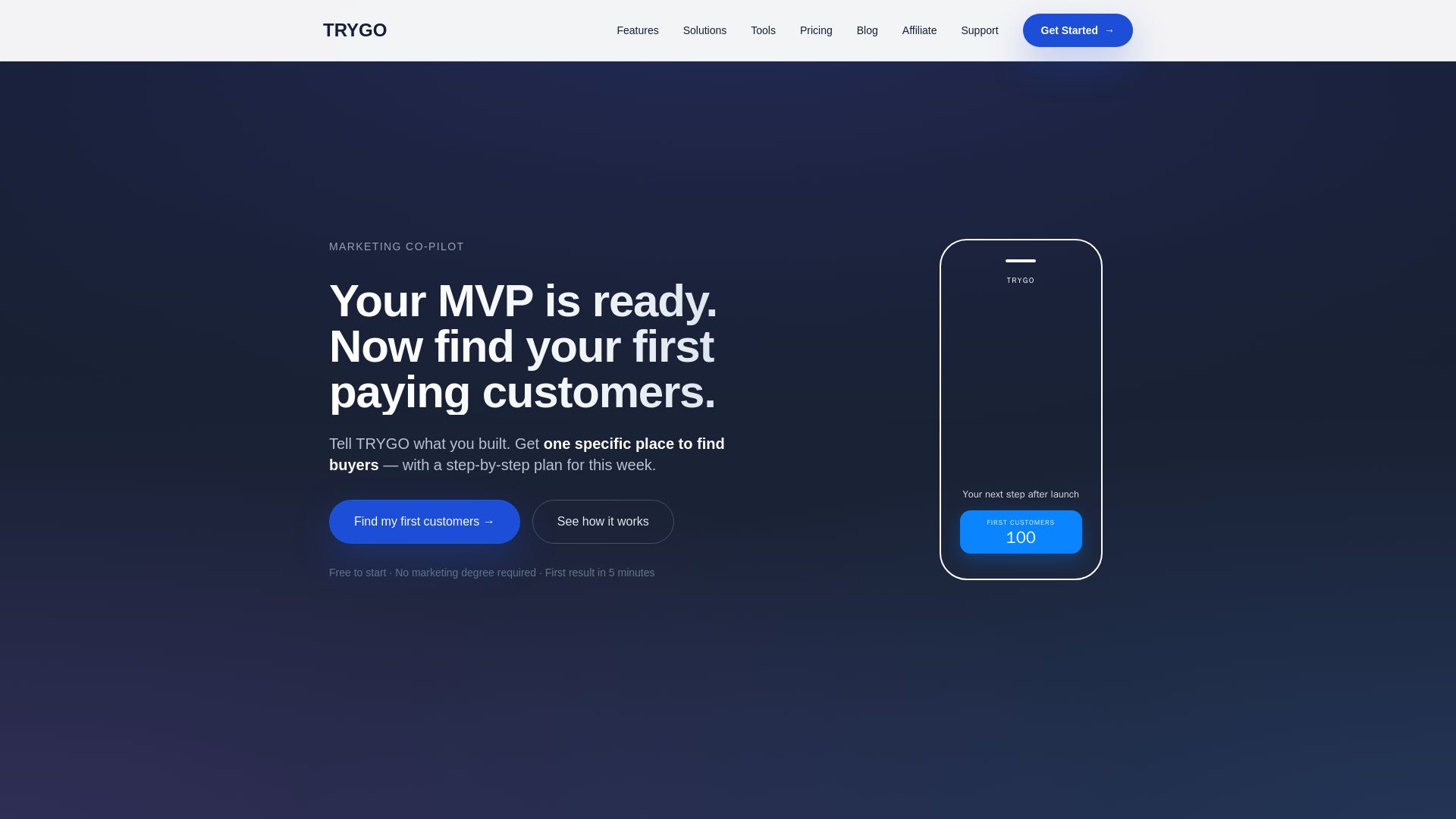
TRYGO
Find your first paying customers with AI-driven marketing strategy, channel recommendations, and GTM plans. Free to start.

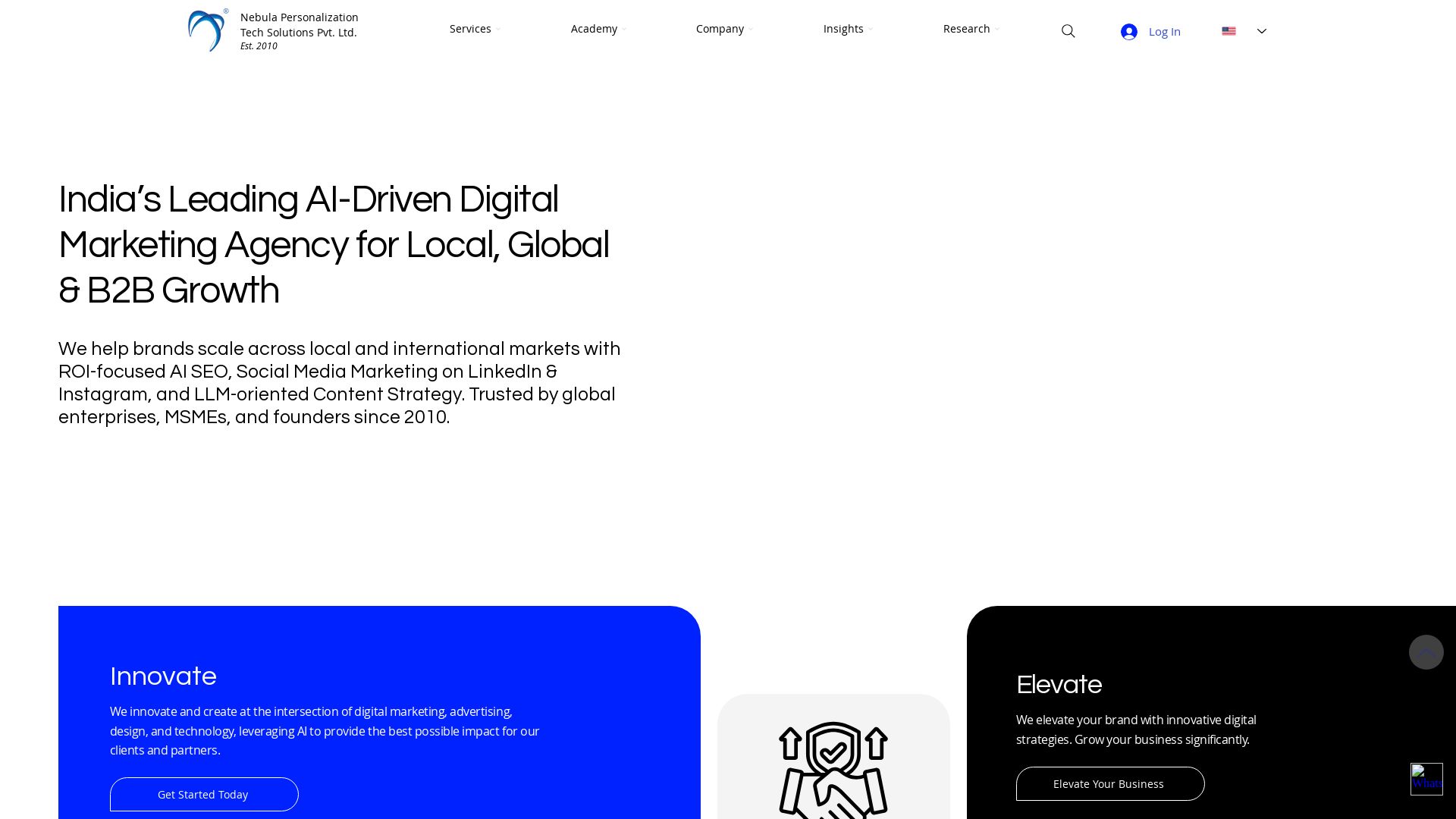
Nebula
India's leading AI digital marketing agency since 2010. We boost ROI with AI SEO, social media, and LLM content strategy for B2B and global brands.
Adsmurai
Adsmurai connects campaigns, media, creative assets, and data into a governed marketing system. Use AMP and Kata AI to automate workflows, measure impact, and scale growth.

AI SEO
SEO.AI is the AI SEO agent that creates ranking content, builds backlinks, and grows your visibility on Google and AI assistants automatically. Zero extra work.

ℹ️ Curation Disclosure: The overview and features of WebsiteVoice were synthesized using AI and fact-checked by our curation team to ensure accuracy.