
Voice Creator Pro
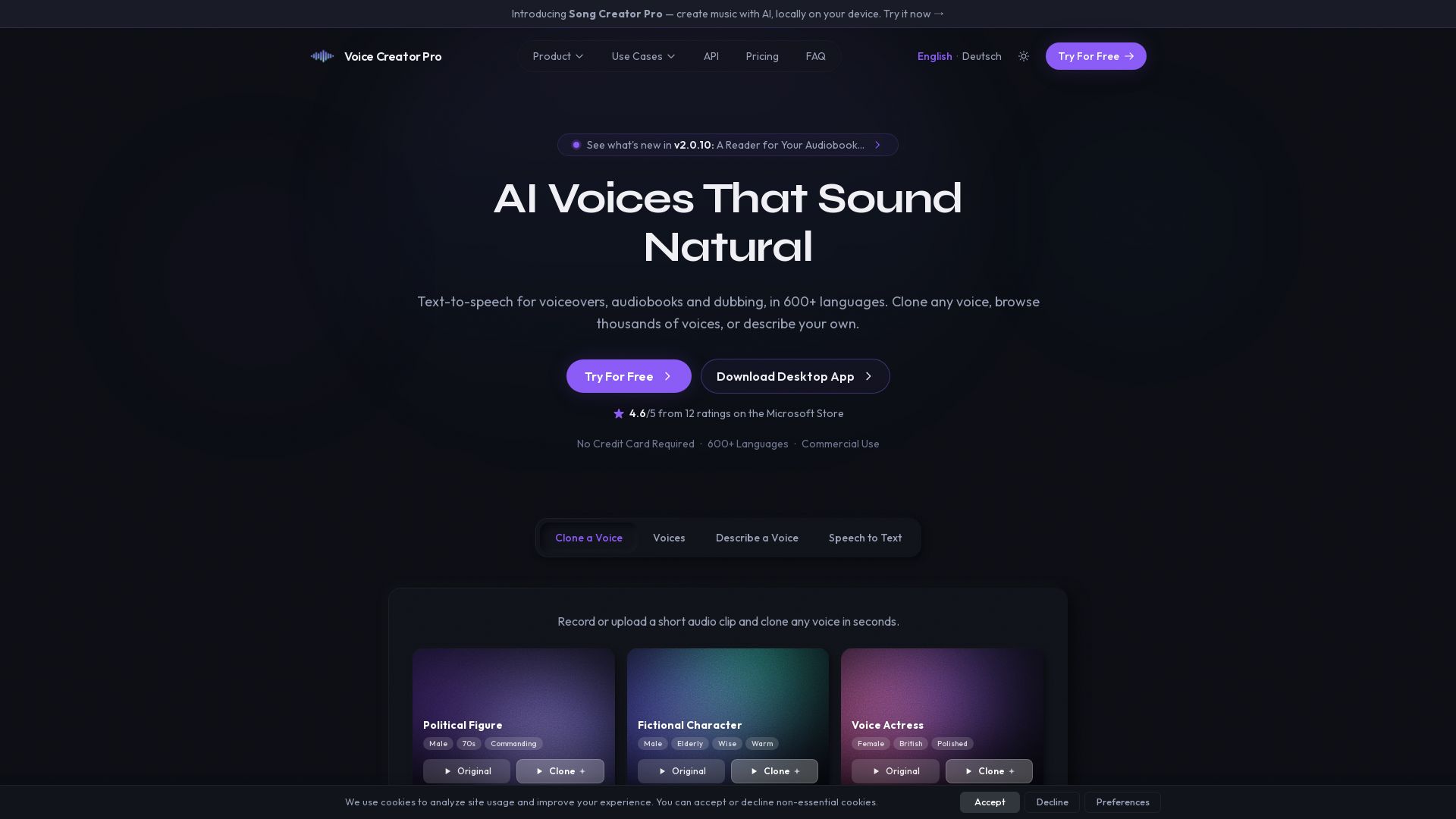
Clone any voice from 3 seconds of audio. 600+ languages, emotional speech, and full commercial rights. Try free no credit card.
Editor's Verdict
Key Takeaways
- Hyper-Realistic Voice AI
- Thousands of Built-in Voices
- Long-Form Audio Control
- 600+ Languages Supported
In-Depth Review: What is Voice Creator Pro?
Voice Creator Pro is a cutting-edge AI voice generator that lets you clone any voice with just 3 seconds of audio, or design your own from a library of thousands. With support for 600+ languages, emotional speech, and full commercial use, it's ideal for audiobooks, podcasts, YouTube, and more. Available as a desktop app (offline, unlimited) or cloud (free tier available).
Core Features
Hyper-Realistic Voice AI
State-of-the-art technology that clones a voice from just 3 seconds of audio or generates realistic voices from description.
Thousands of Built-in Voices
Browse and clone from a library of thousands of voices across different ages, accents, and styles.
Long-Form Audio Control
Manage entire audiobooks, courses, and podcasts with paragraph-level voice assignment, pacing adjustments, and chapter markers.
600+ Languages Supported
Clone and design voices in 600+ languages including English, Chinese, Japanese, Korean, German, French, Spanish, and many more with natural pronunciation.
Emotional Speech
Generate speech with 13 emotions like angry, sad, dramatic, and excited at varying intensities using cloned voices.
Commercial Use
Full commercial use allowed. Use cloned voices in your videos, podcasts, and products without royalties or attribution.
Pricing
Free (Cloud)
- 10,000 tokens/month (~8 hrs audio)
- Voice cloning & Design
- Voice changer
- Speech to text
- Subtitles generator
- Files kept for 30 days
Starter (Cloud)
- 250,000 tokens/month (~80 hrs audio)
- Everything in Free
- 10× monthly tokens
- Video dubbing
- Audiobook export
- No 30-day storage limit
Premium (Cloud)
- 1,500,000 tokens/month (~500 hrs audio)
- Everything in Starter
- 6× Starter's monthly tokens
Lifetime (Desktop App)
- Unlimited generations
- Runs fully offline
- Voice cloning & Design
- Video dubbing & audiobook export
- Speech to text & voice changer
- Files stay on your device
Enterprise
- Custom token volume
- SLA & uptime guarantee
- Dedicated account manager
- Priority processing
Pros and Cons
Pros
- High-Quality Voice CloningCreates realistic voice clones from just 3 seconds of audio, suitable for professional use.
- Unlimited Generations (Desktop)Desktop app offers unlimited generations with a one-time payment, no ongoing costs.
- Full Offline CapabilityDesktop app runs 100% offline, ensuring privacy and no internet dependency.
- Commercial Rights IncludedAll plans grant full commercial rights to use generated audio in any project.
- Extensive Language and Voice LibrarySupports 600+ languages and thousands of built-in voices for diverse applications.
Cons
- Desktop App Requires Powerful HardwareRequires a dedicated GPU with 8GB+ VRAM, which may not be available on all computers.
- Cloud Plans Have Token LimitsCloud subscriptions cap monthly output, which may not suit high-volume users without upgrading.
- Free Cloud Tier is LimitedOnly 10,000 tokens per month (~8 hours audio) and files expire after 30 days.
- No Free Tier for Desktop AppDesktop app requires upfront purchase with no free trial available.
- Peer Network Dependency for Cloud SavingsLower token cost via peer network is not guaranteed; may fall back to standard pricing.
Use Cases & Recommended Professions
Content Creator / YouTuber→ View Toolkit
Generate voiceovers, dubbing, and character voices for videos quickly and cost-effectively.
Audiobook Narrator→ View Toolkit
Produce professional audiobooks with long-form audio controls, chapter markers, and voice cloning.
Podcaster→ View Toolkit
Create podcast intros, ads, or entire episodes with cloned voices and multi-language support.
E-Learning Developer→ View Toolkit
Develop educational courses with natural-sounding narration in 600+ languages.
Game Developer→ View Toolkit
Add voice acting to games with character voices created from descriptions or cloning.
Video Dubbing Professional→ View Toolkit
Dub video content into multiple languages while preserving original voice characteristics.
Frequently Asked Questions
Alternative AI Tools
View Detailed Comparison →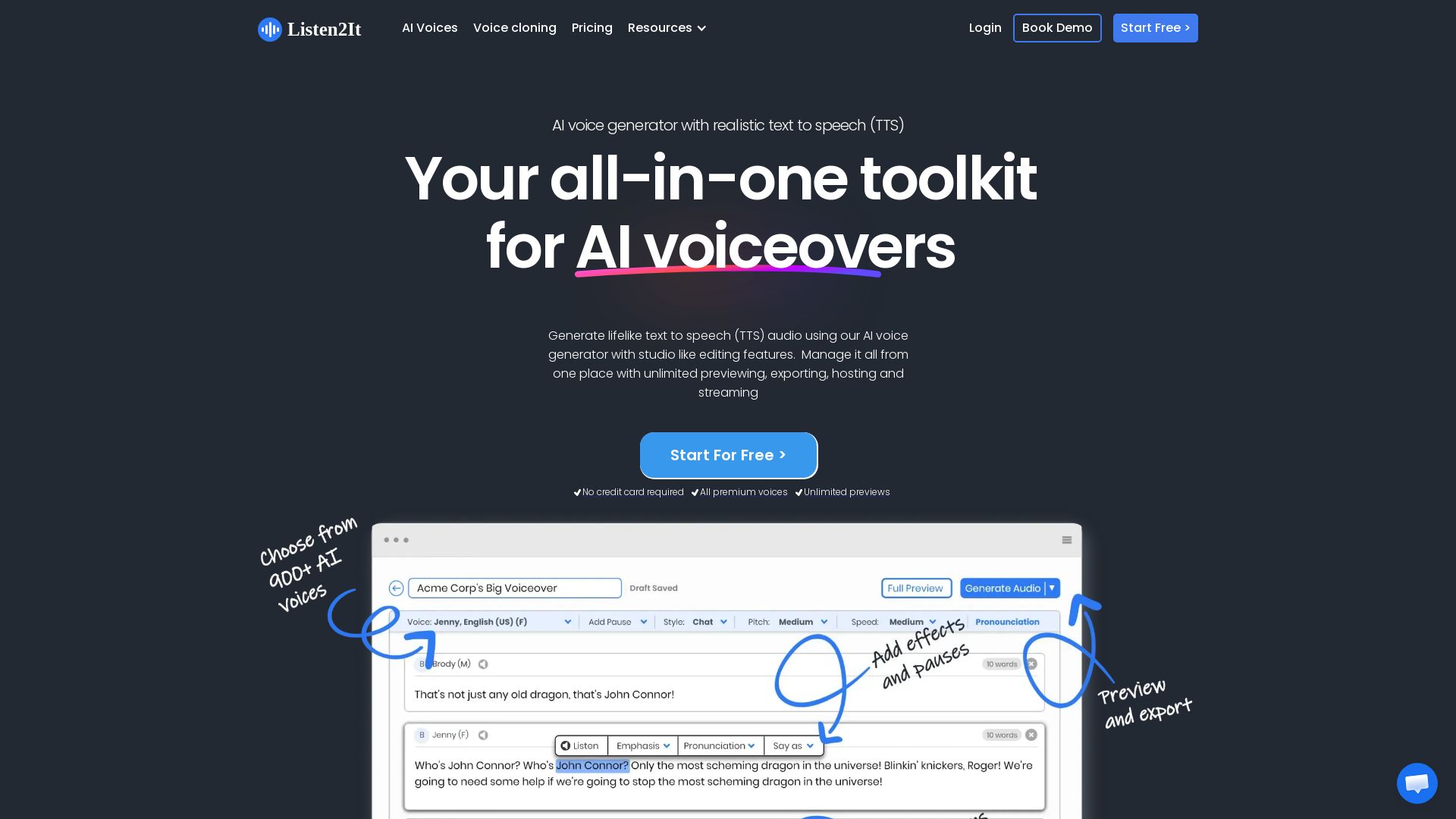
Listen2It
Create lifelike AI voiceovers with 900+ voices in 145+ languages. Unlimited previews, commercial rights, and studio editing. Trusted by 10,000+ marketers and creators.

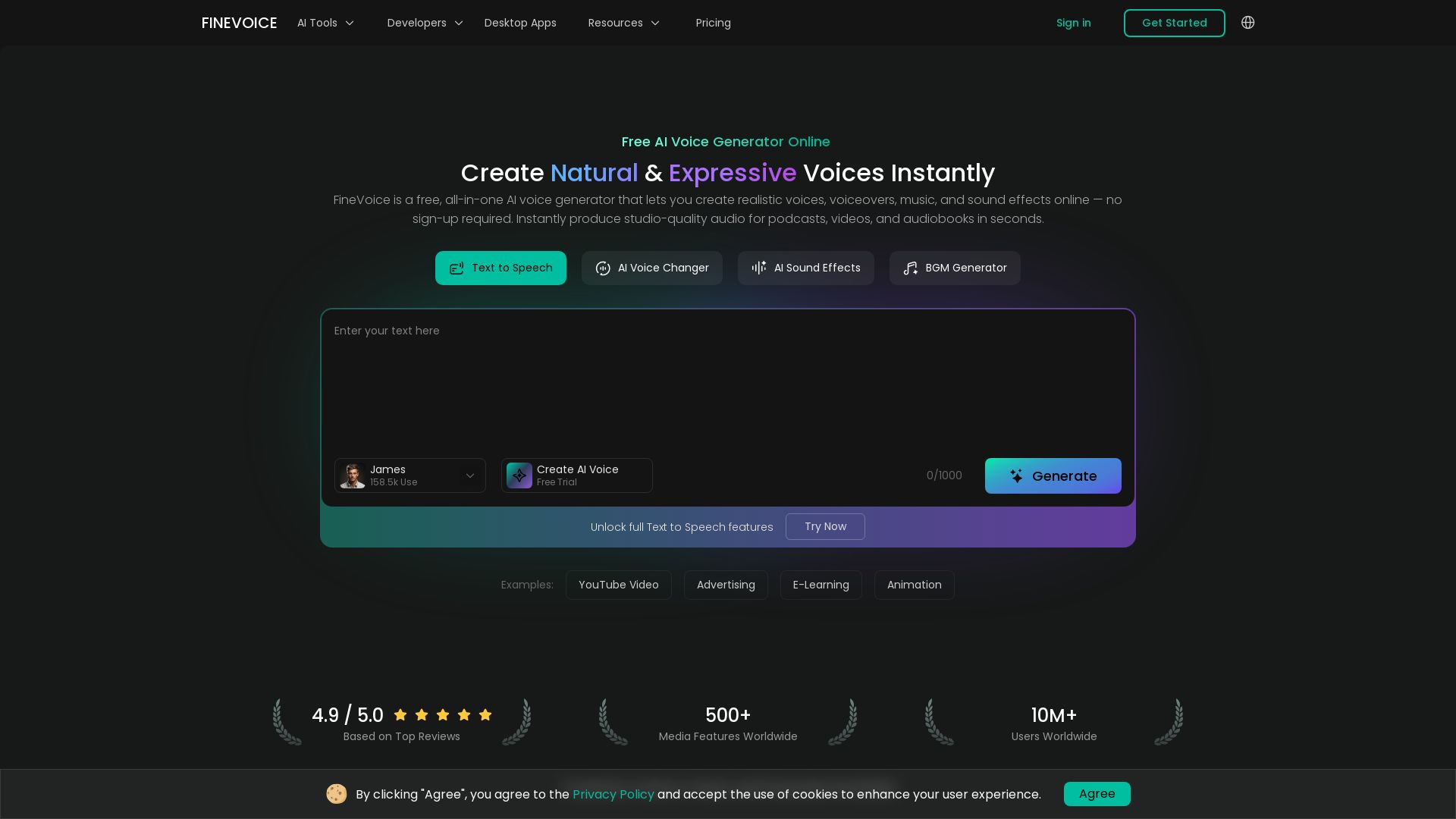
FineVoice
Create natural, expressive AI voices instantly. 1500+ voices, 154 languages, voice cloning, sound effects. No sign-up needed. Free online AI voice generator.

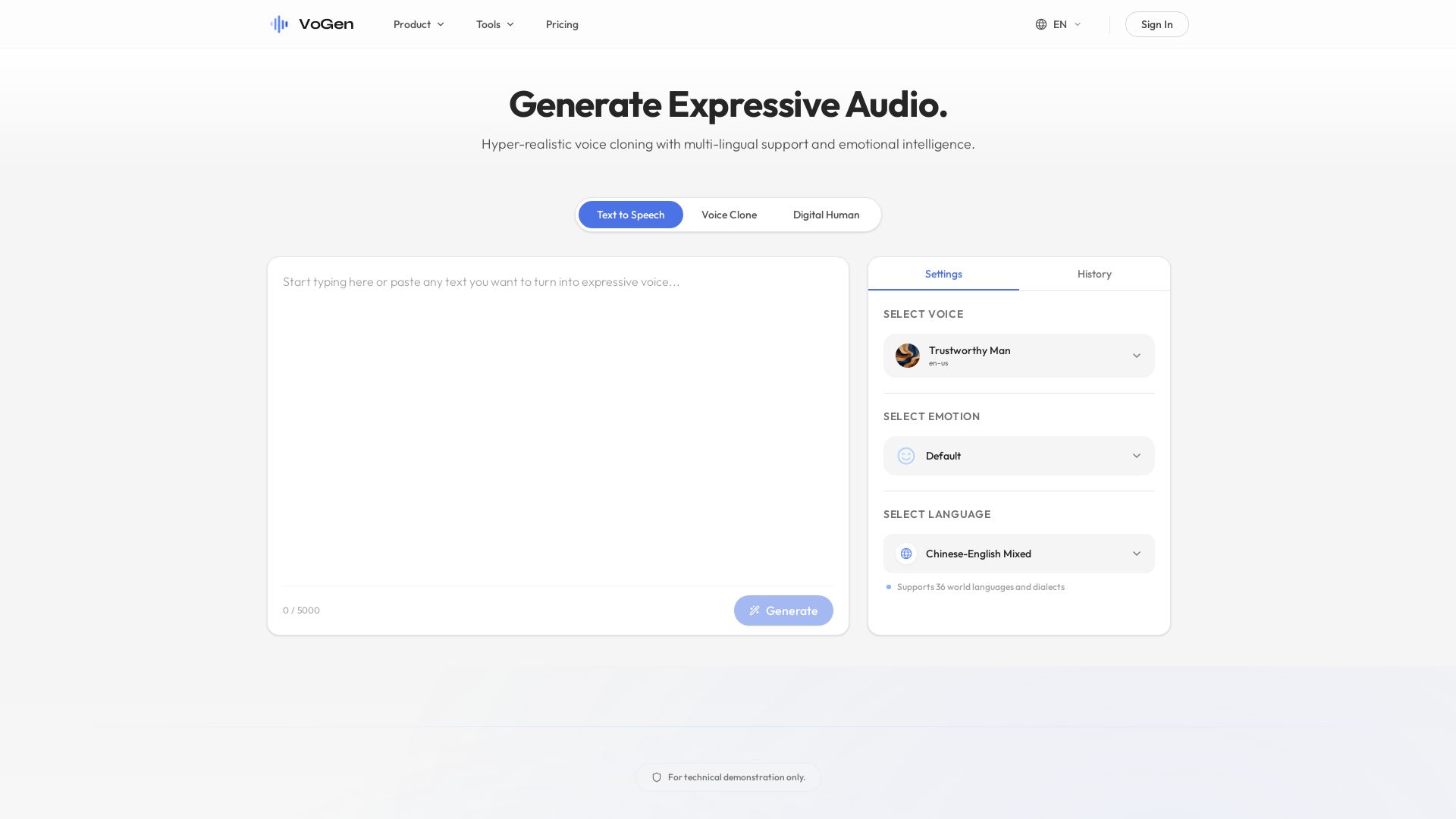
VoGen
Hyper-realistic voice cloning, text-to-speech, and digital human videos. Supports 36 languages with emotional intelligence. Start free.

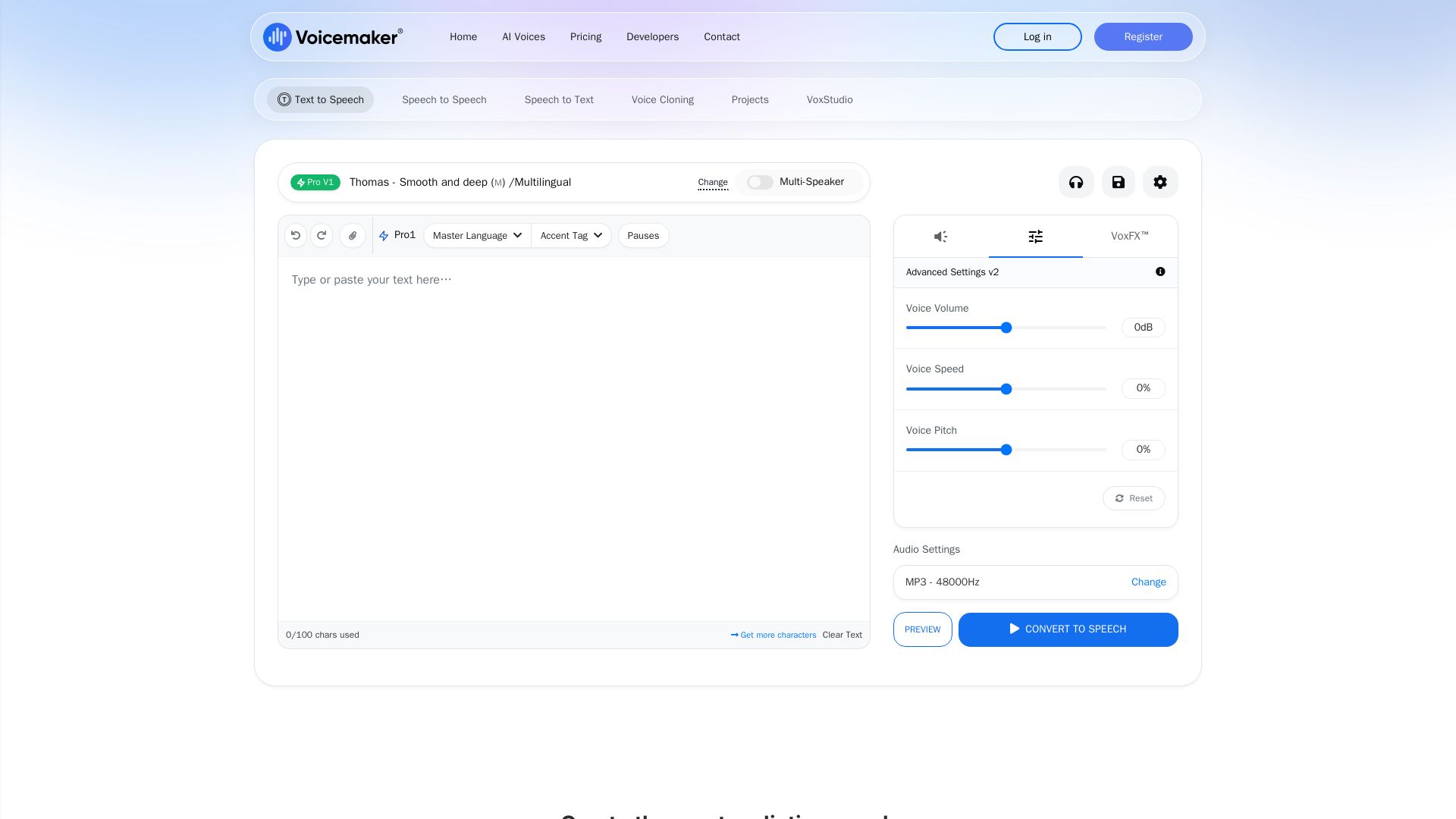
Voicemaker
Create realistic speech with 2000+ AI voices in 130+ languages. Voice cloning, speech-to-speech, VoxFX effects. Studio quality. Try free.

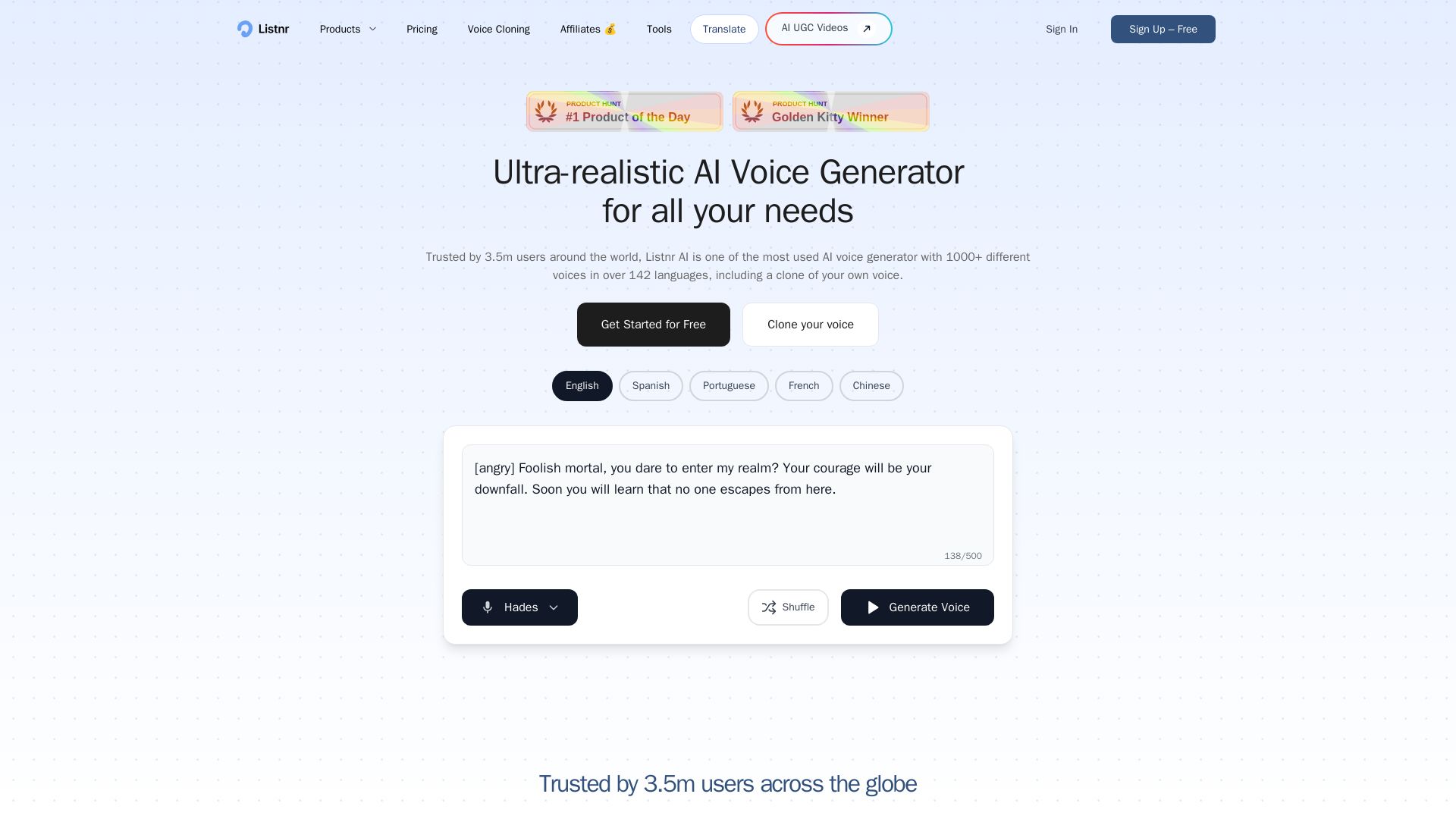
Listnr
Create natural-sounding voiceovers with 1000+ AI voices, clone your own voice, and generate audio in 142 languages. Trusted by 3.5M users.

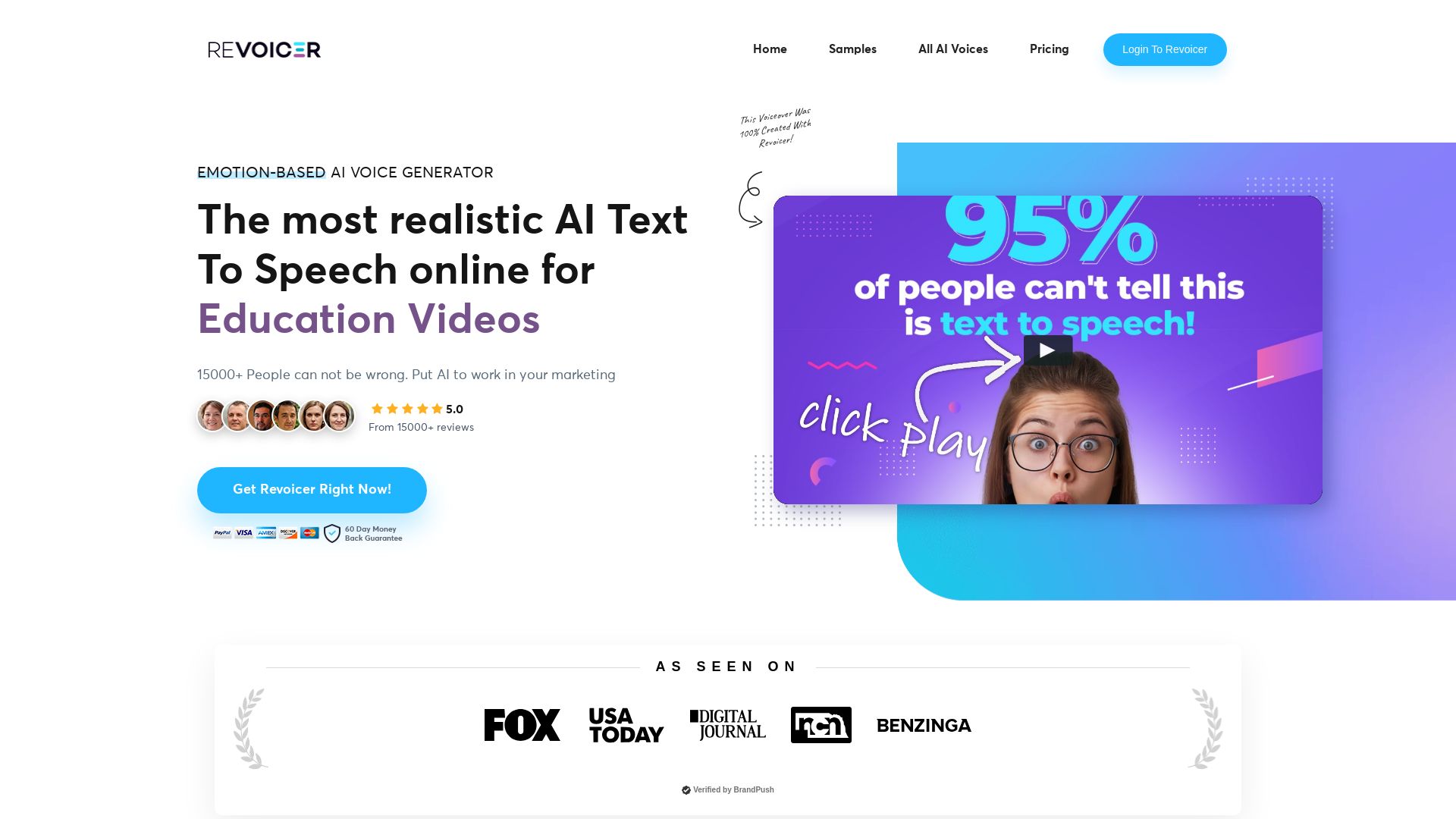
Revoicer
Create ultra-realistic AI voiceovers with emotion-based text-to-speech. 250+ voices, 50+ languages, no install. Perfect for videos, ads, podcasts, and more.

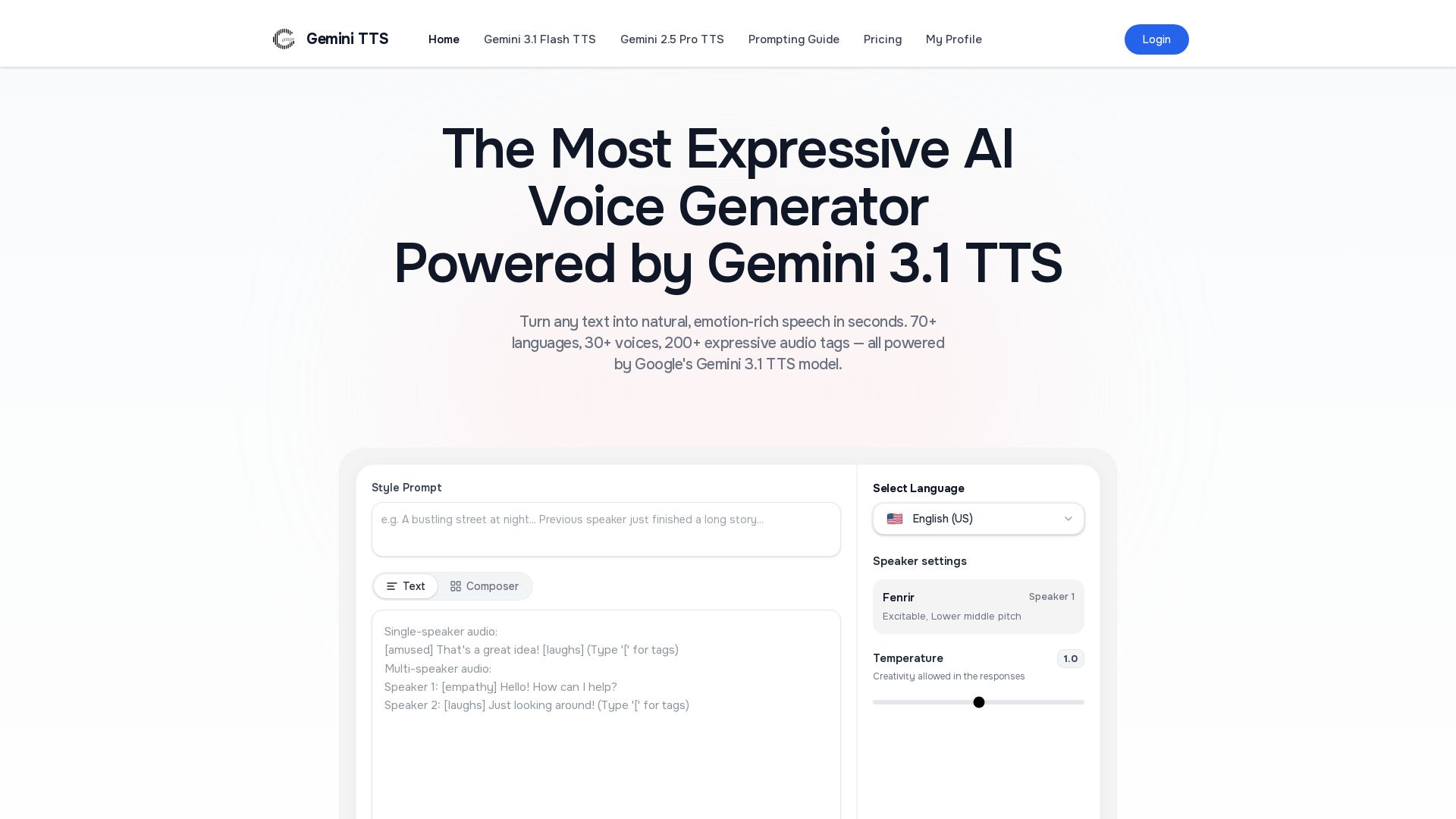
Gemini 3.1 TTS
Turn text into emotion-rich speech with 70+ languages, 30+ voices, 200+ audio tags. Powered by Google Gemini TTS. Free to start.

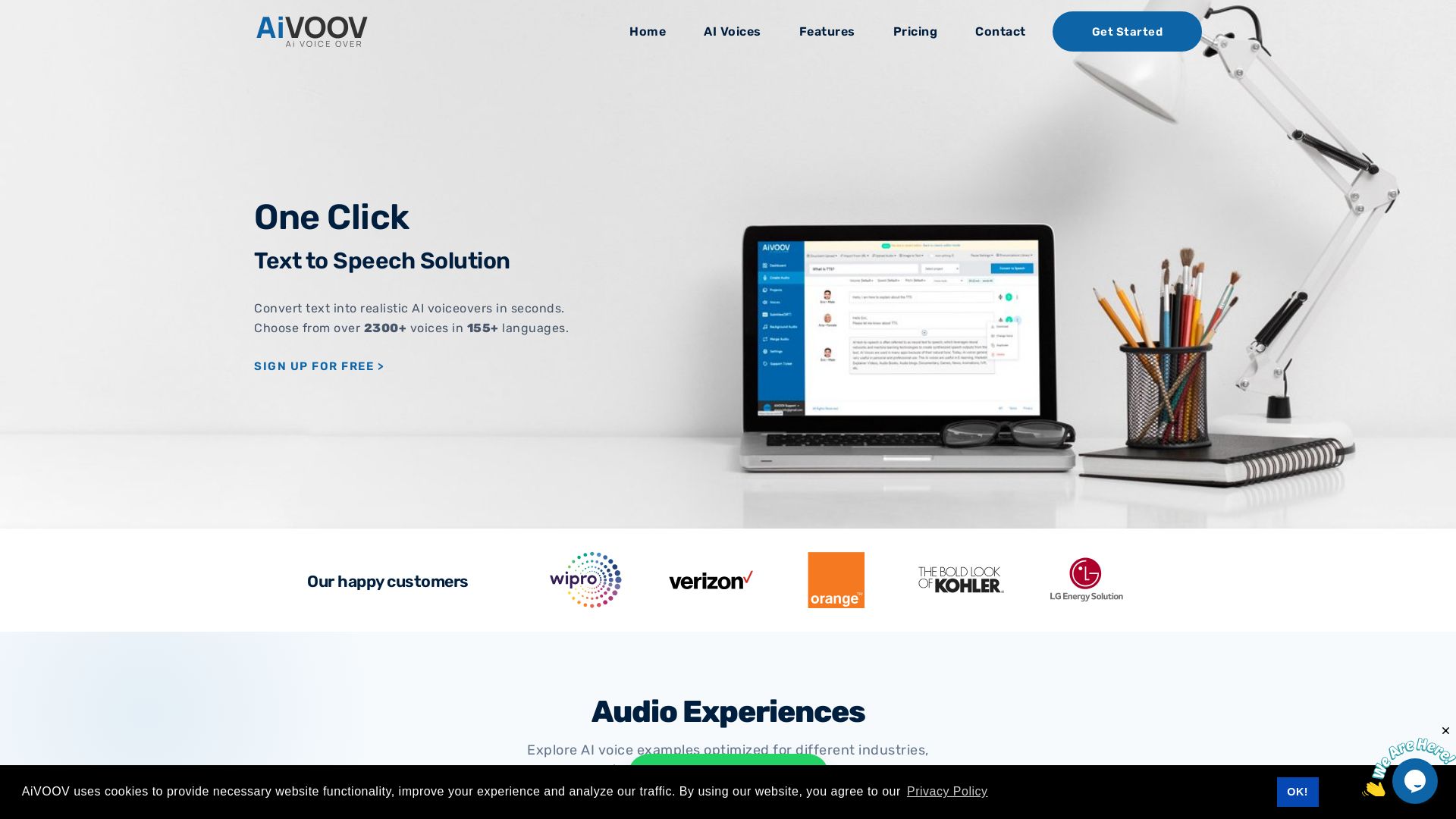
AiVOOV
Convert text to natural-sounding AI voiceovers in seconds. Over 2300+ voices, 155+ languages. Free trial. For videos, podcasts, e-learning.

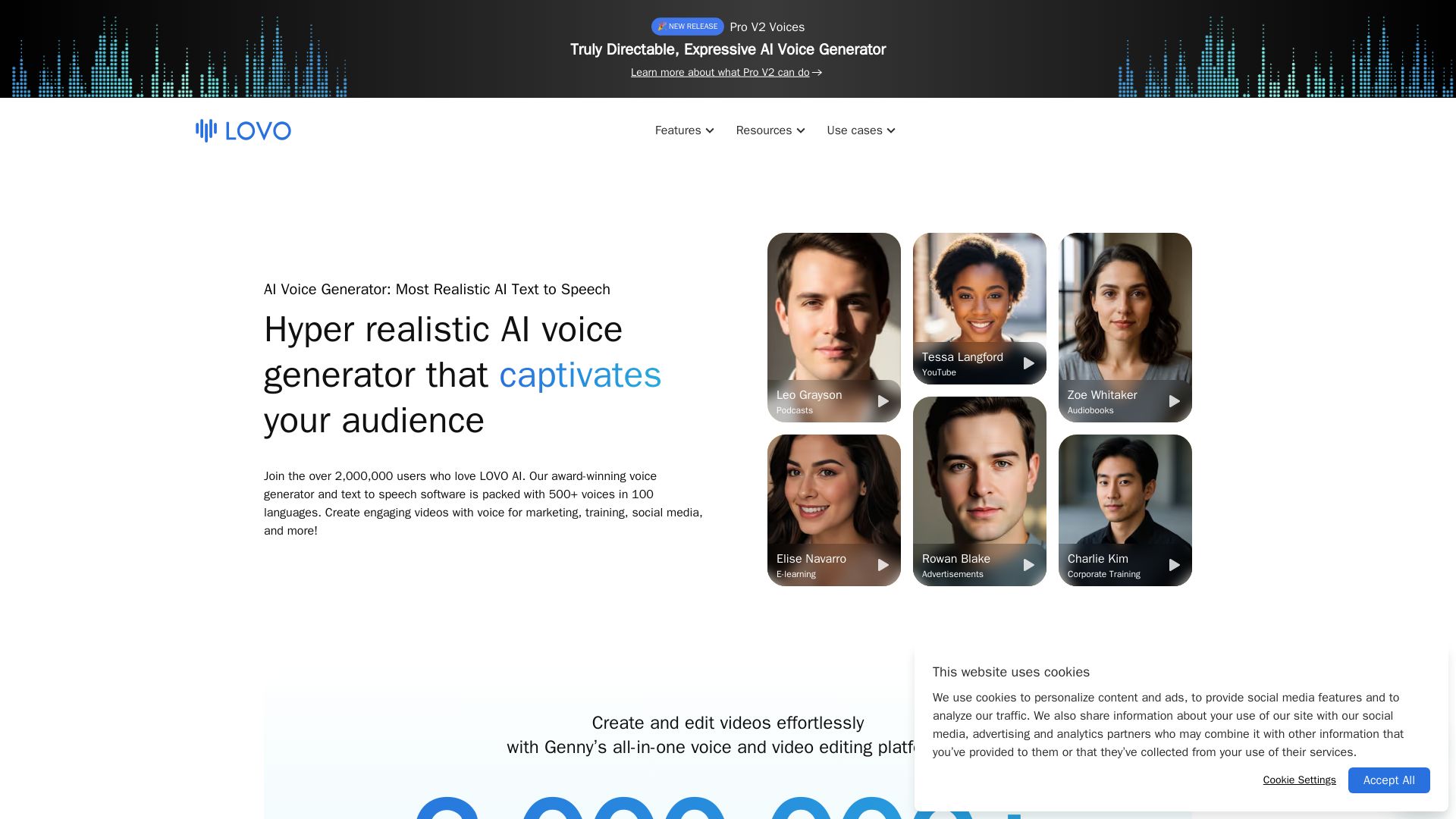
LOVO
Create engaging videos with the most natural AI voices. 500+ voices in 100 languages. Voice cloning, video editor, and more. Trusted by 2M+ users.

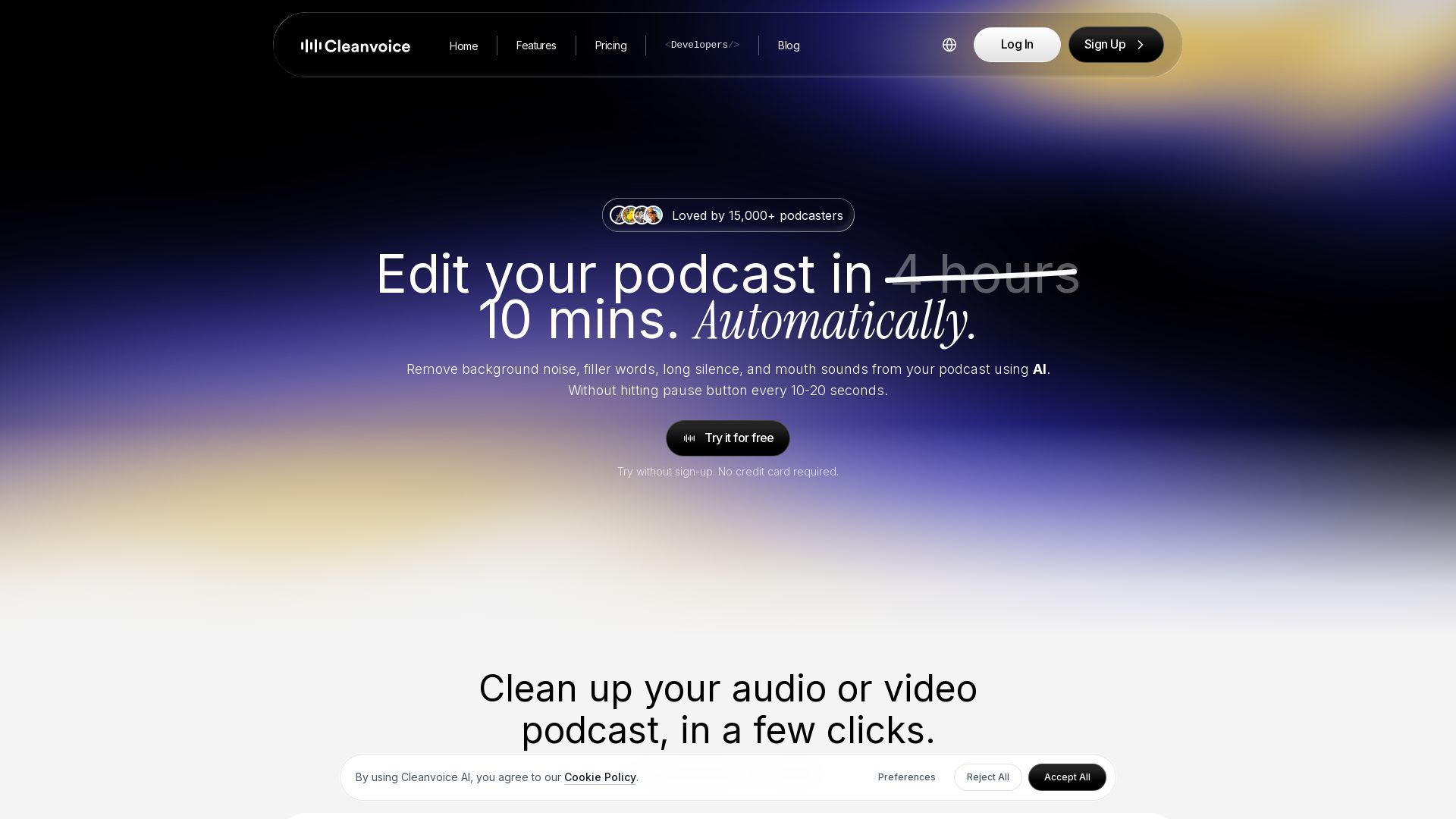
Cleanvoice AI
Remove background noise, filler words, and mouth sounds from your podcast using AI. Edit in minutes, not hours. Try for free, no sign-up required.

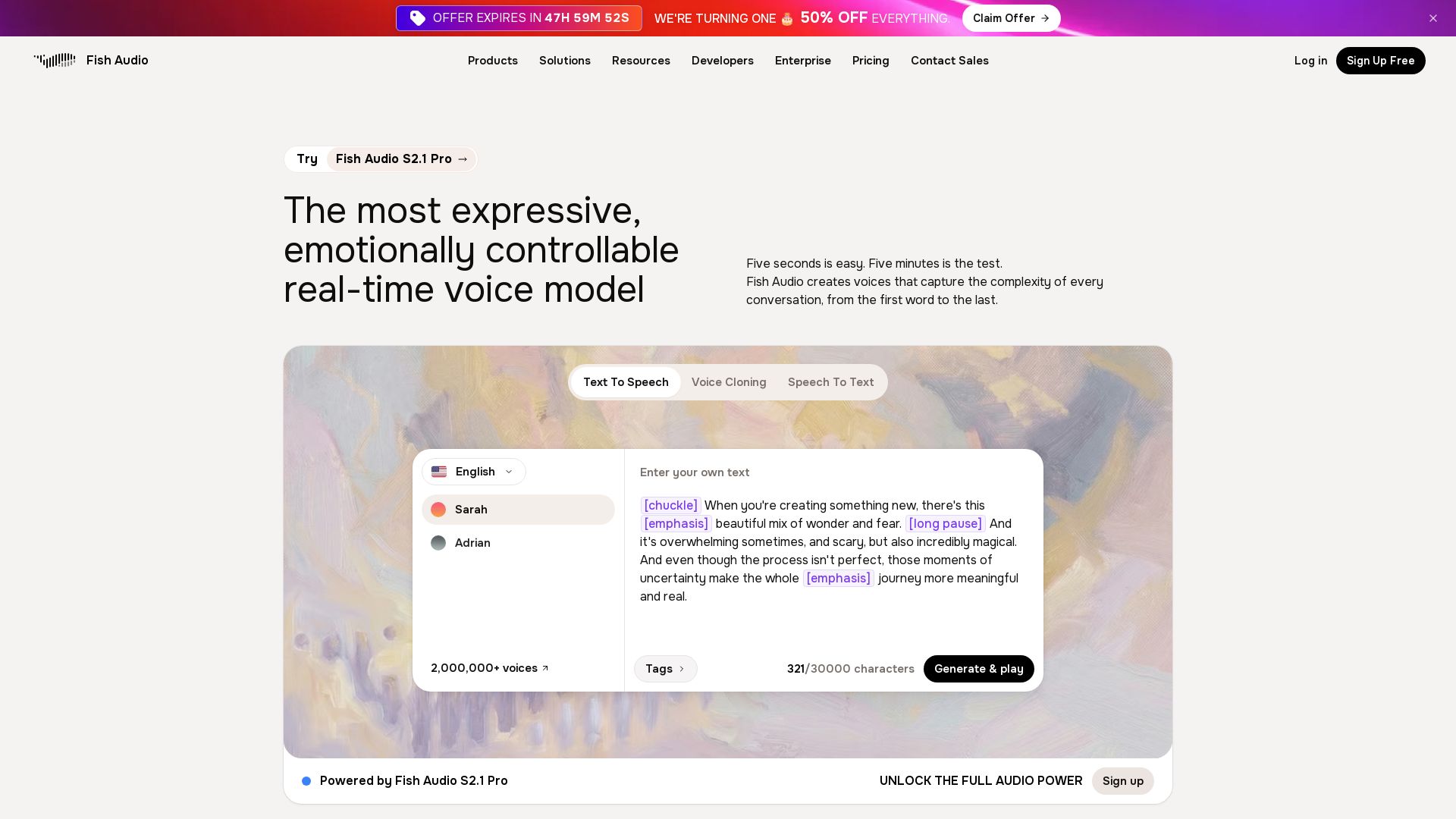
Fish Audio
Create studio-quality AI voices with emotional control. Clone any voice in 15 seconds, supports 30+ languages. Trusted by millions. 50% off now!

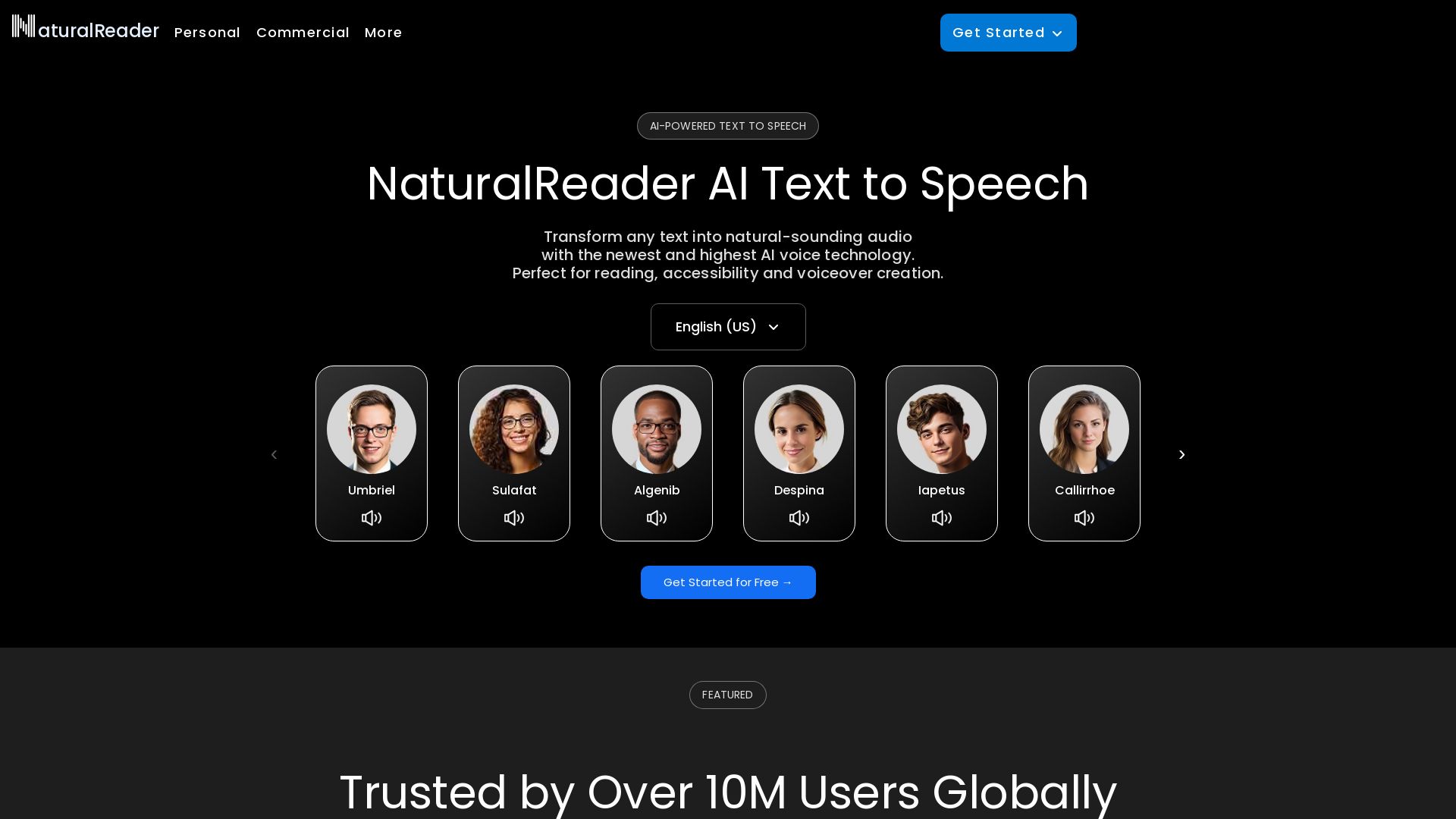
NaturalReader
Transform any text into natural-sounding audio with AI-powered voices. Trusted by 10M+ users. Perfect for reading, accessibility, and voiceover creation.

ℹ️ Curation Disclosure: The overview and features of Voice Creator Pro were synthesized using AI and fact-checked by our curation team to ensure accuracy.
