
ThriveDesk
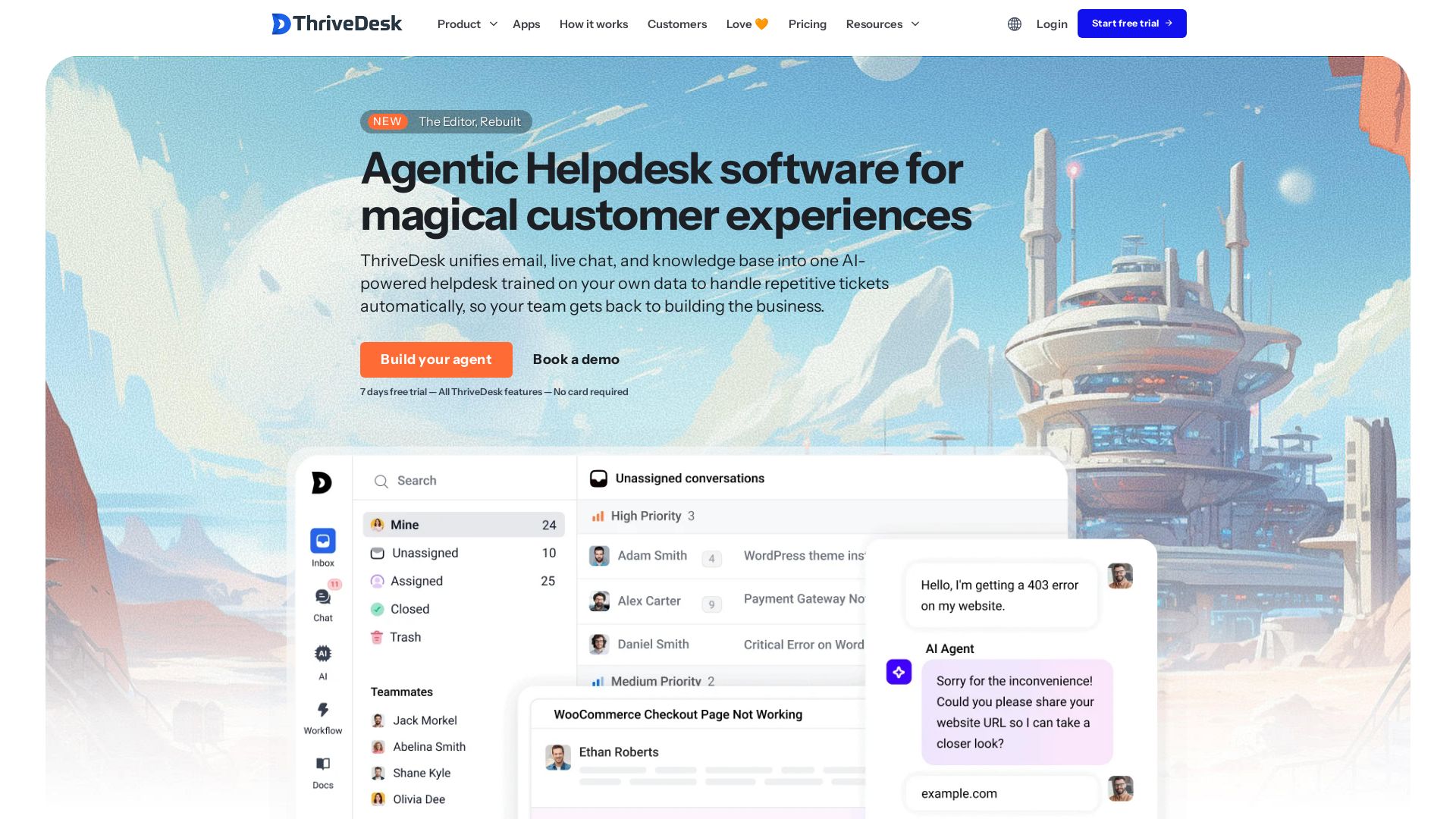
AI-powered helpdesk unifying email, live chat, and knowledge base. Train your AI agent on your data to automate repetitive tickets and delight customers.
Editor's Verdict
Key Takeaways
- AI Agent (NEO)
- Unified Shared Inbox
- Live Chat Widget
- Knowledge Base / Help Center
In-Depth Review: What is ThriveDesk?
ThriveDesk is an AI-powered helpdesk platform that unifies email, live chat, and a knowledge base into one seamless inbox. Its NEO AI Agent learns from your knowledge base, past conversations, PDFs, and Notion docs to automatically answer repetitive tickets, prioritize inquiries, and hand off complex issues to humans—so your team can focus on building the business. Trusted by startups, it offers a modern help center, powerful integrations, and a 7-day free trial with no credit card required.
Core Features
AI Agent (NEO)
An always-on AI teammate that handles customer queries instantly, improves with every interaction, and never needs a break.
Unified Shared Inbox
Email, live chat, and contact forms unified in a single workspace so nothing slips between the cracks.
Live Chat Widget
An embeddable chat widget that's genuinely fast, collaborative, and easy to customize, with multi-agent collaboration.
Knowledge Base / Help Center
A beautifully designed self-service hub where customers find answers instantly, reducing tickets and boosting satisfaction.
Automation & Workflows
Automate support workflows and make agents more productive with instant replies, collision detection, assignment, and custom rules.
WooCommerce Integration
Dedicated integration for e-commerce support, enabling seamless order and customer management within the helpdesk.
Custom Fields
Capture any data that matters to your team with dropdowns, text inputs, or toggles on every ticket, and trigger automations based on field values.
Collision Detection
See when a teammate is already viewing or typing on the same ticket to avoid duplicate replies.
Saved Replies
Store your best responses for instant re-use, with global and inbox-specific options synced in real-time for your whole team.
Snooze Conversations
Hide non-urgent tickets and bring them back exactly when you need them, using natural language like 'tomorrow at 3pm'.
Visitor Tracking
See which pages your visitors are on in real-time, and reach out proactively to high-intent prospects before they leave.
Customer Feedback & Rating
Customers can rate AI responses and flag unhelpful answers for improvement, creating a continuous feedback loop for your chatbot.
Pricing
Basic
- Teammates: 2 included
- Inboxes: 1 included
- Shared inbox
- Live chat
- Ticketing system
- Knowledge base
- Automations
- Email support
Standard
- Teammates: 5 included
- Inboxes: 2 included
- Shared inbox
- Live chat
- Ticketing system
- Knowledge base
- Automations
- Advanced helpdesk features
- Email support
Unlimited
- Teammates: Unlimited
- Inboxes: 5 included
- All features included
- Shared inbox
- Live chat
- Ticketing system
- Knowledge base
- Automations
- Priority support
Pros and Cons
Pros
- AI-Powered AutomationThriveDesk uses NEO AI to handle repetitive tickets automatically, reducing workload and improving response times.
- Unified InboxCombines email, live chat, and contact forms in one shared inbox, eliminating tab-switching and missed conversations.
- Affordable PricingPlans start at $29/month with an unlimited-teammates option at $129/month, offering a cost-effective solution for growing teams.
- Easy AI TrainingTrain your AI on multiple sources like PDFs, webpages, Notion docs, and past conversations to provide accurate, context-aware responses.
- WooCommerce IntegrationBuilt-in integration for WooCommerce enables seamless management of e-commerce customer support directly from the helpdesk.
Cons
- Social Media Integration Still in DevelopmentThe Social channel is listed as 'COMING SOON', limiting support for social media inquiries at the moment.
- No Free PlanOnly a 7-day free trial is offered, with no permanent free tier for small teams or individuals.
- Advanced Features Cost ExtraExtra inboxes, knowledge base add-ons, and removing ThriveDesk branding require additional monthly fees.
- Limited Inboxes on Lower PlansThe Basic plan includes only 1 inbox, which may be restrictive for teams managing multiple brands or departments.
- AI Training Effort RequiredTo get the best results, you need to invest time in training the AI with your data, which may be complex for non-technical users.
Use Cases & Recommended Professions
Customer Support Manager→ View Toolkit
To streamline team workflows, automate repetitive queries, and improve CSAT with a unified helpdesk and AI agent.
Startup Founder→ View Toolkit
To provide efficient customer support without a large team, leveraging AI to handle tickets and keep customers happy.
E-commerce Store Owner (WooCommerce/Shopify)→ View Toolkit
To manage customer queries, orders, and returns from a single helpdesk with AI assistance and WooCommerce integration.
Customer Success Specialist→ View Toolkit
To maintain a knowledge base, deliver quick responses, and reduce churn with AI-powered self-service features.
IT Helpdesk Technician→ View Toolkit
To handle internal tickets with automations, shared inbox, and private notes, improving resolution times.
Operations Manager→ View Toolkit
To centralize all communications, integrate with existing tools, and ensure nothing slips through the cracks.
Frequently Asked Questions
Alternative AI Tools
View Detailed Comparison →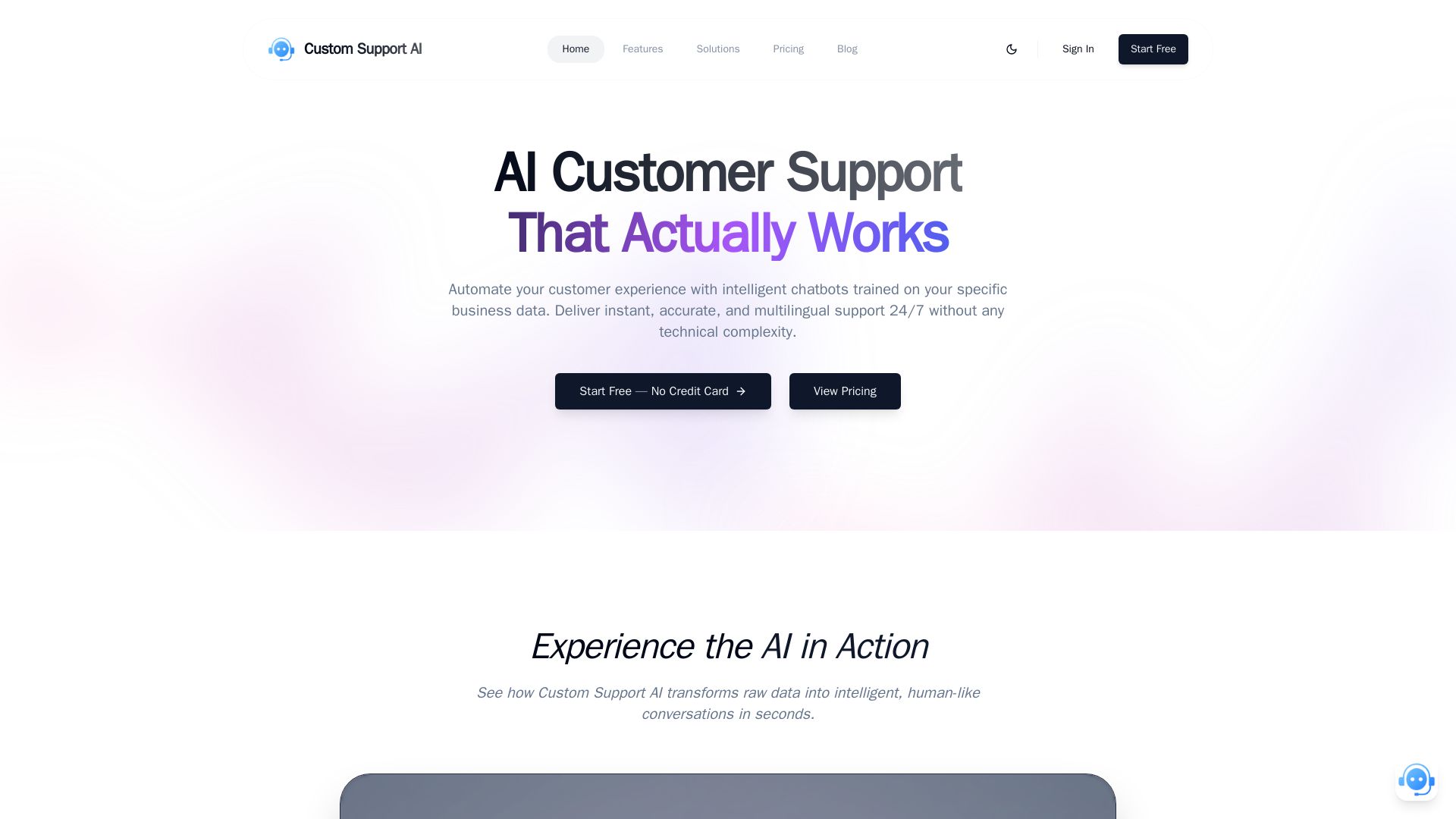
Custom Support AI
Deliver instant, accurate, multilingual customer support 24/7 with AI chatbots trained on your business data. Simple integration, no credit card required.

Chatbot Builder
Build an AI chatbot in minutes without coding. 24/7 customer support, sales automation, and seamless integrations. Start your free 14-day trial today!

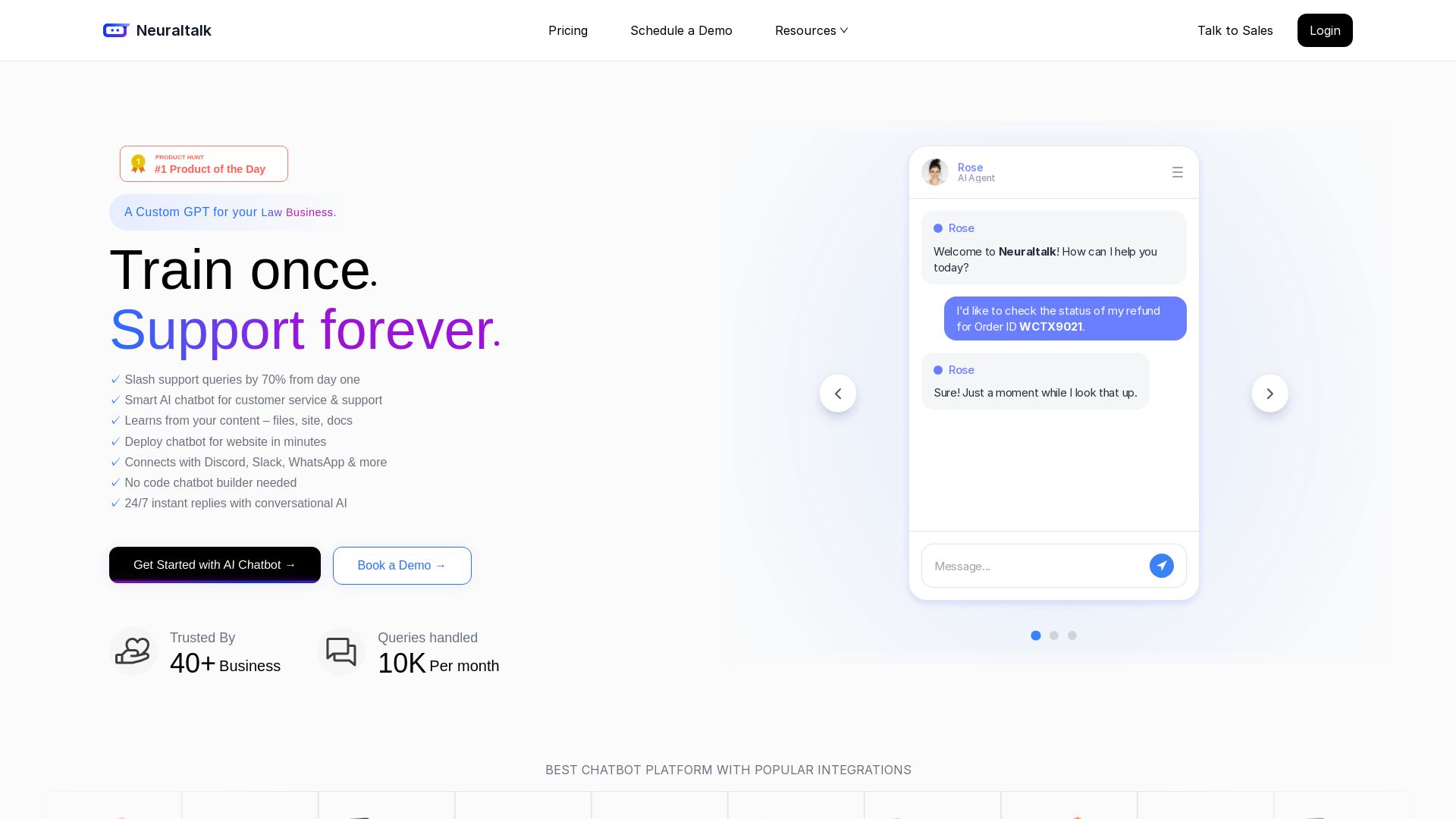
NeuralTalk AI
Create your own AI chatbot for free. Train on your data, deploy on website, and automate customer service 24/7 with no coding. Best chatbot platform.
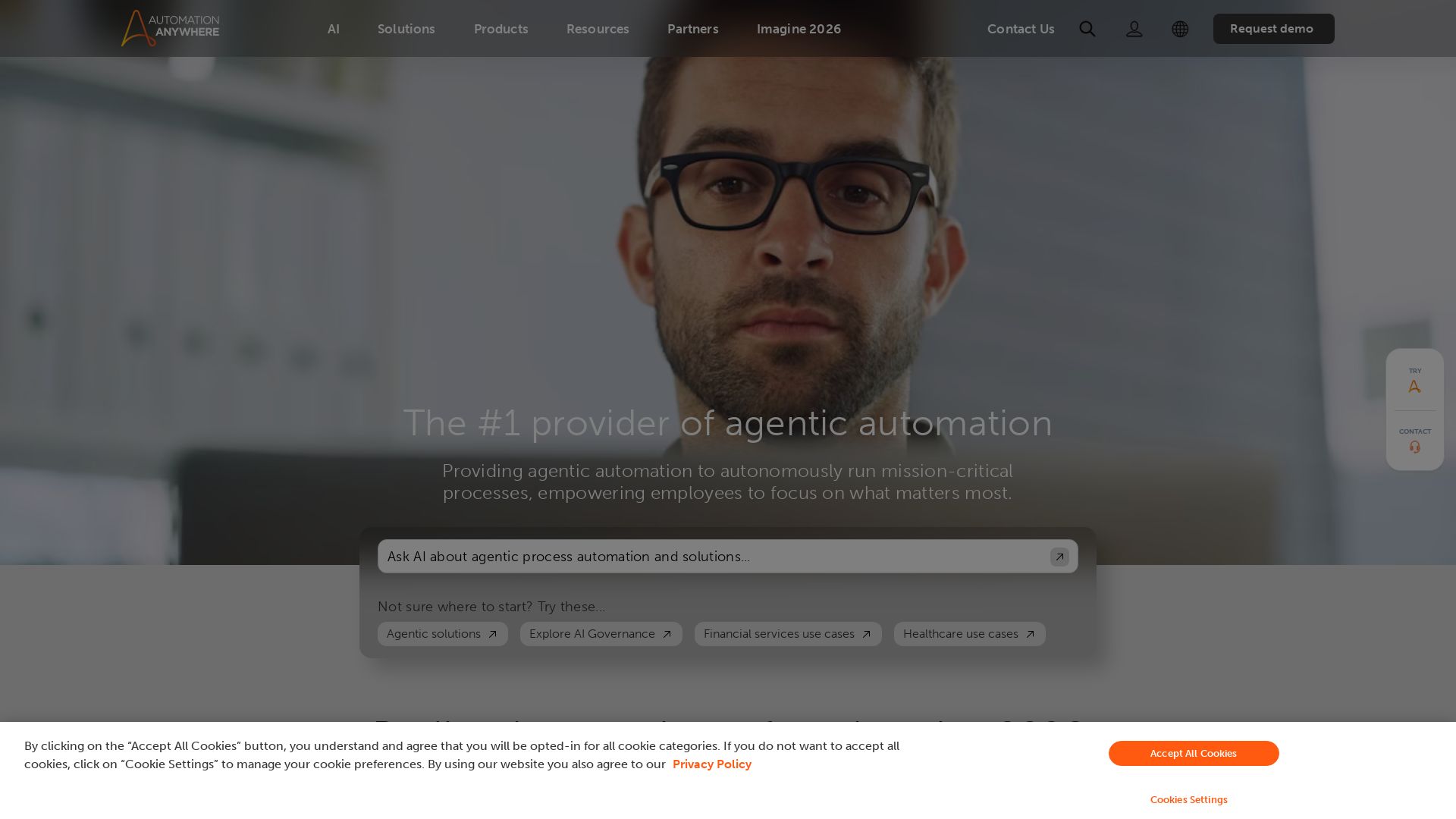
Automation Anywhere
Automate mission-critical processes with agentic AI. Trusted by global leaders. Boost efficiency, ensure compliance. Request a demo.


Zapier
Connect AI to 9,000+ apps. Build AI agents, chatbots, and workflows without code. Trusted by Fortune 500. Start free.

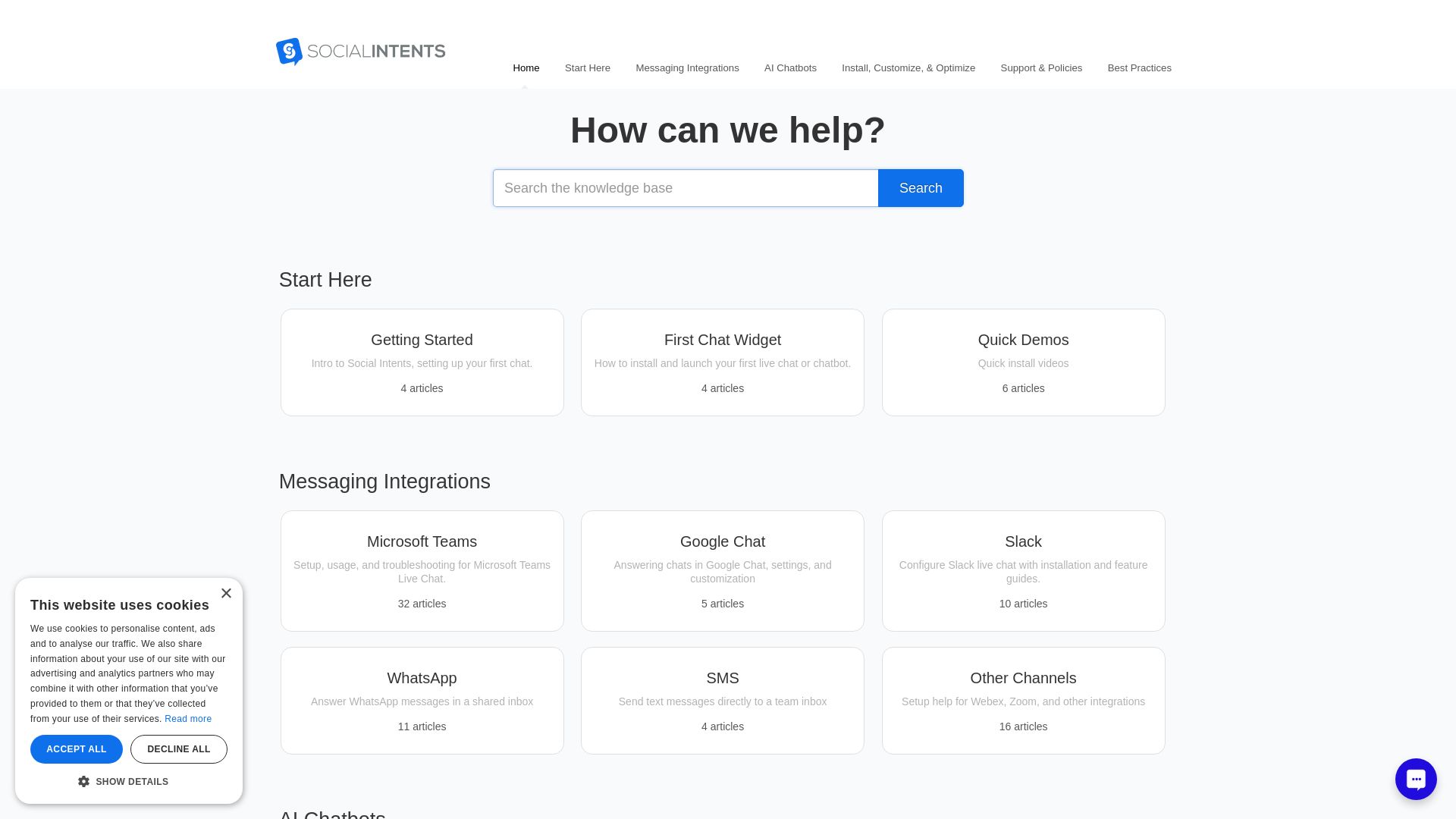
Social Intents
Master live chat, AI chatbots, and messaging integrations like Slack, Teams, WhatsApp. Get installation guides, best practices, and support.

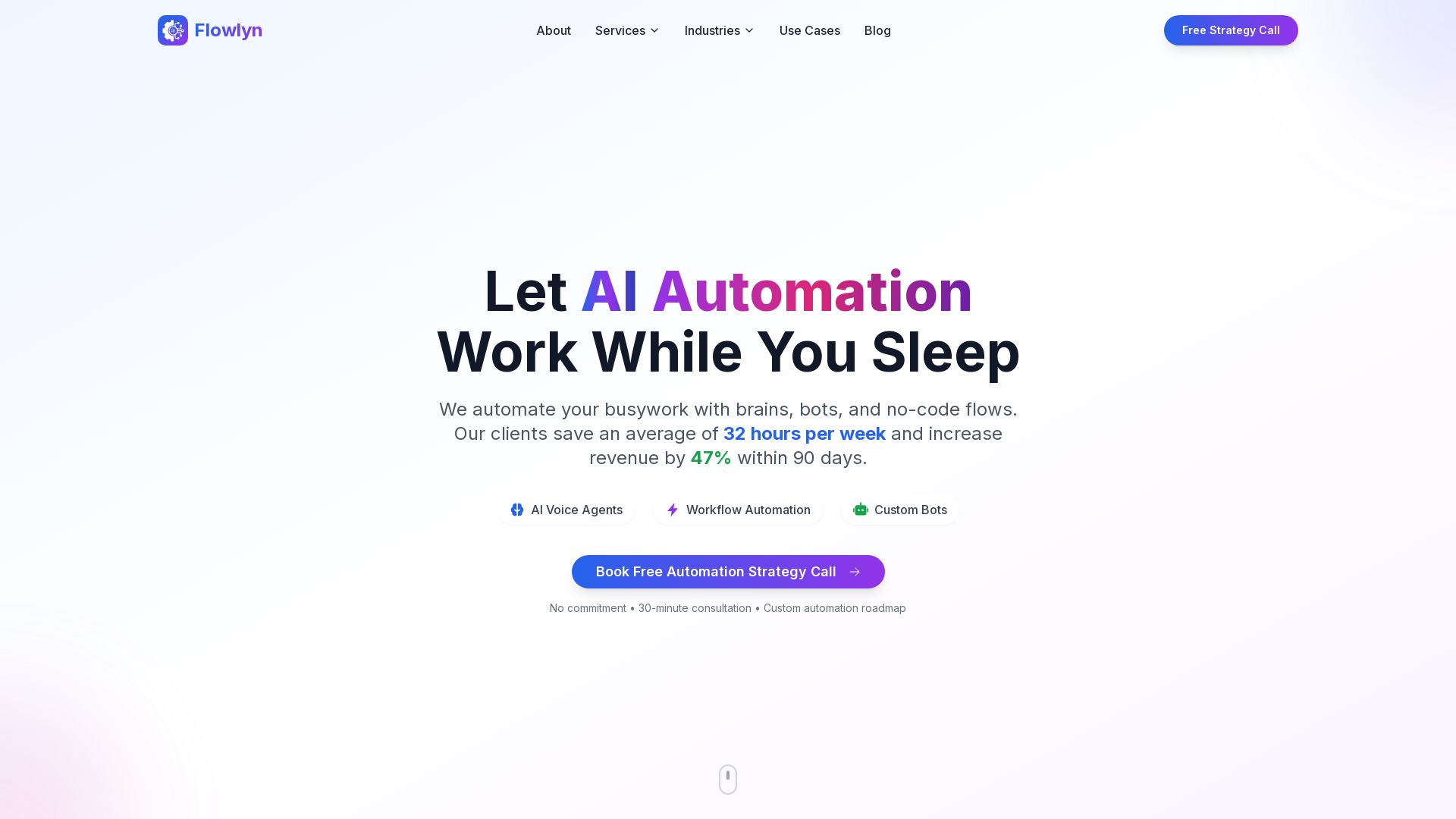
Flowlyn
Leading AI automation agency. Deploy AI voice agents, workflow automation, custom bots. 847+ clients, average 312% ROI in 90 days. Free strategy call.

ChatBot
Train an AI agent on your website in minutes. Answer questions, recommend products, and close sales 24/7. Free 14-day trial, no credit card.

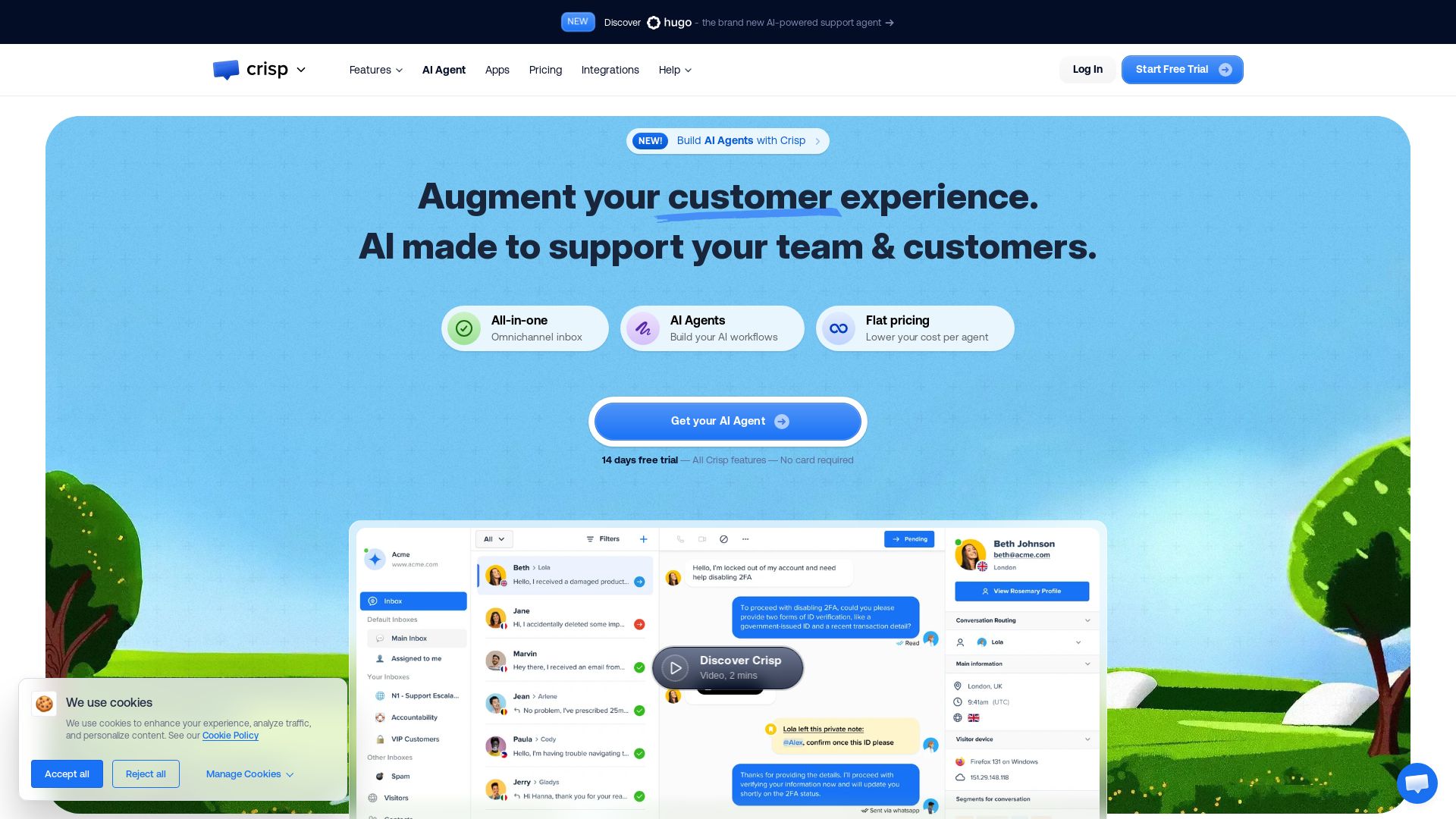
Crisp
Automate 50% of customer inquiries with Crisp's AI agents. Centralize all channels in one inbox, empower teams with AI helpdesk, knowledge base, and CRM. Trusted by 10,000 companies.

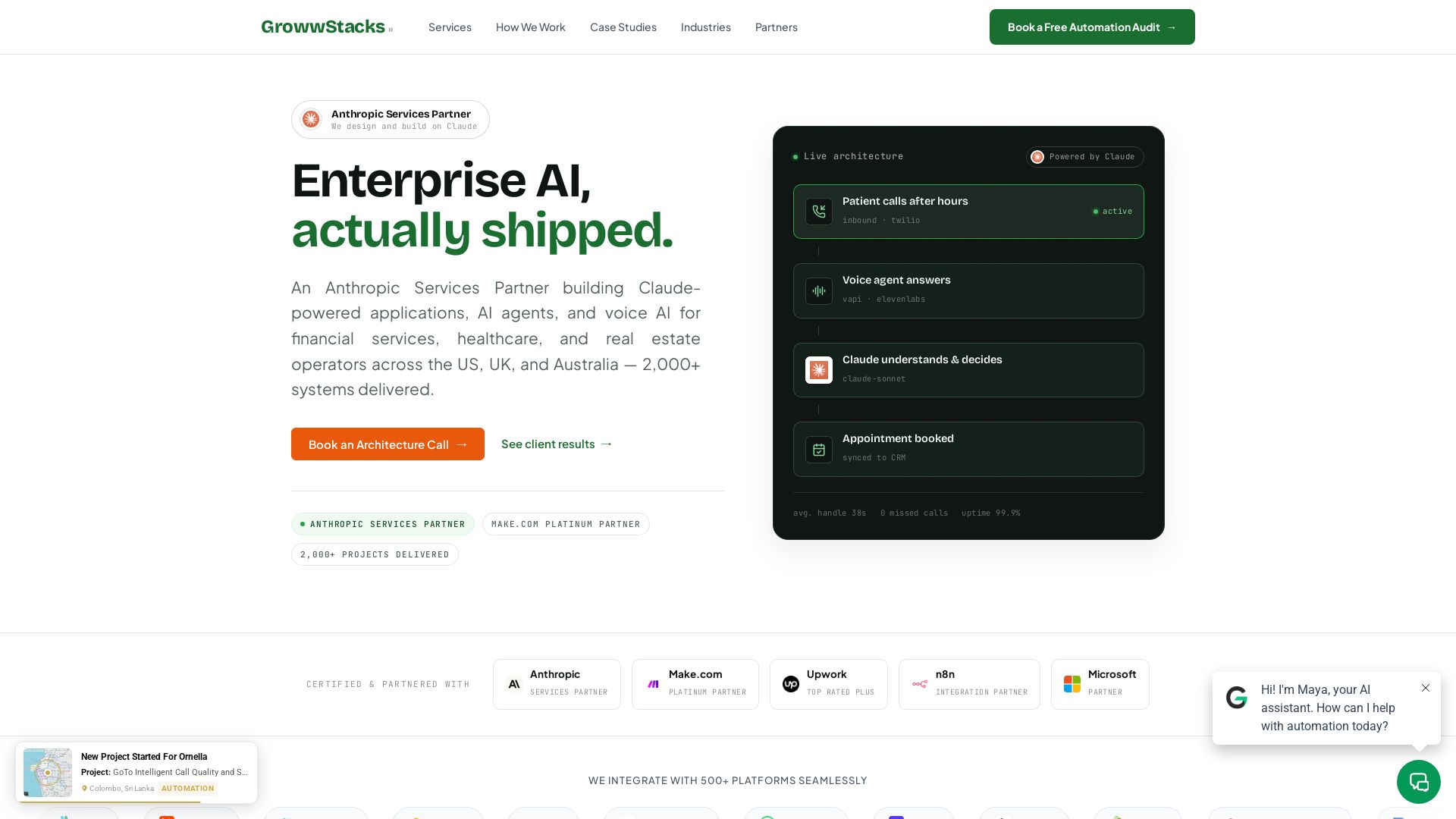
GrowwStacks
We design and build Claude-powered AI agents, voice AI, and workflow automation for financial services, healthcare, and real estate. 2000+ systems delivered. Free audit.

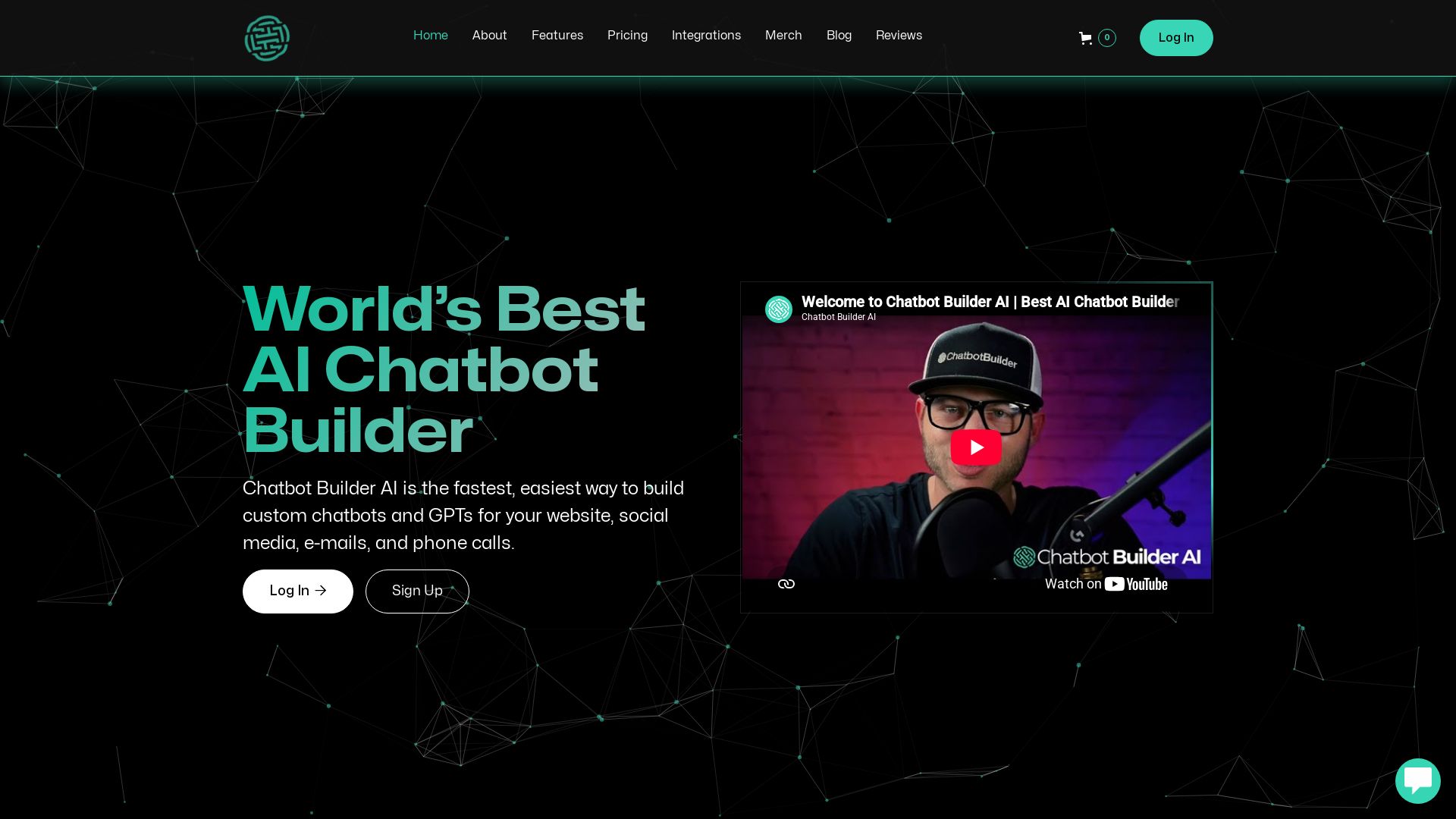
ChatBotBuilderai
Create powerful AI chatbots and GPTs for your business. Integrate with 1000+ apps, support multi-channel, and automate customer service. 14-day free trial. No credit card required.

Chatwoot
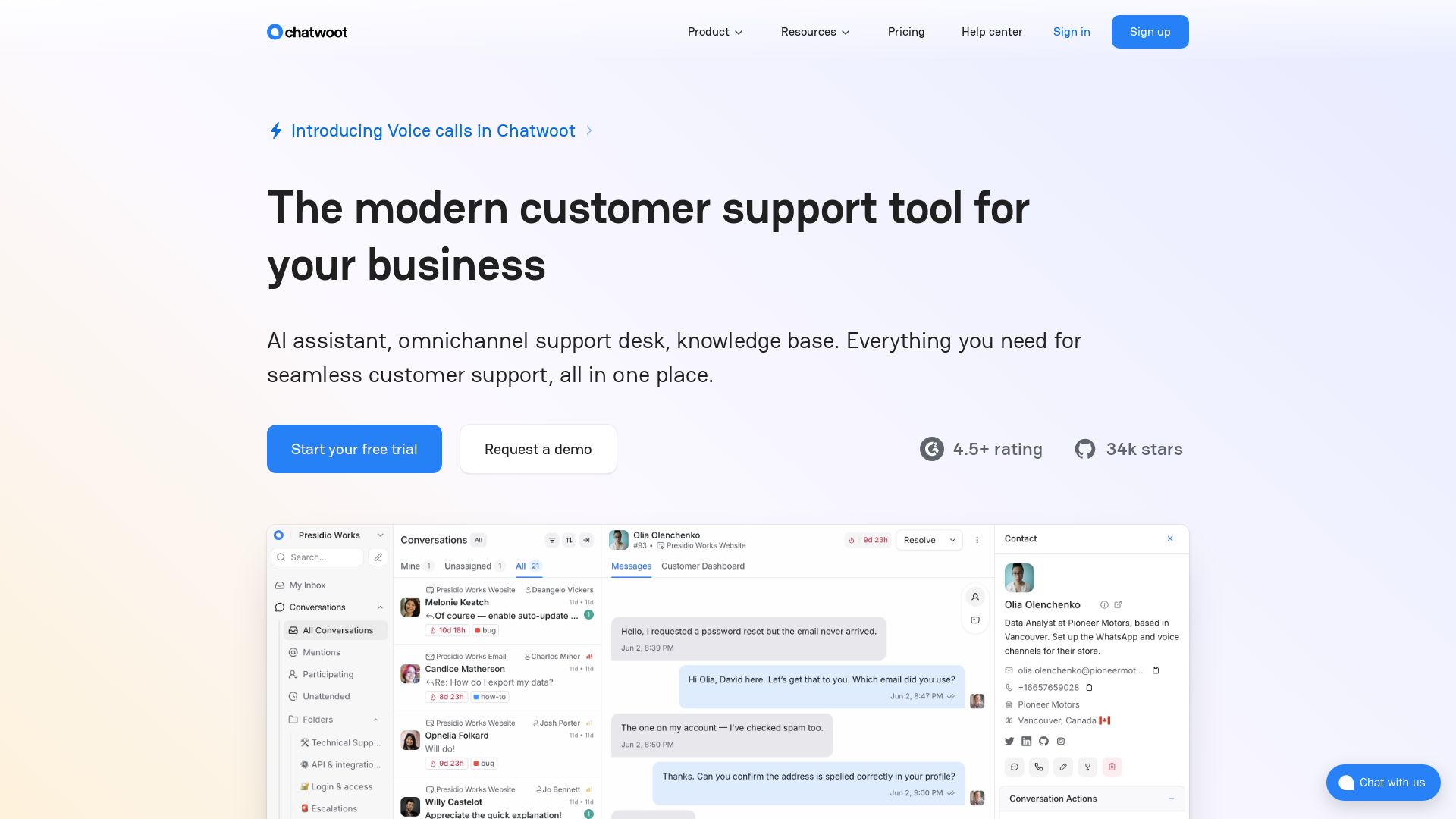
Modern customer support with AI assistant, omnichannel inbox, and knowledge base. Trusted by 15,000+ businesses. Open source self-hosted alternative to Intercom & Zendesk.

ℹ️ Curation Disclosure: The overview and features of ThriveDesk were synthesized using AI and fact-checked by our curation team to ensure accuracy.
