
Simular
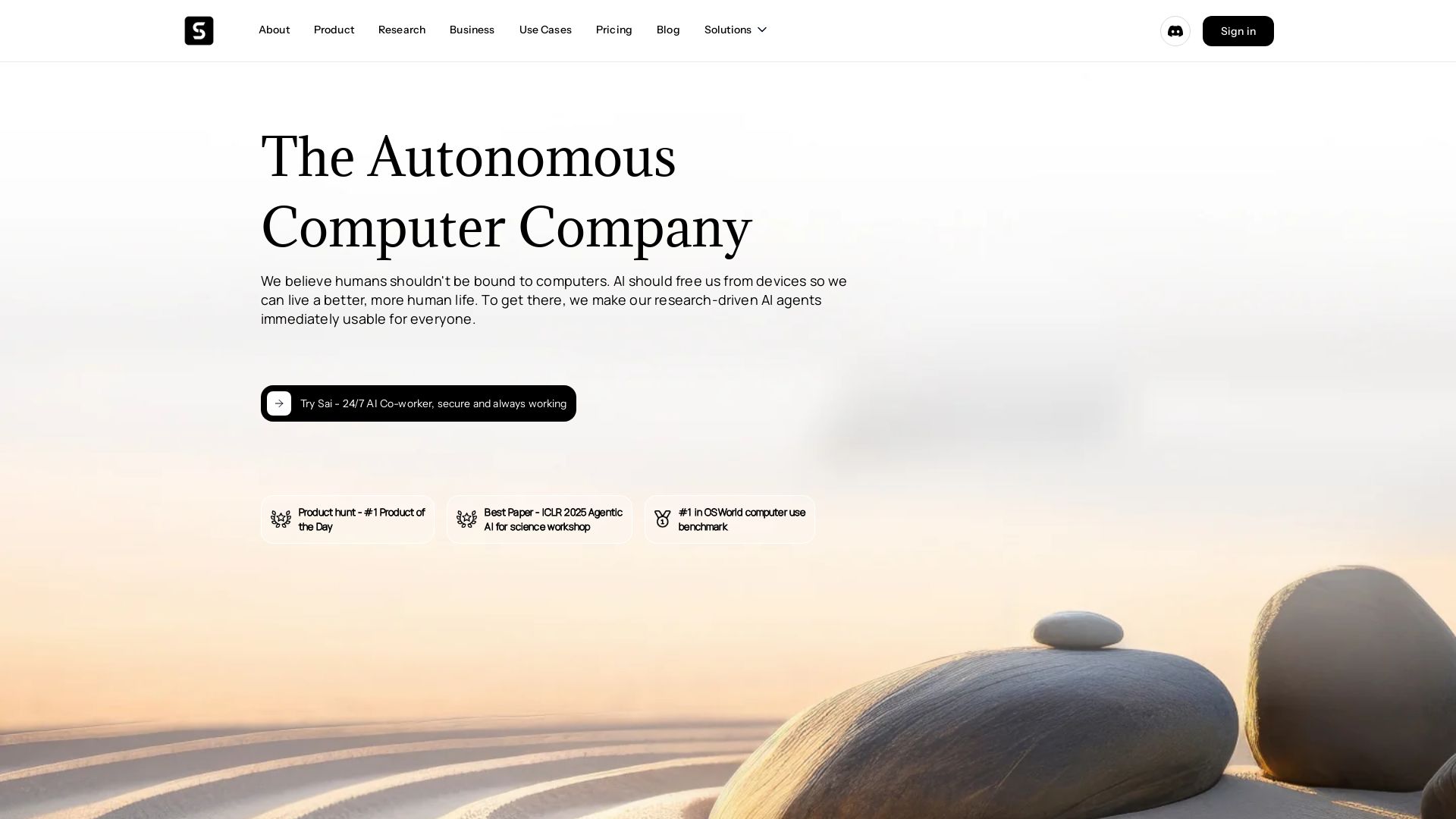
Sai is an always-on AI co-worker that uses your desktop like a human. Simular's research-driven agents beat benchmarks across browsers, computers, smartphones. Secure, transparent, and private.

Editor's Verdict
Key Takeaways
- 24/7 Autonomous AI Agent
- Secure Cloud Desktop
- Human-like Interaction
- Guardrails & Transparency
In-Depth Review: What is Simular?
Simular, The Autonomous Computer Company, builds AI agents that free humans from devices. Their flagship product, Sai, is a 24/7 AI co-worker operating on a secure cloud desktop, capable of clicking, typing, coding, and using APIs. Simular's frontier research consistently tops benchmarks in browser (90.1%), computer (72.6% super-human), and smartphone (71.6%) use, achieving #1 in OSWorld. With $21.5M funding and recognition from Wired, TechCrunch, and MIT Tech Review, Simular offers flexible automation for business digital workflows.
Core Features
24/7 Autonomous AI Agent
Sai operates your desktop 24/7, clicking, typing, using APIs and code, freeing you from routine tasks.
Secure Cloud Desktop
Runs on a private, cloud-based virtual desktop that is isolated, secure, and always on.
Human-like Interaction
Works like a human by using the GUI, APIs, terminals, and code to perform tasks.
Guardrails & Transparency
Designed with guardrails that double-check critical actions before execution, ensuring no surprises.
Cross-Platform Benchmark Leader
Top performance on browser, computer, and smartphone benchmarks, including super-human scores on OSWorld.
Workflow Editor & Sharing
Create and share workflows via the Community Gallery or privately with teams, using Simulang language.
Pricing
Plus
- 10,000 Credits and reloadable
- 1 developer agent
- MacOS, Windows
- Workflow Editor in Developer Mode
- Workflow Sharing via the Community Gallery
- Community support
- $10 per referral signup
Pro
- Everything in Plus
- Unlimited Credits
- 1 free deployment agent
- Virtual machine support
- Private & Team Workflow Sharing
- Full Simulang Support
- Zero data retention from LLM providers
- Priority engineering support
- $100 per pro referral signup
Enterprise
- Everything in Pro
- Unlimited Credits
- Unlimited, with managed scaling
- All platforms, VMs, private cloud
- Workflow Editor with Advanced tools + custom extensions
- Team + Audit Logs Workflow Sharing
- Custom Modules Simulang Support
- SOC2, HIPAA, SSO, RBAC Security & Compliance
- Dedicated account & engineering team support
- Referral Program via Co-Marketing & Partner Options
Pros and Cons
Pros
- 24/7 Autonomous OperationSai works around the clock on your cloud desktop, handling tasks even when you're away.
- Human-like InteractionThe agent uses the same interfaces humans do, including GUI, APIs, and code, making it versatile.
- Super-human Benchmark PerformanceAchieves top scores on OSWorld, WebVoyager, and AndroidWorld, often surpassing human levels.
- Built-in SecurityGuardrails and double-checking prevent accidental critical actions, ensuring safe automation.
- Cross-Platform SupportWorks across browsers, computers, and smartphones, automating tasks on multiple devices.
Cons
- Invite-Only AccessThe service is invite-only, limiting immediate availability for new users.
- High Cost for Pro PlanAt $500/month, the Pro plan may be expensive for individual users or small teams.
- Cloud DependenceRequires a cloud-based remote desktop, which may raise privacy concerns despite security measures.
- Learning CurveCreating custom workflows using Simulang or the Workflow Editor may require technical skills.
- Beta StatusAs an emerging technology, reliability and feature completeness may evolve over time.
Use Cases & Recommended Professions
Operations Manager→ View Toolkit
Automates repetitive digital workflows, reducing manual effort and errors in daily operations.
Software Developer→ View Toolkit
Uses the agent for testing, deployment, and code generation tasks, freeing time for complex development.
Social Media Manager→ View Toolkit
Automates posting, commenting, and monitoring across platforms, saving hours each day.
Human Resources Recruiter→ View Toolkit
Tailors resumes and cover letters automatically, streamlining the hiring process.
Business Analyst→ View Toolkit
Handles data extraction, report generation, and integration tasks across different software tools.
Customer Support Agent→ View Toolkit
Delegates routine ticket handling and knowledge base updates to the AI co-worker.
Frequently Asked Questions
Alternative AI Tools
View Detailed Comparison →
Agentic Workers
Automate tasks with 100+ pre-built AI workflows. Connect 800+ tools, save 10+ hours/week. No coding needed. Join 13,000+ professionals.

n8n
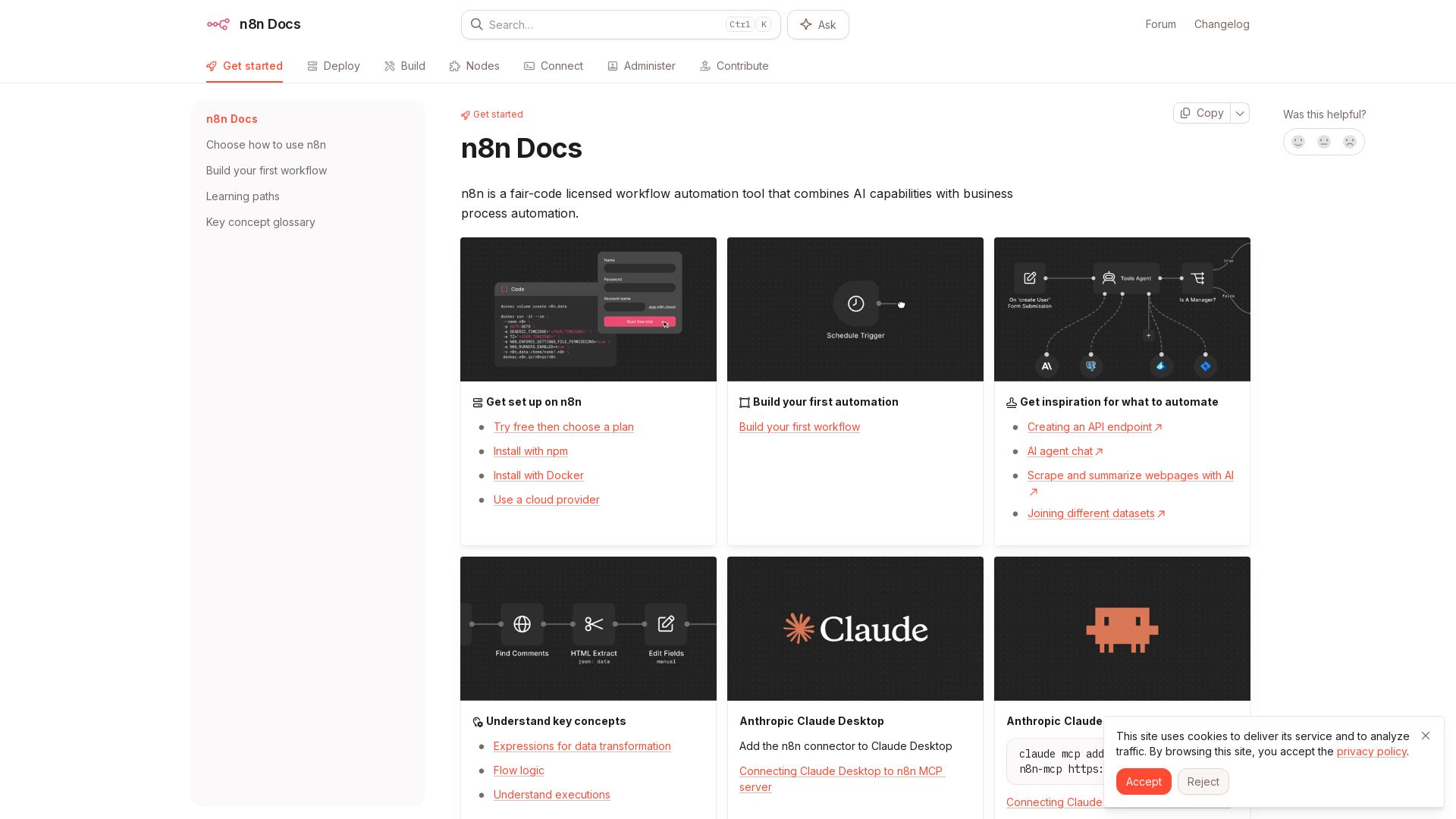
n8n is a fair-code licensed workflow automation tool that combines AI capabilities with business process automation. Get started with npm, Docker, or cloud.

AY Automate
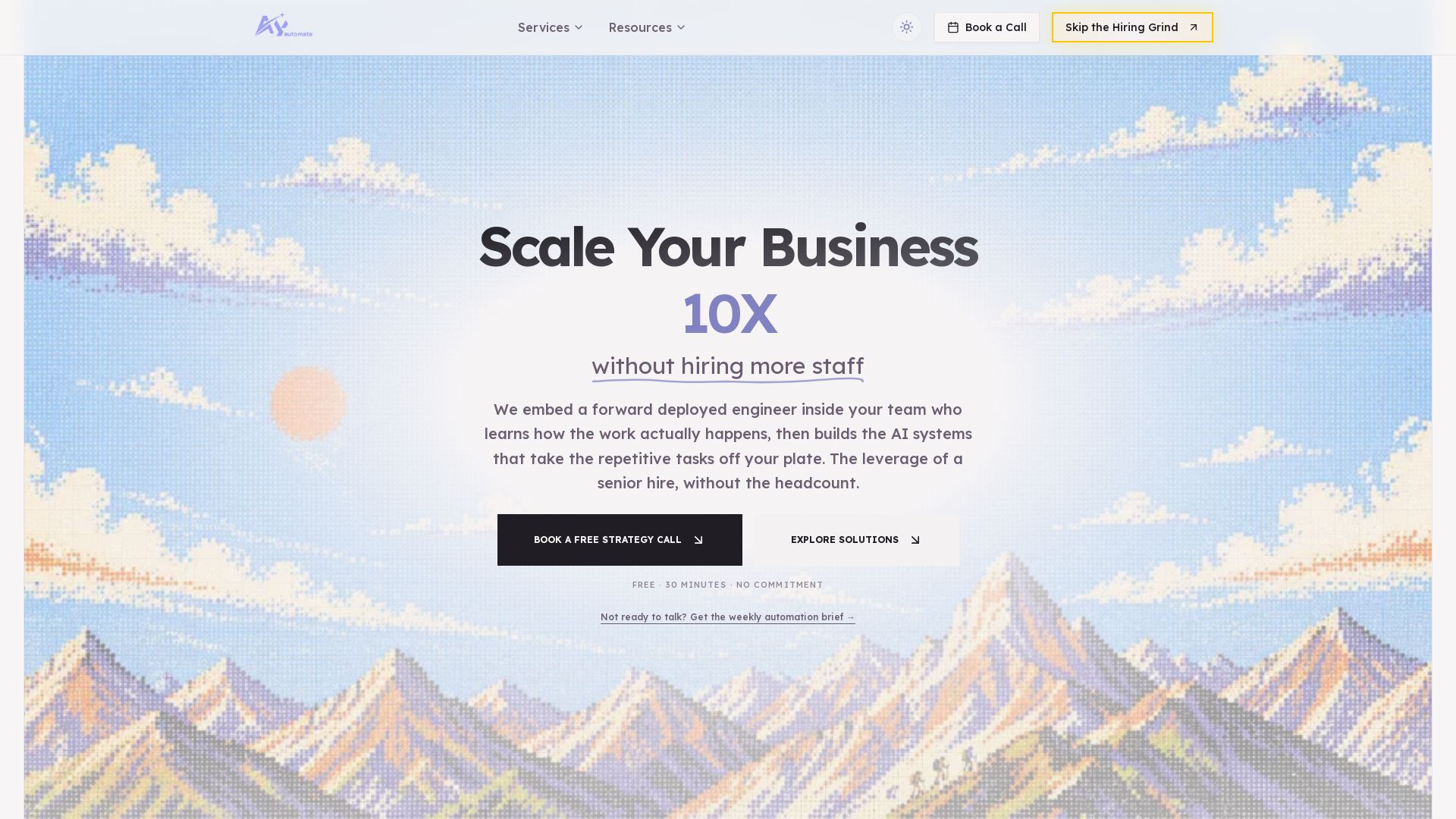
AI automation agency embedding engineers to build custom AI agents. Automate workflows with n8n, Claude Code. Month one refundable. Free strategy call.

n8n
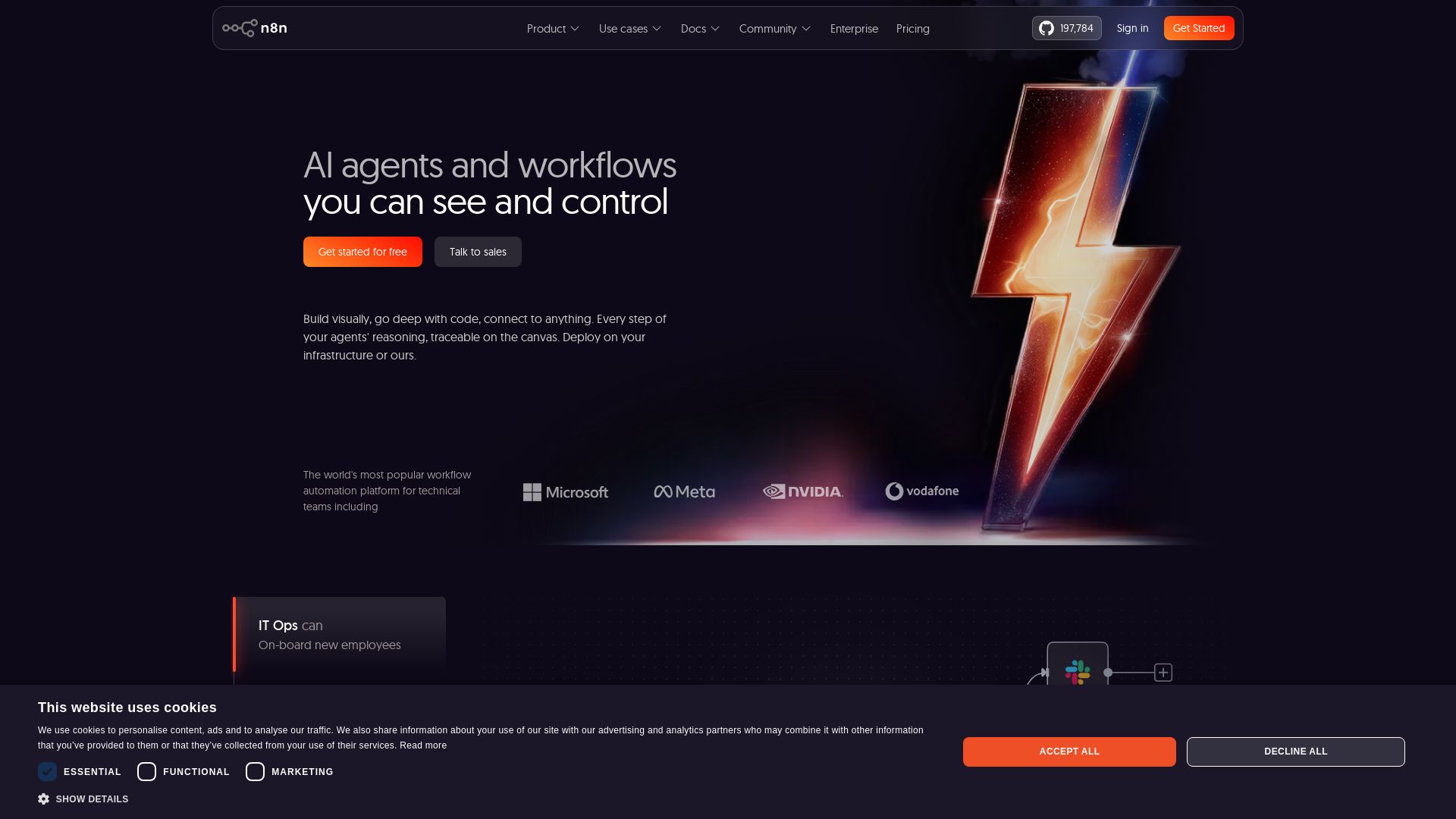
Build AI agents visually, code when needed. Connect 500+ integrations, deploy on-prem. Traceable reasoning, human-in-the-loop. Trusted by 200k+ community.

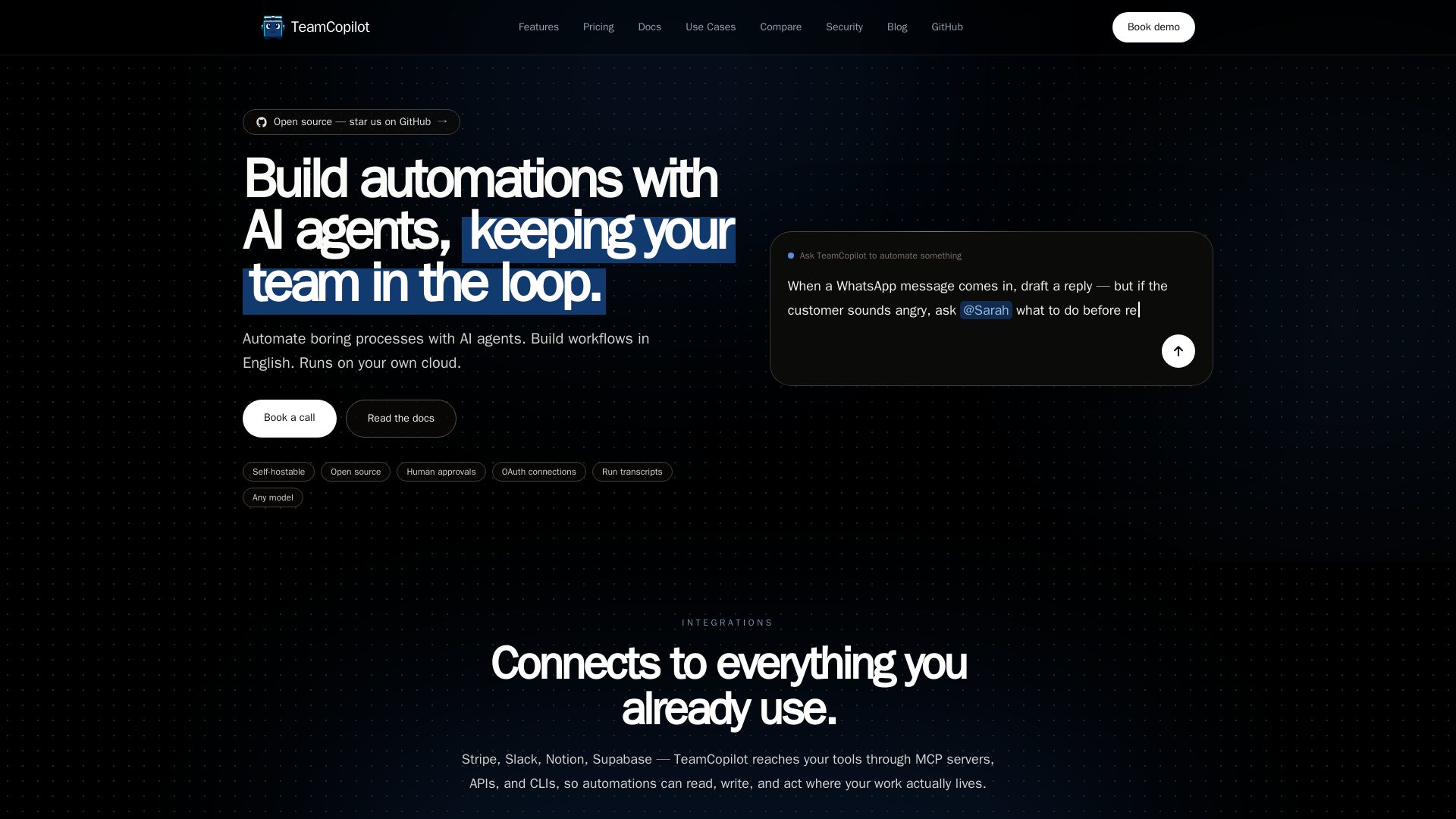
TeamCopilot
Automate boring processes with AI agents. Describe in English, approve runs, integrate with 100+ tools. Open source and self-hostable.

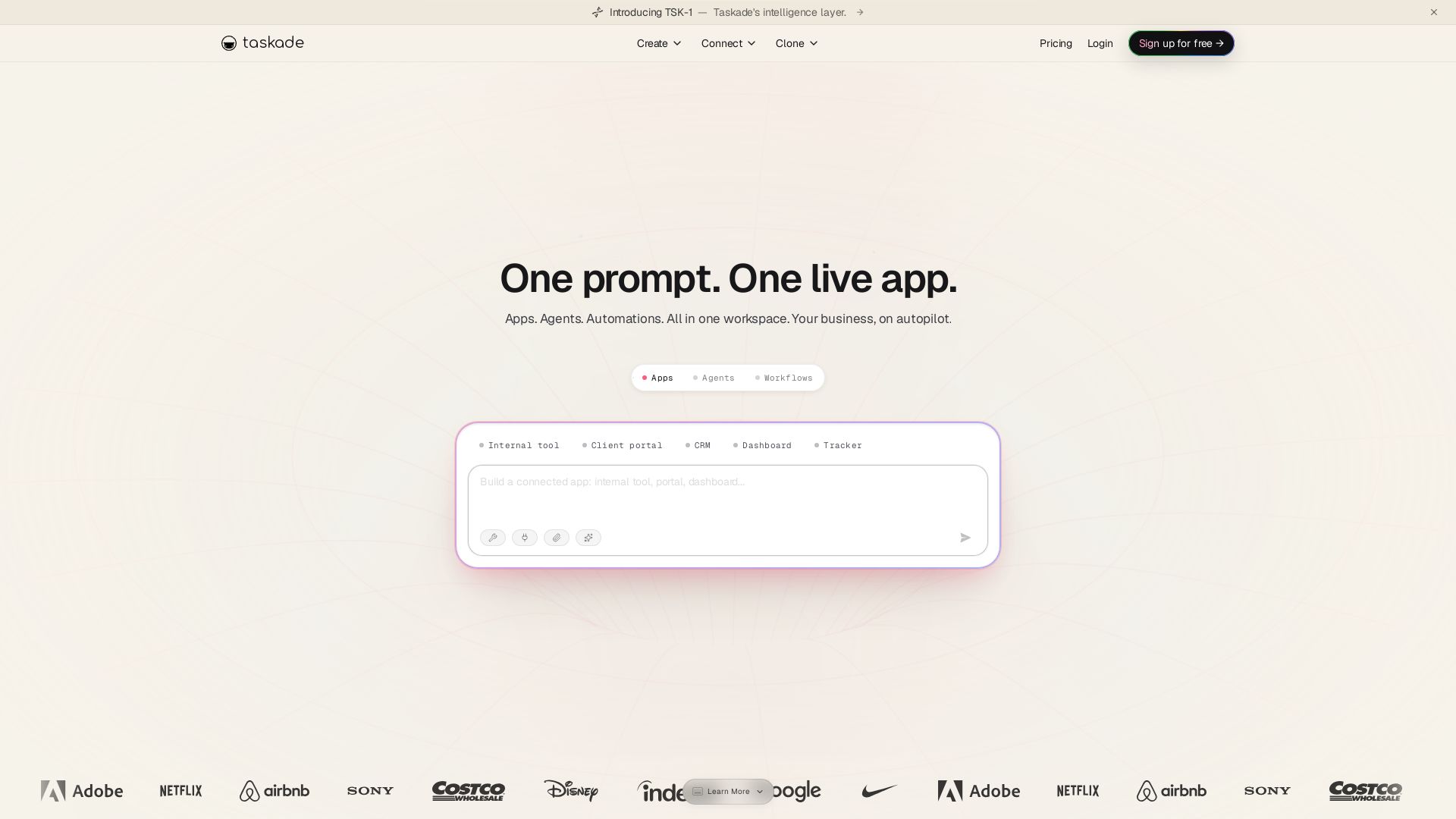
Taskade
Turn one prompt into living apps with AI agents and automations. Clone CRMs, dashboards, portals. No code. Your business on autopilot.


Zapier
Connect AI to 9,000+ apps. Build AI agents, chatbots, and workflows without code. Trusted by Fortune 500. Start free.

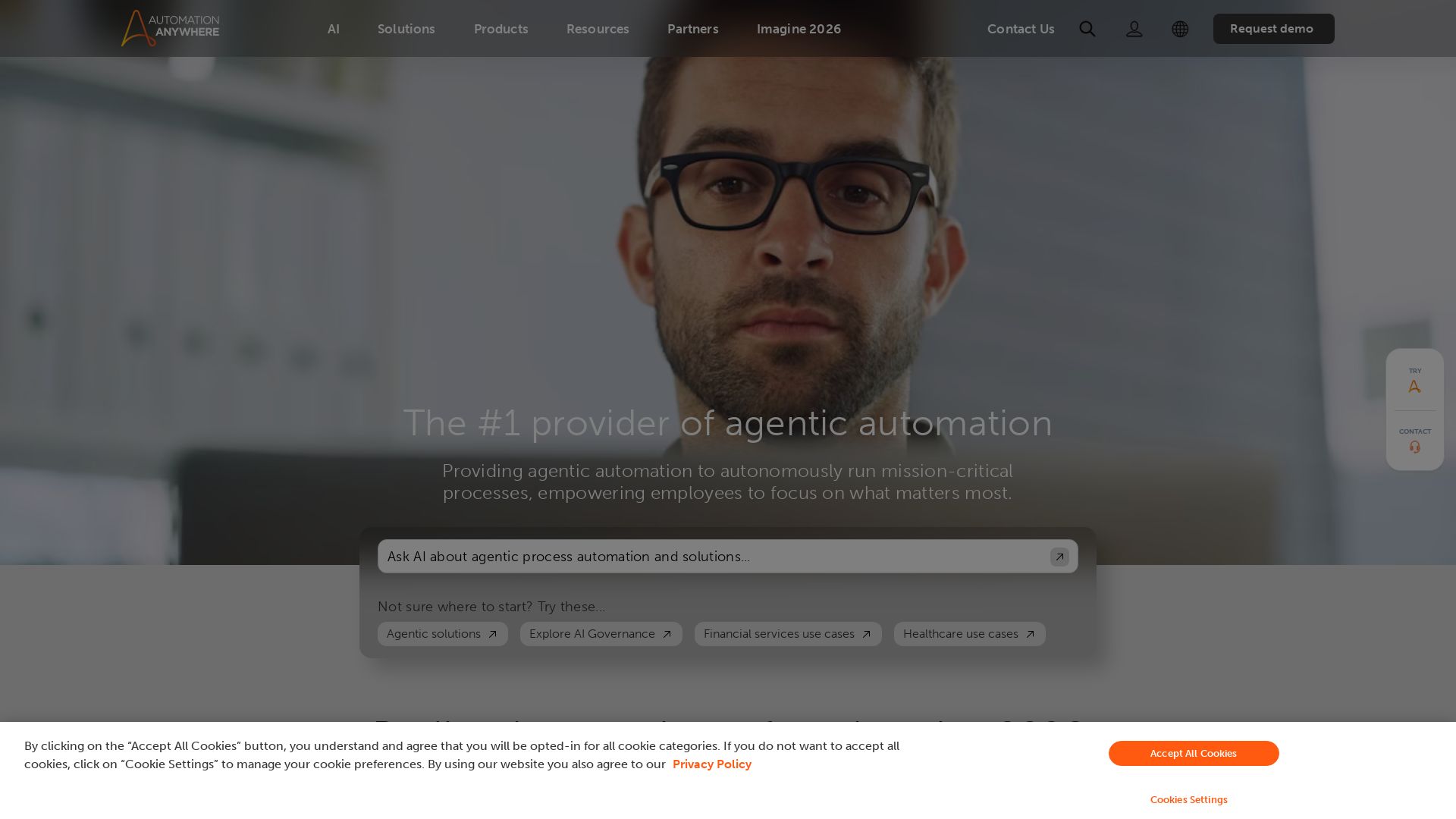
Automation Anywhere
Automate mission-critical processes with agentic AI. Trusted by global leaders. Boost efficiency, ensure compliance. Request a demo.

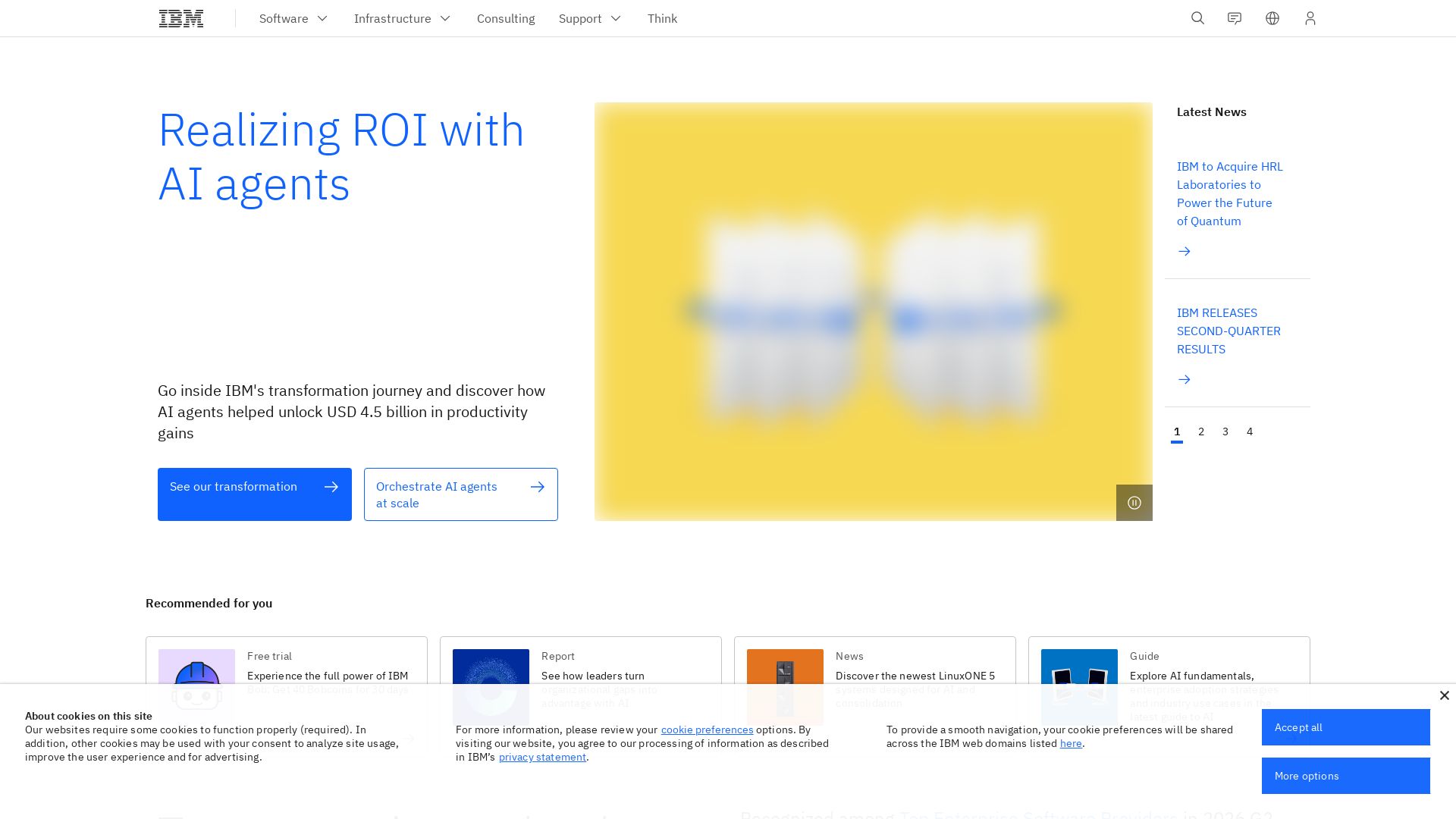
What is crewAI?
Discover how IBM's AI agents unlocked $4.5B in productivity gains. Explore watsonx, IBM Bob, and hybrid cloud to drive smarter business outcomes.

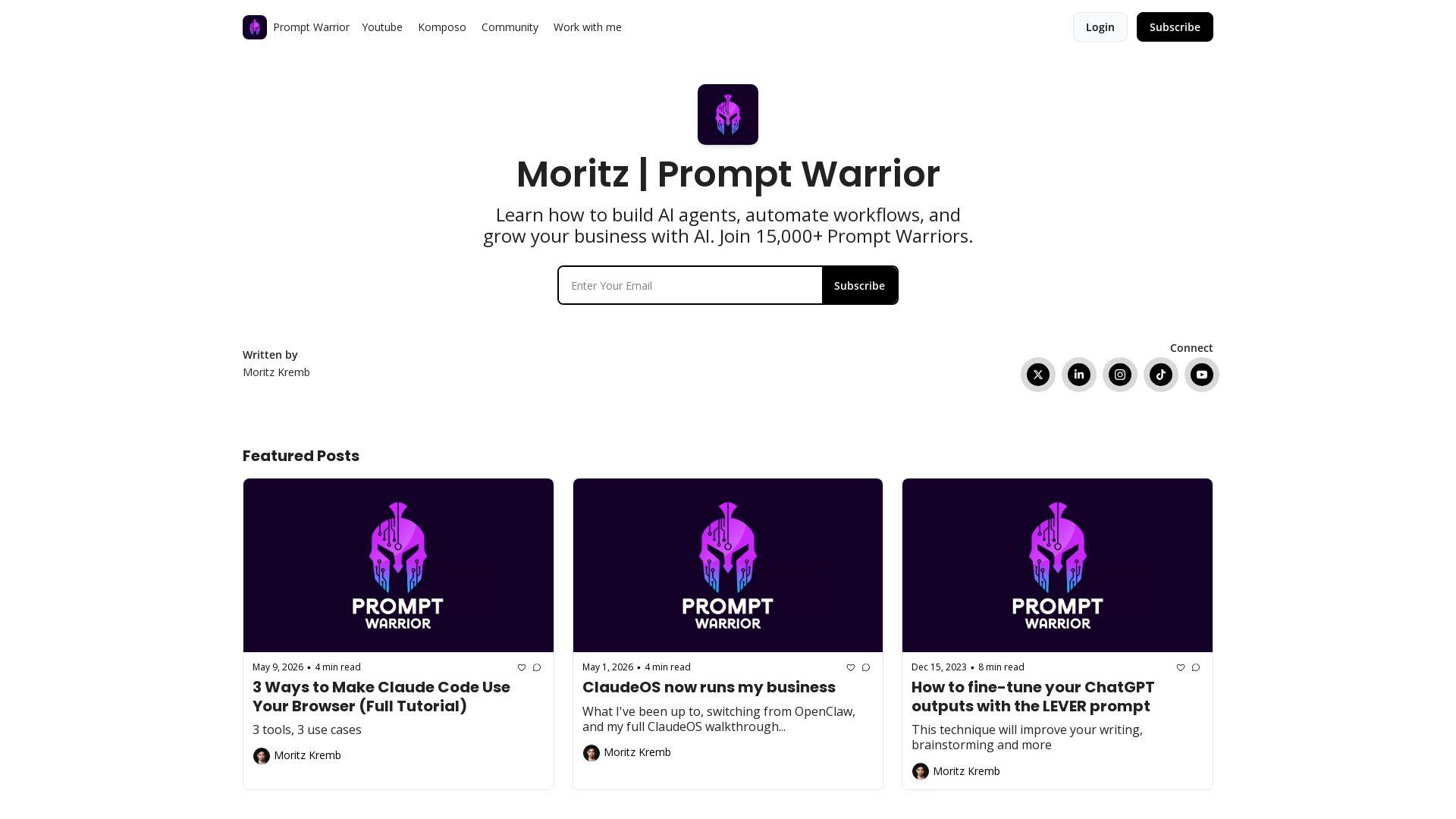
Prompt Warrior
Learn to build AI agents, automate workflows, and grow your business with AI. Join 20,000+ Prompt Warriors for tutorials on Claude Code, content agents, and more.

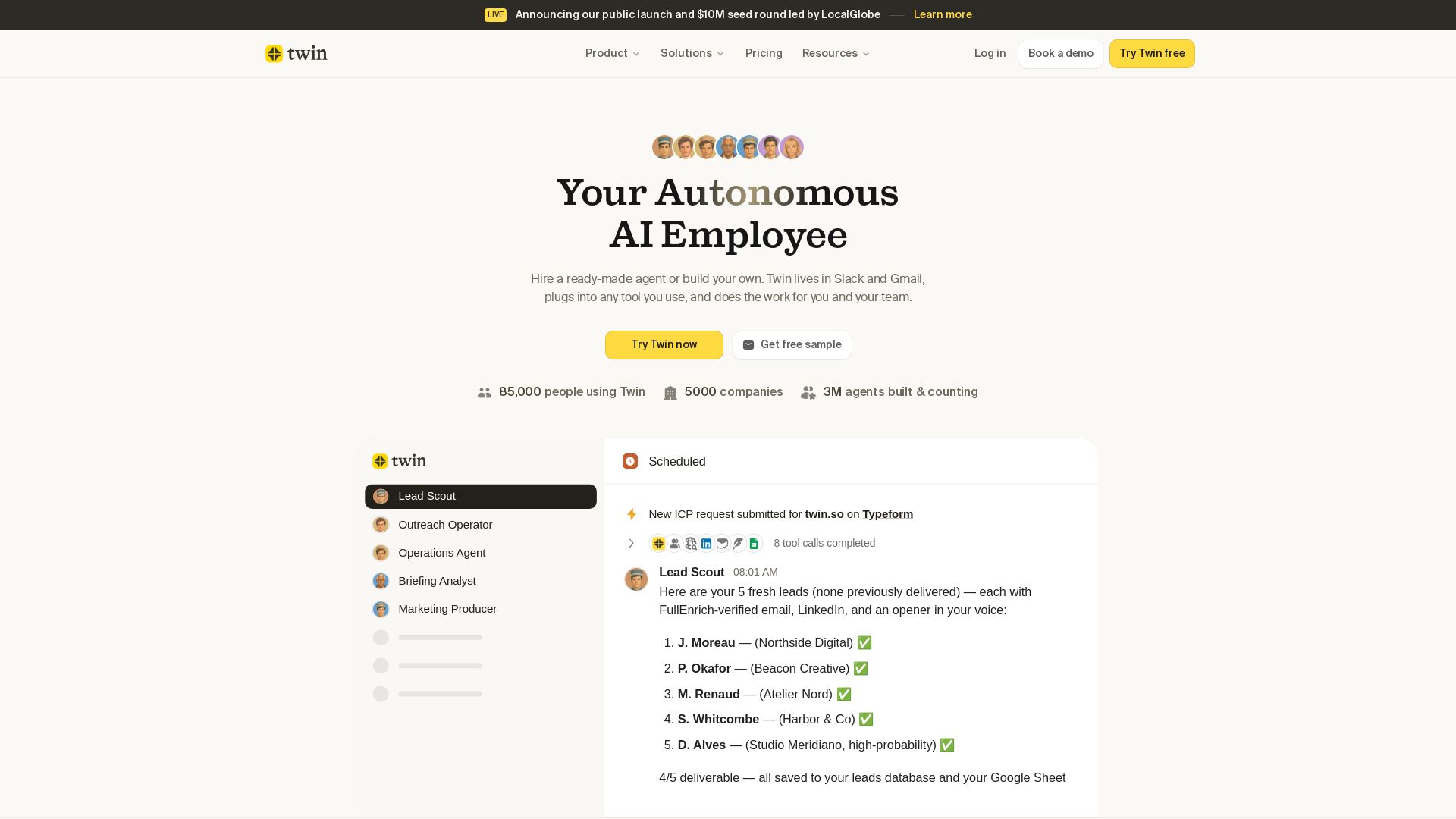
Twin
Twin: ready-made AI agents that work in Slack & Gmail. Automate prospecting, outreach, and more. Trusted by 85,000 users. Start free.

IBM
Discover how IBM's AI agents transformed operations, delivering $4.5 billion in productivity. Explore IBM Bob, watsonx Orchestrate, and more.

ℹ️ Curation Disclosure: The overview and features of Simular were synthesized using AI and fact-checked by our curation team to ensure accuracy.
