
OpenClaw Desktop App
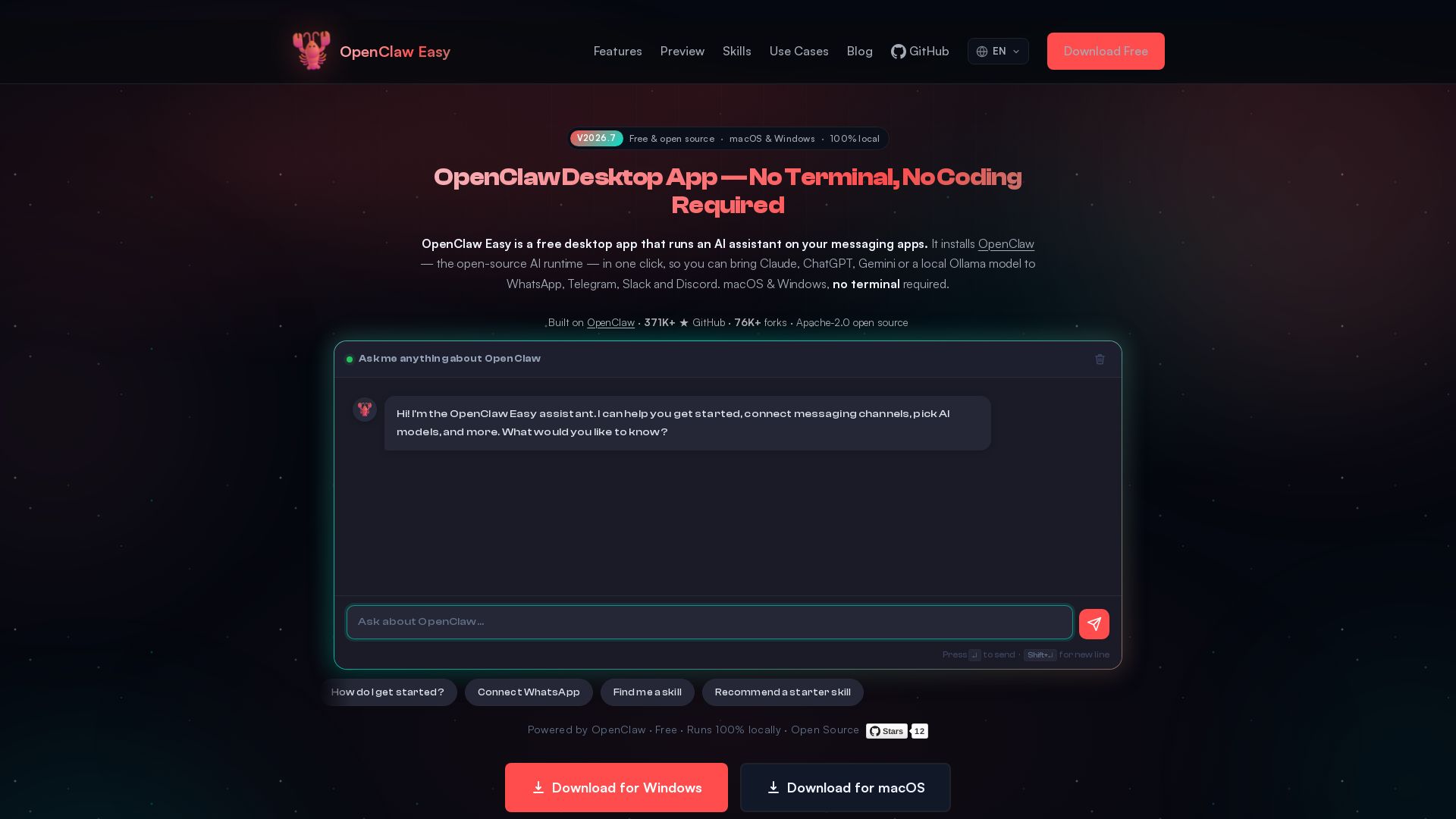
Run Claude, ChatGPT, Gemini & more on WhatsApp, Telegram, Slack, Discord. 100% local, no terminal required. Free & open source.
Editor's Verdict
Key Takeaways
- Zero Setup
- 100% Private & Local
- Multi-Model AI Support
- Multi-Channel Messaging
In-Depth Review: What is OpenClaw Desktop App?
OpenClaw Easy is a free, open-source desktop app that lets you bring AI assistants like Claude, ChatGPT, Gemini, DeepSeek, or local Ollama models to your favorite messaging apps (WhatsApp, Telegram, Slack, Discord, Feishu, LINE). It installs with one click, runs entirely on your machine, and requires no terminal or coding. Your data stays private—no third-party servers. Supports macOS and Windows, with optional Premium for managed AI. Under 1 minute setup, Apache-2.0 licensed.
Core Features
Zero Setup
No terminal, no config files, no dependencies. Download, install, and go in under a minute.
100% Private & Local
Everything runs on your machine. Your data never leaves your device. No third-party servers.
Multi-Model AI Support
Switch between Claude, ChatGPT, Gemini, DeepSeek, or local LLMs via Ollama with one click.
Multi-Channel Messaging
Connect to WhatsApp, Telegram, Slack, Discord, Feishu, and LINE from a single desktop app.
Free to Use
Bring your own API keys at no cost. Also supports free local models via Ollama. Optional premium credits for managed AI.
Control Center
Manage AI assistants, connected channels, agent configuration, and scheduled tasks from an intuitive interface.
Built-in AI Chat
Chat directly with Claude, ChatGPT, or Gemini from the desktop app without leaving your workflow.
Cron Jobs & Automation
Schedule automated AI tasks on a timer or one-time date to streamline repetitive processes.
Skills Registry
Discover and install 10,000+ open-source AI skills from the OpenClaw registry to extend functionality.
Open Source
Apache-2.0 licensed with 371K+ GitHub stars, fully transparent and community-driven.
Pricing
Free
- Bring your own API keys for Claude, ChatGPT, Gemini, DeepSeek
- Local LLMs via Ollama (no API key required)
- All messaging channels (WhatsApp, Telegram, Slack, Discord, Feishu, LINE)
- Full feature set including skills, cron jobs, control center
- 100% local, no data leaves your machine
Premium
- Managed AI – no need to bring your own API keys
- Top-up credits for usage
- Same features as Free plan
Pros and Cons
Pros
- Zero SetupNo terminal, no configuration files, no dependencies. Download and start using immediately.
- Full PrivacyAll processing happens locally on your machine; your data never reaches third-party servers.
- Broad Model SupportWorks with Claude, ChatGPT, Gemini, DeepSeek, and local models via Ollama – switch effortlessly.
- Multi-Platform MessagingSupports six major messaging apps: WhatsApp, Telegram, Slack, Discord, Feishu, and LINE.
- Free and Open SourceApache-2.0 licensed with a large community (371K+ GitHub stars). No per-seat or per-message fees.
Cons
- Limited to DesktopOnly available on macOS and Windows; no native Linux or mobile app at this time.
- Requires Own API Keys for Cloud ModelsTo use cloud AI services like Claude or ChatGPT, you need to provide your own API keys.
- Local Model Hardware DemandsRunning local LLMs via Ollama requires significant RAM (up to ~600 MB) and may not be ideal for low-end devices.
- No Built-in Cloud InfrastructureUnlike SaaS chatbots, there is no managed cloud option beyond the premium pre-paid credits (beta).
- Learning Curve for Advanced FeaturesWhile basic use is simple, setting up cron jobs or custom skills may require some technical understanding.
Use Cases & Recommended Professions
Software Engineer→ View Toolkit
Easily integrate AI assistants into messaging apps without building custom bot infrastructure. Quickly prototype and deploy AI-powered features.
Customer Support Manager→ View Toolkit
Automate responses and triage queries on WhatsApp, Telegram, and Slack using preferred AI models, reducing response time and workload.
Social Media Manager→ View Toolkit
Manage multiple messaging channels from one desktop app, schedule AI-generated replies, and maintain consistent brand voice.
Sales Representative→ View Toolkit
Engage leads on LINE, WhatsApp, and Telegram with AI-driven conversations that capture information and qualify prospects.
Freelancer / Solopreneur→ View Toolkit
Use a free, privacy-focused tool to handle client communications across channels without monthly SaaS fees.
Team Lead / Project Manager→ View Toolkit
Coordinate team interactions on Slack or Discord with an AI assistant that can schedule tasks, provide information, and automate workflows.
Frequently Asked Questions
Alternative AI Tools
View Detailed Comparison →
Expo AI Chatbot
Build AI chatbot apps for iOS, Android & web with Expo SDK 54, AI SDK 5, voice, long-term memory, and more. Open-source codebase.

Odin AI
Automate tasks, document summarization, and collaboration with Odin AI's no-code platform. Boost productivity with intelligent AI agents.


Zapier
Connect AI to 9,000+ apps. Build AI agents, chatbots, and workflows without code. Trusted by Fortune 500. Start free.

OpenClaw
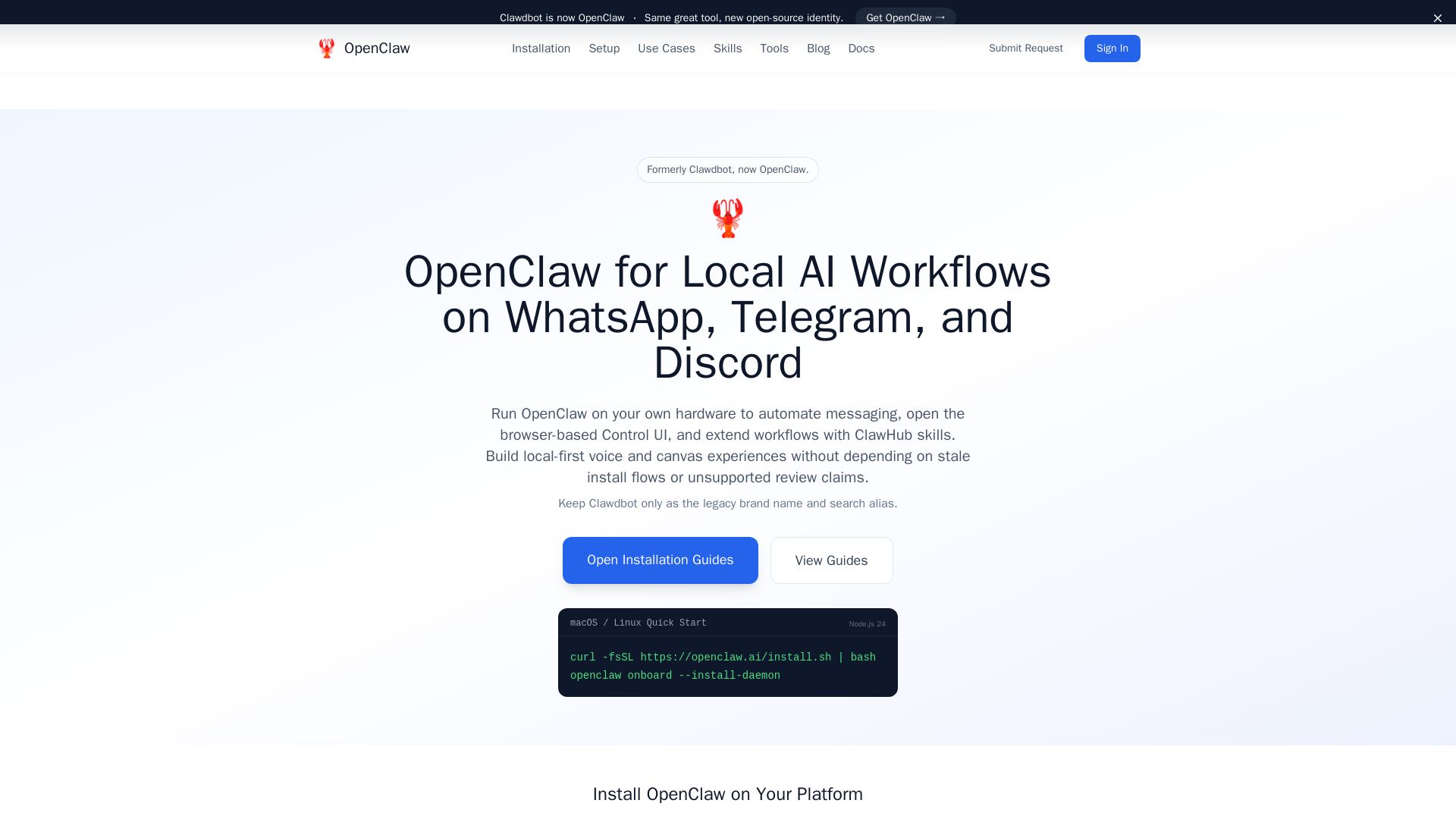
Run OpenClaw on your hardware for automated messaging, voice, canvas, and skills. Formerly Clawdbot, now open-source.


Making AI think and act: my approach to the Hugging Face AI ...
Experienced AI engineer specializing in medical imaging and LLM-powered agents. Built globally deployed radiology AI at AZmed. Now building AI agents at Matrix One.

Locally AI
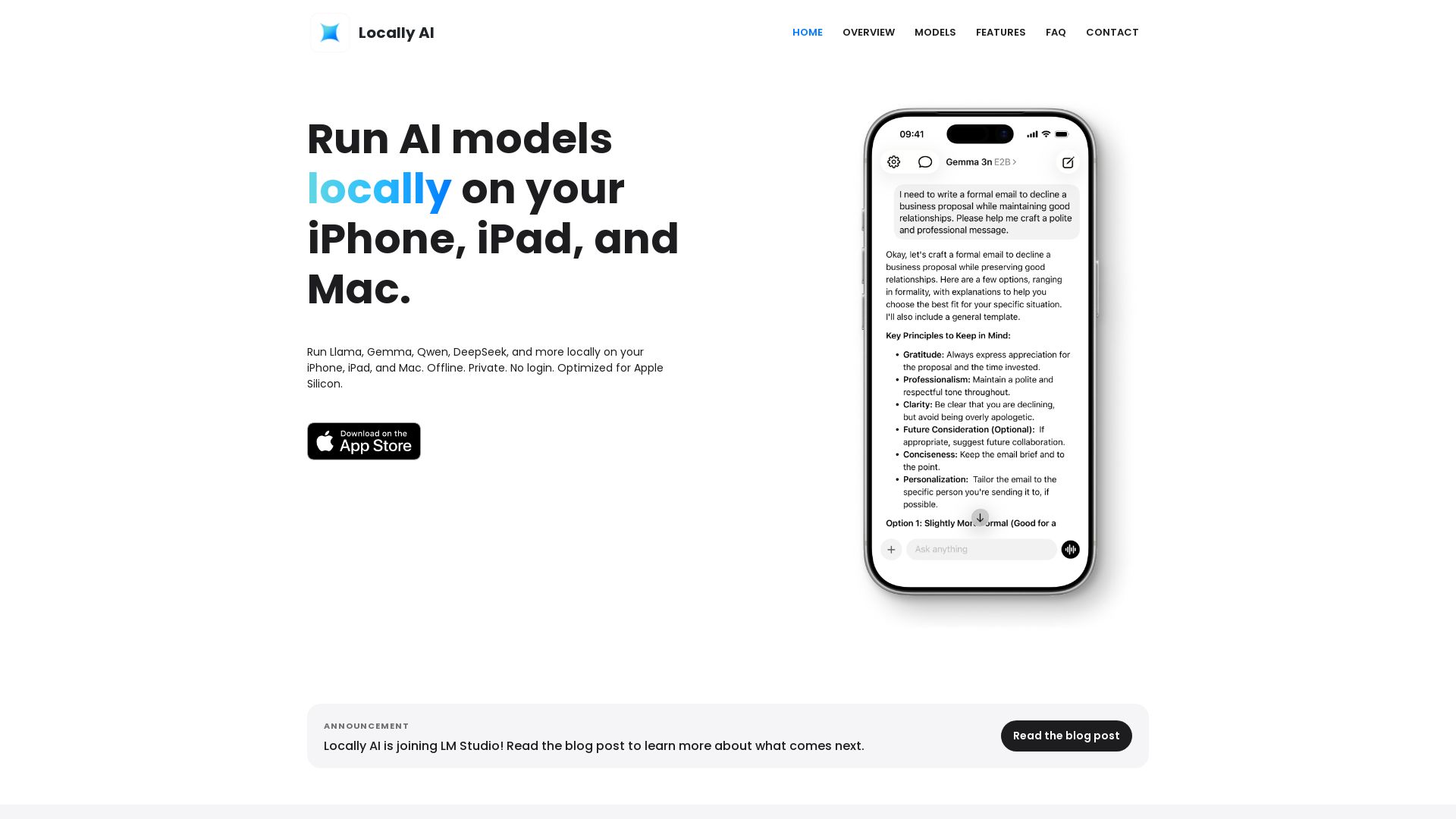
Run Llama, Gemma, DeepSeek & more locally on iPhone, iPad & Mac. Offline, private, no login. Apple Silicon optimized. Download now.

Wizr AI
Build autonomous enterprises with AI-powered automation. Accelerate software delivery by 50% with production-ready AI systems. Trusted by world-class enterprises.


Agentic Workers
Automate tasks with 100+ pre-built AI workflows. Connect 800+ tools, save 10+ hours/week. No coding needed. Join 13,000+ professionals.

Local AI
Download Local AI for Android. Private, offline AI chat with on-device LLM. No internet needed. Free and secure on Uptodown.

Pydantic AI Tutorial: Type-Safe Agents in Production
Production-ready AI voice agents, automation, and chatbots. 126 systems shipped. 21-day live guarantee. Book a free AI audit.

NeuralTalk AI
Create your own AI chatbot for free. Train on your data, deploy on website, and automate customer service 24/7 with no coding. Best chatbot platform.

Section AI
Turn AI investment into workforce transformation with Section. Command center, coaching, and strategic support to drive measurable ROI.

ℹ️ Curation Disclosure: The overview and features of OpenClaw Desktop App were synthesized using AI and fact-checked by our curation team to ensure accuracy.
