
NinjaChat
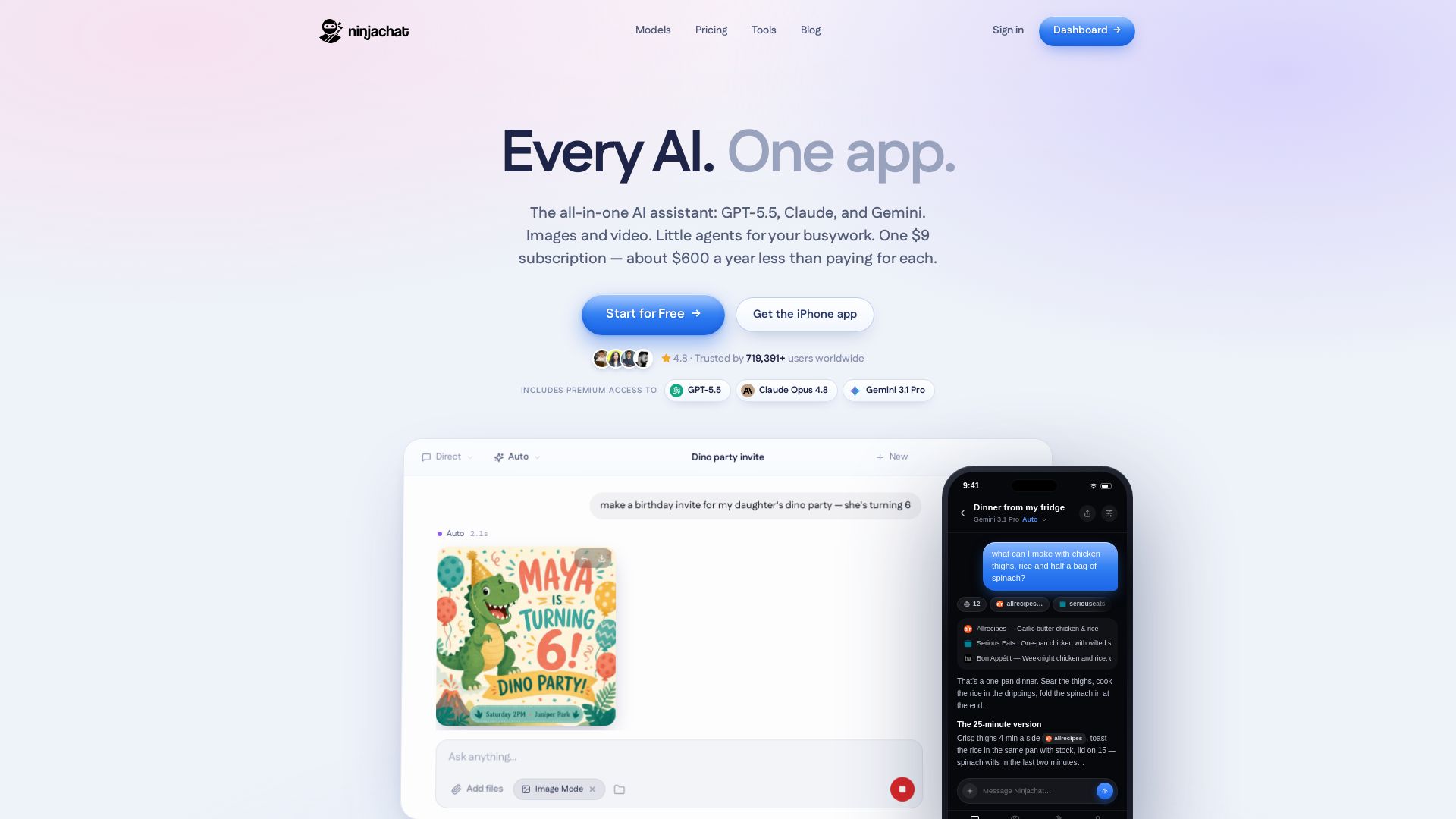
Unify GPT-5.5, Claude, Gemini & 50+ models. Images, video, agents, automations. One $9 subscription saves ~$1,404/yr. Start free.
Editor's Verdict
Key Takeaways
- Multi-model AI Assistant
- Image & Video Studio
- Automation Agents
- iMessage Integration
In-Depth Review: What is NinjaChat?
NinjaChat is the ultimate all-in-one AI platform that combines every major model (GPT-5.5, Claude Opus 4.8, Gemini 3.1 Pro, and 50+ more) into a single chat interface for just $9/month. It goes beyond text: generate and edit images, create videos, build automations with plain English, and get proactive texts via iMessage. With web search, live finance, PDF analysis, memory, and no content filters, it replaces 7+ subscriptions. Trusted by over 719,000 users, NinjaChat offers a unified experience for productivity, creativity, and automation—all at a fraction of the cost.
Core Features
Multi-model AI Assistant
Access GPT, Claude, Gemini, Llama, and over 50 other models in one app. Compare responses side by side or use Auto mode.
Image & Video Studio
Generate, edit, and animate images into videos using 16+ image models and video generation tools like Kling, Veo, and Seedance.
Automation Agents
Create custom agents in plain English that run on schedule across apps like Gmail, Slack, and Notion to automate tasks.
iMessage Integration
Chat with the AI via iMessage. It texts you first to remind you of flights, deadlines, and more.
Voice & File Support
Speak your queries, upload PDFs, images, or files, and get responses in text, charts, or images.
Web Search & Live Data
Automatically search the web for real sources, monitor live stocks and crypto, and cite results.
Memory
The AI remembers your preferences, people, and past conversations across chats and devices.
Developer API
OpenAI-compatible API to access 50+ models, images, and video with a single key and URL change.
Pricing
NinjaChat Subscription
- All AI models (GPT, Claude, Gemini, Llama, 50+ more)
- Full image & video studio
- Agents and automations
- Web search, finance, PDFs, voice
- iMessage integration (ninja texts you first)
- No content filters
- Unlimited chats
Pros and Cons
Pros
- All-in-one platformCombines multiple AI services (ChatGPT, Claude, Gemini, etc.) into a single app, eliminating the need for separate subscriptions.
- Affordable pricingAt $9/month, it costs significantly less than subscribing to individual AI tools, saving users up to $1,404/year.
- Model comparisonUsers can run up to four models side by side in real-time, making it easy to compare outputs and choose the best response.
- Advanced creation toolsIncludes image generation, video creation, and editing with inpainting and animation, all within the chat interface.
- Automation and memoryAutomate repetitive tasks with plain-English agents and benefit from persistent memory across sessions.
Cons
- Single pricing planOnly one subscription plan is offered, which may not suit users who want a free tier or more granular feature options.
- Internet requiredAs a cloud-based service, all features require a stable internet connection, limiting offline use.
- Potential for overwhelming optionsWith over 50 models and numerous features, new users might find the interface cluttered or difficult to navigate.
- No explicit enterprise planWhile API access is available, there is no dedicated enterprise or team plan mentioned, which might be needed for larger organizations.
- Privacy concernsSince the AI remembers conversations and integrates with many apps, users may have concerns about data privacy and security.
Use Cases & Recommended Professions
Software Developer→ View Toolkit
Can use the API to integrate multiple AI models into applications, compare model outputs, and automate code review or documentation tasks.
Content Creator→ View Toolkit
Leverage image and video generation for social media posts, edit visuals, and animate ideas without leaving the chat.
Researcher→ View Toolkit
Search the web with live citations, analyze PDFs, and compare different AI perspectives on academic or market topics.
Entrepreneur / Freelancer→ View Toolkit
Automate client prospecting, email drafting, and schedule management with agents, saving time on repetitive tasks.
Student→ View Toolkit
Get help with studies by turning lectures into notes, quizzing on materials, and researching topics with multiple AI models.
Business Professional→ View Toolkit
Manage calendars, track competitors, prepare meeting briefs, and monitor brand mentions automatically via integrations.
Frequently Asked Questions
Alternative AI Tools
View Detailed Comparison →
Zapier
Connect AI to 9,000+ apps. Build AI agents, chatbots, and workflows without code. Trusted by Fortune 500. Start free.


Agentic Workers
Automate tasks with 100+ pre-built AI workflows. Connect 800+ tools, save 10+ hours/week. No coding needed. Join 13,000+ professionals.


Expo AI Chatbot
Build AI chatbot apps for iOS, Android & web with Expo SDK 54, AI SDK 5, voice, long-term memory, and more. Open-source codebase.


HIX AI
HIX AI is an AI agent workspace that lets you research, create slides, videos, images, and more with one tool. Boost productivity with deep research and automated content creation.

Automation Anywhere
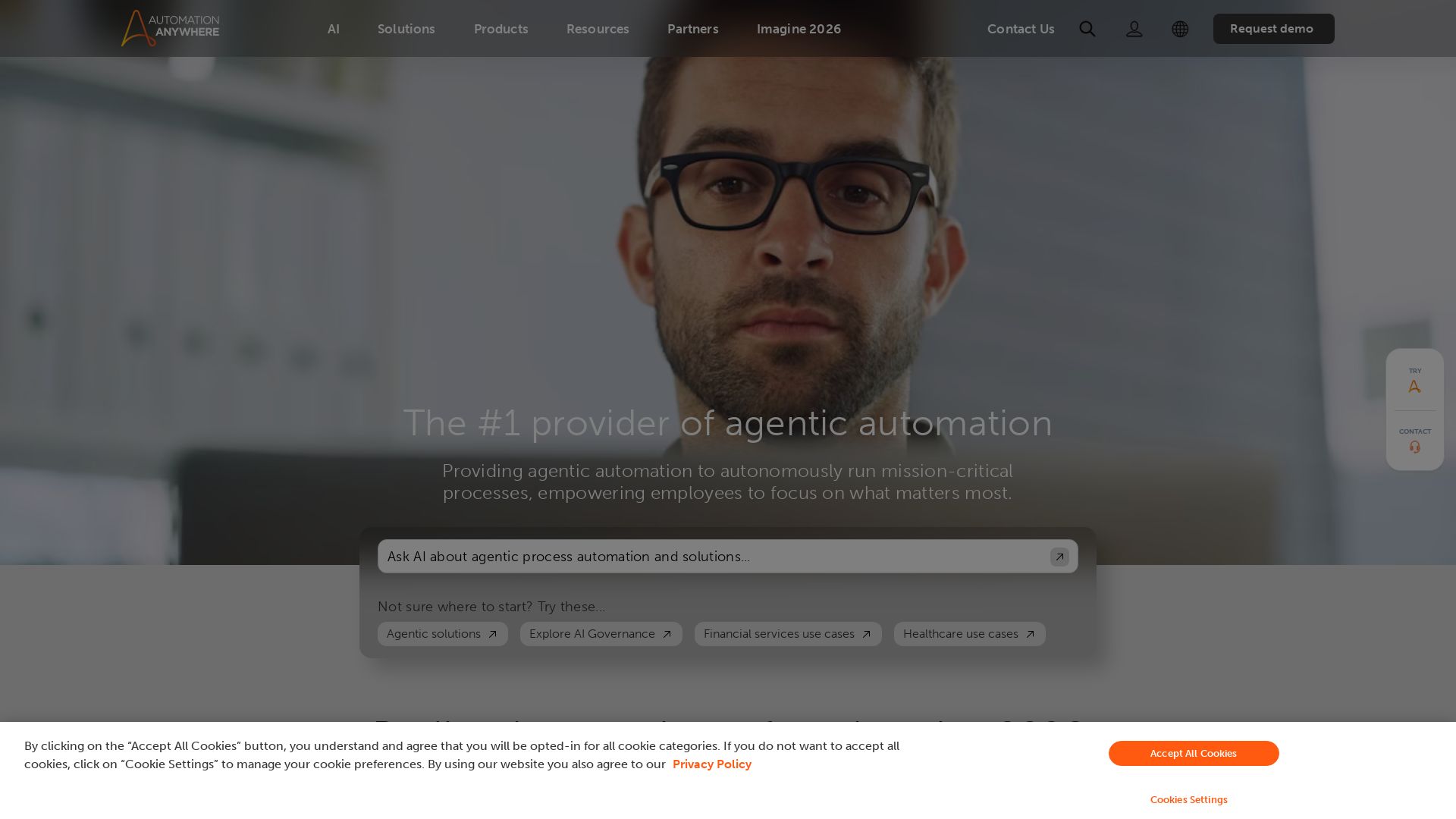
Automate mission-critical processes with agentic AI. Trusted by global leaders. Boost efficiency, ensure compliance. Request a demo.

Chatbot Builder
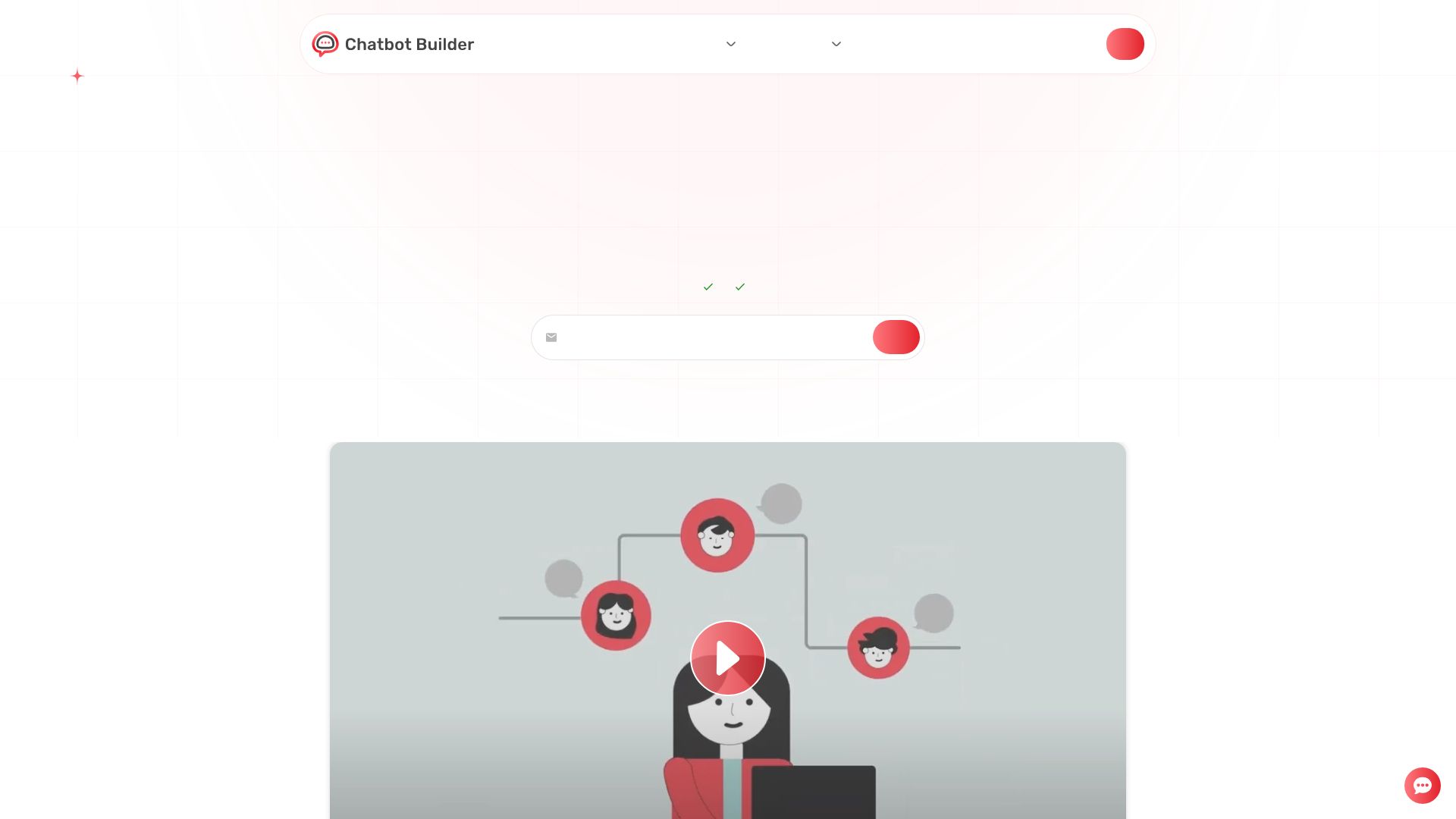
Build an AI chatbot in minutes without coding. 24/7 customer support, sales automation, and seamless integrations. Start your free 14-day trial today!

Ask AI
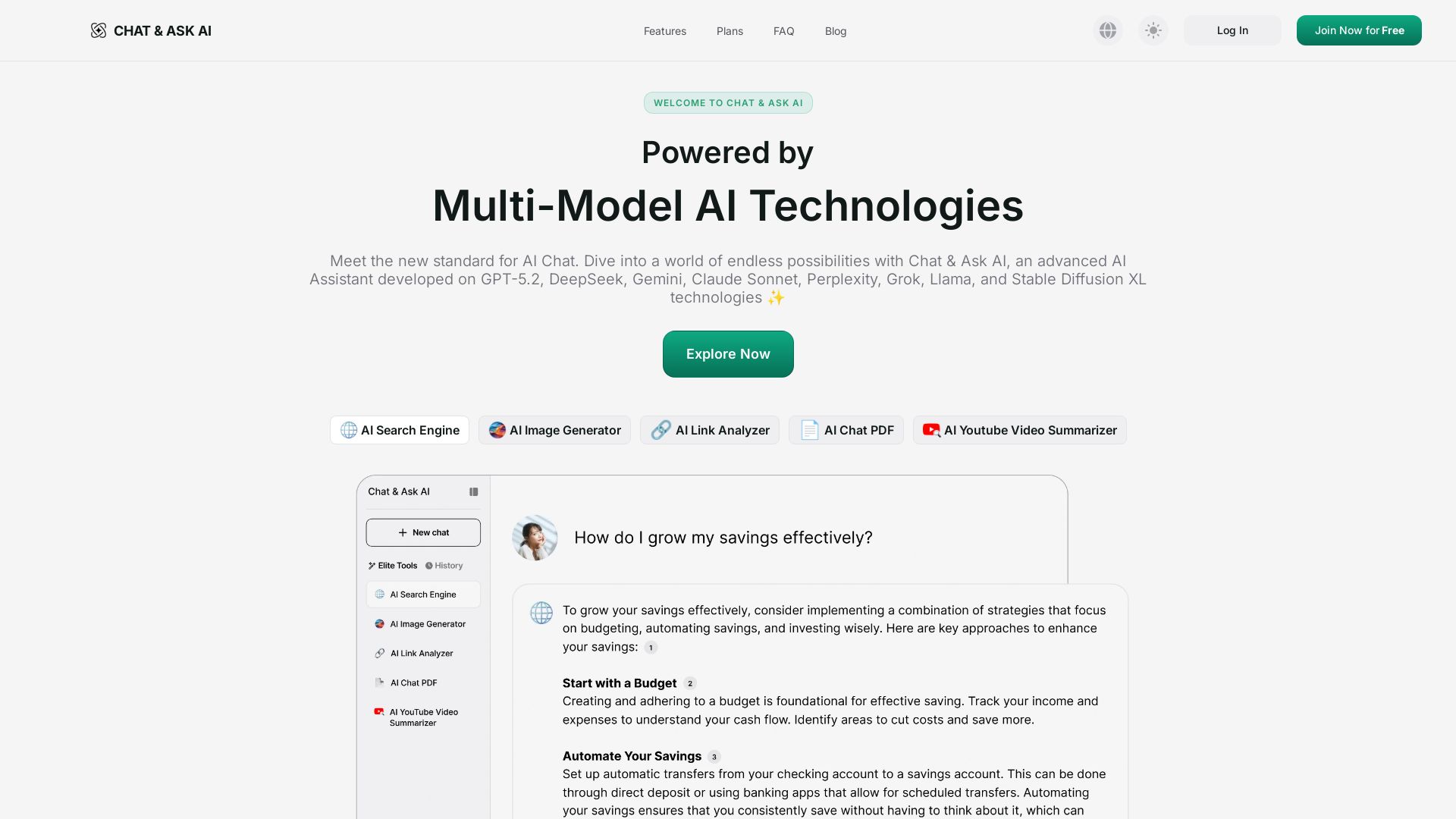
Experience advanced AI with GPT-5.2, Gemini, Claude, and more. Chat, search, analyze links/PDFs, summarize videos, and generate images. Free tier available.

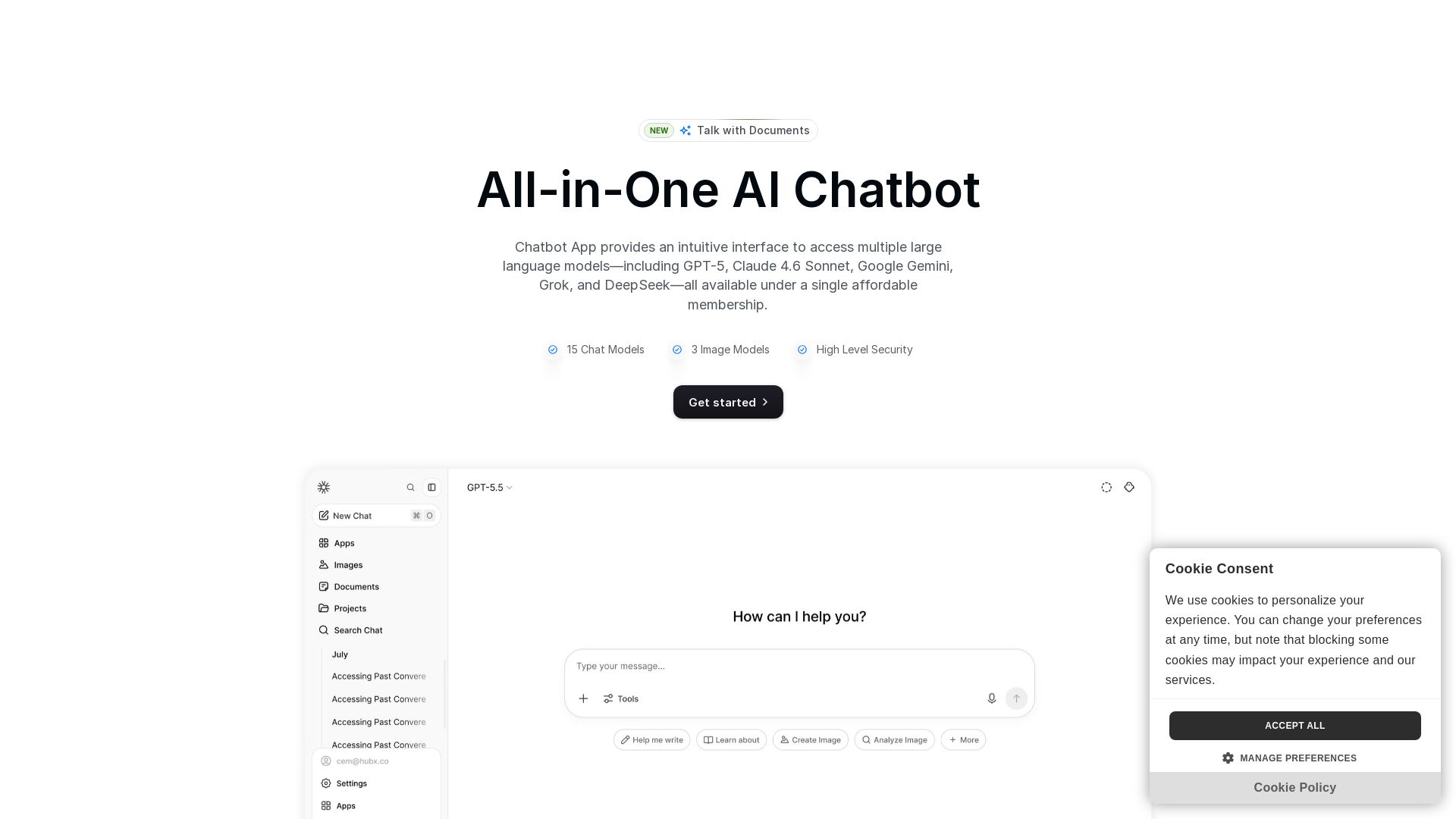
Chatbot App
Access 15+ top AI models including GPT-5, Claude 4.6, Gemini, DeepSeek in one app. Affordable membership, chat, image generation, PDF support, and more. Save 70%.

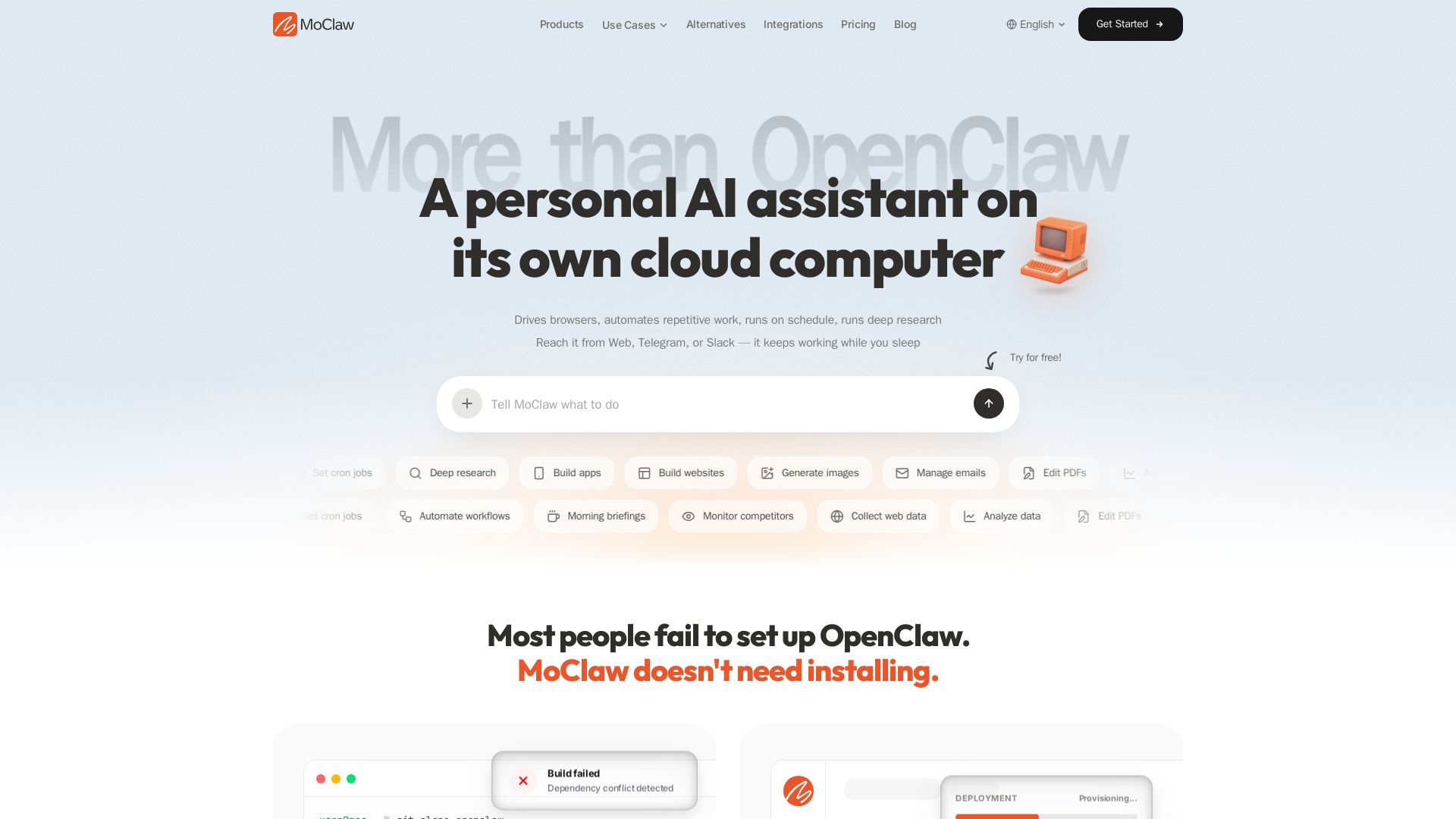
MoClaw
Automate tasks, research, and workflows with MoClaw's always-on AI computer. No setup, no crashes. Deep research, browser control, scheduling. Try free.


Figr
Ship better UX faster. Figr builds a living understanding of your product, maps flows, finds edge cases, and generates high-fidelity prototypes from your actual design system.

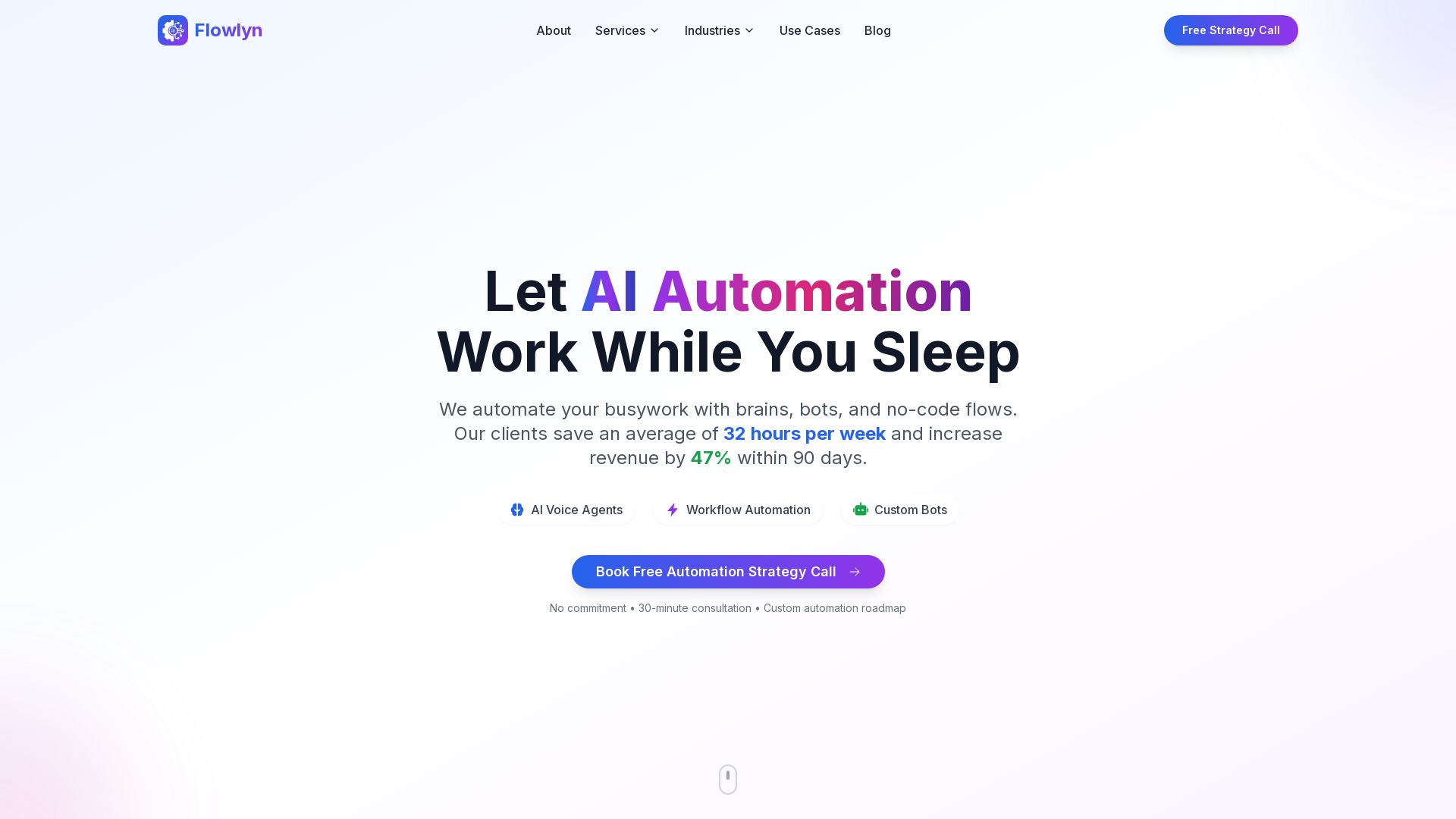
Flowlyn
Leading AI automation agency. Deploy AI voice agents, workflow automation, custom bots. 847+ clients, average 312% ROI in 90 days. Free strategy call.
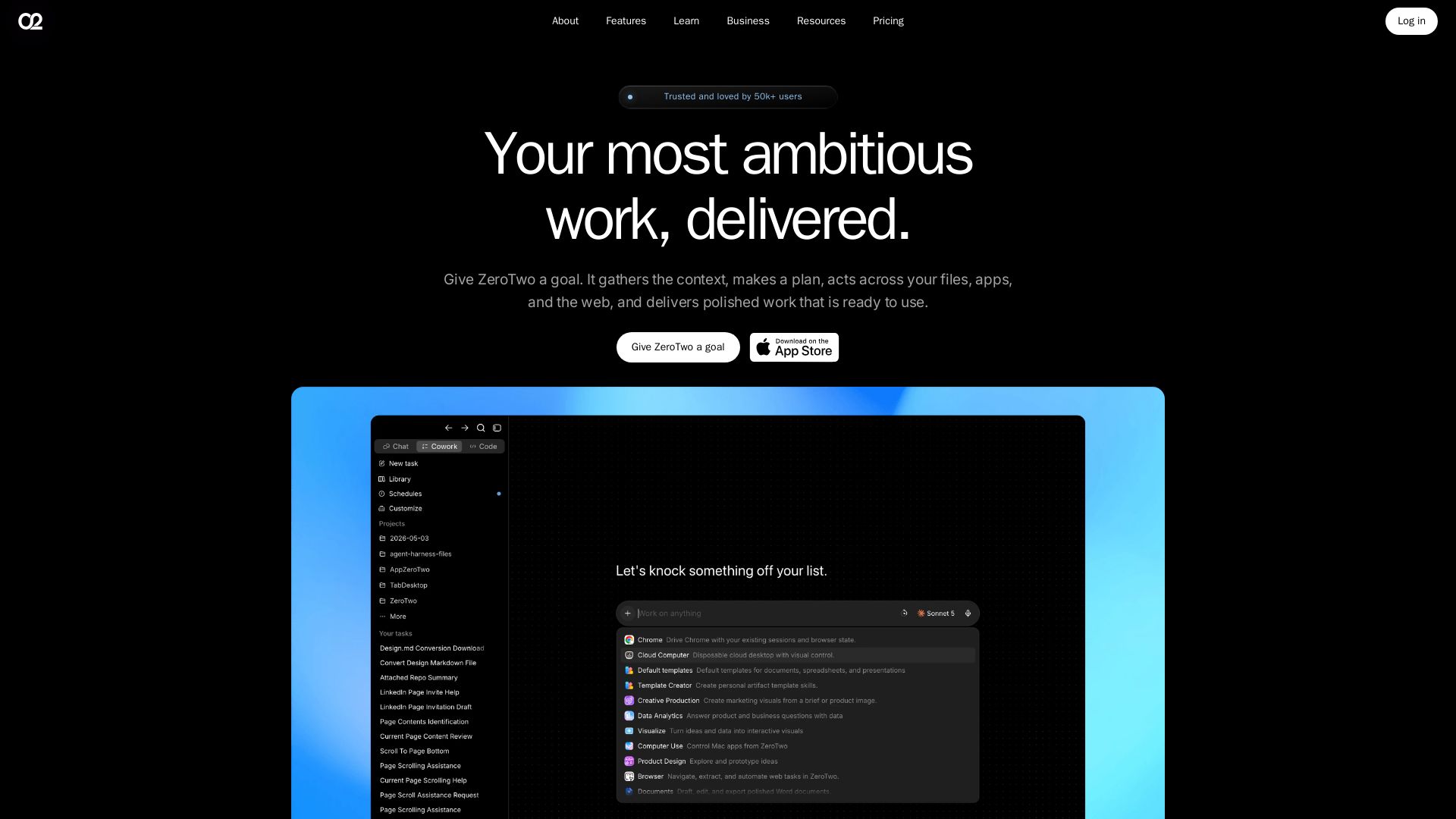
ZeroTwo
ZeroTwo is an AI agent that plans, connects apps, and delivers polished work—from reports to videos. Trusted by 50k+ users. Get started free.

ℹ️ Curation Disclosure: The overview and features of NinjaChat were synthesized using AI and fact-checked by our curation team to ensure accuracy.
