
Moxo

Orchestrate business processes with humans and AI agents. Build and run workflows, design AI agents, and gain insights. No logins for stakeholders. Enterprise security.
Editor's Verdict
Key Takeaways
- Workflow Builder
- Agent Foundry
- Stakeholder Experience
- Insights & Analytics
In-Depth Review: What is Moxo?
Moxo is an agentic operating system for business operations teams. It allows you to build and run workflows that seamlessly integrate human actions, AI agents, and complex logic. With features like the Agent Foundry, stakeholder experience portals, and plain-language insights, Moxo empowers teams to automate and optimize processes such as onboarding, service delivery, and account management. Trusted by leading enterprises, it offers robust security and compliance controls.
Core Features
Workflow Builder
Design and run workflows that combine human actions, AI agents, and complex logic.
Agent Foundry
Build and deploy custom AI agents that work alongside your team.
Stakeholder Experience
Provide each persona with a customized front door, no login or setup required.
Insights & Analytics
Ask natural language questions about operations; track status, risk, and decisions.
AI Efficiency with Enterprise Controls
AI agents handle heavy lifting while humans remain accountable, with auditability and security.
Self-Improving Models
Processes run on a constellation of models that learn and improve over time.
Security & Compliance
SOC 2 Type II, GDPR, SAML SSO, audit trail, encryption, and role-based access.
Pricing
Free
- Workflow builder
- AI Copilot
- Branching
- Loops
- Triggers
- Milestones
- Flow template gallery
- Approvals
- Forms
- Acknowledgements
- Decisions
- Questionnaires
- To-dos
- eSignatures
- File requests
- Agent Foundry
- Review Agent
- Prepare Agent
- Advise Agent
- Agent capabilities (basic)
- Instructions, knowledge, skills (basic)
- Extract
- Write
- Custom prompt
- Transcribe (basic)
- Magic links
- Email notifications
- Third party integrations
- In-app support
Business
- Everything in Free
- Third party integrations
- Reporting dashboard
- AI Reporting Agent
Pro
- Everything in Business
- Subflows
- Business rules
- Scheduled flows
- Questionnaires
- Payments
- Checklists
- Supervisor Agents
- Agent capabilities (advanced)
- Instructions, knowledge, skills (advanced)
- Summarize
- Translate
- Transcribe (advanced)
- Portals
- SMS notifications
- Custom domain
- Flow catalog
- Resources
- Messages
- Quick links
- Announcements
- Webhooks
- REST APIs
- Connect via MCP
- SAML SSO
- Audit log
- Reporting dashboard
- AI Reporting Agent
- Customer success manager
Enterprise
- Everything in Pro
- Data tables
- Custom actions
- Bring your own model / agent
- Agent self-improvement
- Custom pages
- Data cards
- Embedded apps
- Custom code
- Forward deployed engineer
Pros and Cons
Pros
- Human-AI CollaborationHumans stay accountable for critical decisions while AI agents handle repetitive tasks, boosting efficiency.
- Enterprise-Grade SecuritySOC 2 Type II, GDPR, SAML SSO, and encryption ensure compliance and data protection.
- No-Login Stakeholder ExperienceParticipants can take action via magic links, eliminating friction and onboarding hassle.
- Self-Improving WorkflowsAI models learn from every flow, continuously optimizing processes.
- Comprehensive IntegrationSupports webhooks, REST APIs, MCP, and third-party tools for seamless connectivity.
Cons
- Limited Free TierFree plan only allows 2 flows and 500 AI credits per month, restricting scalability.
- Annual Commitment for ProPro plan requires yearly commitment, which may not suit all budgets.
- Learning CurveBuilding complex workflows with AI agents may require initial training.
- Dependence on AI ModelsRelies on cloud-based AI; offline or on-premise deployment is not mentioned.
- Advanced Features PaywalledCustom branding, advanced agent capabilities, and audit log only available in higher tiers.
Use Cases & Recommended Professions
Operations Manager→ View Toolkit
Automate and optimize business processes, reducing manual effort and errors.
Client Onboarding Specialist→ View Toolkit
Streamline client onboarding workflows with automated forms, approvals, and AI agents.
Project Manager→ View Toolkit
Manage complex projects with human-AI collaboration and real-time insights.
IT Manager→ View Toolkit
Integrate and secure workflows across departments with enterprise controls.
Customer Success Manager→ View Toolkit
Enhance customer engagement through personalized portals and automated follow-ups.
Business Analyst→ View Toolkit
Analyze operational data using natural language queries and AI reporting agents.
Frequently Asked Questions
Alternative AI Tools
View Detailed Comparison →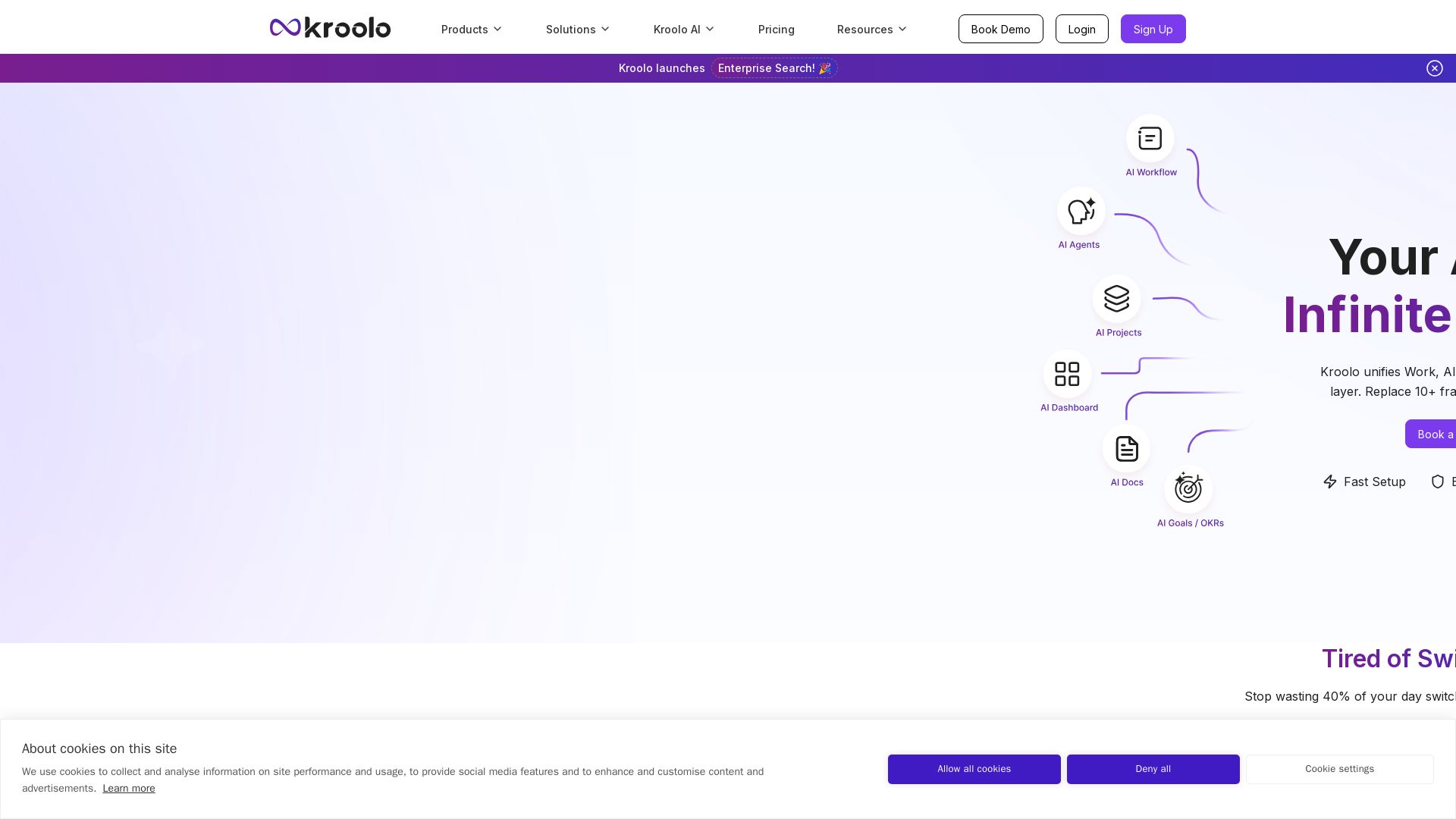
Kroolo
Replace 10+ fragmented apps with one AI-native platform. Kroolo unifies work, AI agents, and enterprise search to boost productivity up to 70%.


Cequence AI Gateway
Safely connect AI agents to business apps with enterprise-grade security, OAuth 2.1, and MCP. Unlock agentic AI productivity.

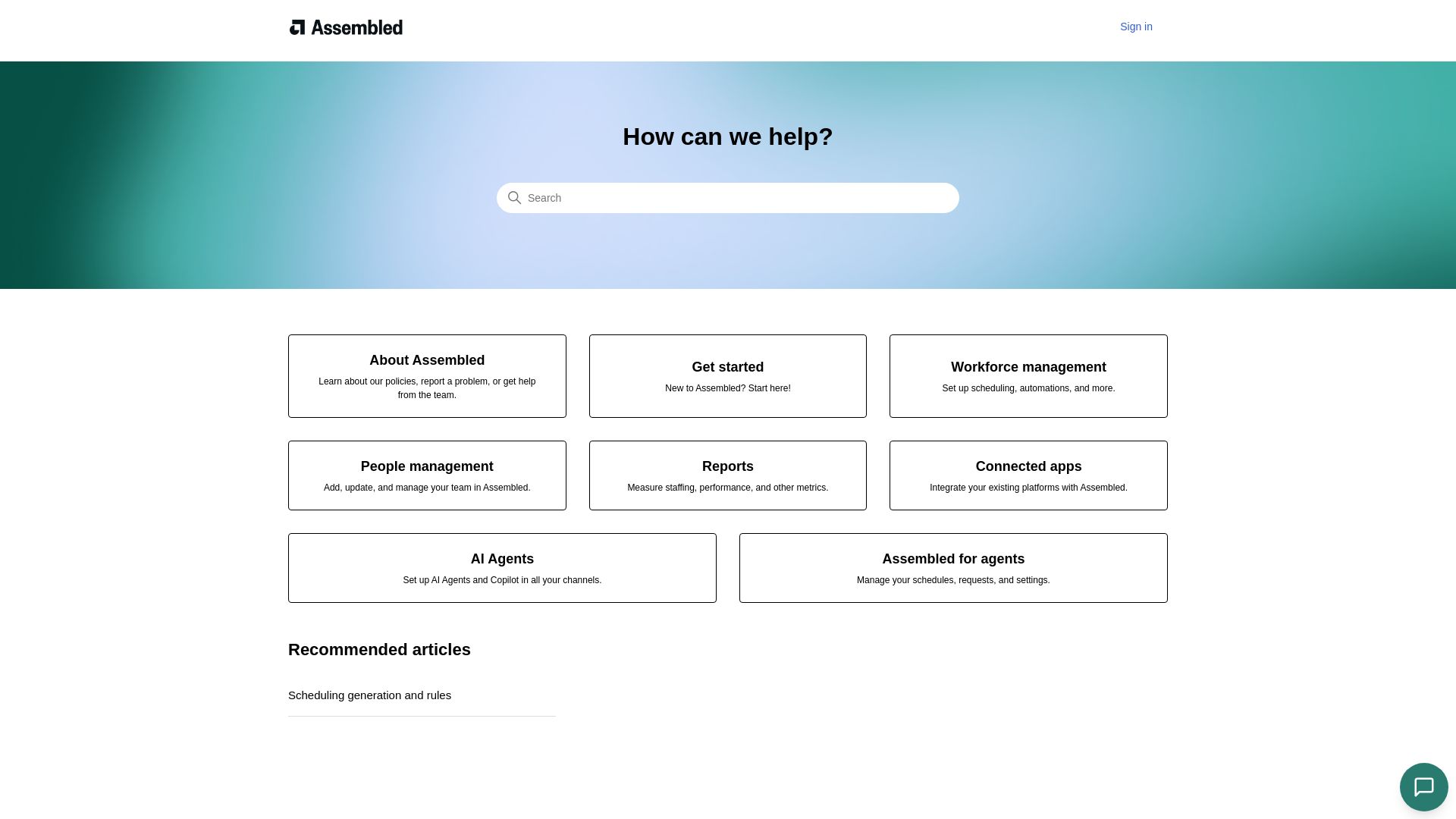
Assembled
Streamline scheduling, people management, and reports with Assembled. Integrate your platforms and deploy AI agents to boost team productivity.

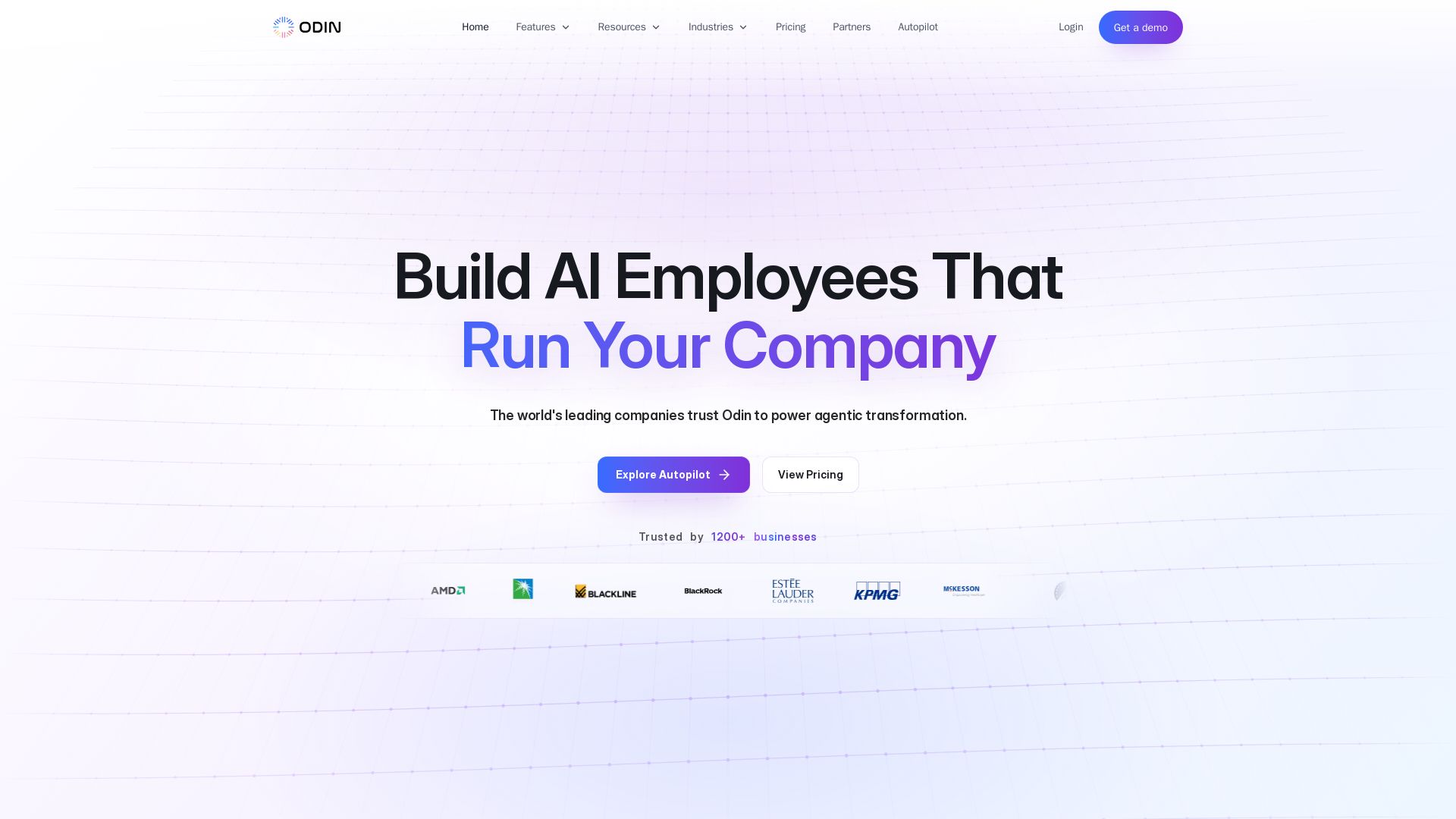
Odin AI
Deploy production-ready AI agents that automate workflows across ERP, CRM, ITSM, and more. Save thousands of hours. Trusted by 1200+ businesses.

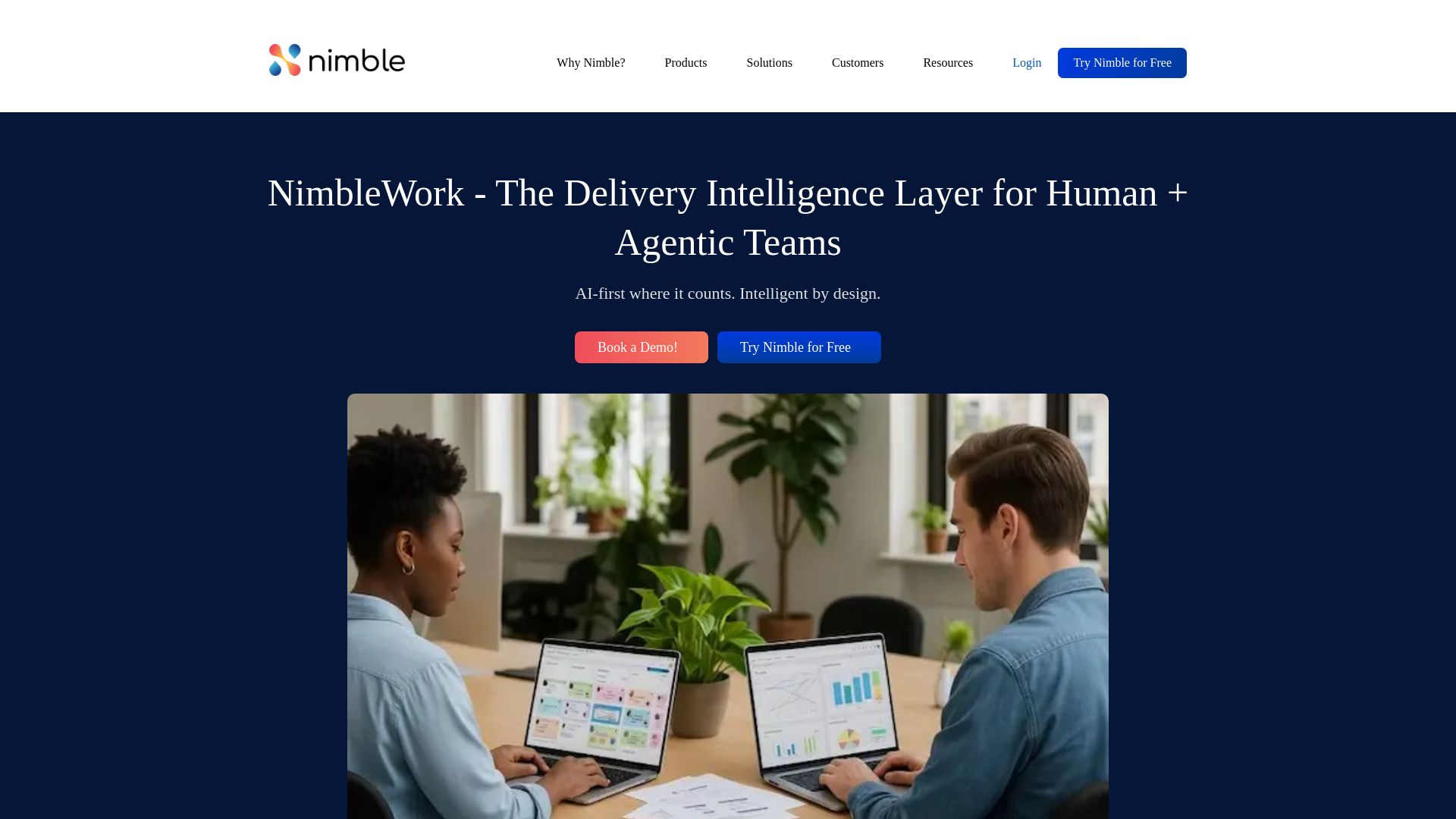
NimbleWork
Boost productivity with AI-driven work management. Visual boards, agile tools, and analytics trusted by industry leaders. Try for free!


Wizr AI
Build autonomous enterprises with AI-powered automation. Accelerate software delivery by 50% with production-ready AI systems. Trusted by world-class enterprises.

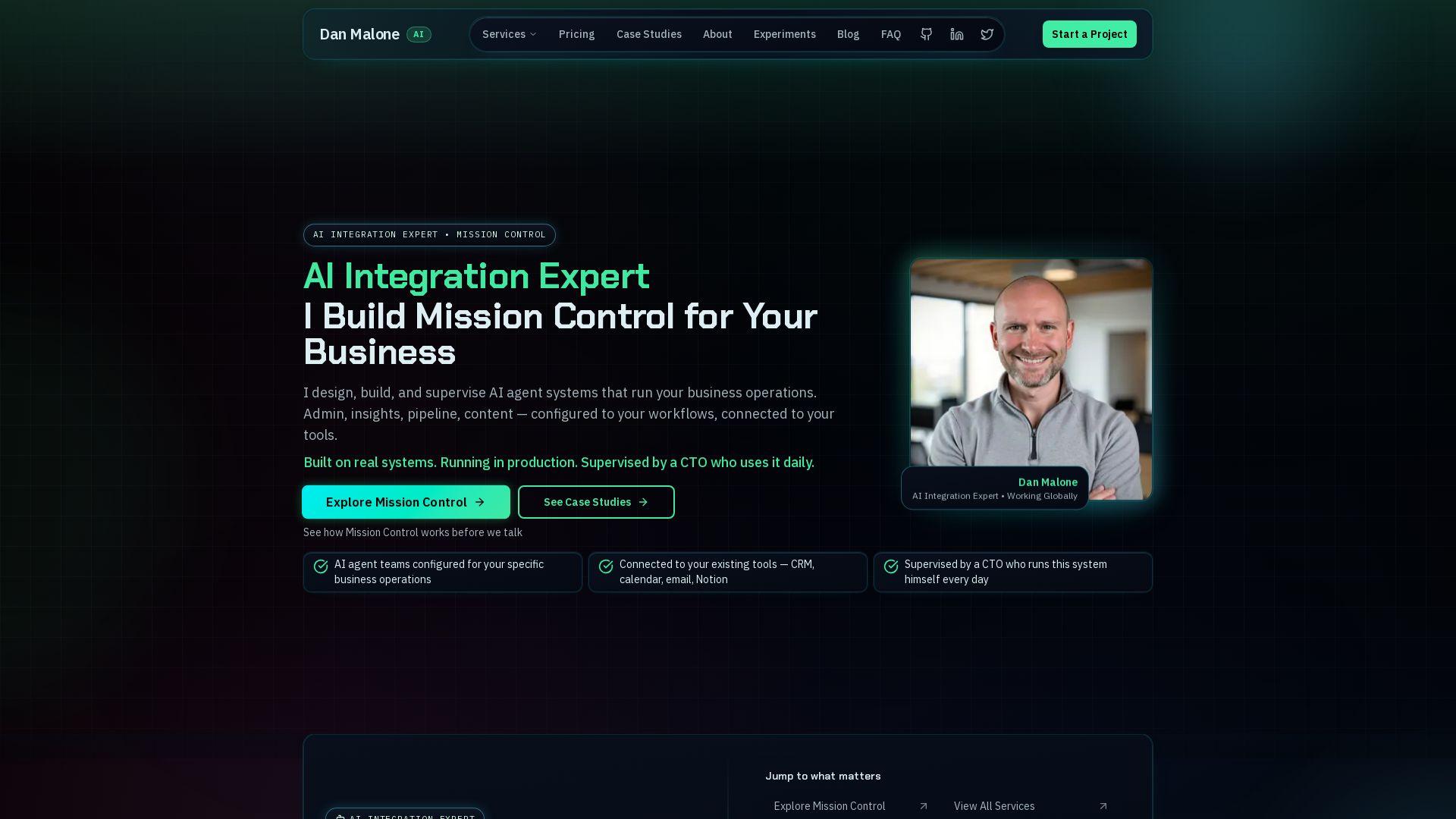
Mission Control
Mission Control: AI agent team for admin, insights, pipeline, content. Connected to your tools, supervised by a CTO.

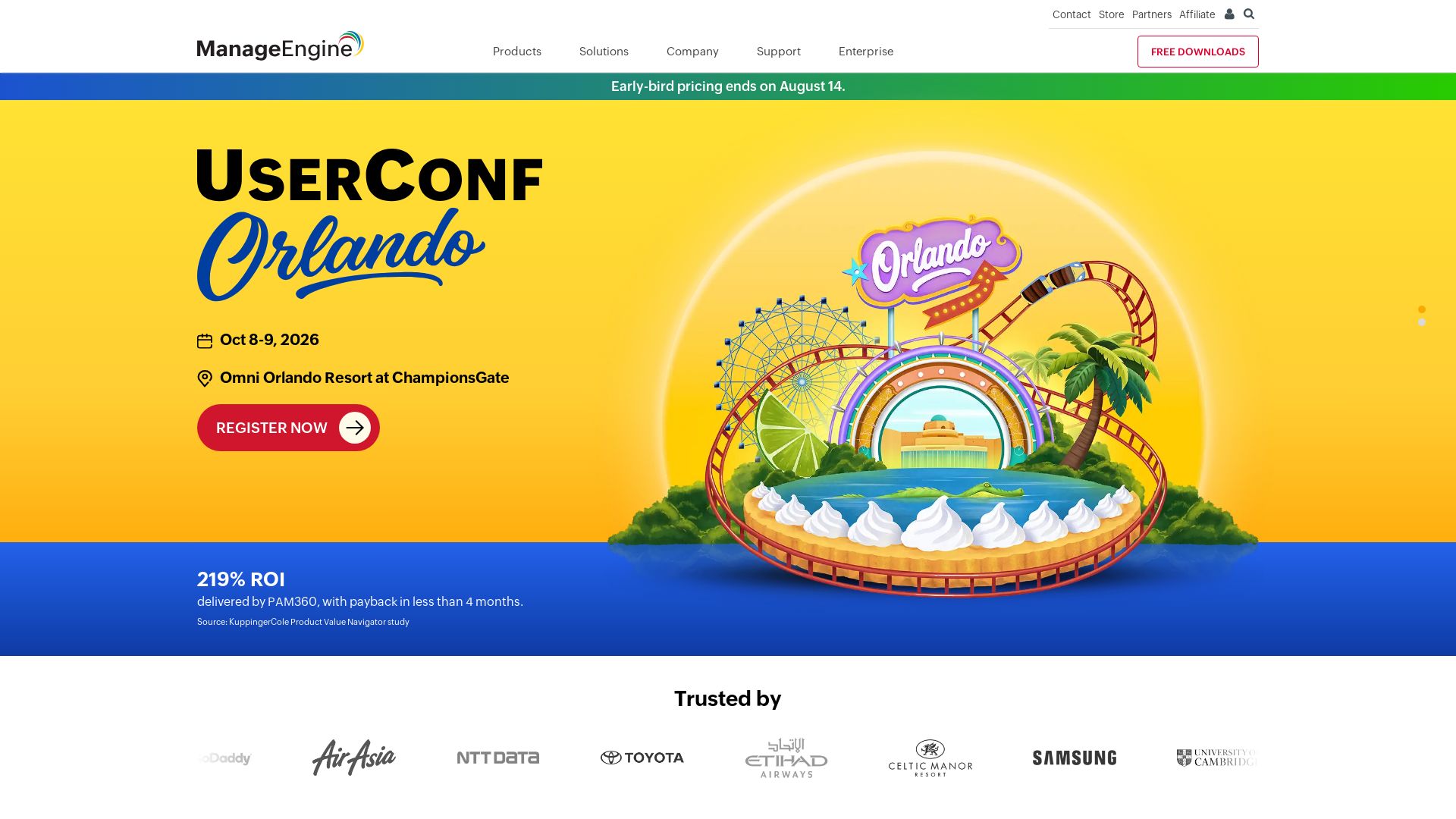
ManageEngine
Total visibility and control. Manage identity, endpoints, IT services, security, and more with AI-powered tools. Trusted by enterprises. Free 30-day trials.

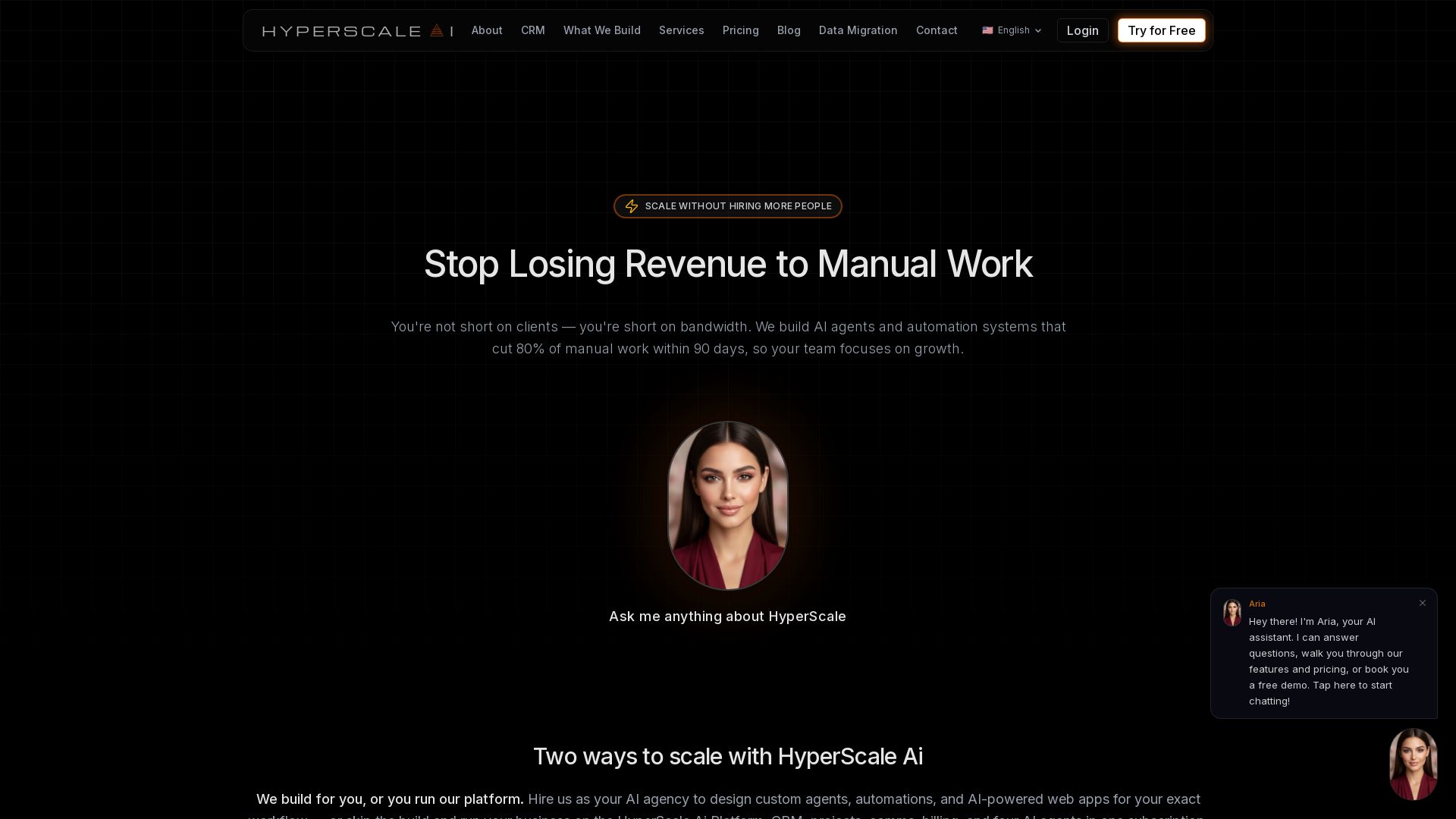
HyperScale Ai
Replace 8+ tools with one AI-native platform: CRM, projects, chat, billing, and 4 AI agents. Or hire us to build custom AI agents and automation. Scale without hiring.

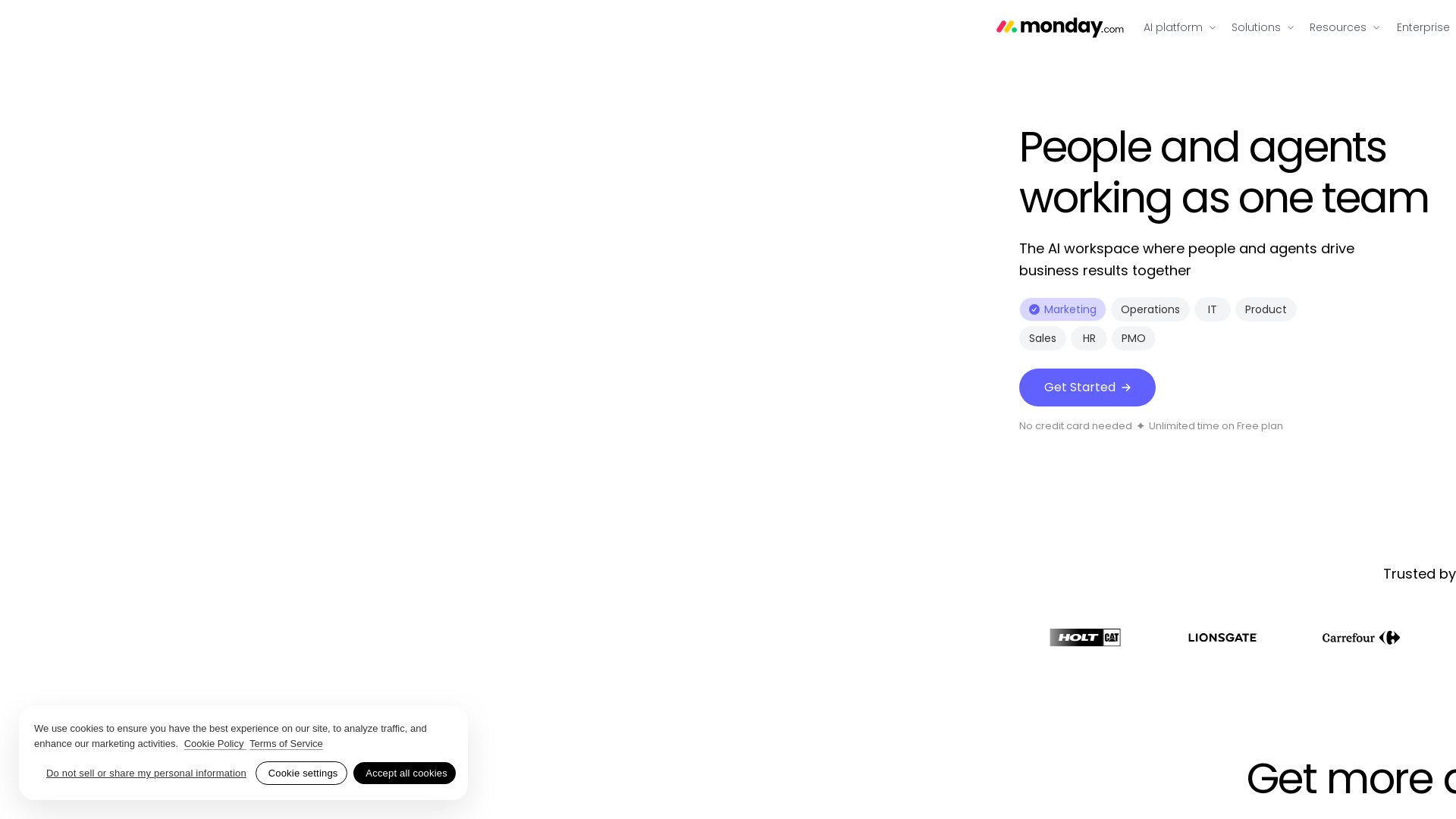
monday.com
Empower teams with AI agents for marketing, sales, ops, HR & more. Automate securely on one platform. Trusted by 60% of Fortune 500.

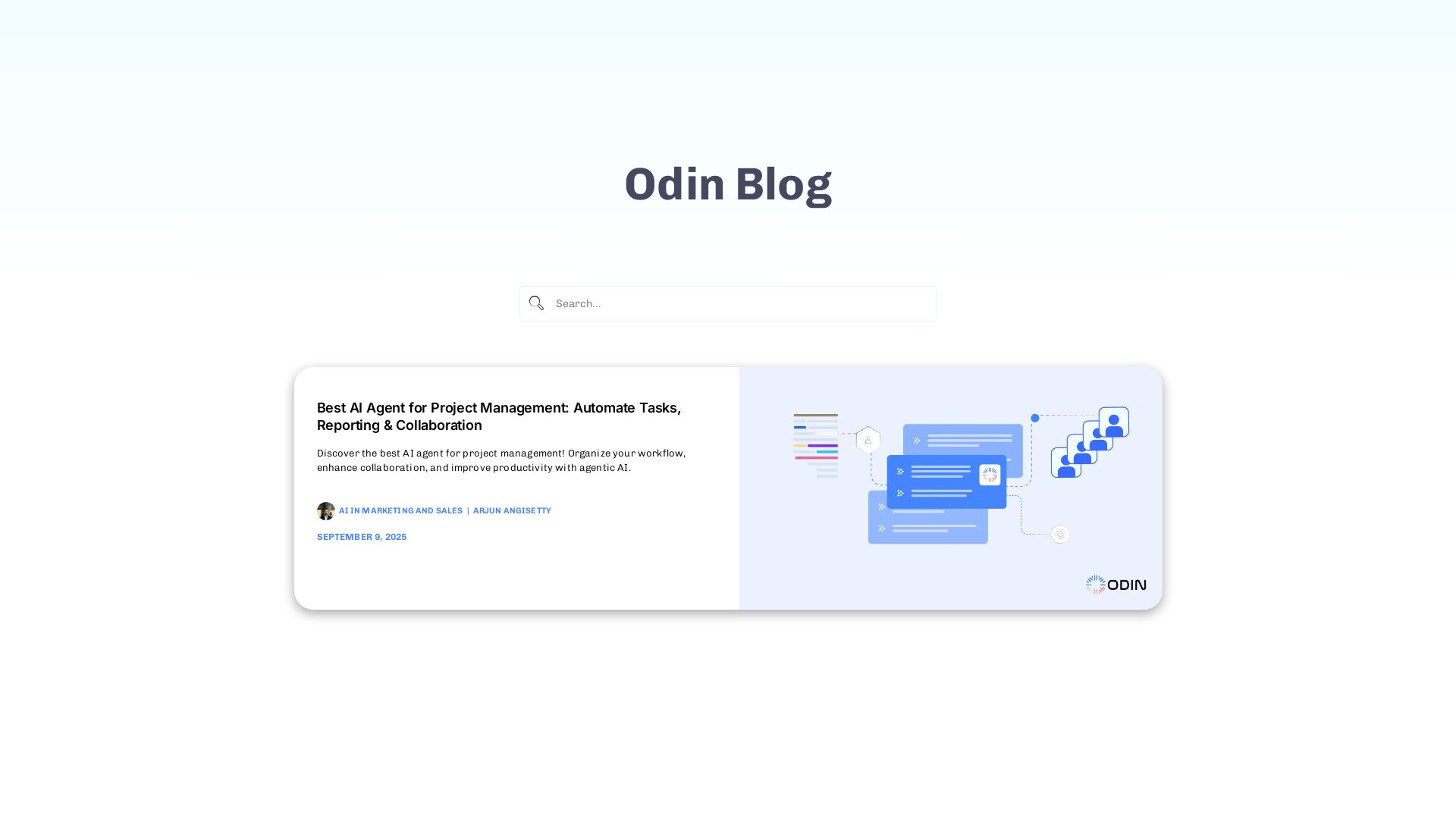
Odin AI
Automate tasks, document summarization, and collaboration with Odin AI's no-code platform. Boost productivity with intelligent AI agents.

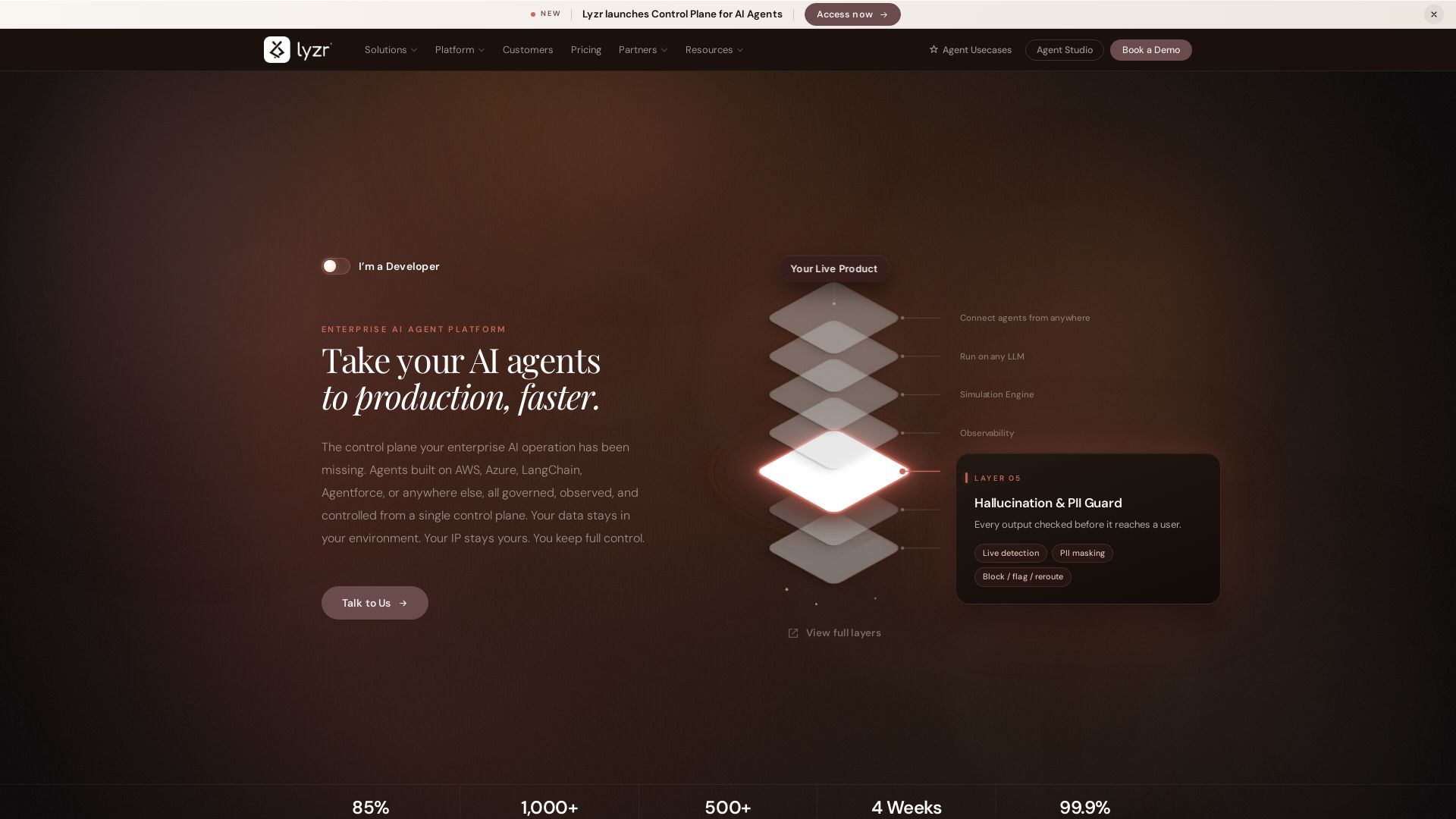
Lyzr
Ship AI agents to production faster with Lyzr's unified control plane. Connect any framework, swap LLMs, simulate, observe, and govern. Trusted by enterprises.

ℹ️ Curation Disclosure: The overview and features of Moxo were synthesized using AI and fact-checked by our curation team to ensure accuracy.
