
Makeform
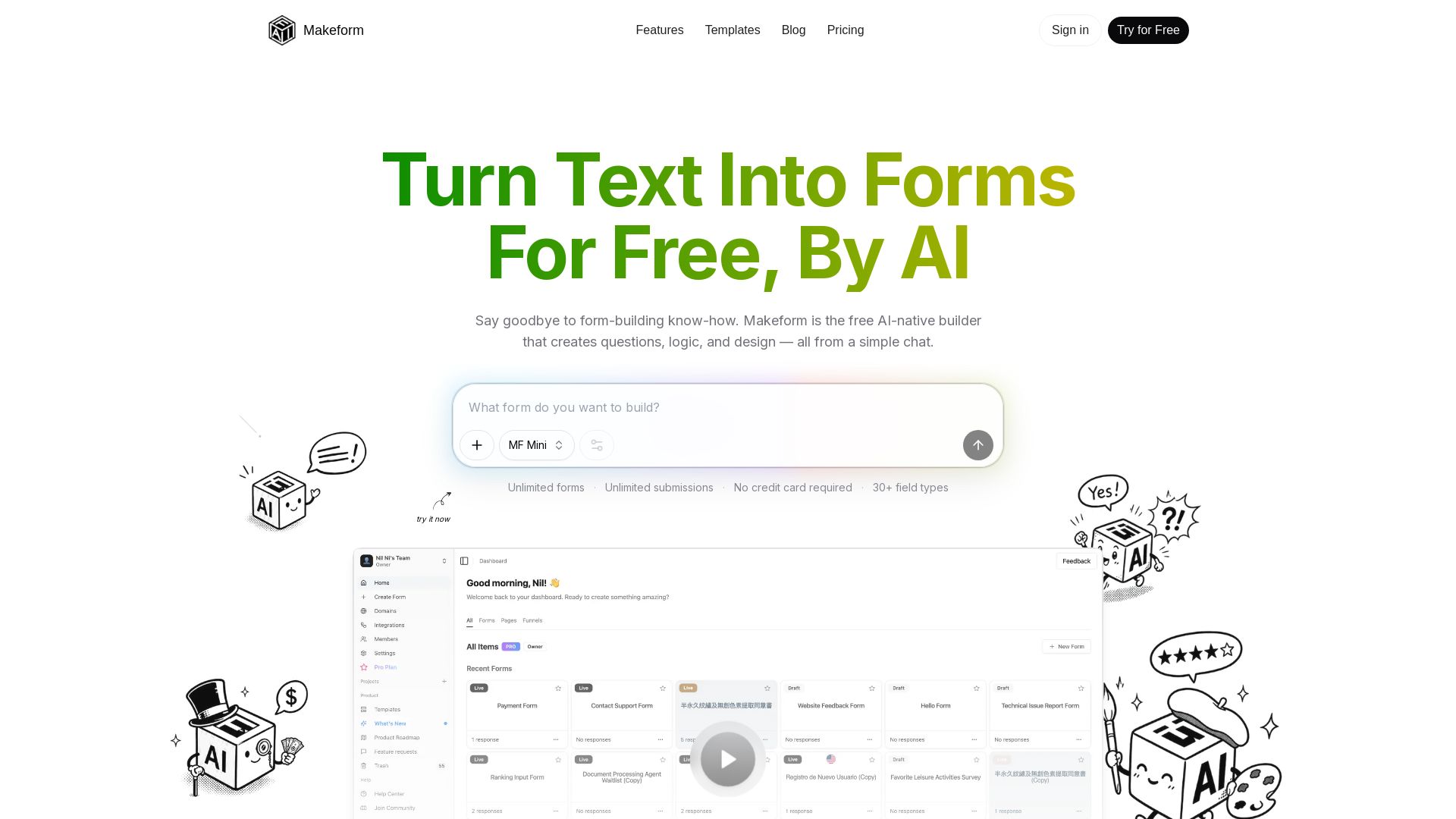
Create unlimited forms for free with AI. Generate questions, logic, and design from chat. Trusted by ChatGPT & Perplexity. No credit card needed.
Editor's Verdict
Key Takeaways
- AI Form Generation
- Unlimited Forms & Submissions
- 30+ Field Types
- Conditional Logic & Calculations
In-Depth Review: What is Makeform?
Makeform is a free AI-powered form builder that lets you create forms by simply describing what you need in a chat. It automatically generates questions, logic, and design, saving you time and effort. With unlimited forms and submissions, 30+ field types, and no credit card required, it's the most generous AI form builder trusted by industry leaders like ChatGPT and Perplexity. Perfect for surveys, registrations, feedback, and more.
Core Features
AI Form Generation
Generate forms, including questions, logic, and design, from a simple chat prompt.
Unlimited Forms & Submissions
Create unlimited forms and collect unlimited responses for free, with no credit card required.
30+ Field Types
Includes text, number, email, phone, date, file upload, rating, checkboxes, dropdown, payment, signature, matrix, calculations, and more.
Conditional Logic & Calculations
Build dynamic forms that adapt based on respondent inputs, with branching and computed values.
Integrations
Connect forms to Google Sheets, Notion, Slack, Zapier, Make, Webhooks, and many other tools.
Customization
Customize form design, add logos, images, multi-page layouts, translations, and custom thank-you pages.
File Uploads & Signatures
Accept file uploads (up to 10MB on free) and e-signatures within forms.
Headless Form Backend
Use Makeform as a headless form backend with API access, MCP support, and webhooks for advanced workflows.
Pricing
Free
- Unlimited forms
- Unlimited submissions
- Unlimited questions
- 30+ field types
- AI form generation
- Conditional logic
- File uploads (10MB)
- Basic integrations
- Customization options
- Form version history (7 days)
- Response dashboard
Pro
- Everything in Free
- Remove Makeform Branding
- Custom Domains
- Team Collaboration (unlimited members)
- Advanced Customization
- Email Notifications
- Premium AI Models
- Priority Automation
- Unlimited AI Analysis
- Custom Link Preview
- Custom CSS
- Unlimited Headless (enabled endpoints & submissions)
- Your Own Logo
- Advanced Form Logic
- Unlimited File Size (up to 1GB)
- Premium Integrations
- Priority Support
Business
- Everything in Pro
- Data Retention Control
- Role-Based Access
- Visibility Control (hide/mask fields)
- Advanced Team Roles (Admin/Viewer)
- Email Verification (coming soon)
- Version History (up to 90 days, coming soon)
Pros and Cons
Pros
- Free Forever PlanUnlimited forms and submissions at no cost, with no credit card required and no submission caps.
- AI-Powered Form CreationCreate fully structured forms with logic and design simply by describing what you need in natural language.
- Rich Field Types & LogicSupports over 30 field types, conditional branching, calculations, file uploads, payments, and signatures.
- Extensive IntegrationsNative integrations with Google Sheets, Notion, Slack, Zapier, Make, and many more, plus webhooks and API access.
- No Credit Card for Free PlanSign up and start using all free features immediately without providing payment information.
Cons
- Branding on Free PlanFree forms include Makeform branding; removing it requires a paid Pro plan.
- File Upload Limit on FreeFree plan restricts file uploads to 10MB per file; larger uploads require upgrading.
- Limited Team Collaboration on FreeTeam collaboration features are only available on paid plans.
- No Advanced Analytics on FreeAI response analysis and advanced analytics are only available on Pro and Business plans.
- Headless Submissions Limits on FreeHeadless form backend on free plan is limited to 50 submissions per month and one enabled endpoint.
Use Cases & Recommended Professions
Marketing Manager→ View Toolkit
Create lead capture forms, surveys, and feedback forms quickly using AI to streamline campaign data collection.
Product Manager→ View Toolkit
Gather user feedback, feature requests, and beta sign-ups with logic-driven forms to prioritize product development.
Customer Success Manager→ View Toolkit
Build onboarding checklists, satisfaction surveys, and support intake forms to improve customer experience.
Event Planner→ View Toolkit
Design registration forms, session sign-ups, and post-event feedback forms with payment and scheduling fields.
Freelance Designer / Developer→ View Toolkit
Integrate forms into websites or client projects using headless backend, webhooks, and custom branding.
HR / Recruiter→ View Toolkit
Create job application forms, employee satisfaction surveys, and onboarding forms with file uploads and signatures.
Frequently Asked Questions
Alternative AI Tools
View Detailed Comparison →
Agentic Workers
Automate tasks with 100+ pre-built AI workflows. Connect 800+ tools, save 10+ hours/week. No coding needed. Join 13,000+ professionals.

n8n
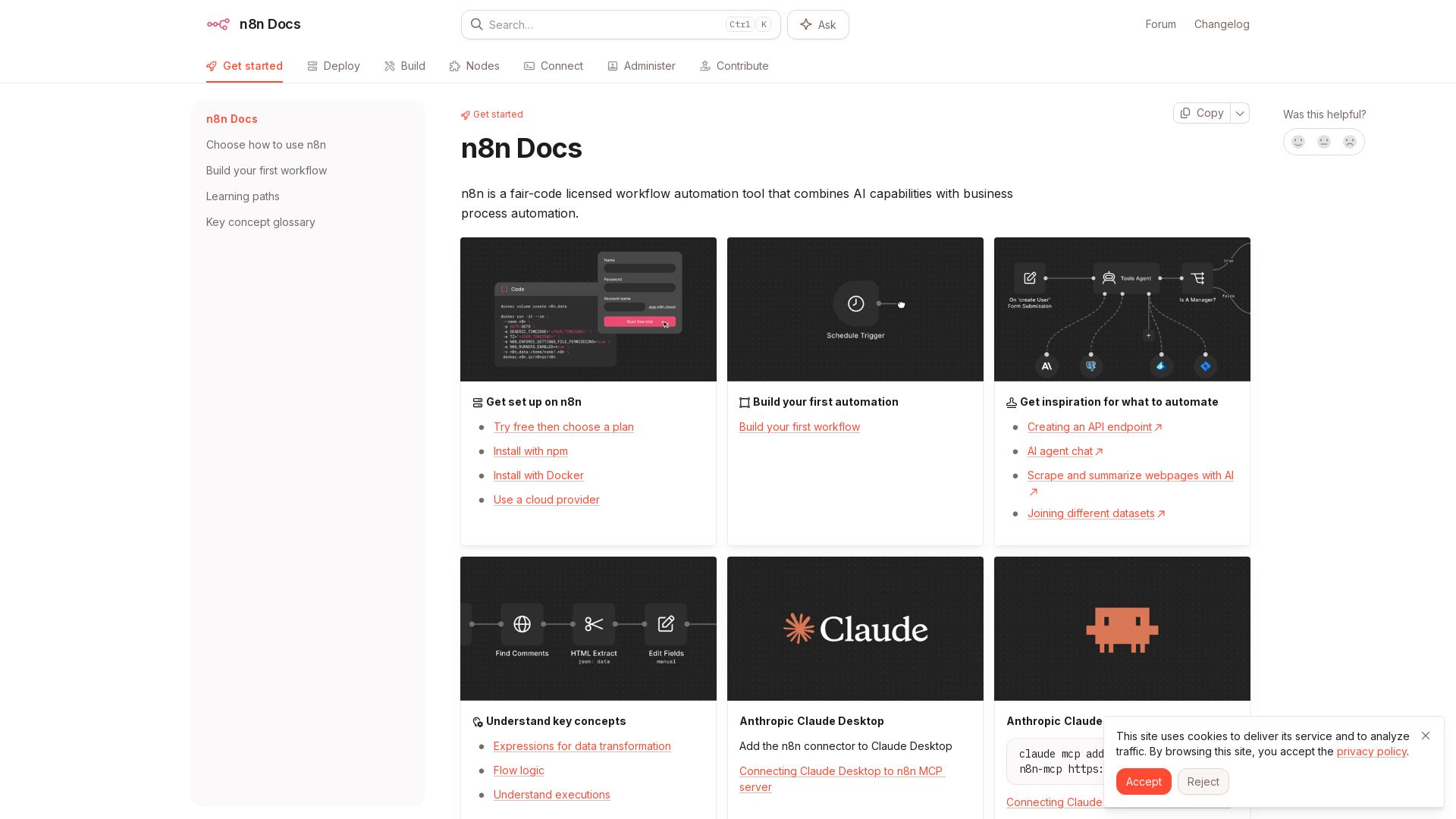
n8n is a fair-code licensed workflow automation tool that combines AI capabilities with business process automation. Get started with npm, Docker, or cloud.


Zapier
Connect AI to 9,000+ apps. Build AI agents, chatbots, and workflows without code. Trusted by Fortune 500. Start free.

AY Automate
AI automation agency embedding engineers to build custom AI agents. Automate workflows with n8n, Claude Code. Month one refundable. Free strategy call.

Stob.AI
AI-powered systems for sales, ops, CRM & reporting. Remove manual work, boost efficiency. Free audit identifies what to automate first.

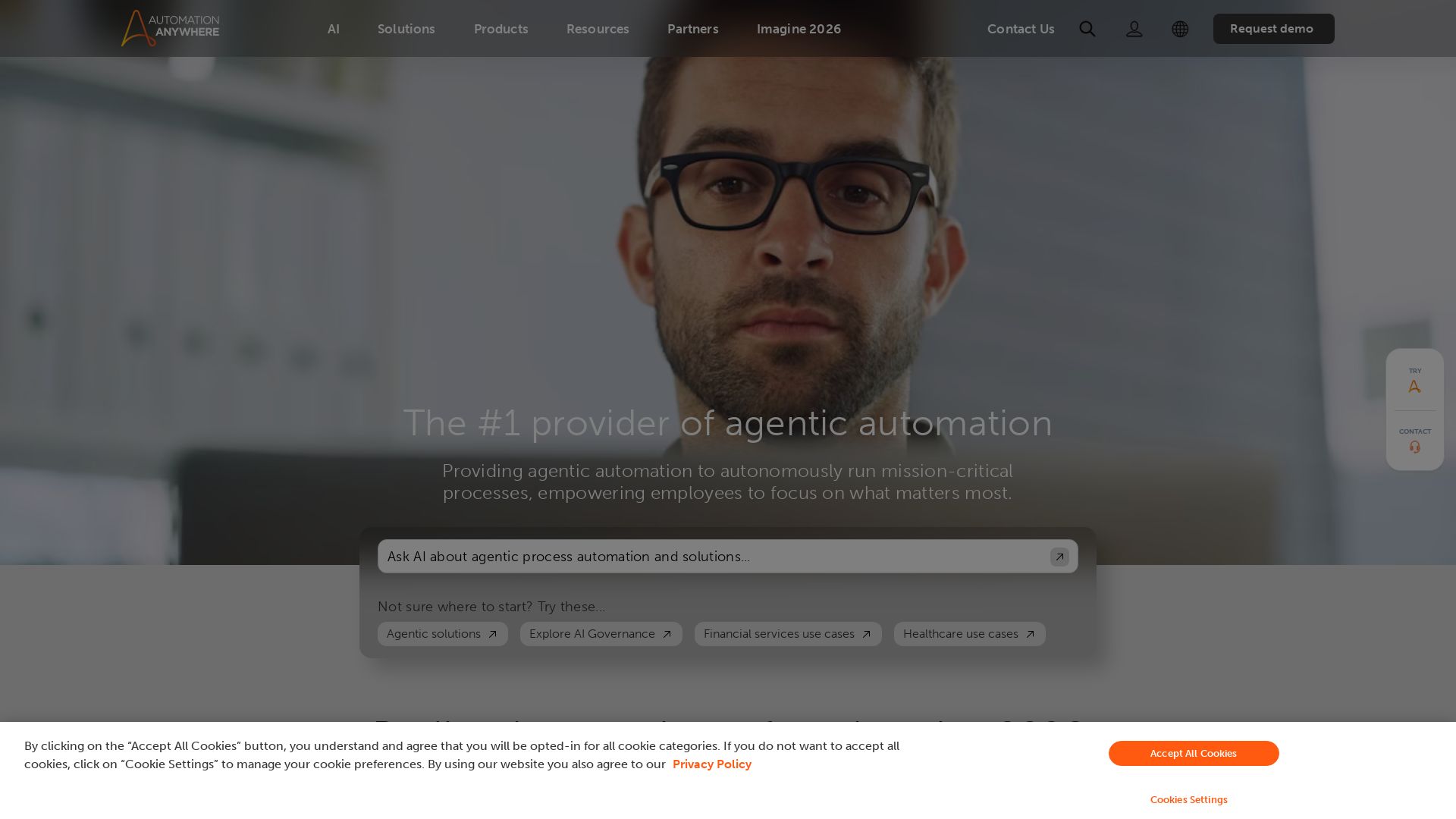
Automation Anywhere
Automate mission-critical processes with agentic AI. Trusted by global leaders. Boost efficiency, ensure compliance. Request a demo.

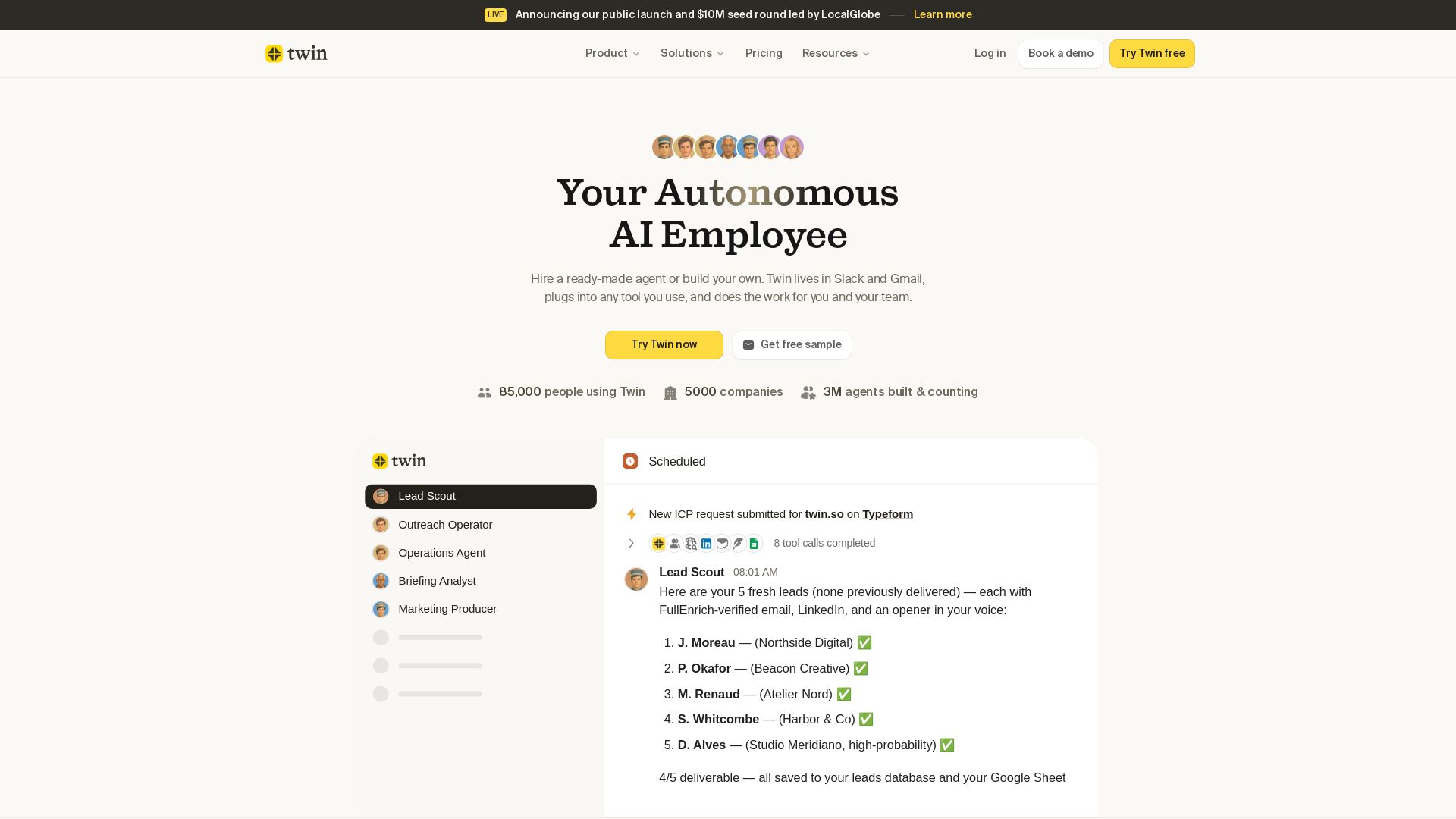
Twin
Twin: ready-made AI agents that work in Slack & Gmail. Automate prospecting, outreach, and more. Trusted by 85,000 users. Start free.

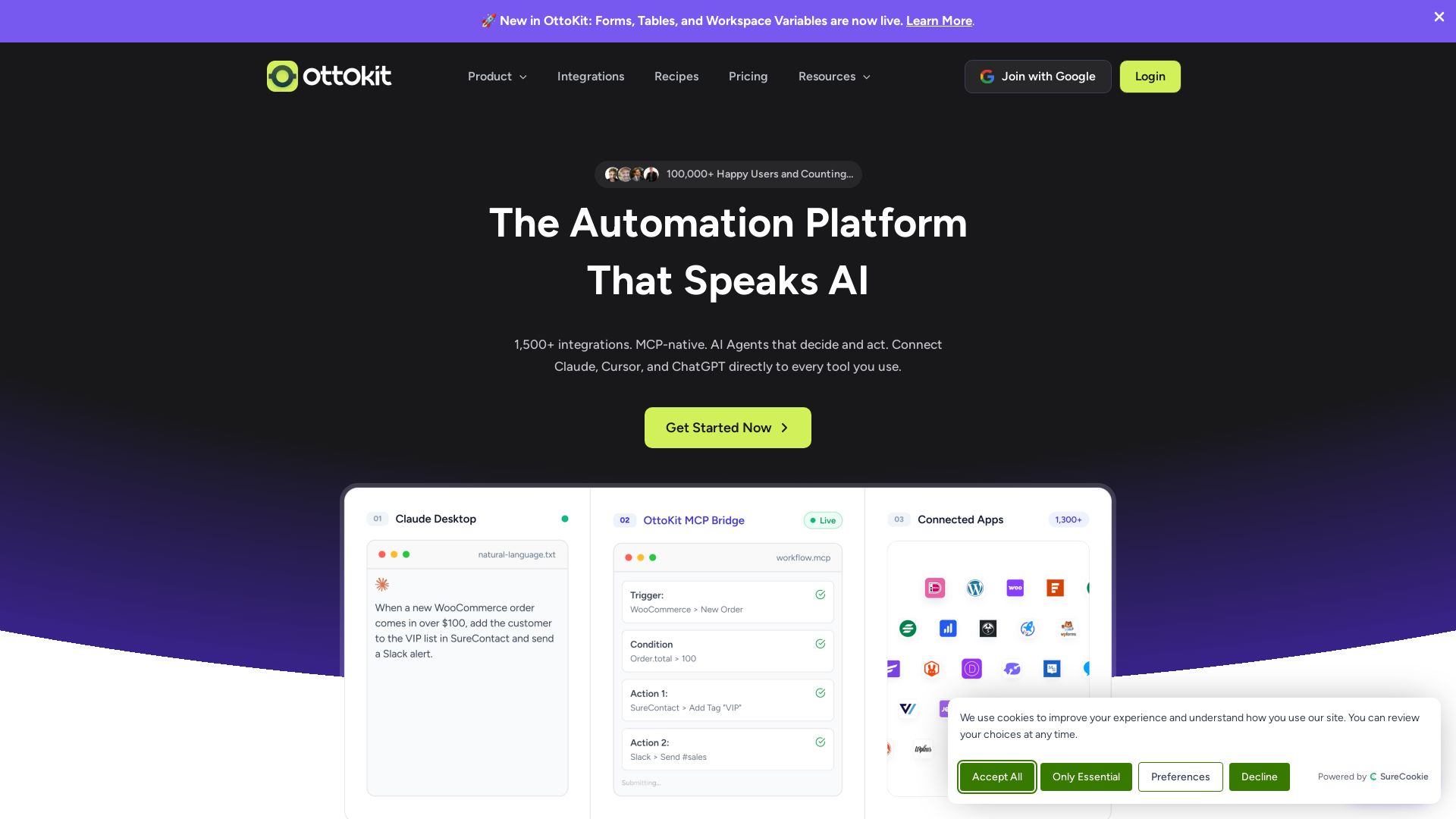
OttoKit
Automate workflows with AI Agents, 1500+ apps, and visual builder. Trusted by 100k+ businesses. Save thousands vs Zapier. Start free!

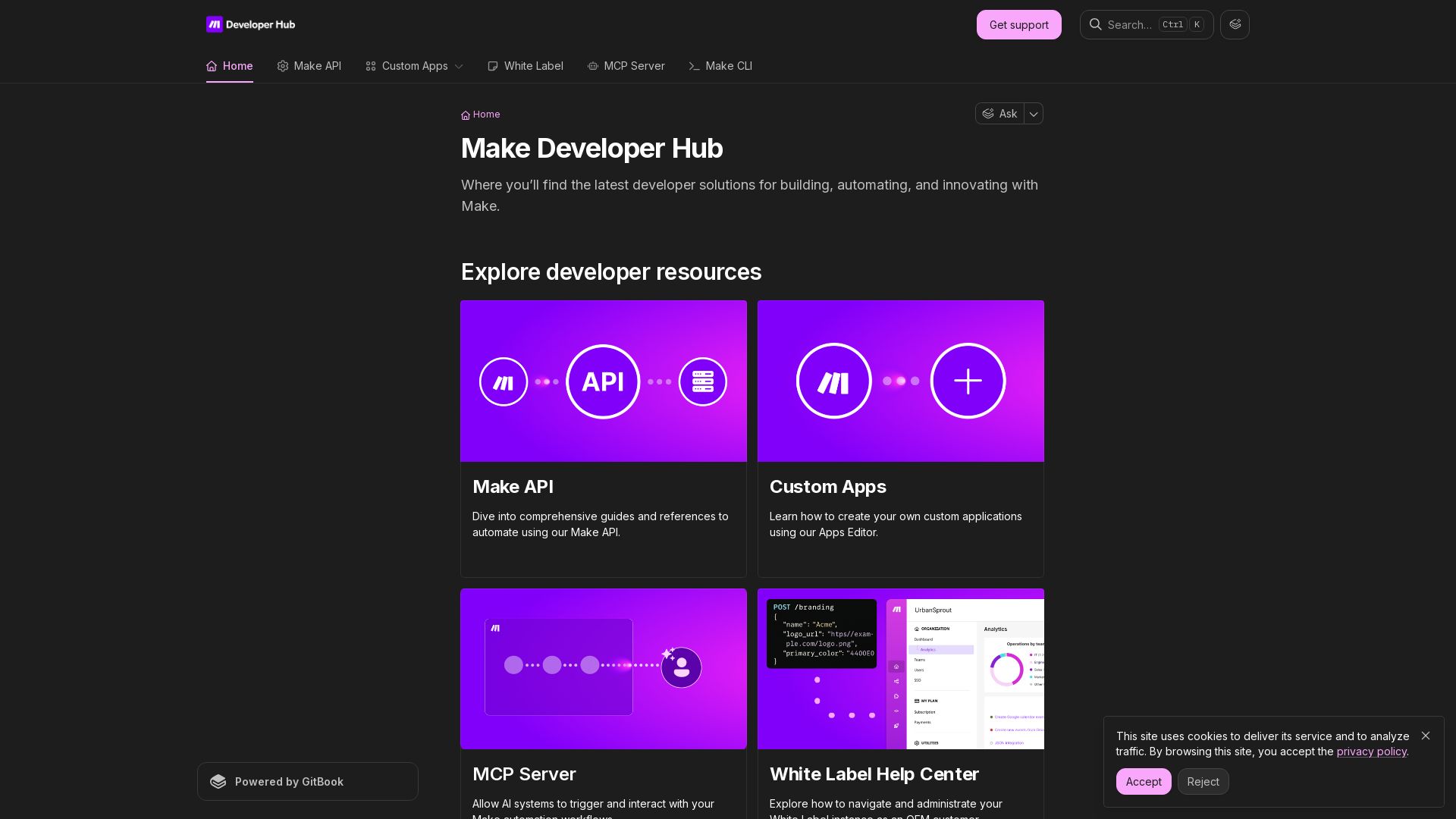
Make
Build, automate, and innovate with Make. Explore Make API, Custom Apps, MCP Server, White Label, and CLI. Get developer resources for automation.


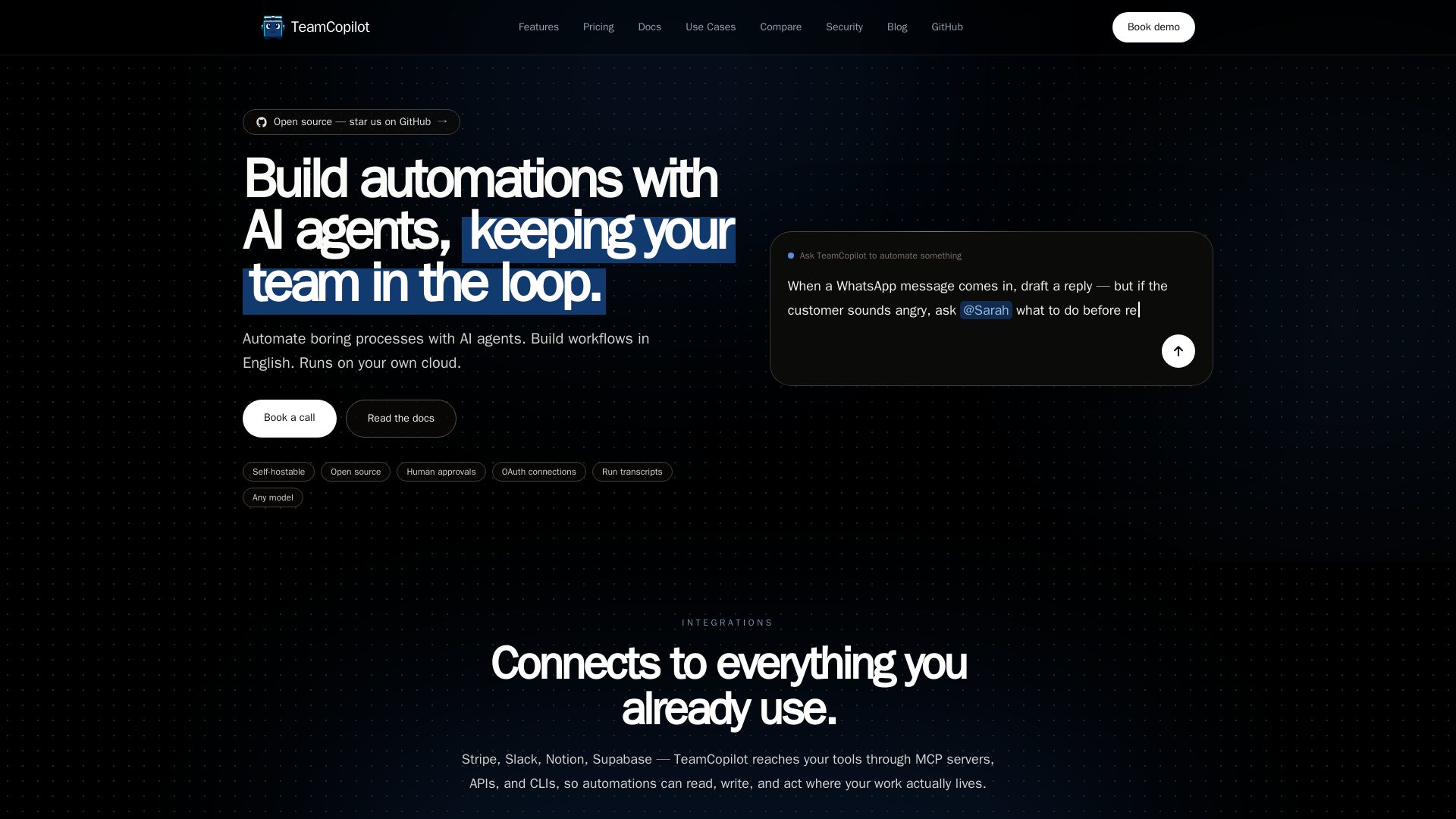
TeamCopilot
Automate boring processes with AI agents. Describe in English, approve runs, integrate with 100+ tools. Open source and self-hostable.

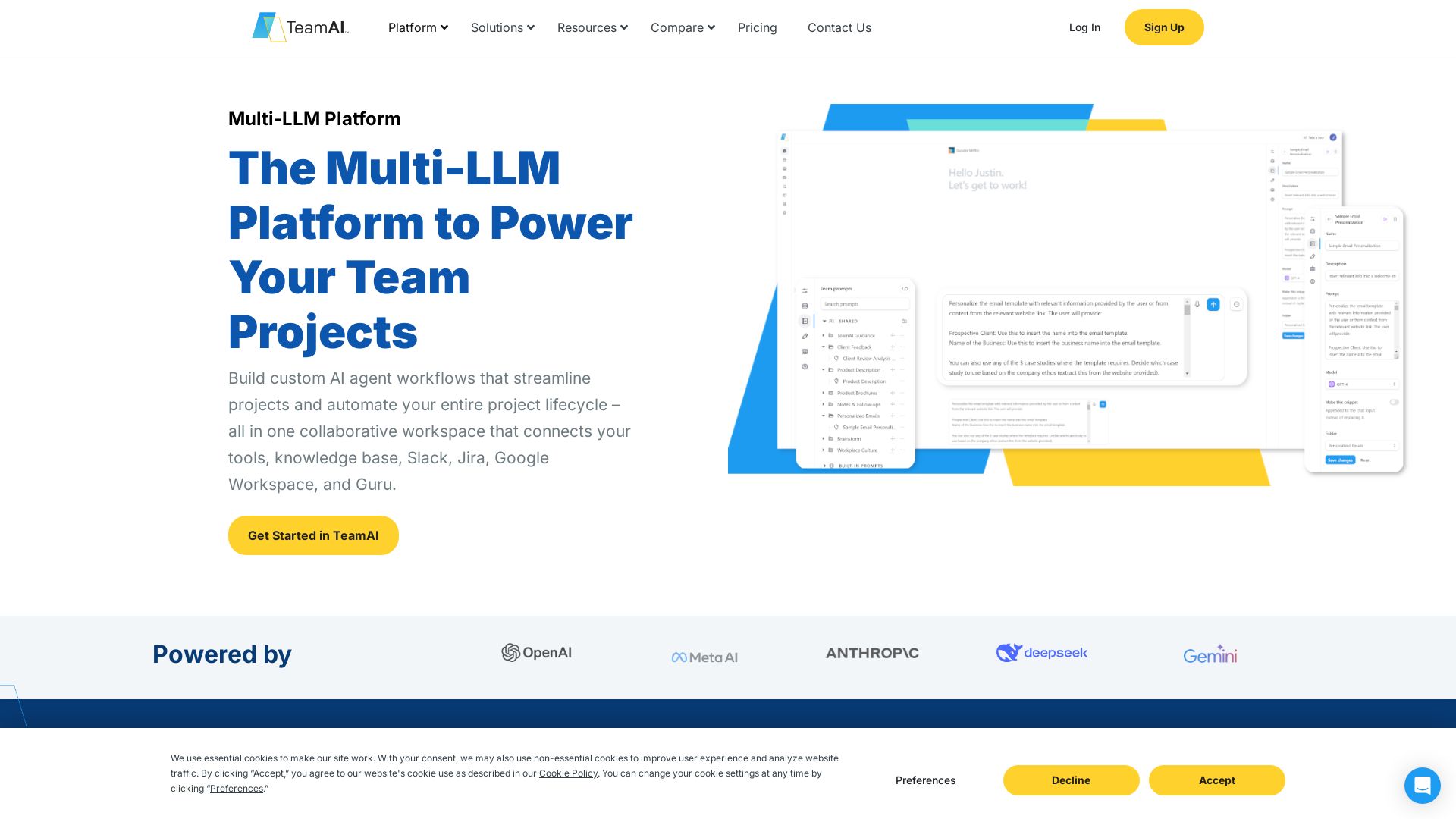
TeamAI
Build custom AI agents, automate workflows, and collaborate with top models in one workspace. Trusted by 1000+ businesses. Start free!

ℹ️ Curation Disclosure: The overview and features of Makeform were synthesized using AI and fact-checked by our curation team to ensure accuracy.
