
LocalChat
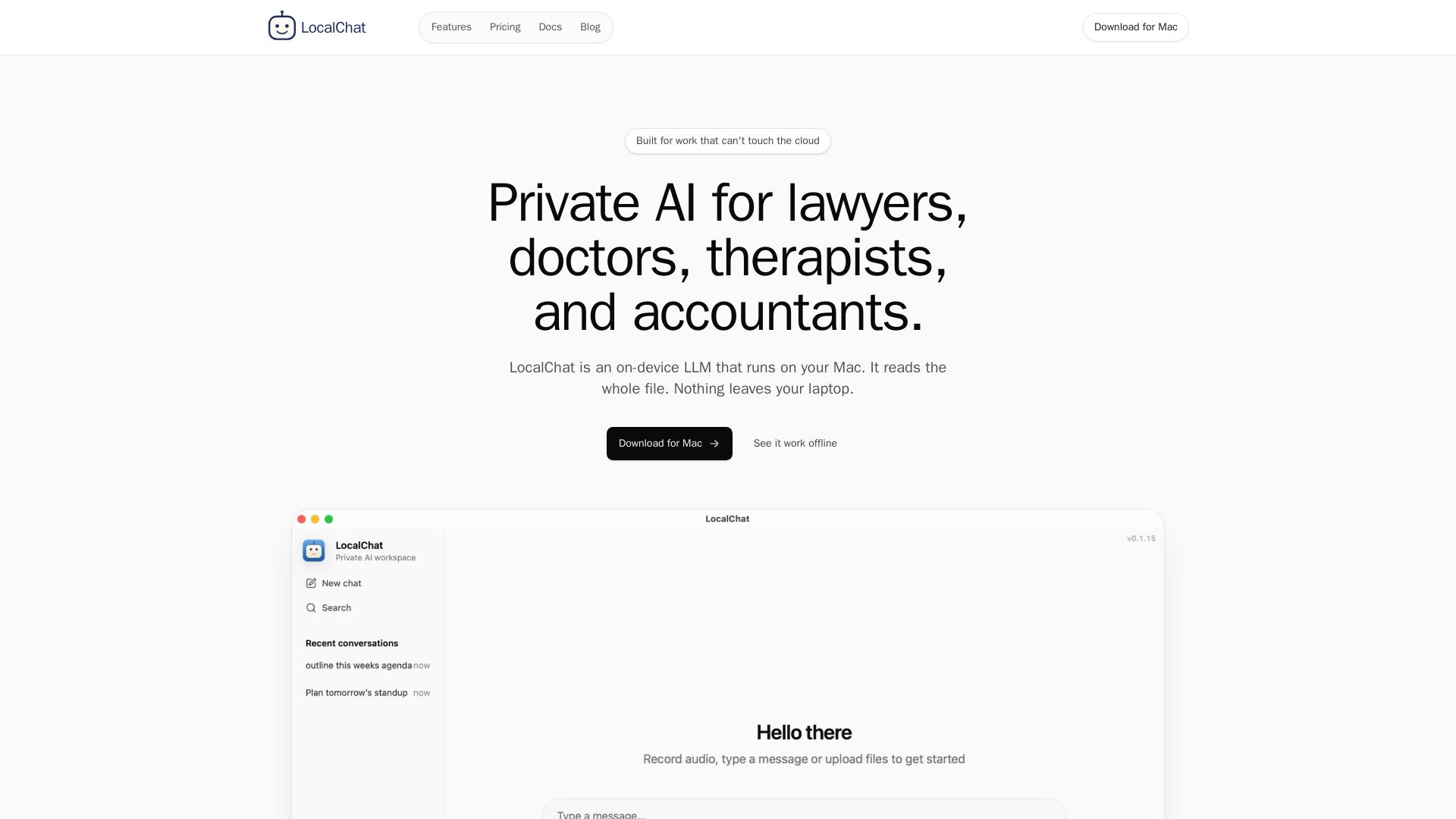
Run a local LLM on your Mac. Read whole files, get answers without uploading to cloud. HIPAA compliant, no account, one-time purchase.
Editor's Verdict
Key Takeaways
- Whole file reading
- No account or login
- Project workspace per matter
- Obsidian vault integration
In-Depth Review: What is LocalChat?
LocalChat is a private AI assistant that runs entirely on your Mac. It reads full documents (PDFs, spreadsheets, notes) and answers questions without any data leaving your device. Ideal for professionals who handle sensitive information—lawyers, doctors, accountants, therapists. No cloud accounts, no subscriptions, always offline. Supports 300+ open-source models. One-time license.
Core Features
Whole file reading
Hand it a 200-page deposition, a full patient chart, or a contract. LocalChat reads the entire document on your Mac without copy-pasting.
No account or login
No sign-up required. Your prompts, files, and answers stay on your laptop; no usage tracking or cloud accounts.
Project workspace per matter
Each project keeps its own files, conversations, and embedded memory. Toggle 'answer only from this project's files' to stay case-specific.
Obsidian vault integration
Point LocalChat at an Obsidian vault to scan notes, follow links, and create searchable memory for the assistant.
Offline availability
Once models are downloaded, no internet is required. Works on planes, in basements, or on patchy Wi-Fi.
Curated model library
25+ on-device models (reasoning, vision, OCR, image gen, embeddings) tested on Apple Silicon. Swap mid-thread; conversation persists.
Pricing
Single
- All local chat features
- 300+ model support
- Document chat
- 1 year of updates
- Email support
Family
- Everything in Single
- Up to 5 devices
- Priority support
- Shared purchase management
- 1 year of updates
Team
- Volume licensing
- Deployment guidance
- Custom procurement
- Dedicated support
- Security review help
Pros and Cons
Pros
- Privacy-first designAll processing stays on your Mac; files and conversations never leave your device.
- Full offline useWorks without internet after model download, ideal for travel or secure environments.
- Whole document contextReads entire PDFs, spreadsheets, and markdown files without copying or pasting segments.
- One-time paymentNo recurring subscription; own the app with 1 year of updates included.
- No account or trackingNo sign-up, no usage logs, no cloud accounts—just a local AI assistant.
Cons
- Mac-onlyRequires macOS; Windows and Linux are not supported.
- Optimized for Apple SiliconPerformance is best on M-series chips; older Intel Macs may have limited capability.
- No cloud syncData stays local; no automatic backup or sync across devices.
- Early-stage productEcosystem and third-party integrations are still evolving.
- Model storage requirementsSome models require several GB (e.g., 19 GB for Qwen3-VL), consuming disk space.
Use Cases & Recommended Professions
Lawyer→ View Toolkit
Review contracts, depositions, and discovery on Mac without uploading privileged material.
Therapist→ View Toolkit
Summarize session notes and intake forms on-device, maintaining HIPAA compliance.
Accountant→ View Toolkit
Analyze tax returns, P&Ls, and engagement letters without exposing client numbers to the cloud.
Consultant→ View Toolkit
Brief on client documents, draft proposals, and polish decks offline with no IT clearance needed.
Writer/Researcher→ View Toolkit
Process entire manuscripts or source stacks for outlines, edits, and citations—unpublished work stays unpublished.
Traveller→ View Toolkit
Use real AI on planes, in basements, or on weak hotel Wi-Fi without requiring an internet connection.
Frequently Asked Questions
Alternative AI Tools
View Detailed Comparison →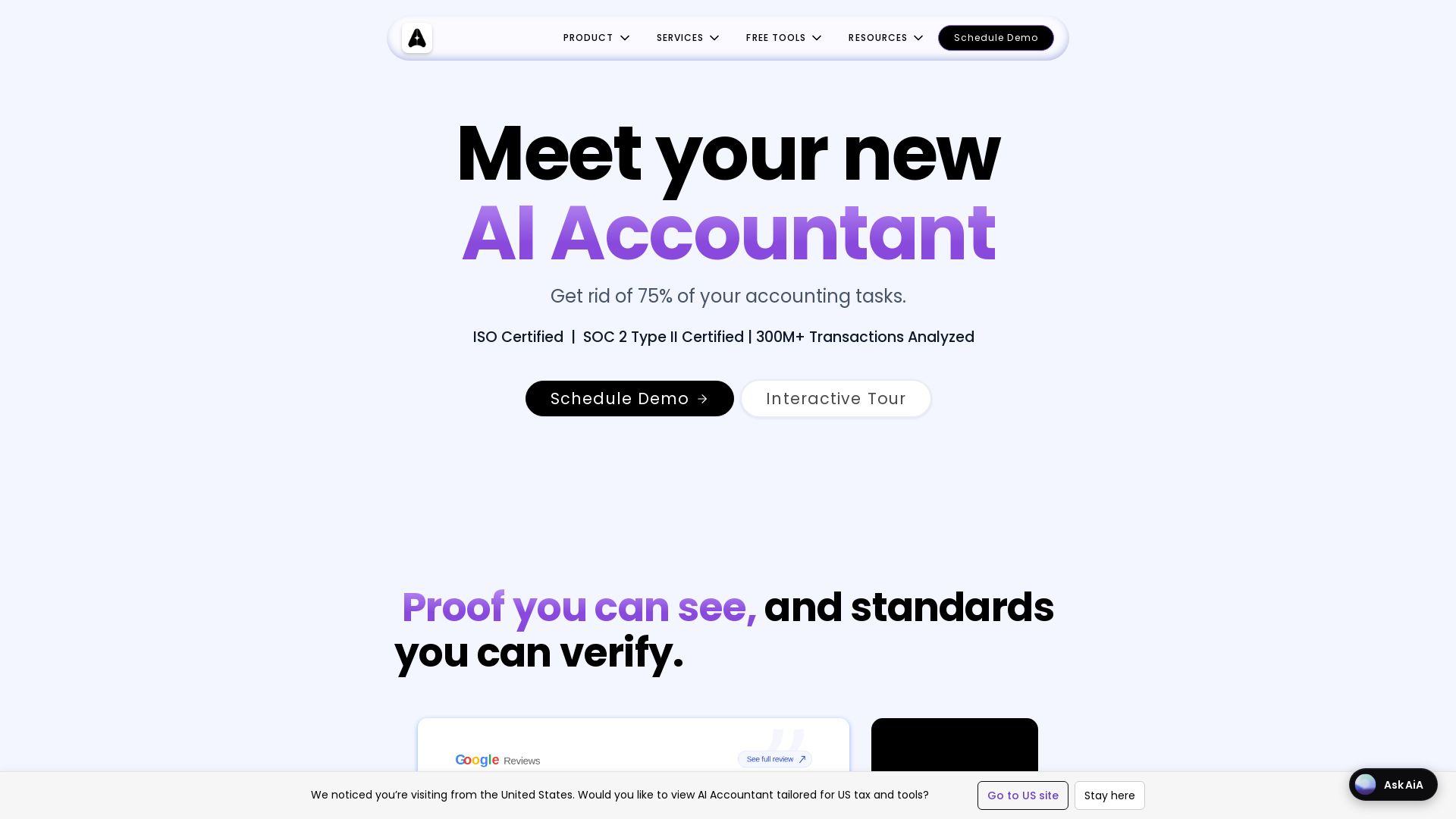
AI Accountant
AI-powered accounting automation with Tally sync, ITC matching, bank statement processing, and dashboards. Get rid of manual entry. ISO & SOC 2 certified.

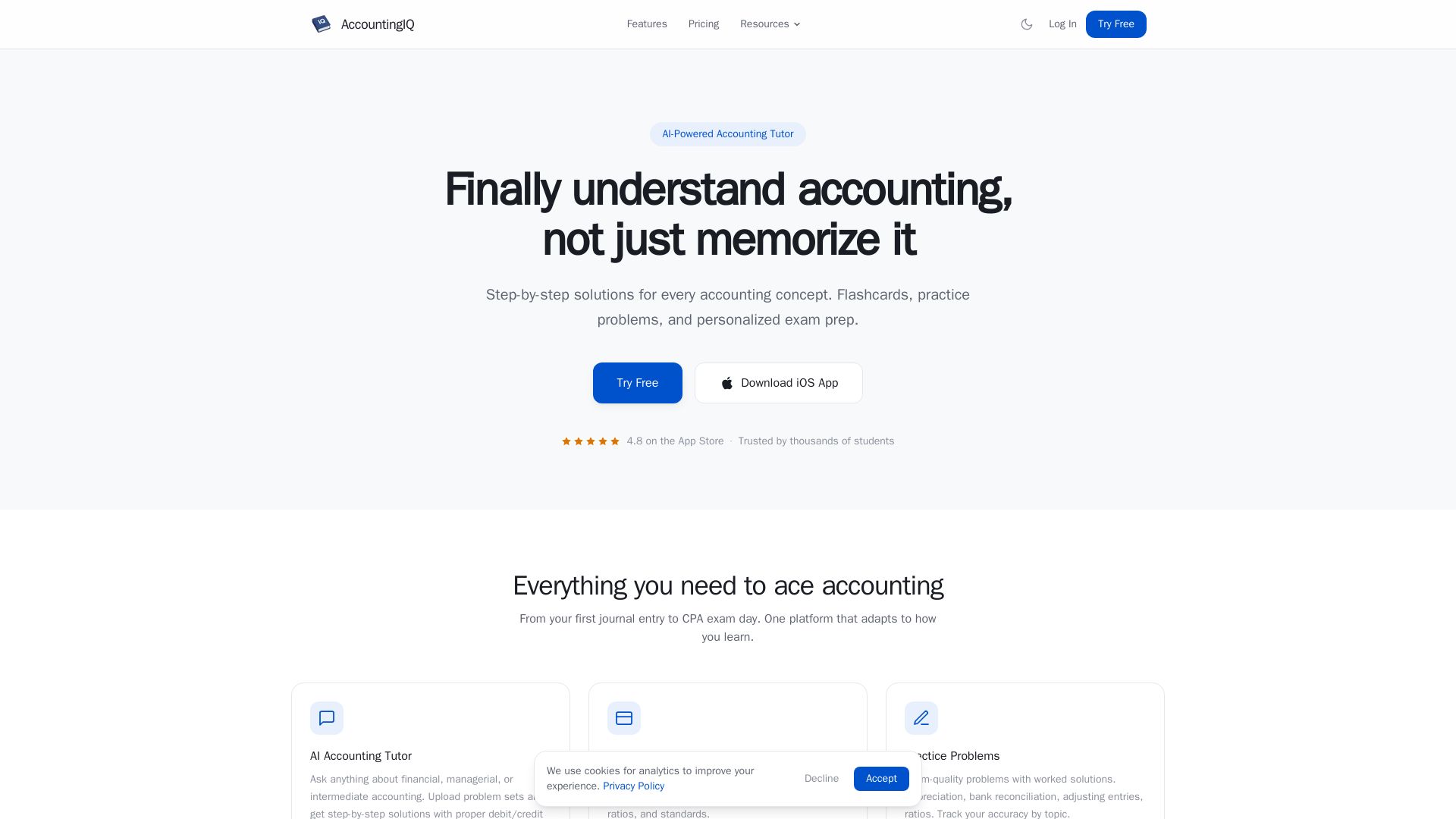
AccountingIQ
Master accounting with AI step-by-step solutions, smart flashcards, practice problems, and CPA exam prep. Trusted by thousands of students.

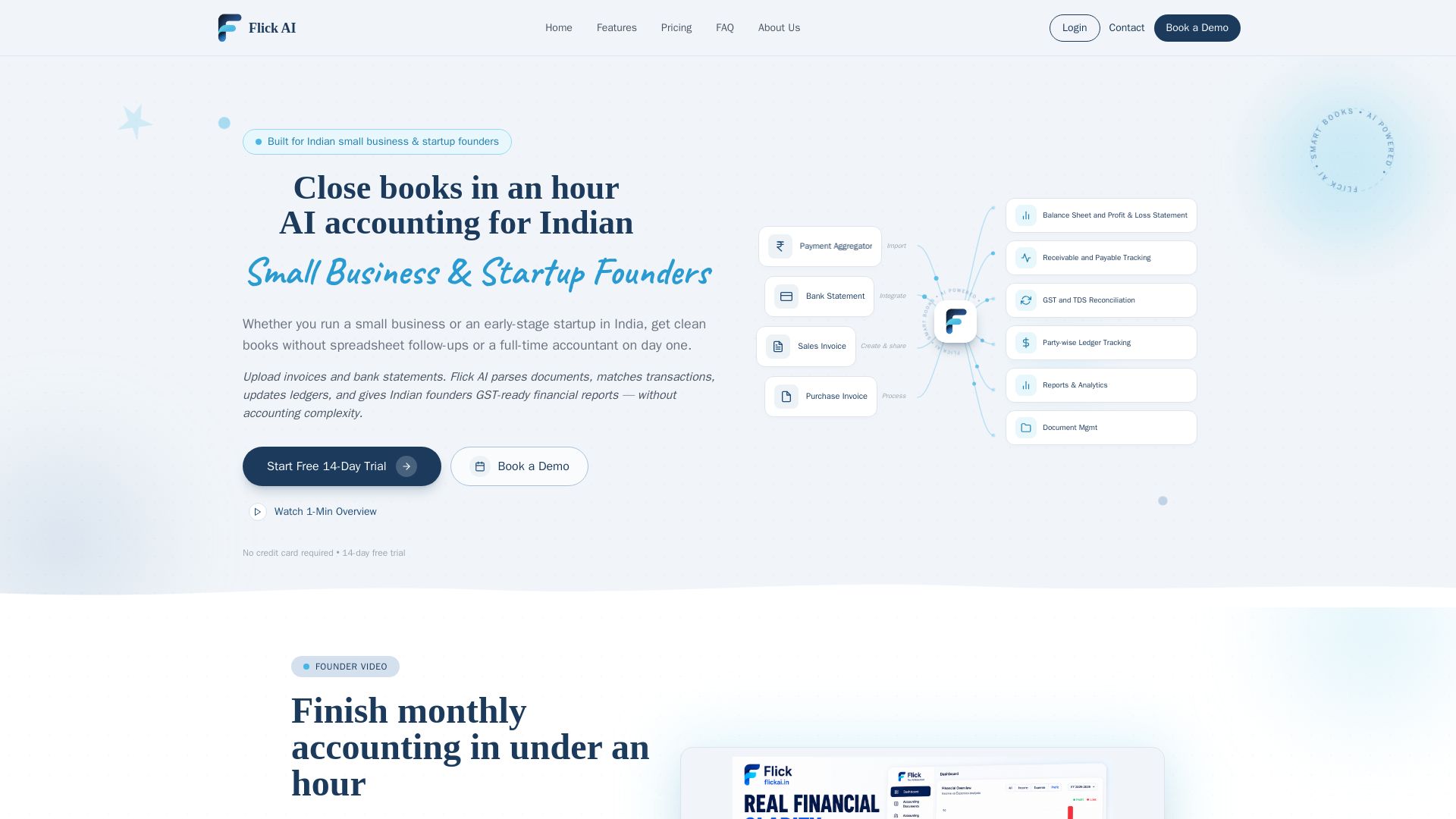
Flick AI
AI accounting for Indian small business & startup founders. Upload invoices & bank statements, get GST-ready reports. Close books in an hour with automated reconciliation. Free trial.

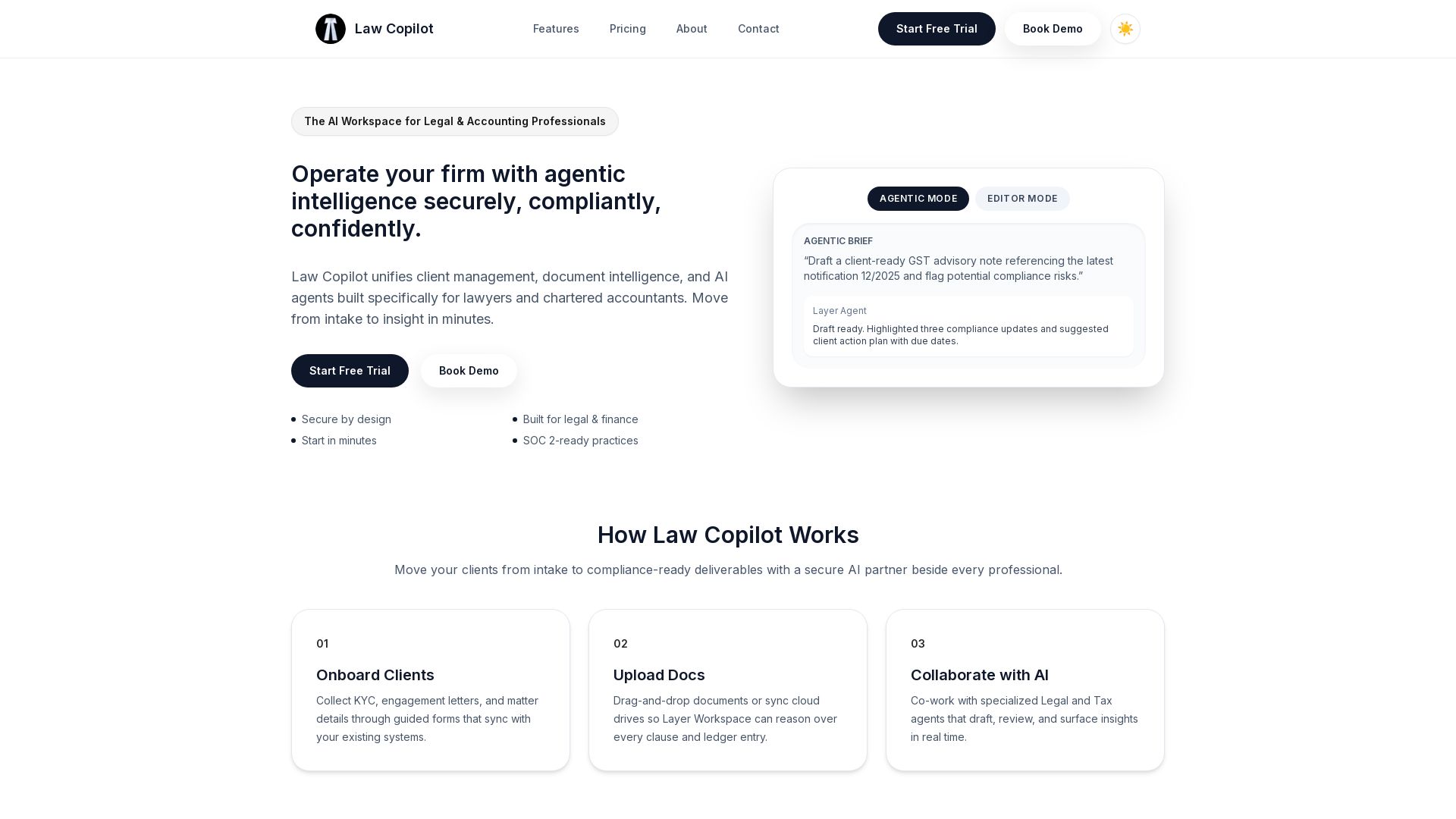
Law Copilot
Secure AI workspace for lawyers and accountants. Manage clients, documents, and AI agents with compliance built-in. Start free trial.

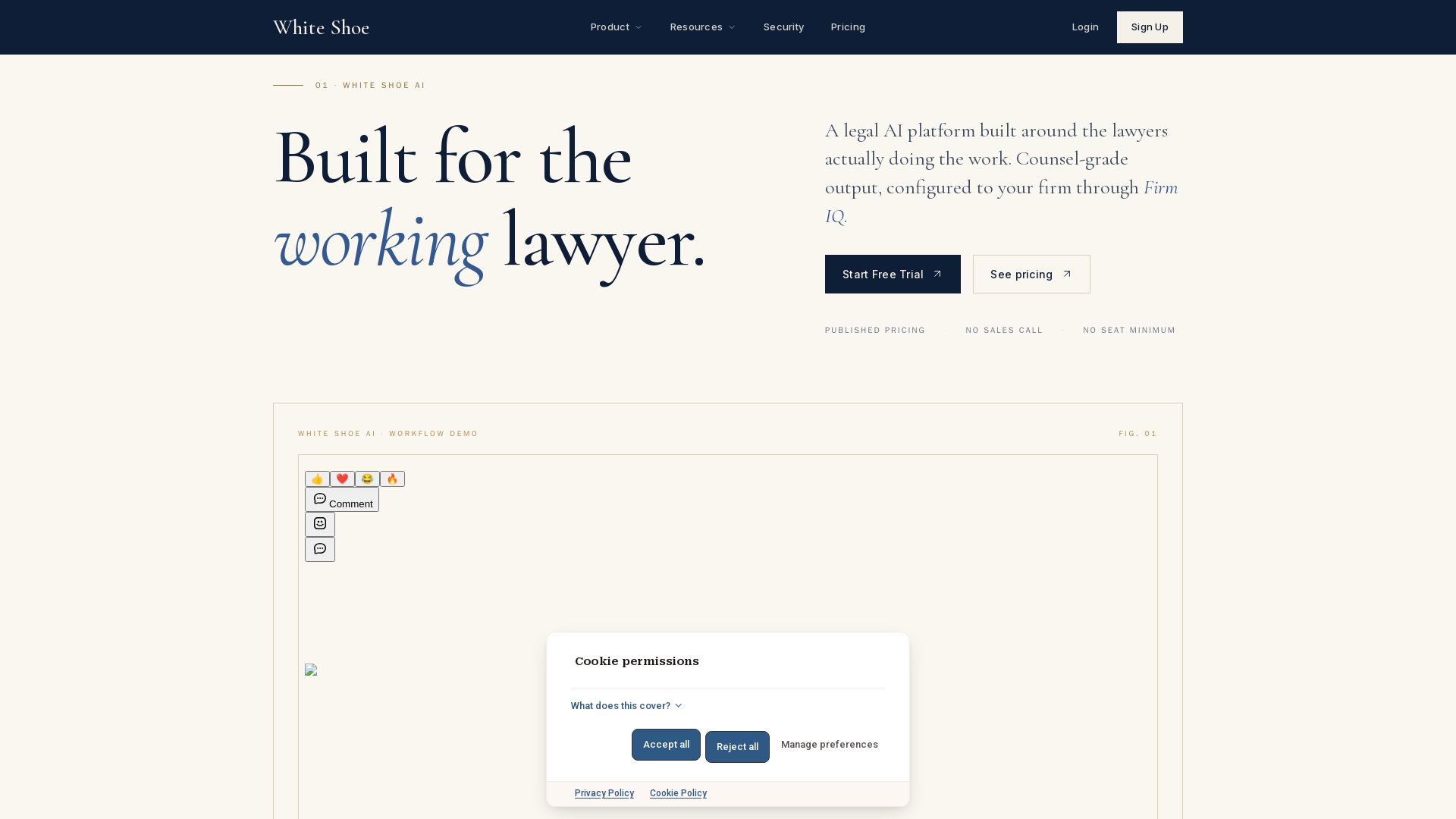
Legal AI Pricing and Plans - White Shoe AI
Counsel-grade legal AI with published pricing, no sales calls. Works in Word, Slack, email, browser, iOS. Try free.


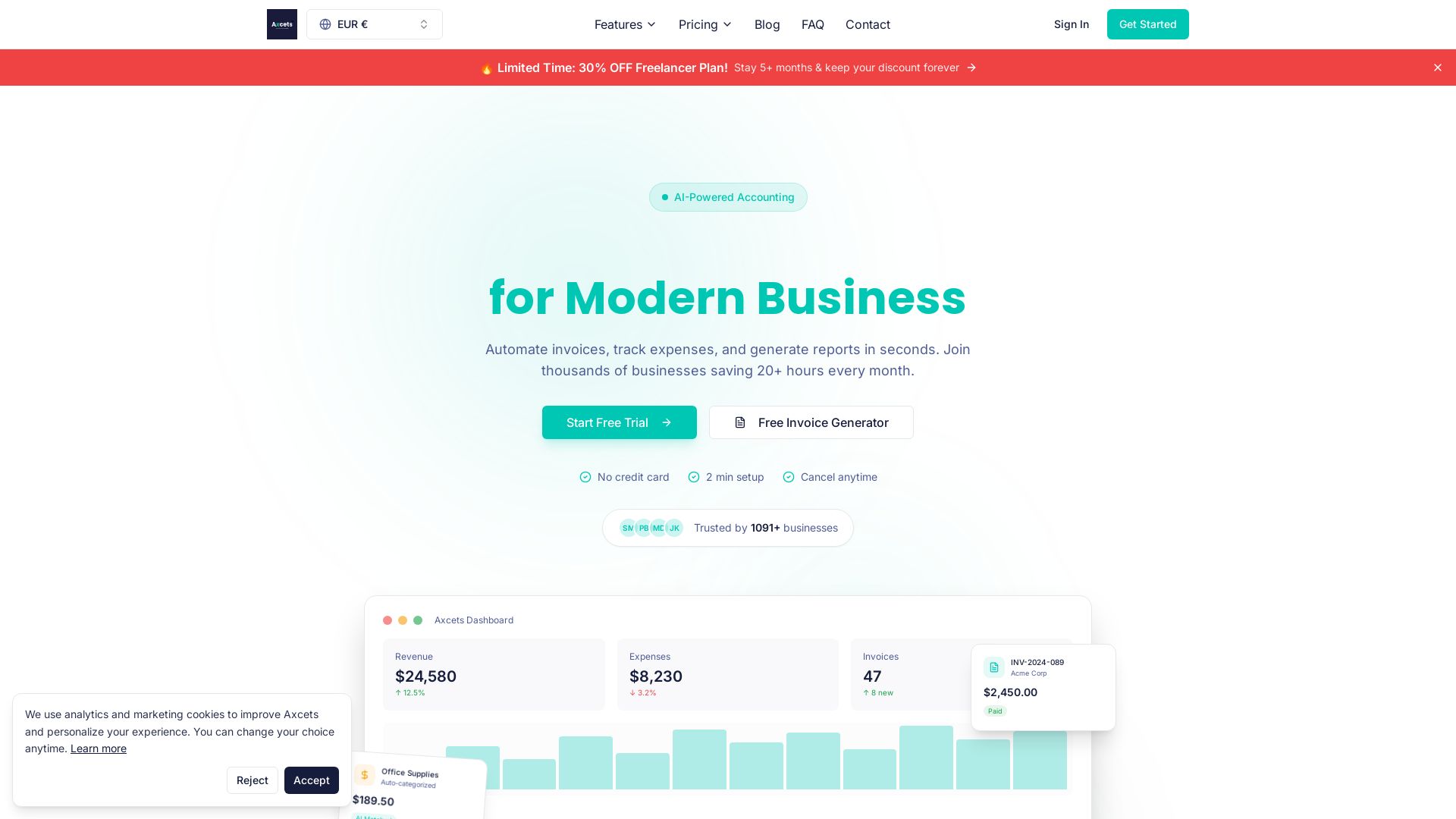
Axcets
Axcets automates invoicing, expense tracking, and financial reports with AI. Trusted by 960+ businesses. Try free — no credit card needed.

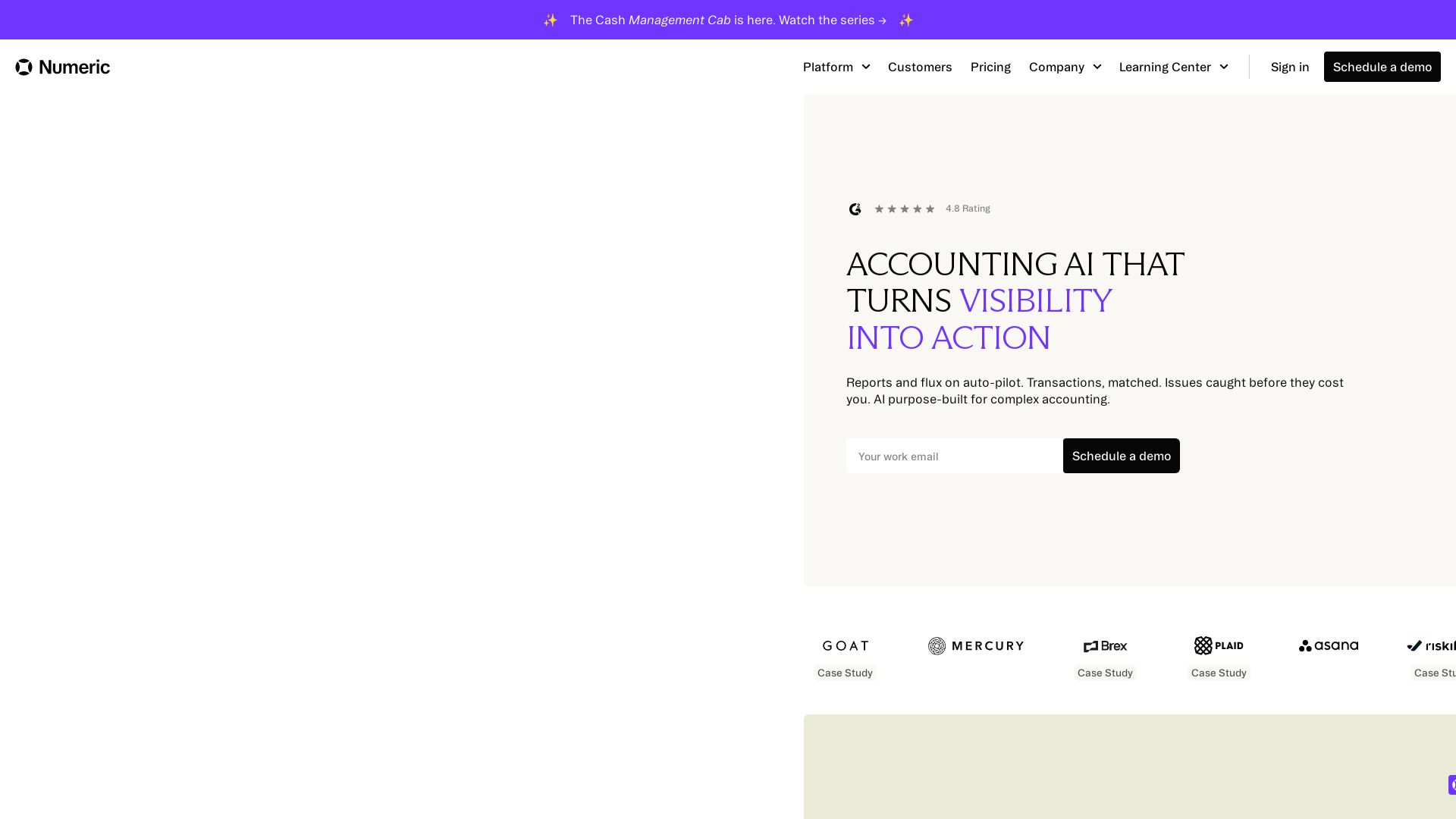
Numeric
Numeric uses AI to automate reconciliations, flux analysis, and cash matching. Reduce close time by days. Real-time insights, CFO-ready reports.

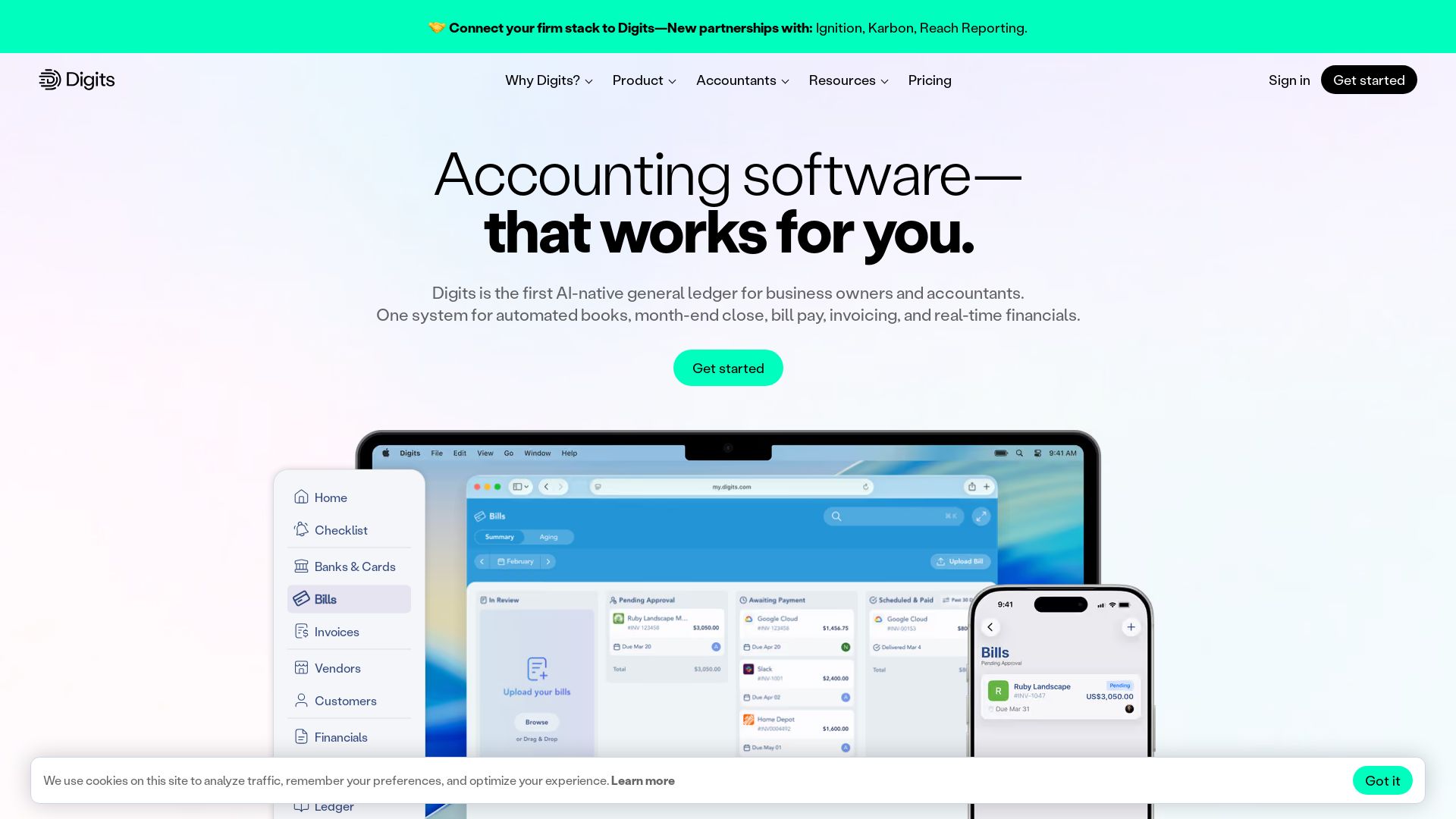
Digits
Automate bookkeeping, close, bill pay, and invoicing with Digits. AI-powered real-time financials trusted by 7,000+ accountants.

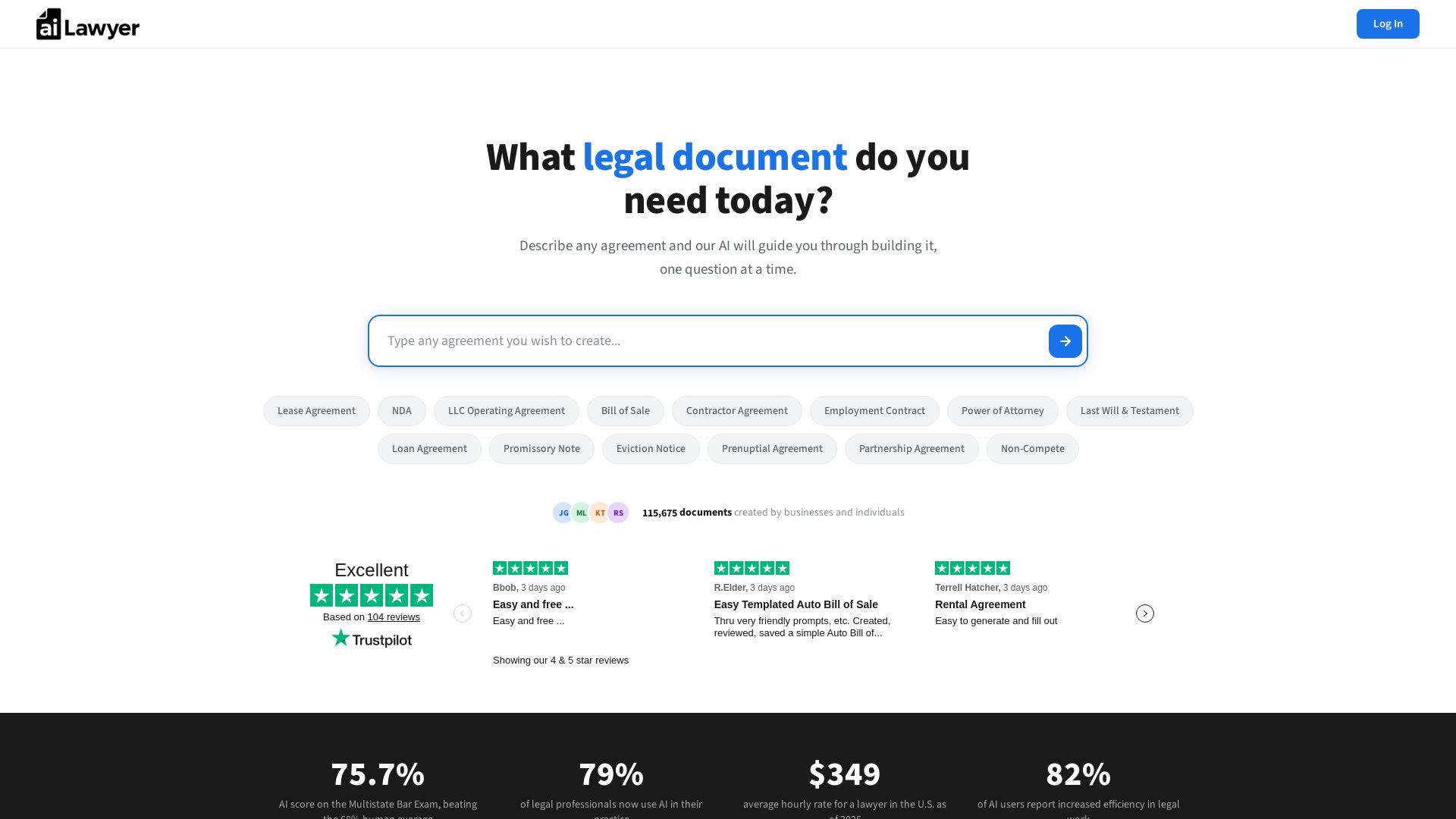
AI Lawyer
Create legally binding, state-specific documents in minutes. No lawyers needed. Save thousands. AI that passed the Bar Exam powers your agreements.

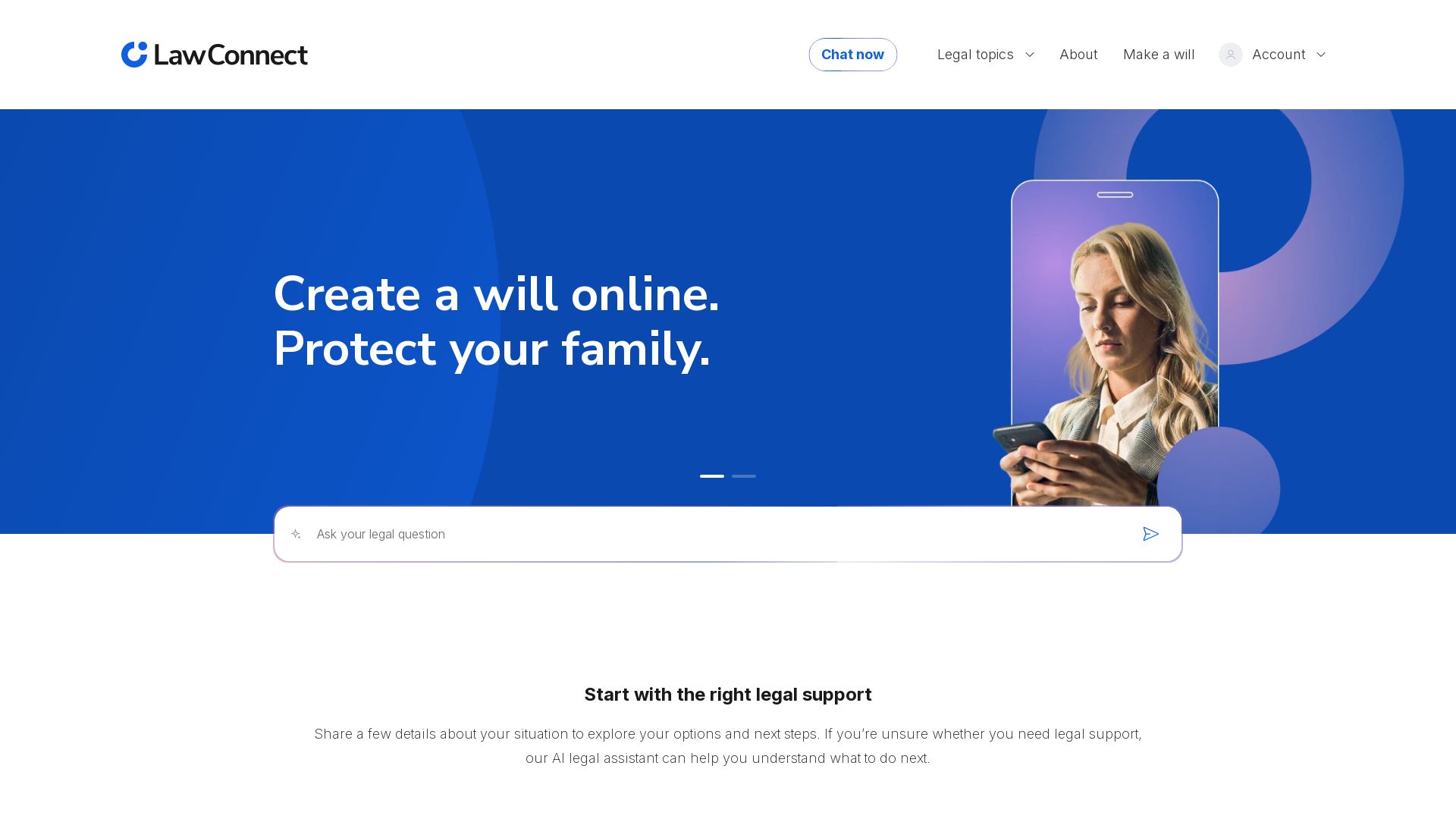
LawConnect
Get free AI-powered legal info, create your will online, and connect with trusted lawyers. Start your legal journey with clear, easy-to-understand guidance.

Local AI
Download Local AI for Android. Private, offline AI chat with on-device LLM. No internet needed. Free and secure on Uptodown.

ℹ️ Curation Disclosure: The overview and features of LocalChat were synthesized using AI and fact-checked by our curation team to ensure accuracy.
