
Law Copilot
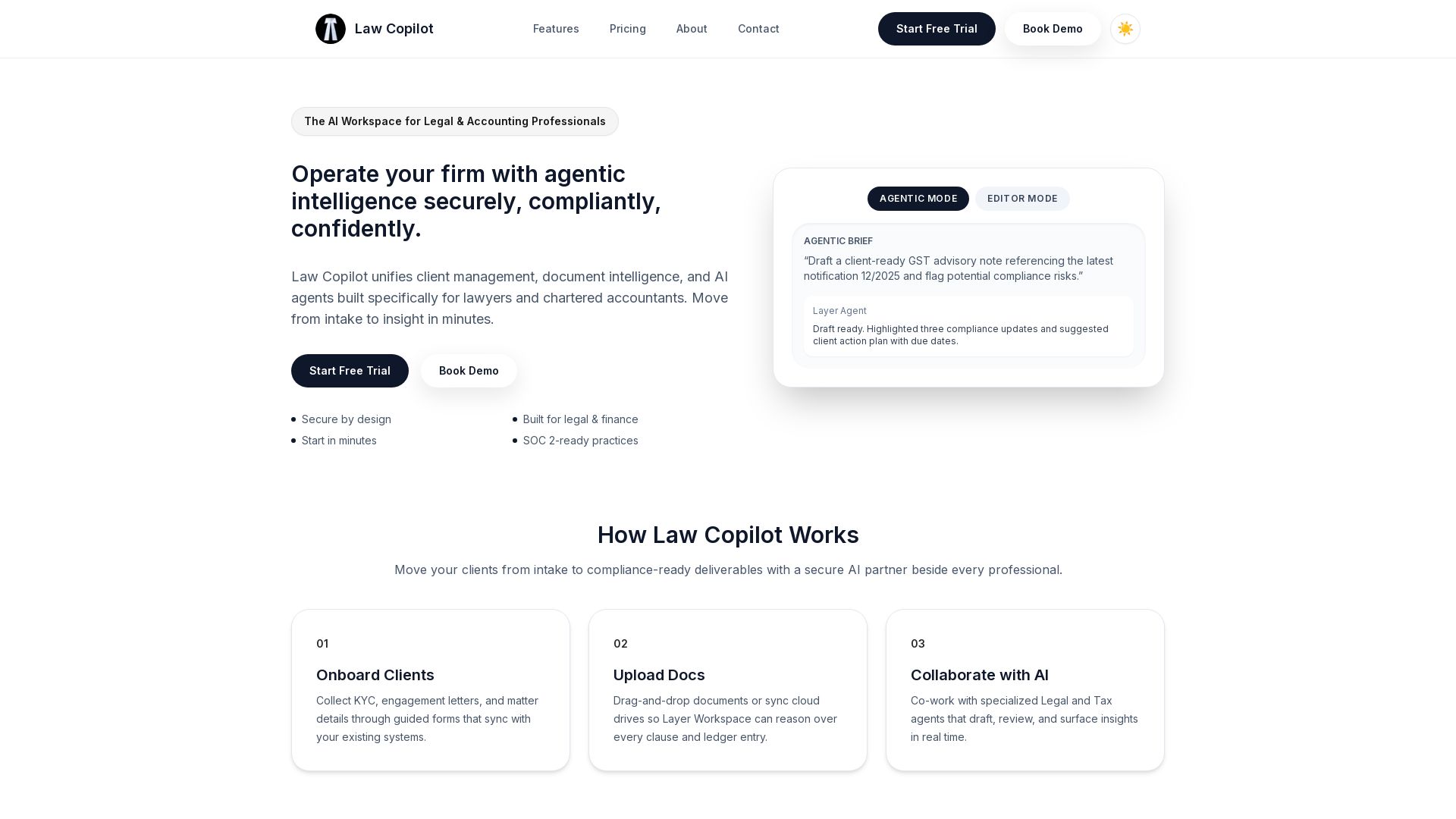
Secure AI workspace for lawyers and accountants. Manage clients, documents, and AI agents with compliance built-in. Start free trial.
Editor's Verdict
Key Takeaways
- AI Drafting Studio
- Client & Matter Management
- Compliance Guardrails
- Secure Workspace
In-Depth Review: What is Law Copilot?
Law Copilot is a secure AI-powered workspace designed specifically for legal and accounting professionals. It unifies client management, document intelligence, and specialized AI agents to help firms move from client intake to compliance-ready deliverables in minutes. With features like AI drafting, matter management, compliance guardrails, and secure integrations, Law Copilot enables professionals to work faster and more confidently while maintaining high standards of security and regulatory compliance.
Core Features
AI Drafting Studio
Generate first drafts of contracts, responses, and compliance reports with agentic AI tuned for legal and accounting standards.
Client & Matter Management
Centralize intake, engagement letters, and ongoing collaboration with intuitive matter dashboards and automations.
Compliance Guardrails
Automated audit trails, configurable retention policies, and jurisdiction-aware templates keep your practice protected.
Secure Workspace
Layered encryption, SSO, and granular roles ensure sensitive financial and legal data stays protected.
Agentic + Editor Modes
Toggle between autonomous agent-led workflows or hands-on editor review to balance speed, oversight, and compliance.
Integrations
Secure connectors for legal practice management, accounting ledgers, and cloud storage such as Clio, Tally, QuickBooks, Google Drive, Dropbox, and Stripe.
For Lawyers: Matter Strategy Co-Pilot
Summarize discovery, build deposition outlines, and draft pleadings with traceable sources.
For Lawyers: Clause Comparison
Highlight deviations from your standard language and flag risk instantly across documents.
For Lawyers: Case Timeline Intelligence
Sync hearings, filings, and deadlines with AI-generated action items and reminders.
For Chartered Accountants: Automated Workpapers
Ingest ledgers to create reconciliations, trial balances, and audit-ready workpapers faster.
For Chartered Accountants: GST & Tax Advisory
Generate jurisdiction-aware filings, checklists, and advisory notes tailored to every client.
For Chartered Accountants: Engagement Analytics
Spot anomalies across clients and unlock insights on billable vs. non-billable time instantly.
Pricing
Solo
- Up to 10 active matters
- AI drafting for legal and tax workflows
- Client portals & e-signatures
- Bank-grade encryption
Firm
- Unlimited matters and clients
- Agentic and Editor modes
- Workflow automations & templating
- Advanced roles & SSO
Enterprise
- Private cloud or on-premise
- Dedicated AI safety reviews
- SOC 2 Type II, ISO 27001
- Premium support & training
Pros and Cons
Pros
- Purpose-built for regulated professionalsTailored specifically for lawyers and chartered accountants, with compliance guardrails and jurisdiction-aware templates.
- Agentic and Editor modesFlexibility to choose between autonomous AI workflows or hands-on collaboration, balancing speed and oversight.
- Robust security and complianceLayered encryption, SSO, SOC 2 Type II controls, and configurable retention policies ensure data protection.
- Seamless integrationsConnects with popular tools like Clio, QuickBooks, and Google Drive for smooth data sync.
- Comprehensive feature setFrom AI drafting to client management and analytics, covers end-to-end workflows in one platform.
Cons
- Limited to legal and accountingNot designed for other professional services, reducing versatility.
- Price may be high for solosAt $79/mo for Solo plan with only 10 matters, cost can add up for independent practitioners.
- No free tierLacks a free forever plan for trial or micro-firms, increasing barrier to entry.
- Reliance on AI for high-stakes workAI-generated drafts need careful human review to avoid errors in critical legal/tax documents.
- Learning curve for full featuresMultiple modes and integrations may require training and onboarding to utilize effectively.
Use Cases & Recommended Professions
Lawyer→ View Toolkit
Need to draft contracts, manage cases, and ensure compliance with legal standards efficiently.
Chartered Accountant→ View Toolkit
Require automated workpapers, tax advisory, and engagement analytics for client accounting and auditing.
Legal Assistant/Paralegal→ View Toolkit
Support lawyers by managing client matters, document intelligence, and AI-driven drafting.
Tax Advisor→ View Toolkit
Need jurisdiction-aware GST and tax advisory tools to generate compliance-ready notes.
Firm Administrator→ View Toolkit
Oversee firm-wide governance, user roles, and integration with existing practice management systems.
Compliance Officer→ View Toolkit
Require audit trails, retention policies, and secure workspaces to meet regulatory standards.
Frequently Asked Questions
Alternative AI Tools
View Detailed Comparison →



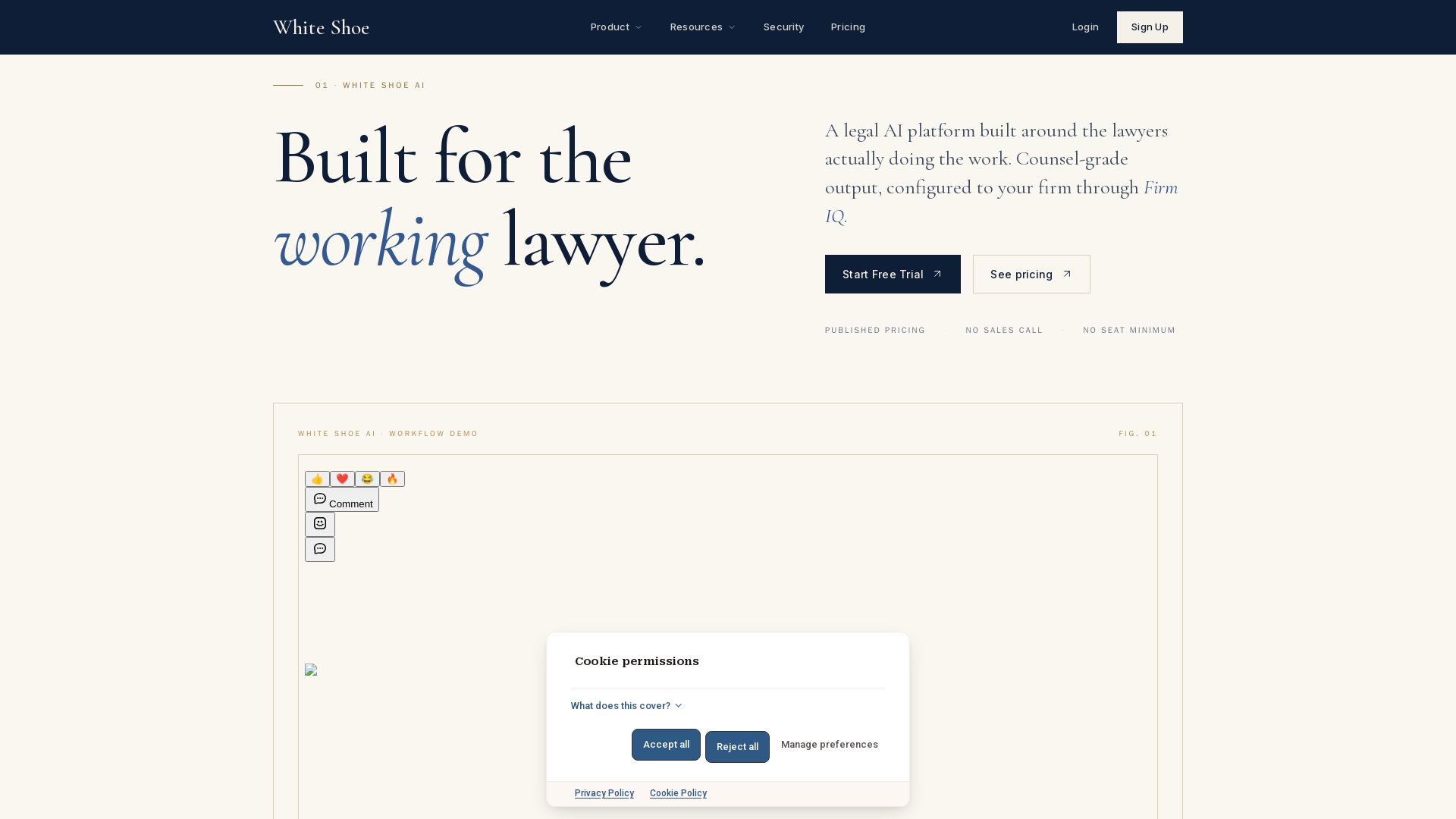
Legal AI Pricing and Plans - White Shoe AI
Counsel-grade legal AI with published pricing, no sales calls. Works in Word, Slack, email, browser, iOS. Try free.


Streamline AI
Automate legal intake, triage, and workflows with AI. Reduce resolution time by 50% and cut outside counsel costs by 40%. Built by lawyers for lawyers.


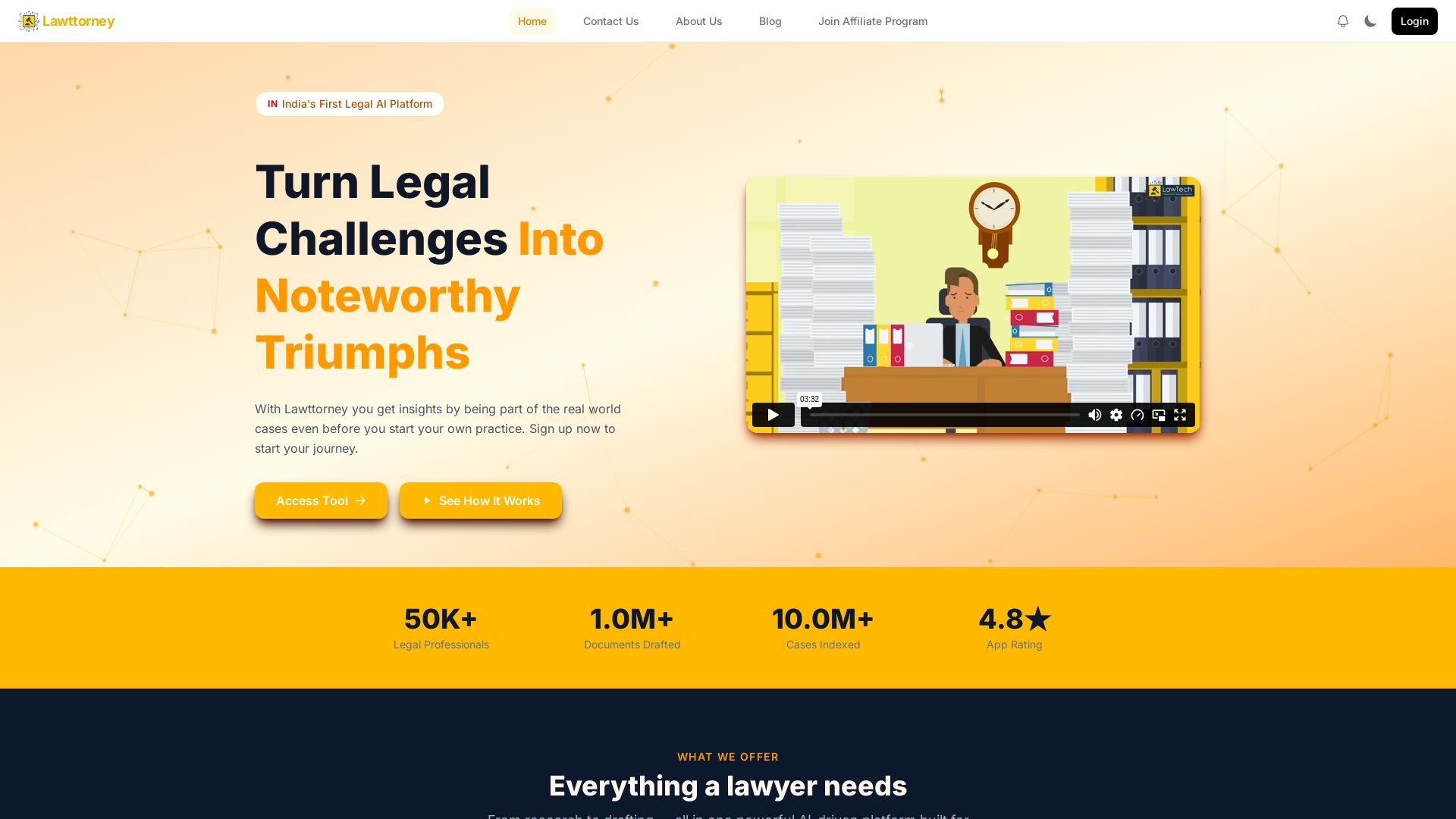
Lawttorney
AI-powered legal research, document drafting, and Indian case law database. Save 90% time. Trusted by 1K+ professionals. Sign up free.

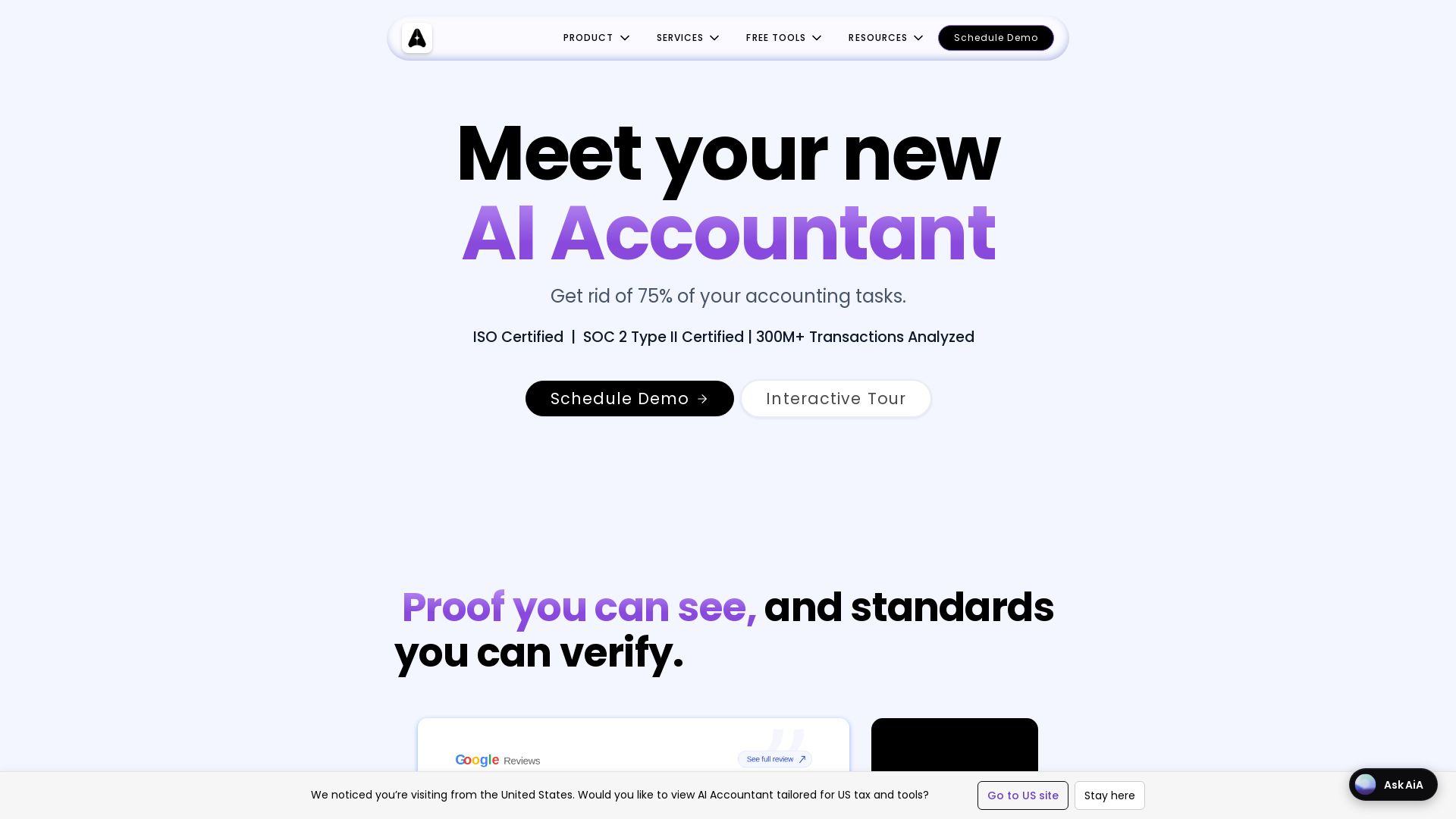
AI Accountant
AI-powered accounting automation with Tally sync, ITC matching, bank statement processing, and dashboards. Get rid of manual entry. ISO & SOC 2 certified.


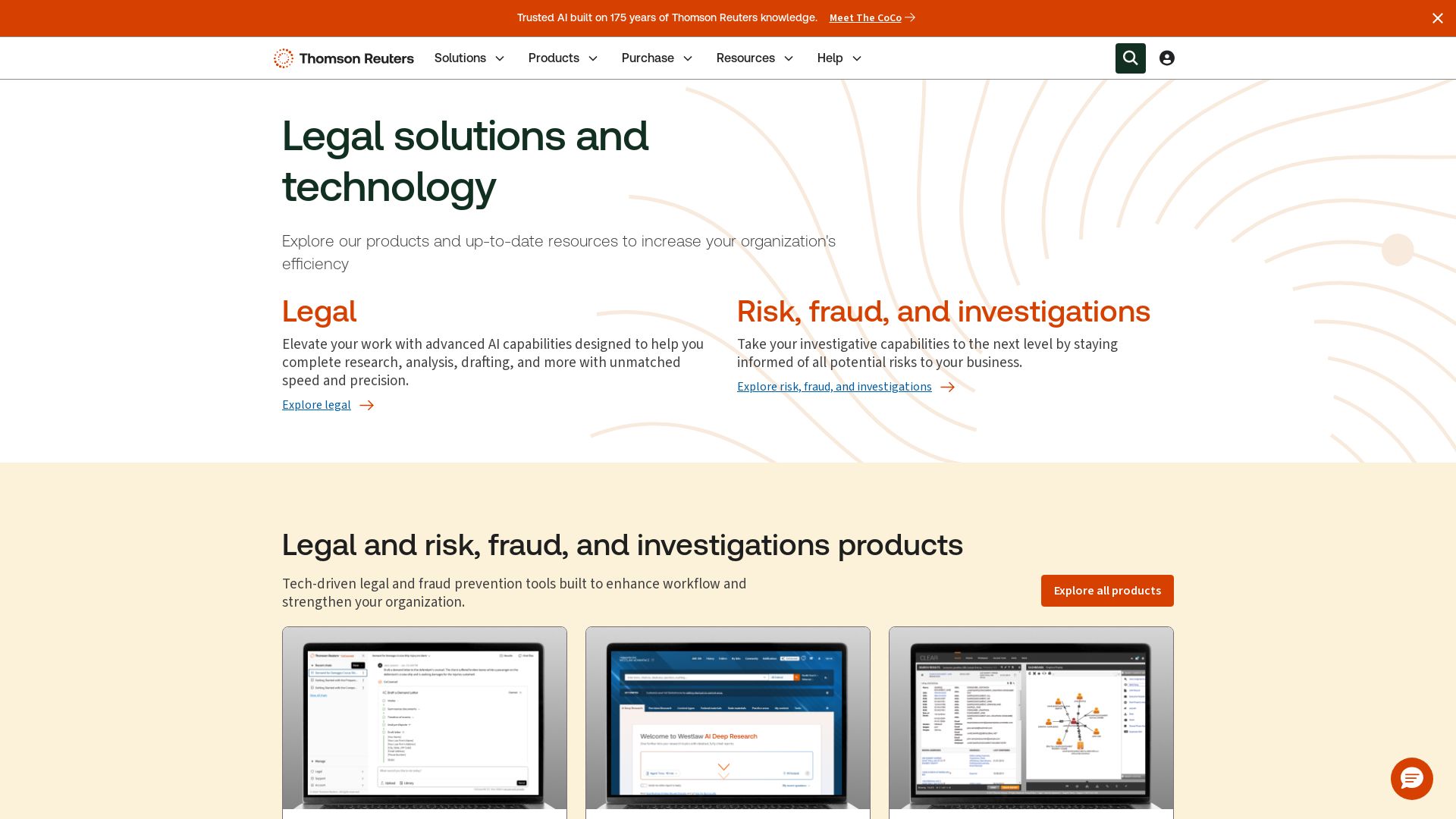
Trusted legal AI tools to power research, drafting, and analysis
Elevate your legal work with advanced AI from Thomson Reuters. Explore CoCounsel Legal, Westlaw Advantage, CLEAR for research, analysis, drafting, and fraud prevention.

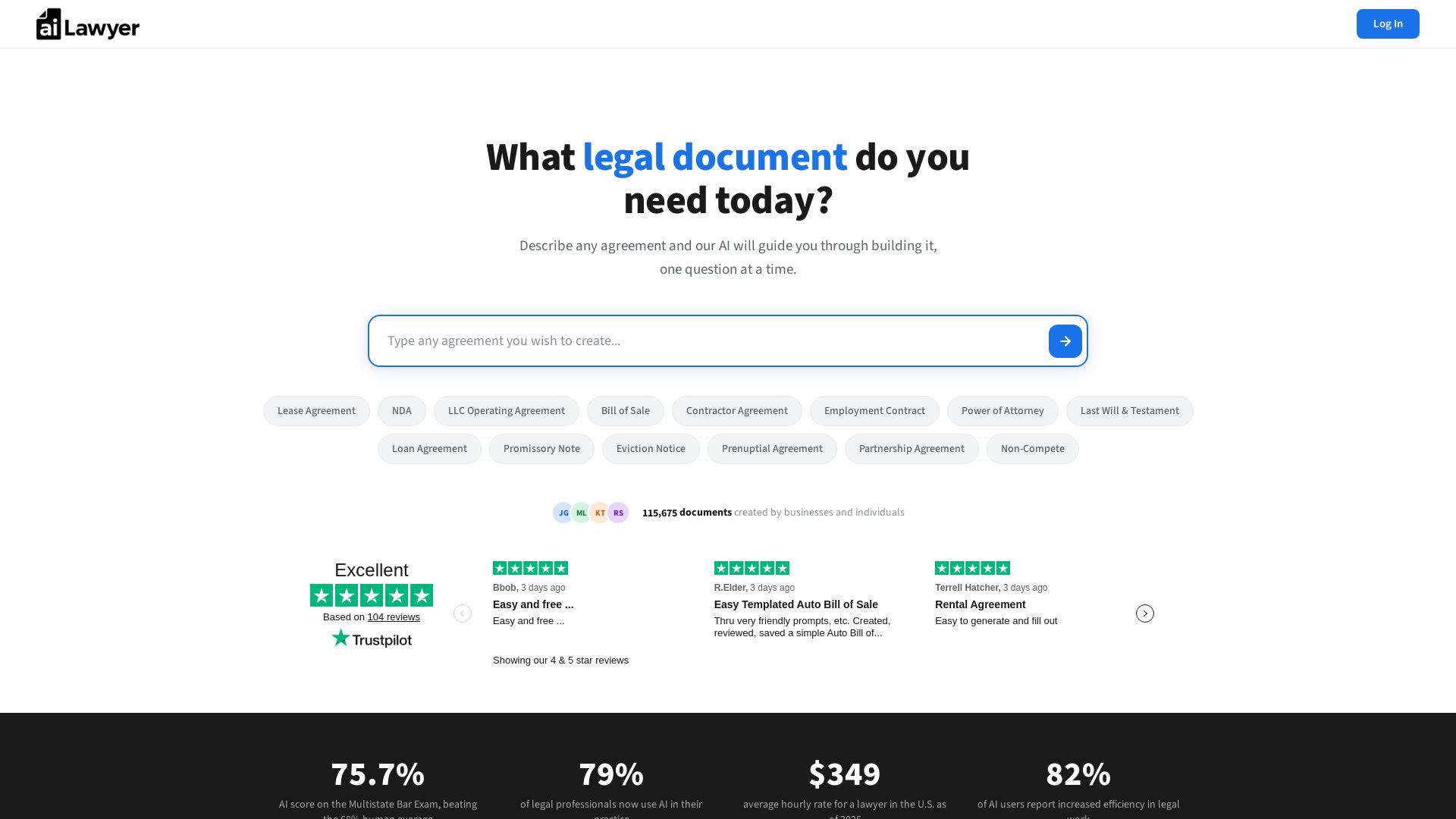
AI Lawyer
Create legally binding, state-specific documents in minutes. No lawyers needed. Save thousands. AI that passed the Bar Exam powers your agreements.

ℹ️ Curation Disclosure: The overview and features of Law Copilot were synthesized using AI and fact-checked by our curation team to ensure accuracy.
