
HappyScribe
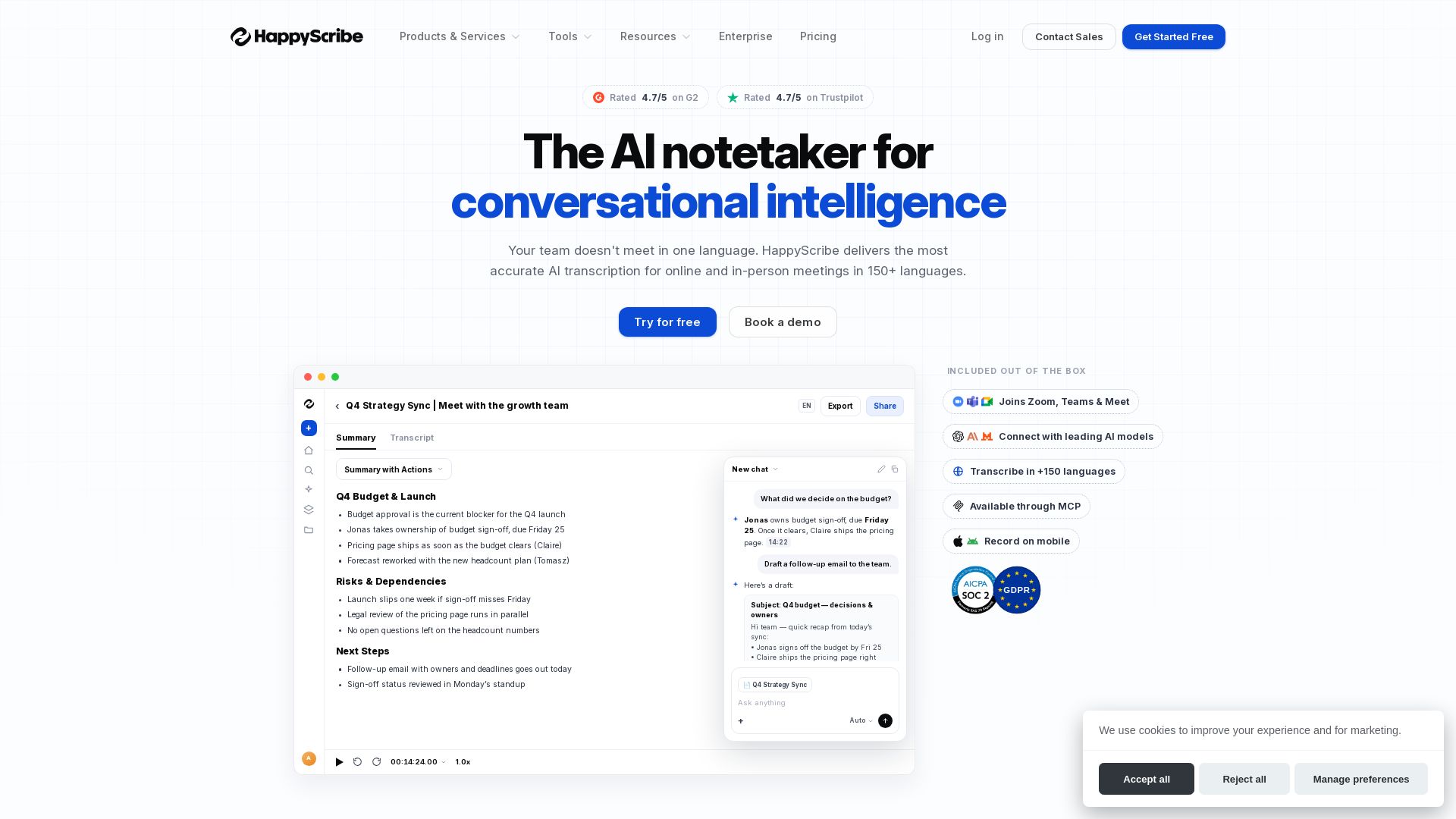
Turn meetings into accurate transcripts & summaries automatically. Join Zoom, Teams & Meet, 150+ languages, 99% accuracy. Try free.
Editor's Verdict
Key Takeaways
- AI Transcription
- AI Notetaker
- Multilingual Support
- Mobile App
In-Depth Review: What is HappyScribe?
HappyScribe is an AI-powered platform that transcribes meetings, podcasts, and videos with up to 99% accuracy in 150+ languages. Its AI Notetaker joins your Google Meet, Teams, and Zoom calls to capture full transcripts, summaries, and action items. Trusted by 6M+ users, it offers enterprise-grade security (SOC 2, GDPR) and export options. Ideal for teams that need accurate, multilingual meeting notes.
Core Features
AI Transcription
Upload audio/video and get accurate text in minutes with speaker identification, word-level timestamps, and a powerful editor. Export to DOCX, PDF, TXT, SRT, VTT.
AI Notetaker
Automatically joins Google Meet, Teams, Zoom calls, captures full transcript, generates summaries, highlights, and action items. Works in 150+ languages with custom prompts.
Multilingual Support
Transcribe, subtitle, and translate in 150+ languages and accents. Translate transcripts and subtitles between languages in one click.
Mobile App
Record meetings, lectures, and voice notes on iOS and Android. AI Notetaker can join calls, and offline recording syncs later.
Enterprise-Grade Security
SOC 2 Type II certified, GDPR compliant, EU data residency, TLS encryption, AES-256 at rest, role-based access, and secure sharing.
Human Services Add-On
Optional human proofreading, subtitling, and translation with 99%+ accuracy, fast turnaround (4h+), and no transcriber management.
Integrations
Connects with Google Calendar, Outlook, YouTube, Vimeo, Google Drive, Box, Dropbox, Zapier (5,000+ apps), and offers API access and MCP server.
Collaboration Tools
Real-time collaborative editing, comments, highlights, workspace roles, permissions, style guides, and glossaries for teams.
Pricing
Free
- Unlimited meeting recordings
- 45 minutes per recording
- 10-minute free trial of AI Transcription, Subtitling and Translation
- Limited recording history
- Human proofreading (not included in free?)
- Analyze 3 files/month with AI Chat
- AI speech-to-text for 60+ languages and dialects
- Automatic speaker detection
- Record meetings on Google Meet, Zoom and Teams
- Edit files collaboratively
- Export files in DOCX, TXT, SRT and MP4 (watermarked)
- Integrate with Youtube, Vimeo, Drive, Box, and Dropbox
Basic
- Unlimited meeting recordings
- 90 minutes per recording
- 1,440 minutes of AI Transcription, Subtitling, and Translation per year
- Analyze 10 files/month with AI Chat
- 1 user seat included
- Human proofreading
- Remove watermark from video exports
- All Free features
Pro
- Unlimited meeting recordings
- Unlimited minutes per recording
- 7,200 minutes of AI Transcription, Subtitling, and Translation per year
- Unlimited AI Chat
- 3 user seats included
- Human proofreading
- Export subtitles in multiple formats like VTT, STL, XML, FCPXML, EDL and more
- Customize Notetaker branding
- Custom summary templates
- Advanced AI models access (ChatGPT, Claude, Mistral, GLM)
- All Basic features
Business
- Unlimited meeting recordings
- Unlimited minutes per recording
- 72,000 minutes of AI Transcription, Subtitling, and Translation per year
- Unlimited AI Chat
- 5 user seats included
- 5% off human proofreading
- Manage workspace roles and permissions
- Create unlimited Style guides and Glossaries
- All Pro features
Pros and Cons
Pros
- High AccuracyAI transcription up to 99% accuracy on clear audio, with human option for 99%+.
- Multi-Language SupportWorks in 150+ languages for transcription, subtitles, and translation, covering global teams.
- Easy to UseIntuitive interface, seamless integration with calendars and meeting platforms, and collaborative editing.
- Automated Meeting NotesAI Notetaker auto-joins calls, generates summaries and action items, saving hours of manual work.
- Enterprise SecuritySOC 2, GDPR, EU data residency, and encryption ensure compliance for sensitive industries.
Cons
- Cost for Heavy UsersPricing may be high for large volumes, especially for users in countries with weak currencies.
- Accuracy Depends on Audio QualityAI accuracy drops with heavy accents, background noise, or overlapping speakers; human service costs extra.
- Limited Free PlanFree plan has 45-min recording limit and only 10-min AI transcription trial; limited history.
- No Desktop App YetDesktop app for Mac and Windows is listed as 'Soon', currently only web and mobile.
- Human Services Are Add-OnHuman proofreading and translation come at extra cost ($2.00/min+), not included in subscriptions.
Use Cases & Recommended Professions
Journalist→ View Toolkit
Transcribes interviews quickly, saves 3-4 hours per interview as reported by Tamedia.
Podcaster→ View Toolkit
Converts podcast episodes to text for show notes, SEO, and repurposing content.
Video Producer→ View Toolkit
Generates accurate subtitles and captions for videos, increasing viewership and accessibility.
Business Analyst→ View Toolkit
Captures meeting notes, decisions, and action items automatically for project tracking.
Researcher→ View Toolkit
Transcribes lectures, focus groups, and interviews in multiple languages for analysis.
Educator→ View Toolkit
Creates transcripts and subtitles for educational videos, aiding non-native speakers and compliance.
Frequently Asked Questions
Alternative AI Tools
View Detailed Comparison →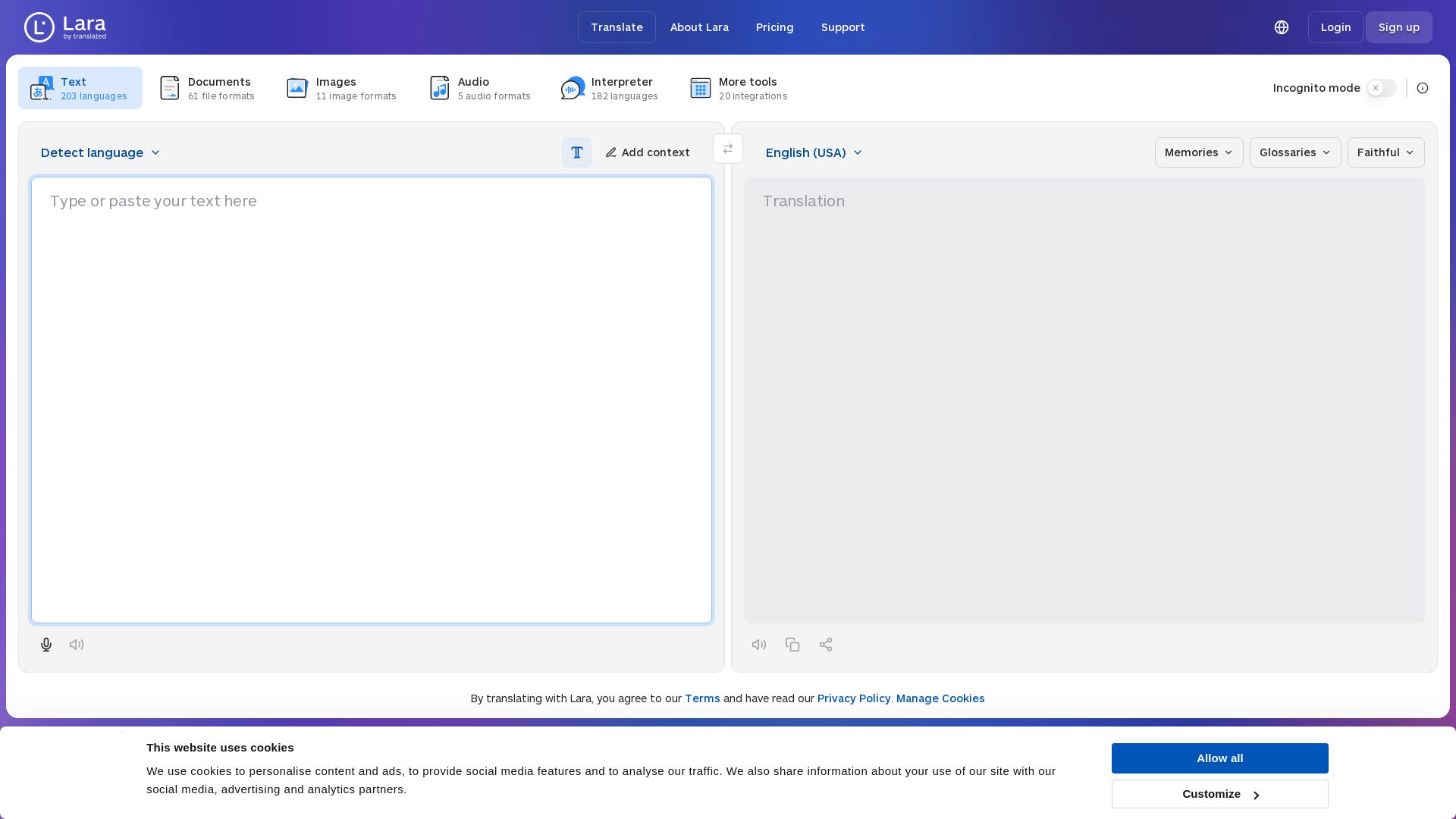
Lara Translate
Translate text, documents, images, and audio instantly in 200+ languages. Trusted by 350,000+ professionals. AI-powered by Translated since 1999.

OpenL Translate
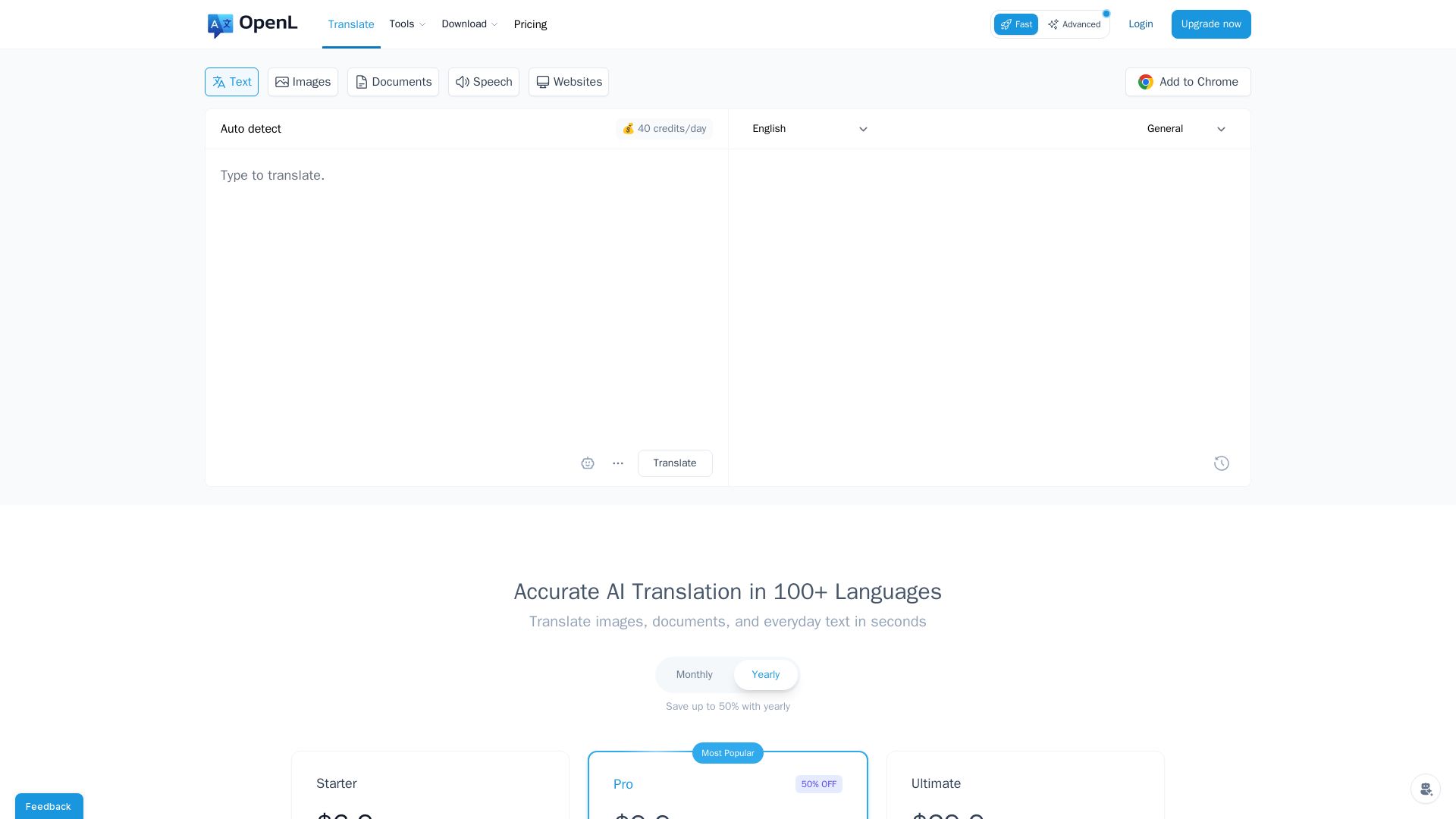
Fast, accurate AI translations for text, images, documents, and websites. Supports 100+ languages. Try free!

Free AI Translator
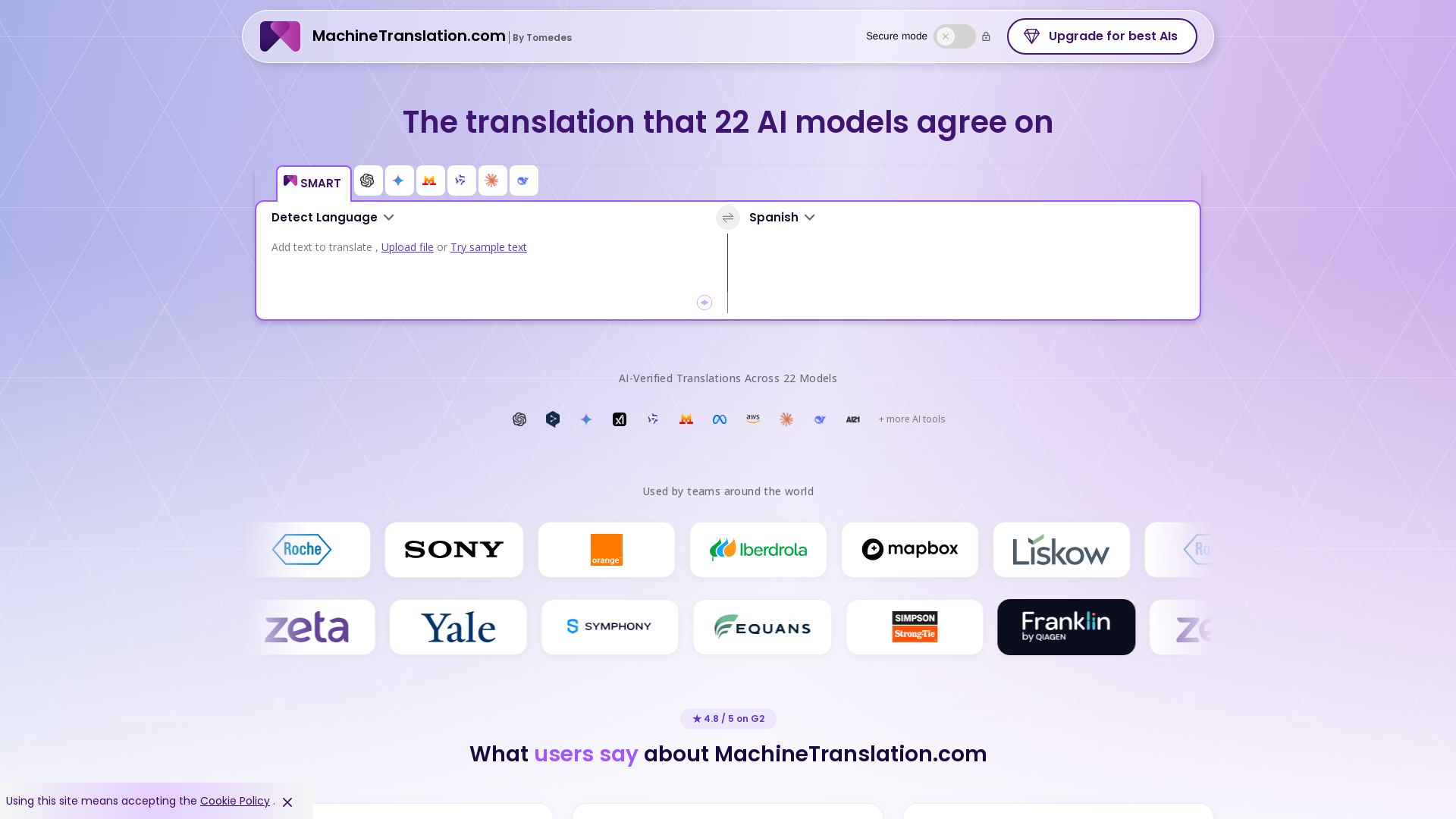
Translate with confidence using 22 AI models. SMART picks the most agreed translation, cutting errors by 90%. Human review optional. Secure & affordable.

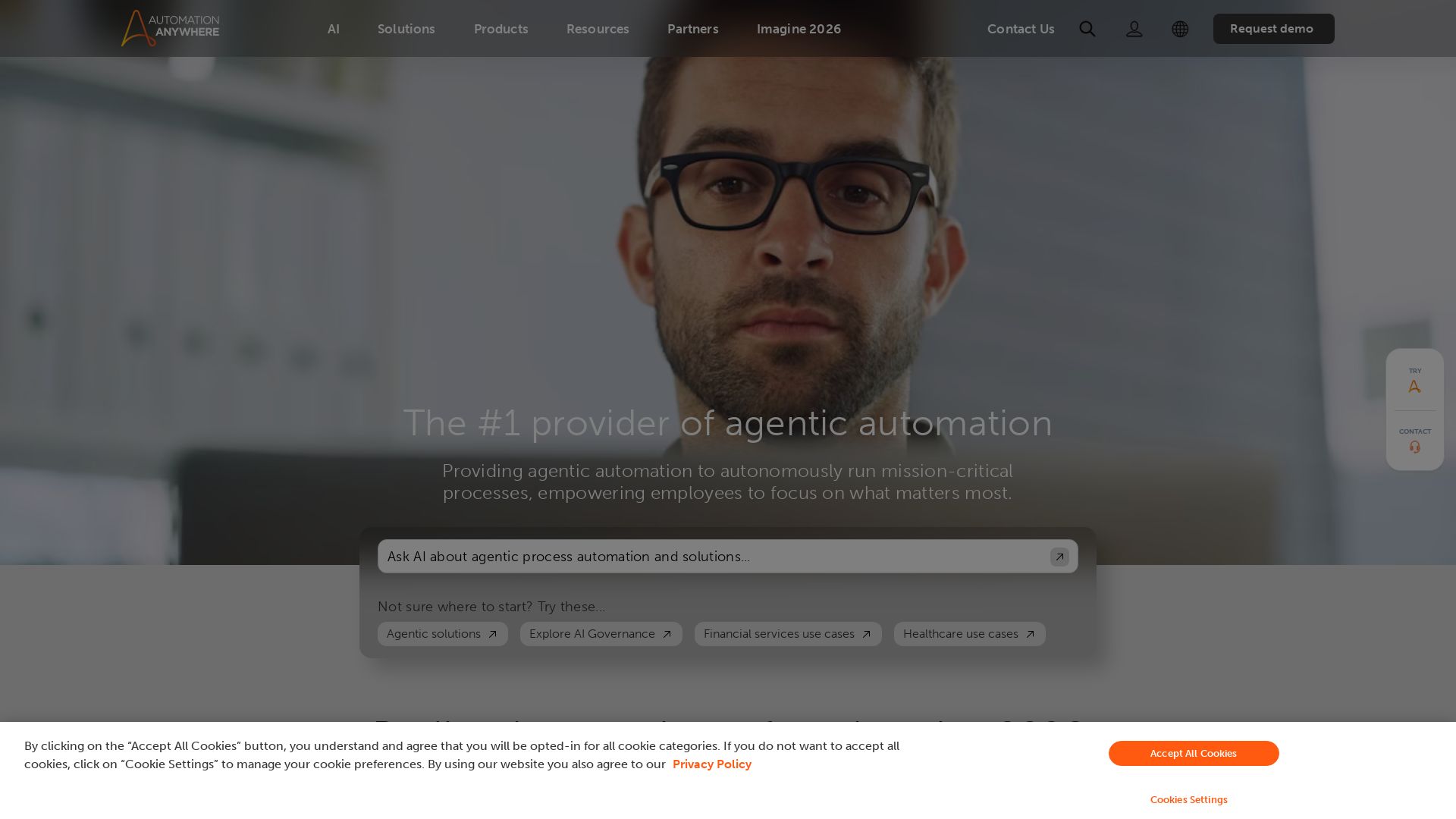
Automation Anywhere
Automate mission-critical processes with agentic AI. Trusted by global leaders. Boost efficiency, ensure compliance. Request a demo.


Zapier
Connect AI to 9,000+ apps. Build AI agents, chatbots, and workflows without code. Trusted by Fortune 500. Start free.


HIX AI
HIX AI is an AI agent workspace that lets you research, create slides, videos, images, and more with one tool. Boost productivity with deep research and automated content creation.

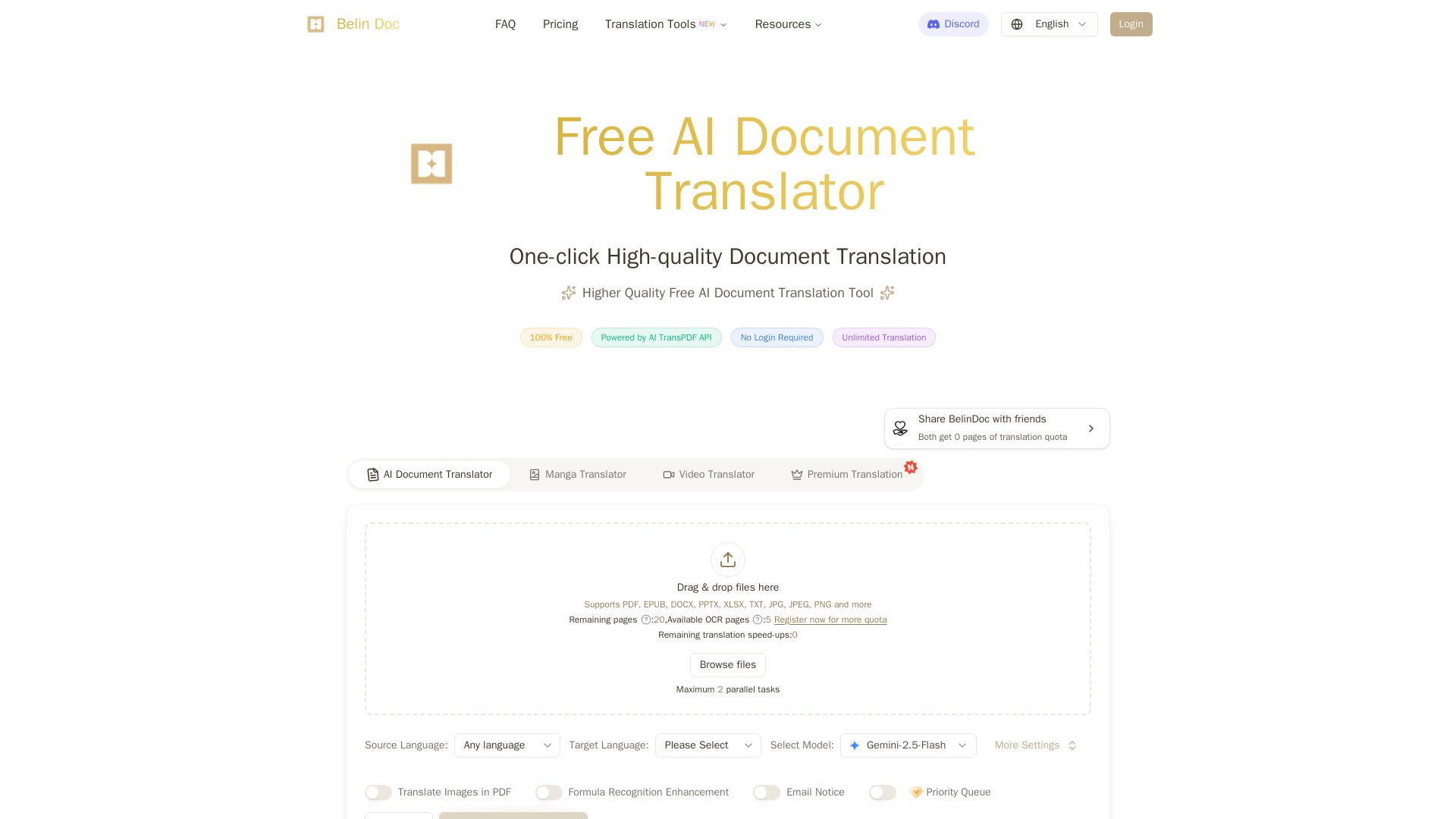
Belindoc
Translate documents online for free! AI-powered PDF, Word, Excel, PPT translation with original layout preserved. No login, unlimited pages.

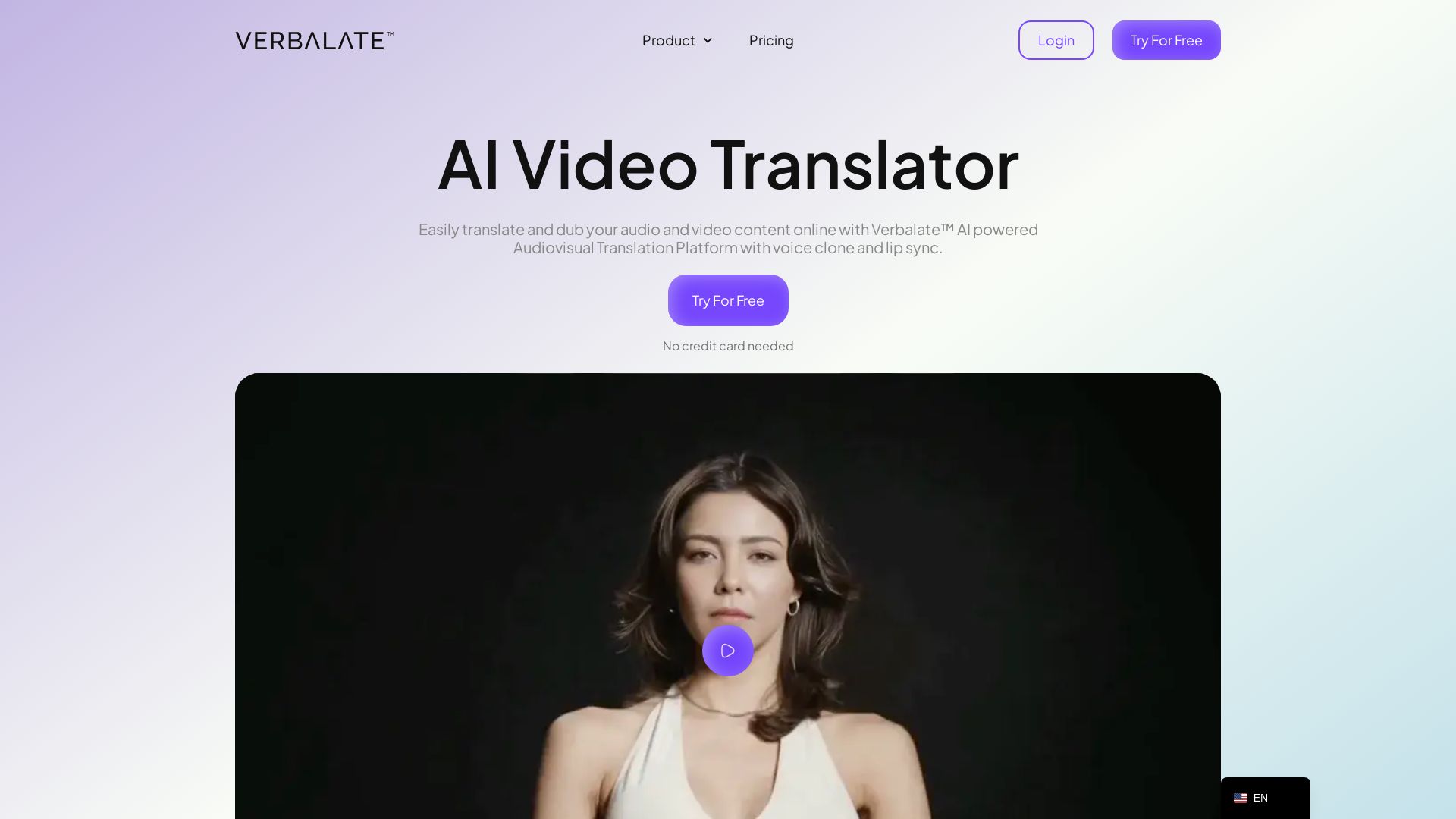
Verbalate
Translate and dub videos into 230+ languages with AI voice cloning and lip sync. Perfect for e-learning, YouTube, marketing. Globalize your content effortlessly.

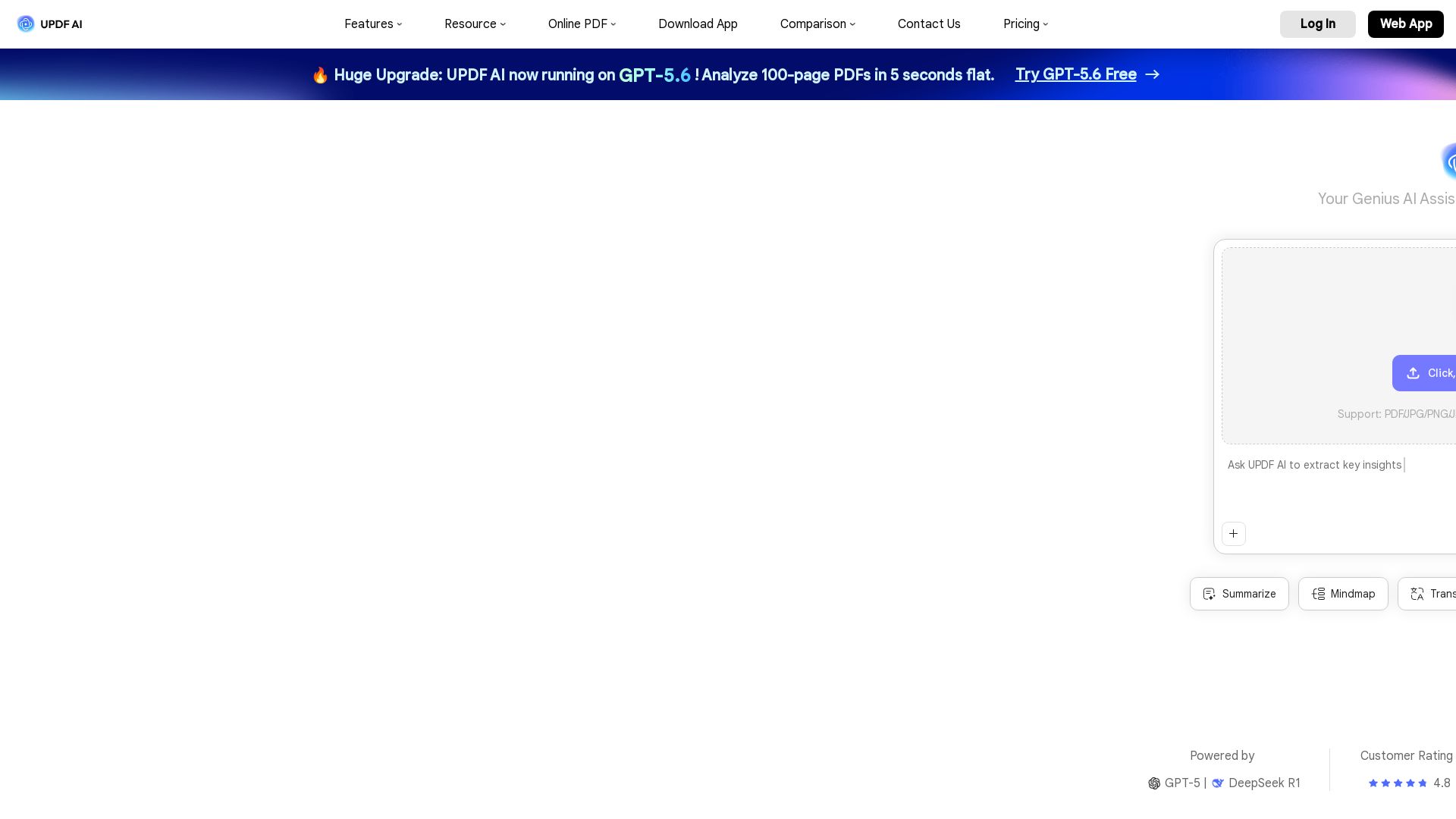
UPDF AI
Boost productivity with UPDF AI. Chat, summarize, translate PDFs, and create mind maps. Powered by GPT-5 & DeepSeek R1. Try free!


Agentic Workers
Automate tasks with 100+ pre-built AI workflows. Connect 800+ tools, save 10+ hours/week. No coding needed. Join 13,000+ professionals.

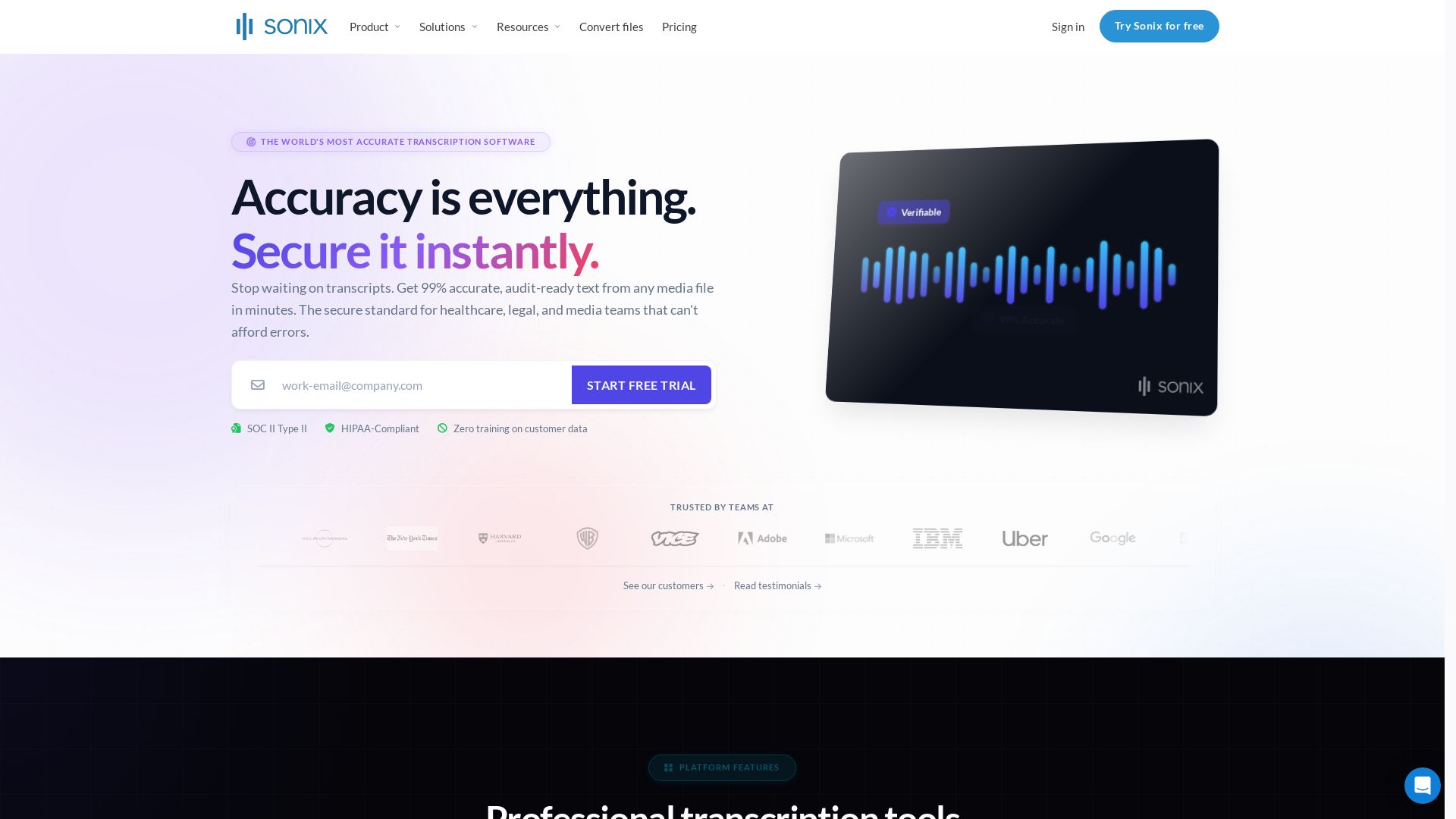
Sonix
Get 99% accurate transcripts from audio/video in minutes. Trusted by 6.2M+ users. HIPAA & SOC 2 compliant. Start free trial.

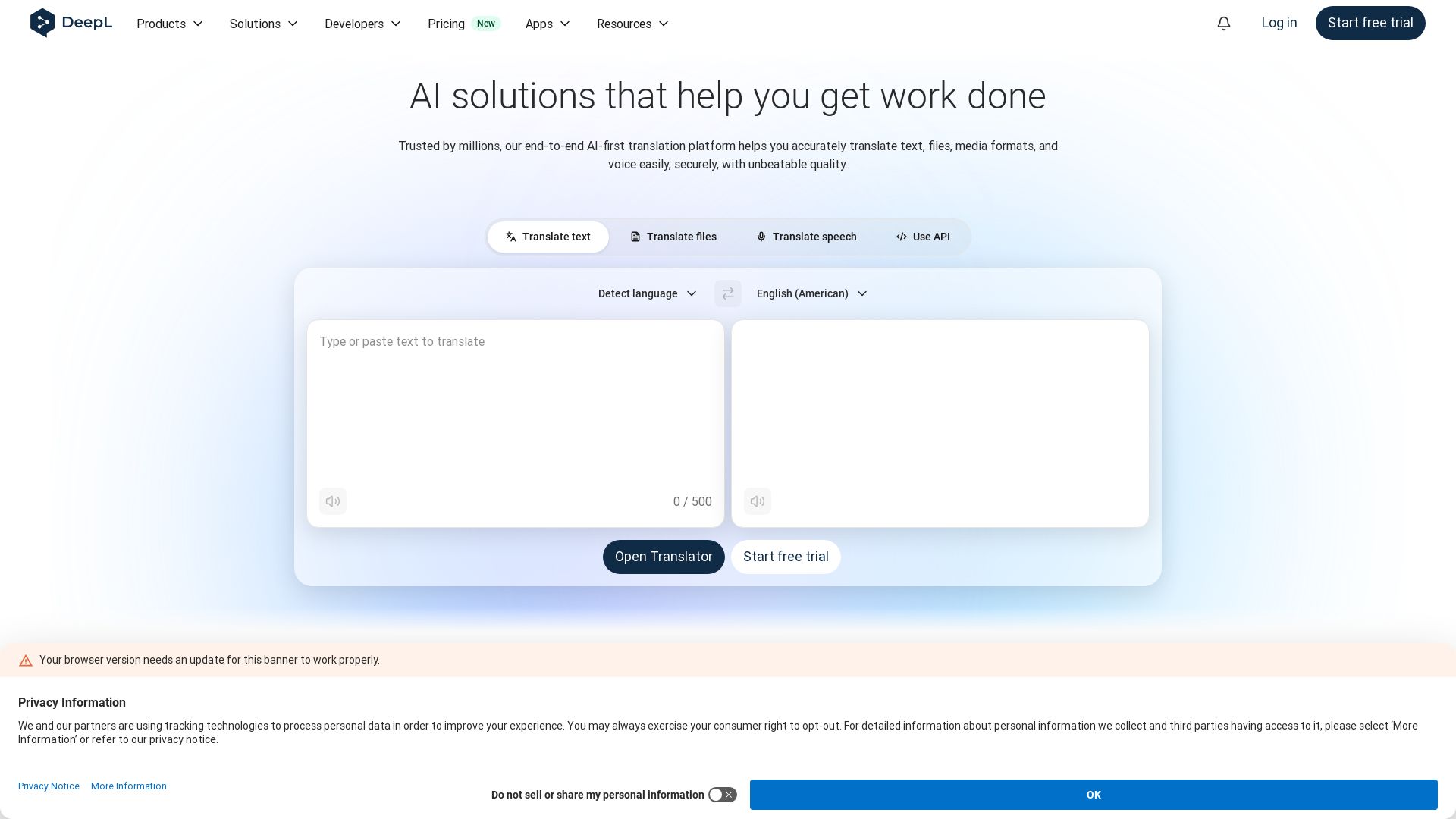
DeepL
Translate text, files, and speech with DeepL's AI-native technology. Trusted by 200,000+ businesses for secure, high-quality multilingual communication. Start free.

ℹ️ Curation Disclosure: The overview and features of HappyScribe were synthesized using AI and fact-checked by our curation team to ensure accuracy.
