OpenClaw
Your private AI assistant in messaging apps. Manage emails, reminders, tasks, and calendar. No coding required. Self-host or cloud.
Editor's Verdict
Key Takeaways
- Email Management
- Calendar Management
- Task Tracking
- Smart Reminders
In-Depth Review: What is OpenClaw?
OpenClaw is an AI assistant that integrates seamlessly with WhatsApp, Telegram, Discord, and Signal. It helps you handle emails, manage your calendar, set reminders, track tasks, and more, all through natural conversation. With a focus on privacy, you can self-host on your own computer or use the cloud version. The setup is beginner-friendly, with step-by-step guides that require no coding. Ideal for entrepreneurs, project managers, and anyone looking to automate busywork and stay organized.
Core Features
Email Management
AI reads, drafts, and organizes your emails, saving time and reducing inbox overload.
Calendar Management
Manage your calendar with smart reminders and scheduling via WhatsApp or Telegram.
Task Tracking
Track tasks and to-dos, with context-aware memory of your preferences and conversations.
Smart Reminders
Set reminders like 'Remind me to call mom tomorrow' and receive them on your messaging apps.
Web Search
Search the web directly through the assistant to get answers or perform research.
Note Taking
Take notes and have them automatically organized and retrievable.
Multi-Channel Support
Works across WhatsApp, Telegram, Discord, Signal, and iMessage for seamless access.
Smart Home Control
Control smart home devices through the assistant for automation and convenience.
Video & Image Generation
Generate videos and images using AI, included in the Cloud plan.
Deep Research
Conduct deep research tasks, analyzing multiple sources and generating summaries.
Premium Skills Library
Access a library of premium skills for specialized tasks like scraping, monitoring, and more.
Advanced Scraping
Perform advanced web scraping to monitor prices, stock levels, and changes.
Pricing
Cloud (Managed)
- Managed hosting and setup
- All API costs included
- Video generation
- Image generation
- Deep research
- Premium skills library
- Advanced scraping
- Enterprise infrastructure (up to 1,000 vCPU / 1TB RAM)
- Zero setup, zero maintenance
- 24/7 uptime
- Automatic updates & security patches
- Telegram, WhatsApp, Discord, iMessage support
- Priority support
- 14-day money-back guarantee
Cloud (Managed)
- Managed hosting and setup
- All API costs included
- Video generation
- Image generation
- Deep research
- Premium skills library
- Advanced scraping
- Enterprise infrastructure (up to 1,000 vCPU / 1TB RAM)
- Zero setup, zero maintenance
- 24/7 uptime
- Automatic updates & security patches
- Telegram, WhatsApp, Discord, iMessage support
- Priority support
- 14-day money-back guarantee
Self-Hosted (Own Hardware)
- Free open-source software
- Maximum infrastructure control
- Run local AI models (Ollama, LLaMA)
- No OpenClaw software subscription
- Requires technical setup (Node.js, Docker)
- You manage updates & security
- Uptime depends on your hardware
Self-Hosted (VPS)
- Free open-source software
- Full control over server & data
- Always-on (24/7 cloud uptime)
- Choose your own AI provider
- Setup time: 1-3 hours
- You handle SSL, firewall, updates
- API costs extra ($20-200+/mo)
Pros and Cons
Pros
- 24/7 AvailabilityWorks around the clock, never takes breaks, and responds instantly via messaging apps.
- Cost-EffectiveReplaces expensive human assistants at a fraction of the cost (from $39/month vs $3,000+).
- Multi-TaskingHandles emails, calendar, reminders, web searches, and smart home control simultaneously.
- Privacy-FirstData stays on your own computer (self-hosted) or managed cloud with no external sharing.
- Contextual MemoryRemembers conversations, preferences, and tasks across sessions, providing continuity.
Cons
- Setup Complexity (Self-Hosted)Requires technical knowledge for Node.js, Docker, SSL, and channel configuration if not using Cloud.
- API Costs (Self-Hosted)Even with free software, AI provider usage can cost $20-200+/month depending on model and usage.
- Maintenance Time (Self-Hosted)Ongoing maintenance like updates, backups, and security patches can take 10-15 hours per month.
- Dependency on Messaging PlatformsFunctionality relies on third-party messaging apps (WhatsApp, Telegram) which may have outages or policy changes.
- Limited Offline CapabilitiesRequires internet connectivity for most features, especially when using cloud-based AI models.
Use Cases & Recommended Professions
Entrepreneur→ View Toolkit
Handle emails, schedule meetings, track tasks, and automate busywork without hiring extra staff.
Project Manager→ View Toolkit
Keep track of deadlines, send reminders, and manage team communications across channels.
Marketer→ View Toolkit
Monitor competitors, generate content ideas, and automate reporting and research.
Software Developer→ View Toolkit
Integrate AI into workflows, use API for custom automation, and control smart home or dev ops.
Researcher→ View Toolkit
Perform deep web searches, summarize articles, and keep organized notes for projects.
Lawyer→ View Toolkit
Manage client communications, draft emails, and maintain organized records with AI assistance.
Frequently Asked Questions
Alternative AI Tools
View Detailed Comparison →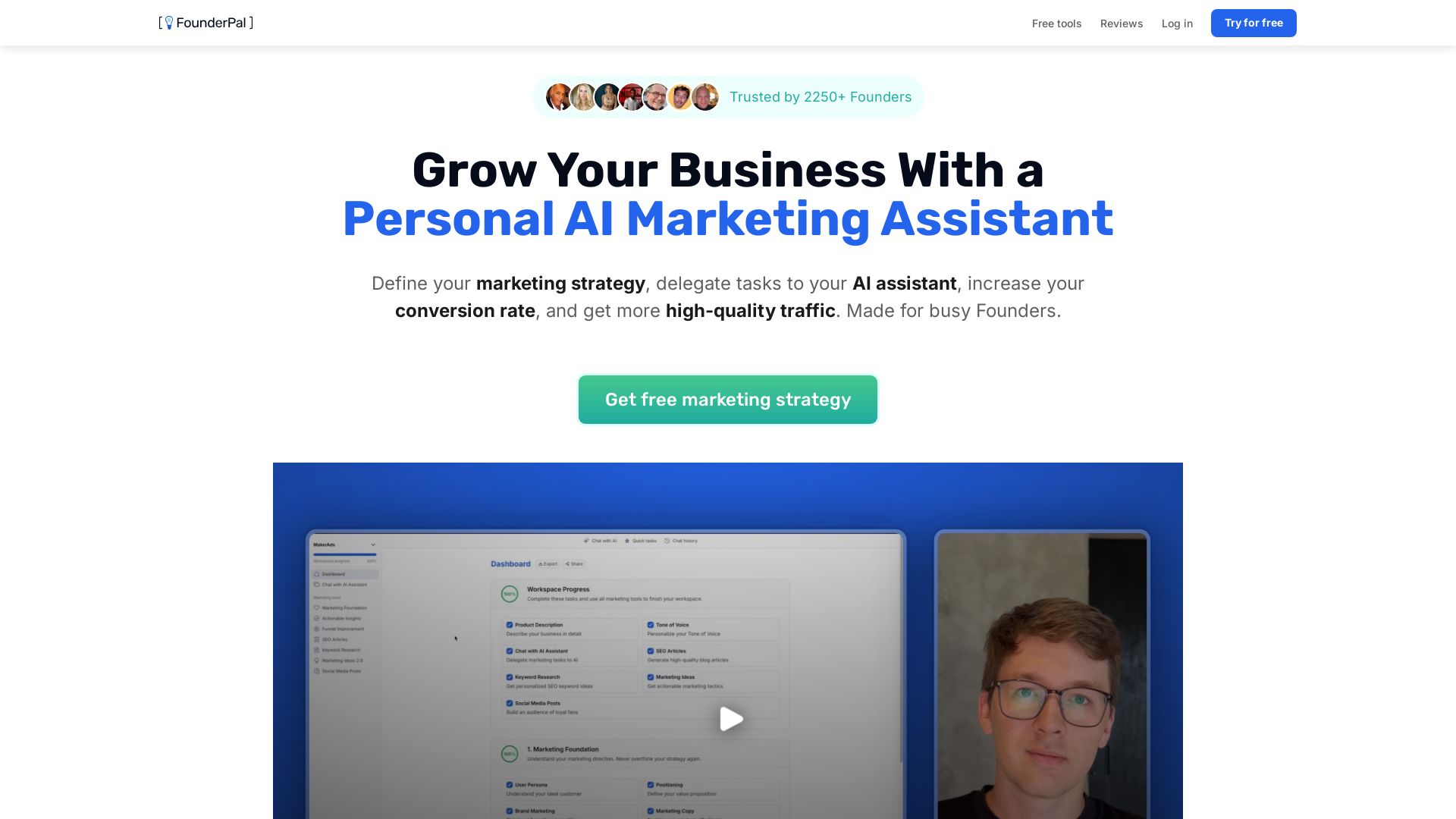
FounderPal
Trusted by 2250+ founders. Get a personal AI marketing assistant to define strategy, delegate tasks, boost conversions. Save 100+ hours/month. Try free.


AIGenerator
Plan, launch, and grow your business with AI. Generate business plans, ads, and content in minutes. Free to start.


Marketing Mary
Unify research, creation, publishing & optimization with one AI Co-Pilot. Works in your existing stack. Join 500+ leaders on the waitlist.


Marketing Titan
Replace HubSpot, ZoomInfo, Hootsuite & Jasper with 180+ AI agents & Darwin AI. Save $50K+/yr. Start free trial.

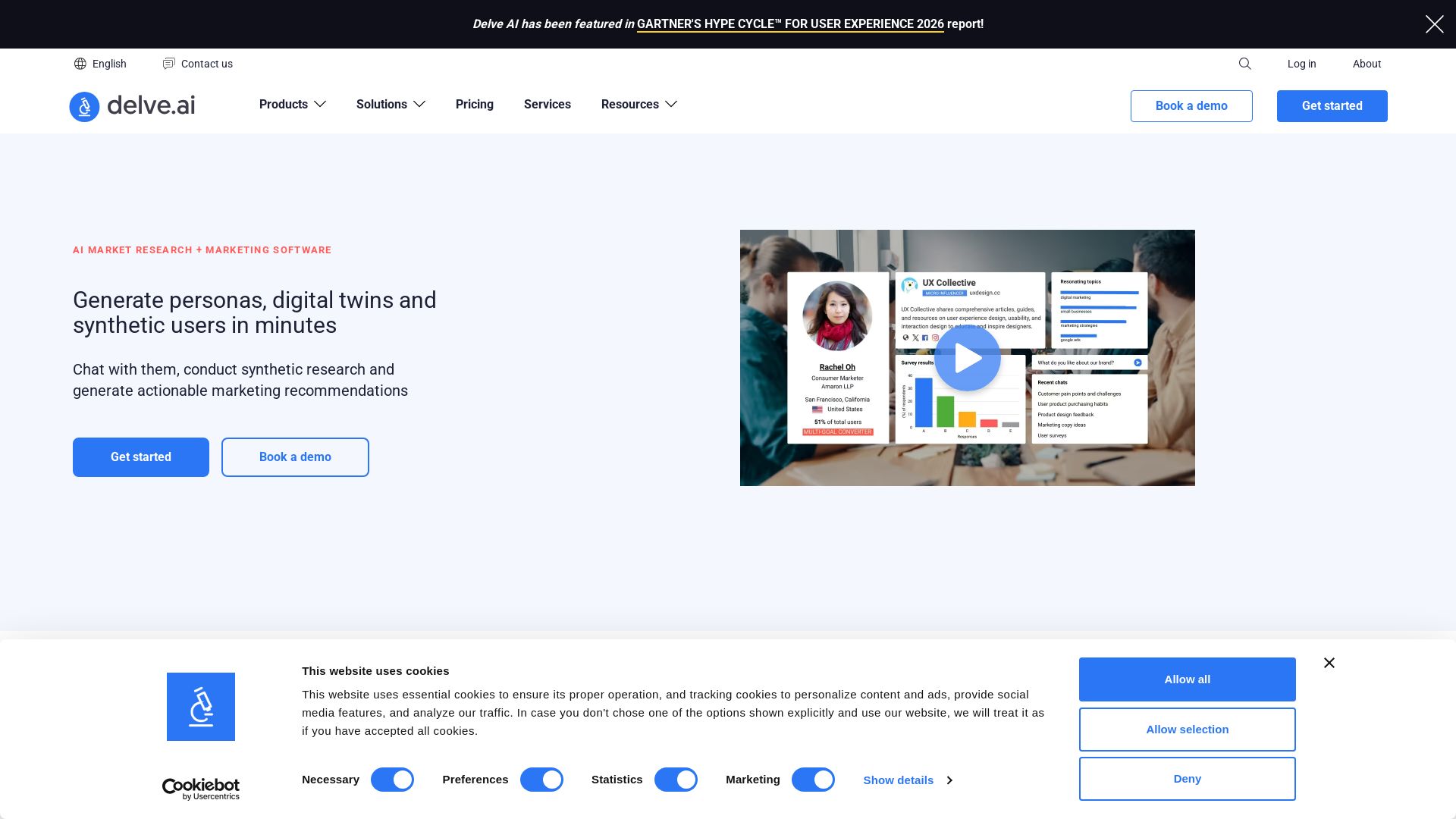
Delve AI
Create AI-driven customer personas, digital twins, and synthetic users for market research. Generate actionable insights in minutes.


PrometAI
Generate investor-ready business plans in minutes with PrometAI's AI. Trusted by 100,000+ founders. Start for free, no guesswork.

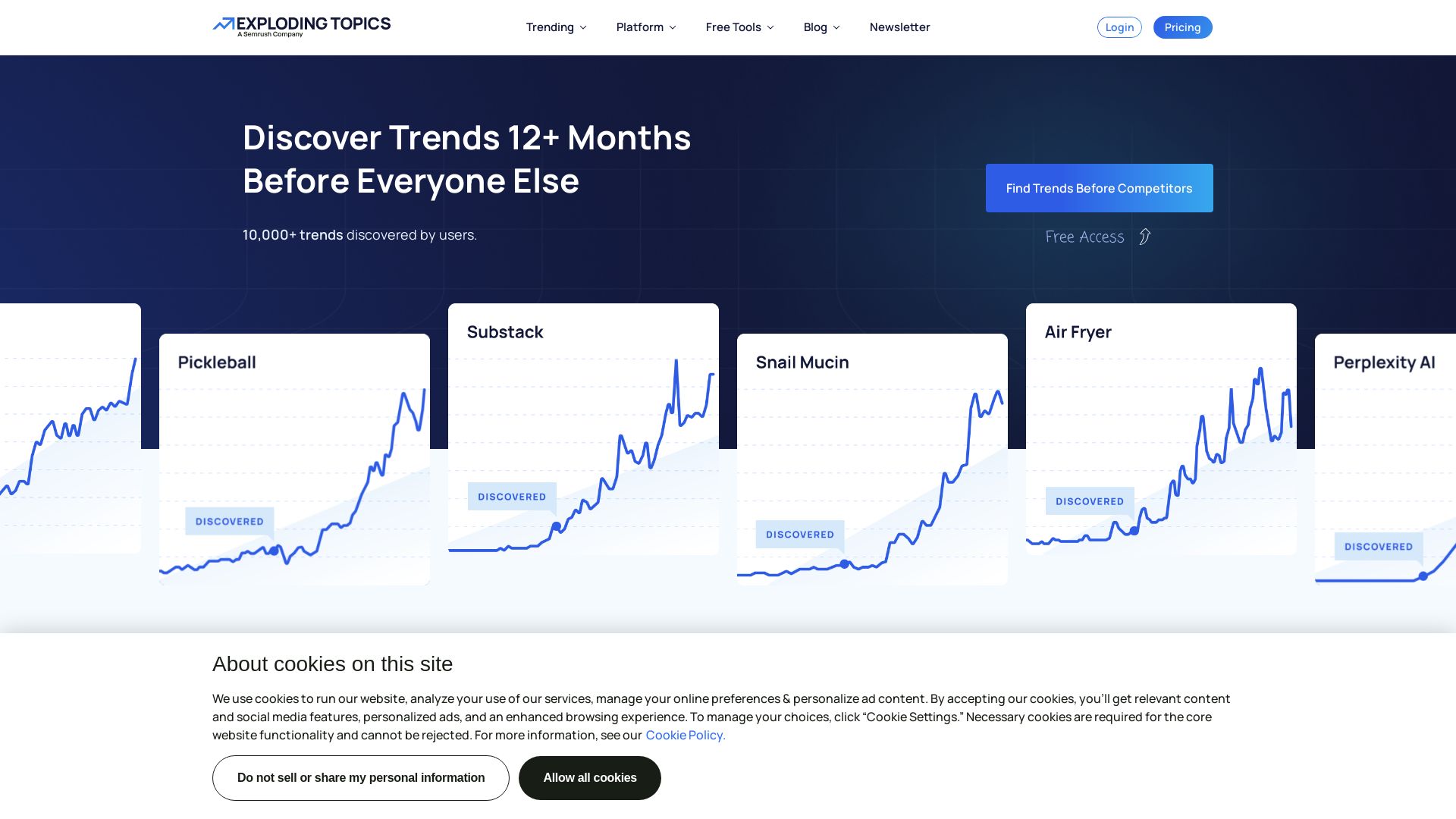
Exploding Topics
Find under-the-radar trends before they go mainstream. Trusted by 1M+ users. Free tools for keyword research, SEO, and trend analysis.

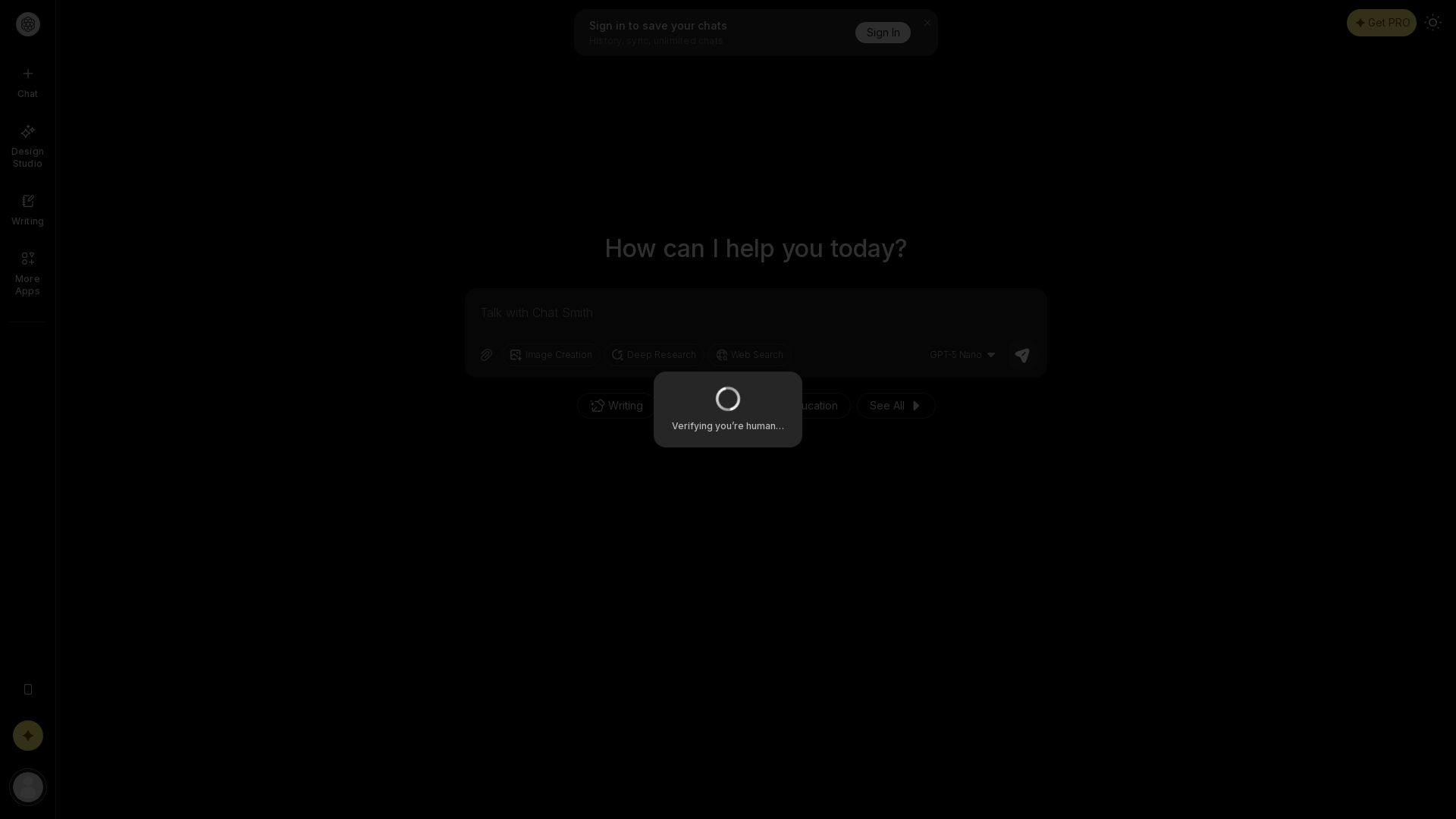
Chat Smith
Unlock powerful AI tools for image creation, deep research, web search, writing, and work. Sign in for unlimited chats and history.

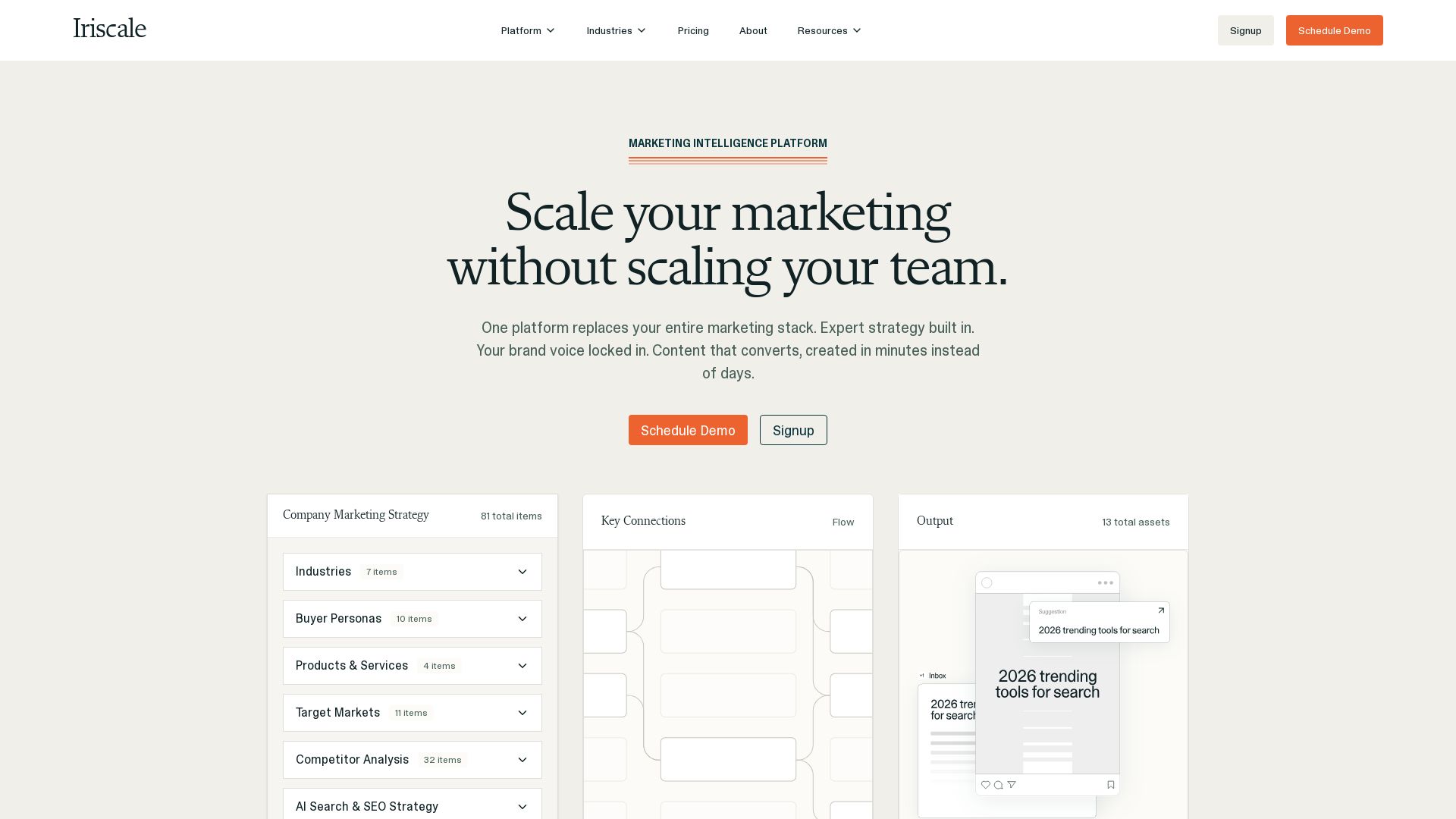

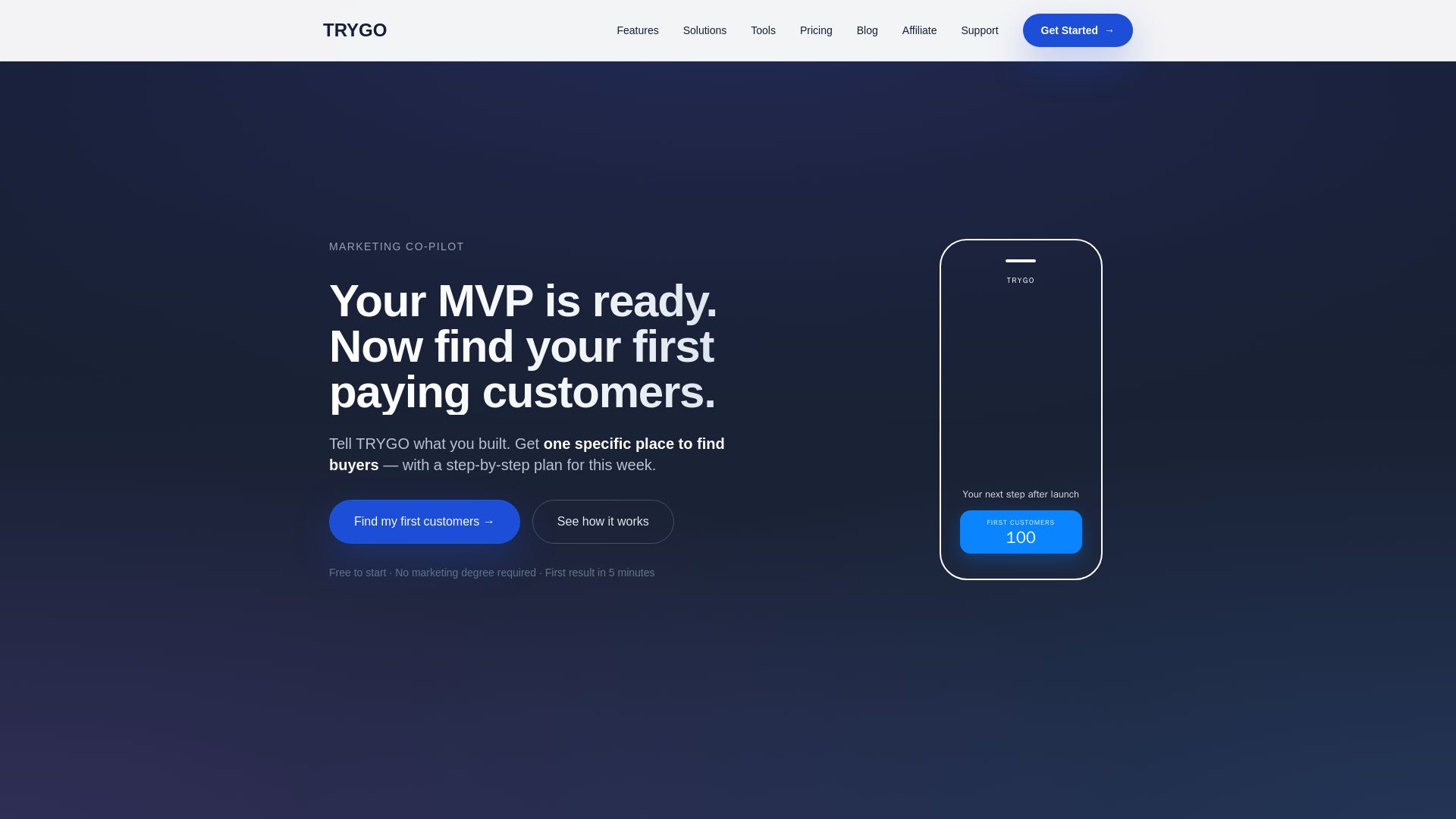
TRYGO
Find your first paying customers with AI-driven marketing strategy, channel recommendations, and GTM plans. Free to start.

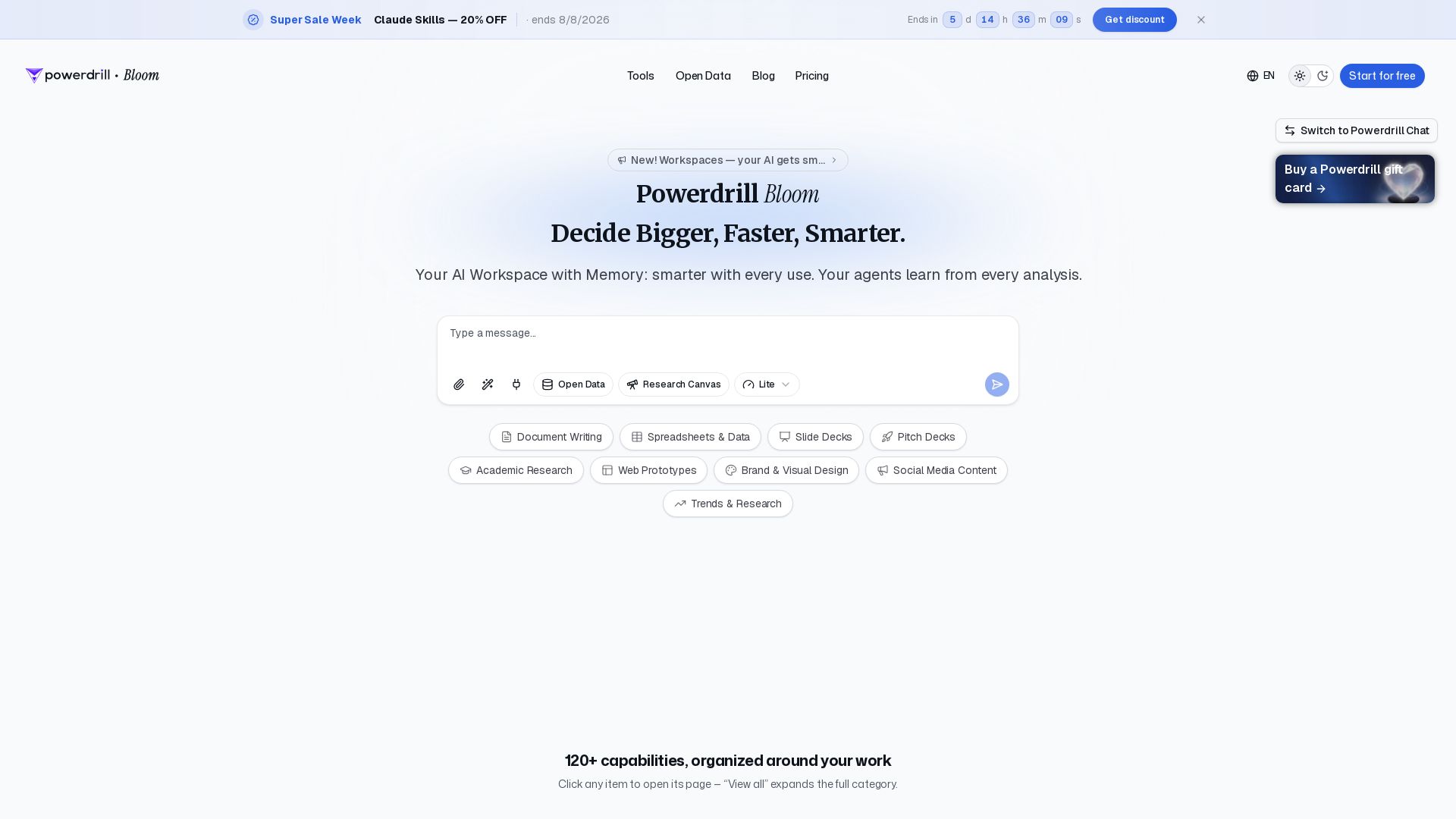
Powerdrill Bloom
Powerdrill Bloom: AI workspace with memory for data analysis, docs, research & more. Smarter with every use. Start free.

Cassandra Research
Australia's leading AI-powered tax and legal research platform. Instant analysis of ITAA 1997, ATO rulings, and case law for professionals.

ℹ️ Curation Disclosure: The overview and features of OpenClaw were synthesized using AI and fact-checked by our curation team to ensure accuracy.
