
Front
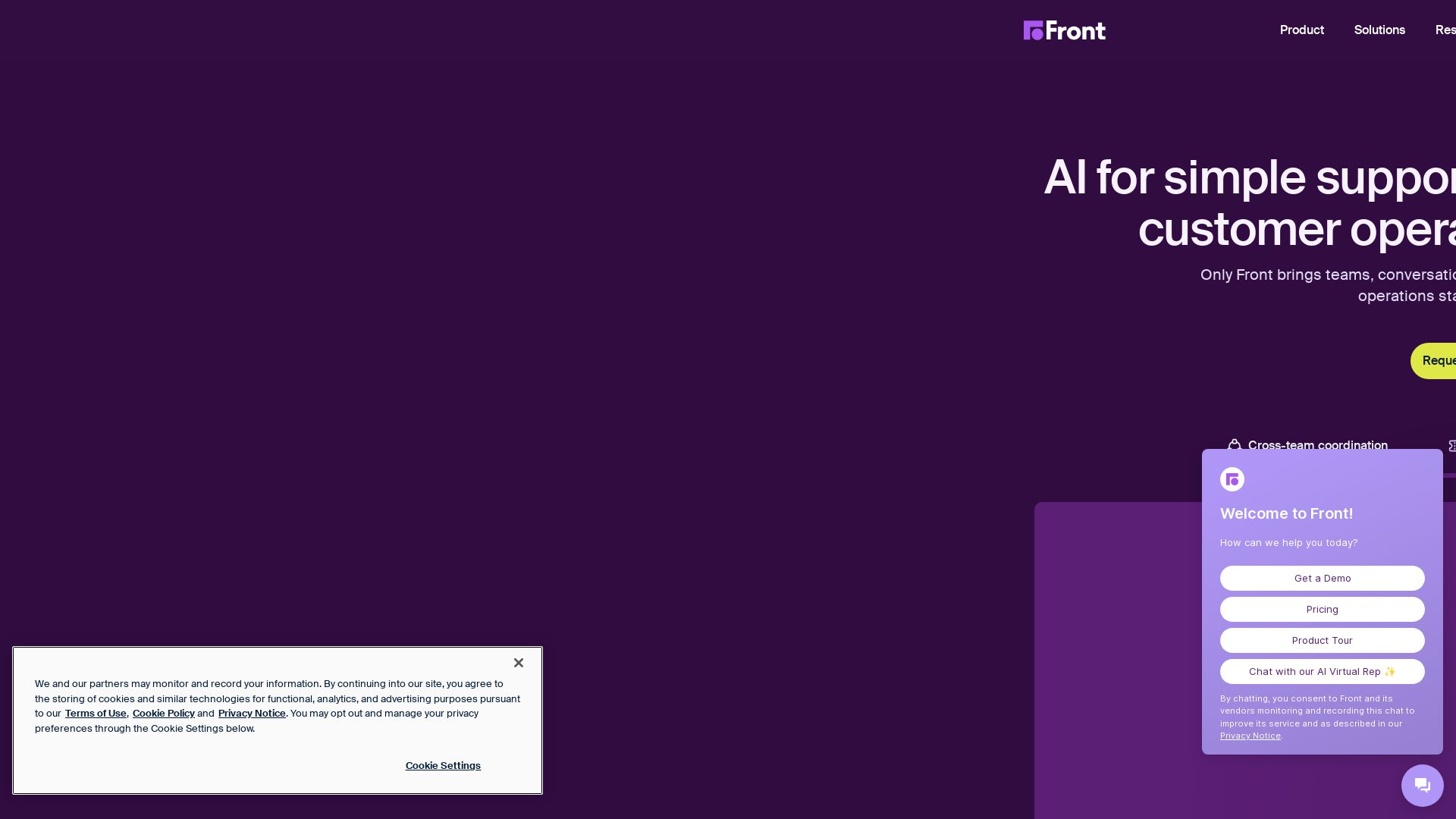
Only Front brings teams, conversations, and AI into one coordinated system, so customer operations stay fast, accurate, and in control.


Editor's Verdict
Key Takeaways
- Front AI
- Autopilot
- Copilot
- Smart QA
In-Depth Review: What is Front?
Front is the AI customer operations platform that handles complex requests others escalate. It unifies teams, conversations, and AI to resolve up to 70% of requests, coordinate across departments, and provide full context. Trusted by 9,300+ companies.
Core Features
Front AI
AI-powered automation and assistance that handles complex customer requests beyond simple FAQs, automating responses, assisting teams, and analyzing quality across operations.
Autopilot
Omnichannel AI agent that autonomously runs complex customer work, resolving up to 70% of requests without human intervention.
Copilot
Real-time AI assistant for agents that provides intelligent help, reducing complexity and improving response accuracy.
Smart QA
Automated, AI-powered quality assurance that gives a complete view of agent performance, eliminating blind spots in QA processes.
Smart CSAT
AI-infers customer satisfaction scores with auto-review, providing objective, complete feedback without manual surveys.
Omnichannel Inbox
Centralized shared inbox that unifies email, SMS, social, WhatsApp, and live chat into one coordinated system, eliminating chaos.
Ticketing System
Converts complex requests into manageable tickets with routing, escalation, and team collaboration features.
Knowledge Base
No-code, customizable help center that supports self-service and reduces repetitive questions, with multi-language capabilities on higher plans.
Workflow Automation
Customizable rules, macros, and multi-step workflows that automate manual tasks and streamline customer operations.
Integrations & API
160+ integrations and a robust API to connect Front with your existing stack, avoiding tab-switching and unifying workflows.
Analytics & Reporting
Basic to advanced analytics and custom reports to track performance, identify bottlenecks, and improve service quality.
Collaboration Tools
Internal comments, shared drafts, tags, assignments, and cross-team coordination features that keep everyone aligned and no context lost.
Pricing
Starter
- Shared inbox and ticketing
- AI Topics and up to 10 automation rules
- Basic analytics
- No-code public knowledge base
- AI add-ons available
- Single channel type (Email, Front Chat, or SMS)
- 1 workspace
- Basic user management
Professional
- Everything in Starter
- Omnichannel (email, SMS, social, etc.)
- Macros and up to 20 automation rules
- Advanced analytics
- Multiple workspaces
- SSO and SCIM
- AI add-ons available
Enterprise
- Everything in Professional
- Smart rules
- Unlimited rules and macros
- Multi-language knowledge base
- Custom roles and permissions
- AI Copilot, QA, and CSAT included
Pros and Cons
Pros
- AI-Powered Complexity HandlingFront AI resolves up to 70% of requests, handling complex, multi-step issues rather than just simple FAQs.
- Omnichannel CoordinationManages all communication channels in one shared inbox, providing full context and cross-team visibility.
- Robust AutomationCustomizable rules, macros, and workflows automate repetitive tasks, improving efficiency and reducing errors.
- Extensive Integrations160+ integrations and no-code workflows connect your entire stack, eliminating tab-switching and data silos.
- Collaboration Built-InInternal comments, shared drafts, and team assignments ensure no conversation falls through the cracks.
Cons
- Starter Plan LimitationsThe Starter plan only supports a single channel type and a limited number of automation rules, which may be restrictive for growing teams.
- AI Add-Ons Cost ExtraKey AI features like Autopilot, Copilot, and Smart QA require add-on purchases unless you choose the Enterprise plan.
- Pricing May Be High for Small TeamsPer-seat pricing can be expensive for very small teams or startups, especially when adding AI features.
- Annual Billing Required for Shown PricingThe displayed prices assume annual billing; monthly billing could be pricier, making upfront costs higher.
- Complexity for Large DeploymentsFor contracts over $25k, an onboarding package is required, indicating a possible steep learning curve and implementation effort.
Use Cases & Recommended Professions
Customer Support Agent→ View Toolkit
Needs to handle complex tickets efficiently with AI assistance, shared context, and collaborative tools.
Customer Success Manager→ View Toolkit
Needs to manage accounts, coordinate support and onboarding, and use AI to maintain high CSAT.
Operations Manager→ View Toolkit
Needs to orchestrate customer operations from a centralized AI command center, eliminating bottlenecks.
Inbound Sales Representative→ View Toolkit
Needs to route requests, respond quickly, and manage handoffs without losing context.
Account Manager→ View Toolkit
Needs to manage complex accounts across multiple teams without scrambling for information.
IT Helpdesk Support→ View Toolkit
Can benefit from ticketing, automation, and omnichannel support to resolve internal and external issues efficiently.
Frequently Asked Questions
Alternative AI Tools
View Detailed Comparison →
Agentic Workers
Automate tasks with 100+ pre-built AI workflows. Connect 800+ tools, save 10+ hours/week. No coding needed. Join 13,000+ professionals.

Pydantic AI Tutorial: Type-Safe Agents in Production
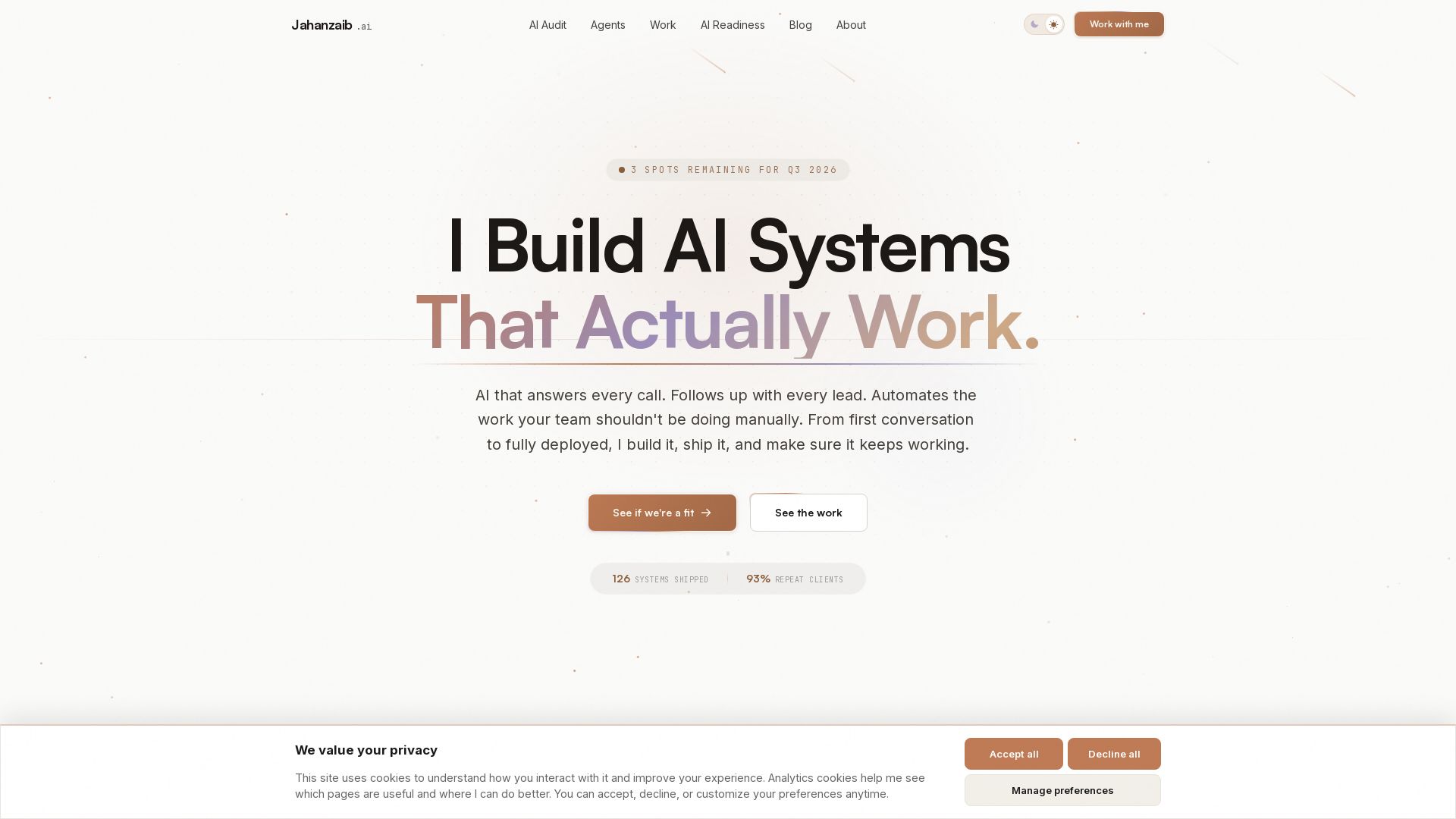
Production-ready AI voice agents, automation, and chatbots. 126 systems shipped. 21-day live guarantee. Book a free AI audit.


Zapier
Connect AI to 9,000+ apps. Build AI agents, chatbots, and workflows without code. Trusted by Fortune 500. Start free.


Wizr AI
Build autonomous enterprises with AI-powered automation. Accelerate software delivery by 50% with production-ready AI systems. Trusted by world-class enterprises.

AY Automate
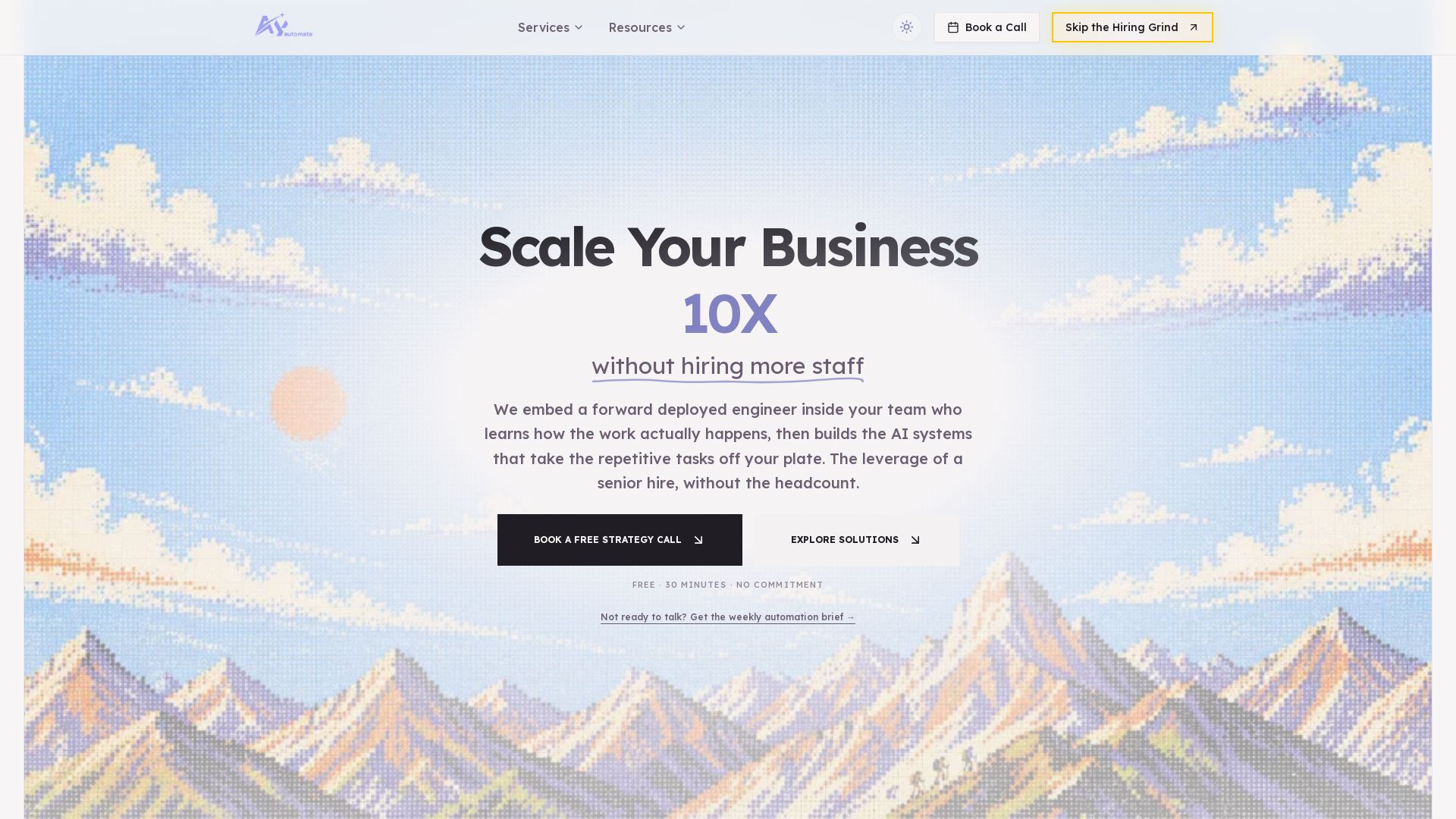
AI automation agency embedding engineers to build custom AI agents. Automate workflows with n8n, Claude Code. Month one refundable. Free strategy call.


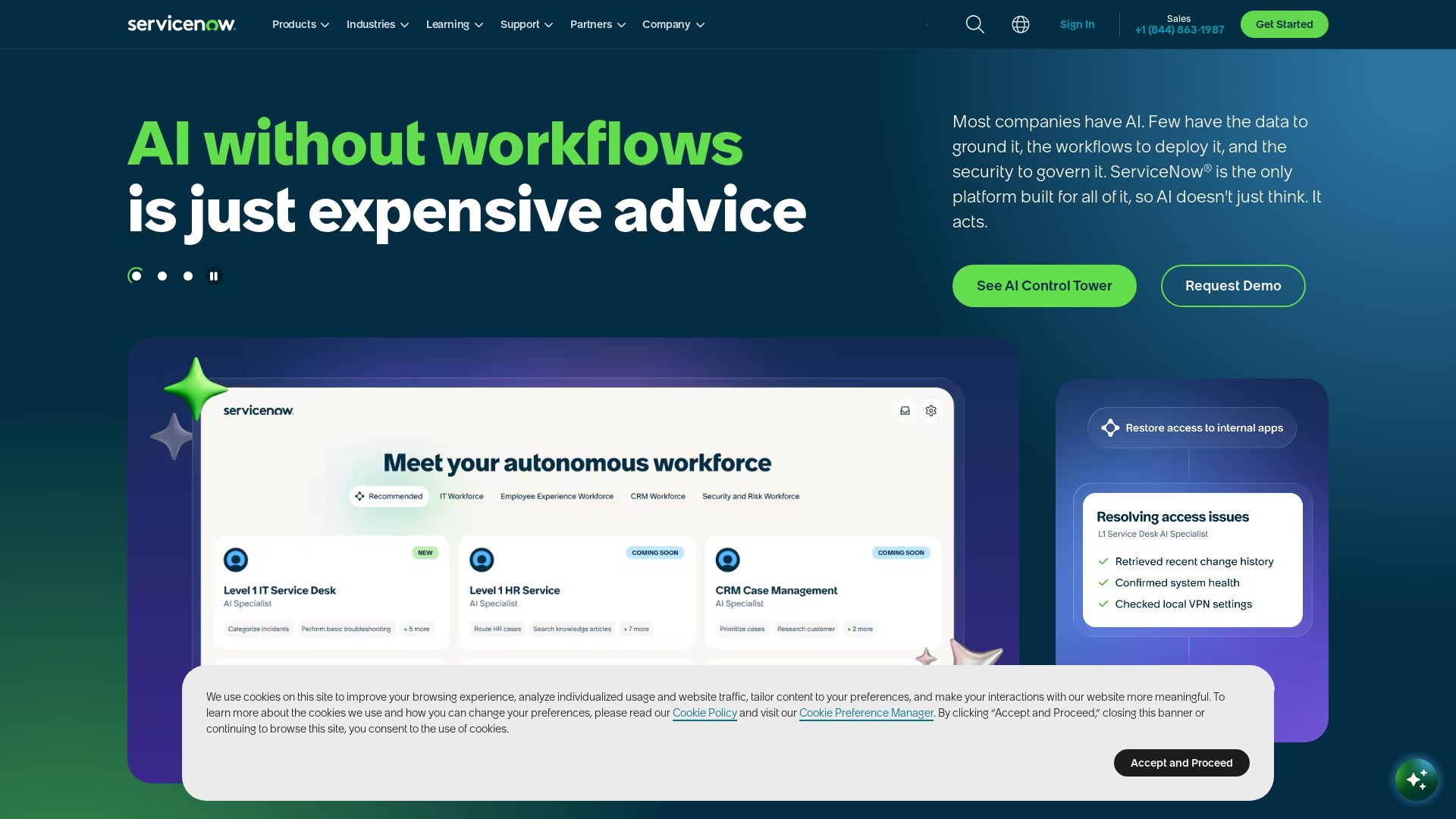
ServiceNow
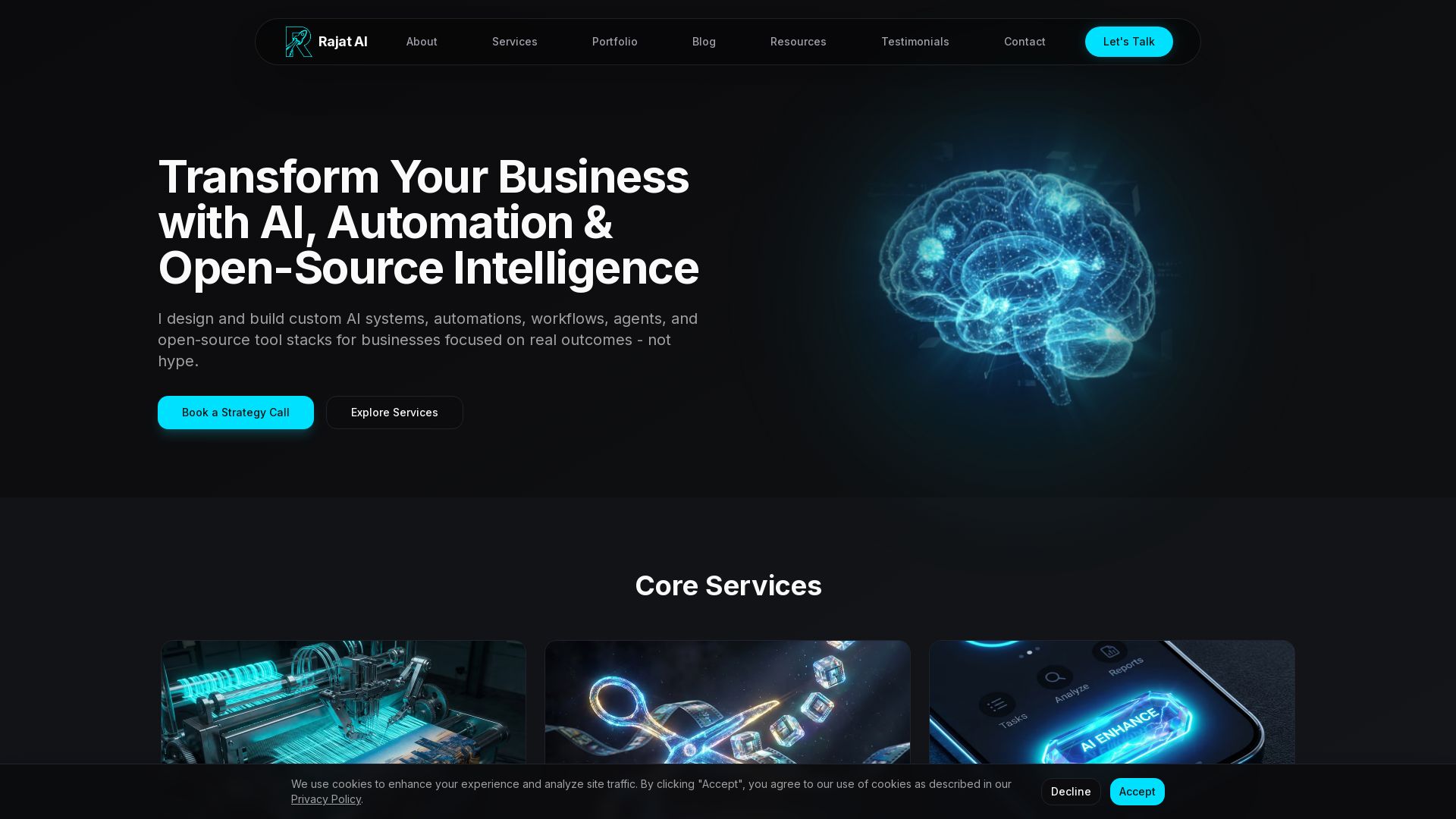
ServiceNow combines AI, data, and workflows to automate business processes. Secure, scalable platform for IT, customer service, and more. Trusted by Fortune 500.

Odin AI
Automate tasks, document summarization, and collaboration with Odin AI's no-code platform. Boost productivity with intelligent AI agents.

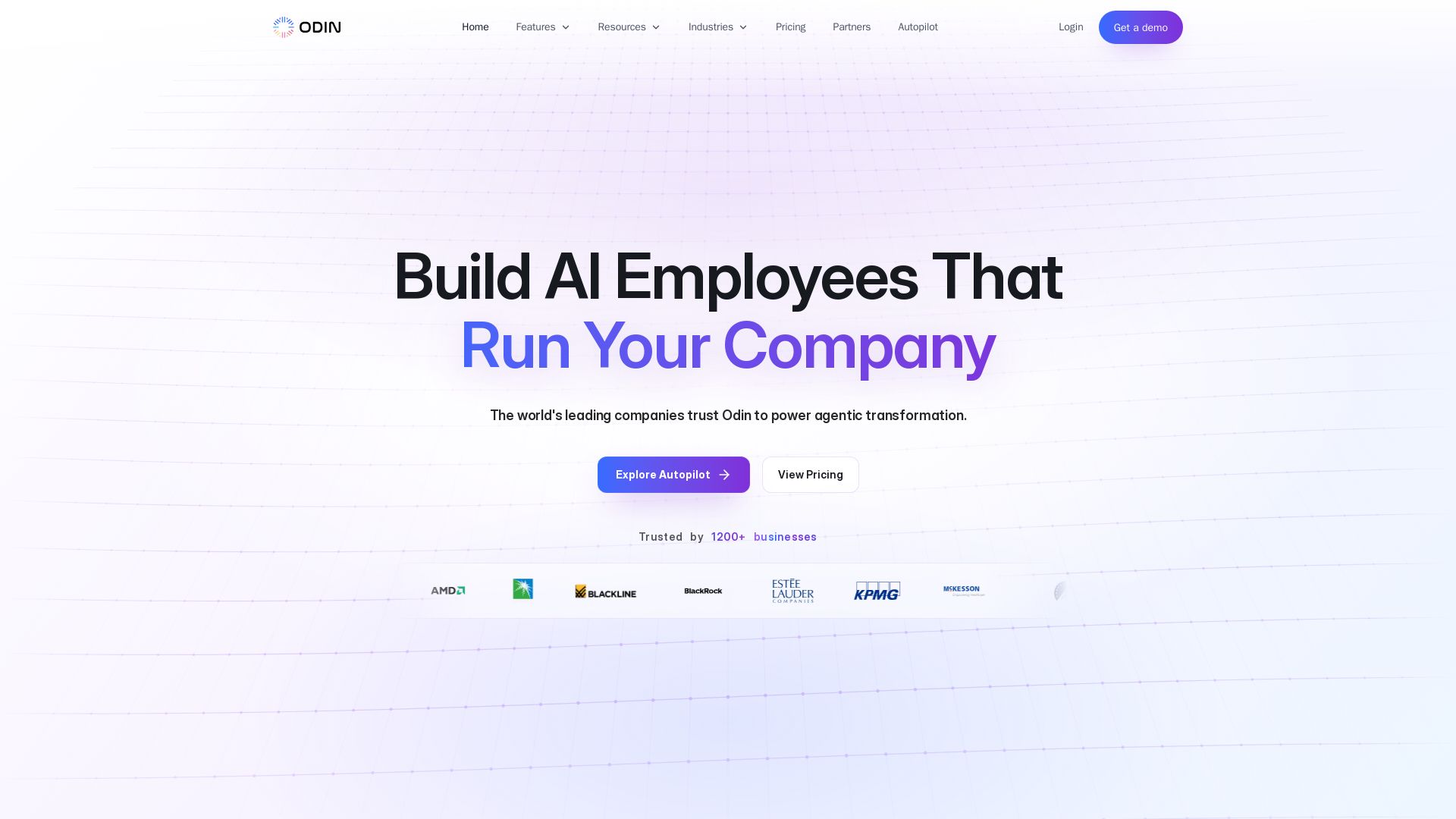
Odin AI
Deploy production-ready AI agents that automate workflows across ERP, CRM, ITSM, and more. Save thousands of hours. Trusted by 1200+ businesses.

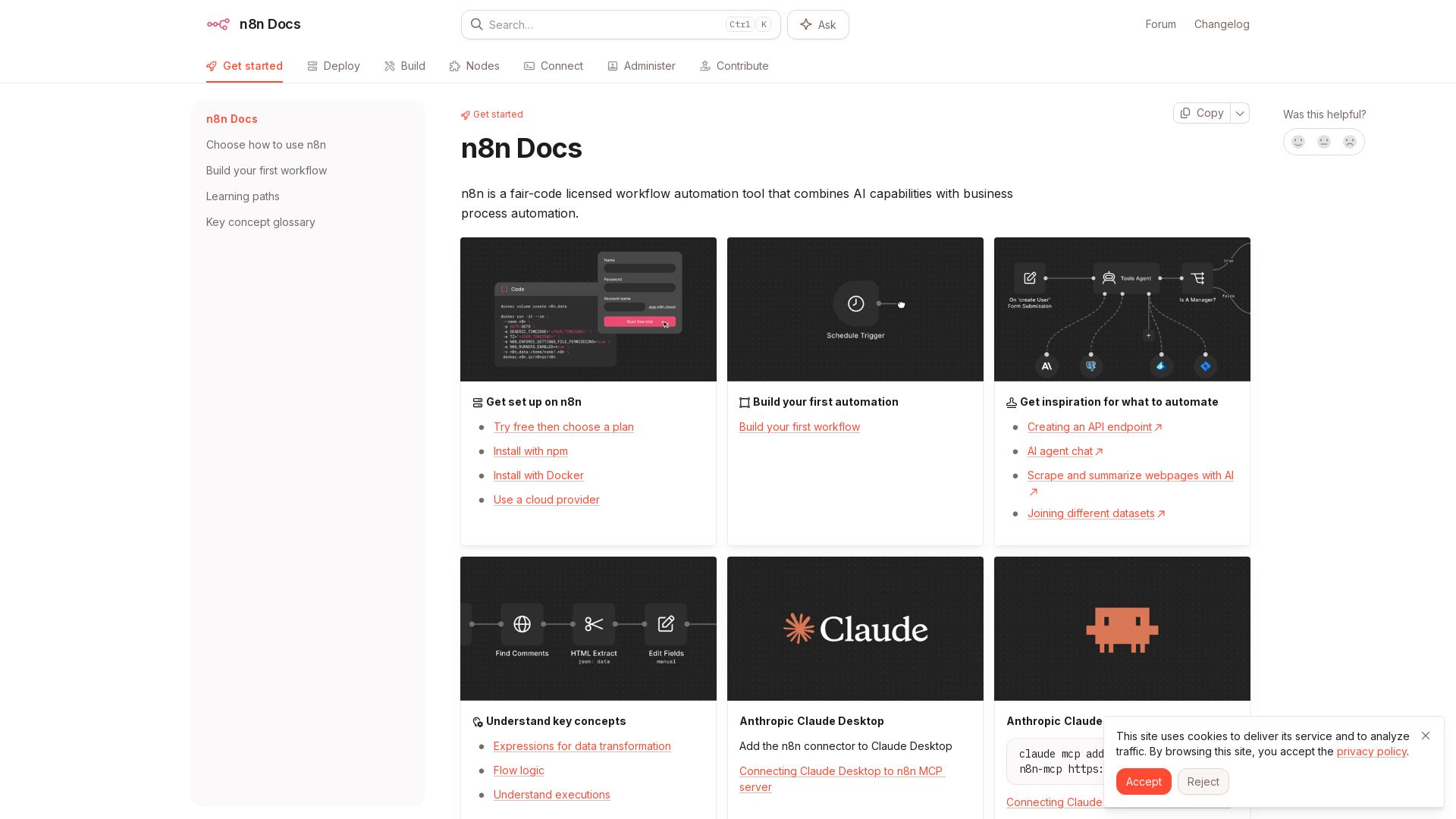
n8n
n8n is a fair-code licensed workflow automation tool that combines AI capabilities with business process automation. Get started with npm, Docker, or cloud.

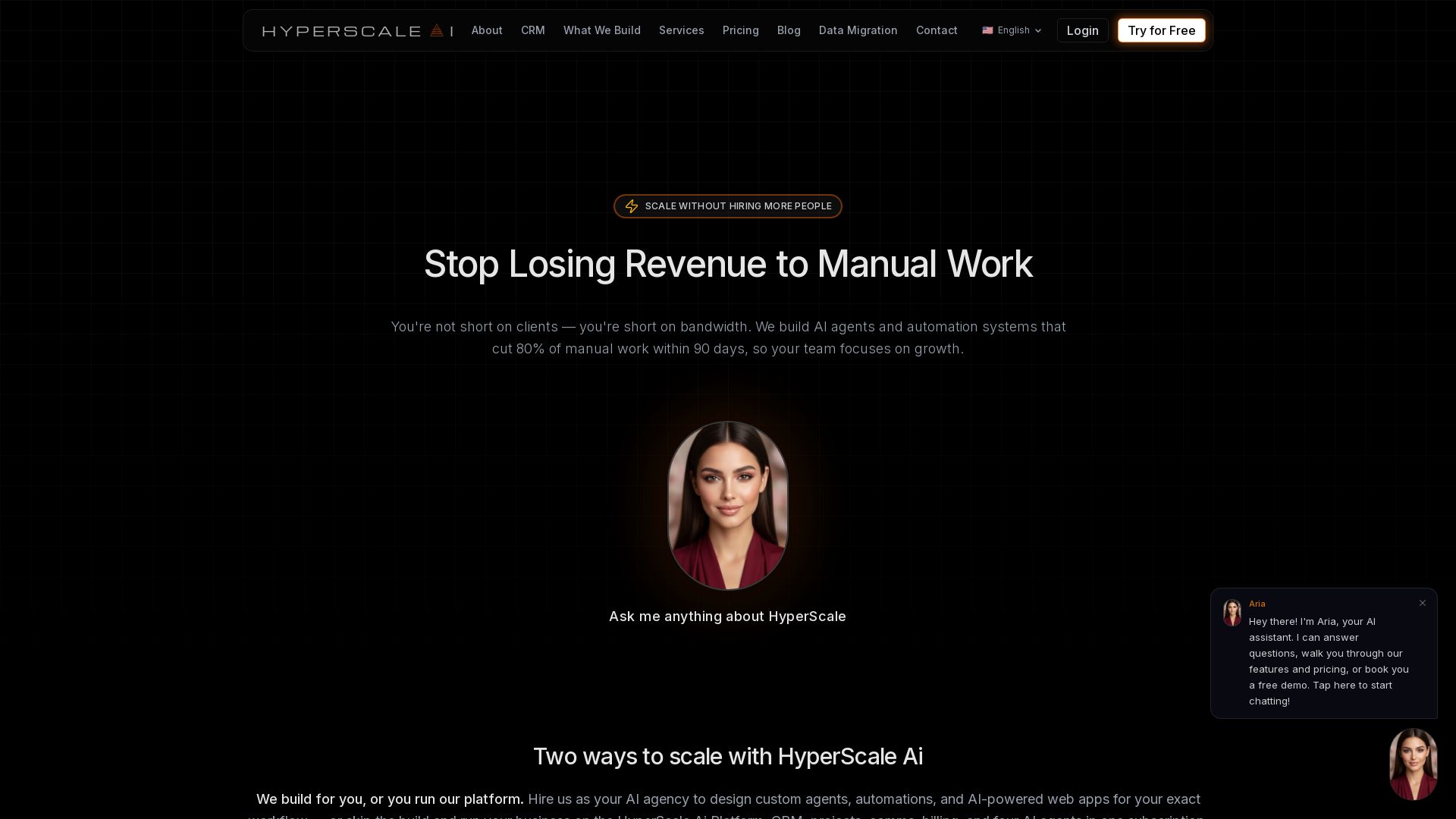
HyperScale Ai
Replace 8+ tools with one AI-native platform: CRM, projects, chat, billing, and 4 AI agents. Or hire us to build custom AI agents and automation. Scale without hiring.

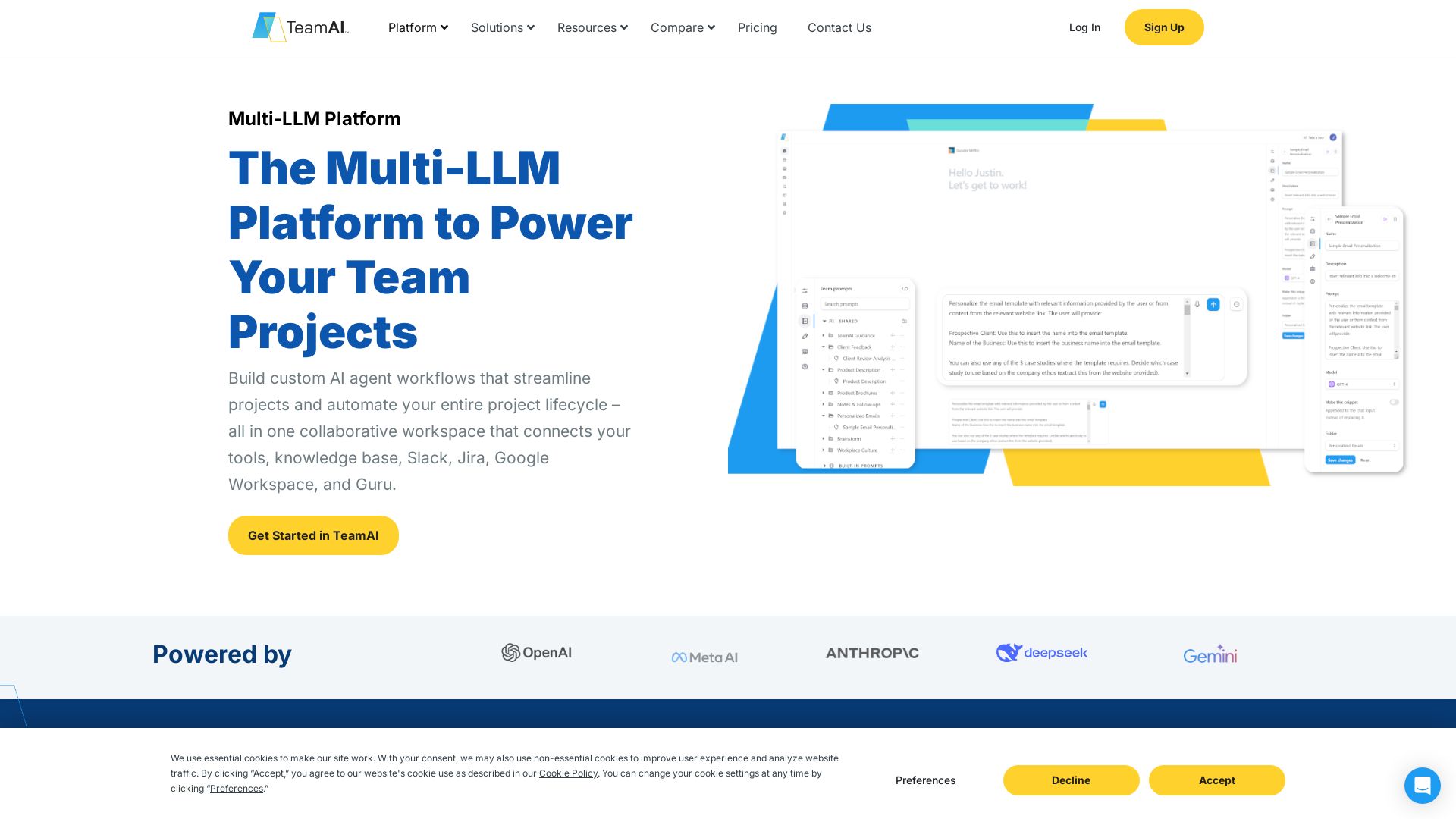
TeamAI
Build custom AI agents, automate workflows, and collaborate with top models in one workspace. Trusted by 1000+ businesses. Start free!

ℹ️ Curation Disclosure: The overview and features of Front were synthesized using AI and fact-checked by our curation team to ensure accuracy.
