
EzCreate
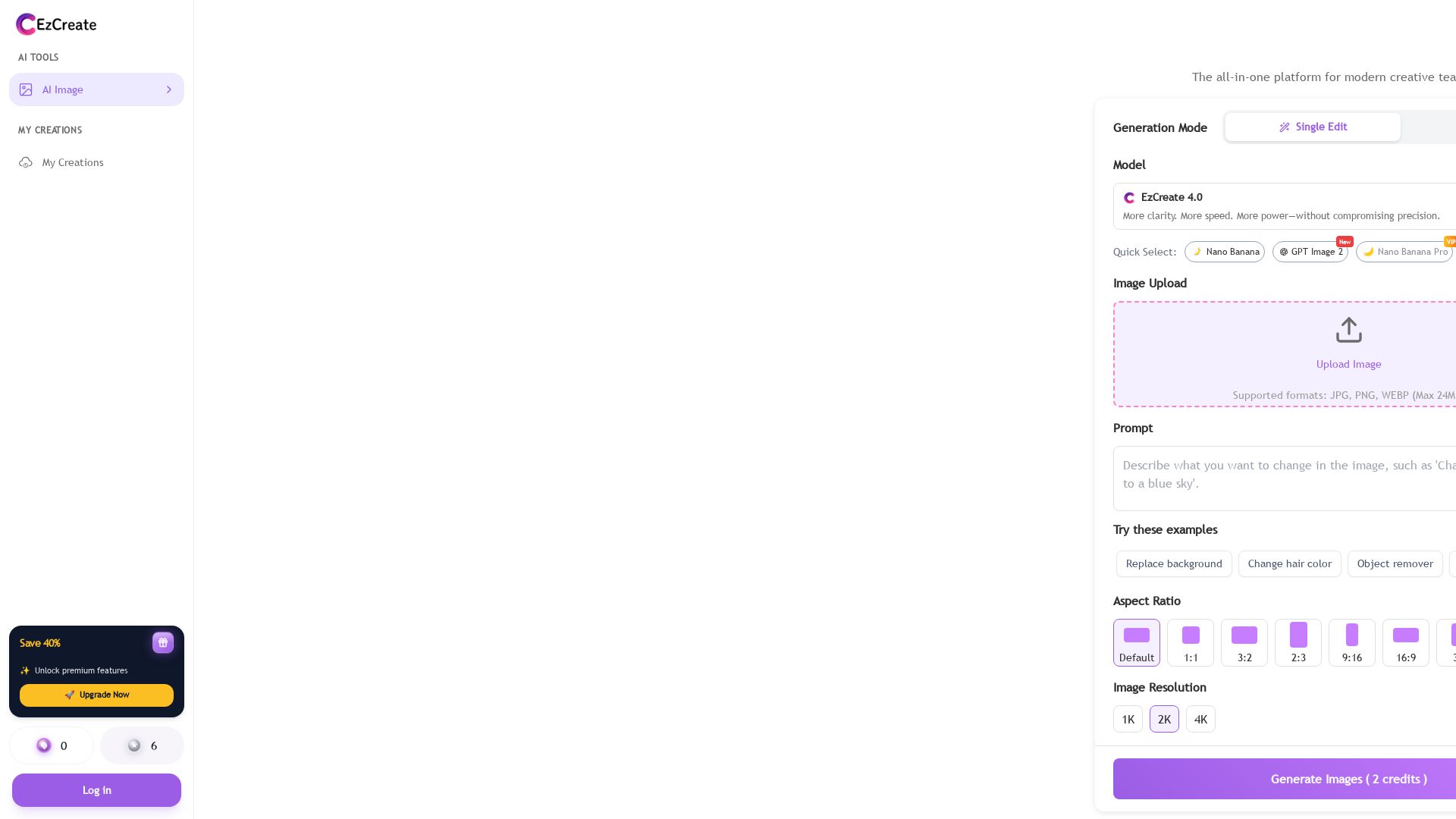
Professional AI image editor free online. Remove backgrounds, erase objects, and enhance quality instantly. No sign-up, no watermarks. Try EzCreate now!
Editor's Verdict
Key Takeaways
- Object Removal
- Background Isolation
- Generative Fill
- AI Upscaler to 4K
In-Depth Review: What is EzCreate?
EzCreate is an all-in-one AI photo editor that lets you remove backgrounds, erase unwanted objects, and upscale images to 4K with enterprise-grade precision. It's completely free, requires no registration, and leaves no watermarks. Trusted by over 10,000 creators, it supports real-time processing, strict privacy (auto-delete after 24h), and commercial use. Whether you need to clean up product photos, restore old pictures, or expand canvas, EzCreate delivers studio-quality results instantly.
Core Features
Object Removal
Intelligently removes unwanted objects, photobombers, and watermarks by analyzing surrounding textures and lighting, reconstructing the area pixel by pixel for natural results.
Background Isolation
Flawlessly removes backgrounds even from complex subjects like fine hair and transparent glass, delivering transparent backgrounds in seconds for e-commerce and creative work.
Generative Fill
Extends images by analyzing scene perspective and style, generating high-resolution extensions that blend seamlessly with the original for banner adaptions or recovering cropped details.
AI Upscaler to 4K
Improves clarity up to 400% by recovering lost facial details, eliminating compression noise, and sharpening textures, delivering 4K-ready results without artifacts.
Real-Time Processing
Optimized neural networks with GPU acceleration process high-resolution images in seconds, ensuring an uninterrupted creative workflow.
Privacy & Security
Industry-standard encryption for uploads; all images automatically and permanently deleted from servers after 24 hours. Users retain 100% commercial ownership.
Pricing
Free
- AI image editing
- Background removal
- Object removal
- Generative fill
- Upscaling up to 1K (HD)
- No watermarks
- Commercial use
- Limited credits per generation (e.g., 2 credits shown)
Premium
- All Free features
- Unlimited generations
- 4K resolution exports
- Priority processing (faster)
- Access to VIP models (e.g., Nano Banana Pro)
- Batch processing for high-volume workflows
- Priority support
Pros and Cons
Pros
- Completely Free & No WatermarksEzCreate offers a robust free plan with no hidden subscriptions, watermarks, or credit card requirements, making professional editing accessible to everyone.
- Lightning-Fast ProcessingReal-time AI architecture with GPU acceleration processes high-resolution images in seconds, not minutes, keeping your workflow fluid.
- Studio-Quality OutputsDelivers crisp, 4K-ready results even on the free plan, with up to 400% clarity improvement for upscaling and flawless background removal.
- Strict Data PrivacyAll uploaded images are automatically deleted after 24 hours, and the platform uses industry-standard encryption. Users retain full commercial ownership.
- No Registration RequiredYou can start editing immediately by uploading an image—no sign-up, login, or personal info needed, reducing friction for quick tasks.
Cons
- Free Plan Credit LimitsThe free plan may impose credits per generation (e.g., 2 credits shown), which could be limiting for heavy users who need to process many images.
- Internet Connection RequiredAs a cloud-based tool, EzCreate requires a stable internet connection; offline editing is not possible.
- File Size RestrictionUploads are limited to 24MB per image, which may be insufficient for very large high-resolution files.
- No Desktop ApplicationEzCreate is browser-based only; there is no native desktop app for offline or integrated workflow use.
- Occasional Complex Edge ImperfectionsWhile highly accurate, the AI may sometimes struggle with extremely complex edges (e.g., fine fur against similar background) requiring manual touch-ups.
Use Cases & Recommended Professions
E-commerce Reseller→ View Toolkit
Resellers need to quickly remove backgrounds from product photos to create consistent, professional listings. EzCreate's batch processing and flawless cutouts save hours per week.
Social Media Influencer→ View Toolkit
Influencers frequently edit travel and lifestyle photos to remove tourists, enhance quality, and adapt aspect ratios for different platforms. EzCreate provides quick, high-quality edits without desktop software.
Graphic Designer→ View Toolkit
Designers often need fast background removal, object erasing, and canvas expansion for mockups and client work. EzCreate's browser-based tool eliminates the need to open heavy software for simple tasks.
Realtor→ View Toolkit
Realtors need to clean up property photos by removing cars, clutter, or unwanted objects to present homes attractively. EzCreate's Magic Eraser handles this instantly and naturally.
Educator & Student→ View Toolkit
Teachers and students create presentations and projects requiring clean image backgrounds and upscaled historical photos. EzCreate's free plan offers essential editing without cost barriers.
Small Business Owner (Bakery, Jewelry, etc.)→ View Toolkit
Small business owners need professional-looking images for websites and marketing materials without hiring a designer. EzCreate's generative fill and background isolation help create banners and product shots easily.
Frequently Asked Questions
Alternative AI Tools
View Detailed Comparison →
Section AI
Turn AI investment into workforce transformation with Section. Command center, coaching, and strategic support to drive measurable ROI.

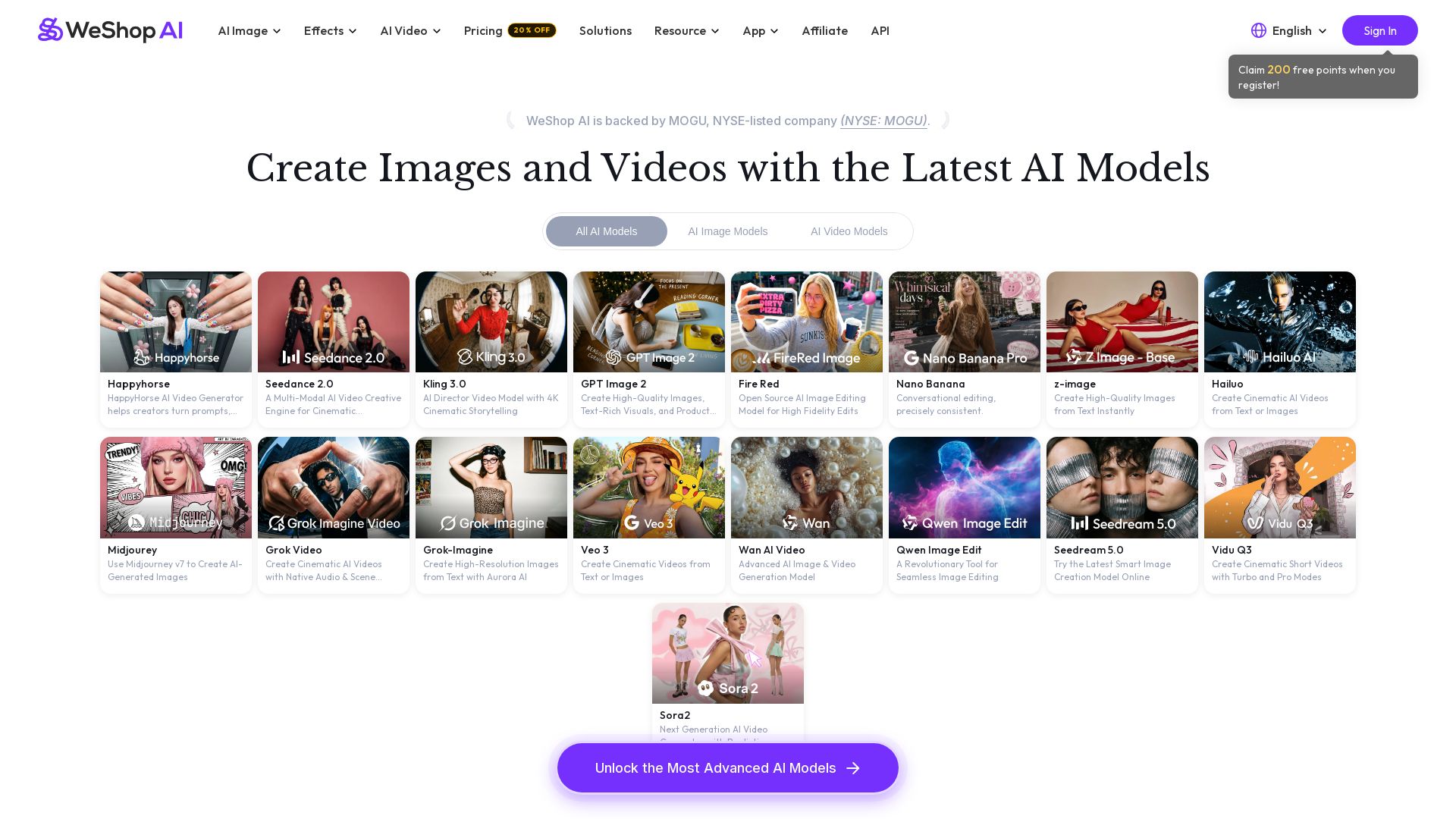
WeShop AI
Generate high-quality AI images and videos using top models like Midjourney, Kling, and Seedance. Try virtual try-on, AI fashion models, and more. Trusted by 3M+ users. Start with 200 free points!


Making AI think and act: my approach to the Hugging Face AI ...
Experienced AI engineer specializing in medical imaging and LLM-powered agents. Built globally deployed radiology AI at AZmed. Now building AI agents at Matrix One.

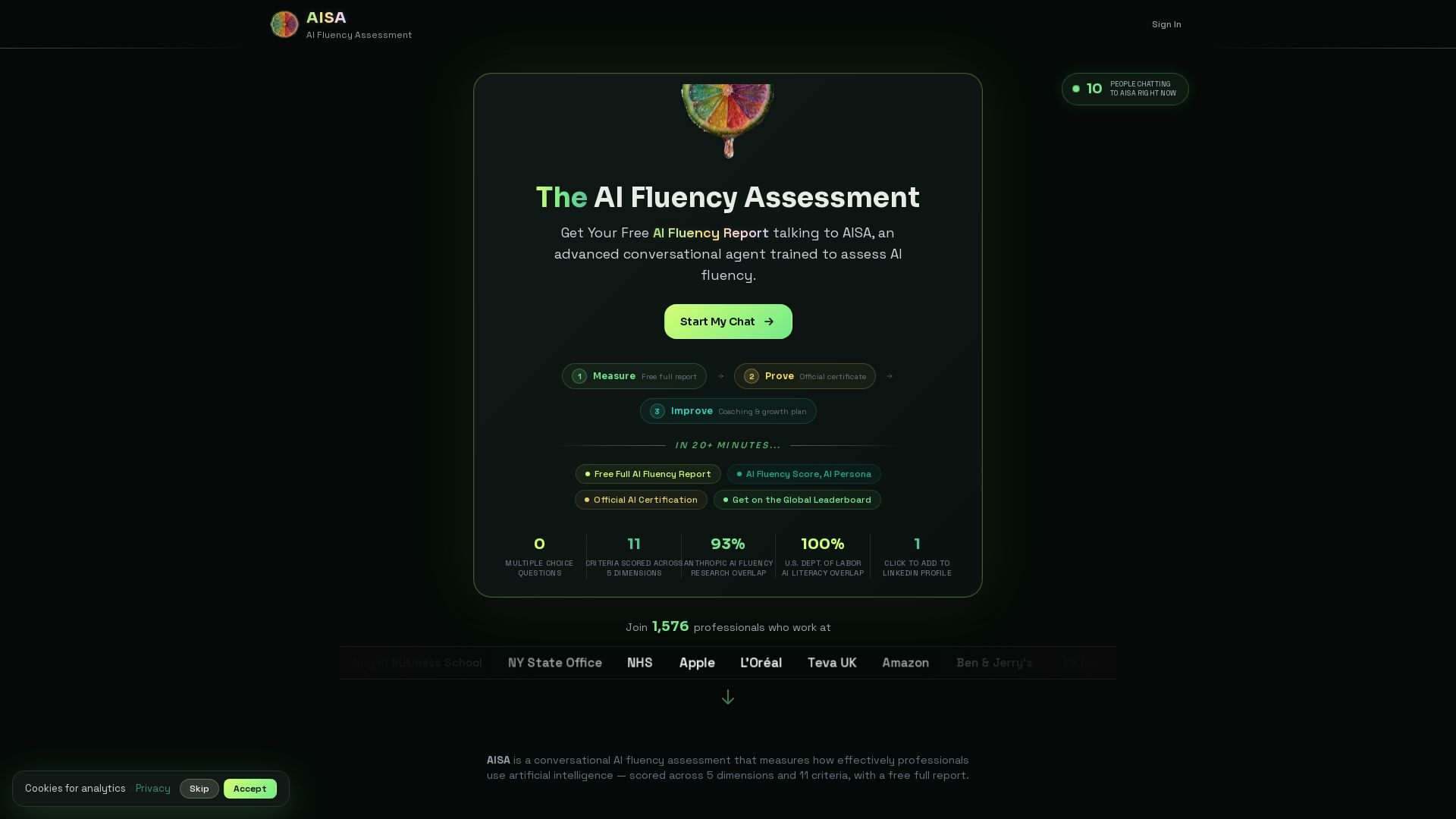

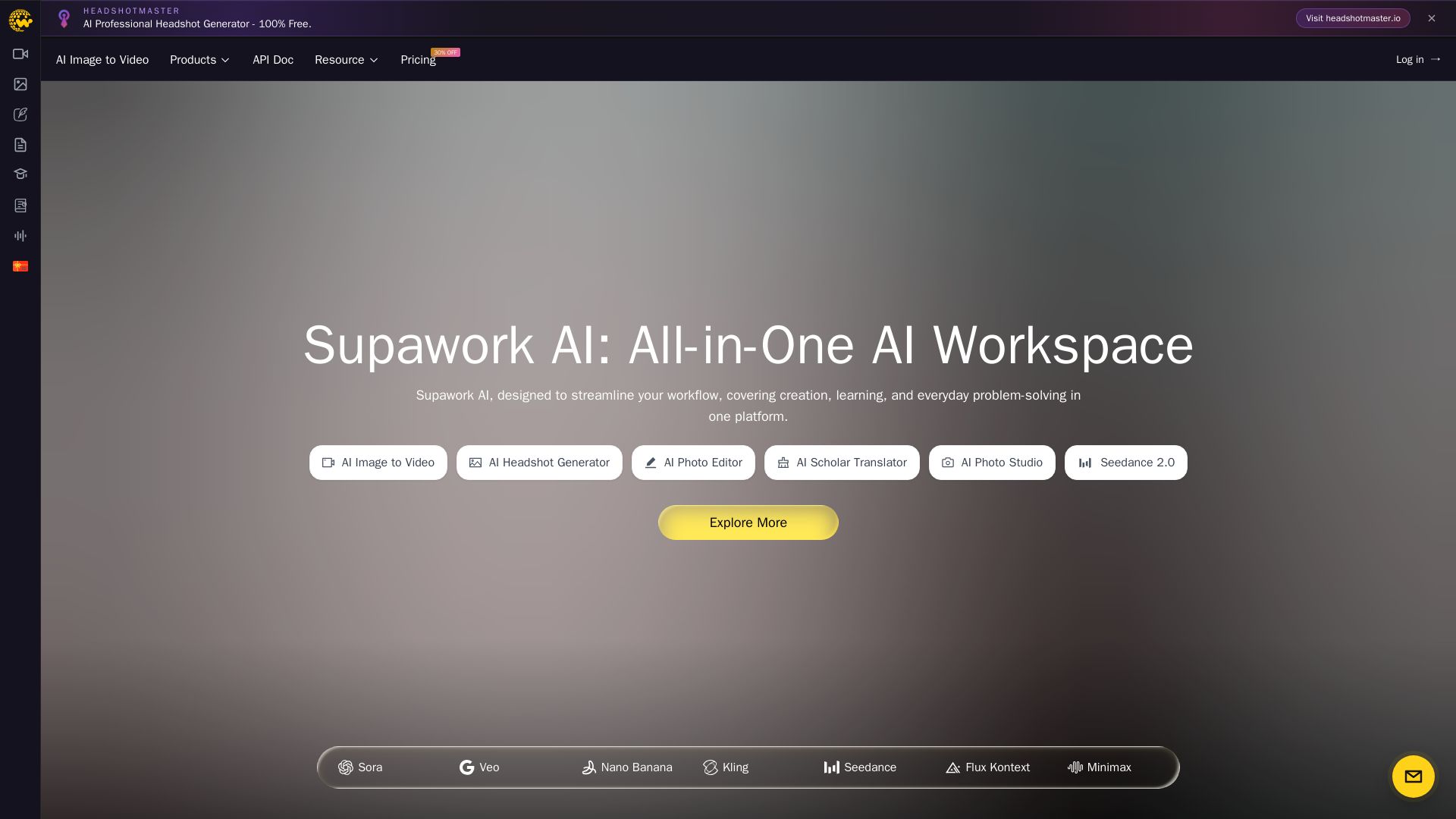
Supawork AI
Create stunning AI headshots, videos, and effects. Free tools for creators, filmmakers, and professionals. Visit headshotmaster.io.

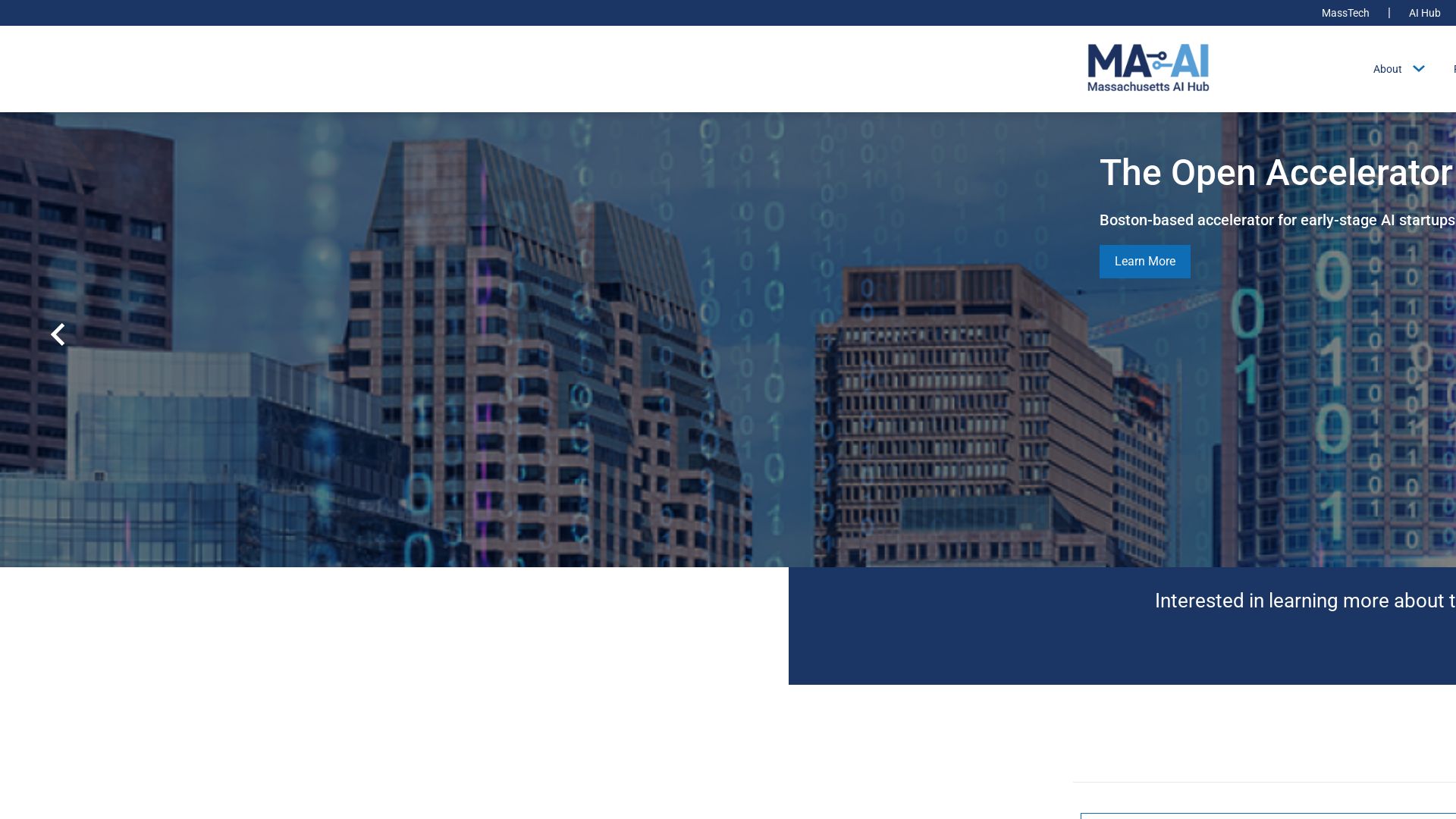
Massachusetts AI Hub
Explore no-cost Google AI training, startup accelerator, and major investments. Join the global leader in applied AI.


SF AI Labs
End-to-end AI services from strategy to launch. Proven delivery framework, expert network in San Francisco. Maximize ROI with custom AI solutions for modern companies.


AI SDK AGENTS
The toolkit for AI engineers. Install, copy, or export 125 AI SDK patterns for agents, tool calling, human-in-the-loop, and generative UI. Full source code, own your stack.

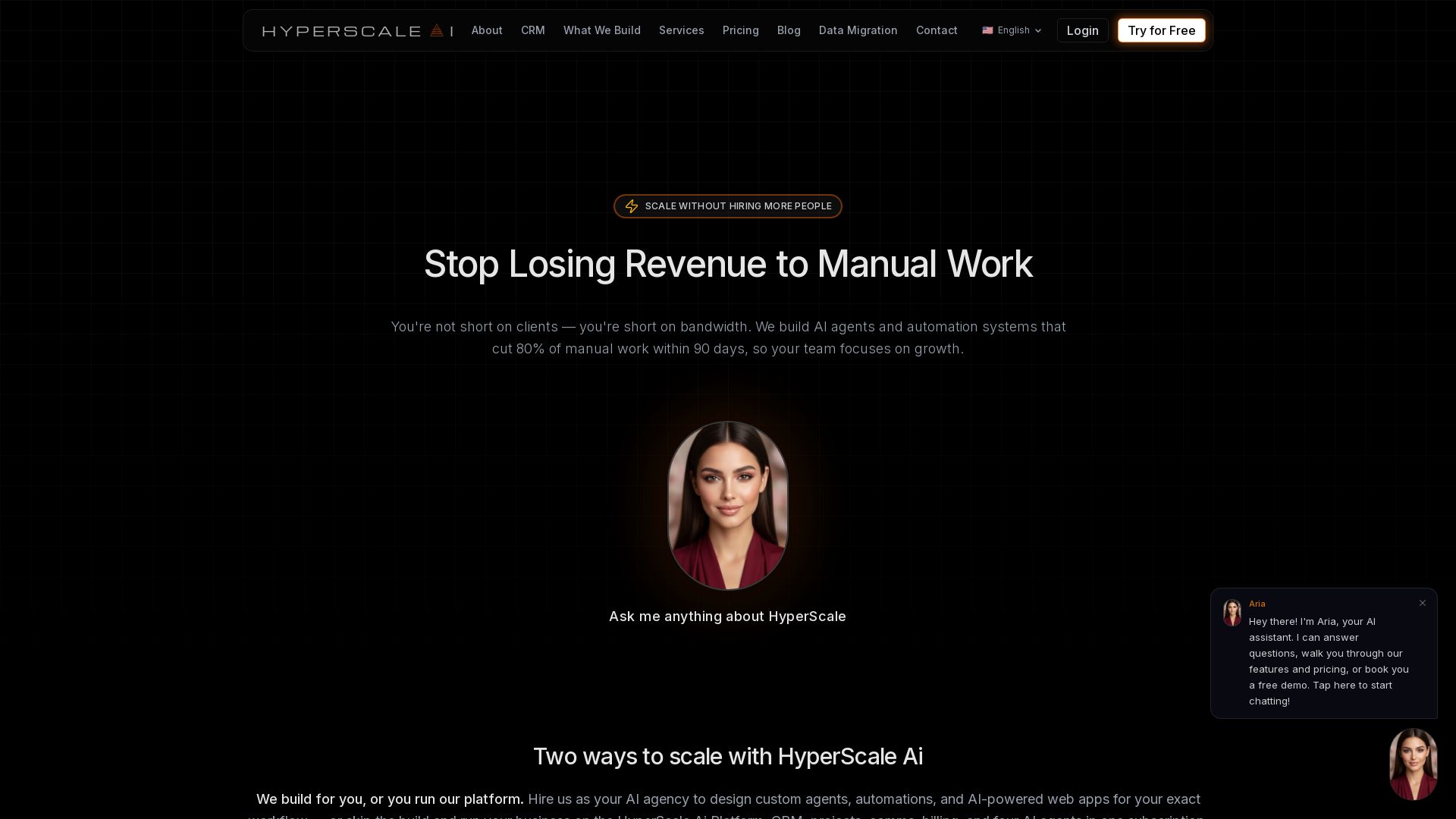
HyperScale Ai
Replace 8+ tools with one AI-native platform: CRM, projects, chat, billing, and 4 AI agents. Or hire us to build custom AI agents and automation. Scale without hiring.

Scuti AI
We specialize in generative AI, AI-OCR, RAG, and offshore development. Combining Vietnam's speed with Japan's quality to automate tasks and boost business.

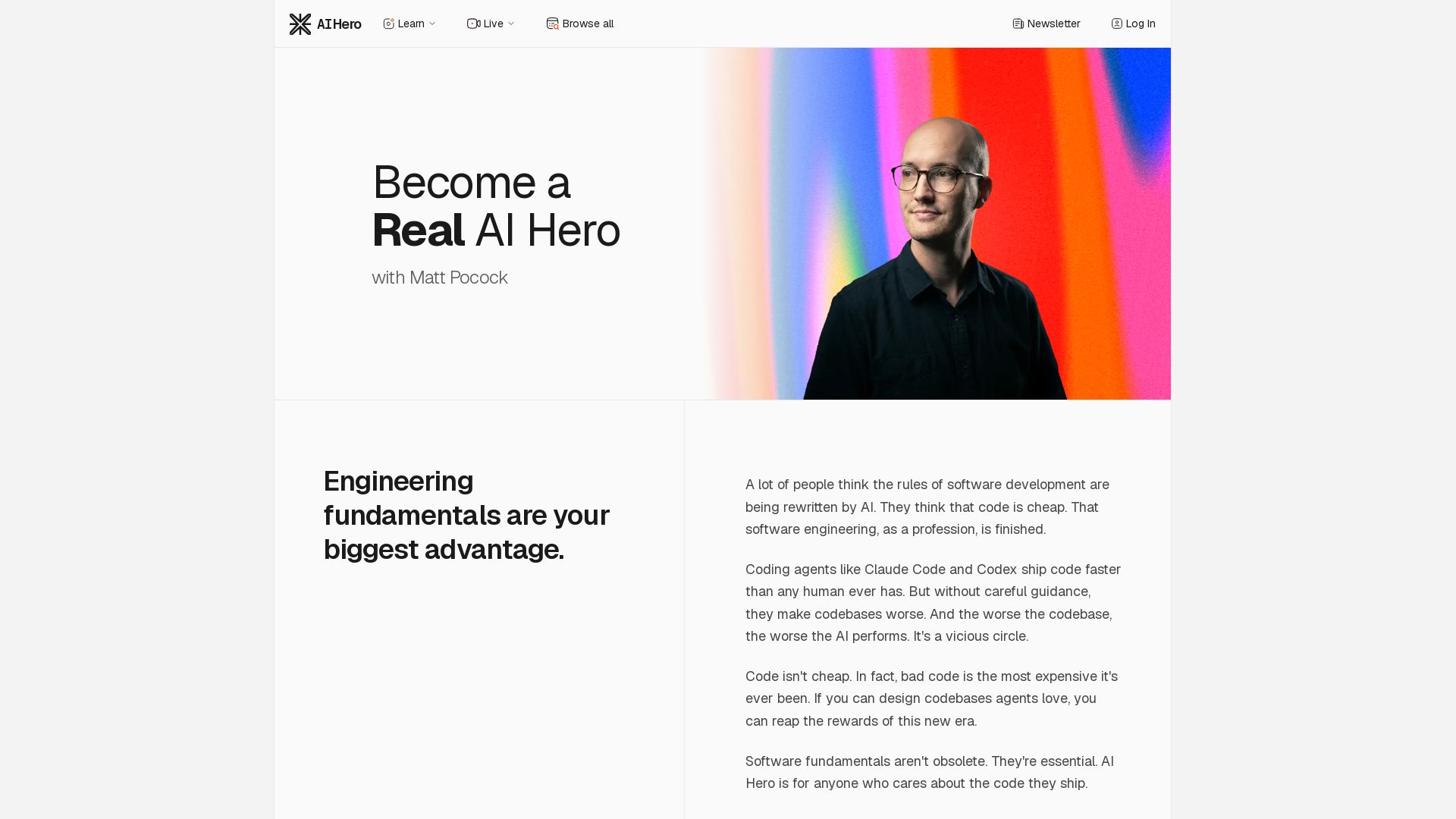
AI Hero
Master AI-assisted coding with proven engineering fundamentals. Learn to make codebases agents love, control AI output quality, and build real skills. Join 70k+ developers.


ℹ️ Curation Disclosure: The overview and features of EzCreate were synthesized using AI and fact-checked by our curation team to ensure accuracy.
