BoltAI
Integrate ChatGPT and other LLMs into your Mac workflows. Chat UI, AI Commands, Inline features. Boost productivity, automate tasks.
Editor's Verdict
Key Takeaways
- Native macOS Chat UI
- AI Command
- AI Inline
- Multiple AI Providers
In-Depth Review: What is BoltAI?
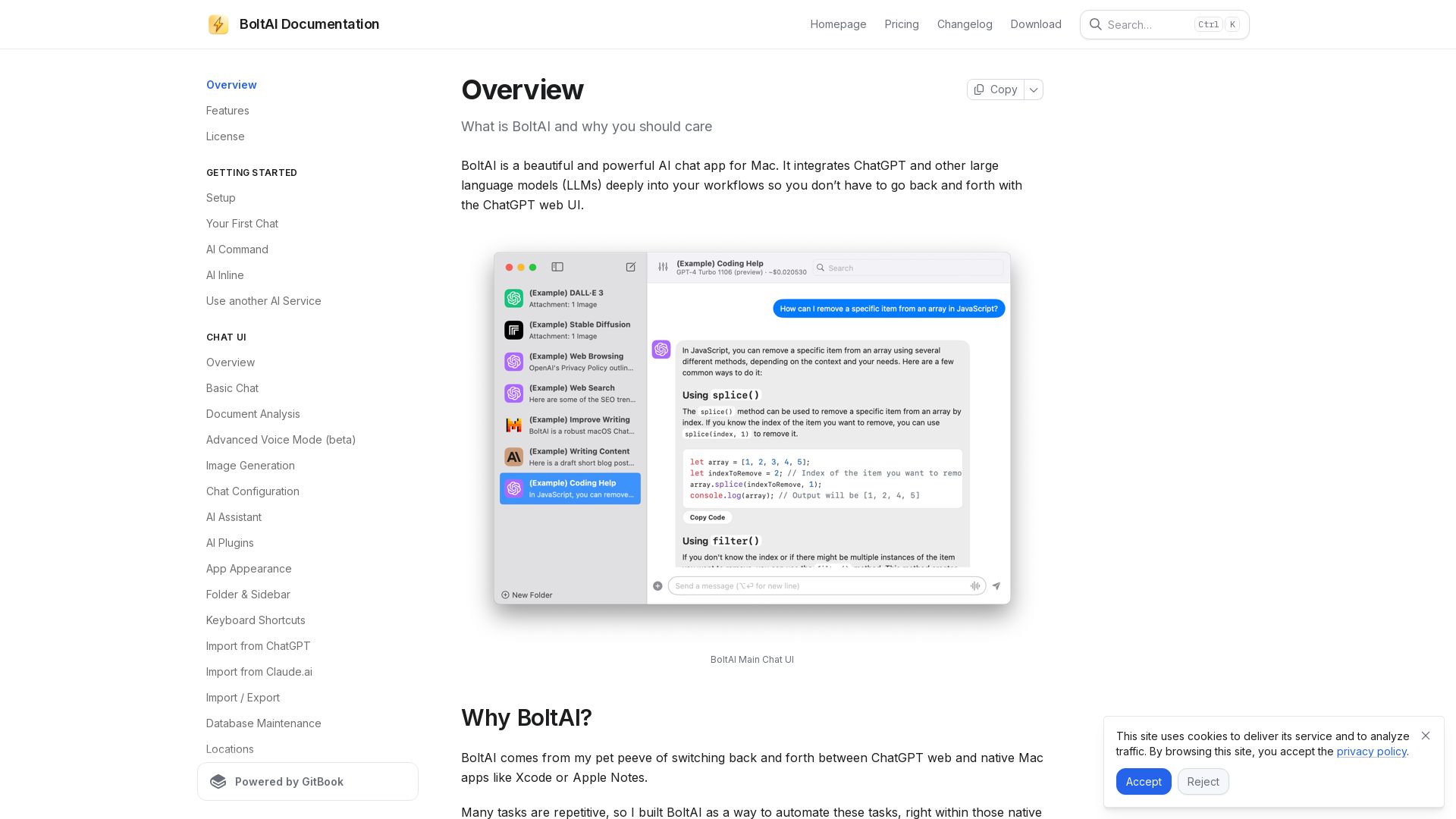
BoltAI is a beautiful and powerful AI chat app for Mac that deeply integrates ChatGPT and other large language models into your workflows. It offers three primary ways to use AI: a full-featured Chat UI similar to ChatGPT, AI Commands that let you invoke AI from any highlighted text using a shortcut key, and an Inline feature to write and execute AI tasks directly. BoltAI supports multiple AI models, custom commands, web search, and more—all designed to eliminate the need to switch between the web and native apps.
Core Features
Native macOS Chat UI
A beautiful, native macOS app for AI chat with markdown, code blocks, and high performance (below 30% CPU usage during streaming).
AI Command
Highlight text anywhere, trigger a hotkey, and let AI perform 30+ built-in commands like summarization, translation, or code explanation.
AI Inline
Invoke AI directly within any app by typing and triggering a shortcut, enabling seamless workflow automation.
Multiple AI Providers
Supports OpenAI, Azure, Mistral, Perplexity, Groq, Ollama, LMStudio, and custom endpoints for flexibility.
Integrations & Plugins
Includes Web Search, Web Browsing, Image Generation, Screenshot Analysis (ShotSolve), and extensible plugin system.
Security & Privacy
API keys stored in Apple Keychain, local SQLite database, built-in data redaction, and no tracking of your content.
Chat Management
Folders, full-text search, edit/fork chats, import/export to JSON/Markdown/HTML, and favorite/archive chats.
Pricing
Essential
- 1 device
- 512MB Cloud Storage (first year included)
- All 100+ app features
- Perpetual license (pay once)
- Transferable license
- One year of updates included
- 30-day money-back guarantee
Pro
- 2 devices
- 1GB Cloud Storage (first year included)
- 1 mobile device included (beta)
- All 100+ app features
- Perpetual license (pay once)
- Transferable license
- One year of updates included
- 30-day money-back guarantee
Team Perpetual
- Min 5 seats required
- 1 device per seat
- 10GB shared team storage
- Mobile app included (beta)
- All 100+ app features
- Perpetual license (pay once)
- Transferable license
- One year of updates included
- Priority support
- 30-day money-back guarantee
Pros and Cons
Pros
- High PerformanceCPU usage below 30% during real-time chat streaming, outperforming many native AI chat apps.
- Deep Workflow IntegrationAI Command and AI Inline allow invoking AI across any Mac app without leaving your current context.
- Privacy-FocusedLocal data storage, Apple Keychain for API keys, no tracking, and built-in data redaction to protect sensitive information.
- Multi-Model SupportWorks with OpenAI, Azure, local LLMs (Ollama), and many other providers, giving users flexibility and cost control.
- Rich Feature SetIncludes web search, image generation, document analysis, voice input, and more, all in one app.
Cons
- Mac-OnlyBoltAI is exclusively for macOS, limiting accessibility for Windows or Linux users.
- Learning CurveWith many features and configuration options, new users may need time to fully leverage the app's potential.
- Additional API CostsSome features (e.g., GPT-4, image generation) require separate API keys and incur usage charges from third-party providers.
- Cloud Sync LimitedCloud storage and sync require renewal after the first year, and the feature is not full-featured without an ongoing subscription.
- No Free TierWhile a trial exists, it is feature-limited, and the full app requires a one-time purchase, which may deter budget-conscious users.
Use Cases & Recommended Professions
Software Developer→ View Toolkit
Use AI Command for code explanation, debugging, and refactoring; leverage AI Inline for generating code snippets within IDEs like Xcode.
Technical Writer→ View Toolkit
Utilize the built-in prompt library for drafting, summarizing, and rewriting documents; export chats to Markdown for documentation.
Marketing Expert→ View Toolkit
Generate ad copy, social media posts, and email campaigns with custom AI Assistants; use web search for real-time market insights.
Student→ View Toolkit
Research assistance, summarizing articles, and generating study notes; affordable Essential plan suits budget.
Freelancer→ View Toolkit
Boost productivity with AI Command for repetitive tasks; Pro plan offers multiple device support for home and office.
Small Business Owner→ View Toolkit
Team Perpetual plan enables collaboration; use AI for customer support, content creation, and data analysis across the team.
Frequently Asked Questions
Alternative AI Tools
View Detailed Comparison →
Figr
Ship better UX faster. Figr builds a living understanding of your product, maps flows, finds edge cases, and generates high-fidelity prototypes from your actual design system.


Expo AI Chatbot
Build AI chatbot apps for iOS, Android & web with Expo SDK 54, AI SDK 5, voice, long-term memory, and more. Open-source codebase.

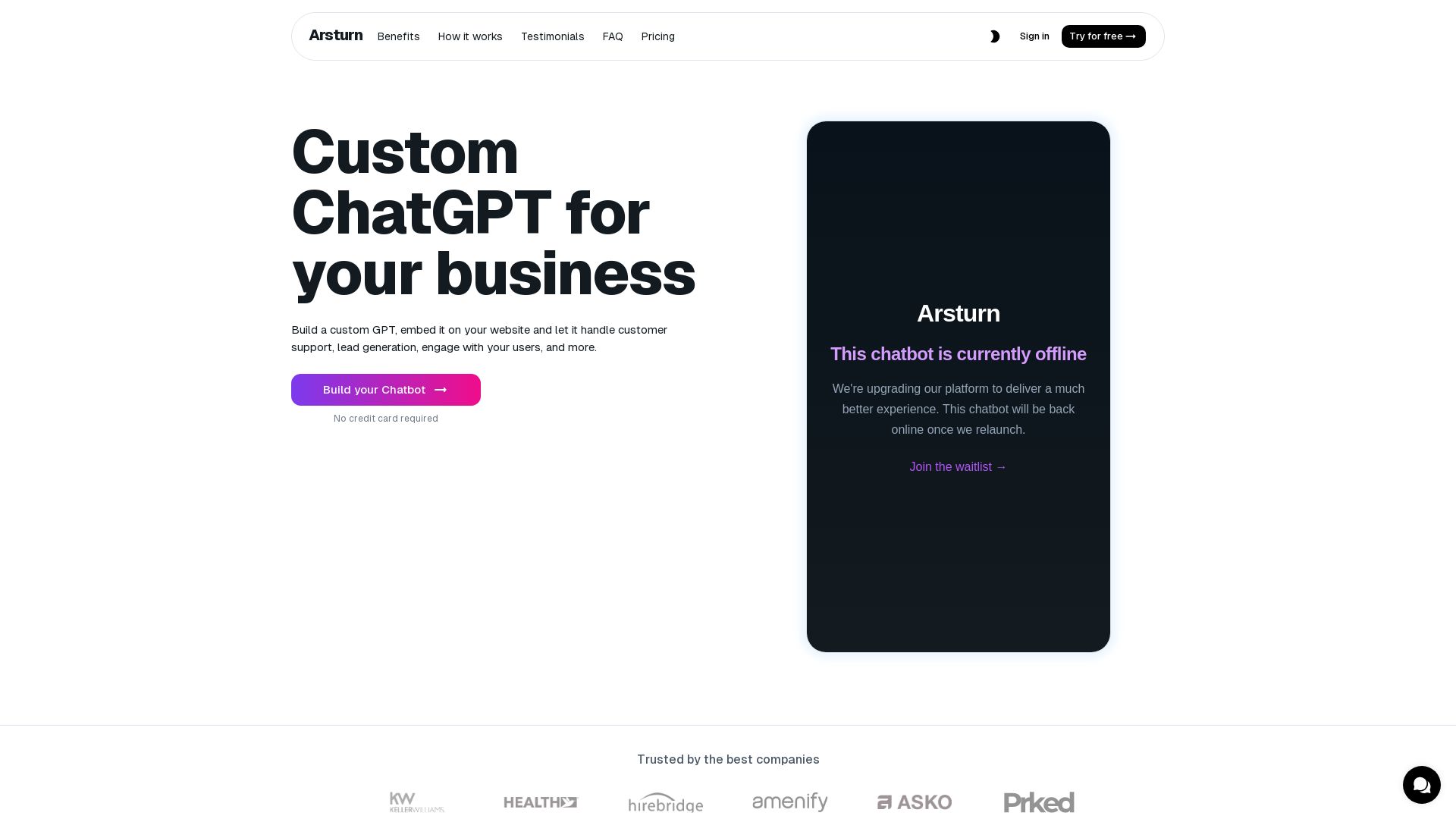
Arsturn
Build a custom GPT chatbot without coding. Train with your data, embed on website, boost engagement and lead generation. Free plan available.


ProductCrafters
Get a free 2-week trial sprint for your AI product. Working prototype in 30 days, production-ready in 90. No contract, no credit card. Test your dev team risk-free.

Chatbot Builder
Build an AI chatbot in minutes without coding. 24/7 customer support, sales automation, and seamless integrations. Start your free 14-day trial today!


ChatBot
Train an AI agent on your website in minutes. Answer questions, recommend products, and close sales 24/7. Free 14-day trial, no credit card.

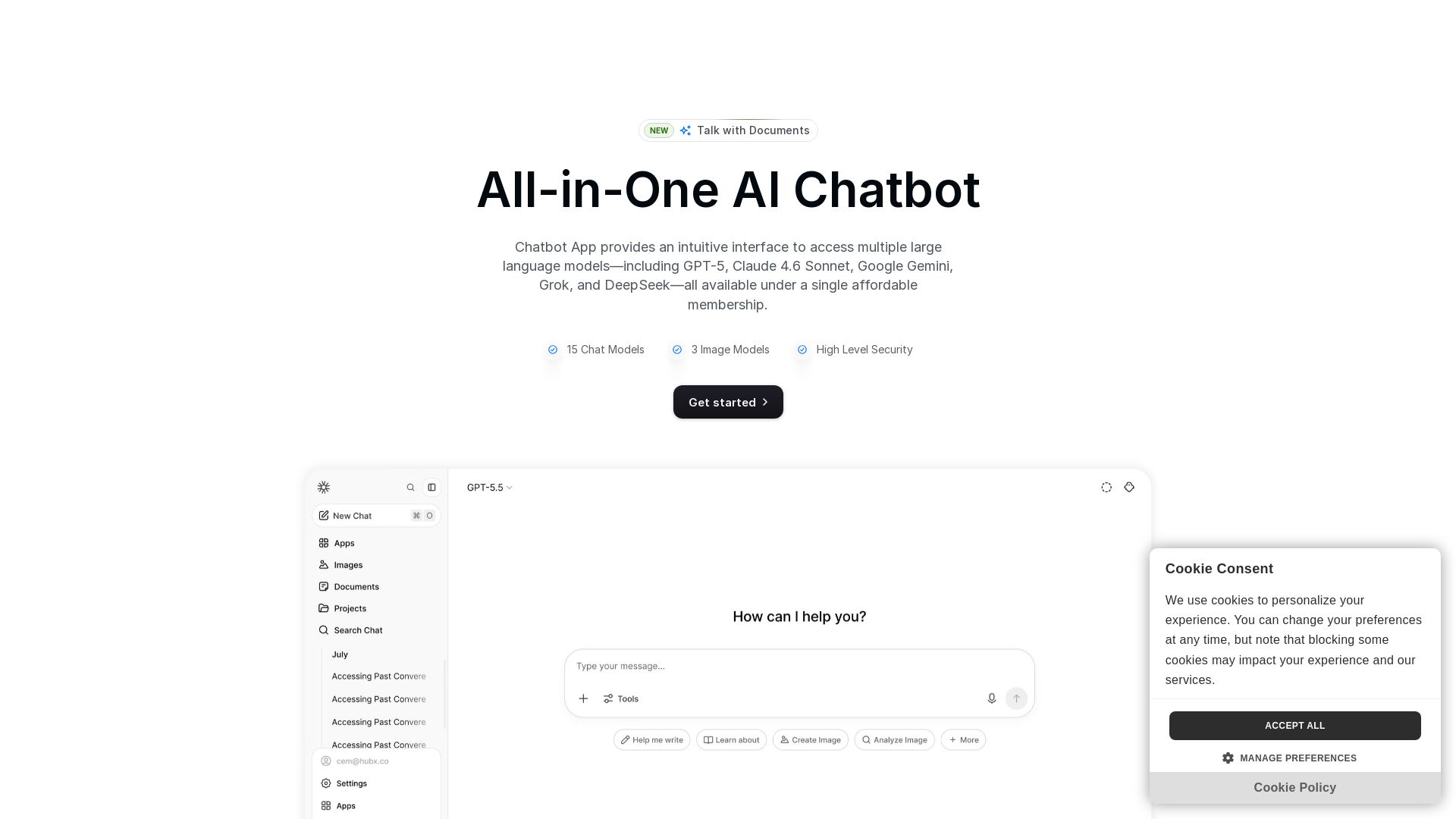
Chatbot App
Access 15+ top AI models including GPT-5, Claude 4.6, Gemini, DeepSeek in one app. Affordable membership, chat, image generation, PDF support, and more. Save 70%.

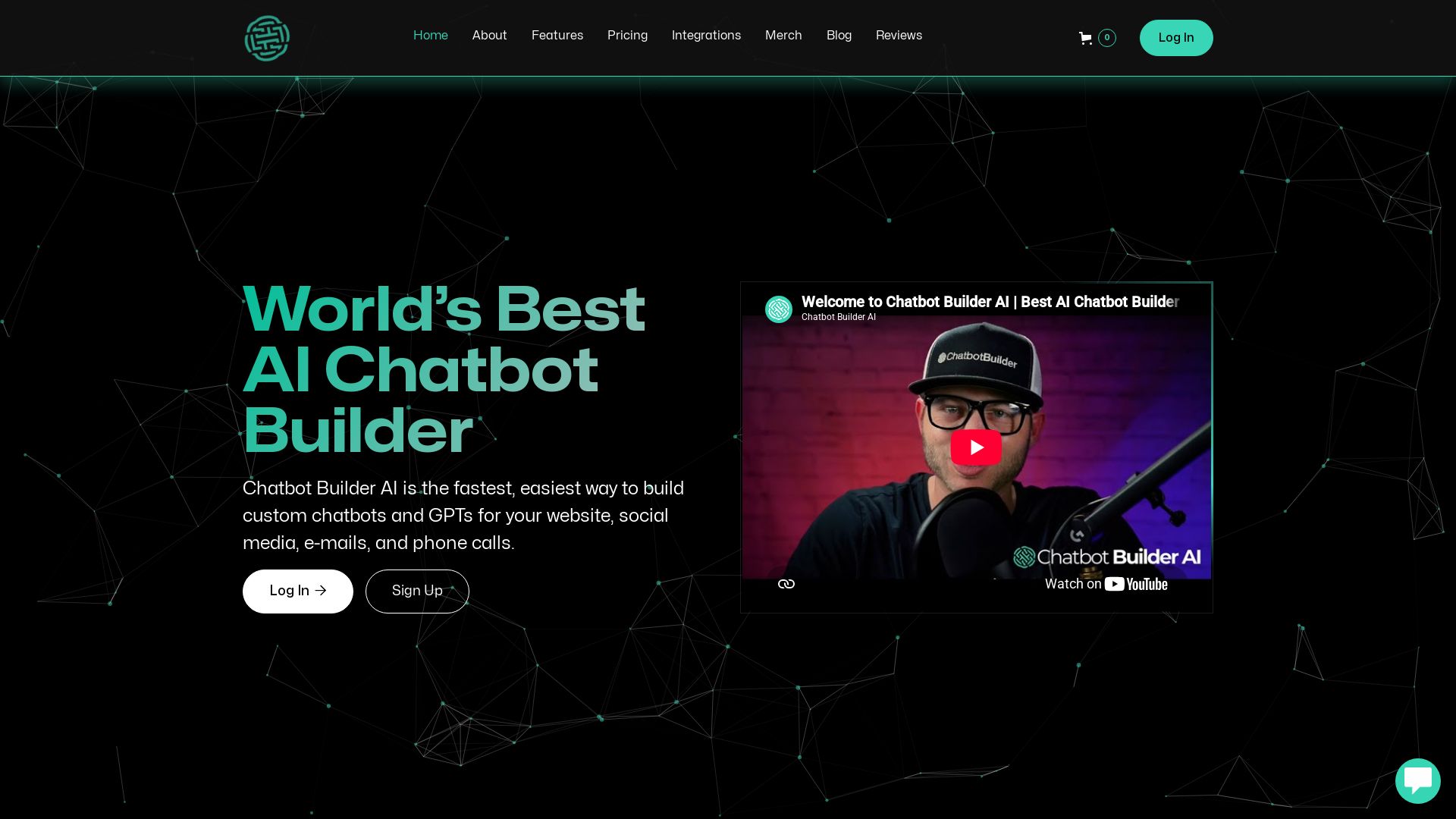
ChatBotBuilderai
Create powerful AI chatbots and GPTs for your business. Integrate with 1000+ apps, support multi-channel, and automate customer service. 14-day free trial. No credit card required.

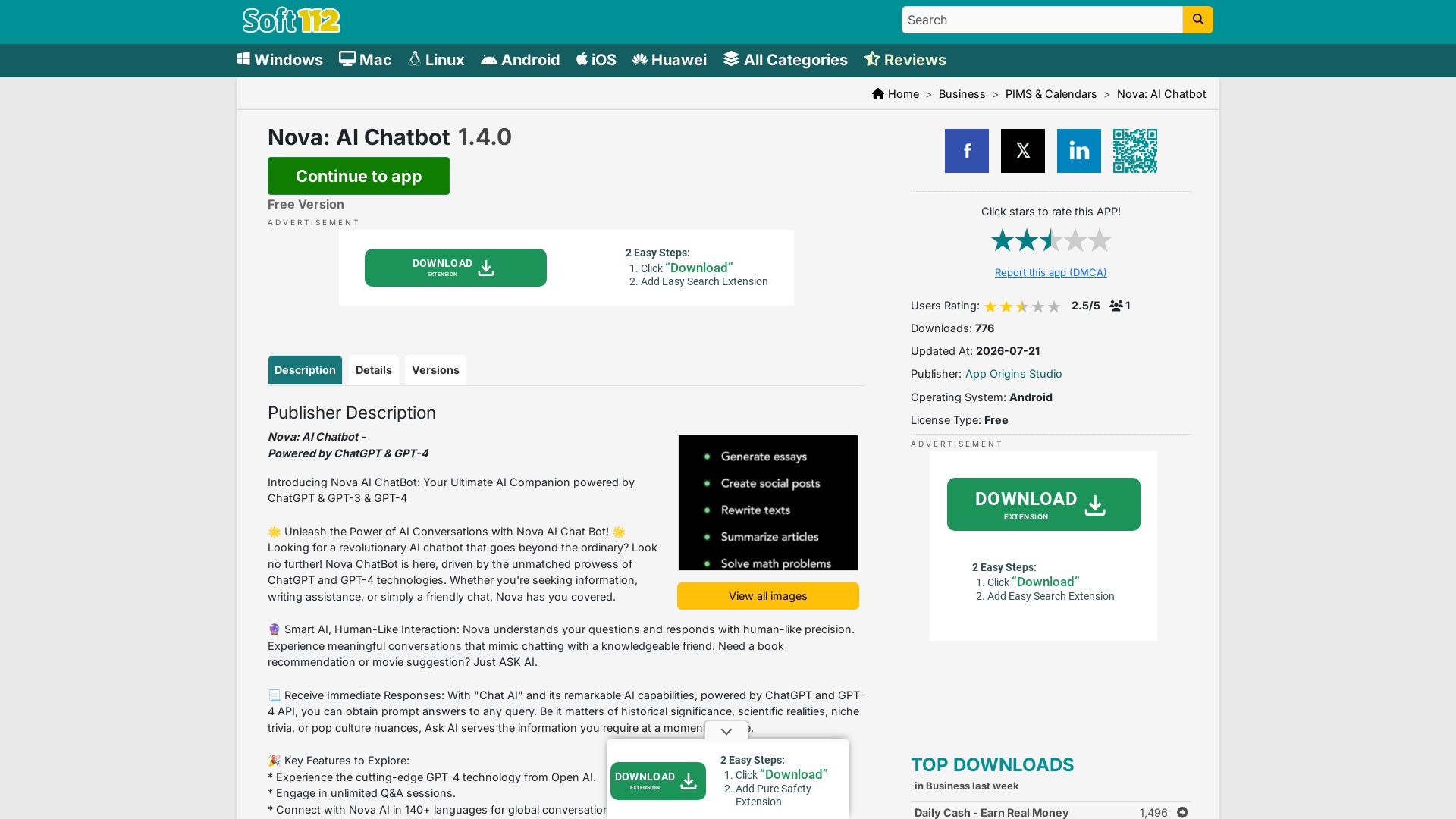
Nova AI Chatbot
Download Nova AI Chatbot for Android. Engage in human-like conversations, get writing help, and enjoy unlimited Q&A. Free version available.

DX
Optimize developer productivity, measure AI impact, and improve software health with DX, the platform designed by researchers.

SKULaunch
Automate supplier data onboarding, AI extracts attributes, enrich product catalogs, and publish ready data. From messy files to filterable search.

PerfectionGeeks Technologies
Trusted by IBM, ICICI & 150+ clients. Build mobile apps, web platforms, AI products & custom software. Serving USA, UK, Singapore, Netherlands.

ℹ️ Curation Disclosure: The overview and features of BoltAI were synthesized using AI and fact-checked by our curation team to ensure accuracy.
