
AnythingLLM
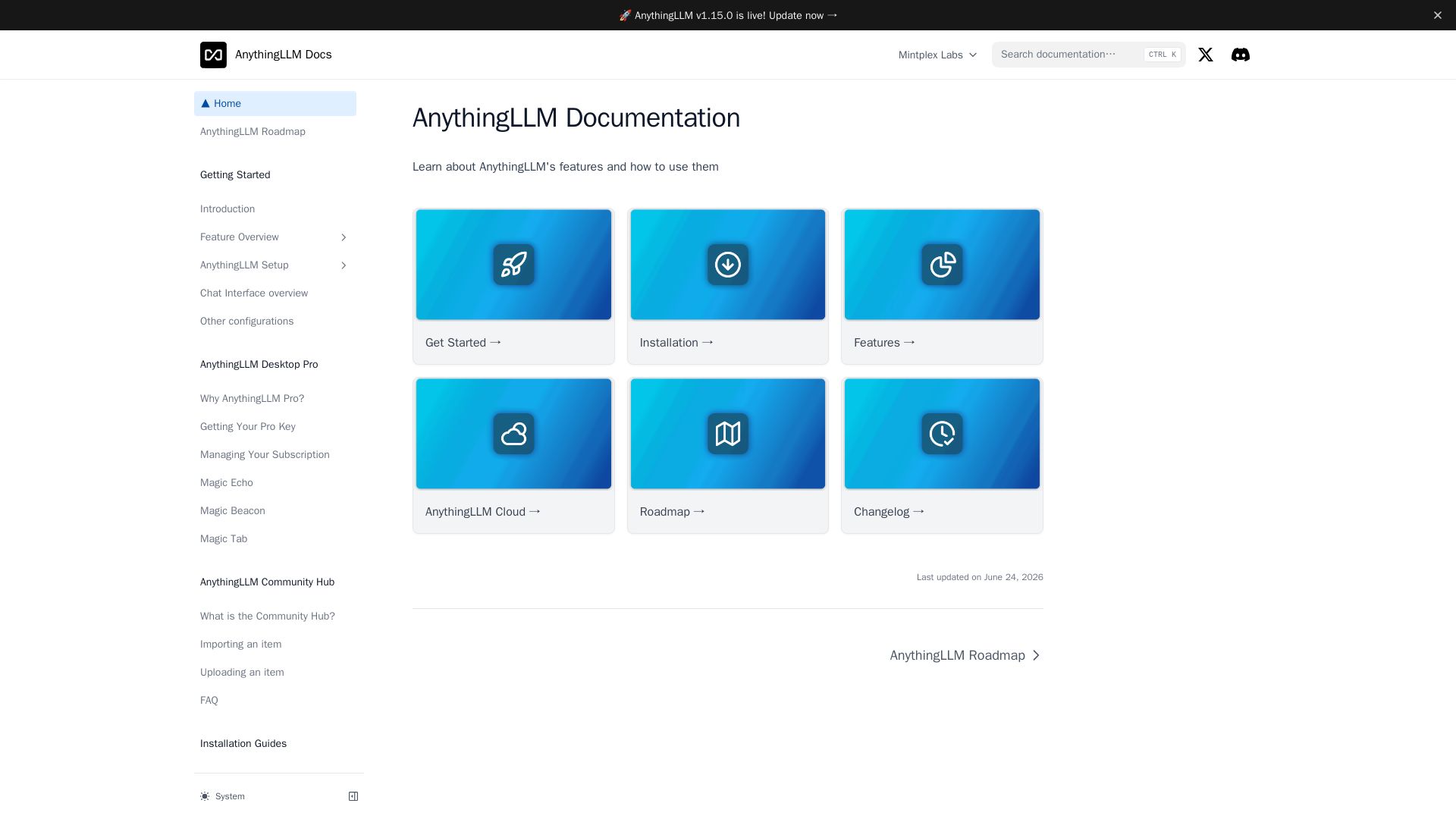
Explore AnythingLLM's comprehensive docs: AI Agents, RAG, Model Router, self-hosted/cloud setup, MCP compatibility, and more.

Editor's Verdict
Key Takeaways
- AI Agents
- API Access & Keys
- Appearance Customization
- Chat Logs
In-Depth Review: What is AnythingLLM?
AnythingLLM is a powerful, open-source LLM platform that lets you build AI agents, implement RAG, and customize models. Our documentation covers everything from installation (desktop, self-hosted, cloud) to advanced features like Model Router, Agent Flows, and MCP compatibility. Whether you're a developer or business user, get started quickly and leverage AI for your workflows.
Core Features
AI Agents
Create intelligent AI agents that can autonomously perform tasks, interact with tools, and utilize RAG for enhanced responses.
API Access & Keys
Integrate AnythingLLM with your own applications via a comprehensive API, allowing customization and automation.
Appearance Customization
Customize the look and feel of the chat interface to match your brand or personal preference.
Chat Logs
Keep a detailed history of all conversations for review, auditing, or training purposes.
Chat Modes
Switch between different interaction modes such as agent, assistant, or custom workflows for versatile use.
Embedded Chat Widgets
Easily embed a fully functional chat widget on your website to provide AI-powered assistance to visitors.
Event Logs
Monitor and log all events within the system for debugging, analytics, and performance tracking.
Large Language Models
Connect to a wide variety of LLMs, including OpenAI, Anthropic, Google Gemini, and local models like Ollama.
Embedding Models
Use any embedding model for RAG to improve search accuracy and context relevance.
Transcription Models
Integrate speech-to-text capabilities for processing audio inputs within chats.
Vector Databases
Choose from multiple vector databases (Chroma, Pinecone, Weaviate, etc.) for scalable and fast semantic search.
Security & Access
Control user access with permissions, API keys, and authentication layers to ensure data safety.
Privacy & Data Handling
Comprehensive privacy controls, including local processing options and data deletion policies.
Cloud Deployment
Deploy on Mintplex Labs cloud for hassle-free hosting or self-host on your own infrastructure.
System Prompt Variables
Use dynamic variables in system prompts to personalize interactions without hardcoding.
Memories
Store and recall user-specific preferences and context across sessions for a personalized experience.
Model Router
Route queries to different models based on complexity, cost, or capability, optimizing performance and budget.
Pricing
AnythingLLM Desktop (Free)
- Local LLM support
- RAG with local documents
- Multiple vector databases
- Embedded chat widgets
- API access
- Community support
AnythingLLM Desktop Pro
- All Free features
- Advanced AI Agents
- Priority support
- Custom branding
- Extended API limits
AnythingLLM Cloud
- Hosted solution
- Managed infrastructure
- Scalable deployment
- Team collaboration
- Dedicated support
Pros and Cons
Pros
- Versatile Model SupportSupports a wide range of local and cloud-based LLMs, embedding models, and transcription models, giving users flexibility.
- Customizable and Open SourceFully open-source with extensive customization options for UI, prompts, and integrations, suitable for developers.
- Powerful RAG CapabilitiesBuilt-in Retrieval-Augmented Generation with support for multiple vector databases and document ingestion, enhancing response accuracy.
- AI Agent and AutomationOffers advanced AI agents with tool usage, scheduled jobs, and custom skills, enabling automated workflows.
- Privacy-Centric DesignSupports local processing and self-hosting, ensuring full control over data and compliance with privacy regulations.
Cons
- Complex Setup for BeginnersInitial configuration, especially for self-hosting and integrating various models, can be daunting for non-technical users.
- Limited Cloud OfferingThe cloud version has usage limitations and may not be as feature-rich as the self-hosted option, with pricing not transparent.
- Learning Curve for Agent FlowsBuilding custom agent flows and skills requires understanding of the plugin system and JavaScript, which may be a barrier.
- Performance Dependence on Local HardwareUsing local models requires significant computational resources, which may lead to slower responses on average machines.
- Documentation GapsWhile extensive, some advanced features lack detailed examples, causing users to rely on community support.
Use Cases & Recommended Professions
Software Developer→ View Toolkit
Needs to integrate AI chat capabilities into applications, leverage RAG for documentation QA, and customize agent behaviors.
Data Scientist→ View Toolkit
Uses AnythingLLM to experiment with different models and embeddings, build knowledge bases, and automate data analysis tasks.
Customer Support Manager→ View Toolkit
Deploys embedded chat widgets to provide instant answers from knowledge bases, reducing ticket volume and improving response times.
Content Creator→ View Toolkit
Leverages AI agents for research, content generation, and summarization, while maintaining control over sources via local documents.
IT Administrator→ View Toolkit
Manages self-hosted instances for the team, ensuring data privacy, setting access controls, and connecting to enterprise systems.
Researcher→ View Toolkit
Analyzes large volumes of documents with RAG, uses custom skills for data extraction, and collaborates via shared workspaces.
Frequently Asked Questions
Alternative AI Tools
View Detailed Comparison →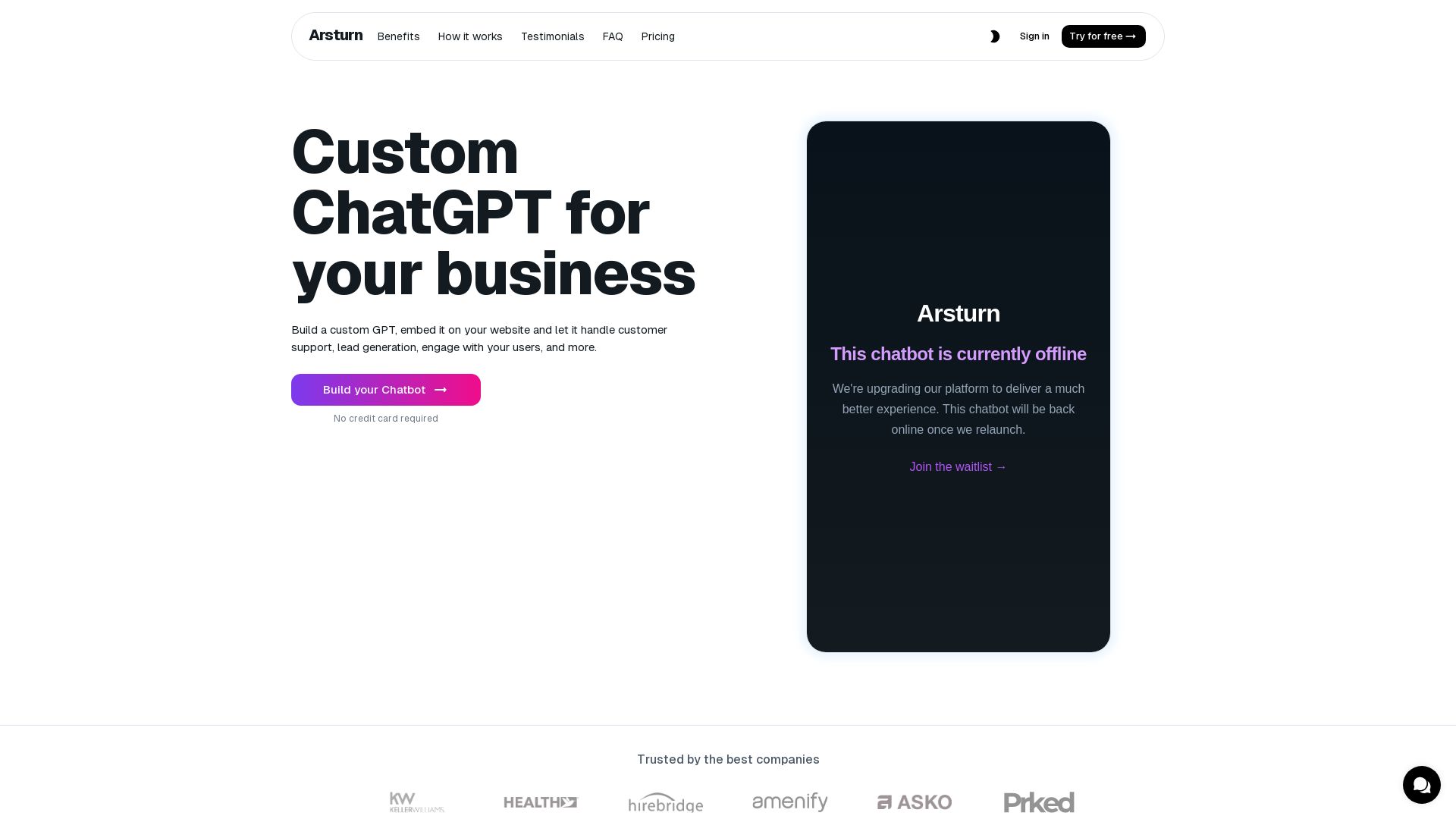
Arsturn
Build a custom GPT chatbot without coding. Train with your data, embed on website, boost engagement and lead generation. Free plan available.

Chatbot Builder
Build an AI chatbot in minutes without coding. 24/7 customer support, sales automation, and seamless integrations. Start your free 14-day trial today!

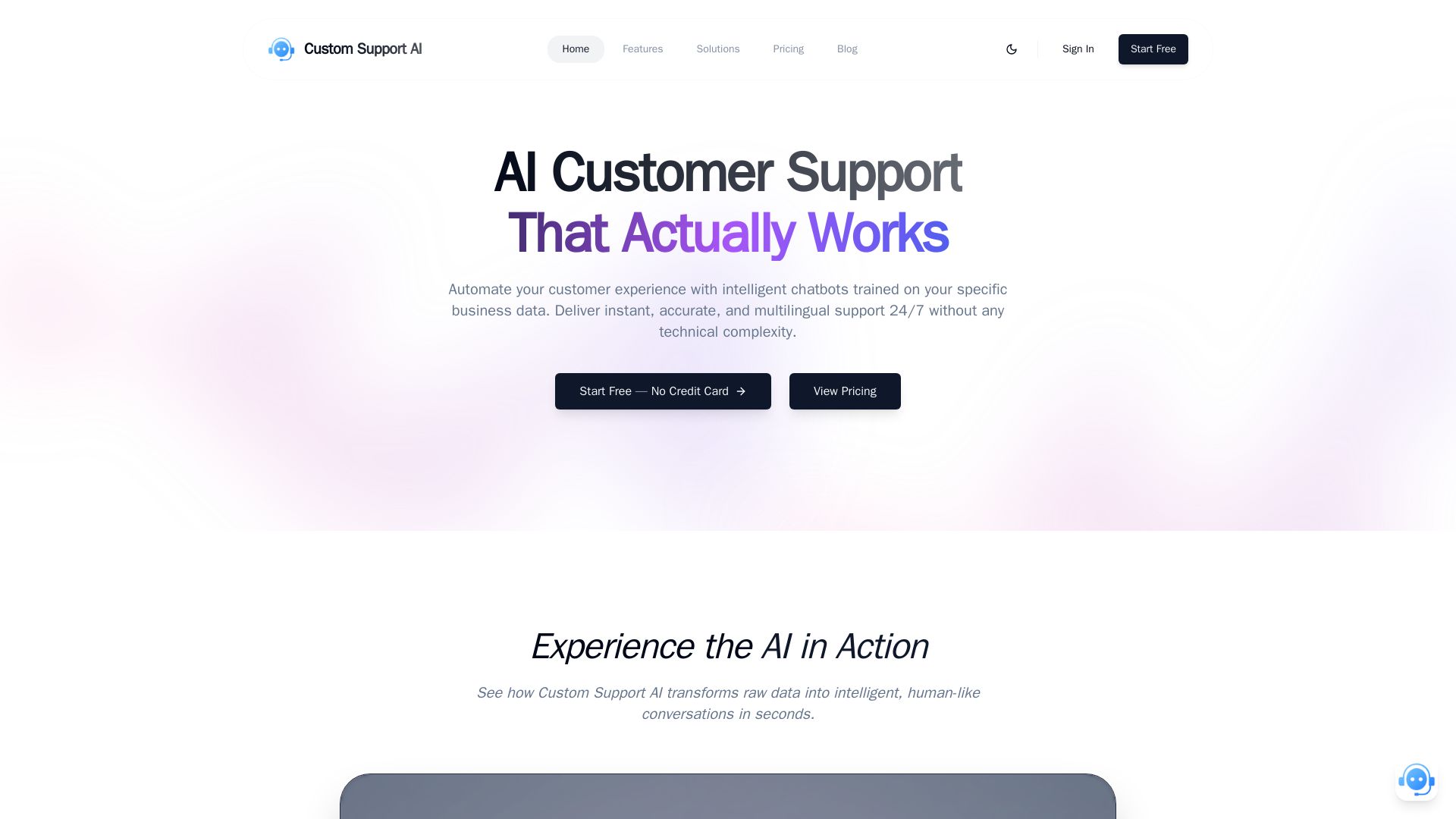
Custom Support AI
Deliver instant, accurate, multilingual customer support 24/7 with AI chatbots trained on your business data. Simple integration, no credit card required.


Focused.io
Focused builds AI agents that integrate with your existing systems. We specialize in LangChain, RAG, eval-driven development, and custom software to automate processes.

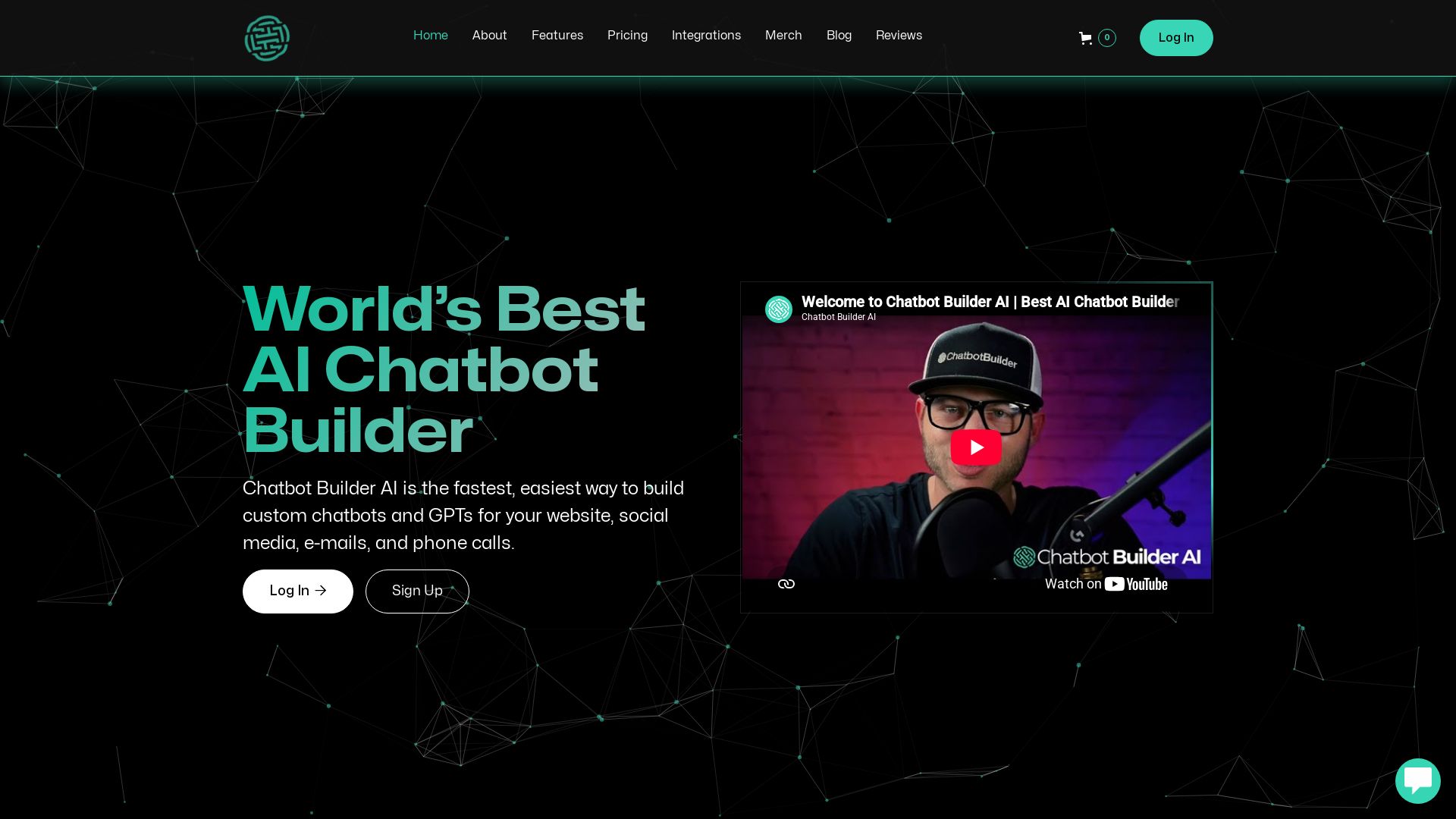
ChatBotBuilderai
Create powerful AI chatbots and GPTs for your business. Integrate with 1000+ apps, support multi-channel, and automate customer service. 14-day free trial. No credit card required.

Afnexis
Afnexis builds custom-trained AI agents that automate support, sales, ops, and more. 30-day launch, fixed price, KPI guarantee. See results in days.

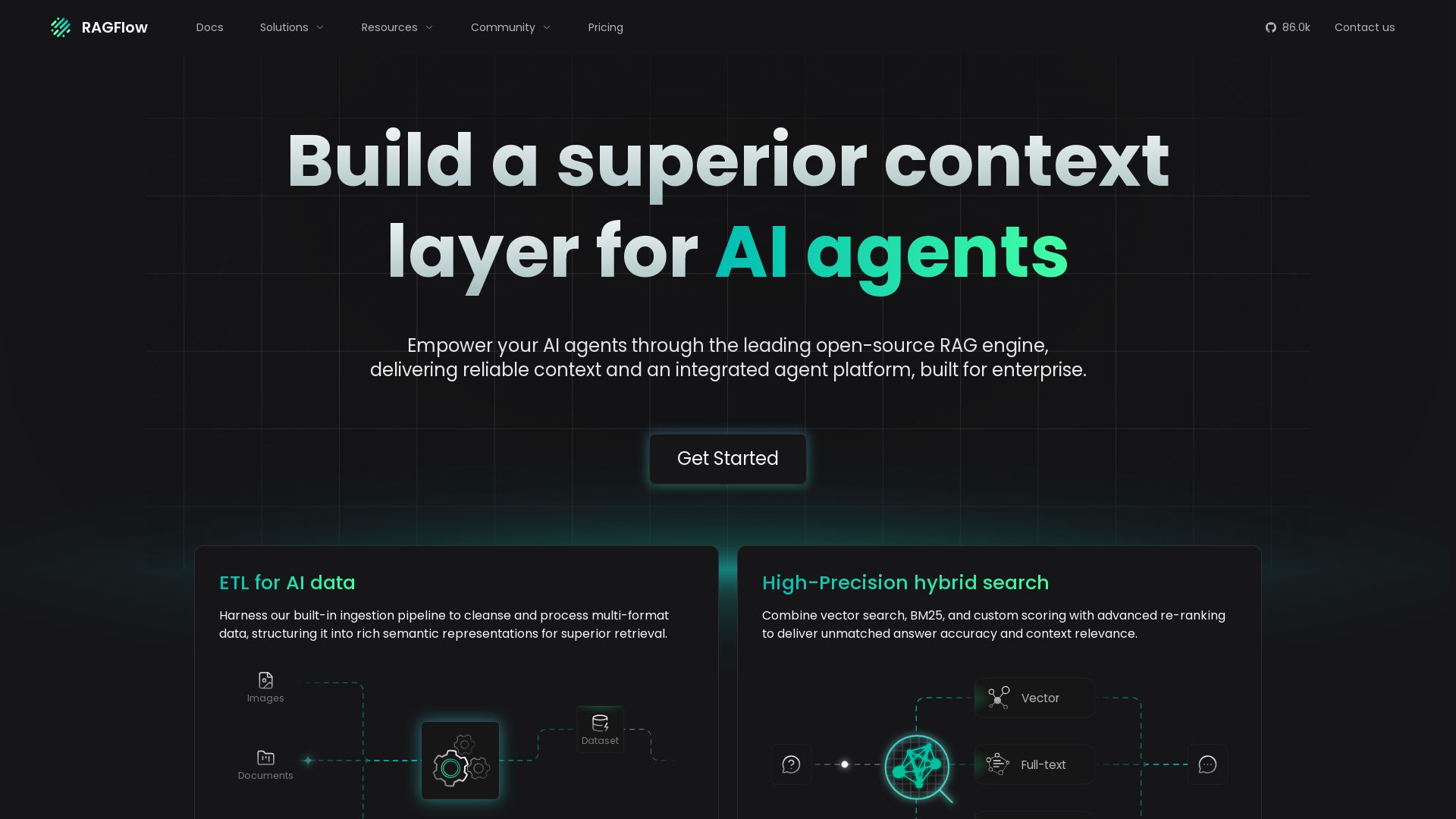
RAGFlow
Build superior context for AI agents with leading open-source RAG. ETL, hybrid search, agent orchestration. Trusted by enterprises.

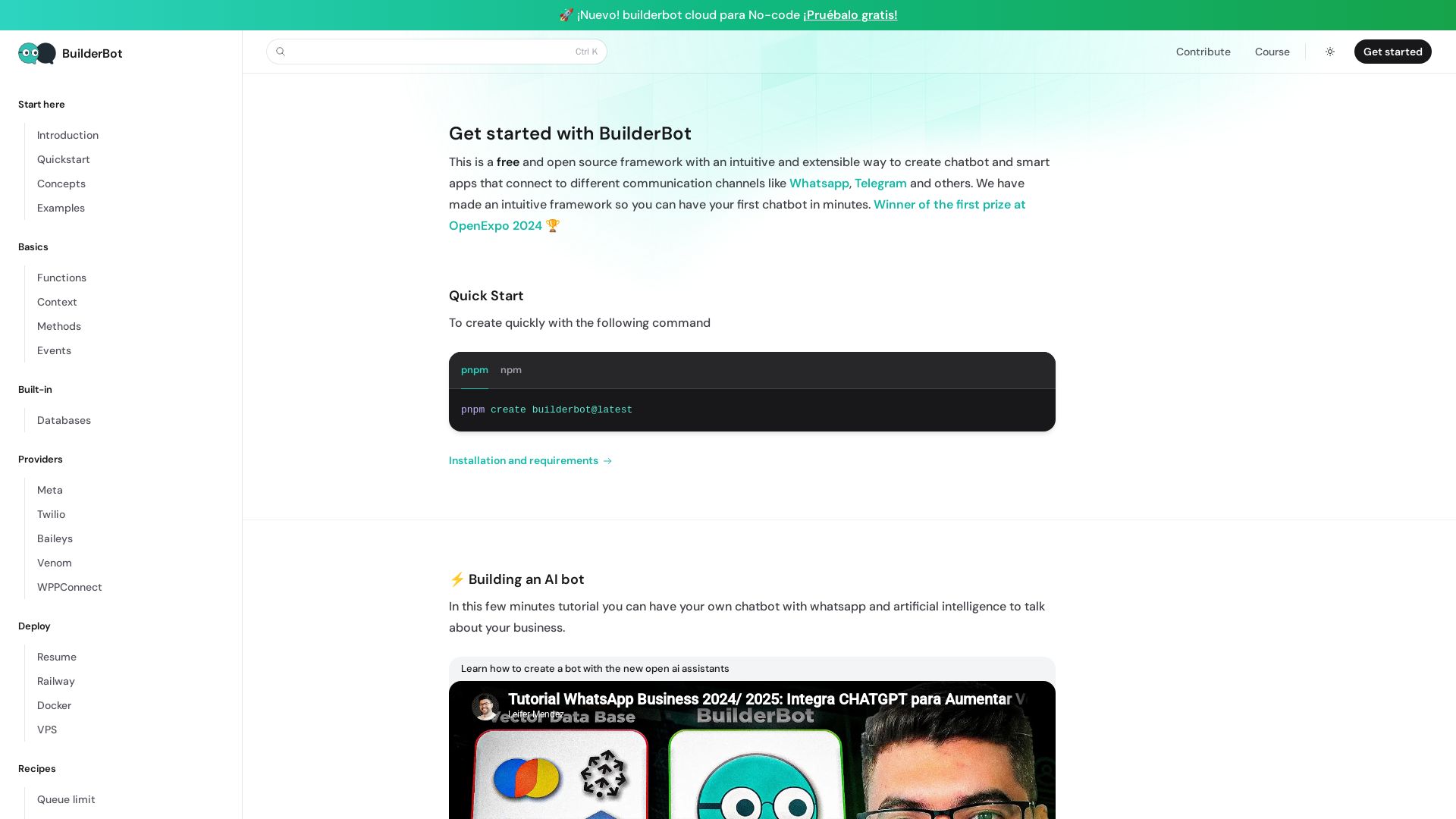
BuilderBot.app
Build smart chatbots for WhatsApp, Telegram & more with BuilderBot. Free, open source, winner of OpenExpo 2024. Quick start in minutes.

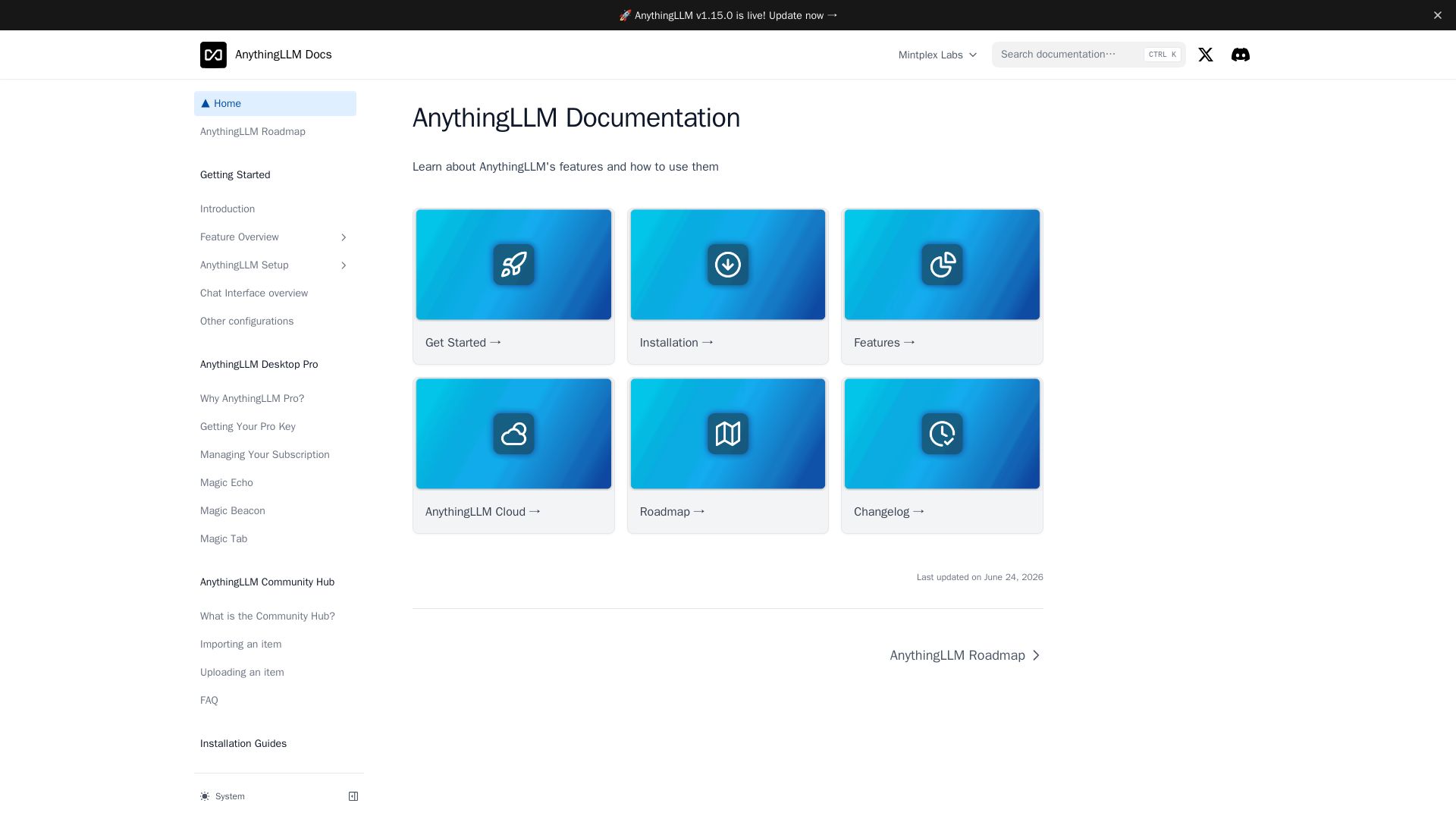
AnythingLLM
Build, deploy, and manage AI agents with AnythingLLM. Supports multiple LLMs, embedding models, vector DBs, and more. Open source.
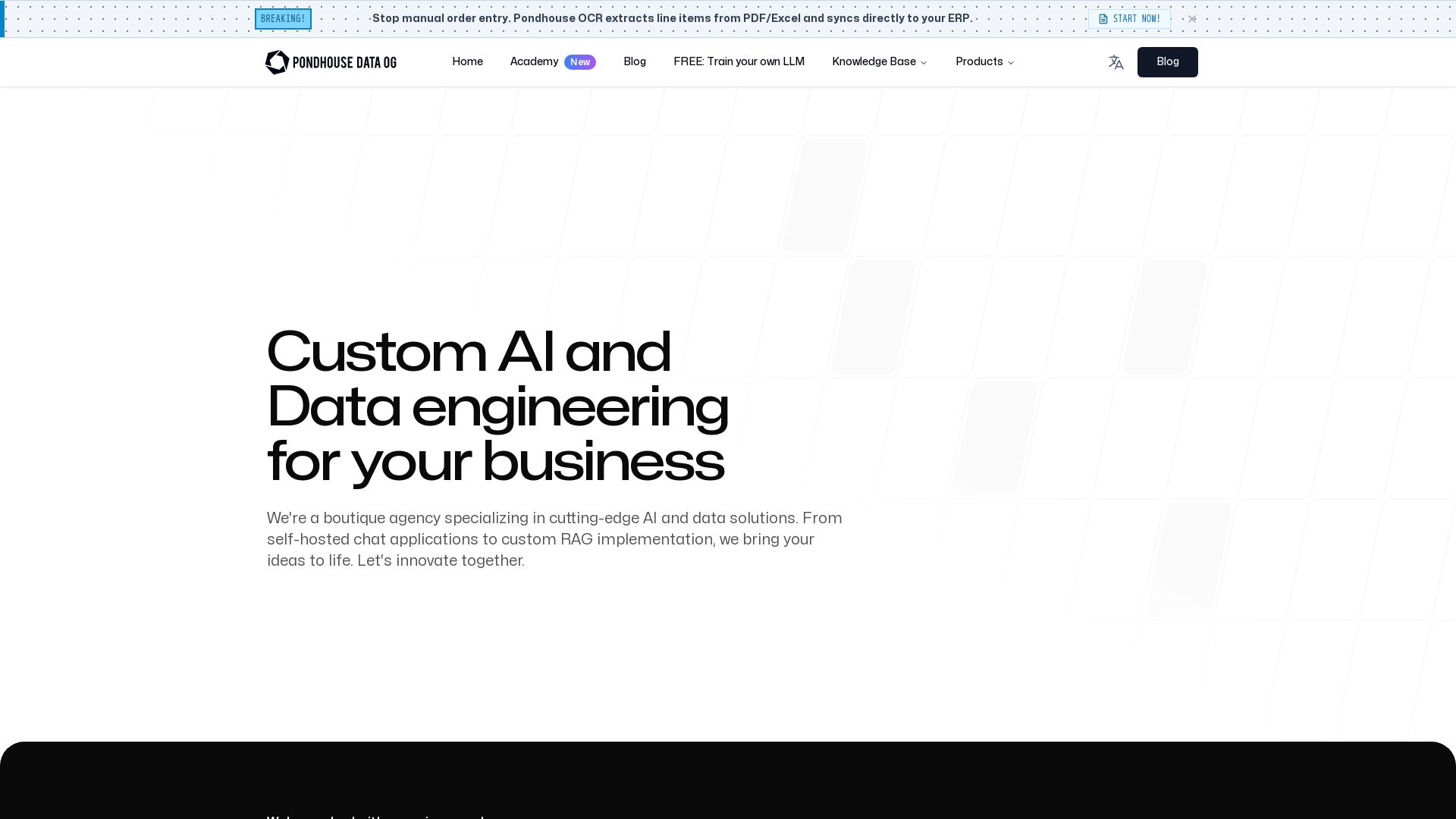
Pondhouse Data
Boutique AI agency specializing in custom RAG systems, self-hosted chat apps, and AI prototypes. Fast iteration, expert team. Let's innovate together.

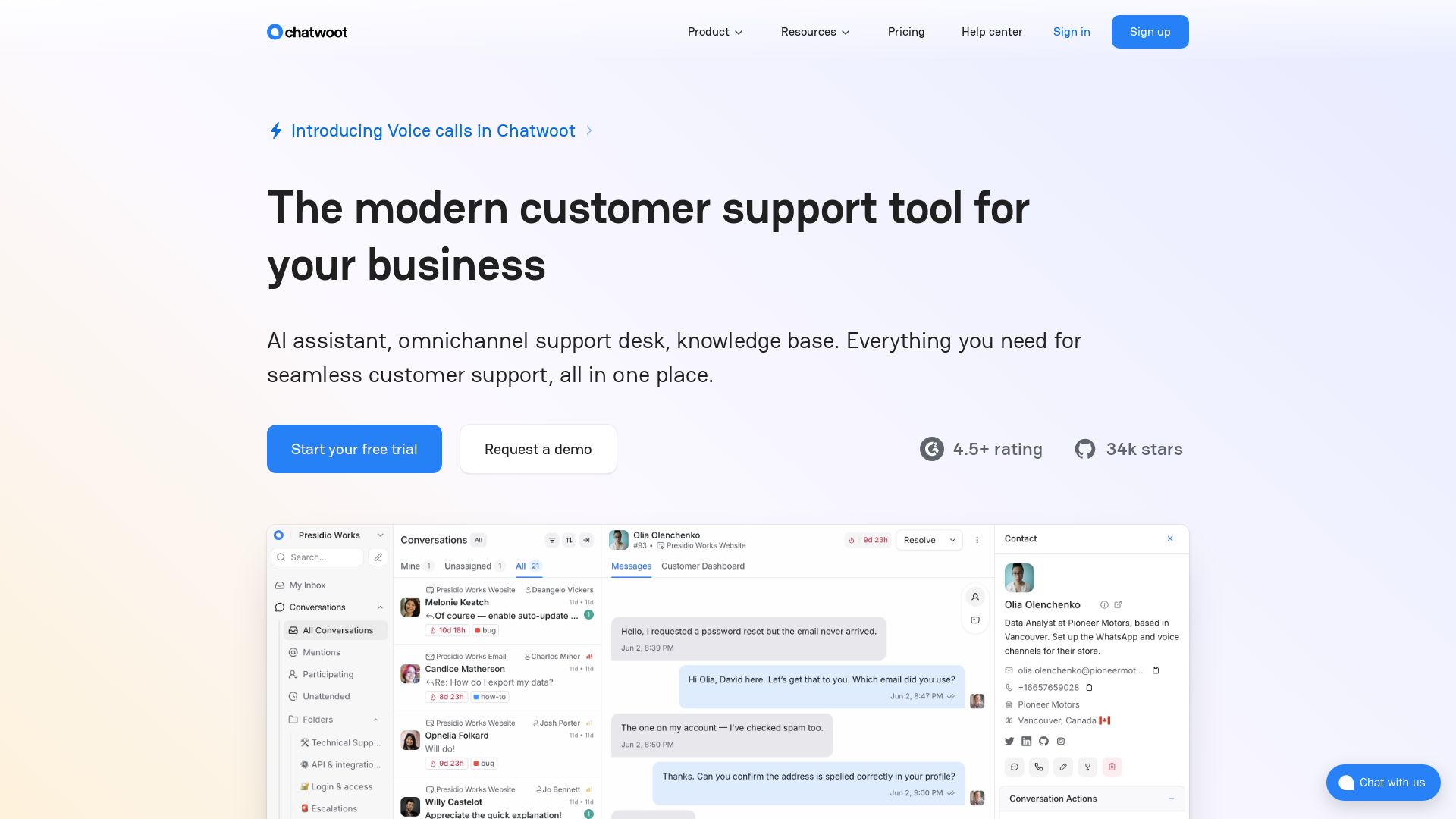
Chatwoot
Modern customer support with AI assistant, omnichannel inbox, and knowledge base. Trusted by 15,000+ businesses. Open source self-hosted alternative to Intercom & Zendesk.

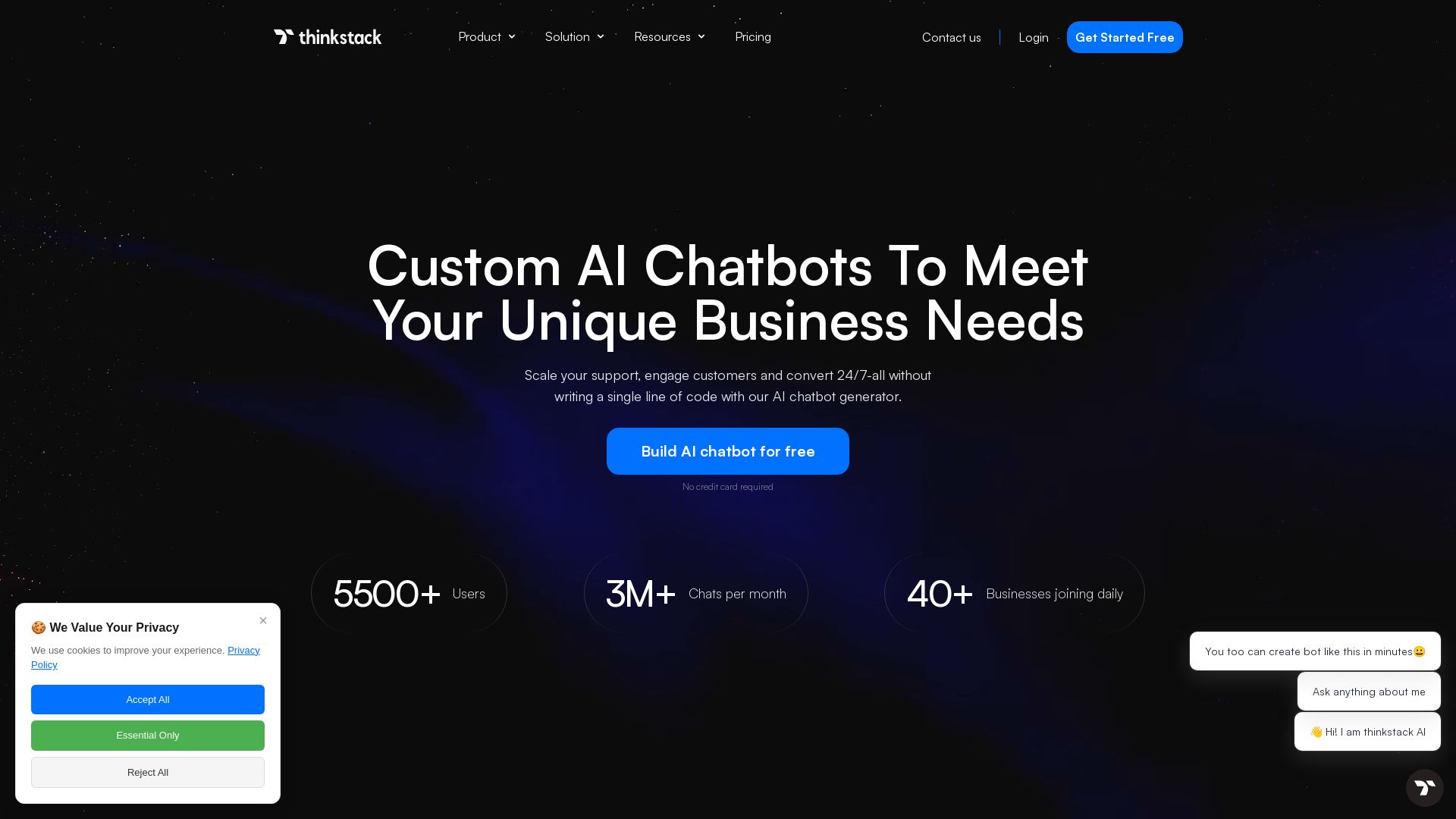
Thinkstack
Build custom AI chatbots with no code. Train on your data, deploy on any website, and automate support 24/7. Free plan available.

ℹ️ Curation Disclosure: The overview and features of AnythingLLM were synthesized using AI and fact-checked by our curation team to ensure accuracy.