
TypingMind
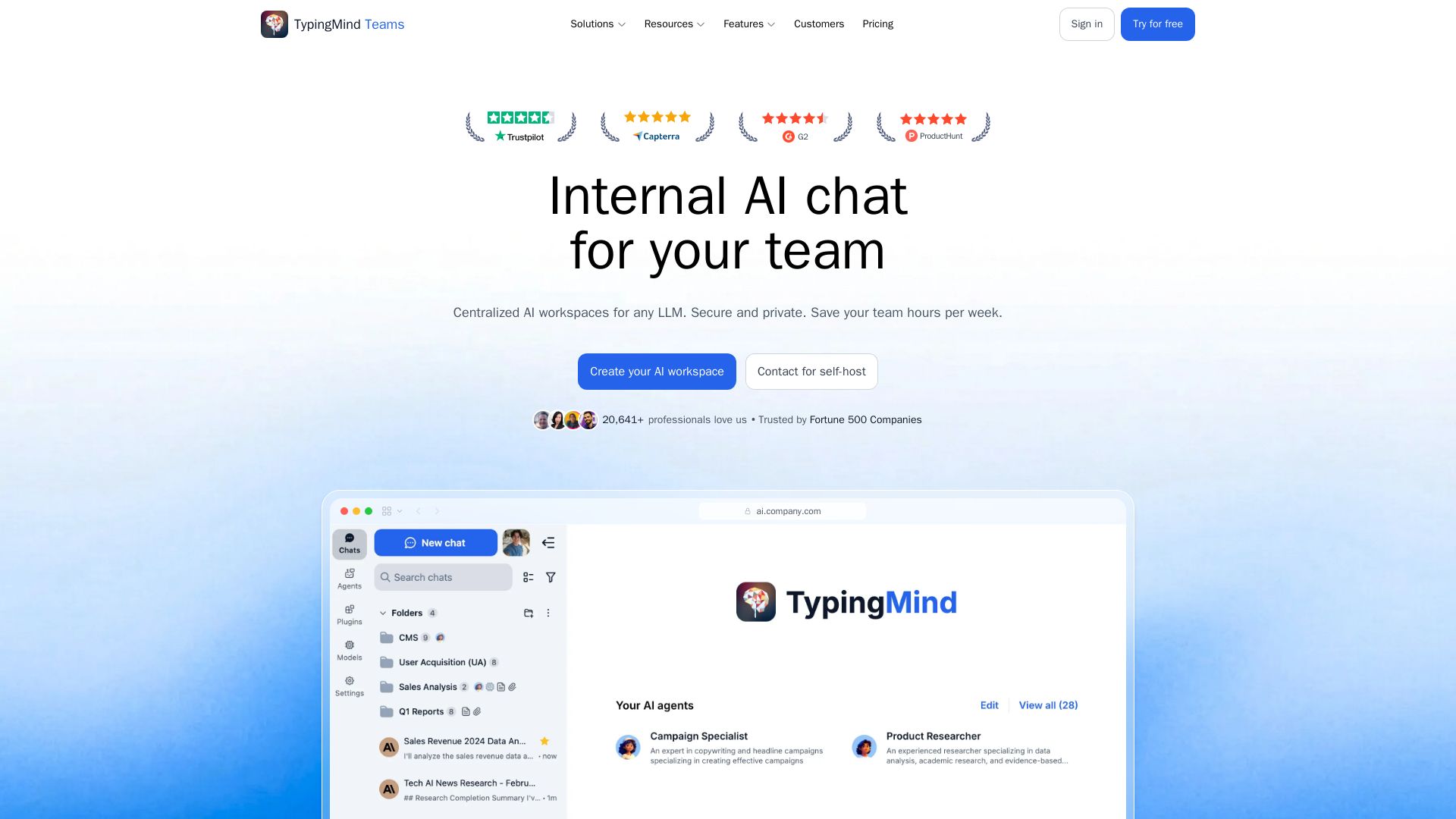
Centralized AI workspace for teams. Secure, private, multi-model. Boost productivity with AI chatbots, plugins, and analytics. No lock-in, enterprise-grade.


Editor's Verdict
Key Takeaways
- Multi-model AI chat
- Document chat & RAG
- Web search & deep research
- Artifacts & Canvas editor
In-Depth Review: What is TypingMind?
TypingMind Teams is a comprehensive AI chat platform designed for teams. It provides a secure, centralized workspace where employees can access multiple LLMs like ChatGPT, Claude, and Gemini through a single interface. Key features include chat with documents, web search, voice input, artifacts, and project management. It offers enterprise-level security with SOC 2 and GDPR compliance, role-based access control, and usage analytics. Teams can build custom AI agents, use plugins and MCPs, and integrate with existing systems. With over 5,000 businesses trusting it, TypingMind helps boost productivity while keeping data private and avoiding vendor lock-in.
Core Features
Multi-model AI chat
Chat with multiple LLMs (ChatGPT, Claude, Gemini, etc.) in one workspace and compare responses side-by-side.
Document chat & RAG
Upload PDFs, docs, and files to chat with your data. Connect external sources like GitHub, Notion, and Google Drive for knowledge base.
Web search & deep research
Search the web in real-time or run deep research to analyze multiple sources and deliver comprehensive, cited answers.
Artifacts & Canvas editor
Generate rich content (code, documents, visuals) as interactive artifacts and edit them side-by-side in a canvas editor.
AI agents
Create specialized AI agents with custom instructions, plugins, and knowledge base for specific workflows.
Plugins & MCP integration
Extend AI capabilities with plugins and Model Context Protocol for standardized data access.
Prompt library
Access curated ready-to-use prompt templates for writing, coding, marketing, and analysis. Save and share prompts across teams.
Project folders & chat management
Organize conversations into project folders, search, pin, archive, and manage all chats efficiently.
Voice input & text-to-speech
Speak to AI and listen to responses with voice input and natural text-to-speech output.
Custom branding
White-label the experience with your logo, colors, and domain for a consistent brand identity.
SSO & directory sync
Integrate with identity providers via Single Sign-On, directory sync (SCIM), and OAuth for secure access.
Role-based access control
Define roles and permissions to control access to features, analytics, and settings per team.
Usage analytics & logs
Track usage, generate reports, audit logs, and monitor costs with detailed analytics dashboard.
Secure deployment options
Deploy on secure cloud or self-host on your own infrastructure. SOC 2 Type II certified and GDPR compliant.
API & dynamic context
Interact with TypingMind system via API and train AI agents with dynamic context from uploaded documents or external data.
Pricing
Starter
- 5 seats included
- Add more seats at $8/seat/month
- Basic chat frontend
- Create unlimited AI agents
- Add unlimited models
- Create unlimited plugins
- Add unlimited prompts
- MCP integration
Growth
- Everything in Starter
- Advanced chat experience
- Project folders
- Interactive artifacts
- Canvas editor
- Customizable chat frontend
- Multi-model chats
- Knowledge base
- Add more characters to your knowledge base
Professional
- Everything in Growth
- Reports & analytics
- Analytics dashboard
- Data export
- Email reports
- Record chat logs
- Audit logs
- User roles & usage limits
- Role-based access control
- Set usage limits for users, models, or AI agents
- Advanced authentication
- SSO
- Directory Sync
- OAuth 2
Business
- Everything in Professional
- Custom contract
- Volume discount (as low as $4/seat/month)
- Dedicated support
Self-host
- 5 seats included
- Self-host on your server
- All data stays in your infrastructure
- All features in cloud-host version
- Add-on: Extra seats
- Add-on: Enterprise support (SLA/SLO, dedicated queue, email/chat support)
Pros and Cons
Pros
- Multi-model flexibilityAccess ChatGPT, Claude, Gemini, and open-source LLMs in one interface without vendor lock-in.
- Enterprise security & complianceSOC 2 Type II certified, GDPR compliant. Data never used for training. Self-hosting option available.
- Comprehensive feature setIncludes document chat, web search, AI agents, plugins, canvas editor, voice input, and more.
- Team collaboration & managementRole-based access, SSO, usage analytics, shared prompts/agents, and project organization.
- Cost-effective scalingUse your own API keys to control costs. Flexible pricing per seat with volume discounts.
Cons
- API costs not includedUsers must pay separately for API usage from OpenAI, Anthropic, etc., which can add up.
- No free tierAll plans are paid. Only a 14-day free trial is available, with no permanent free option.
- Self-hosting requires setupSelf-host plan involves manual deployment and maintenance, which may need technical expertise.
- Limited seats in lower plansStarter and Growth plans come with limited seats (5), requiring extra fees for more users.
- Some features locked to higher tiersAdvanced features like analytics, SSO, and role-based access are only in Professional and above.
Use Cases & Recommended Professions
Software Engineer→ View Toolkit
Accelerate coding, debugging, and documentation with AI-assisted code generation and multi-model comparison.
Marketing Manager→ View Toolkit
Create and repurpose content using AI agents, prompt library, and web research for campaigns.
Product Manager→ View Toolkit
Centralize AI interactions for project planning, data analysis, and team collaboration with shared workspace.
Customer Support Team Lead→ View Toolkit
Deploy AI agents for handling queries, with knowledge base integration and usage analytics.
Data Analyst→ View Toolkit
Upload datasets, chat with documents, and generate visualizations using advanced plugins.
Operations Manager→ View Toolkit
Streamline workflows with AI automation, custom agents, and role-based access control for teams.
Frequently Asked Questions
Alternative AI Tools
View Detailed Comparison →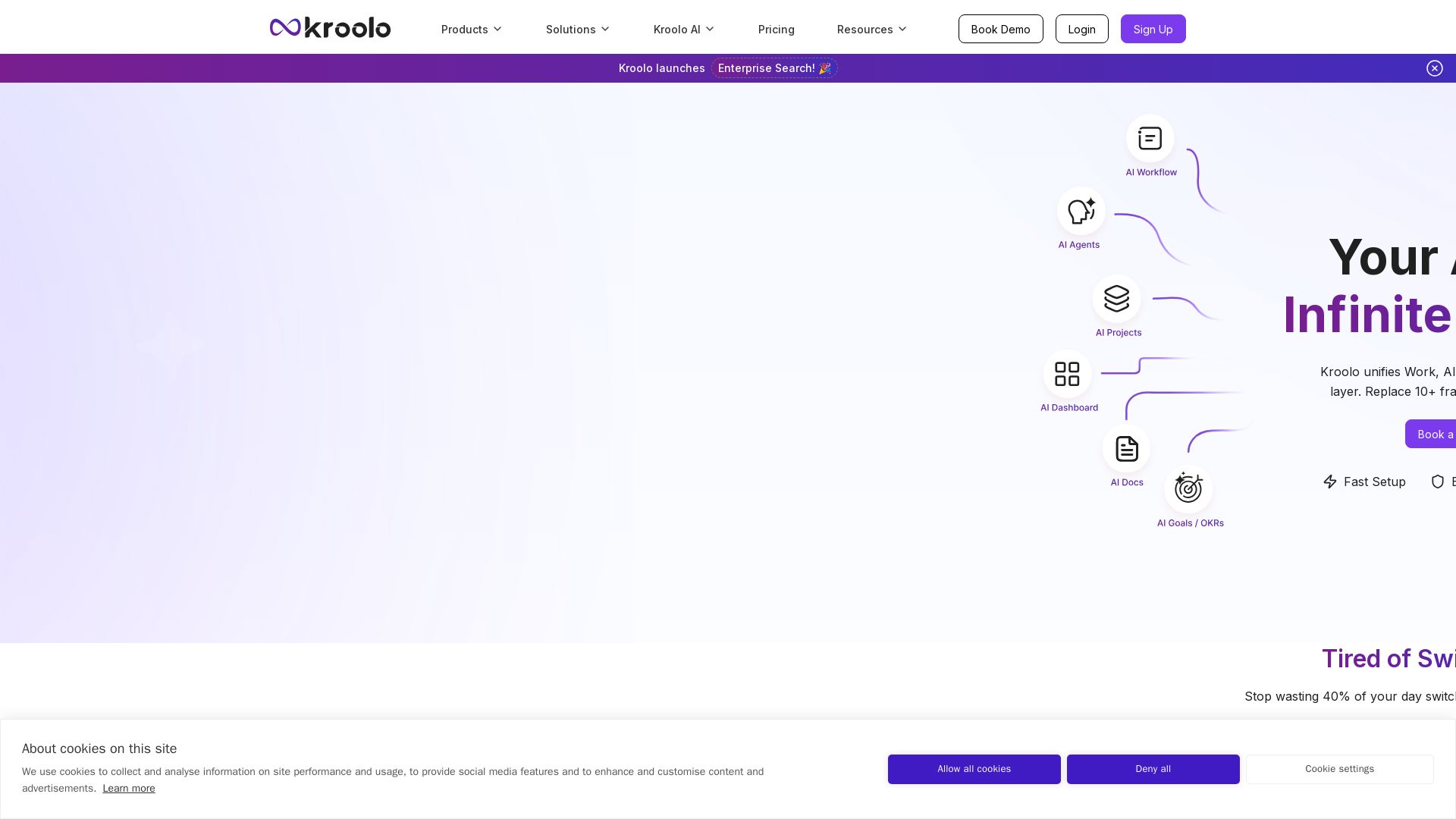
Kroolo
Replace 10+ fragmented apps with one AI-native platform. Kroolo unifies work, AI agents, and enterprise search to boost productivity up to 70%.


PrometAI
Generate investor-ready business plans in minutes with PrometAI's AI. Trusted by 100,000+ founders. Start for free, no guesswork.

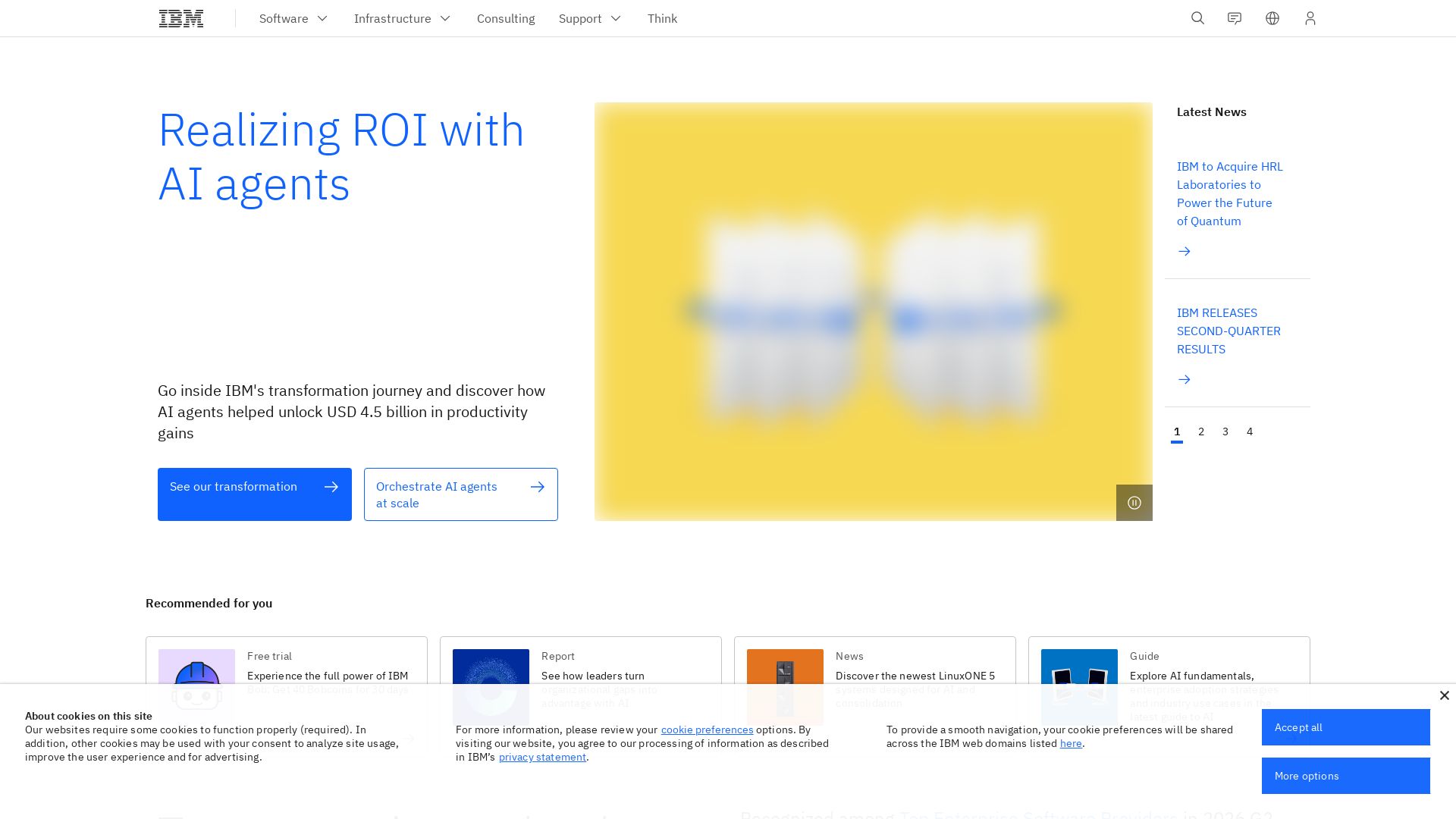
What is crewAI?
Discover how IBM's AI agents unlocked $4.5B in productivity gains. Explore watsonx, IBM Bob, and hybrid cloud to drive smarter business outcomes.

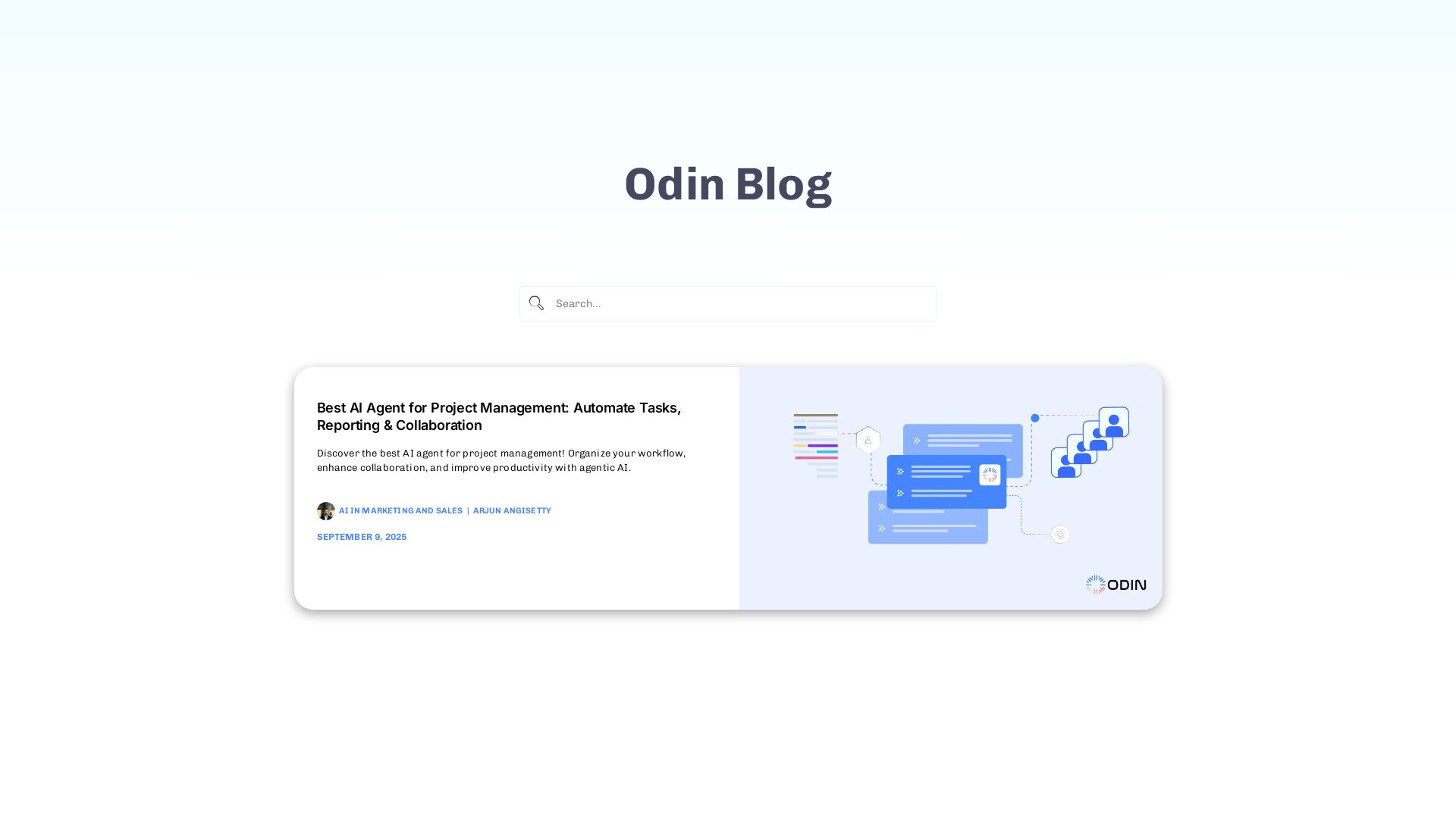
Odin AI
Automate tasks, document summarization, and collaboration with Odin AI's no-code platform. Boost productivity with intelligent AI agents.

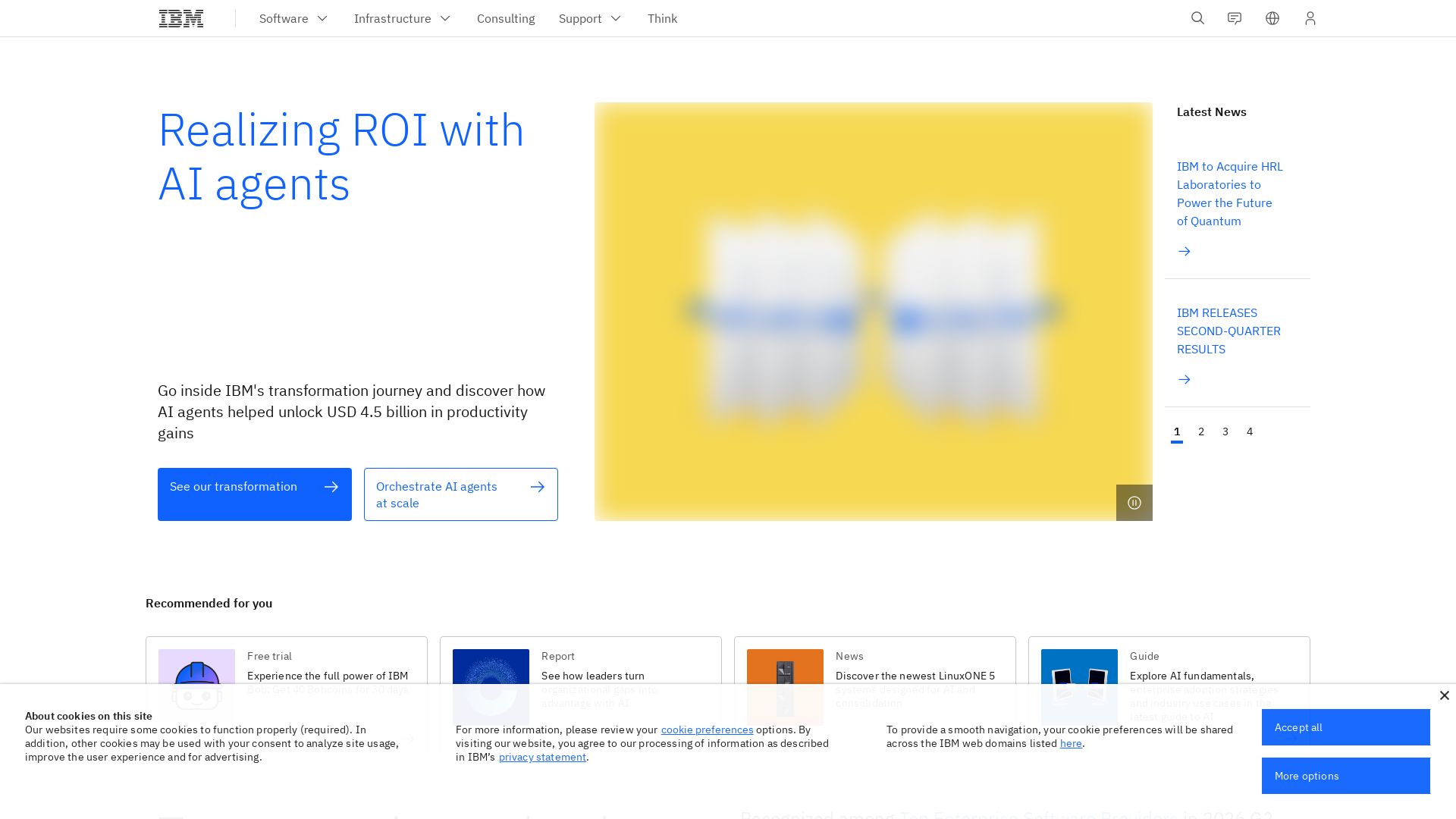
IBM
Discover how IBM's AI agents transformed operations, delivering $4.5 billion in productivity. Explore IBM Bob, watsonx Orchestrate, and more.

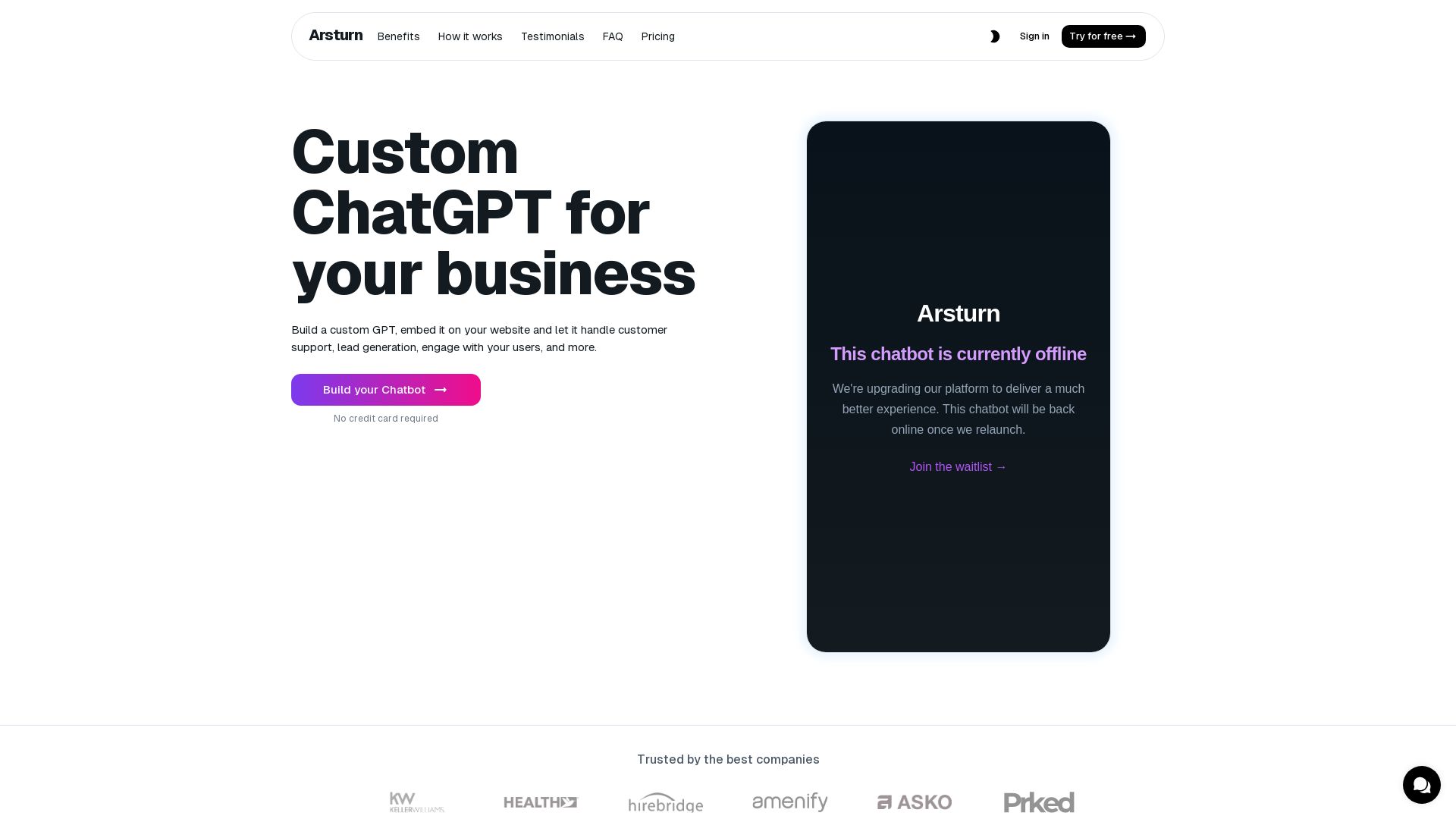
Arsturn
Build a custom GPT chatbot without coding. Train with your data, embed on website, boost engagement and lead generation. Free plan available.


Expo AI Chatbot
Build AI chatbot apps for iOS, Android & web with Expo SDK 54, AI SDK 5, voice, long-term memory, and more. Open-source codebase.


Cequence AI Gateway
Safely connect AI agents to business apps with enterprise-grade security, OAuth 2.1, and MCP. Unlock agentic AI productivity.


Chatbot Builder
Build an AI chatbot in minutes without coding. 24/7 customer support, sales automation, and seamless integrations. Start your free 14-day trial today!

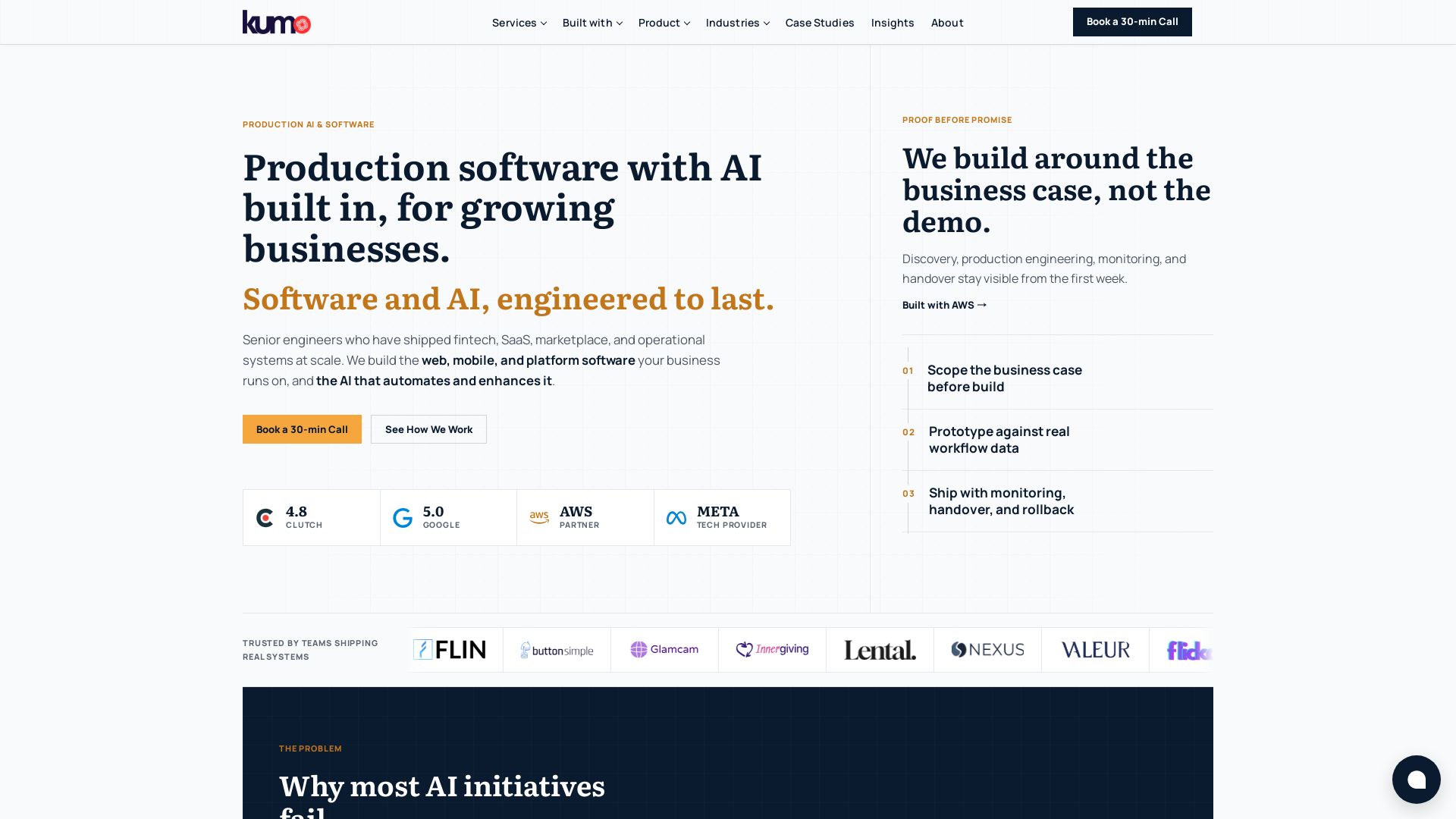
KUMO
Senior engineers build AI-powered software that lasts. Trusted by teams shipping real systems. Book a 30-min call to start building.


ChatBot
Train an AI agent on your website in minutes. Answer questions, recommend products, and close sales 24/7. Free 14-day trial, no credit card.

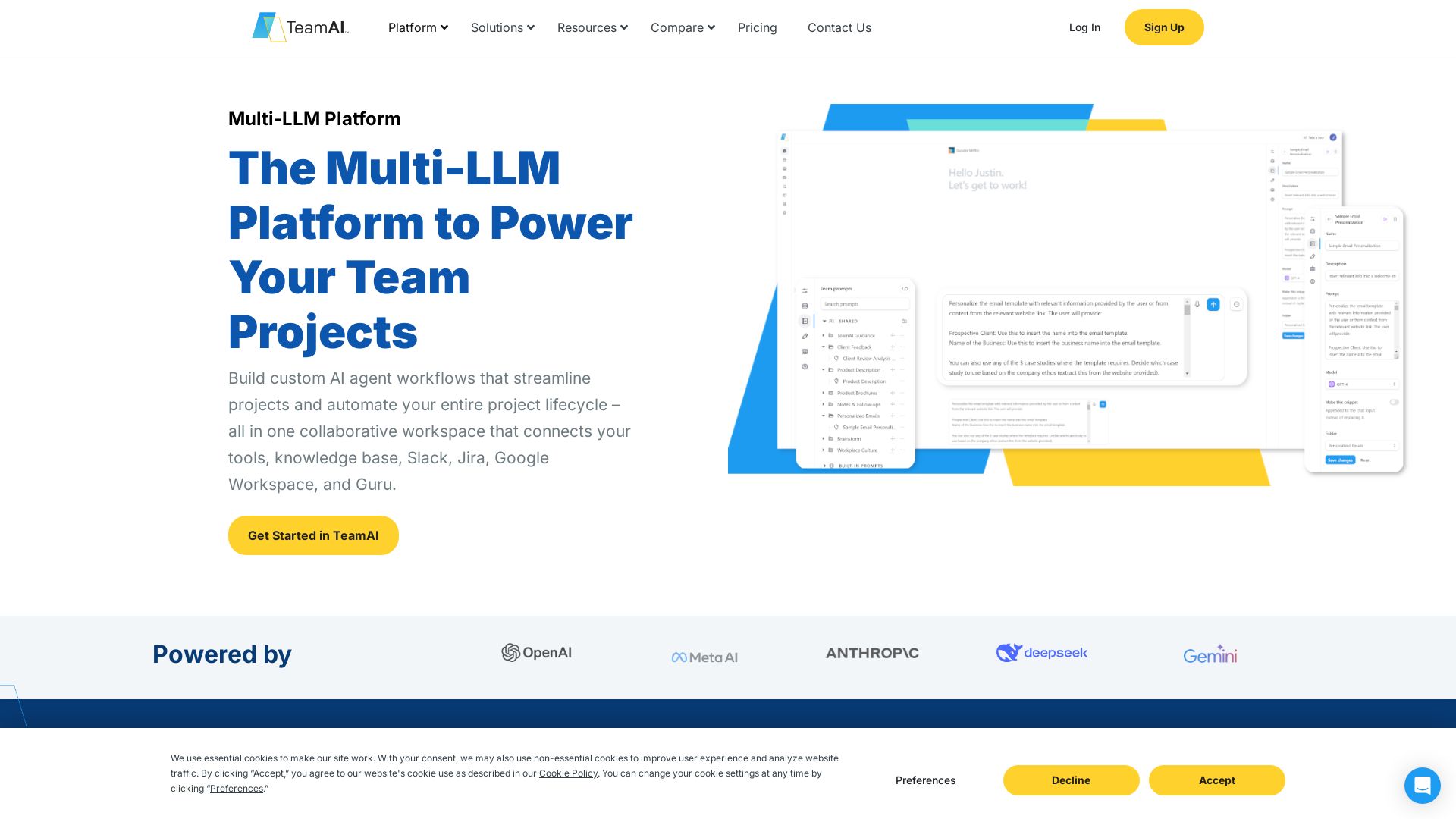
TeamAI
Build custom AI agents, automate workflows, and collaborate with top models in one workspace. Trusted by 1000+ businesses. Start free!

ℹ️ Curation Disclosure: The overview and features of TypingMind were synthesized using AI and fact-checked by our curation team to ensure accuracy.