
CrewClaw
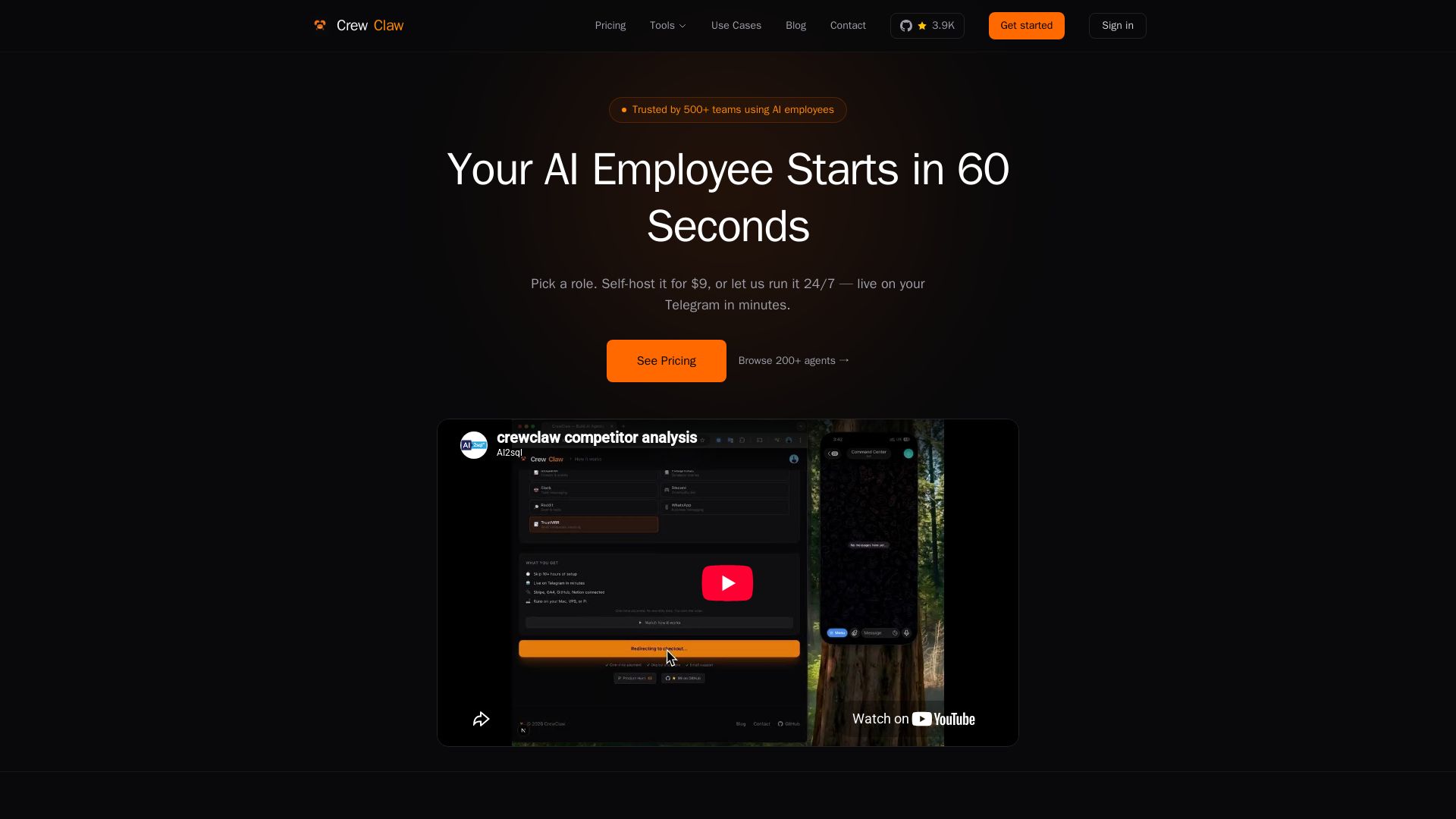
Deploy pre-built AI employees—metrics, SEO, DevOps—that work 24/7 on Telegram, Slack. Self-host for $9 or hosted $29/mo. No code needed.
Editor's Verdict
Key Takeaways
- Pre-built AI employees
- Pre-wired integrations
- Multi-agent teams
- 24/7 proactive monitoring
In-Depth Review: What is CrewClaw?
CrewClaw provides pre-configured AI employees for roles like metrics, SEO, DevOps, and more. Each AI employee is fully integrated with tools like Stripe, GA4, GitHub, and communicates via Telegram, Slack, or WhatsApp. You can self-host for a one-time $9 fee or have CrewClaw run it for $29/month. With over 200 agent templates and ready-made teams, you can automate tasks like content creation, code review, customer support, and social media management in about 5 minutes. Trusted by 500+ teams, CrewClaw lowers the barrier to AI adoption for solo founders and lean teams.
Core Features
Pre-built AI employees
Choose from 187 pre-configured agent roles (e.g., Metrics, SEO, DevOps) with personality, skills, and integrations already set up.
Pre-wired integrations
Connect to Stripe, GA4, GitHub, PostgreSQL, Notion, and more without writing custom scripts.
Multi-agent teams
Deploy ready-made agent crews for content pipeline, DevOps, customer support, SEO, code review, and more.
24/7 proactive monitoring
AI employee checks in on a schedule and sends alerts via Telegram, Slack, or WhatsApp without you asking.
Memory and context
AI remembers preferences and learns across sessions using persistent MEMORY.md state.
Multi-modal prompts
Supports text, image, and audio input for flexible interaction.
Self-host or hosted
Run on your own machine for $9 one-time, or let CrewClaw host for $29/month with zero maintenance.
Quick deployment
Go live in about 5 minutes with just two terminal commands.
Employee profile (SOUL.md)
Define personality, skills, rules, and tone for each AI employee.
Sub-agents and skills
Modular capabilities and sub-agents allow complex workflows and task delegation.
Pricing
Self-Host
- Full deploy package: SOUL.md + Docker + bot + tools
- All channels (Telegram, Slack, etc.)
- Run it yourself, own it forever
- Free updates, no lock-in
Hosted
- We run your agent 24/7 – powered by Hermes
- No self-hosting, no API-key / sub-ban headaches
- Auto-updated as Hermes changes
- Logs + uptime + priority support
- Cancel anytime
- 14-day money-back guarantee
Pros and Cons
Pros
- Fast setupPre-built agent configs and pre-wired integrations reduce deployment time to ~5 minutes instead of hours.
- No lock-inFull source code is yours to keep, modify, and re-deploy; free updates and no subscription required for self-host.
- Proactive alertsAI employee works 24/7 and pushes reports/alerts to your preferred chat app without manual polling.
- Wide integration supportConnects to popular tools like Stripe, GA4, GitHub, PostgreSQL, Notion, and more out of the box.
- Multi-agent teamsPre-configured agent crews for common workflows (content, DevOps, support, SEO) enable complex automation easily.
Cons
- Requires basic technical skillsSelf-hosting requires running terminal commands and managing API keys; not entirely no-code.
- Hosted plan costAt $29/month, the hosted plan may be expensive for casual users; free tier is not available.
- Limited model choiceWhile it supports Claude, GPT, and Ollama, it may not support all LLMs or custom models.
- Dependency on API keysIntegrations require adding API tokens from each service, which can be cumbersome to set up initially.
- Potential learning curveUnderstanding agent configs (SOUL.md, AGENTS.md, MEMORY.md) may be confusing for absolute beginners.
Use Cases & Recommended Professions
Solopreneur / Solo Founder→ View Toolkit
Automate revenue tracking, competitor monitoring, content pipeline, and daily standups without hiring a team.
Developer / Software Engineer→ View Toolkit
Set up AI DevOps monitoring, code review, incident response, and sprint planning for small engineering teams.
Marketer / SEO Specialist→ View Toolkit
Deploy AI employees for keyword tracking, content creation, social media management, and campaign performance monitoring.
Customer Support Manager→ View Toolkit
Automate ticket triage, knowledge base updates, sentiment tracking, and escalation playbooks to reduce response time.
Content Creator / Freelancer→ View Toolkit
Use AI agents for proposal writing, project handoff docs, content repurposing, and scheduling across platforms.
Operations / Operations Manager→ View Toolkit
Monitor inventory, finance (burn rate, MRR), legal compliance, and HR tasks with dedicated AI employees.
Frequently Asked Questions
Alternative AI Tools
View Detailed Comparison →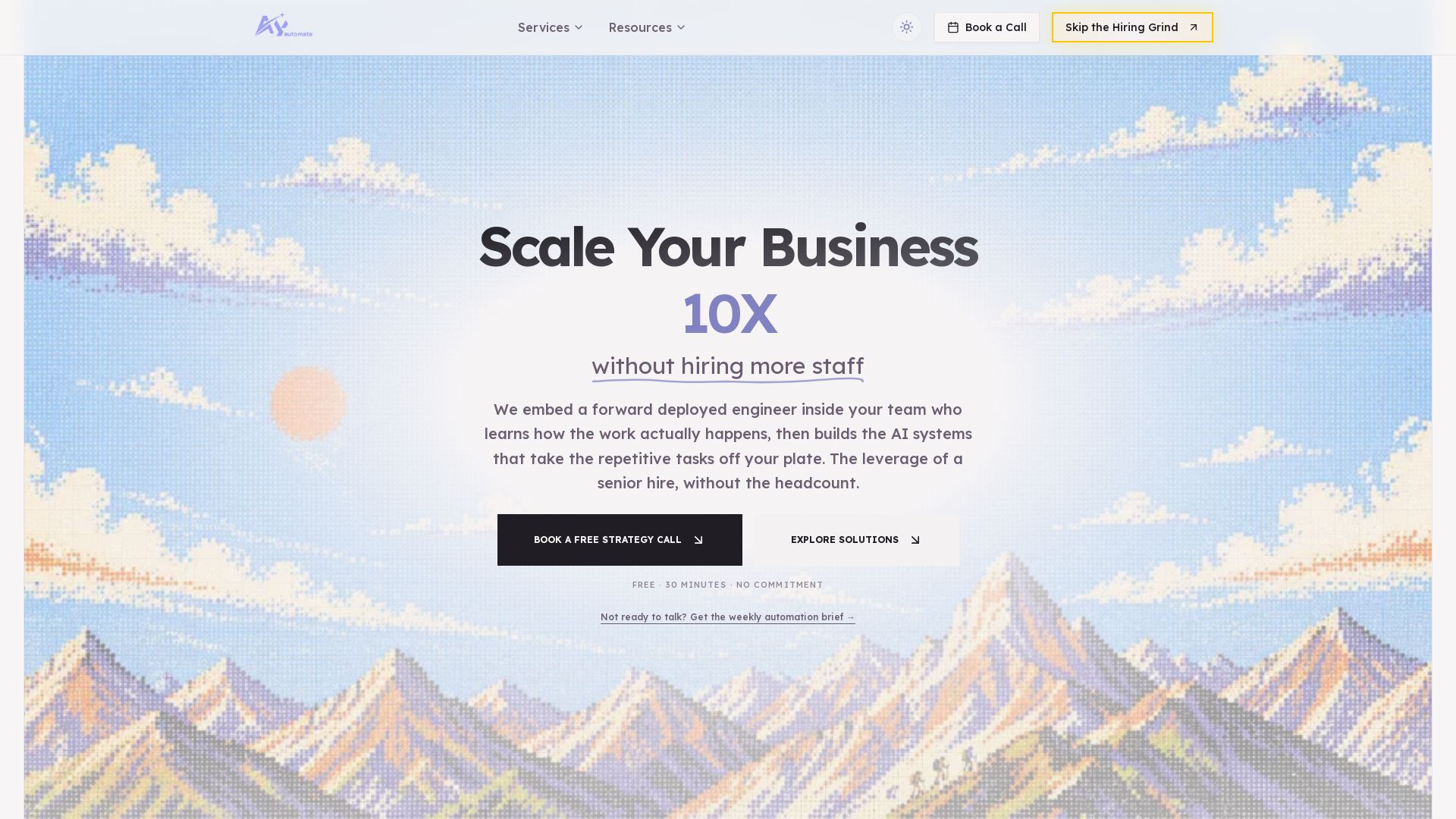
AY Automate
AI automation agency embedding engineers to build custom AI agents. Automate workflows with n8n, Claude Code. Month one refundable. Free strategy call.

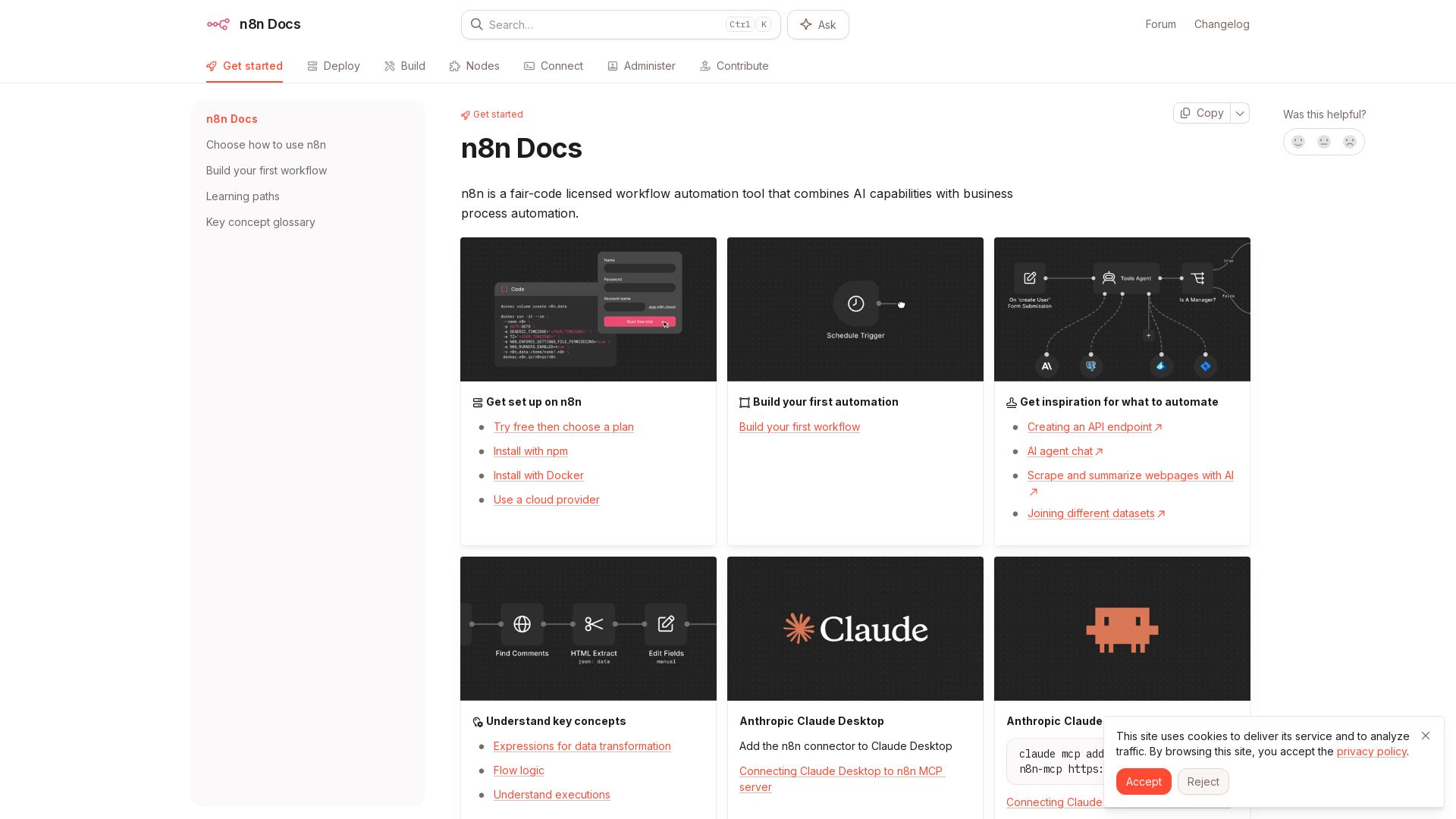
n8n
n8n is a fair-code licensed workflow automation tool that combines AI capabilities with business process automation. Get started with npm, Docker, or cloud.


Agentic Workers
Automate tasks with 100+ pre-built AI workflows. Connect 800+ tools, save 10+ hours/week. No coding needed. Join 13,000+ professionals.

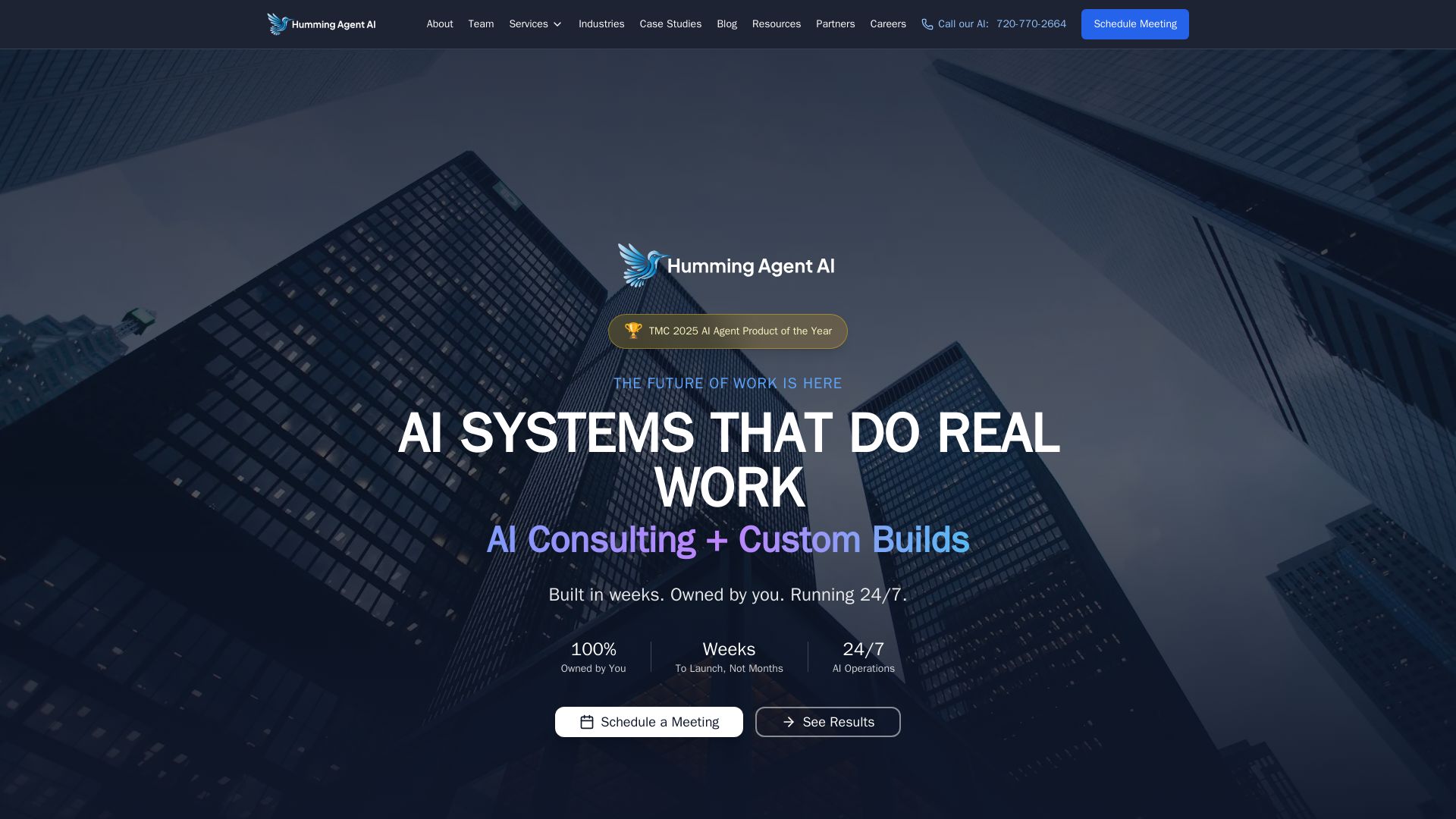
HummingAgent
Stop wasting money on manual work. We build custom AI agents and software that work 24/7, owned by you. Get a free consultation.

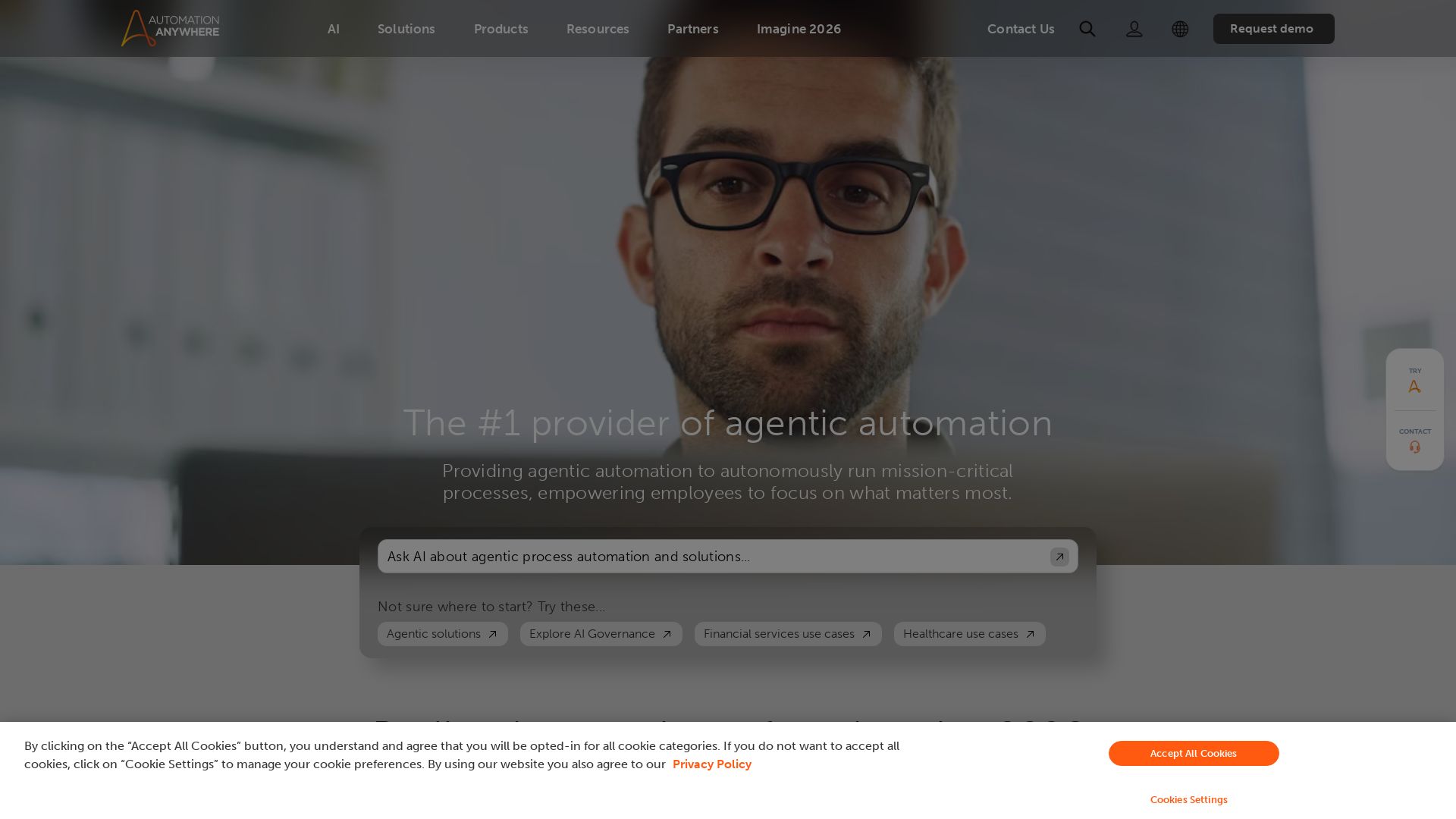
Automation Anywhere
Automate mission-critical processes with agentic AI. Trusted by global leaders. Boost efficiency, ensure compliance. Request a demo.

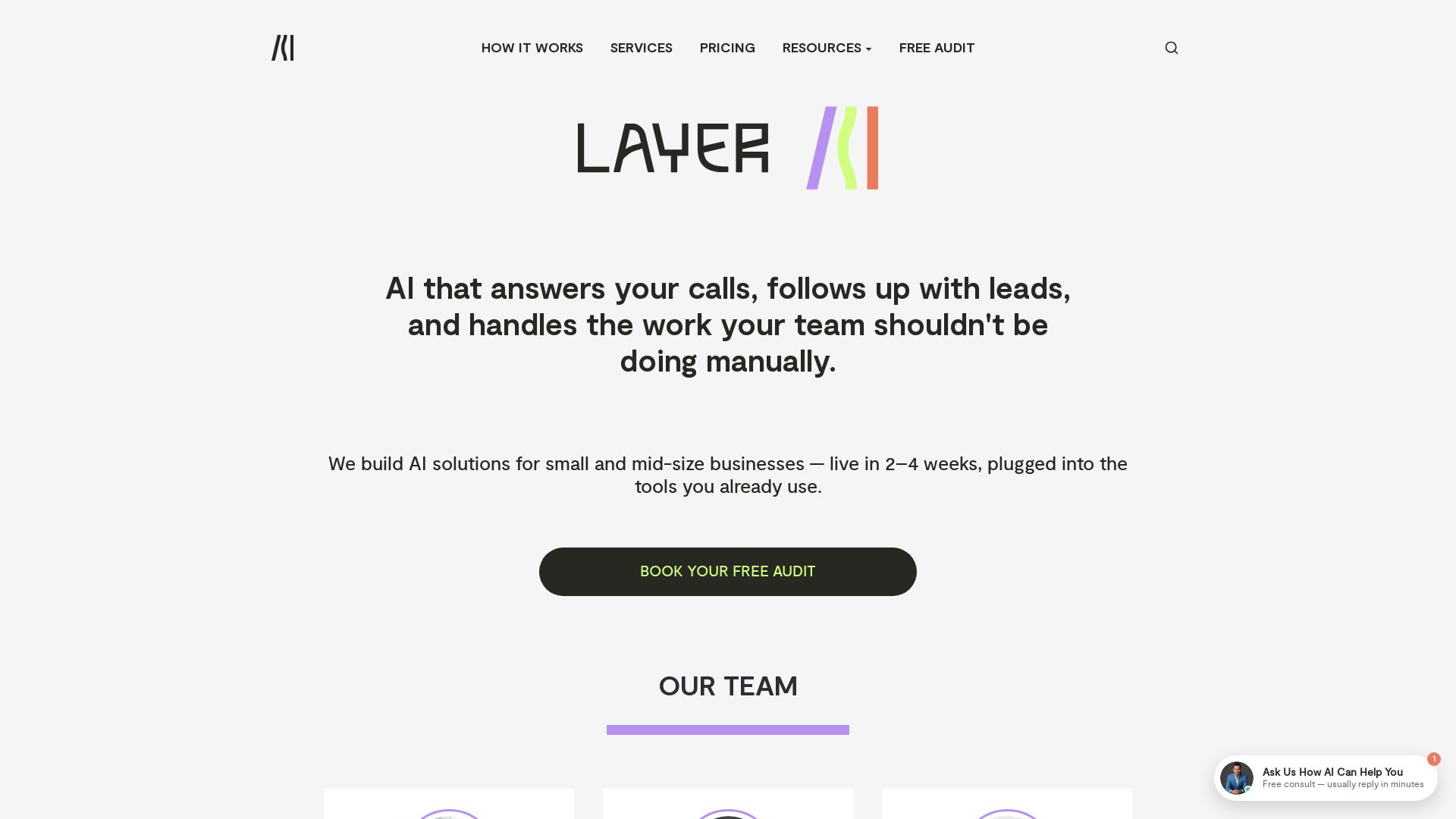
Layer3Labs
AI that answers calls 24/7, follows up leads, and automates manual tasks. Live in 2-4 weeks, integrates with your tools. Free audit.

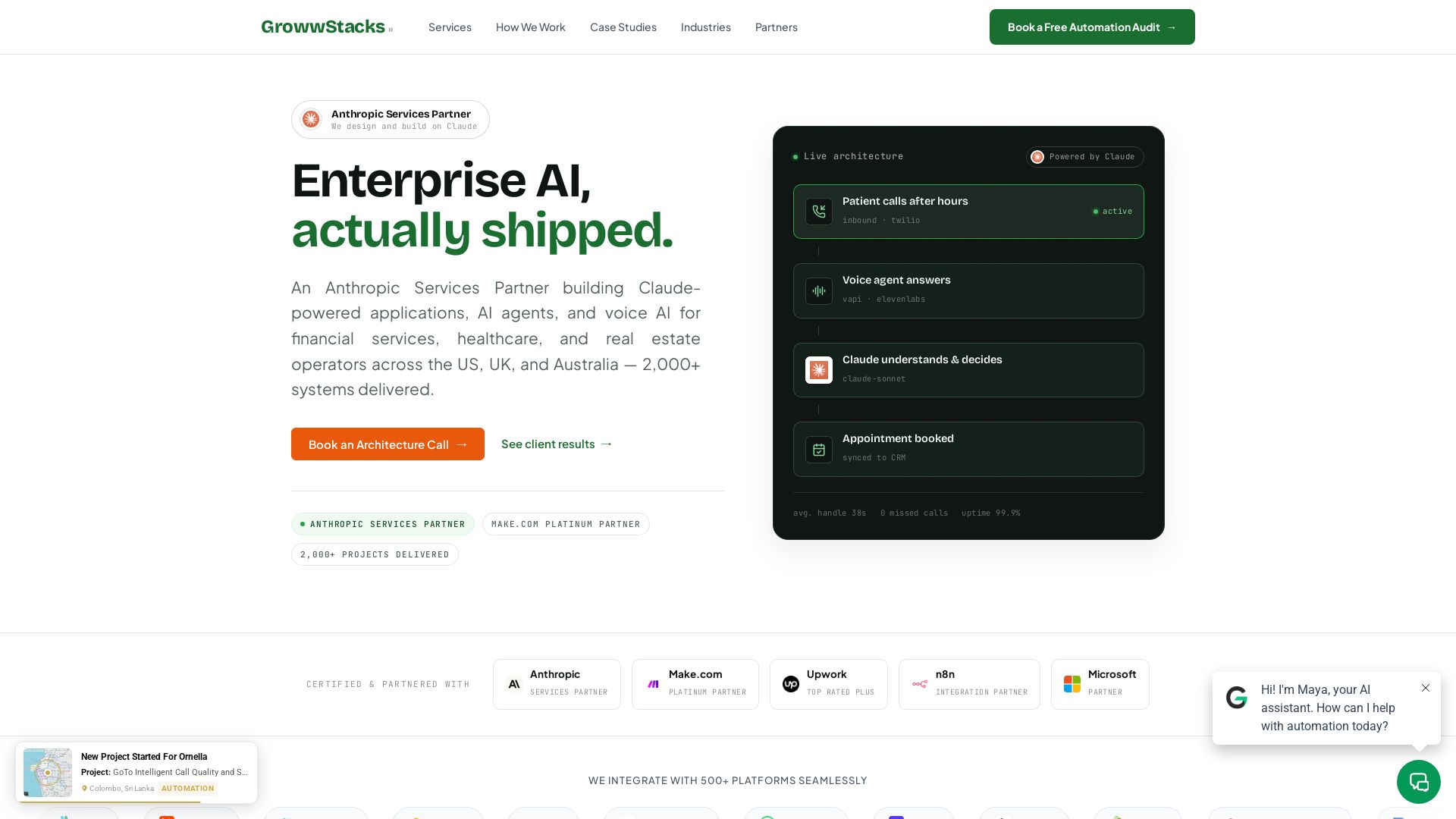
GrowwStacks
We design and build Claude-powered AI agents, voice AI, and workflow automation for financial services, healthcare, and real estate. 2000+ systems delivered. Free audit.
Celigo
Automate your business with Celigo's AI-driven platform. Connect 1,000+ apps, streamline workflows, and empower teams. Start free trial.

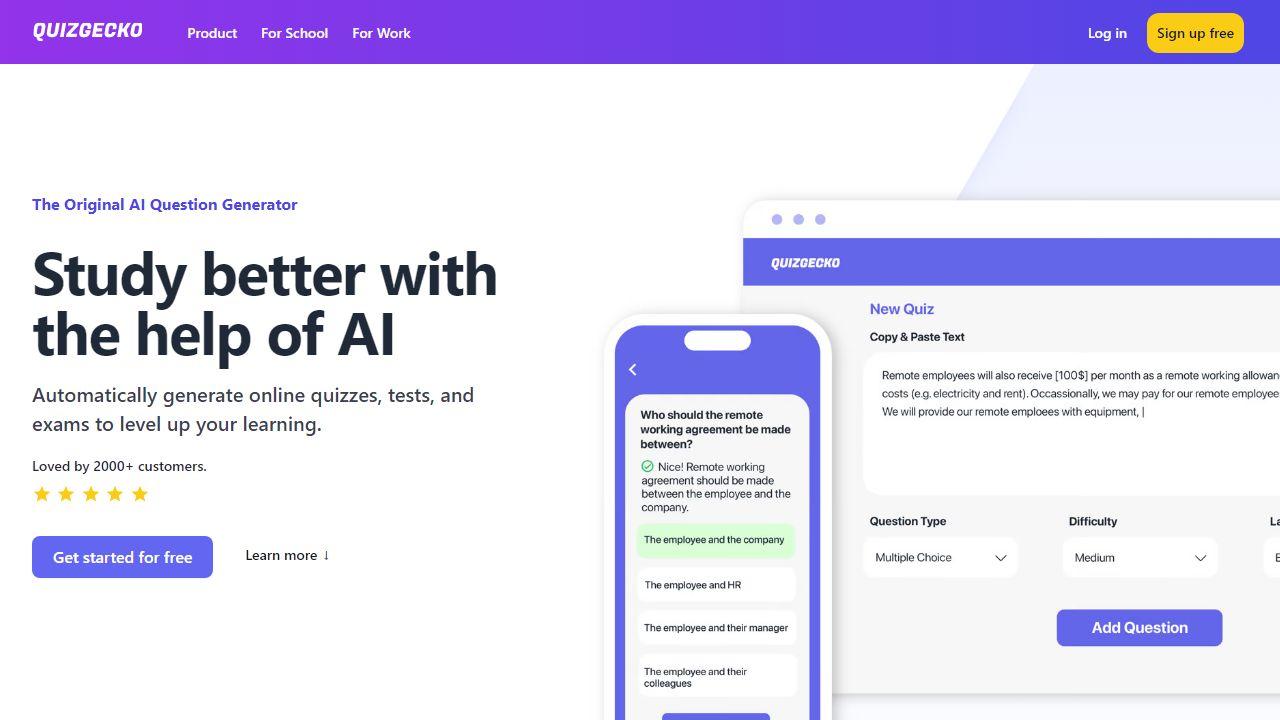
Scalevise
Scalevise designs intelligent systems and automations to connect applications, streamline workflows, and drive scalable growth with security and compliance.

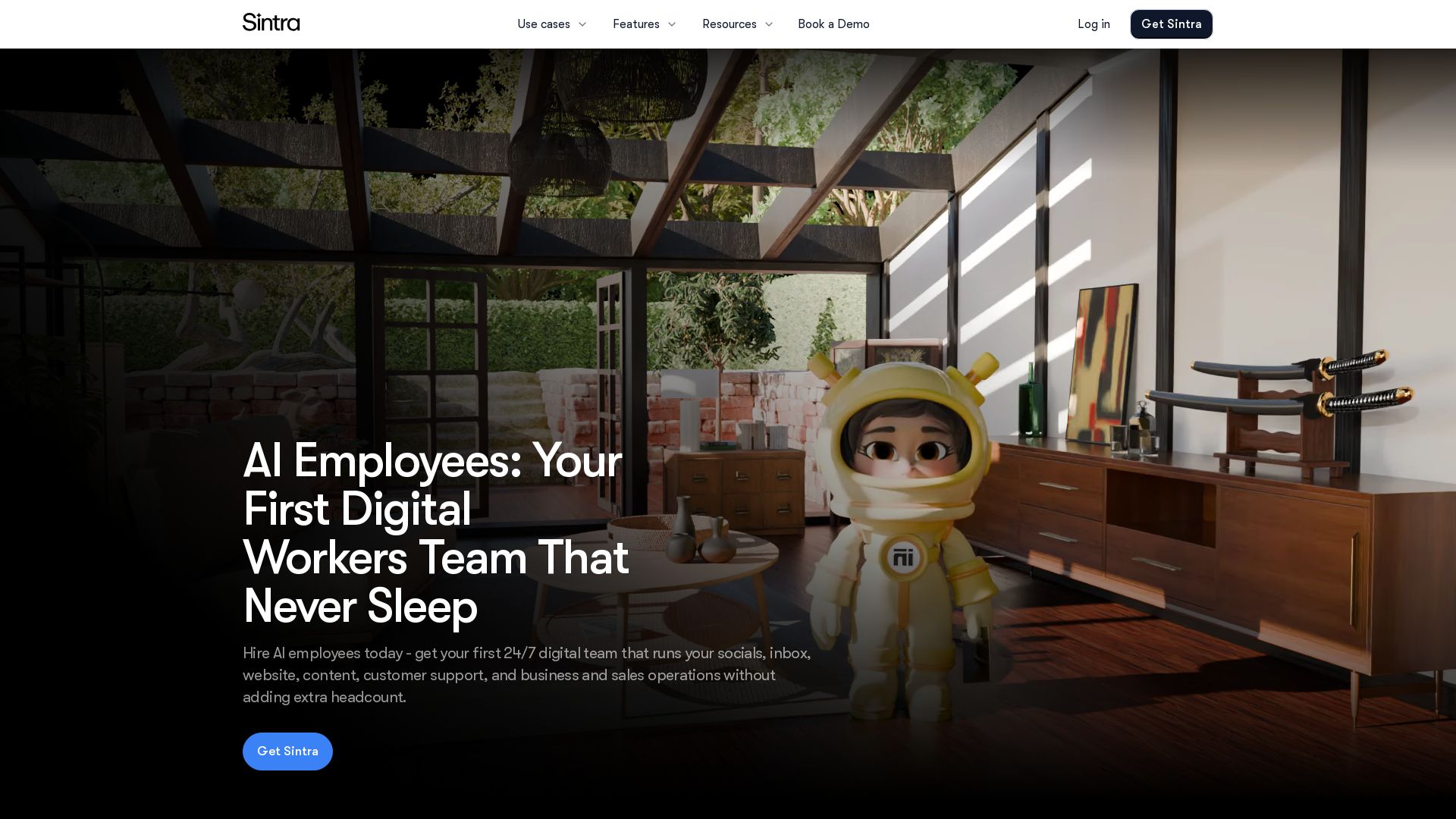
Sintra
Hire AI employees to automate social media, SEO, customer support, sales, and more. Get a 24/7 digital workforce that scales with your business. No extra headcount needed.

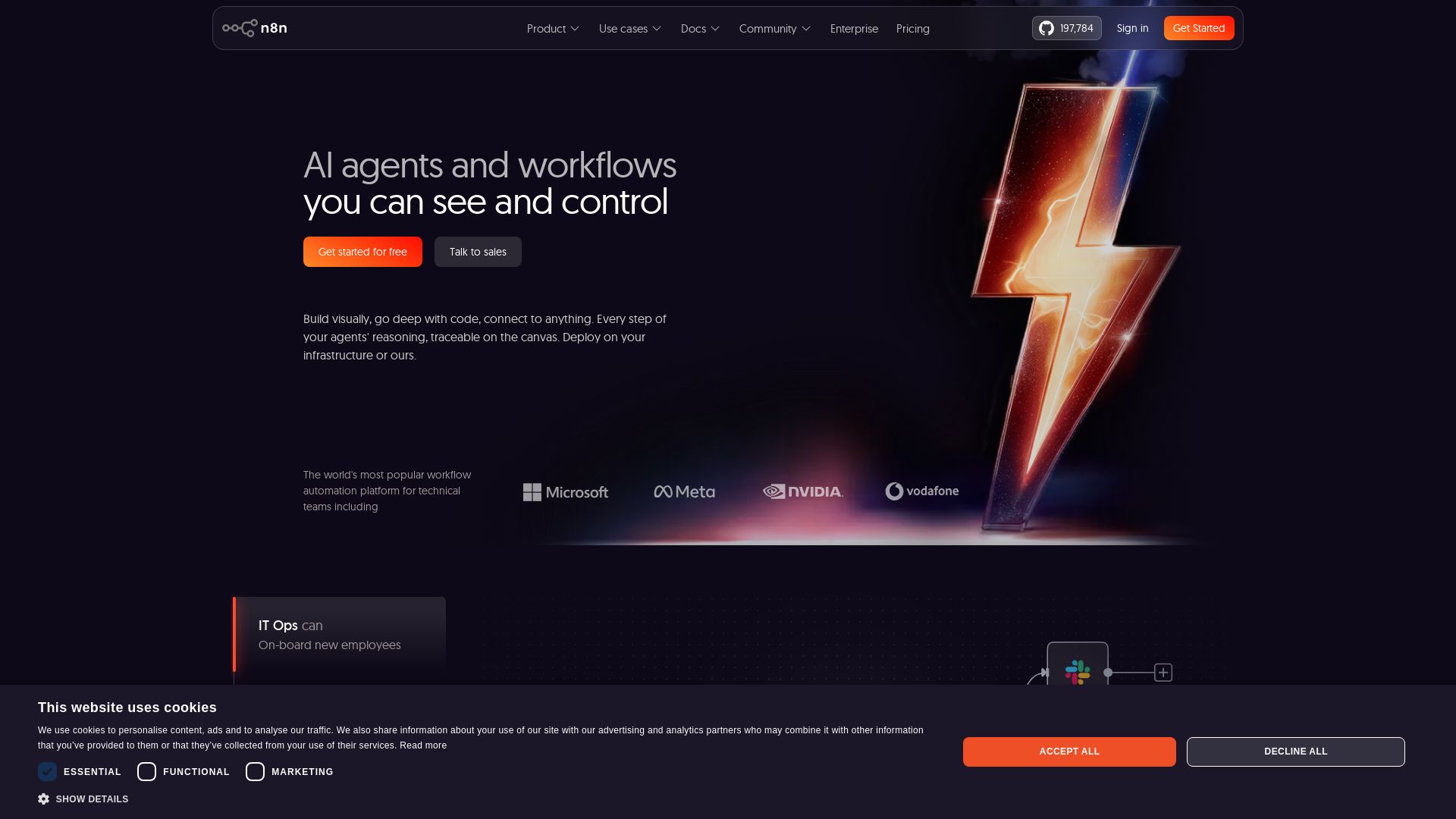
n8n
Build AI agents visually, code when needed. Connect 500+ integrations, deploy on-prem. Traceable reasoning, human-in-the-loop. Trusted by 200k+ community.


Zapier
Connect AI to 9,000+ apps. Build AI agents, chatbots, and workflows without code. Trusted by Fortune 500. Start free.

ℹ️ Curation Disclosure: The overview and features of CrewClaw were synthesized using AI and fact-checked by our curation team to ensure accuracy.
