
CalendarMCP
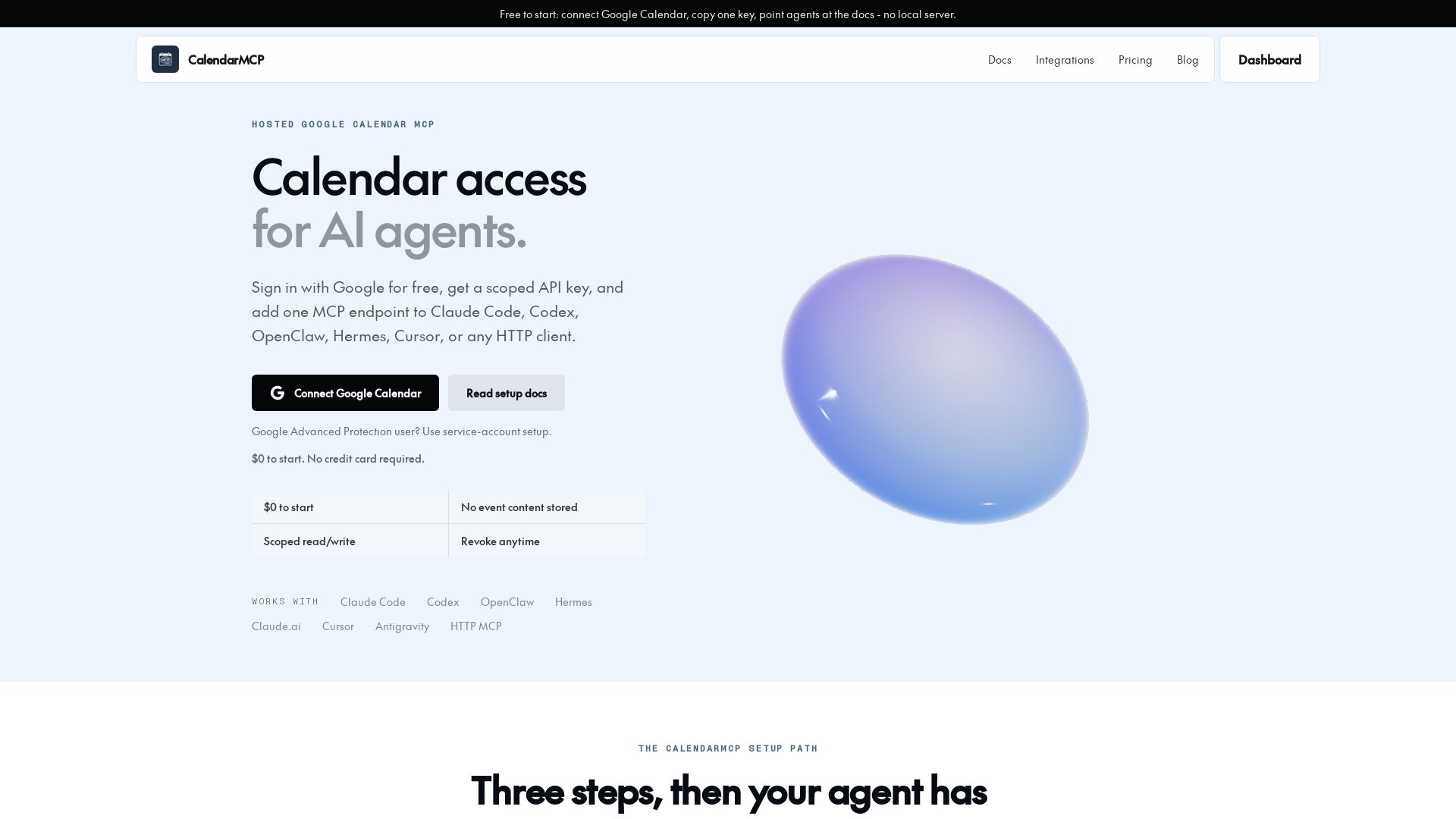
Free hosted Google Calendar MCP server. Connect in 3 steps: OAuth, copy key, add endpoint. No local setup. Works with Claude, Codex, Cursor.
Editor's Verdict
Key Takeaways
- Free to start
- 11 Calendar Tools
- Multi-Calendar Support
- Batch Operations
In-Depth Review: What is CalendarMCP?
CalendarMCP is a hosted Google Calendar MCP server that lets AI agents access calendar tools without a local server or credentials file. Simply sign in with Google, get a scoped API key, and add the endpoint to your agent. It supports batch updates, multi-calendar queries, free time search, and 11 calendar tools. Free to start with no event content stored and revocable access. Compatible with Claude Code, Codex, OpenClaw, Hermes, Cursor, and more.
Core Features
Free to start
Connect Google Calendar, copy an API key, and point agents at the docs with no local server required. No credit card needed.
11 Calendar Tools
Full Google Calendar MCP surface including list, get, create, update, delete, quick add, batch update, free time, attendee management, and calendar creation.
Multi-Calendar Support
Query across connected calendars and merge results by time for a unified view.
Batch Operations
Update up to 50 events in a single concurrent call for efficient bulk scheduling.
Scoped Access Controls
Per-calendar read/write permissions, revocable Google access, and no event content stored for privacy.
Google Advanced Protection
Service-account activation flow for users blocked from OAuth, supporting enhanced security.
Agent-Native Setup
Machine-readable docs, structured errors, and HTTP MCP support for seamless integration with AI agents like Claude Code, Cursor, and Codex.
Availability Search
Find free time across calendars before scheduling, enabling smart conflict management.
Pricing
Free
- All 11 calendar tools
- Multi-calendar account support
- Per-calendar read/write controls
- Batch operations up to 50 events per call
- Google Advanced Protection service-account path
- Claude.ai, Claude Code, Cursor, and HTTP MCP setup
- Machine-readable API docs at /api/docs
- Cloud-hosted OAuth and token refresh
- Connect Google Calendar
- Read API docs
Pros and Cons
Pros
- Free to startNo credit card required, $0 cost to connect Google Calendar and test the full setup path.
- Easy integration with AI agentsWorks with Claude Code, Cursor, Codex, OpenClaw, Hermes, and any HTTP MCP client with a simple config paste.
- No local server requiredOAuth, token refresh, and MCP transport are hosted, so setup is quick and doesn’t require Docker or credentials files.
- Batch operations and multi-calendarUpdate up to 50 events in one call and query across multiple calendars, saving time for complex scheduling.
- Privacy-friendly designNo event content stored, scoped read/write permissions, and revocable Google access.
Cons
- Limited to Google CalendarCurrently only supports Google Calendar; no integration with other calendar providers like Outlook or Apple Calendar.
- Hosted service dependencyRelies on CalendarMCP’s cloud servers; no self-hosted option for full control over data and uptime.
- Future paid plans uncertainAlthough currently free, future pricing may introduce limits or costs for higher usage.
Use Cases & Recommended Professions
Software Engineer→ View Toolkit
Uses AI coding assistants like Claude Code or Cursor and needs to programmatically manage calendar events for automation or scheduling.
Product Manager→ View Toolkit
Manages multiple calendars for team meetings, project milestones, and client calls, and wants AI agents to handle scheduling.
Executive Assistant→ View Toolkit
Coordinates executives’ calendars, needs bulk event creation and availability checks to optimize time.
Event Coordinator→ View Toolkit
Plans events with many moving parts; benefits from quick event creation, batch updates, and free time queries.
AI Researcher→ View Toolkit
Develops AI agents that require calendar integration and needs a simple, hosted MCP server for testing and deployment.
Freelancer/Consultant→ View Toolkit
Juggles multiple clients and projects; uses AI assistants to schedule appointments and manage deadlines across calendars.
Frequently Asked Questions
Alternative AI Tools
View Detailed Comparison →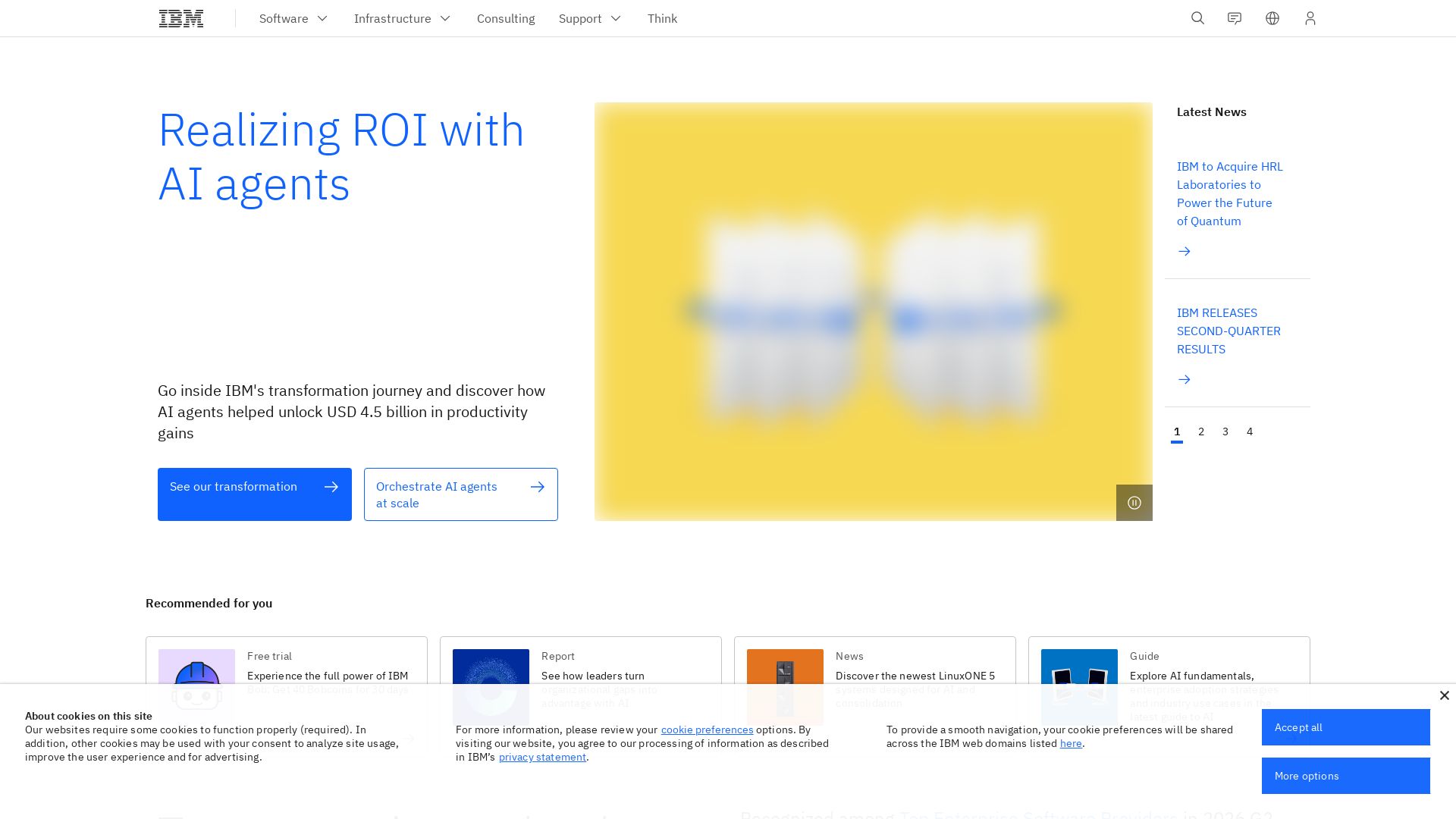
What is crewAI?
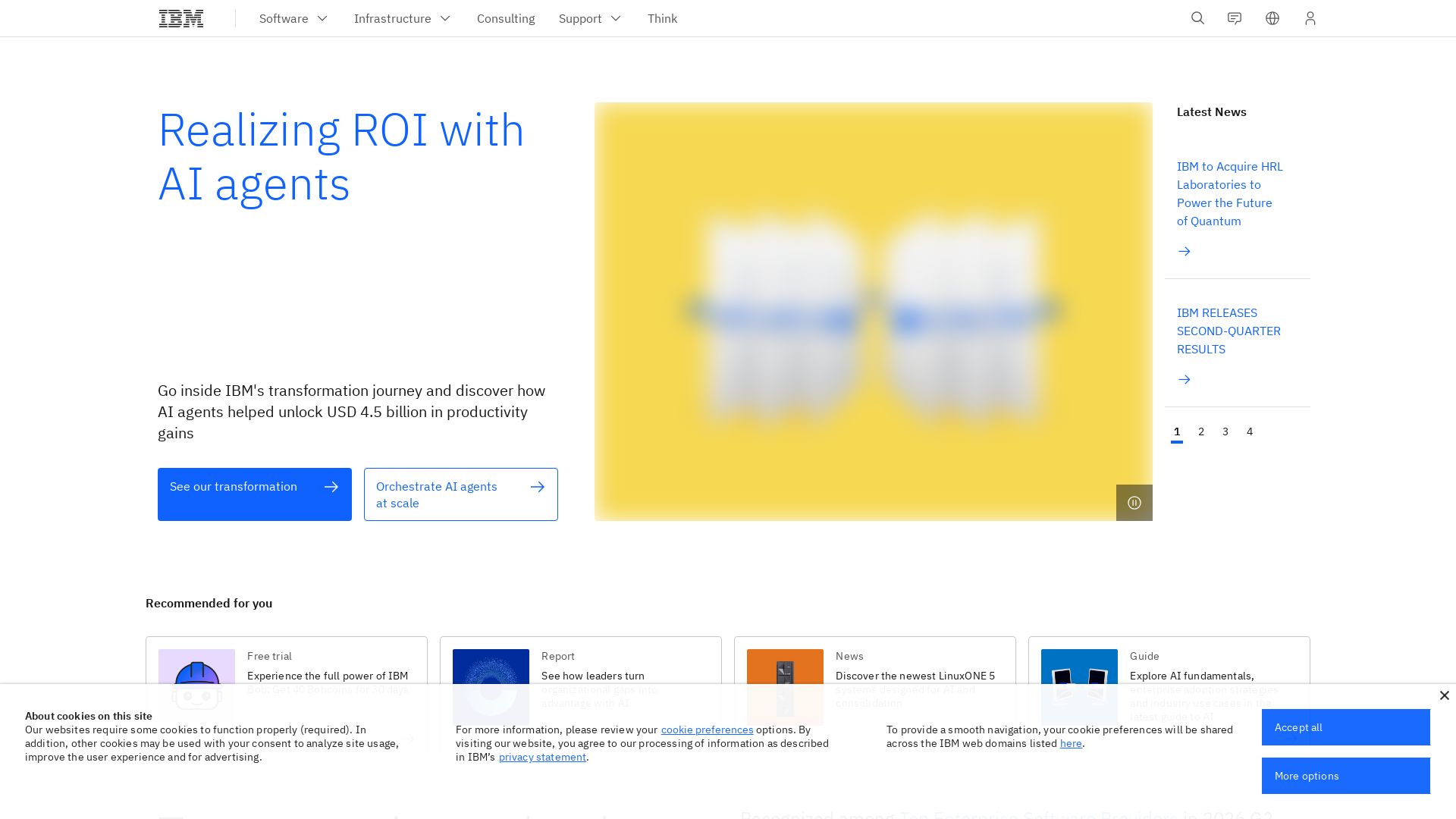
Discover how IBM's AI agents unlocked $4.5B in productivity gains. Explore watsonx, IBM Bob, and hybrid cloud to drive smarter business outcomes.

IBM
Discover how IBM's AI agents transformed operations, delivering $4.5 billion in productivity. Explore IBM Bob, watsonx Orchestrate, and more.


PrometAI
Generate investor-ready business plans in minutes with PrometAI's AI. Trusted by 100,000+ founders. Start for free, no guesswork.


Cequence AI Gateway
Safely connect AI agents to business apps with enterprise-grade security, OAuth 2.1, and MCP. Unlock agentic AI productivity.


Figr
Ship better UX faster. Figr builds a living understanding of your product, maps flows, finds edge cases, and generates high-fidelity prototypes from your actual design system.

Kroolo
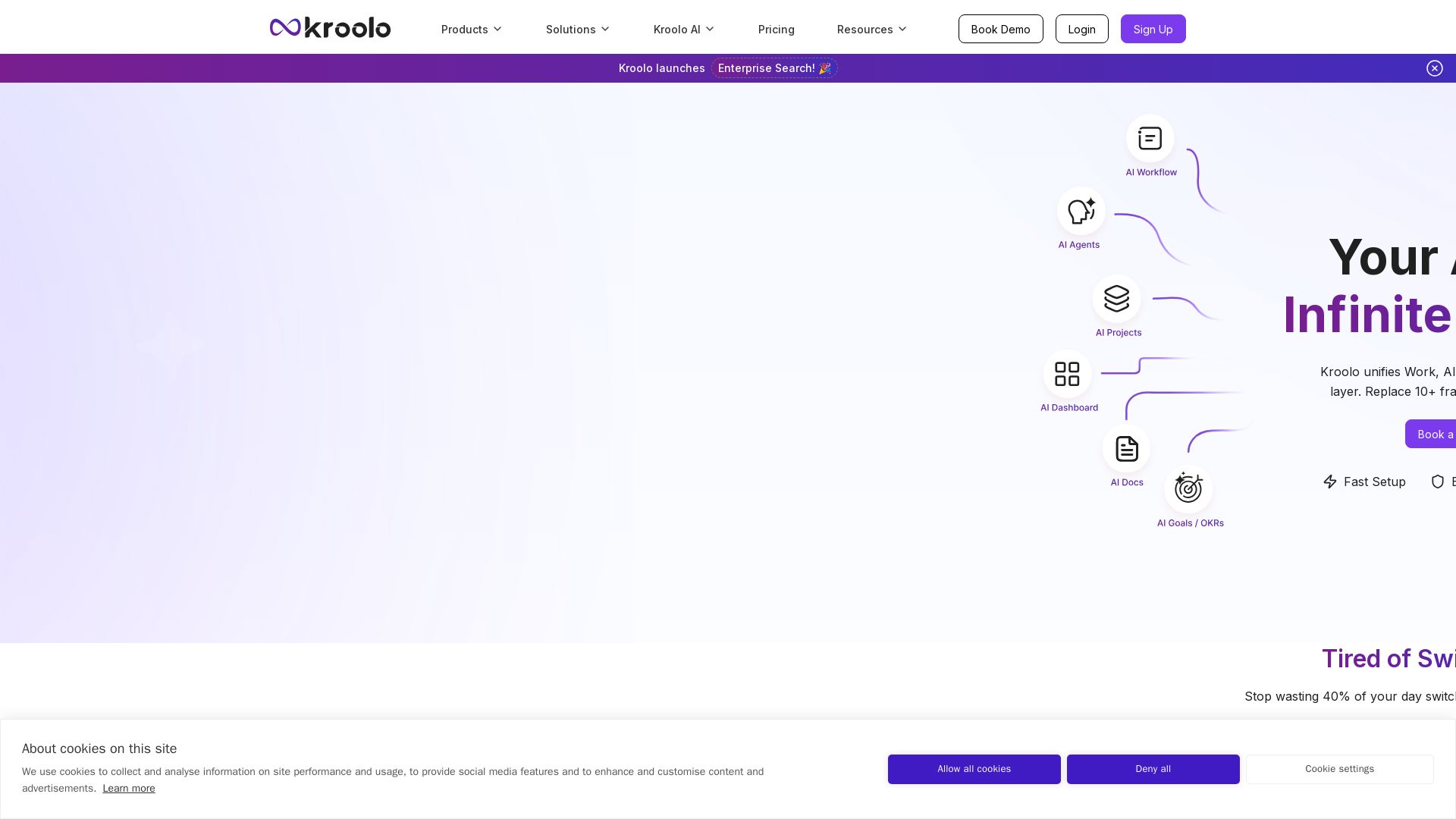
Replace 10+ fragmented apps with one AI-native platform. Kroolo unifies work, AI agents, and enterprise search to boost productivity up to 70%.

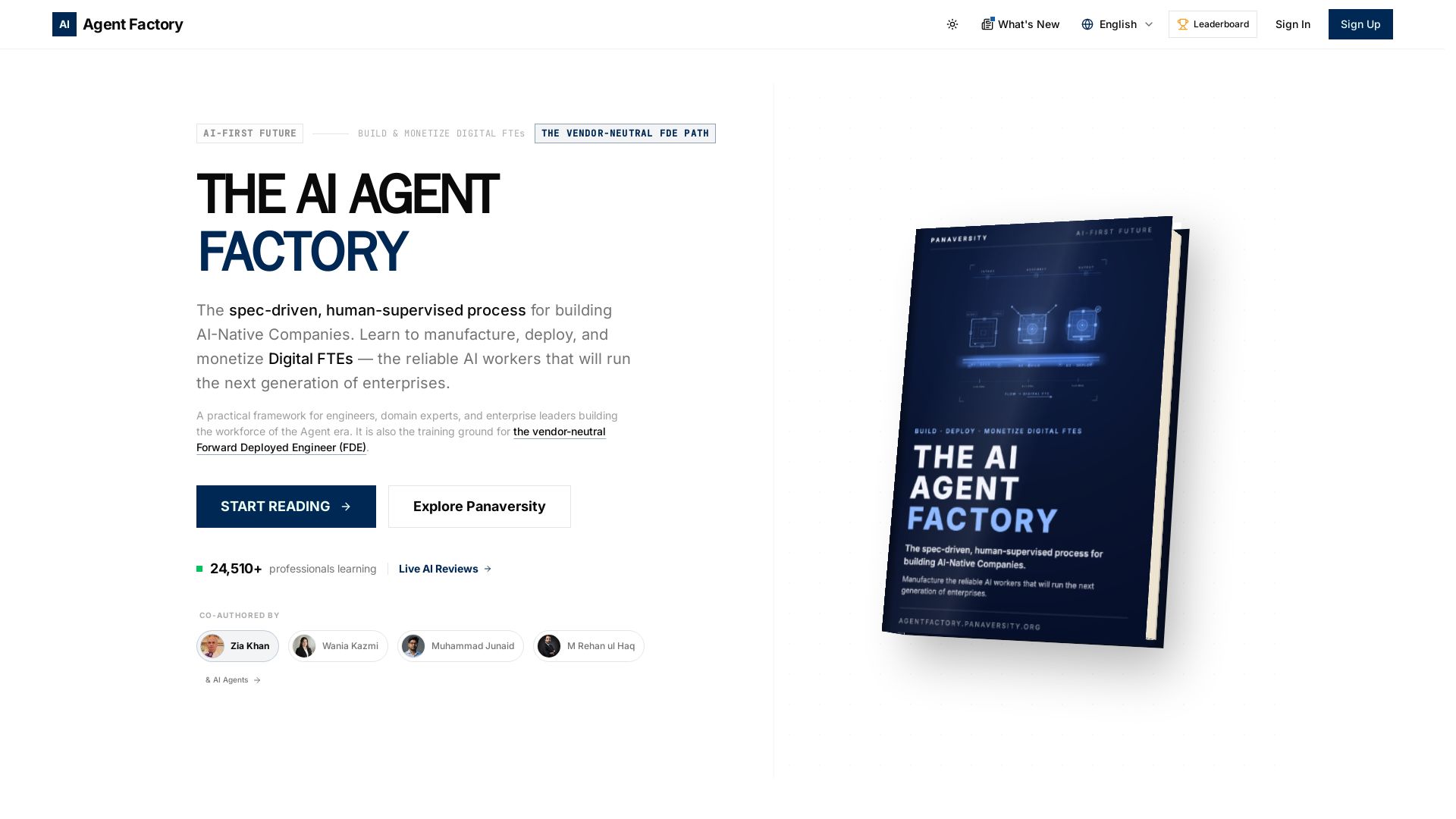
AI Agent Factory
Learn to manufacture, deploy, and monetize AI workers that work 24/7. Spec-driven framework for engineers and domain experts.

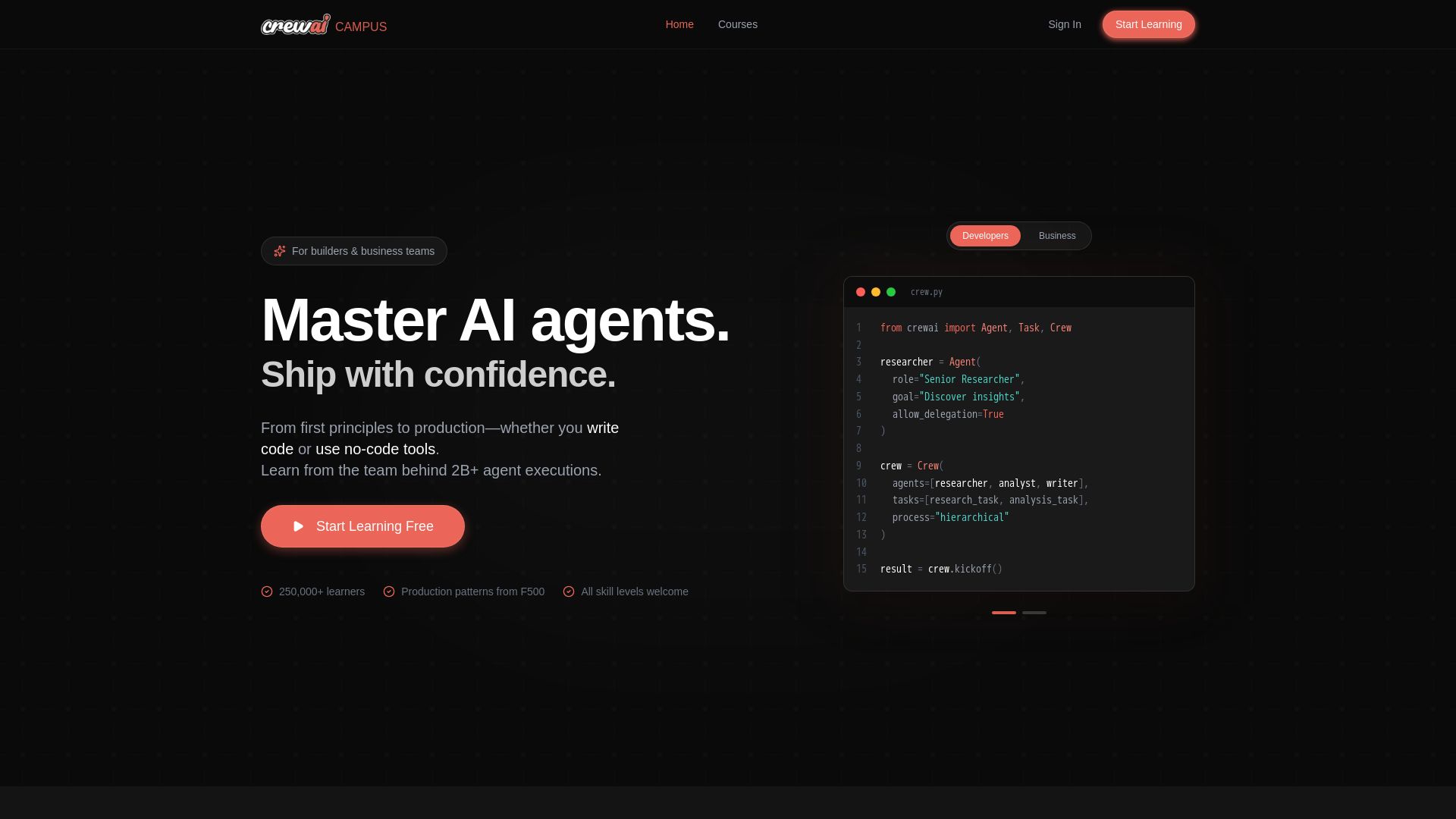
CrewAI Campus
Build production AI agents with hands-on courses from the team behind 2B+ agent executions. For developers and business teams. Start free.

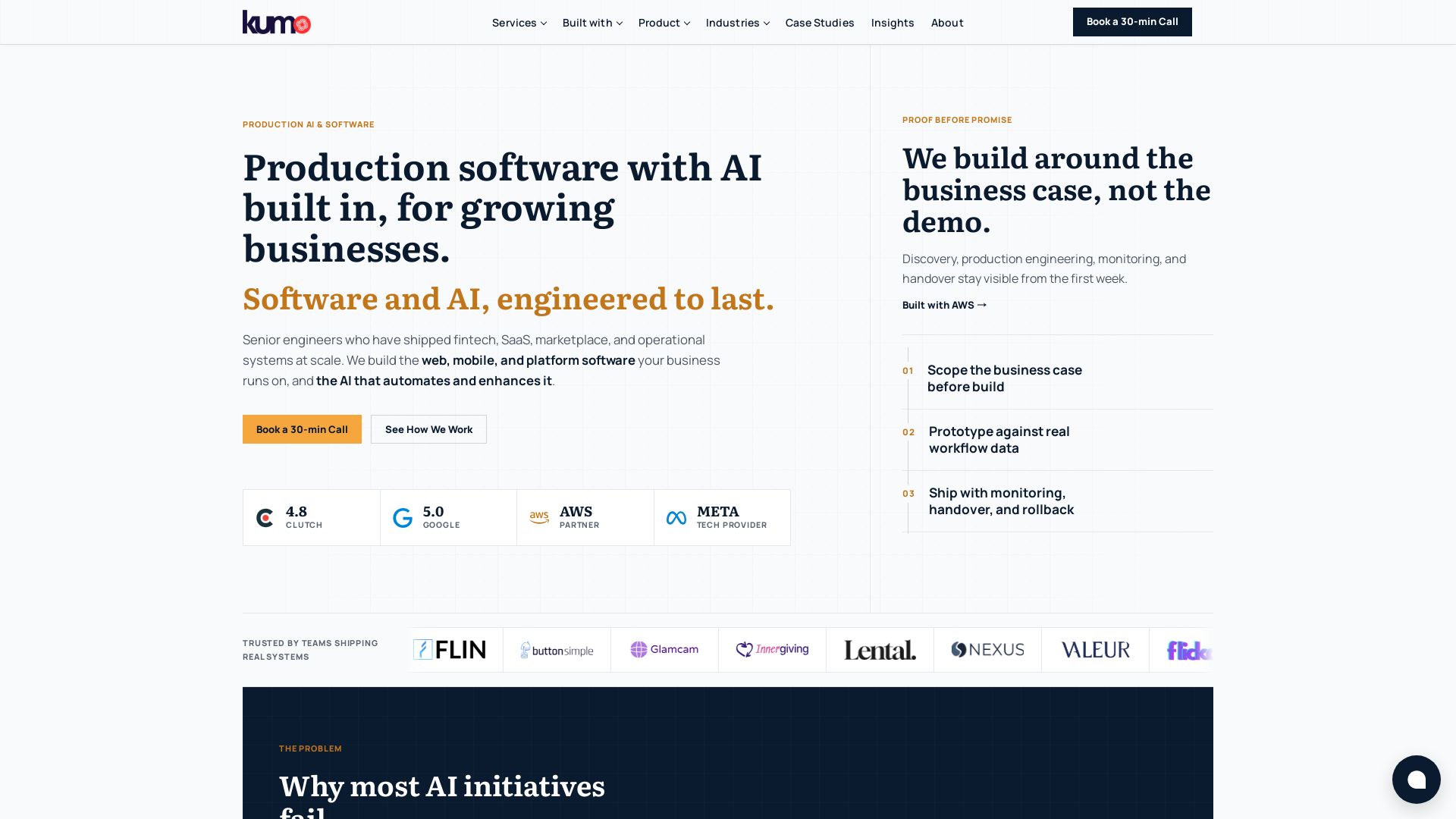
KUMO
Senior engineers build AI-powered software that lasts. Trusted by teams shipping real systems. Book a 30-min call to start building.

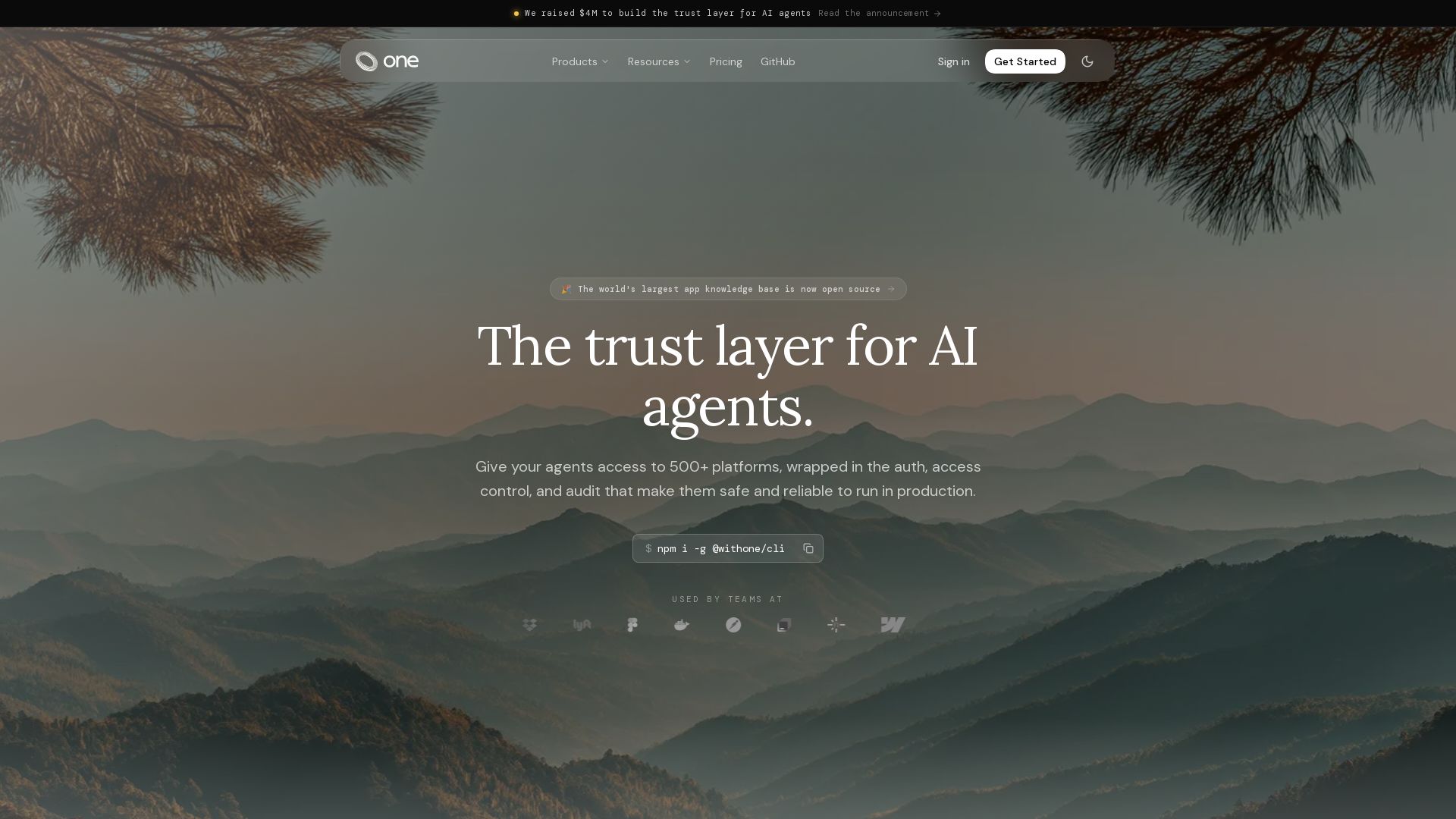
One
Give your AI agents secure access to 500+ platforms with one CLI. Managed auth, 80k+ tools, and production-ready runtime. Free to start.


Gravitee
Secure and govern AI agents, APIs, and events on one platform. Protect against unsecured agents, control LLM costs, and gain visibility. Trusted by top enterprises.

SmythOS
Build, test, and deploy secure AI agents at scale with SmythOS. Open-source runtime, SDK, and visual studio. Democratizing AI agent development.

ℹ️ Curation Disclosure: The overview and features of CalendarMCP were synthesized using AI and fact-checked by our curation team to ensure accuracy.
