
Audio Transcriber AI
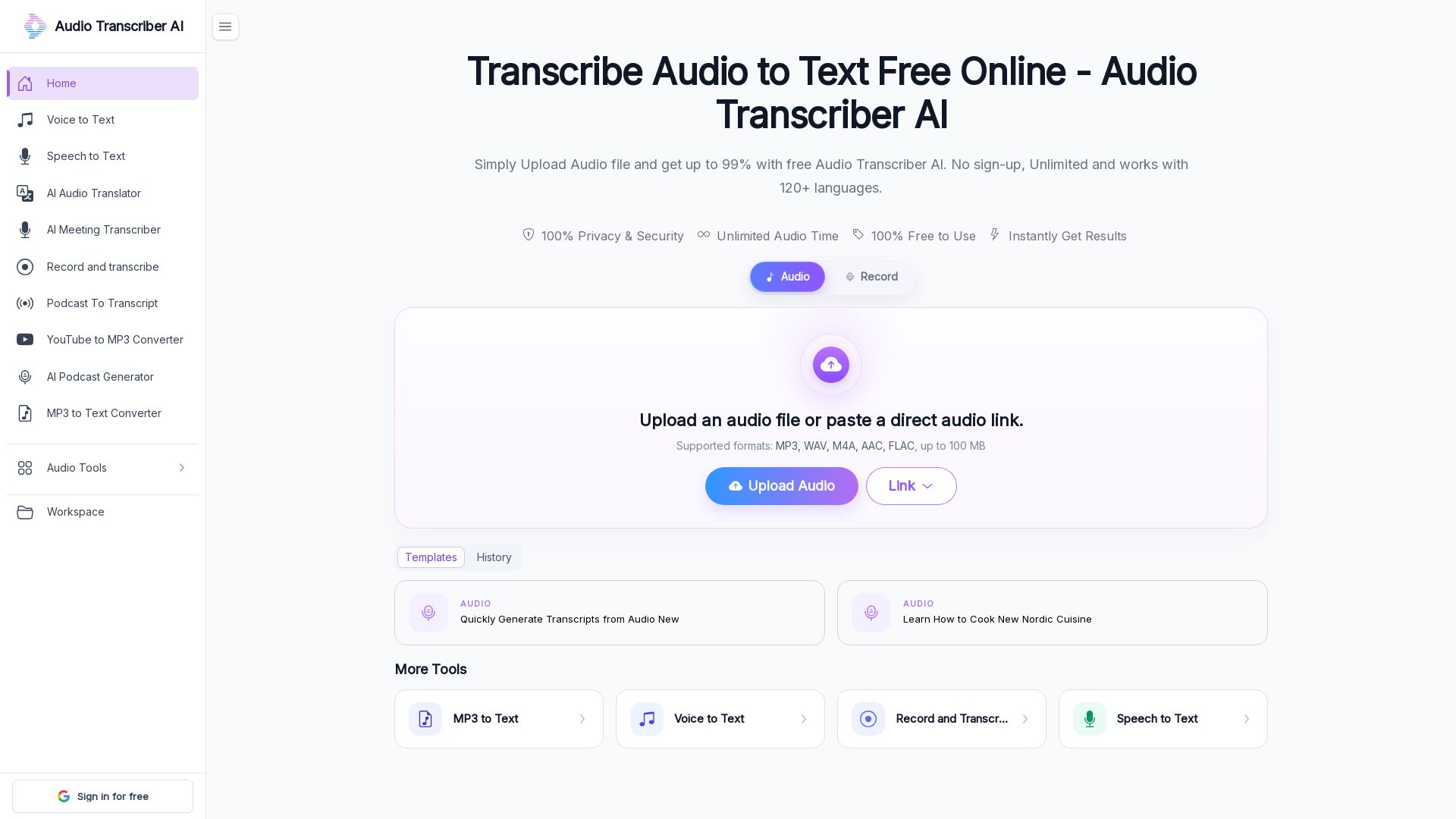
Transcribe audio files to text free online. Supports MP3, WAV, M4A, up to 5GB, 99% accuracy, 120+ languages, speaker detection, no sign-up.

Editor's Verdict
Key Takeaways
- High Accuracy
- Supports Large Files
- Multiple Audio Formats
- Free and Unlimited
In-Depth Review: What is Audio Transcriber AI?
Audio Transcriber AI is a free online tool that converts audio files (MP3, WAV, M4A, etc.) into accurate, timestamped text. It uses advanced AI to achieve up to 99% accuracy, supports over 120 languages, and automatically detects speakers. No registration or download required. Ideal for transcribing meetings, interviews, podcasts, lectures, and more. The tool also offers instant translation of transcripts and exports in TXT or Word format.
Core Features
High Accuracy
Up to 99% transcription accuracy, powered by advanced models that reduce background interference and understand context.
Supports Large Files
Upload audio files up to 5GB, ideal for long podcasts, meetings, lectures, and interviews.
Multiple Audio Formats
Supports MP3, WAV, M4A, AAC, FLAC, OGG, WMA, AIFF, and more without format conversion.
Free and Unlimited
100% free with no sign-up, no limits, and unlimited audio time. Use directly in your browser.
Automatic Speaker Detection
Automatically detects different speakers and generates timestamped transcripts for clarity.
Multi-language Translation
Transcribe audio in 120+ languages and translate transcripts into your preferred language.
Instant Results
Get transcripts in seconds after uploading your audio file.
Privacy & Security
100% privacy and security, with no data stored or shared.
Export Options
Download transcripts as TXT or Word documents for easy use.
Pricing
Free
- No sign-up required
- Unlimited audio time
- Upload files up to 5GB
- Multiple audio formats supported
- Automatic speaker detection
- Timestamped transcripts
- Translate to 120+ languages
- Export as TXT or Word
- 99% accuracy
Pros and Cons
Pros
- High AccuracyUp to 99% transcription accuracy, ideal for clear audio.
- 100% FreeNo sign-up, no limits, and no hidden costs.
- Large File SupportUpload audio files up to 5GB, perfect for long recordings.
- Multiple FormatsSupports many audio formats without conversion.
- Speaker DetectionAutomatically identifies who said what, with timestamps.
Cons
- Web-OnlyRequires internet connection and browser; no offline desktop app.
- Audio Quality DependentAccuracy may decrease with heavy background noise or poor recordings.
- File Size ConfusionUpload section shows 100 MB limit, but feature claims up to 5GB.
- No Advanced EditingBasic export options; no built-in editor to correct transcripts.
- Limited to 120 LanguagesWhile many languages are supported, some rare languages may be missing.
Use Cases & Recommended Professions
University Student→ View Toolkit
Transcribe lectures and seminars to text for easier review and note-taking.
Project Manager→ View Toolkit
Convert meeting recordings into searchable transcripts and summaries.
Podcast Listener→ View Toolkit
Transcribe favorite podcasts to quickly find and reference content.
Marketer→ View Toolkit
Analyze audio content from videos and interviews for content ideas and trends.
Content Creator→ View Toolkit
Efficiently transcribe research material and podcasts to streamline content production.
Online Instructor→ View Toolkit
Convert webinars and lectures into editable transcripts for notes, presentations, or subtitles.
Frequently Asked Questions
Alternative AI Tools
View Detailed Comparison →
Marketing Titan
Replace HubSpot, ZoomInfo, Hootsuite & Jasper with 180+ AI agents & Darwin AI. Save $50K+/yr. Start free trial.

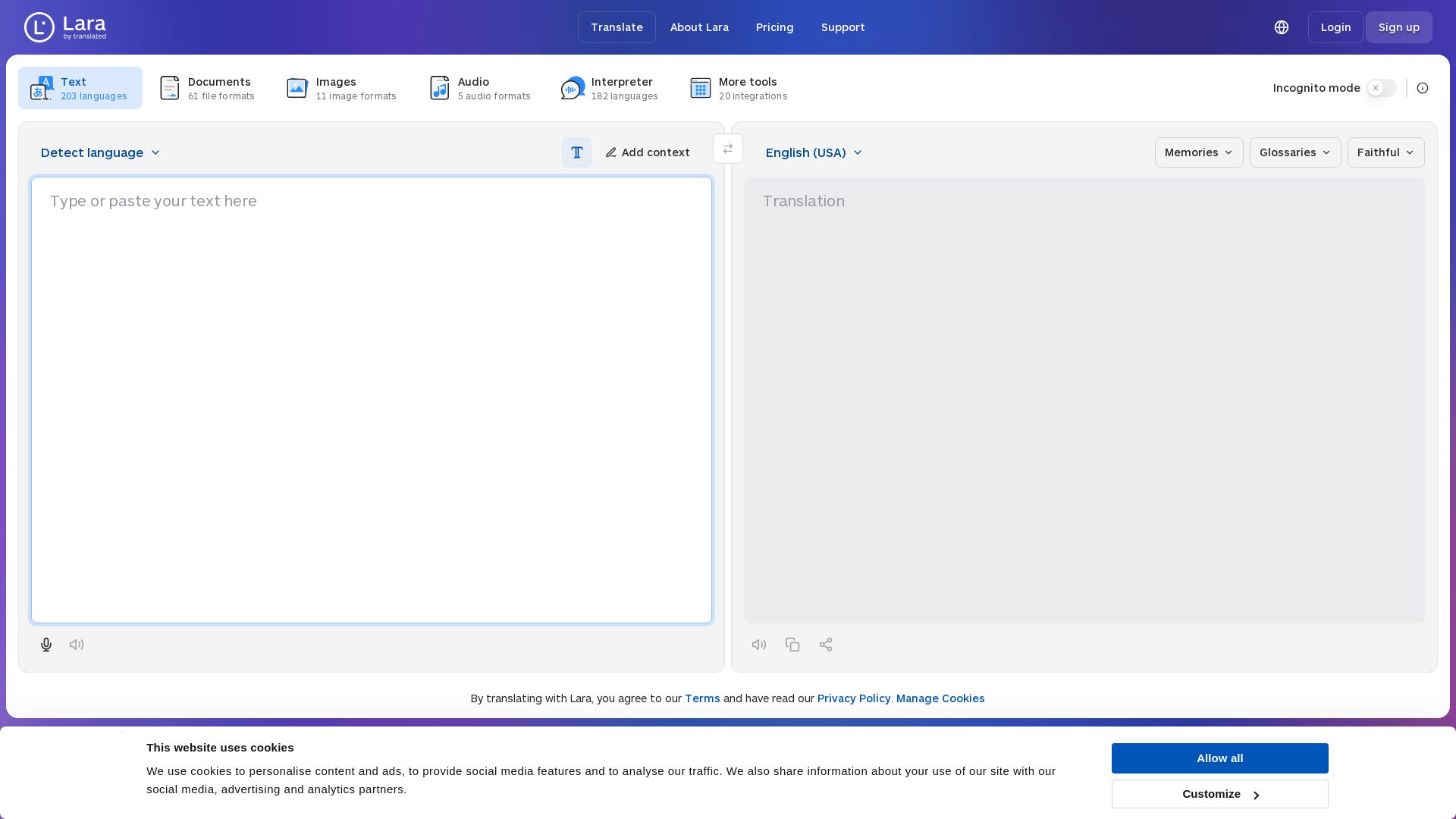
Lara Translate
Translate text, documents, images, and audio instantly in 200+ languages. Trusted by 350,000+ professionals. AI-powered by Translated since 1999.

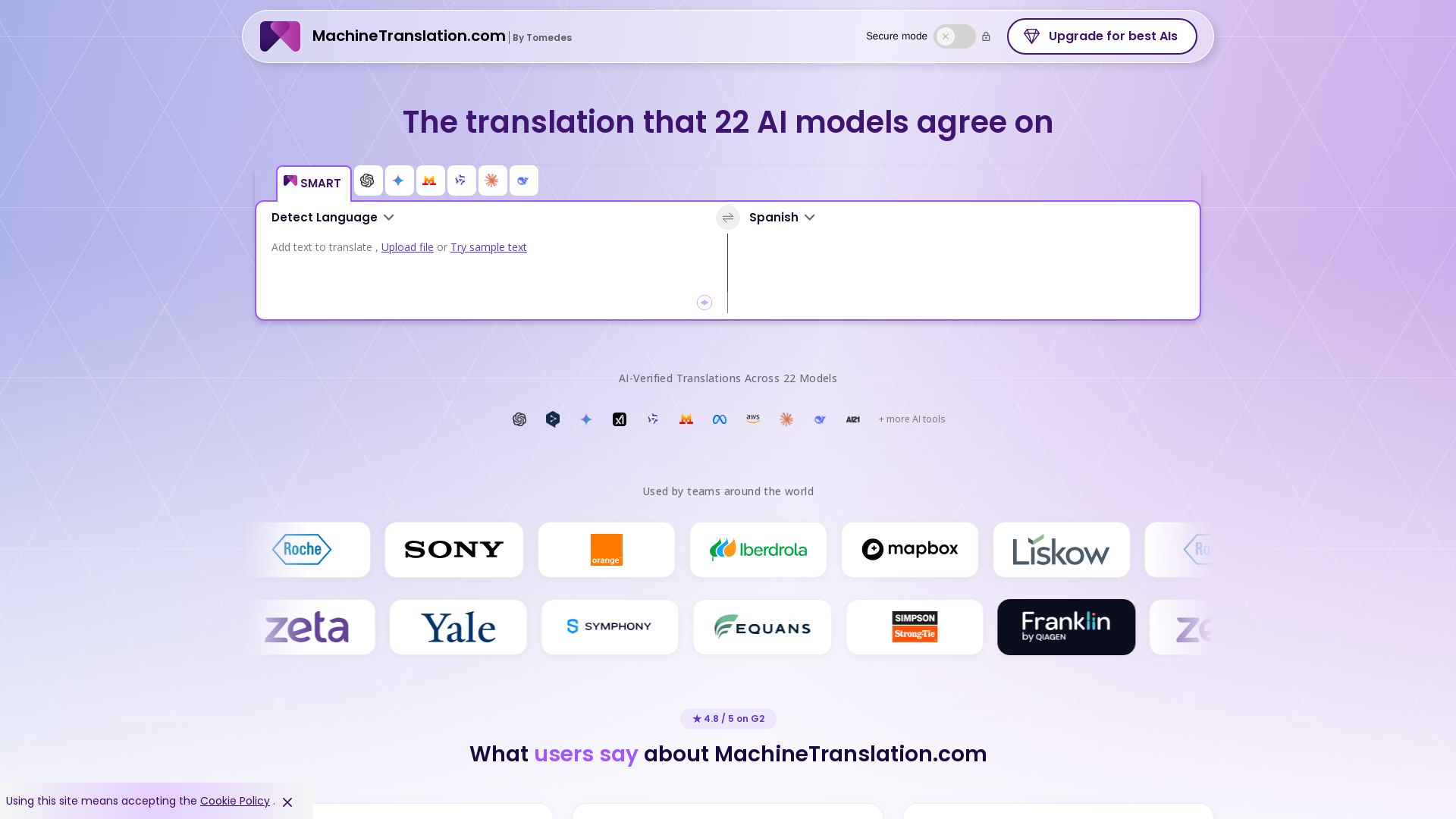
Free AI Translator
Translate with confidence using 22 AI models. SMART picks the most agreed translation, cutting errors by 90%. Human review optional. Secure & affordable.

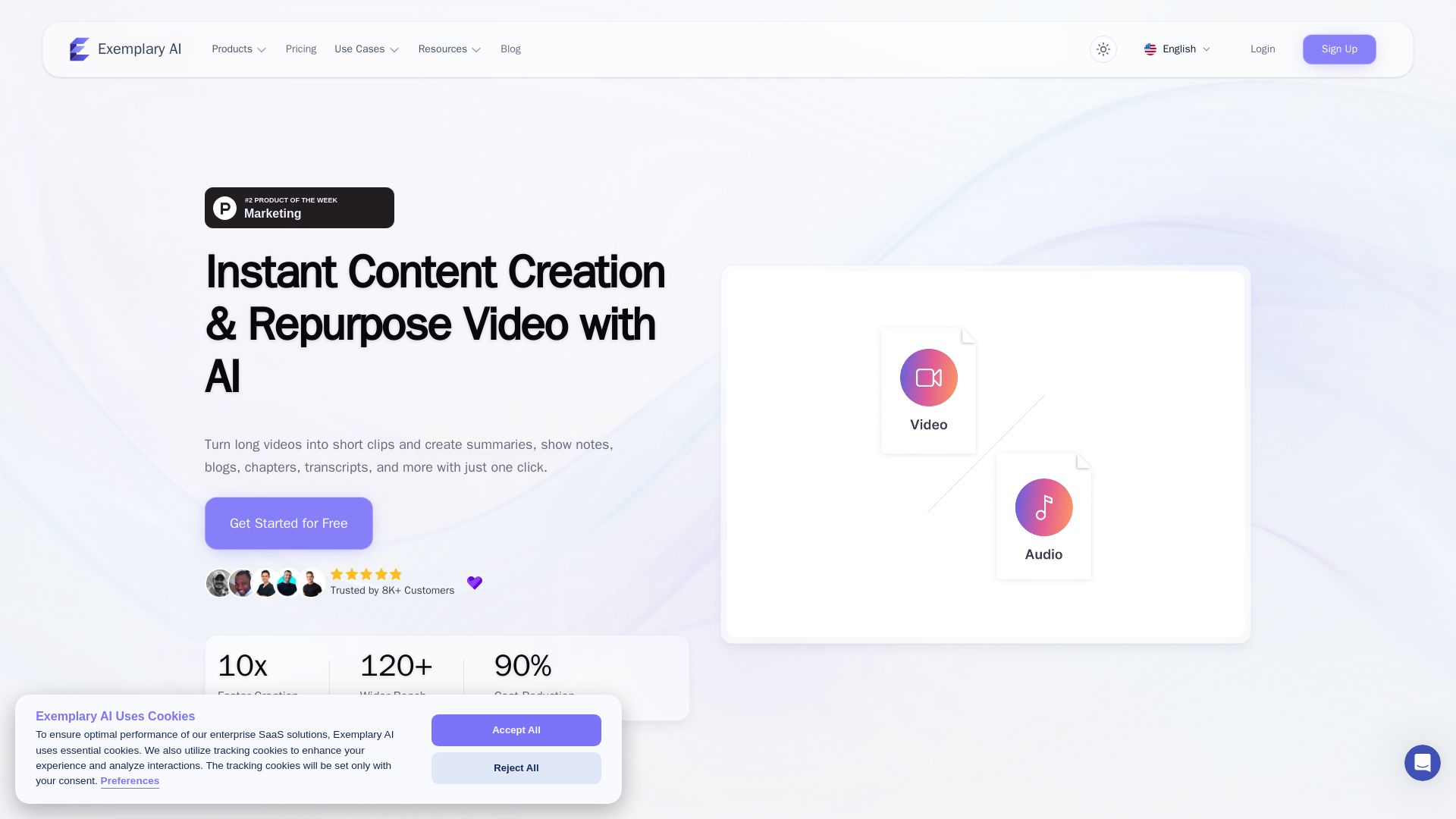
AI translation for audio and video - Exemplary AI
Turn long videos into short clips, summaries, blogs, transcripts & subtitles in 120+ languages with AI. Get started free.

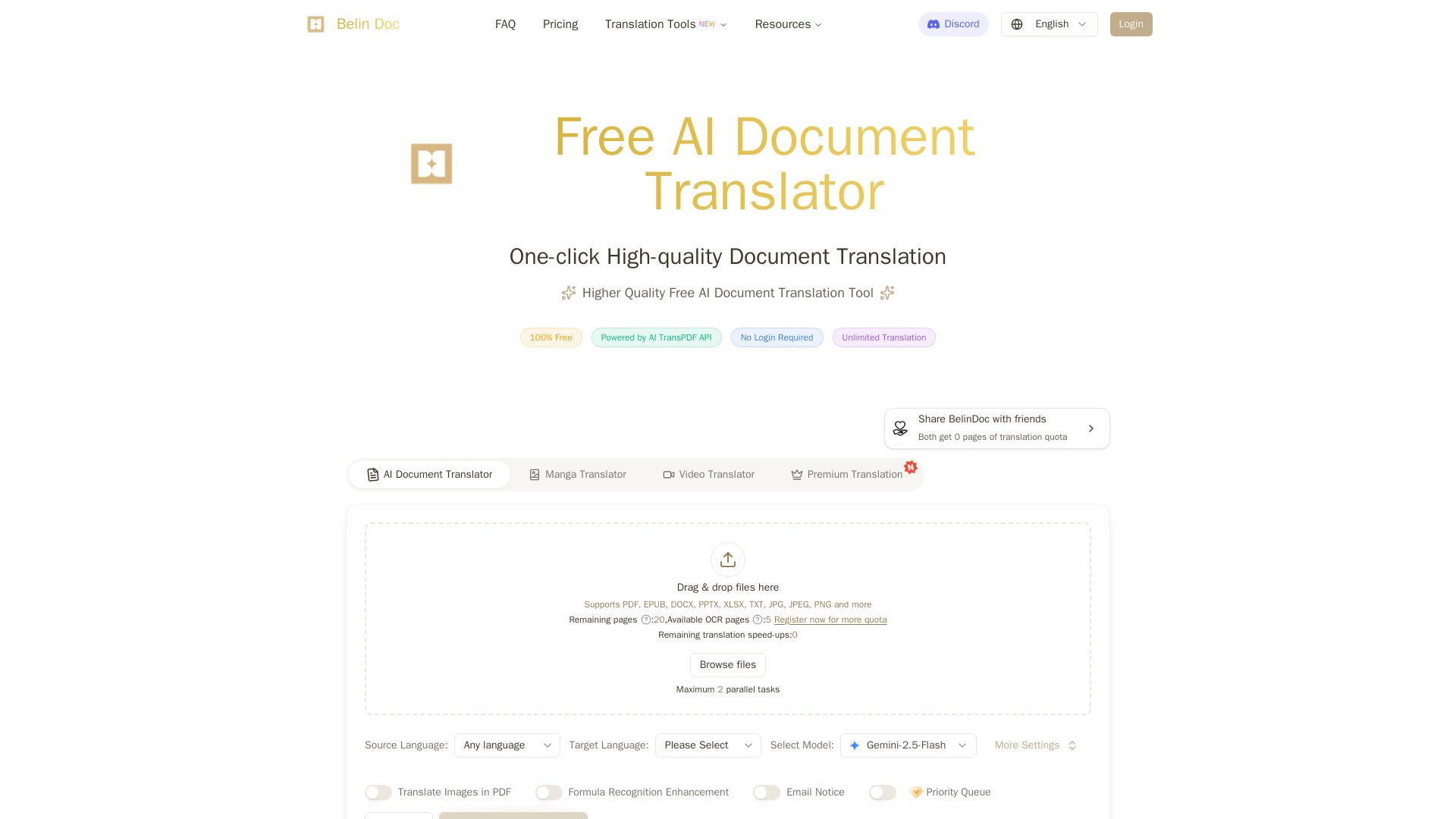
Belindoc
Translate documents online for free! AI-powered PDF, Word, Excel, PPT translation with original layout preserved. No login, unlimited pages.

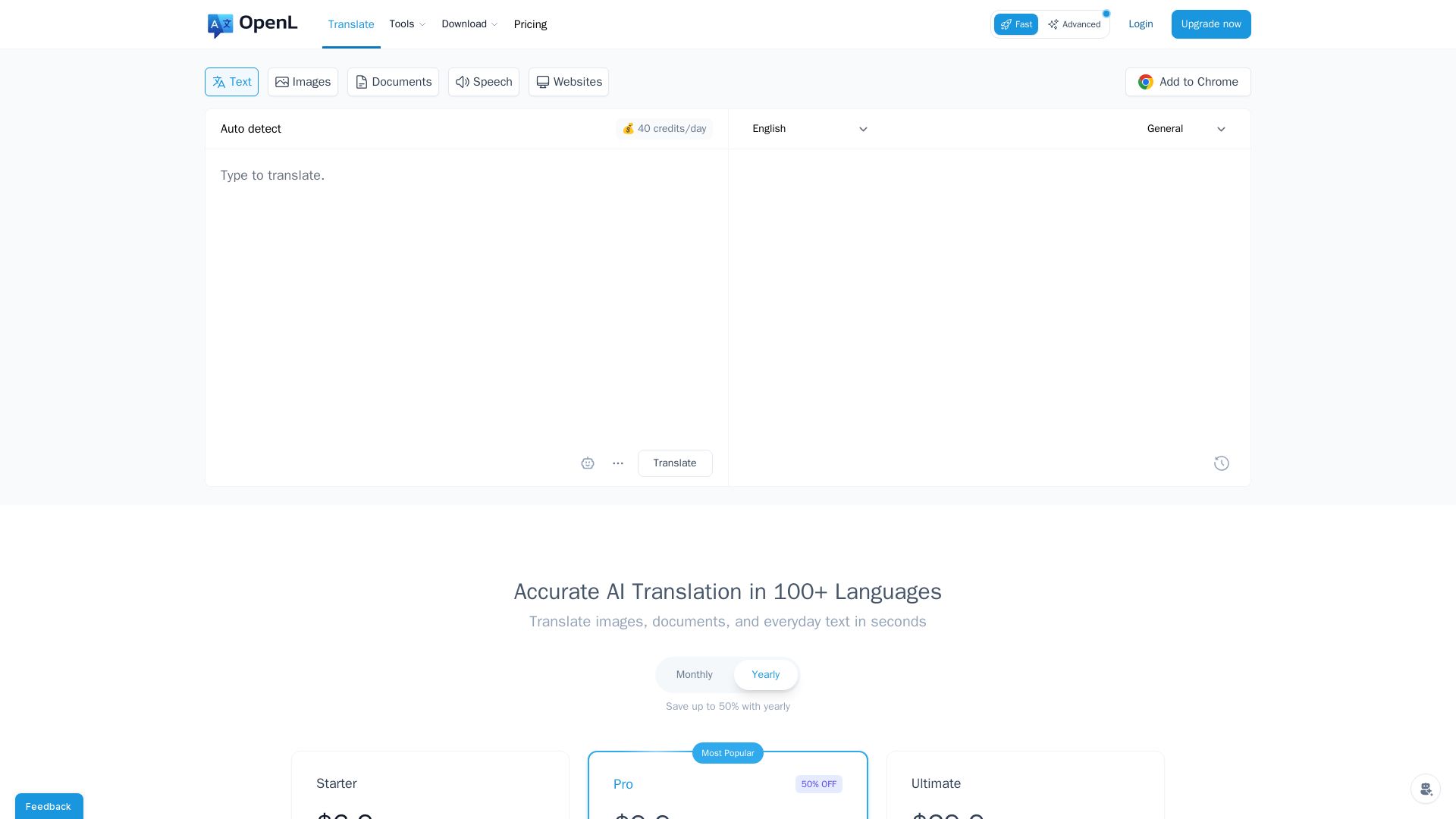
OpenL Translate
Fast, accurate AI translations for text, images, documents, and websites. Supports 100+ languages. Try free!

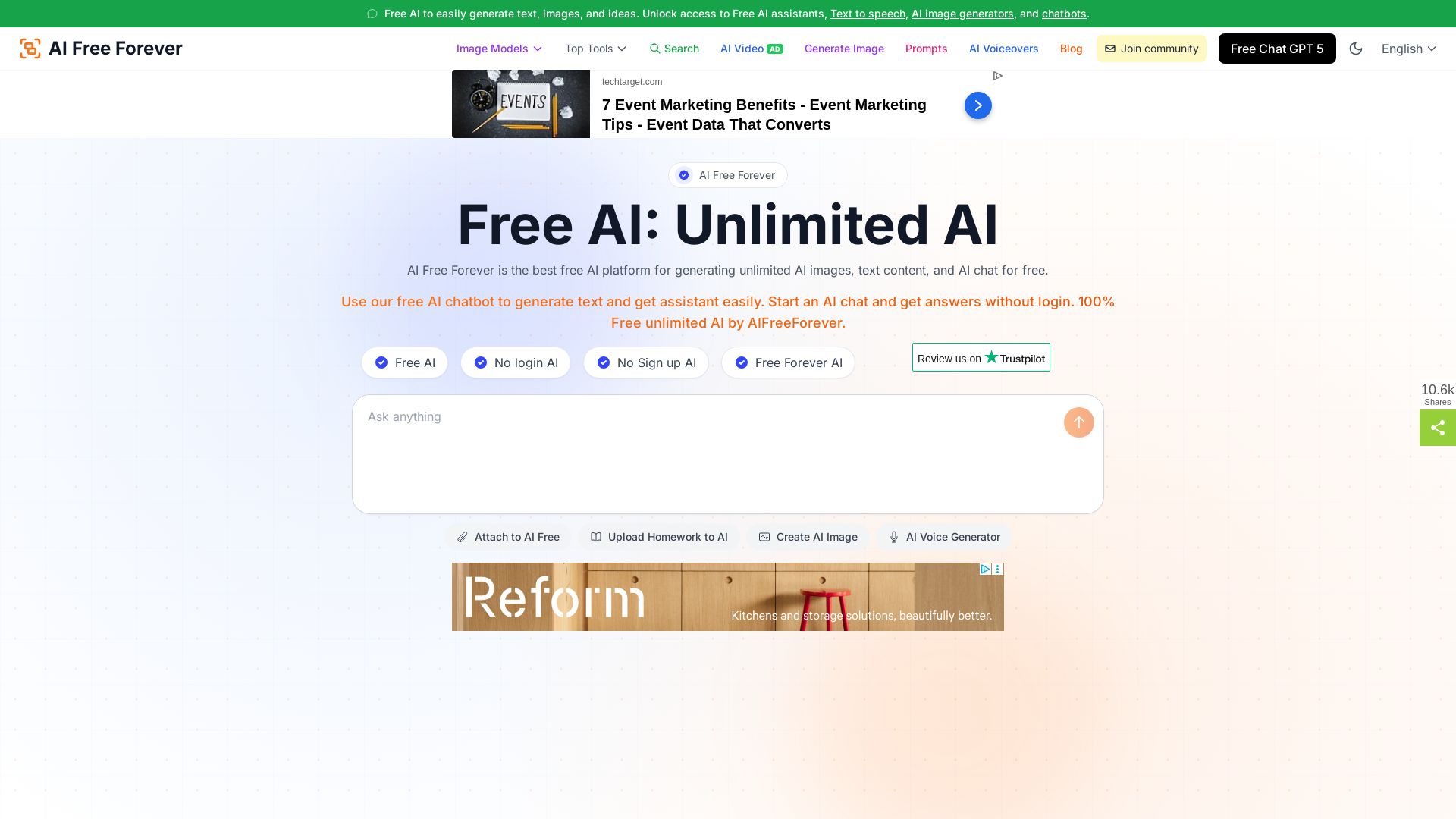
Free AI Chat - GPT-5 No login, No sign up unblocked AI
Access 1000+ free AI tools for text, images, voiceovers, and chat. No login, no limits, no paywalls. GPT-5, Gemini, and more. Start now!

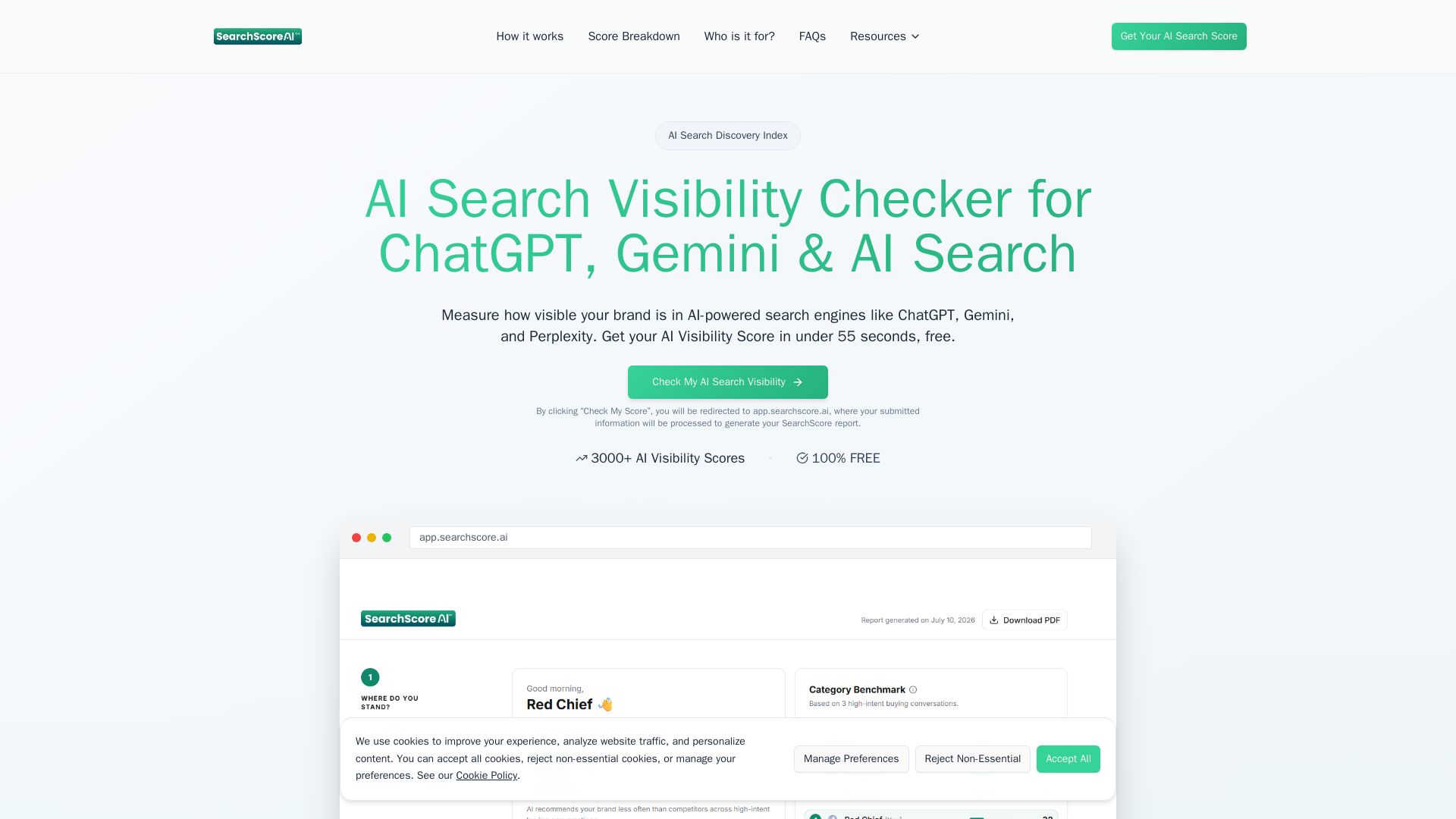
SearchScore AI
Get your AI Visibility Score in under 55 seconds. See how your brand appears in ChatGPT, Gemini & more. Free AI search visibility checker.


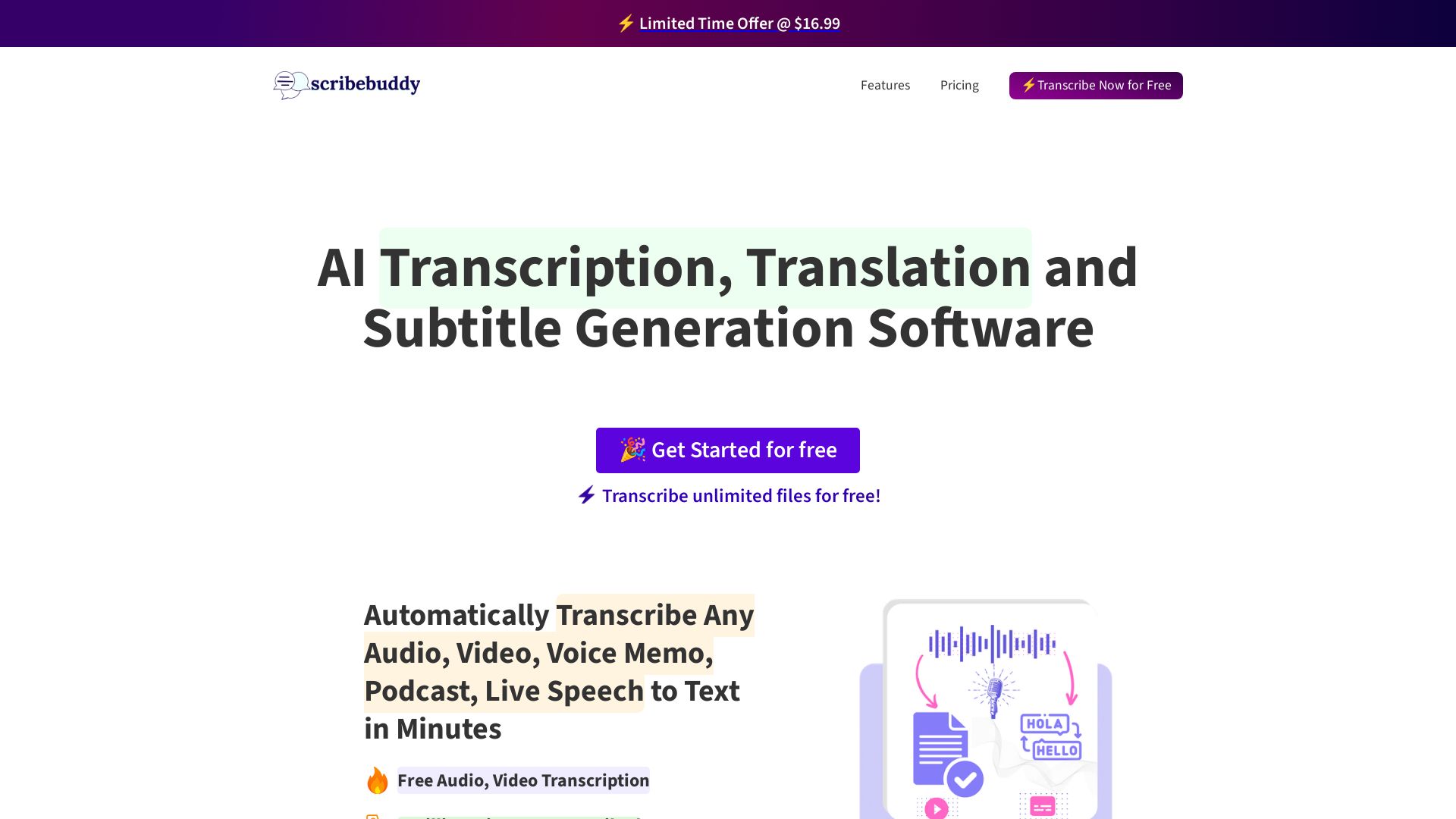
ScribeBuddy
Transcribe audio/video to text with 98% accuracy. Supports 100+ languages. Free unlimited files up to 5 min. Pay-as-you-go available.

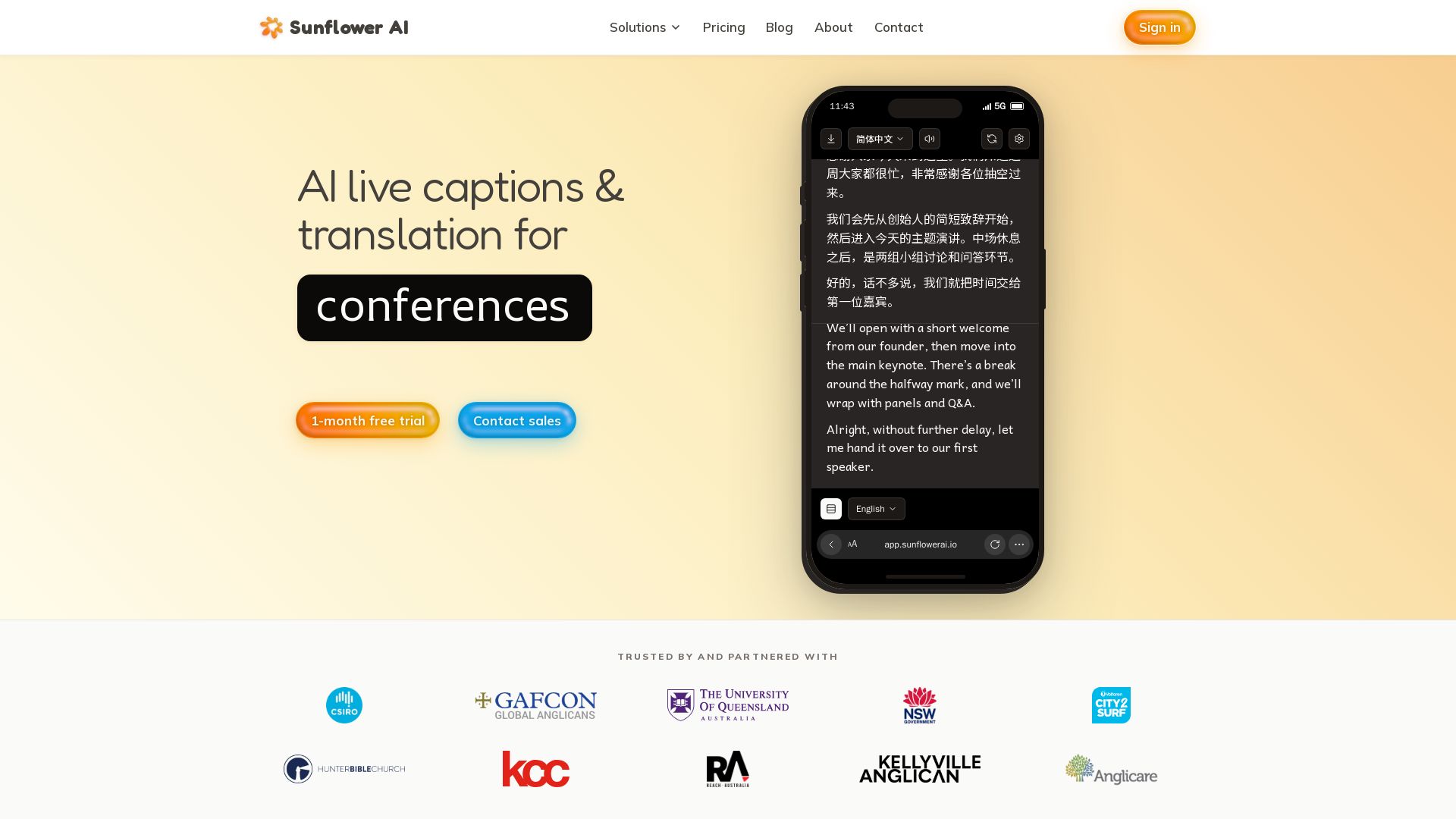
Sunflower AI
AI-powered live captions and real-time translation for multilingual audiences. One QR code, 83 languages. Trusted by churches and events. Start free trial.

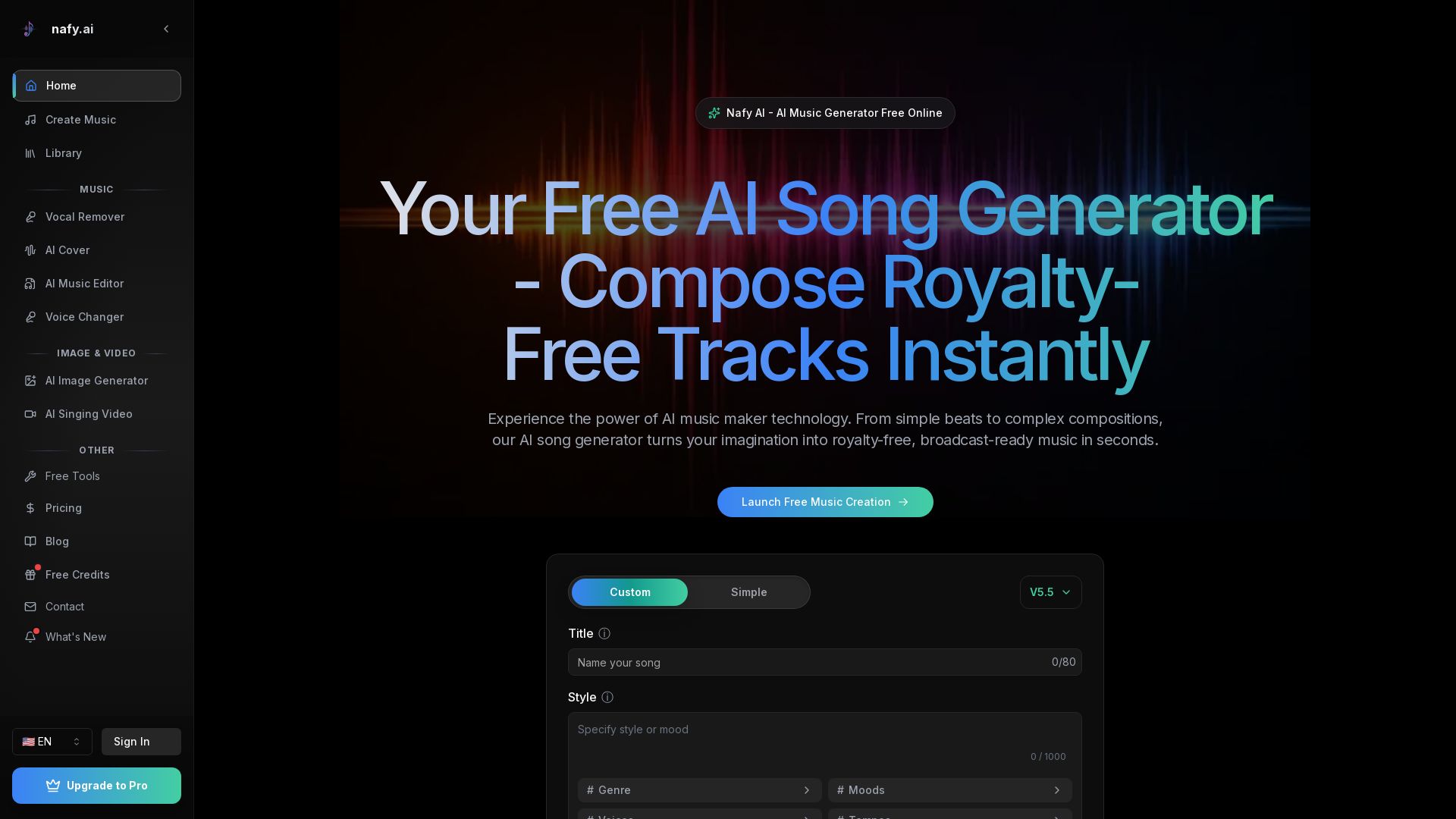
Nafy AI
Create royalty-free AI music instantly. Generate songs from text or lyrics, remix covers, remove vocals, and more. Start for free!

ℹ️ Curation Disclosure: The overview and features of Audio Transcriber AI were synthesized using AI and fact-checked by our curation team to ensure accuracy.
