
Shortcut
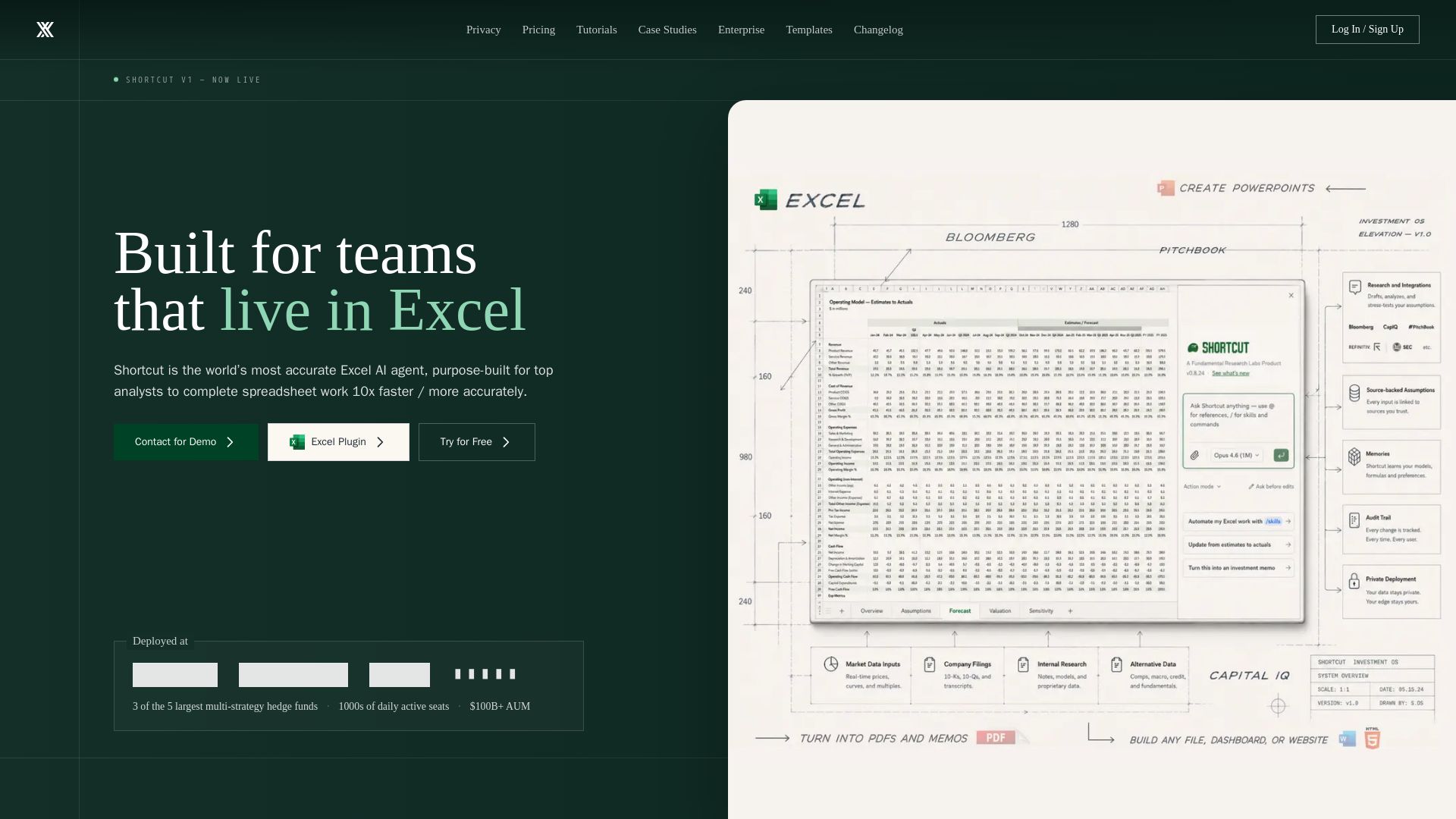
Shortcut is the world's most accurate Excel AI agent, built for top analysts. 10x faster spreadsheet work, 17% more accurate, with enterprise-grade security.
Editor's Verdict
Key Takeaways
- High Accuracy
- Formula-Driven Outputs
- Non-Destructive Edits
- Auditable Results
In-Depth Review: What is Shortcut?
Shortcut is an AI-powered Excel agent designed for finance, private equity, and hedge fund professionals. It delivers verifiably accurate, formula-driven outputs that update dynamically, never overwrites existing data, and provides instant audit trails. With 77.3% accuracy on real-world tasks, a 2% failure rate, and SOC 2 Type II compliance, Shortcut outperforms other AI tools while reducing costs by nearly 40%. Deployed at top hedge funds, it supports Excel plugins, CLI, and role-based access controls for secure collaboration.
Core Features
High Accuracy
17% more accurate on real spreadsheet work compared to leading competitors, achieving 77.3% accuracy.
Formula-Driven Outputs
Outputs are formula-driven, ensuring they update dynamically with data changes rather than using hard-coded values.
Non-Destructive Edits
Edits are placed precisely without overwriting existing data, addressing a primary concern with AI spreadsheet tools.
Auditable Results
Instantly see every changed cell and revert or restore any change with a full action sequence.
Enterprise Security
SOC2 Type II compliant, zero data retention, AES-256 encryption, and no AI training on paid plan data.
Excel Plugin
Works as an Excel plugin, compatible with existing macros, keyboard shortcuts, and large files.
Terminal-First CLI
ShortcutXL CLI allows building and editing 10+ models in parallel directly in desktop Excel.
Cost Efficiency
Almost 40% cheaper per task than Claude for Excel, with cost per task at $5.09.
Pricing
Free
- 20 free weekly credits
- Access on web, desktop app, Excel plugin, and Google Sheets plugin
Pro
- 1,000 monthly plan credits
- Unlimited file creation and edits
- Platform API access
Teams
- Pooled team credits (1,000 monthly)
- Shared team workspace
- Usage stats and analytics
- Centralized billing and seat management
- Shared resources
Enterprise
- SSO and custom permissions
- BYOK and private gateway
- Dedicated support
- Custom contracts and SLAs
- Custom integrations
- Flexible payment options
- Optional unlimited seats or credits
Pros and Cons
Pros
- High AccuracyAchieves 77.3% accuracy, 17% more than competitors, on real finance and spreadsheet tasks.
- Non-Destructive EditsNever overwrites existing data, a critical feature for reliable spreadsheet work.
- Auditable ResultsFull visibility into changes with the ability to revert, ensuring trust and transparency.
- Cost-EffectiveAlmost 40% cheaper per task than Claude for Excel, saving significant costs for heavy users.
- Enterprise SecuritySOC2 Type II compliant, zero data retention, and no AI training on paid plan data.
Cons
- Windows Only for PluginThe Excel plugin is currently Windows only, limiting accessibility for Mac users.
- Credit-Based UsageMessages consume 2-15 credits, requiring careful monitoring for heavy or frequent use.
- Limited Free TierFree plan only offers 20 weekly credits, insufficient for extensive daily tasks.
- No Offline ModeRequires internet connection to process AI tasks, limiting use in low-connectivity environments.
- Learning CurveUsers may need time to adapt to the AI agent workflow and understand its capabilities.
Use Cases & Recommended Professions
Financial Analyst→ View Toolkit
Needs accurate spreadsheet modeling and data extraction for reports, forecasts, and variance analysis.
Private Equity Analyst→ View Toolkit
Requires precise financial modeling and quick data analysis for investment evaluations and LBO models.
Hedge Fund Analyst→ View Toolkit
Manages complex portfolios and needs high-accuracy spreadsheet automation for risk and performance tracking.
Investment Banker→ View Toolkit
Handles large data sets and needs reliable, auditable spreadsheet manipulations for deals and valuation.
Data Analyst→ View Toolkit
Works with spreadsheets daily and benefits from AI-assisted data cleaning, transformation, and analysis.
Portfolio Manager→ View Toolkit
Needs dynamic, formula-driven models to monitor investments and adjust strategies quickly.
Frequently Asked Questions
Alternative AI Tools
View Detailed Comparison →
Data Studios
Explore expert guides on AI, financial analysis, corporate finance, and data analysis. Stay updated with the latest news and courses. Log in for exclusive content.


Section AI
Turn AI investment into workforce transformation with Section. Command center, coaching, and strategic support to drive measurable ROI.


Making AI think and act: my approach to the Hugging Face AI ...
Experienced AI engineer specializing in medical imaging and LLM-powered agents. Built globally deployed radiology AI at AZmed. Now building AI agents at Matrix One.


SF AI Labs
End-to-end AI services from strategy to launch. Proven delivery framework, expert network in San Francisco. Maximize ROI with custom AI solutions for modern companies.


Scuti AI
We specialize in generative AI, AI-OCR, RAG, and offshore development. Combining Vietnam's speed with Japan's quality to automate tasks and boost business.

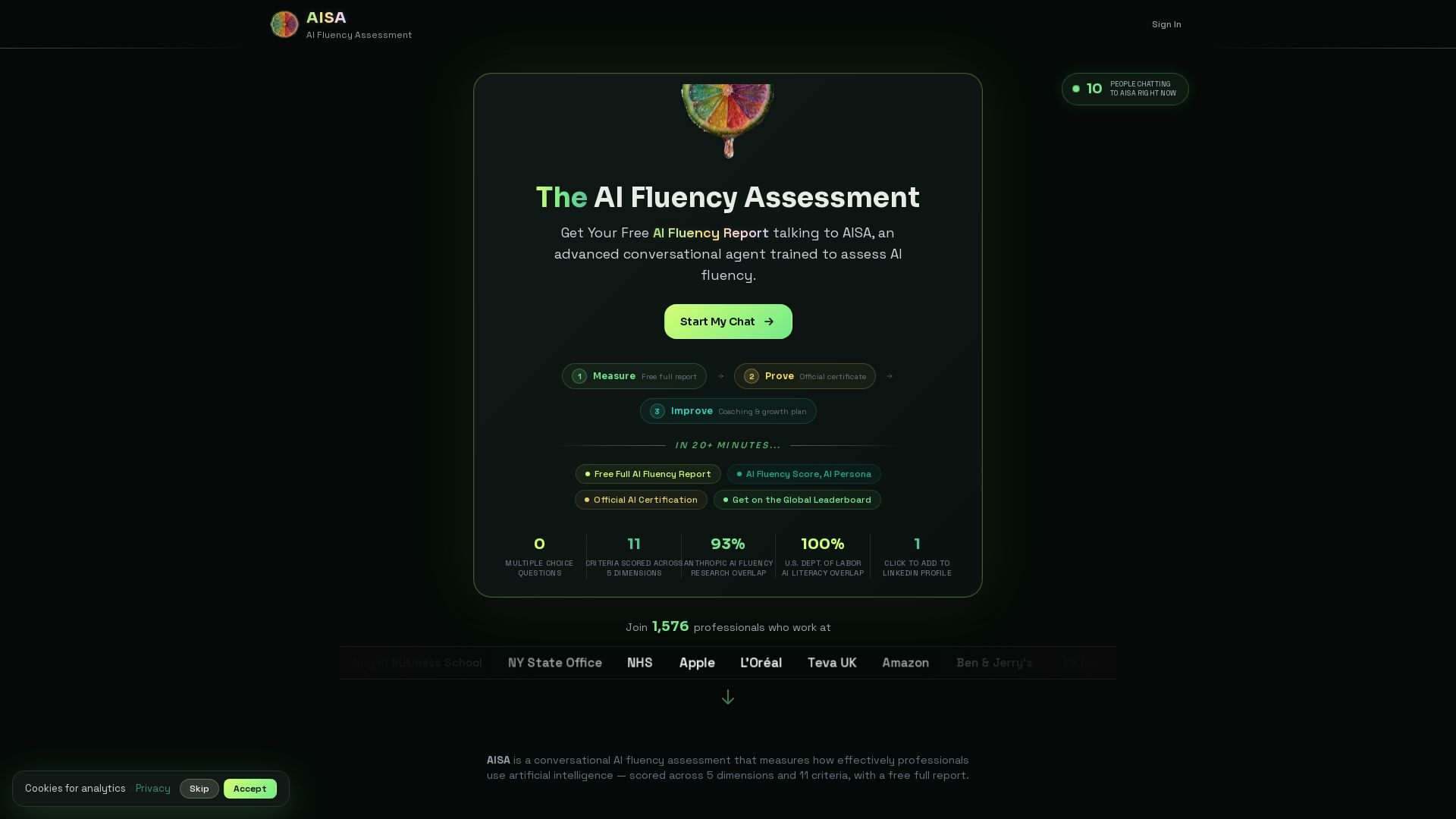


Wizr AI
Build autonomous enterprises with AI-powered automation. Accelerate software delivery by 50% with production-ready AI systems. Trusted by world-class enterprises.

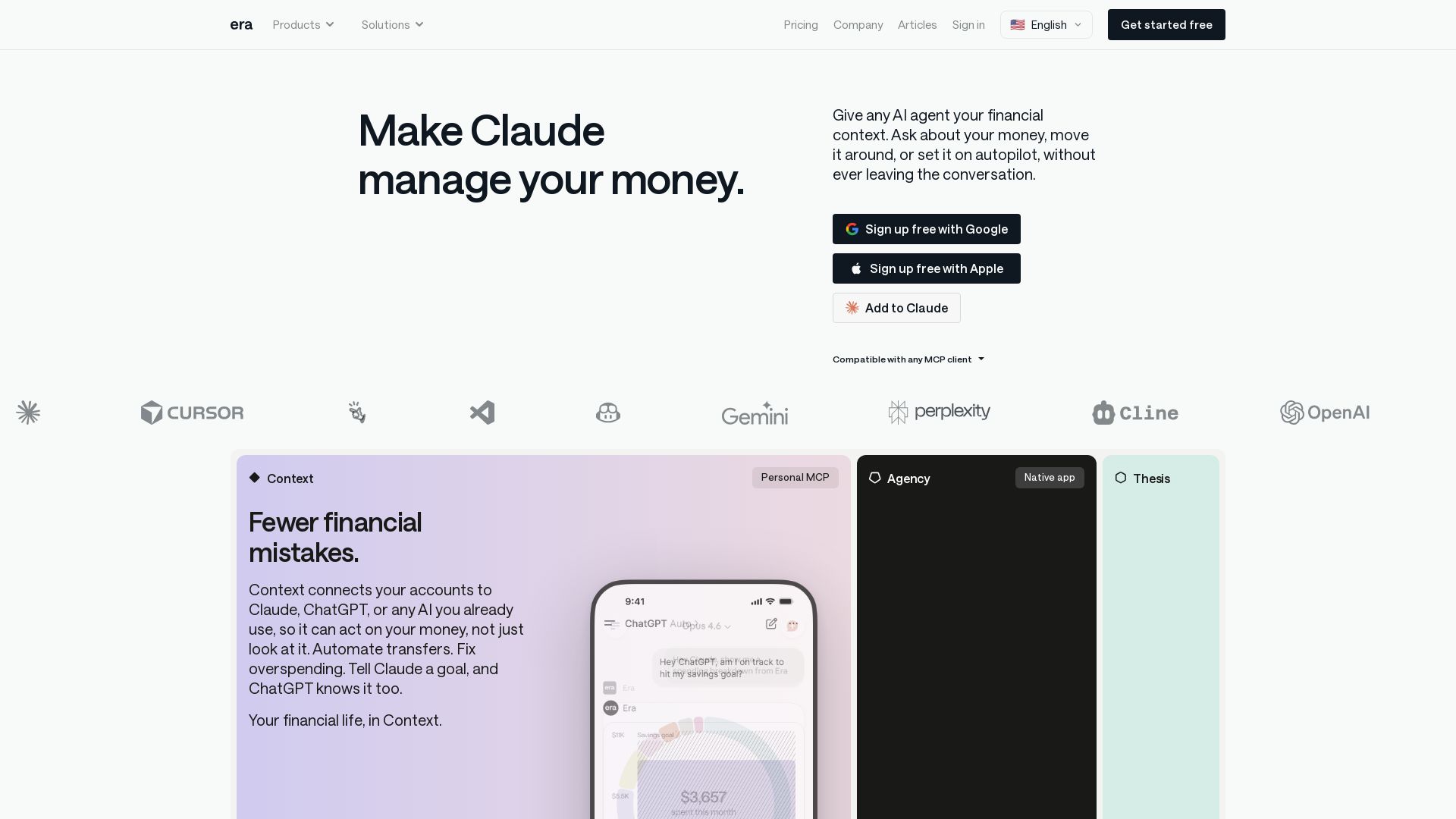
Era
Connect your finances to any AI assistant. Automate money moves, invest smarter, and let AI manage your financial life. Get started free.


Massachusetts AI Hub
Explore no-cost Google AI training, startup accelerator, and major investments. Join the global leader in applied AI.


AI SDK AGENTS
The toolkit for AI engineers. Install, copy, or export 125 AI SDK patterns for agents, tool calling, human-in-the-loop, and generative UI. Full source code, own your stack.

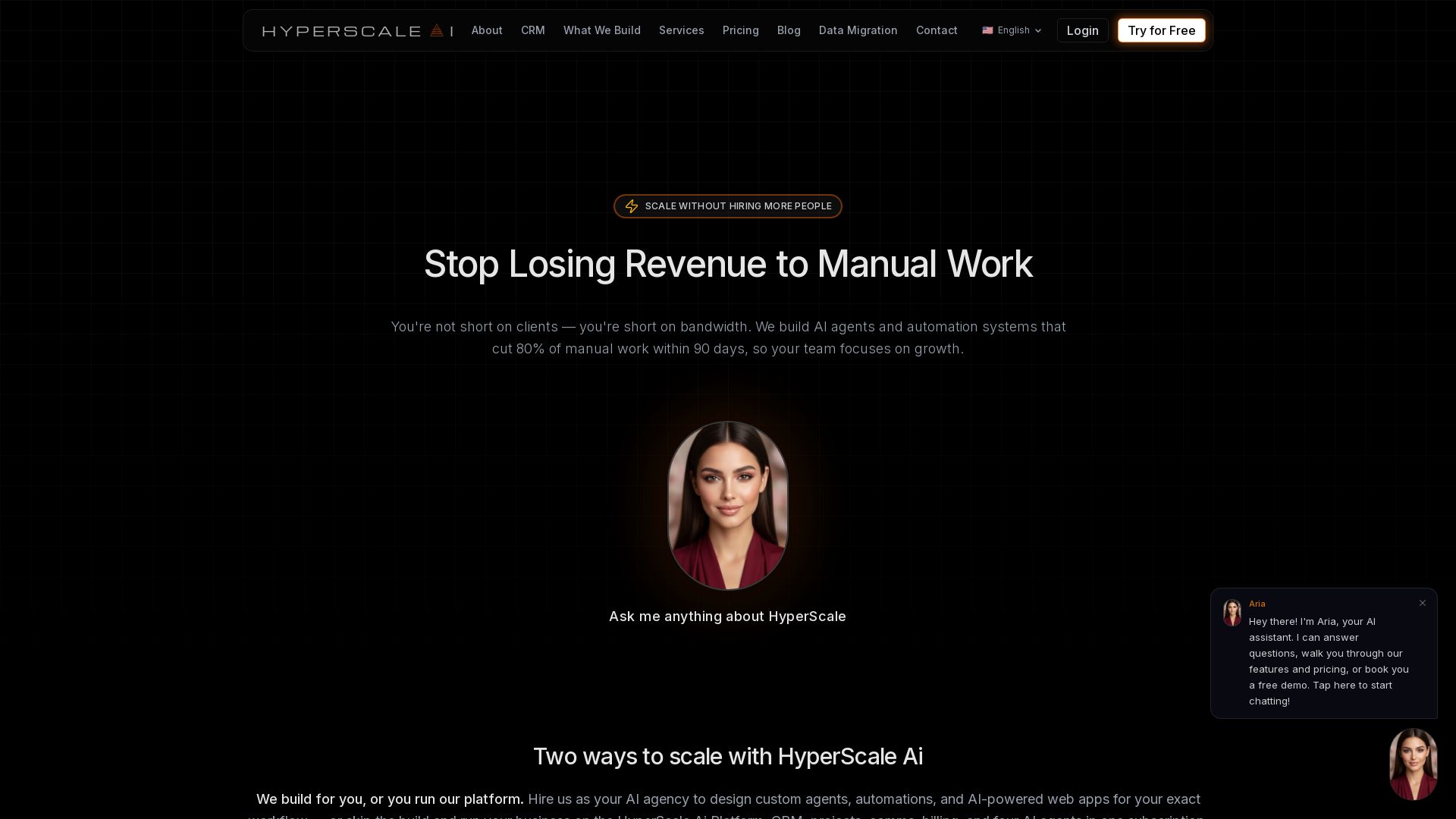
HyperScale Ai
Replace 8+ tools with one AI-native platform: CRM, projects, chat, billing, and 4 AI agents. Or hire us to build custom AI agents and automation. Scale without hiring.

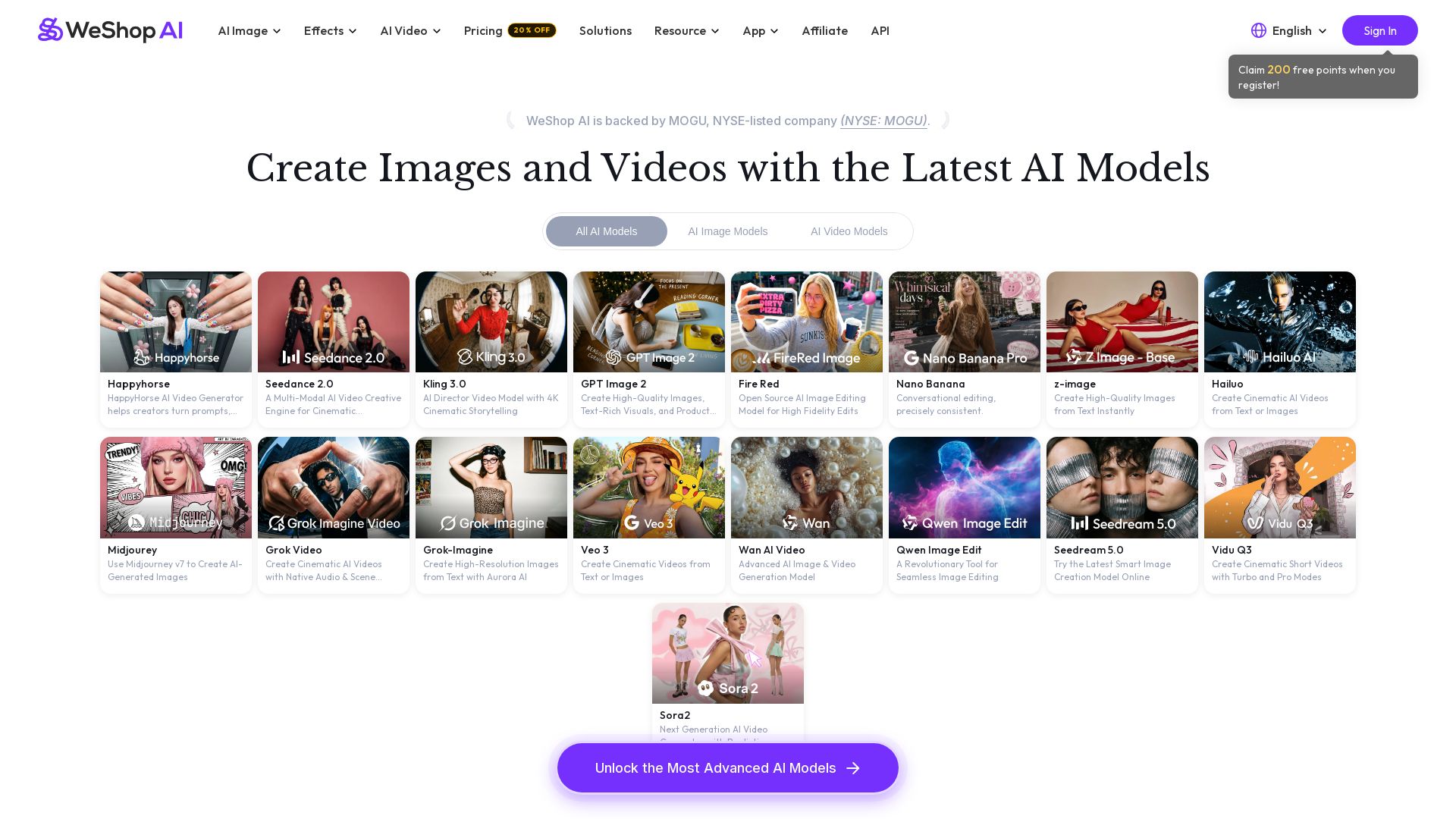
WeShop AI
Generate high-quality AI images and videos using top models like Midjourney, Kling, and Seedance. Try virtual try-on, AI fashion models, and more. Trusted by 3M+ users. Start with 200 free points!

ℹ️ Curation Disclosure: The overview and features of Shortcut were synthesized using AI and fact-checked by our curation team to ensure accuracy.
