
Sealos
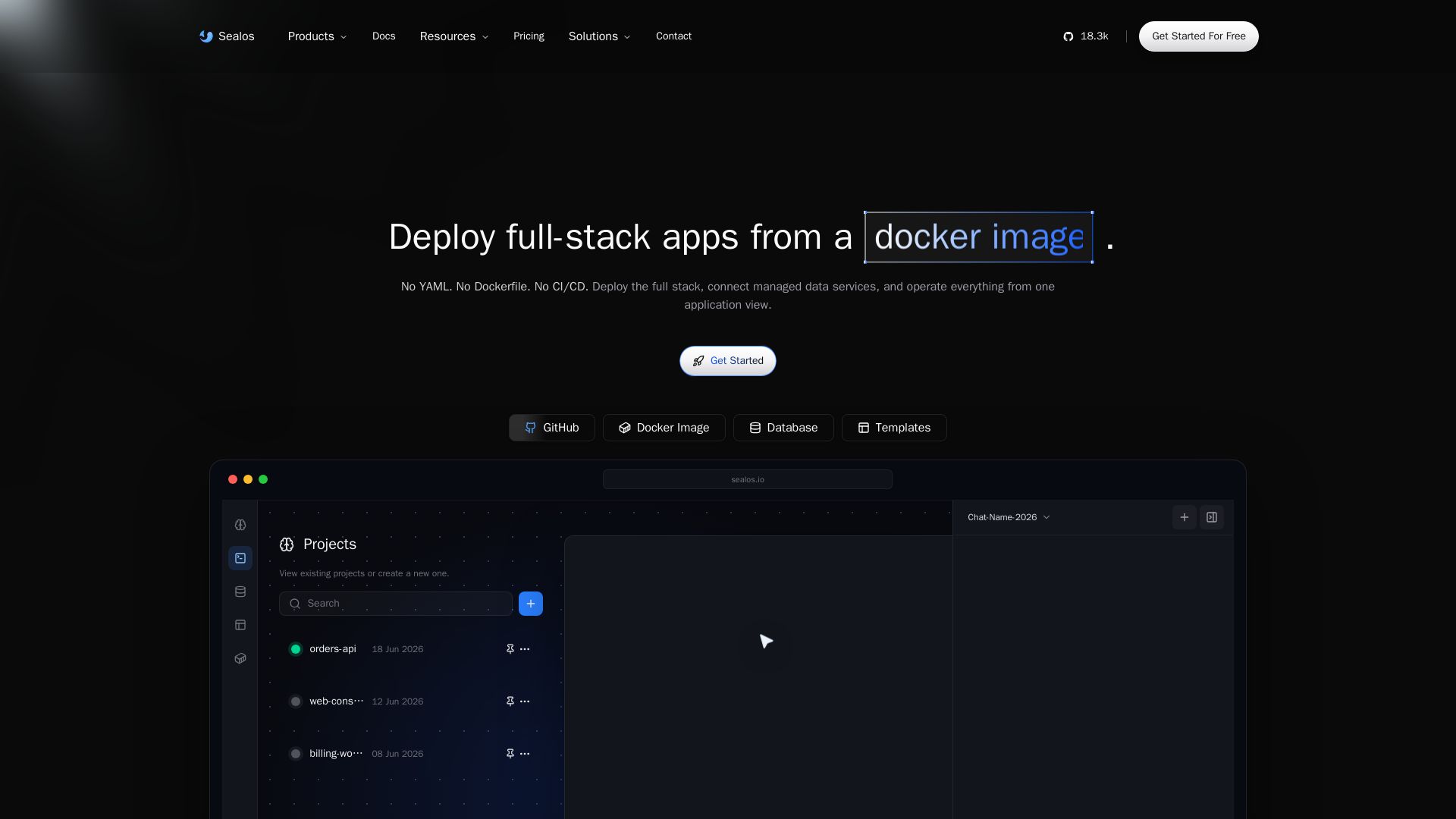
Deploy full-stack apps from GitHub, Docker, or prompts. AI-powered agent, managed databases, one-click HA. No YAML, no CI/CD, no Kubernetes required.
Editor's Verdict
Key Takeaways
- Live Object Canvas
- Auto Env Injection
- Built-in DB Studio
- One-Click High Availability
In-Depth Review: What is Sealos?
Sealos is a cloud platform that lets you deploy full-stack applications from a GitHub repo, Docker image, template, or natural language prompt—no YAML, Dockerfile, or CI/CD needed. It features an AI agent that translates your intent into deployable infrastructure, a visual live object canvas for managing resources, and terminal automation via Sealos Skills. With managed databases, one-click high availability, built-in DB studio, and easy migration from Vercel, Render, or Docker Compose, Sealos unifies deployment, data services, and operations into one seamless experience. Trusted by over 200,000 developers, it offers a 7-day free trial with no credit card required.
Core Features
Live Object Canvas
Visualize every container, database, and ingress as nodes on a 2D canvas with real-time CPU/Memory/Disk monitoring.
Auto Env Injection
Automatically inject environment variables for seamless service connectivity.
Built-in DB Studio
Browse, import, and backup databases directly from the platform without external tools.
One-Click High Availability
Enable HA with a single click for databases and services to ensure uptime.
AI-Powered Deployment
Deploy full-stack apps from natural language prompts with AI rendering structured forms for approval.
Git Import with Auto-Detection
Import GitHub repos and auto-detect framework, build steps, and expose endpoints without manual YAML.
Terminal Agent (Sealos Skills)
Enable AI coding assistants to deploy from terminal with preflight checks and live state management.
Managed Databases & Storage
Production-ready PostgreSQL, MySQL, MongoDB, Redis, and S3-compatible object storage with one-click setup.
Full Kubernetes Power
Access native Kubernetes API for advanced users while hiding complexity from beginners.
Enterprise Multi-Tenancy
Workspace-based isolation with granular RBAC and resource quotas for secure team collaboration.
Cloud IDE Integration (DevBox)
Zero-setup cloud development environments that link to local IDEs for consistent workflows.
Pricing
Free
- 4 vCPU
- 4GB RAM
- 5 GB volume storage
- 500 MB included bandwidth
- 100 AI Credits
- 7-day free trial
Starter
- 2 vCPU
- 2Gi RAM
- 10Gi Disk
- 10GB Traffic
- 4 Nodeport
- 100 AI Credit
Hobby
- 4 vCPU
- 4Gi RAM
- 20Gi Disk
- 50GB Traffic
- 8 Nodeport
- 300 AI Credits
- All Starter Features
Standard
- 8 vCPU
- 16Gi RAM
- 50Gi Disk
- 300GB Traffic
- 16 Nodeport
- 800 AI Credits
- Priority Support
- All Hobby Features
- 99.99% SLA
Pro
- 16 vCPU
- 32Gi RAM
- 200Gi Disk
- 1TB Traffic
- 32 Nodeport
- 1000 AI Credits
- 24/7 Dedicated Support
- All Standard Features
- Custom Contracts
Team
- 64 vCPU
- 128Gi RAM
- 500Gi Disk
- 3TB Traffic
- 64 Nodeport
- 1500 AI Credits
Pros and Cons
Pros
- No Kubernetes Knowledge RequiredSealos hides Kubernetes complexity behind a click-or-talk interface, making deployment accessible to beginners.
- AI-Native WorkflowDeploy apps via natural language prompts or terminal agents, reducing manual configuration.
- Source-Available Core100% source-available code for transparency and self-hosting options.
- Comprehensive Managed ServicesIncludes managed databases, DB studio, auto env injection, and one-click HA out of the box.
- Flexible Deployment MethodsSupports Git repos, Docker images, templates, and terminal agents for diverse workflows.
Cons
- Vendor Lock-In ConcernsDespite migration tools, users may face challenges moving complex deployments off Sealos.
- Pricing for Larger TeamsPro and Team plans can be expensive for small organizations or individual developers.
- Limited Free Tier ResourcesFree tier offers only 4 vCPU, 4GB RAM, and 500MB bandwidth, which may not suit production apps.
- Learning Curve for Full K8s FeaturesWhile simplified, advanced Kubernetes features still require expertise to utilize fully.
- Reliance on AI AccuracyAI-driven deployments may occasionally misinterpret prompts, requiring manual corrections.
Use Cases & Recommended Professions
Software Engineer→ View Toolkit
Needs to quickly deploy full-stack applications without managing infrastructure, and collaborate with CI/CD automation.
DevOps Engineer→ View Toolkit
Seeks to reduce ticket volume and over-provisioning by using a unified platform that abstracts Kubernetes complexity.
Startup Founder / CTO→ View Toolkit
Wants to ship products fast with minimal DevOps overhead, leveraging managed databases and AI-powered deployment.
AI/ML Developer→ View Toolkit
Requires easy deployment of AI applications with managed databases and scalable infrastructure for models.
Full-Stack Developer→ View Toolkit
Desires a platform to deploy both frontend and backend seamlessly, with built-in monitoring and scaling.
Cloud Architect→ View Toolkit
Evaluates multi-cloud or self-hosted solutions; needs a source-available, K8s-native platform with migration flexibility.
Frequently Asked Questions
Alternative AI Tools
View Detailed Comparison →
Making AI think and act: my approach to the Hugging Face AI ...
Experienced AI engineer specializing in medical imaging and LLM-powered agents. Built globally deployed radiology AI at AZmed. Now building AI agents at Matrix One.

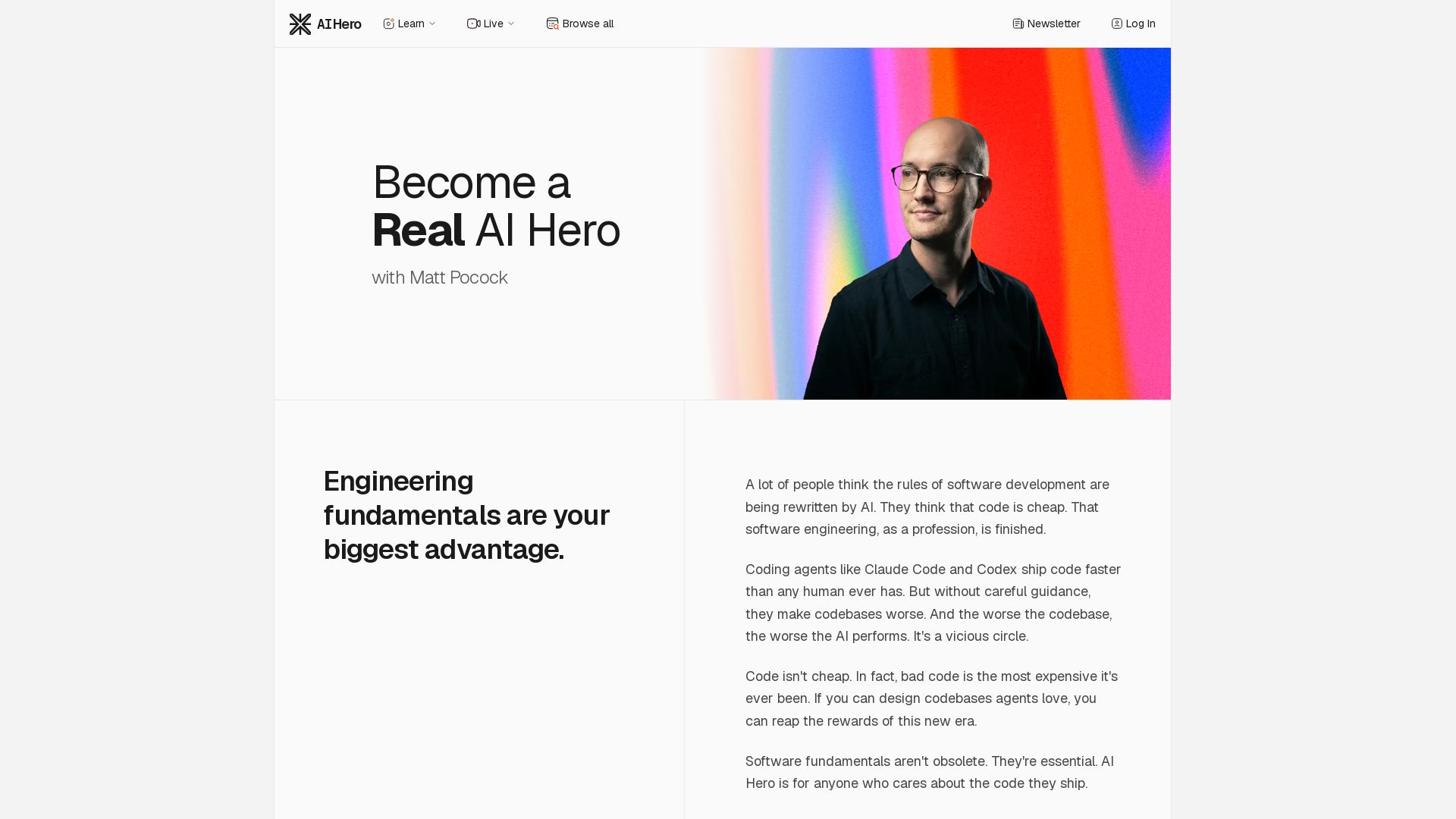
AI Hero
Master AI-assisted coding with proven engineering fundamentals. Learn to make codebases agents love, control AI output quality, and build real skills. Join 70k+ developers.


AI SDK AGENTS
The toolkit for AI engineers. Install, copy, or export 125 AI SDK patterns for agents, tool calling, human-in-the-loop, and generative UI. Full source code, own your stack.

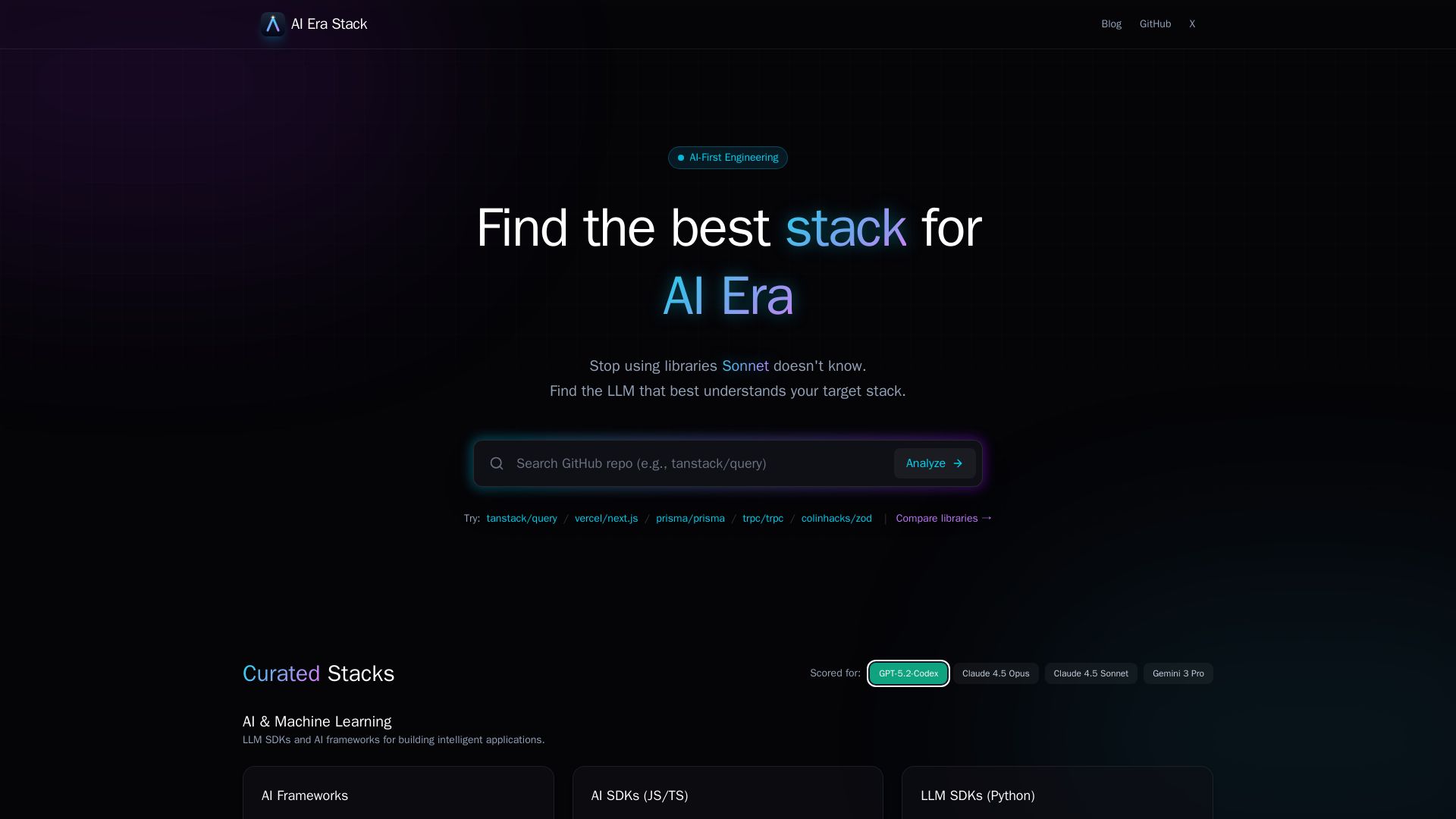
AI Era Stack
Discover which GitHub projects are best understood by LLMs like GPT, Claude, Gemini. Score based on AI coverage, adoption, and more. Choose stacks AI knows.
Scaler
Master AI-integrated software engineering, data science, or DevOps with real-world projects, mentors, and lifelong learning. Transform your career. 4.8+ ratings.

Cake
Deploy secure AI in your VPC. Enforce policy, control costs, and accelerate development. Built for regulated industries like healthcare and finance.

Macyou
Self-service AI deployment platform. Build a Mac, pick your chip & stack, get an OpenAI-compatible endpoint. Fixed price, no per-token fees.

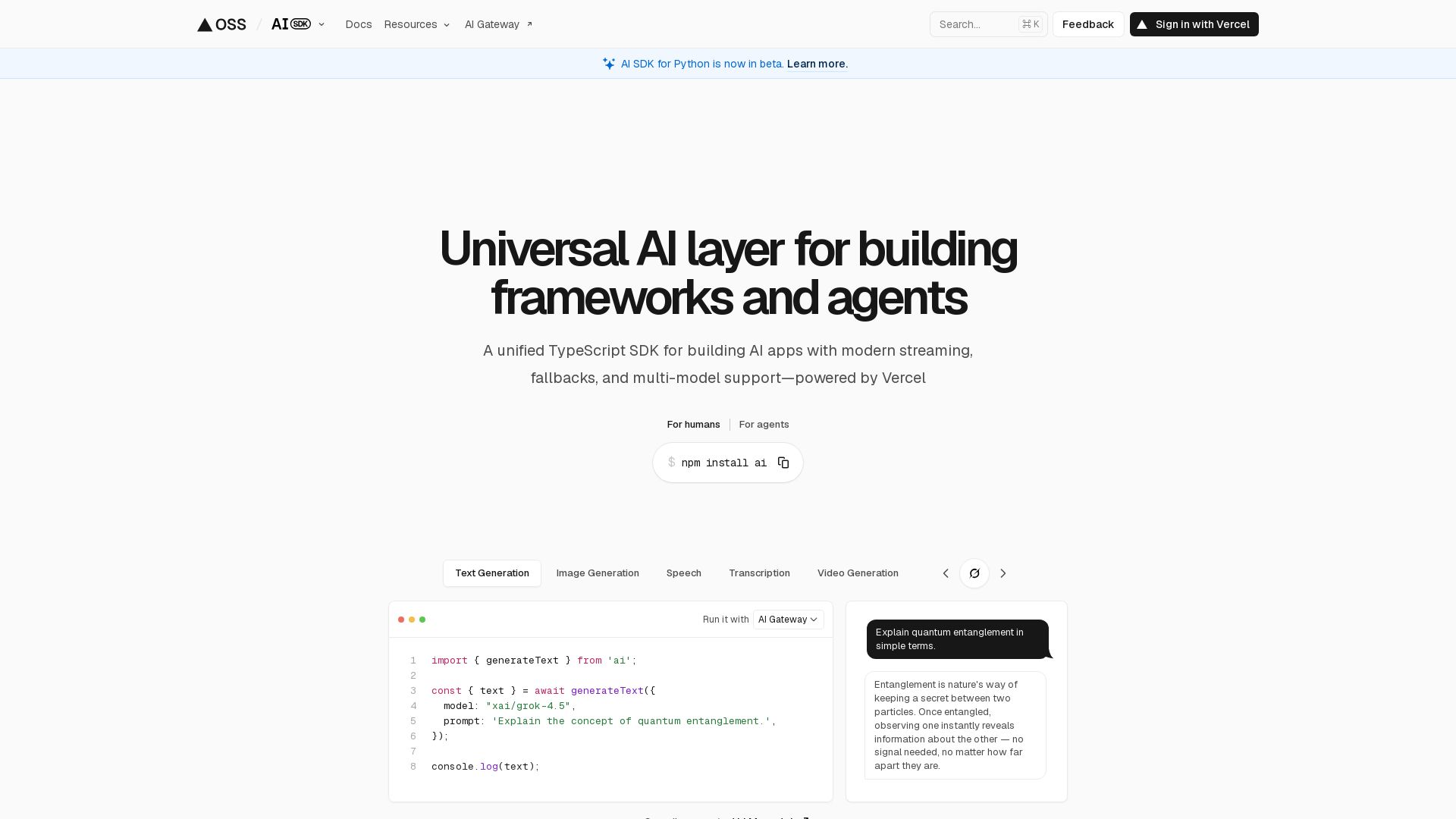
AI SDK
Unified TypeScript SDK for AI apps with streaming, fallbacks, multi-model support. Open-source, 100+ models, 18.5M weekly downloads.


Wizr AI
Build autonomous enterprises with AI-powered automation. Accelerate software delivery by 50% with production-ready AI systems. Trusted by world-class enterprises.

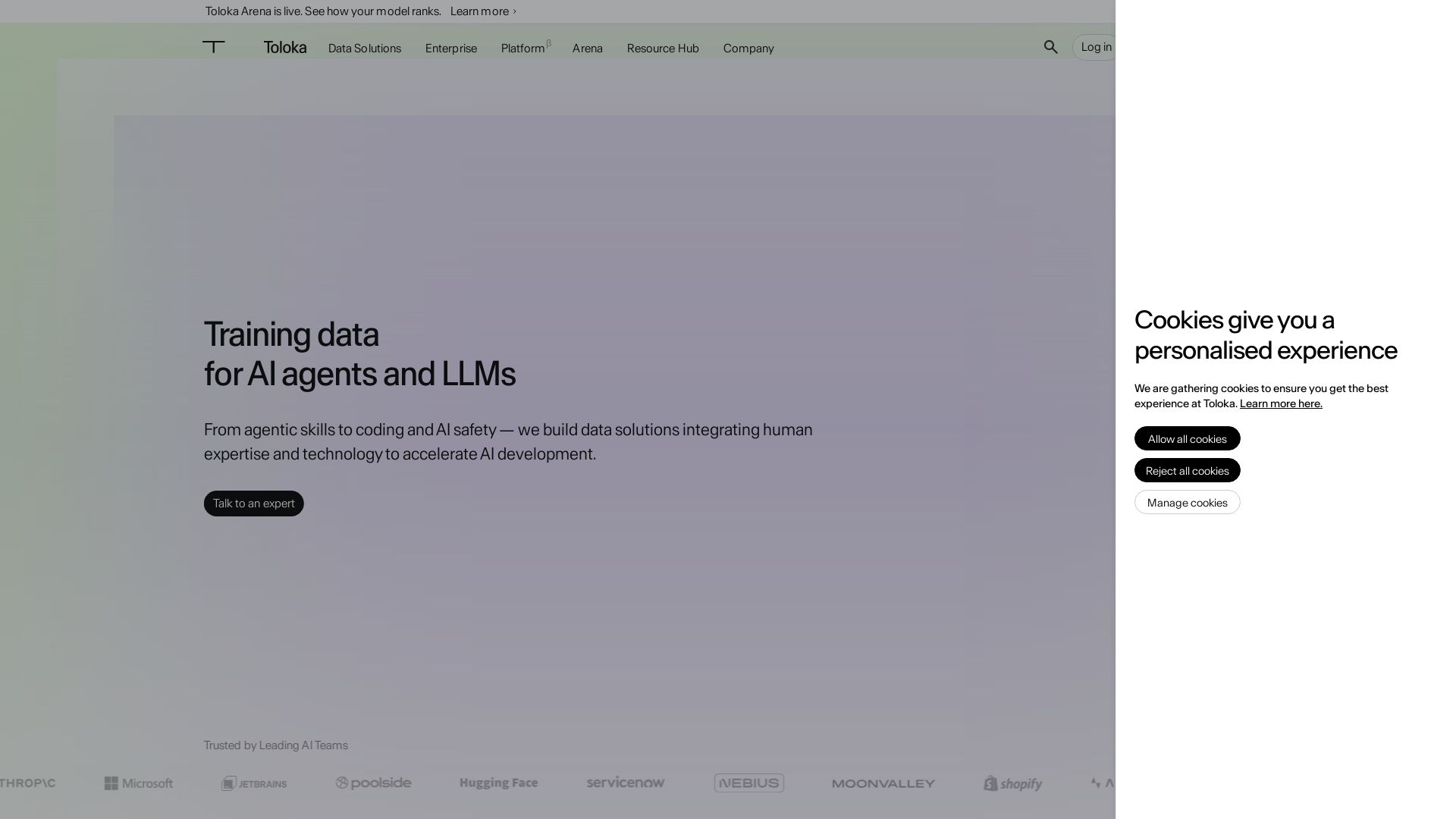
Toloka
High-quality training data for AI agents, LLMs, and coding assistants. Trusted by leading AI teams. 90+ domains, expert network.


Scuti AI
We specialize in generative AI, AI-OCR, RAG, and offshore development. Combining Vietnam's speed with Japan's quality to automate tasks and boost business.


Cequence AI Gateway
Safely connect AI agents to business apps with enterprise-grade security, OAuth 2.1, and MCP. Unlock agentic AI productivity.

ℹ️ Curation Disclosure: The overview and features of Sealos were synthesized using AI and fact-checked by our curation team to ensure accuracy.
