
Pump
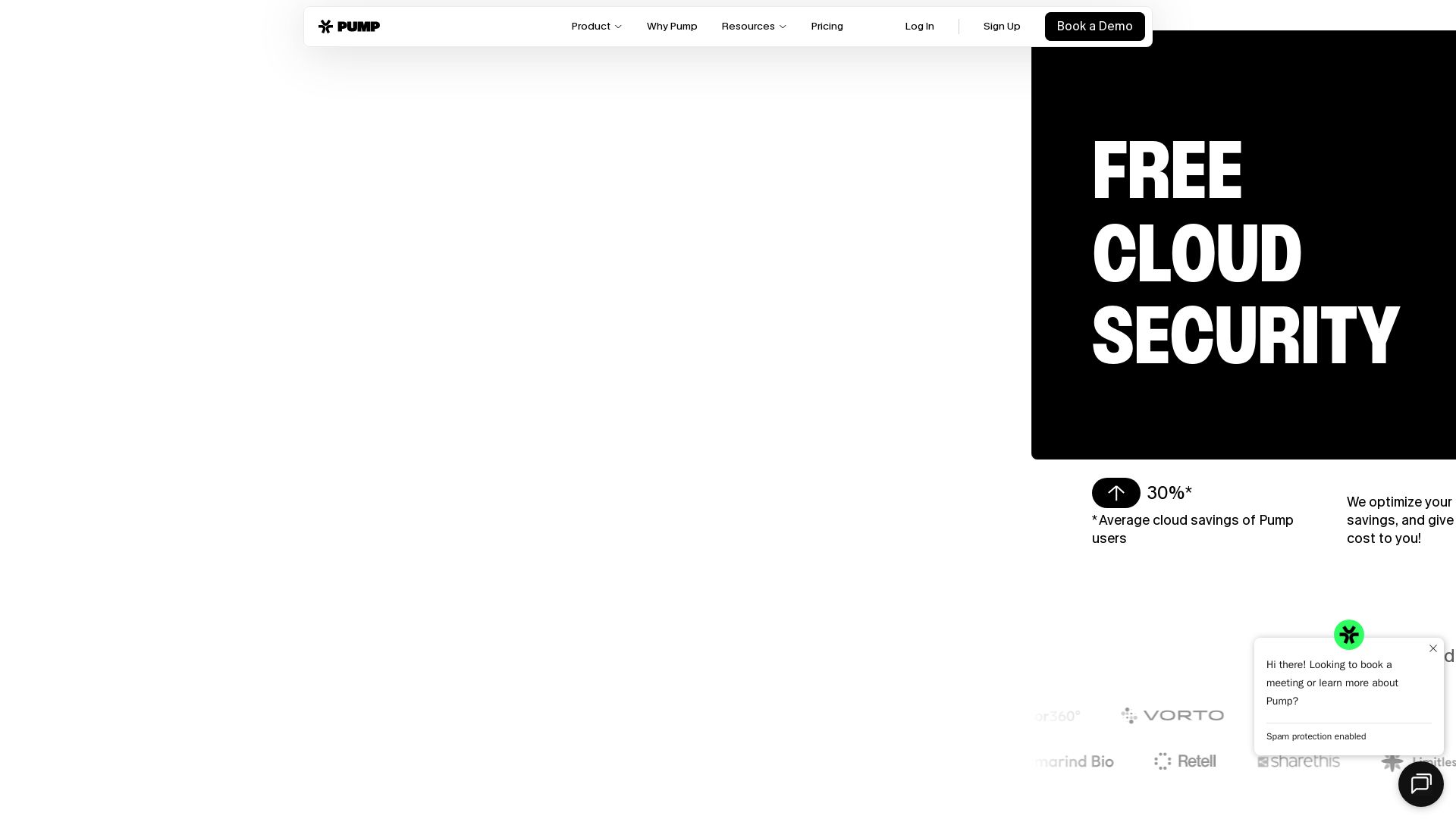
Automatically cut your AWS, GCP, and Azure bills by 30% on average. Get full visibility, security, and enterprise pricing—for free.

Editor's Verdict
Key Takeaways
- Pump Save
- Pump View
- Pump Secure
- Pump Intelligence
In-Depth Review: What is Pump?
Pump is a free platform that optimizes your cloud spend across AWS, GCP, and Azure. It automatically finds and applies the best savings, provides comprehensive cost visibility, and includes built-in security and incident response features. Trusted by fast-growing teams, Pump has managed over $1 billion in cloud spend, delivering average savings of 30%. No contracts, no credit cards—just connect your account in minutes and start saving.
Core Features
Pump Save
Automatically cut your cloud bill by finding the best pricing as your usage spikes, dips, or grows.
Pump View
Break down and forecast cloud costs so you always know where your money is going.
Pump Secure
Scan your cloud against industry compliance frameworks with step-by-step fixes and 24/7 monitoring.
Pump Intelligence
Stop context-switching across tools during an outage with an always-on AI SRE that has the full picture. (Coming soon)
Automated Savings
AI that works tirelessly to find and apply the best savings for a seamless and efficient experience.
Spend Observability
Know where all your cloud costs are and optimize your product to reduce costs.
Pricing
Free
- Full spend visibility
- Autopilot savings plans
- Built-in cloud security
- Two-minute setup with read-only permissions
- Supports AWS, GCP, and Azure
- No contracts, no credit cards, no cancellation fees
Pros and Cons
Pros
- Free to UseThe platform is completely free as cloud providers pay Pump for billing management.
- Automatic SavingsAI-driven savings plans automate cost reduction without manual effort.
- Full VisibilitySpend observability and forecasting give clear insight into cloud costs.
- Built-in SecurityCompliance scanning and step-by-step fixes enhance security posture.
- Easy SetupConnect your cloud account in under two minutes with read-only permissions.
Cons
- Limited to Read-OnlyRequires read-only permissions, so no direct changes to cloud resources.
- Intelligence Feature Not Yet AvailablePump Intelligence for incident response is still coming soon.
- May Not Cover All Use CasesBest suited for teams already using major cloud providers; customization may be limited.
- Dependent on Provider RebatesFree model relies on cloud provider incentives, which could change.
- No On-Premise SupportOnly supports AWS, GCP, and Azure cloud environments.
Use Cases & Recommended Professions
Cloud Engineer→ View Toolkit
Manages cloud infrastructure and needs to optimize costs while maintaining performance.
DevOps Engineer→ View Toolkit
Requires automated savings and visibility to streamline cloud operations.
CTO→ View Toolkit
Oversees technology budget and needs to reduce cloud spend without compromising security.
SVP of Engineering→ View Toolkit
Responsible for engineering costs and time savings across cloud deployments.
Head of Security→ View Toolkit
Needs compliance monitoring and security fixes for cloud environments.
FinOps Analyst→ View Toolkit
Focuses on cloud financial operations and requires detailed cost tracking and savings.
Frequently Asked Questions
Alternative AI Tools
View Detailed Comparison →
nOps
Industry-leading cloud savings without long-term commitments. Save up to 55% on AWS, Azure, GCP. Optimize AI costs automatically. Free savings analysis.


PrometAI
Generate investor-ready business plans in minutes with PrometAI's AI. Trusted by 100,000+ founders. Start for free, no guesswork.



AIGenerator
Plan, launch, and grow your business with AI. Generate business plans, ads, and content in minutes. Free to start.

Superblocks
Empower business teams to build production-grade AI apps in your AWS private cloud. IT controls integrations, permissions, and auditing. Secure enterprise vibe coding.



BizPlanr
Create a professional business plan in minutes with our free AI-powered generator. Used by 1000+ users. Get your free draft now!

Claude Code vs LangGraph: Agent vs Workflow
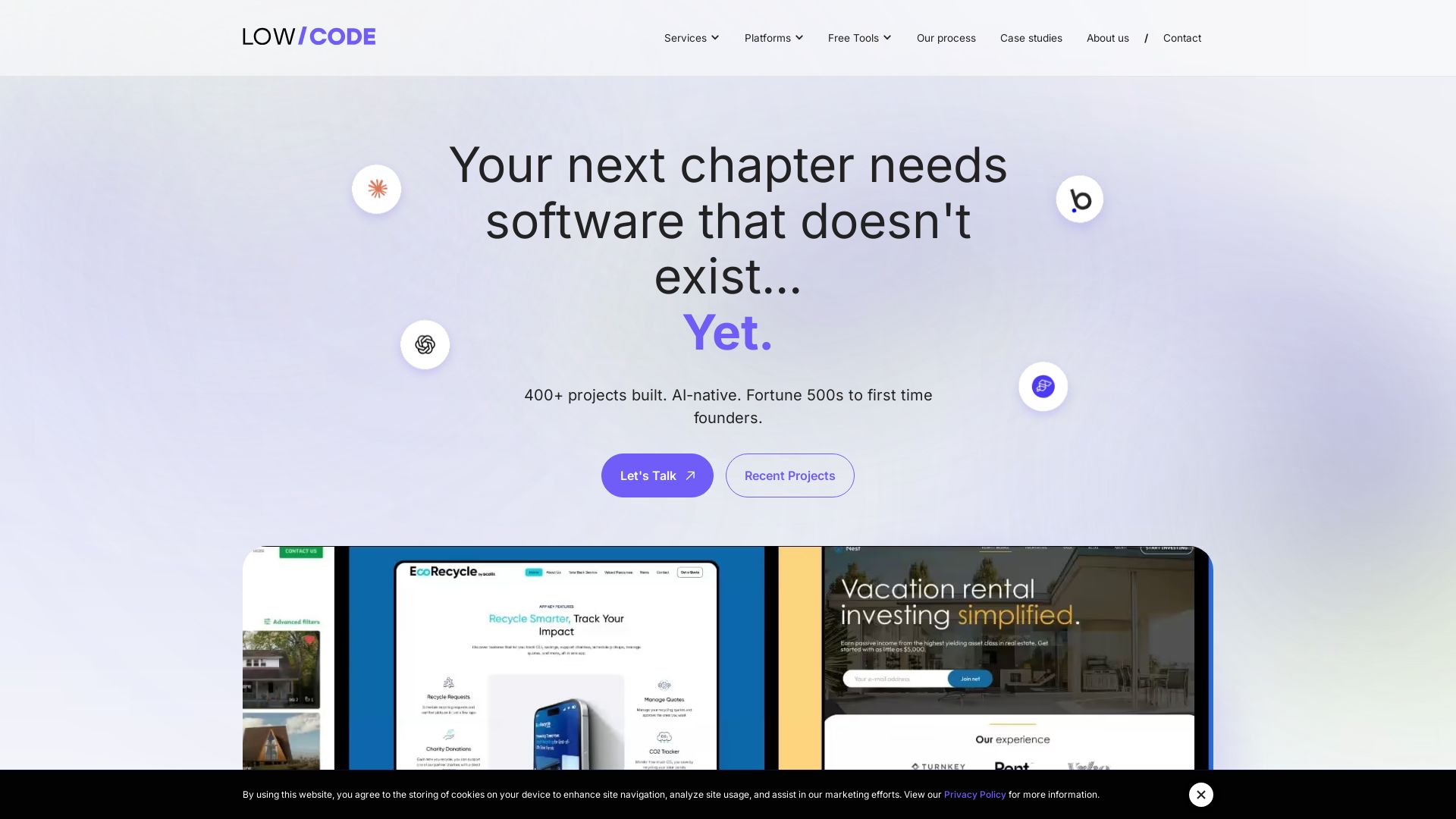
Low-code development agency building custom apps, AI automations, and MVPs for businesses and startups. 400+ projects delivered. Trusted by Fortune 500s and founders.

Cloudchipr
Don't just track cloud costs—control them with Cloudchipr's AI agents. Automate workflows, gain granular visibility, and reduce waste across AWS, GCP, Azure.

Vertex AI Agent Builder vs Others: What You Should Know
Trusted by 1100+ clients globally. We deliver AI, GenAI, and digital transformation services to take your business 10 years ahead. Explore our solutions.

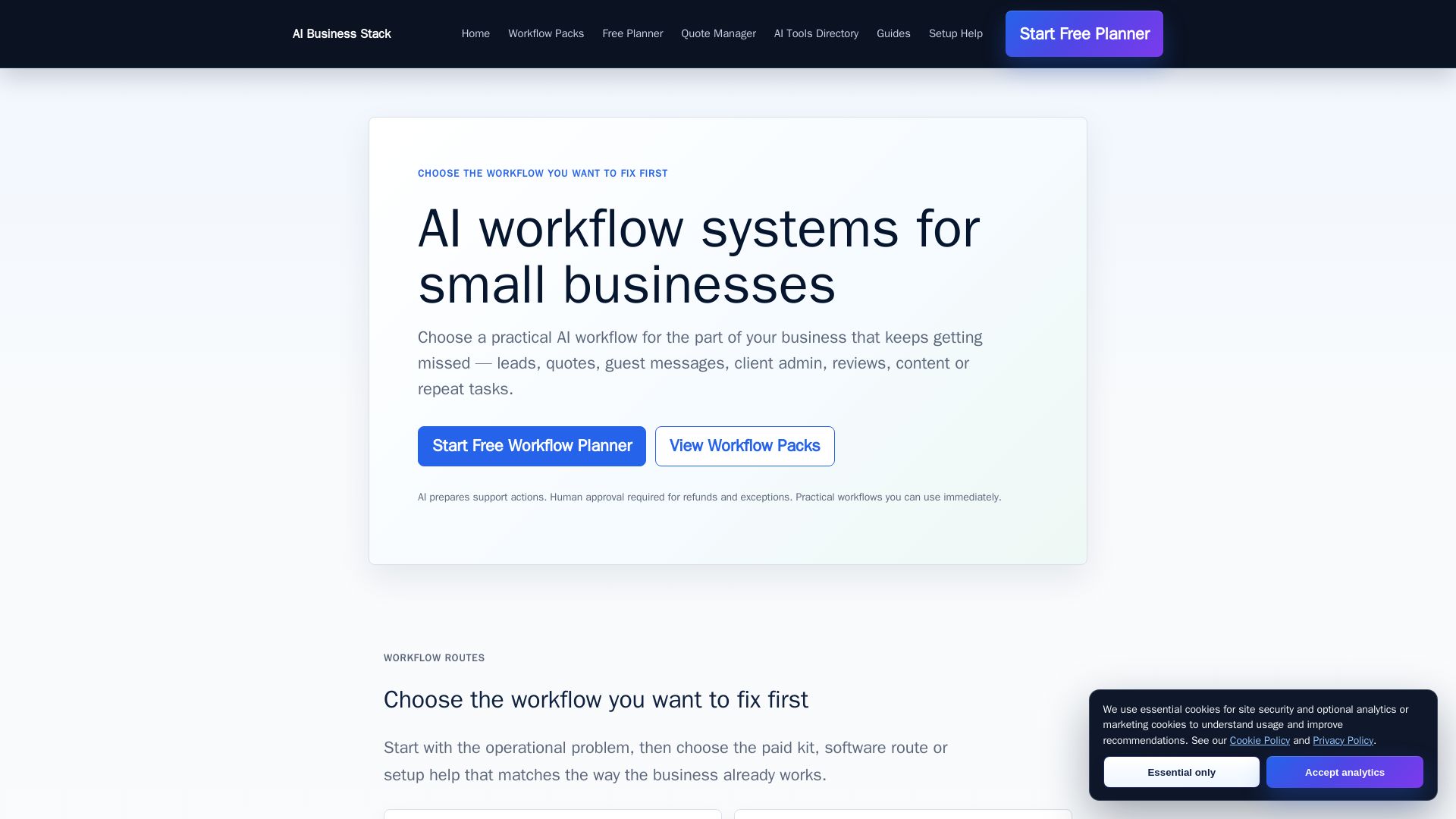
AI Business Stack
Practical AI workflows for leads, quotes, client admin, and more. Start with a free planner, then pick the right pack or software for your business.

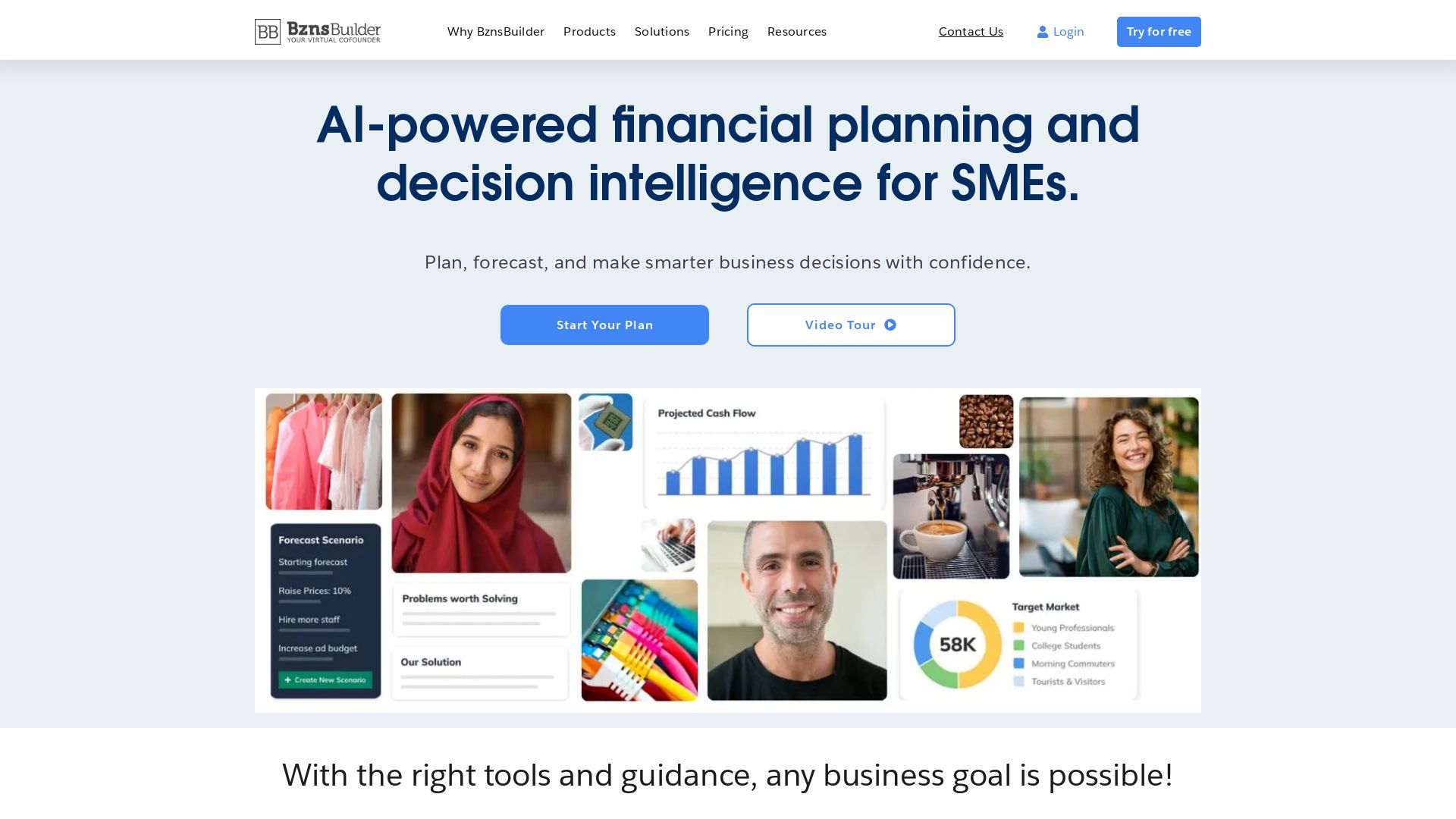
BznsBuilder
AI-powered financial planning and forecasting for SMEs. Build business plans, track KPIs, and make smarter decisions with confidence.

ℹ️ Curation Disclosure: The overview and features of Pump were synthesized using AI and fact-checked by our curation team to ensure accuracy.
