
MaxAI
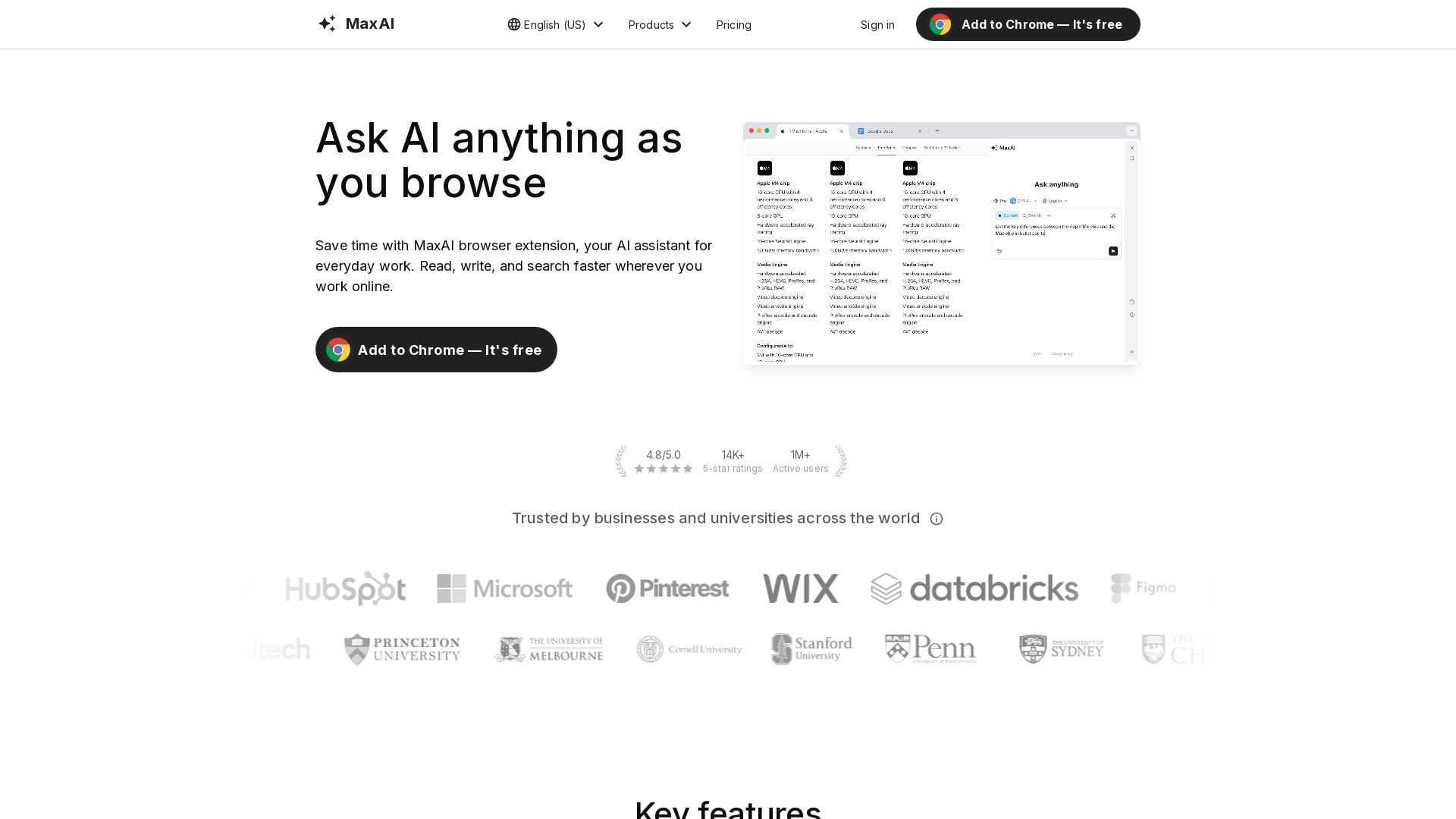
Save time with MaxAI browser extension: AI sidebar, top models, contextual AI, writing help, translation. Trusted by 1M+ users.

Editor's Verdict
Key Takeaways
- AI sidebar
- Top AI models
- Contextual AI
- Cited sources
In-Depth Review: What is MaxAI?
MaxAI is a browser extension and web app that serves as your all-in-one AI assistant for everyday work. It features an AI sidebar for quick access to top models like GPT-4, contextual AI that understands any webpage, cited answers, AI writing assistance, bilingual translation, reusable prompts, and image generation. Use cases include writing, research, learning, marketing, data analysis, productivity, translation, and coding. Trusted by over 1 million active users with a 4.8/5 rating and 14K+ 5-star reviews, it saves users 40+ hours per month and improves content quality by 300%.
Core Features
AI sidebar
Ask AI anything in the sidebar. No more tab switching.
Top AI models
Ask all the best AI models all in one place.
Contextual AI
Ask about any webpage. No more copy-pasting.
Cited sources
Get answers that are accurate and always cited.
AI writing assistance
Improve your writing across the web with a single click.
Bilingual translation
See original and translated text side by side.
Reusable prompts
Create your own prompts and use them with one click.
Image generation
Create images from text. Bring your ideas to life.
Pricing
Free
- Unlimited Free chat
- 3 Pro chats per day
- Fast free AI model
- Limited file uploads
Pro
- Unlimited Free chat
- Unlimited Pro chat
- Choose a smarter AI (5x more web search sources, in-depth source analysis, advanced reasoning, more accurate answers, customizable responses, voice input)
- Image generation (GPT-Image-1, DALL·E 3, SD3-Medium, FLUX-1-Schnell, FLUX-1-Dev, FLUX-1-Pro)
- Ask any source (Webpage, YouTube video, PDF, Email, File, Image, Audio, Search the web)
- AI rewrite (Improve writing, Fix spelling & grammar, Make shorter or longer, Change tone, Simplify language, Paraphrase, Explain, Get answer, Summarize, Find action items)
- AI reply (Gmail, Outlook, LinkedIn, Facebook, YouTube, Twitter, Instagram, WhatsApp, Slack, Discord, Messenger, Telegram)
- AI translate (Select text and translate, Translate page side by side)
- Higher file upload limits
- Team member management
Pros and Cons
Pros
- Time savingUsers save 40+ hours per month per user on tasks like research, writing, and summarization.
- Quality improvementImproves writing quality by 120% and content understanding by 300%.
- Faster researchEnables 5x faster research with cited sources and contextual AI.
- Cost savingSaves $1K per employee per month by automating tasks.
- High ratingsRated 4.8/5.0 with over 14,000 five-star ratings and 1 million+ active users.
Cons
- Free plan limitsFree plan only allows 3 Pro chats per day and limited file uploads.
- No refundsAll payments are final and non-refundable.
- No team features on FreeTeam member management is only available on the Pro plan.
- Account requiredFull features require creating an account and signing in.
- Prohibited usageSharing accounts or using programmatic methods to access the service is not allowed.
Use Cases & Recommended Professions
Writer→ View Toolkit
Draft long-form blog articles, improve writing quality, and generate ideas quickly.
Researcher→ View Toolkit
Summarize YouTube videos, explain complex concepts, and get cited sources for accuracy.
Student→ View Toolkit
Learn faster with AI explanations, paraphrasing, and summarization of study materials.
Marketer→ View Toolkit
Brainstorm campaign slogans, improve copy, and analyze marketing data.
Data Analyst→ View Toolkit
Explain charts in plain language, extract insights, and streamline analysis.
Developer→ View Toolkit
Explain unfamiliar code snippets line-by-line, debug, and improve productivity.
Frequently Asked Questions
Alternative AI Tools
View Detailed Comparison →
Marketing Mary
Unify research, creation, publishing & optimization with one AI Co-Pilot. Works in your existing stack. Join 500+ leaders on the waitlist.

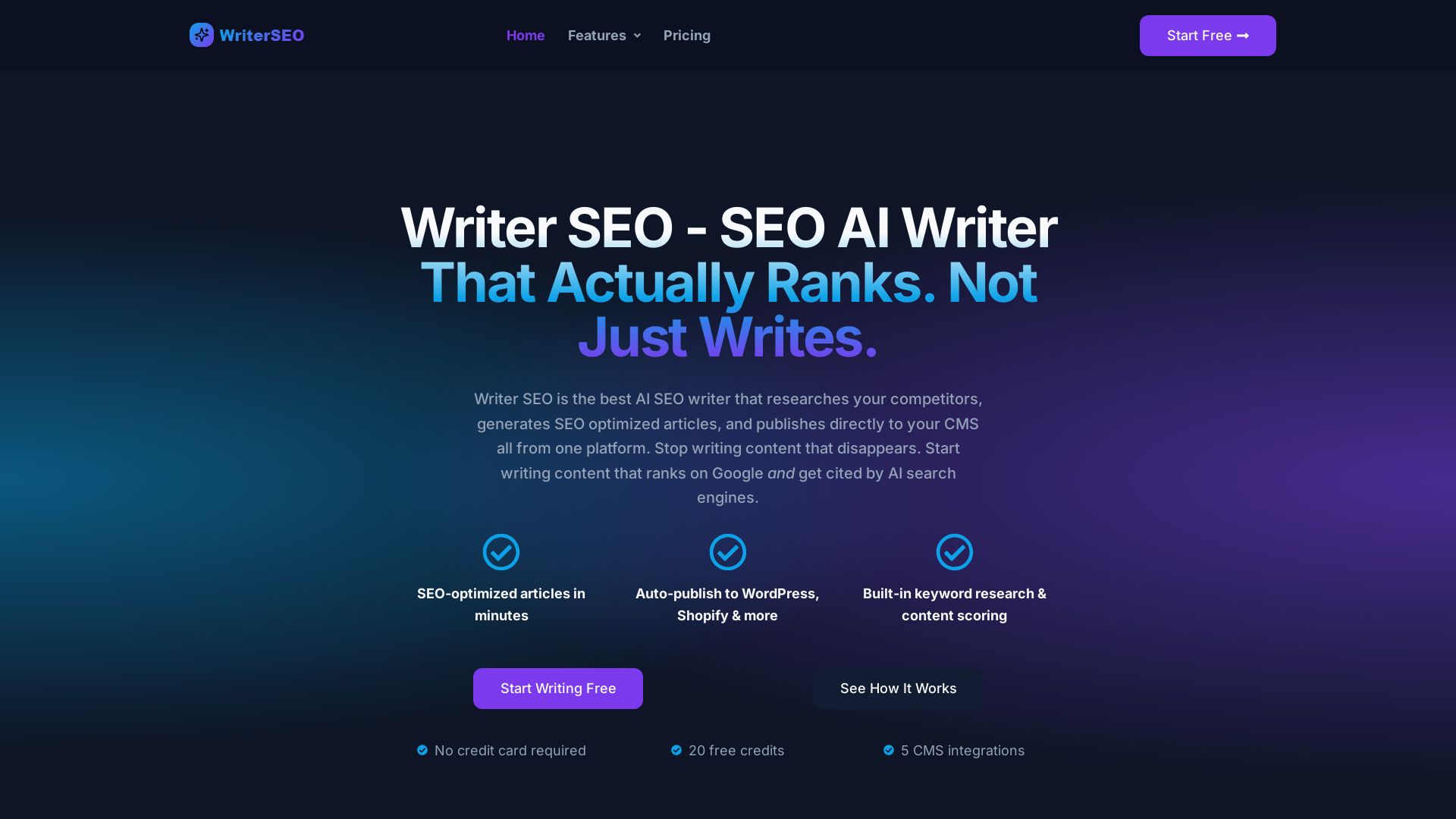
Writer SEO
Writer SEO is the AI SEO writer that researches competitors, generates optimized articles, and publishes to your CMS. Get content that ranks on Google and AI search engines.


FounderPal
Trusted by 2250+ founders. Get a personal AI marketing assistant to define strategy, delegate tasks, boost conversions. Save 100+ hours/month. Try free.


Expo AI Chatbot
Build AI chatbot apps for iOS, Android & web with Expo SDK 54, AI SDK 5, voice, long-term memory, and more. Open-source codebase.

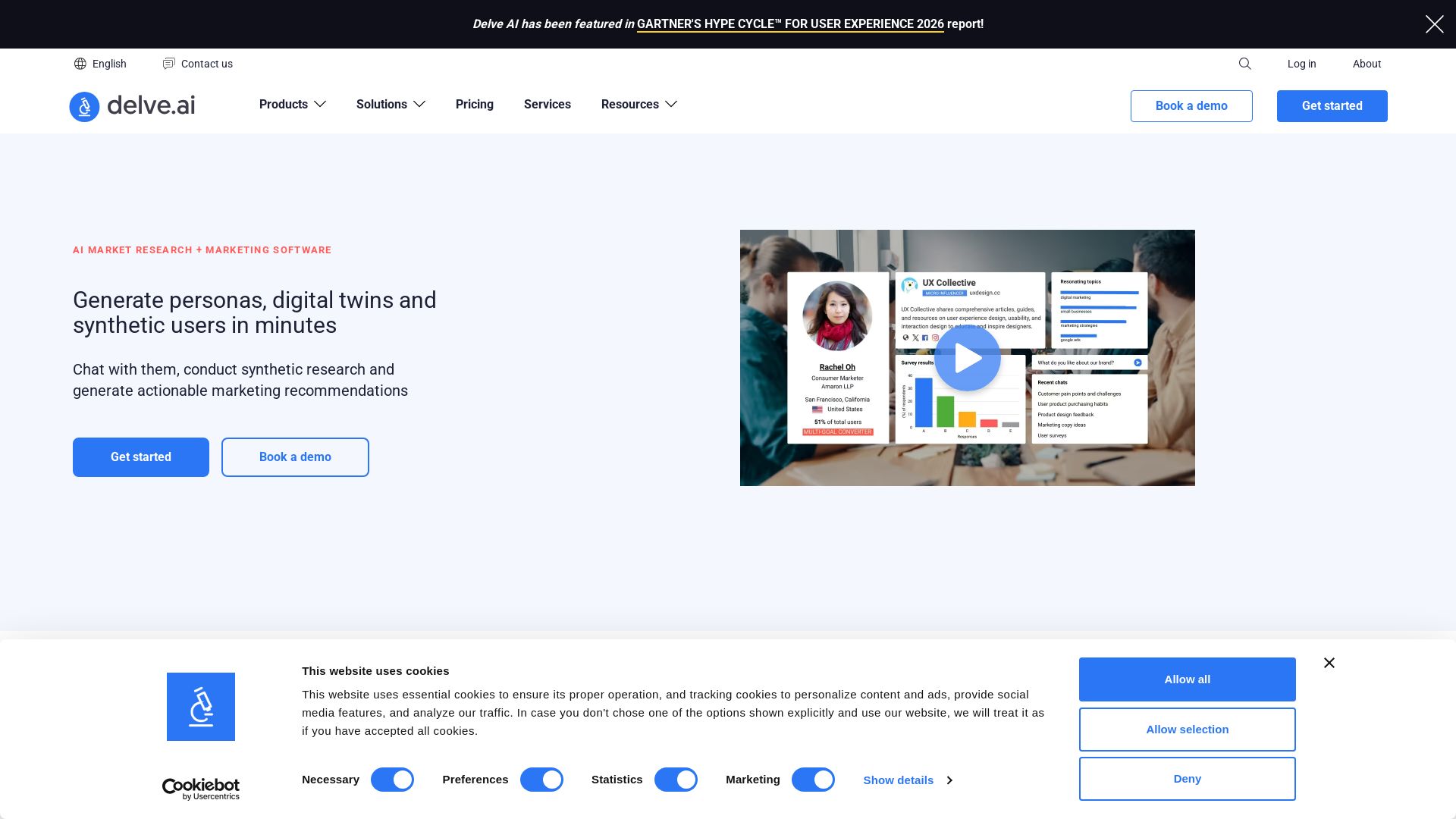
Delve AI
Create AI-driven customer personas, digital twins, and synthetic users for market research. Generate actionable insights in minutes.


ProductCrafters
Get a free 2-week trial sprint for your AI product. Working prototype in 30 days, production-ready in 90. No contract, no credit card. Test your dev team risk-free.

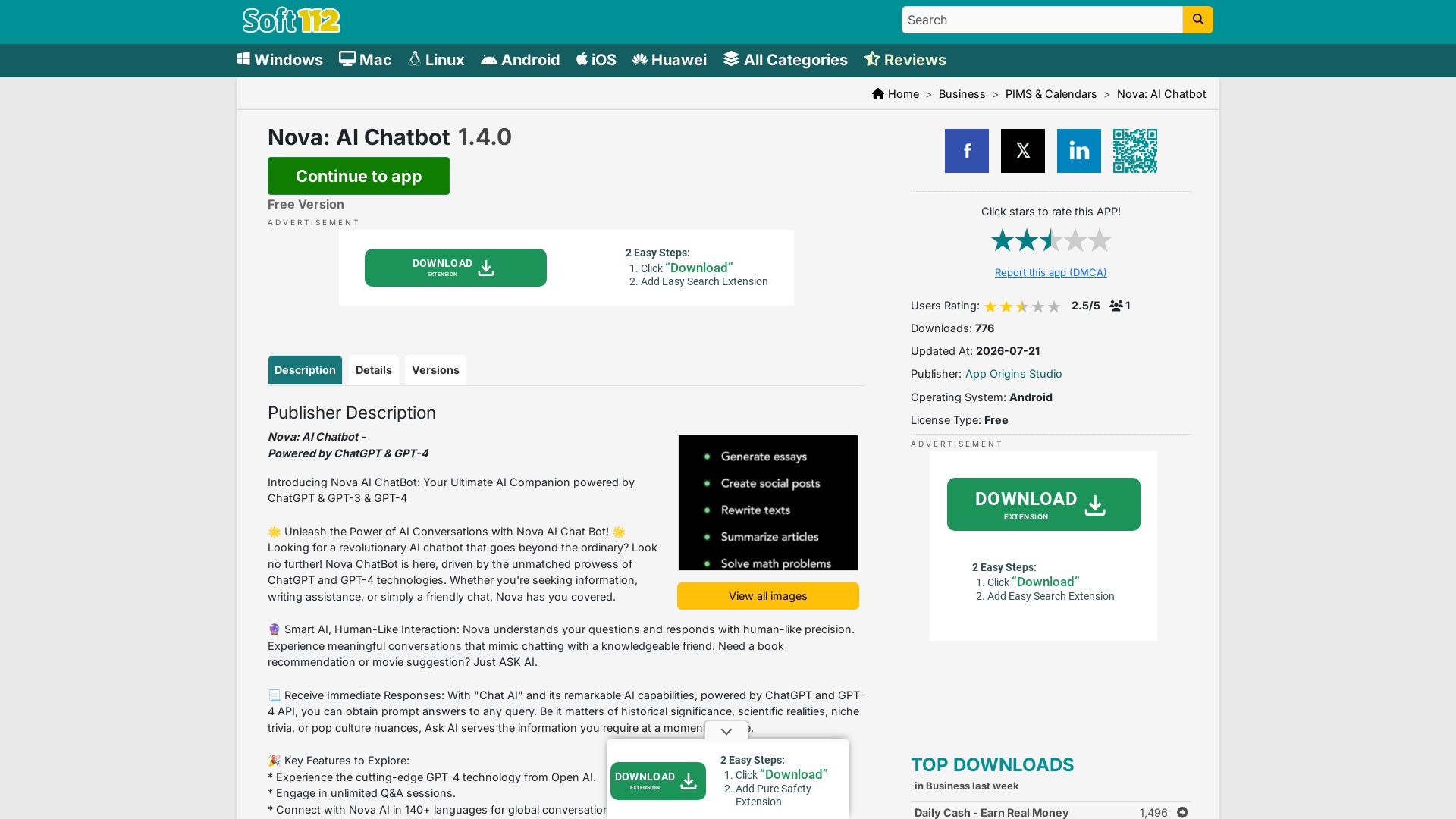
Nova AI Chatbot
Download Nova AI Chatbot for Android. Engage in human-like conversations, get writing help, and enjoy unlimited Q&A. Free version available.

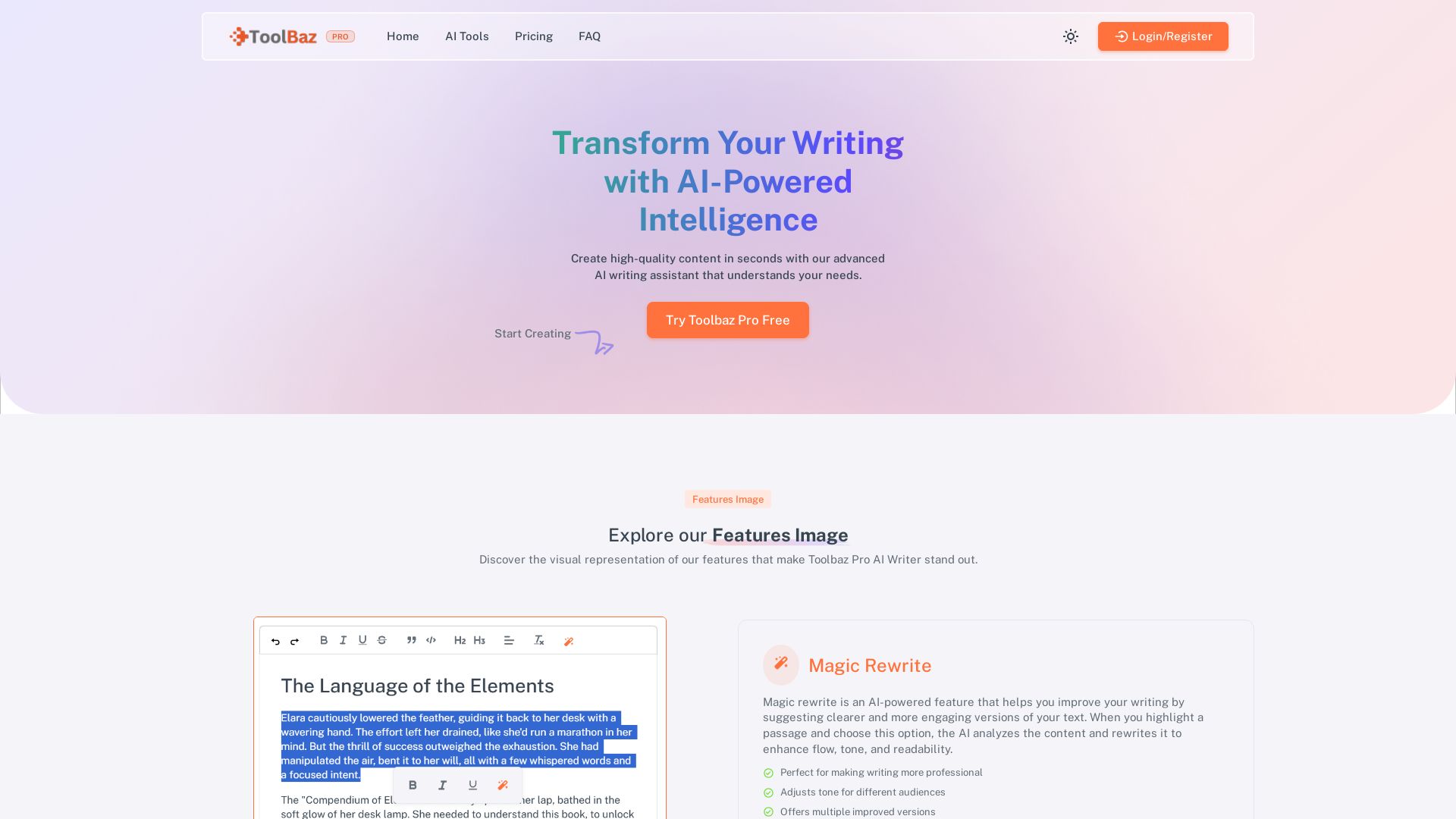
ToolBaz Pro
Create high-quality content fast with Toolbaz Pro AI Writer. Features Magic Rewrite, Continue Writer, and 20+ AI models. Perfect for blogs, emails, social media. Try free!

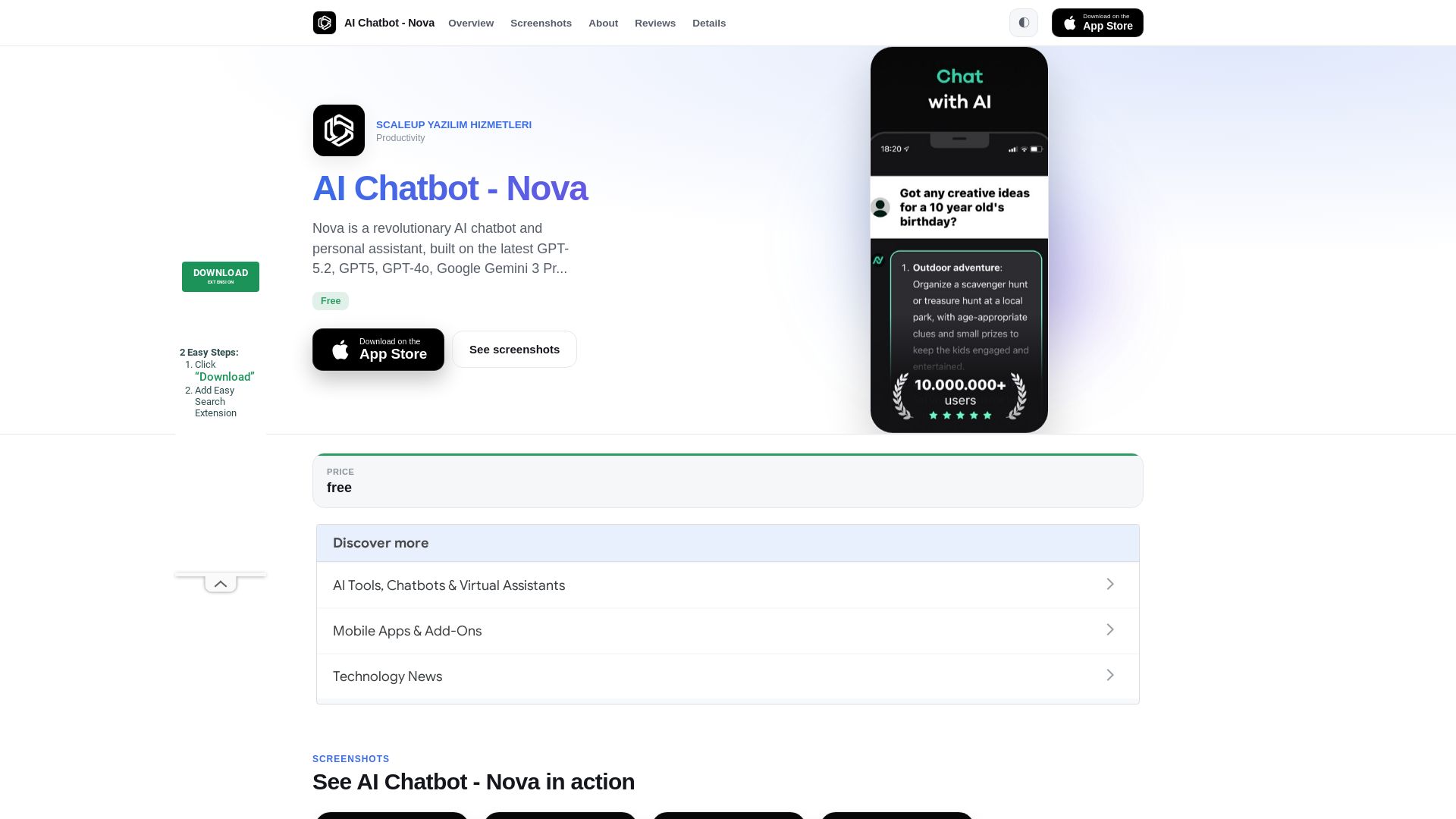
Nova
Nova AI chatbot uses GPT-5.2, GPT-5, and Gemini for human-like chat, writing, and proofreading. Free unlimited access. Download now!

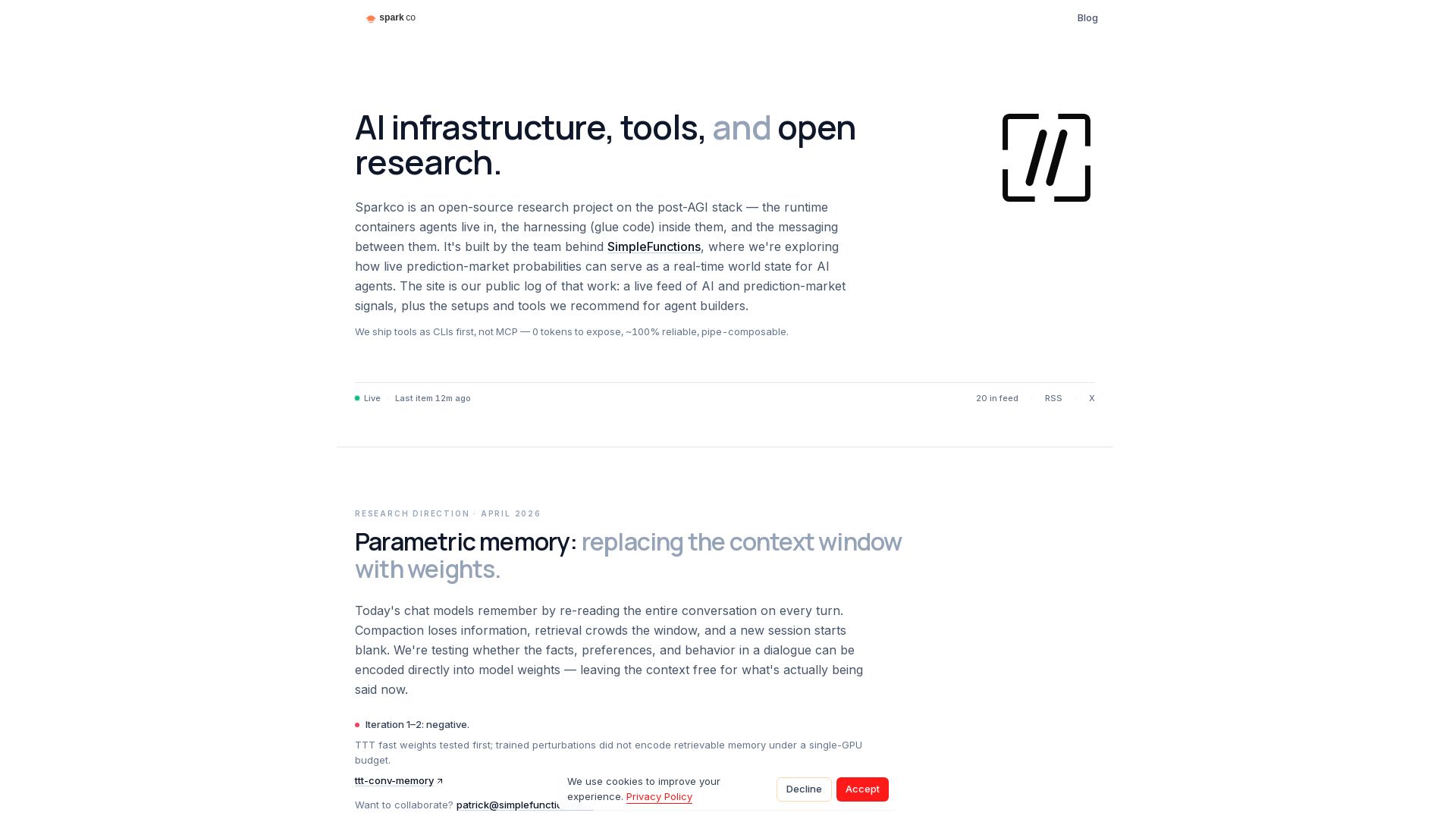
Sparkco
Open-source research on post-AGI stack, prediction market signals, and CLI-first tools for AI agents. Build smarter agents with Sparkco.

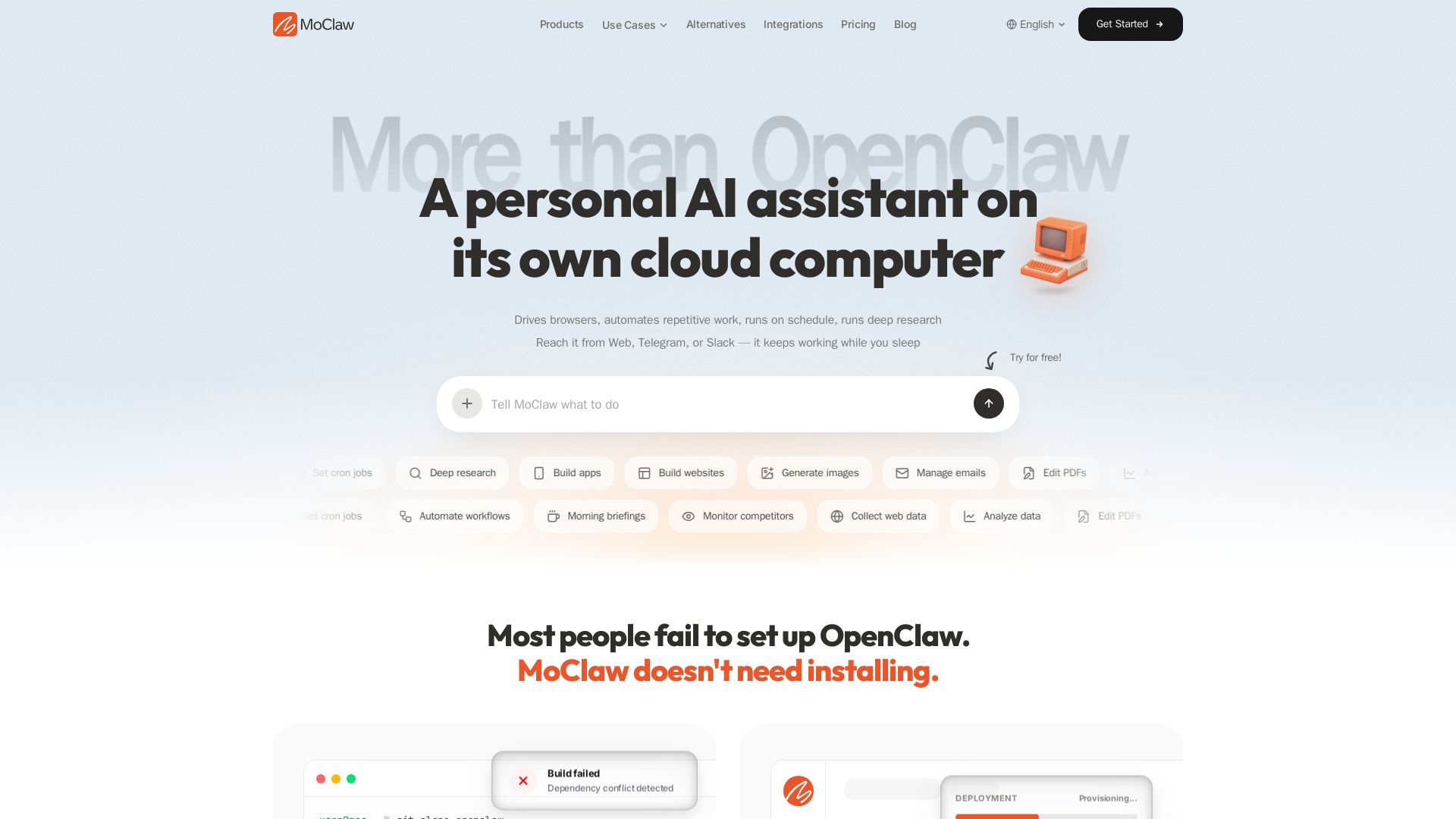
MoClaw
Automate tasks, research, and workflows with MoClaw's always-on AI computer. No setup, no crashes. Deep research, browser control, scheduling. Try free.


Marketing Titan
Replace HubSpot, ZoomInfo, Hootsuite & Jasper with 180+ AI agents & Darwin AI. Save $50K+/yr. Start free trial.

ℹ️ Curation Disclosure: The overview and features of MaxAI were synthesized using AI and fact-checked by our curation team to ensure accuracy.