
Leadberry
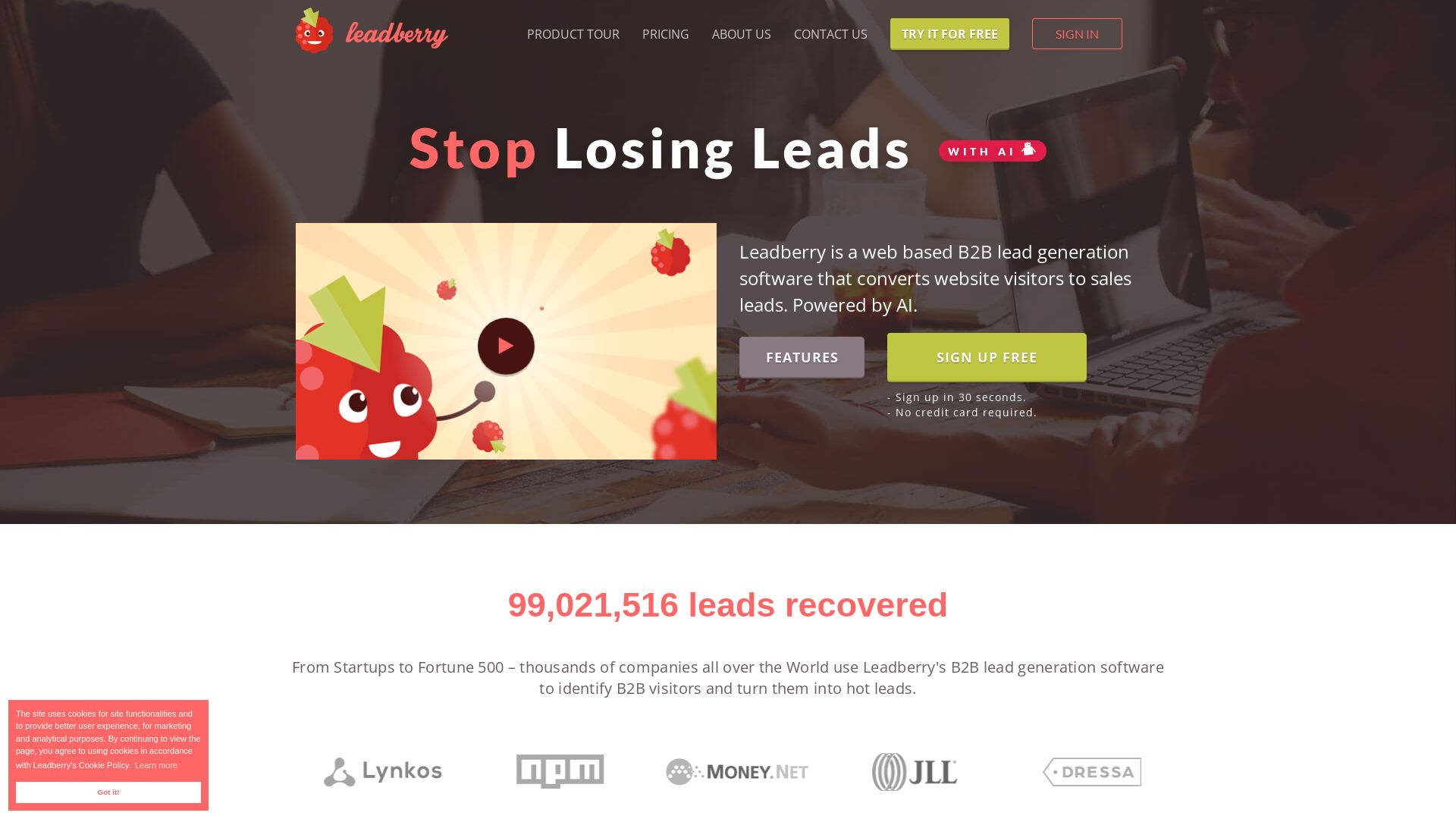
Convert website visitors into sales leads with Leadberry's AI. Identify companies, gather contacts, and automate prospecting. Try free, no credit card.


Editor's Verdict
Key Takeaways
- Company Identification
- Accurate Company Information
- People Data
- Visitor Metrics
In-Depth Review: What is Leadberry?
Leadberry is a web-based B2B lead generation tool that leverages advanced AI to identify companies visiting your website and transform them into actionable sales leads. With features like company identification, real-time alerts, and robust filtering, it helps sales and marketing teams recover lost leads. Trusted by thousands of companies, it integrates with popular sales tools and offers a 30-second signup with no credit card required.
Core Features
Company Identification
Identify companies visiting your website, moving from anonymous visitors to specific organizations.
Accurate Company Information
Gather company name, website URL, industry, bio, and social media pages from trusted databases.
People Data
Get names, positions, phone numbers, email addresses, and LinkedIn profiles of company operatives.
Visitor Metrics
See visit source, number of visits, time spent, and pages viewed to gauge interest level.
LinkedIn Connections for Social Selling
Display LinkedIn page of visiting company with mutual connections and common groups to facilitate social selling.
Real-time Alerts
Receive customizable email alerts when a prospect visits your website, even when not logged in.
Robust Filtering System
Automatically filter out ISPs and spammers, and manually filter by lead name, pageviews, time on site, visited URLs, campaign parameters, geo-location, and traffic source.
Detailed Reporting
Access clear, concise reports with up-to-date prospect information, exportable to CSV or XLS.
CRM Integrations
Connect with favorite CRMs, email automation, reporting, and prospecting tools, including Zapier.
Similar Leads Exploration
Expand prospect list by finding similar companies based on industry and location.
Pricing
Light
- 10 days of historical data
- 25 unique leads per month
- 1 user
- No CRM integration
- No chat support
- No LinkedIn connection
- Regular email support
- 3 websites
- No business cards
- 1 notification email per week
- 3 Similar Leads per search
Essential
- Unlimited leads, websites, and users
- LinkedIn for Social Selling
- Accurate Company & People Data
- Advanced Lead Filtering
- Customizable email alerts
- Premium email & chat support
- Live chat support
- 50 Similar Leads per search
Pro
- Everything in Essential
- CRM Integrations
- Export to CSV
- 100 Similar Leads per search
Premium
- Everything in Pro
- Zapier Integration
- Real-time Alerts
- 150 Similar Leads per search
Ultimate
- Initial Discovery Call
- AI-based Data Enrichment
- Custom CRM integration
- Manual Data Cleaning
- Decision-maker Pre-filtering
- Premium Support: email, chat & phone
Pros and Cons
Pros
- AI-Powered PrecisionAdvanced AI filters out residential ISPs and useless data, ensuring only high-quality B2B prospects.
- Easy Setup and UseSign up in 30 seconds without credit card, implement tracking snippet in minutes, and start collecting leads instantly.
- Comprehensive Visitor DataGet company information, people data, and visitor metrics to understand and act on leads.
- Seamless IntegrationsConnect with CRM, email automation, and other tools via direct integrations or Zapier.
- Risk-Free Trial and Support7-day free trial with full features, no credit card required, and responsive customer support within 24 hours.
Cons
- Limited Free PlanThe free Light plan offers only 25 unique leads per month and lacks CRM integration, chat support, and LinkedIn connection.
- No Phone Support on Lower TiersPhone support is only available on the Ultimate plan, which is expensive.
- Dependence on Website TrafficEffectiveness relies on having consistent website traffic; low-traffic sites may not generate enough leads.
- No Outbound Prospecting on Free PlanThe free plan restricts similar leads to only 3 per search, limiting outbound list building.
- Learning Curve for FilteringAdvanced filtering options may require time to set up effectively for optimal results.
Use Cases & Recommended Professions
Sales Development Representative (SDR)→ View Toolkit
SDRs need to identify and contact qualified leads; Leadberry provides company and people data with alerts to prioritize outreach.
Marketing Manager→ View Toolkit
Marketing managers can measure website engagement and convert anonymous traffic into leads, improving ROI on marketing campaigns.
Business Development Manager→ View Toolkit
BDMs can discover new prospects through similar leads and filter by industry to expand into new markets.
Account Executive→ View Toolkit
AEs need real-time alerts when target accounts visit the site, enabling timely follow-ups and personalized engagement.
Growth Hacker→ View Toolkit
Growth hackers leverage AI-driven insights and integrations to automate lead generation and accelerate pipeline growth.
Agency Owner→ View Toolkit
Agencies managing multiple clients can use Leadberry to generate leads for each client with unlimited websites and users.
Frequently Asked Questions
Alternative AI Tools
View Detailed Comparison →
Marketing Titan
Replace HubSpot, ZoomInfo, Hootsuite & Jasper with 180+ AI agents & Darwin AI. Save $50K+/yr. Start free trial.


AIGenerator
Plan, launch, and grow your business with AI. Generate business plans, ads, and content in minutes. Free to start.

FounderPal
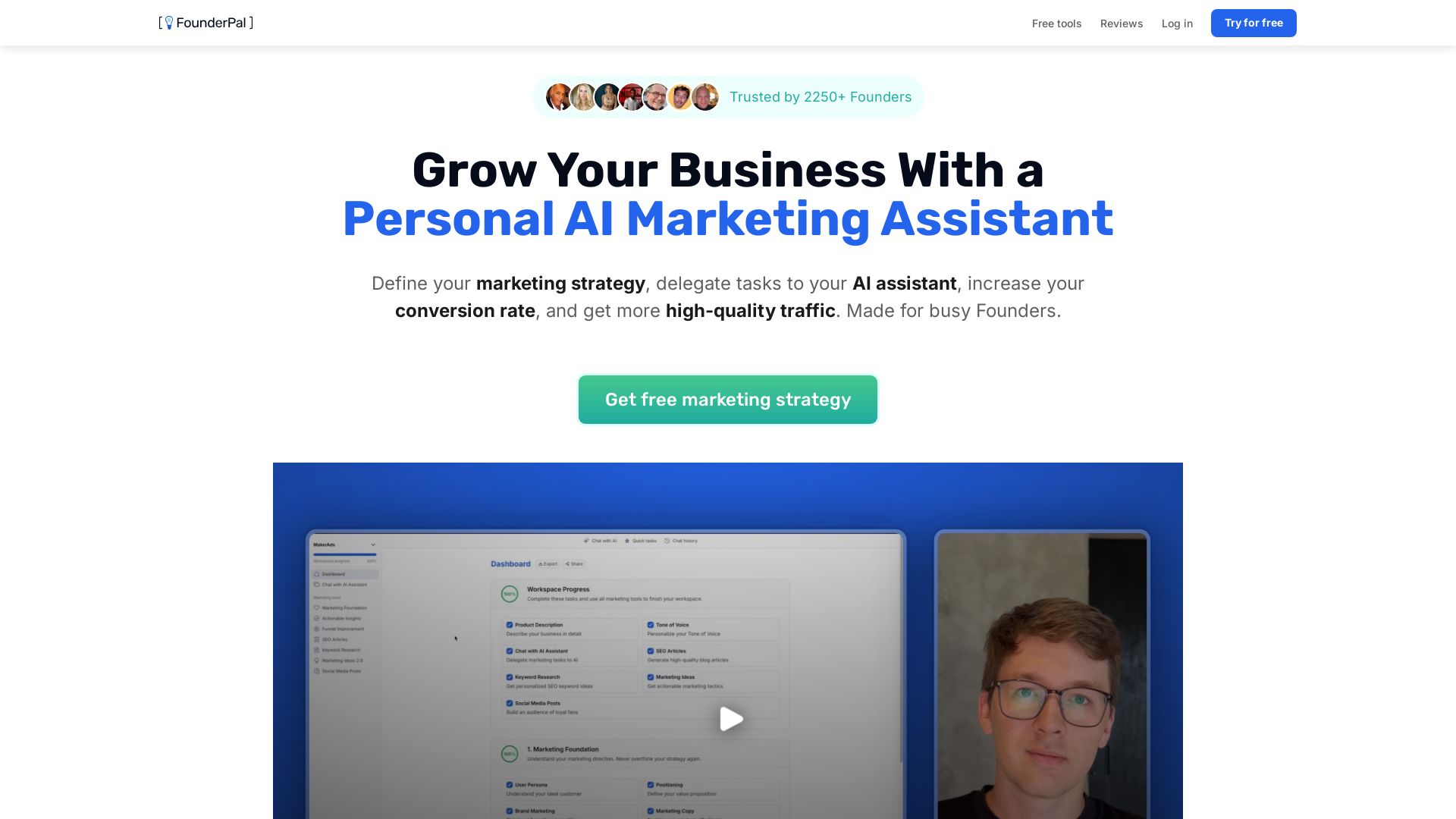
Trusted by 2250+ founders. Get a personal AI marketing assistant to define strategy, delegate tasks, boost conversions. Save 100+ hours/month. Try free.


Marketing Copilot
Boost AI visibility, engage buyers, and manage data with expert-led marketing. Trusted by tech companies. Claim your AI Visibility Assessment.

Leadzen.Ai
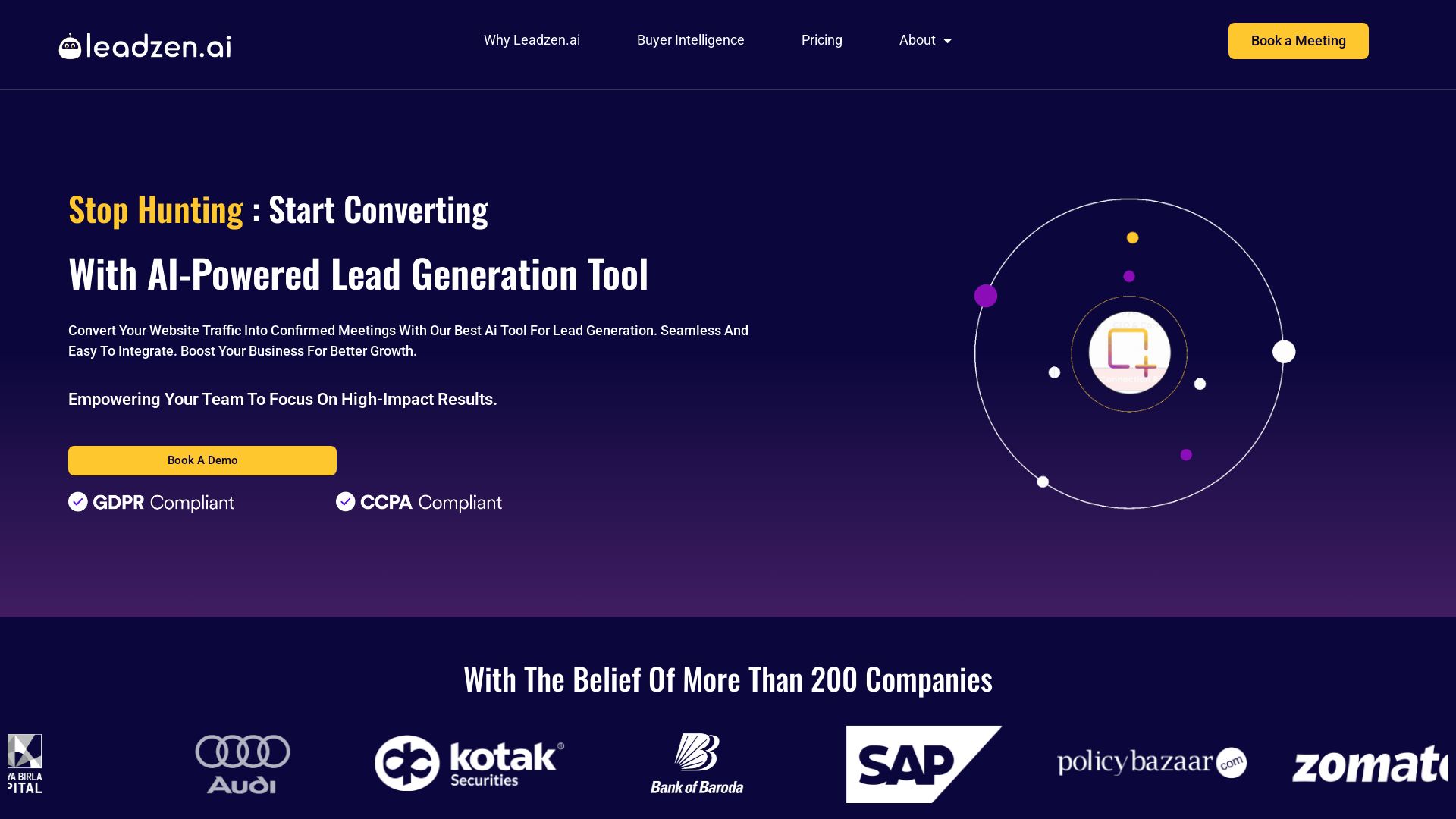
Turn website traffic into confirmed meetings with AI-driven lead generation. Get verified contacts, automate outreach, and scale faster. Trusted by 200+ companies.


Leadspicker
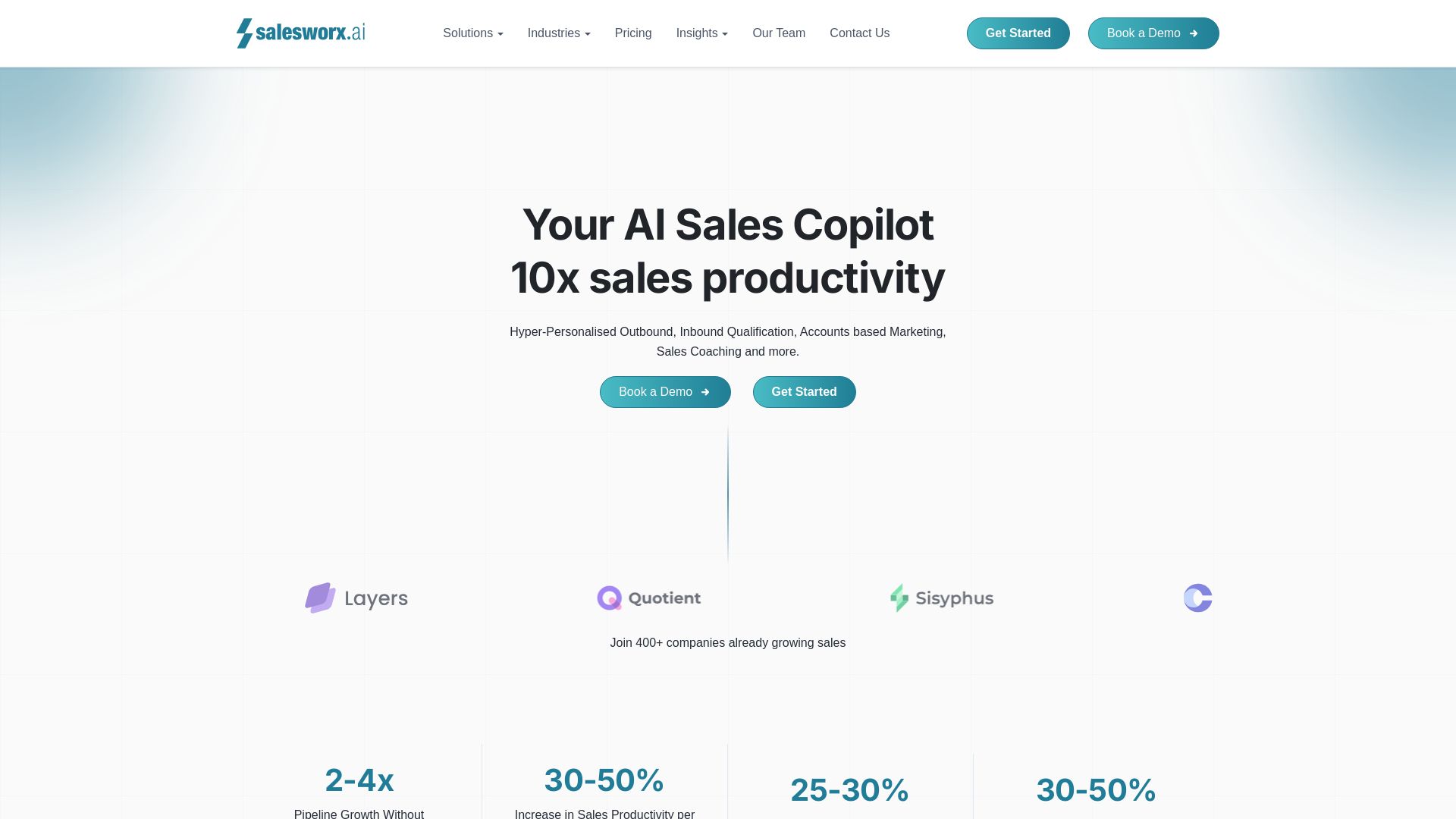
Automate prospecting, enrichment, and outreach with AI Agents. Replace 5 tools with one platform. Start free trial.





LeadQuizzes
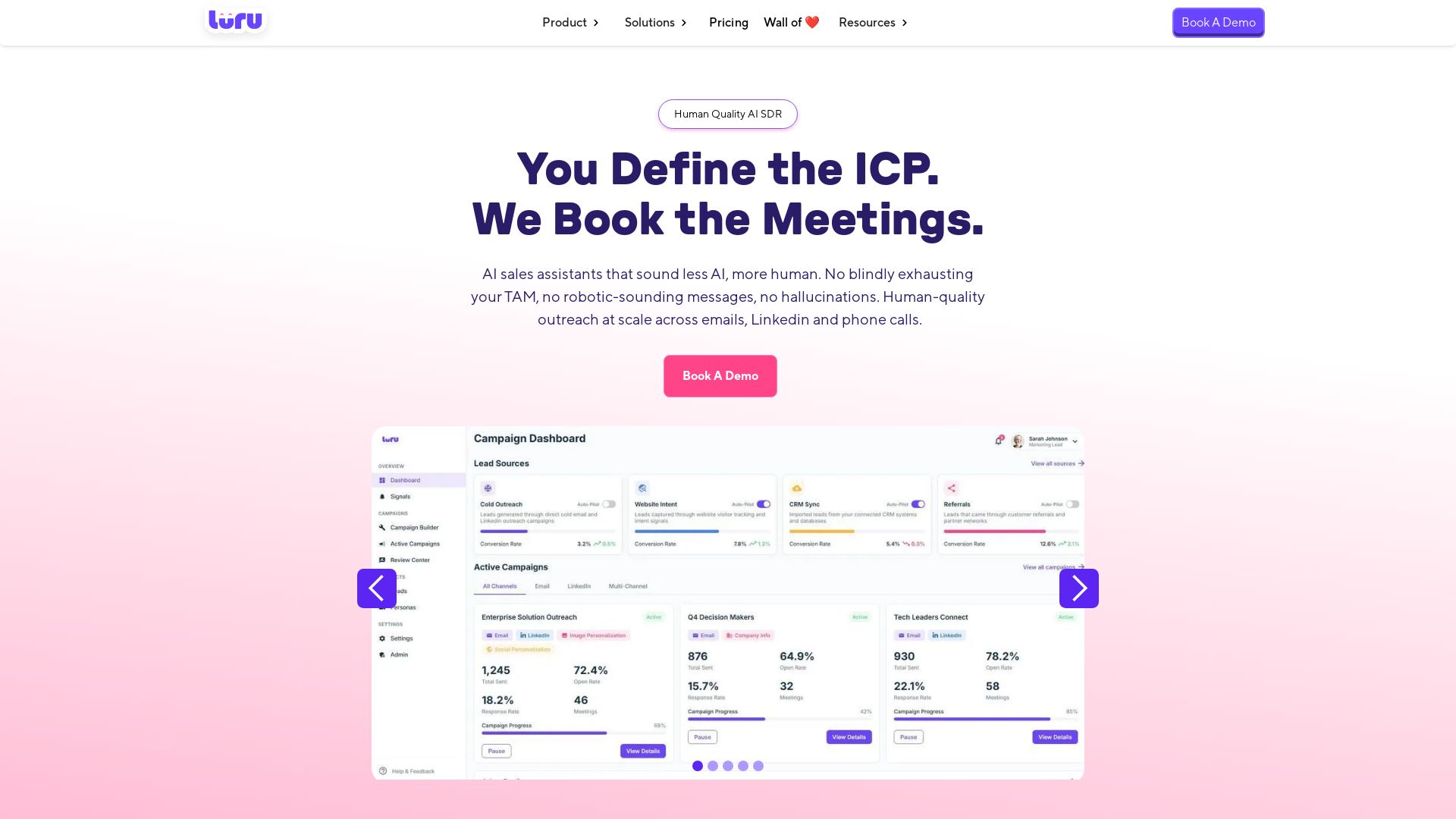
Create interactive quizzes to capture, score, and qualify leads. Sync to CRM automatically. No coding needed. Start free.


Marketing Mary
Unify research, creation, publishing & optimization with one AI Co-Pilot. Works in your existing stack. Join 500+ leaders on the waitlist.

Seamless.AI
Turn data into deals with AI-powered prospecting, outreach, and automation. Trusted by 1M+ sales leaders. Get verified leads and book more meetings.

ℹ️ Curation Disclosure: The overview and features of Leadberry were synthesized using AI and fact-checked by our curation team to ensure accuracy.