
Holori
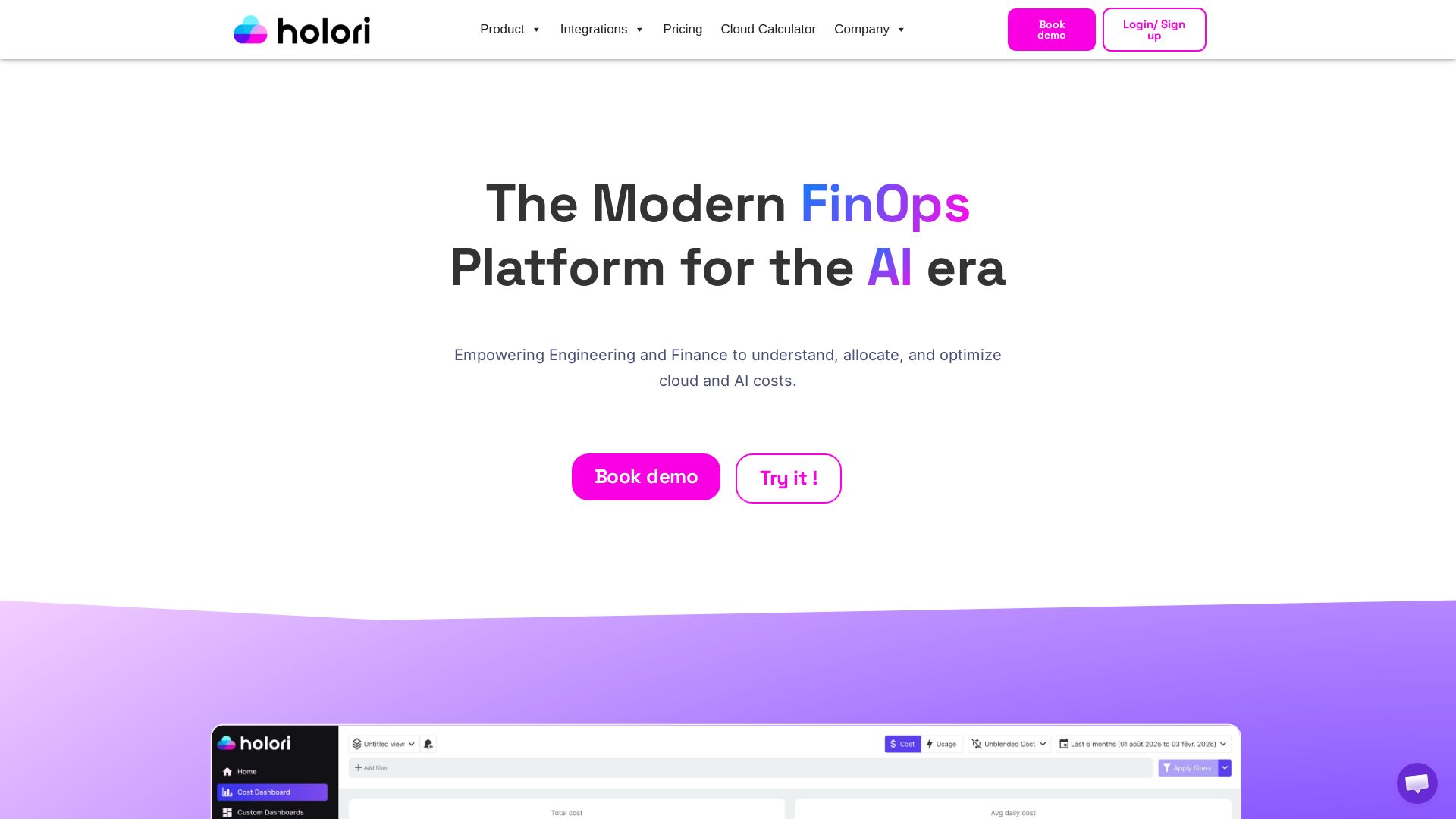
Empower engineering and finance to understand, allocate, and optimize cloud and AI costs. Consolidate multi-cloud expenses, use virtual tags, and get savings recommendations.
Editor's Verdict
Key Takeaways
- Cost Dashboard
- Graphical Cost Allocation
- Cloud Cost Optimization
- Infrastructure View (Automated Diagrams)
In-Depth Review: What is Holori?
Holori is a modern FinOps platform designed for the AI era, helping engineering and finance teams gain ultimate cost visibility across AWS, Azure, GCP, and more. It consolidates cloud expenses into one dashboard, enables graphical cost allocation with Virtual Tags, and provides best-in-class optimization recommendations to eliminate waste. With features like custom alerts, budgeting, and infrastructure monitoring, Holori ensures your billing data stays in your environment, offering a sovereign and secure solution. Trusted by thousands, it simplifies multi-cloud cost management, making it easy to connect, visualize, and optimize cloud and AI costs.
Core Features
Cost Dashboard
Consolidates cloud expenses from multiple providers into one dashboard with filters to allocate costs across teams, projects, and providers.
Graphical Cost Allocation
Uses intuitive visual hierarchy and drag-and-drop virtual tags to assign costs to departments, projects, or teams.
Cloud Cost Optimization
Provides best-in-class recommendations to save money by identifying unused resources, committed discounts, and rightsizing options.
Infrastructure View (Automated Diagrams)
Automatically generates diagrams of cloud infrastructure, available in various sync frequencies and with export options.
Virtual Tagging
Applies custom tags across providers to maintain a consistent tagging policy and improve cost allocation.
Alerting and Budgeting
Creates custom alerts and budgets to stay informed about cloud spending and prevent overspending.
Asset Inventory
Provides a comprehensive inventory of all cloud assets across connected accounts and providers.
Multi-Cloud Consolidation
Connects AWS, Azure, and GCP in minutes to centralize billing and usage data in one platform.
Pricing
Free
- Up to $3K monthly cloud spend
- Cost Dashboard
- Asset Inventory
- Monthly automated diagrams
- Cost allocation, budget, alerts
- Unlimited connected providers & accounts
- Unlimited users
- Virtual tags
- Cost recommendations
- Custom dashboards
- 1 month data retention
- Export infrastructure documentation as PDF with watermark
- Up to 3 project planning diagrams
- Online documentation
- Slack/Discord channels
Pro
- Up to $10K monthly cloud spend
- All Free features
- Daily automated diagrams
- Unlimited diagrams for project planning
- 3 months data retention
- Infrastructure monitoring
- Export PDF without watermark
- Office hours support (CET time)
Business
- Up to $20K monthly cloud spend
- All Pro features
- Premium support
- 6 months data retention
- Dedicated support and onboarding available
Enterprise
- Above $20K monthly cloud spend
- All Business features
- Advanced onboarding
- Custom plan
- Custom data retention
- Dedicated support and onboarding
Pros and Cons
Pros
- Sovereign FinOps PlatformBilling and usage data stay in your environment, ensuring data privacy and security.
- Multi-Cloud VisibilityConsolidate costs from AWS, Azure, and GCP in a single dashboard for unified management.
- Drag-and-Drop Cost AllocationVirtual tags allow intuitive assignment of costs to departments, projects, or teams without complex coding.
- Automated Infrastructure DiagramsAutomatically generate and update diagrams of your cloud infrastructure, saving time and improving documentation.
- Cost Optimization RecommendationsIdentifies unused resources, rightsizing opportunities, and available discounts to reduce waste.
Cons
- Free Plan LimitationsFree plan includes only monthly sync frequency, 1 month data retention, and PDF exports with watermark.
- Pricing Based on SpendPlans are tiered by monthly cloud spend, which may not fit organizations with highly variable or very low spend.
- Limited Free Project PlanningFree plan restricts project planning diagrams to only 3 projects, which may be insufficient for large teams.
- No Custom Plans for Small SpendEnterprise plan is custom, but there is no tailored plan for spending between $10K and $20K beyond the Business tier.
- Support TiersPremium support is only available on Business and Enterprise plans; lower tiers rely on community channels.
Use Cases & Recommended Professions
FinOps Practitioner→ View Toolkit
Needs to track, allocate, and optimize cloud costs across multiple providers with a unified platform.
DevOps Engineer→ View Toolkit
Requires visibility into infrastructure costs and automated diagrams to manage cloud resources efficiently.
Cloud Architect→ View Toolkit
Designs multi-cloud environments and needs cost allocation and optimization insights to make informed decisions.
CTO→ View Toolkit
Oversees cloud spending and requires a high-level view of costs and optimization opportunities to control budgets.
Finance Manager→ View Toolkit
Needs clear cost allocation and reporting to understand cloud expenses and chargeback to departments.
Procurement Manager→ View Toolkit
Evaluates cloud vendor costs and committed discounts to negotiate better deals and reduce overspending.
Frequently Asked Questions
Alternative AI Tools
View Detailed Comparison →
Cloudchipr
Don't just track cloud costs—control them with Cloudchipr's AI agents. Automate workflows, gain granular visibility, and reduce waste across AWS, GCP, Azure.


PrometAI
Generate investor-ready business plans in minutes with PrometAI's AI. Trusted by 100,000+ founders. Start for free, no guesswork.

nOps
Industry-leading cloud savings without long-term commitments. Save up to 55% on AWS, Azure, GCP. Optimize AI costs automatically. Free savings analysis.

CloudZero
Unify AI spend with business outcomes. Know exactly what each model, provider, and prompt pattern costs. Optimize AI investments.

Data Studios
Explore expert guides on AI, financial analysis, corporate finance, and data analysis. Stay updated with the latest news and courses. Log in for exclusive content.


AIGenerator
Plan, launch, and grow your business with AI. Generate business plans, ads, and content in minutes. Free to start.

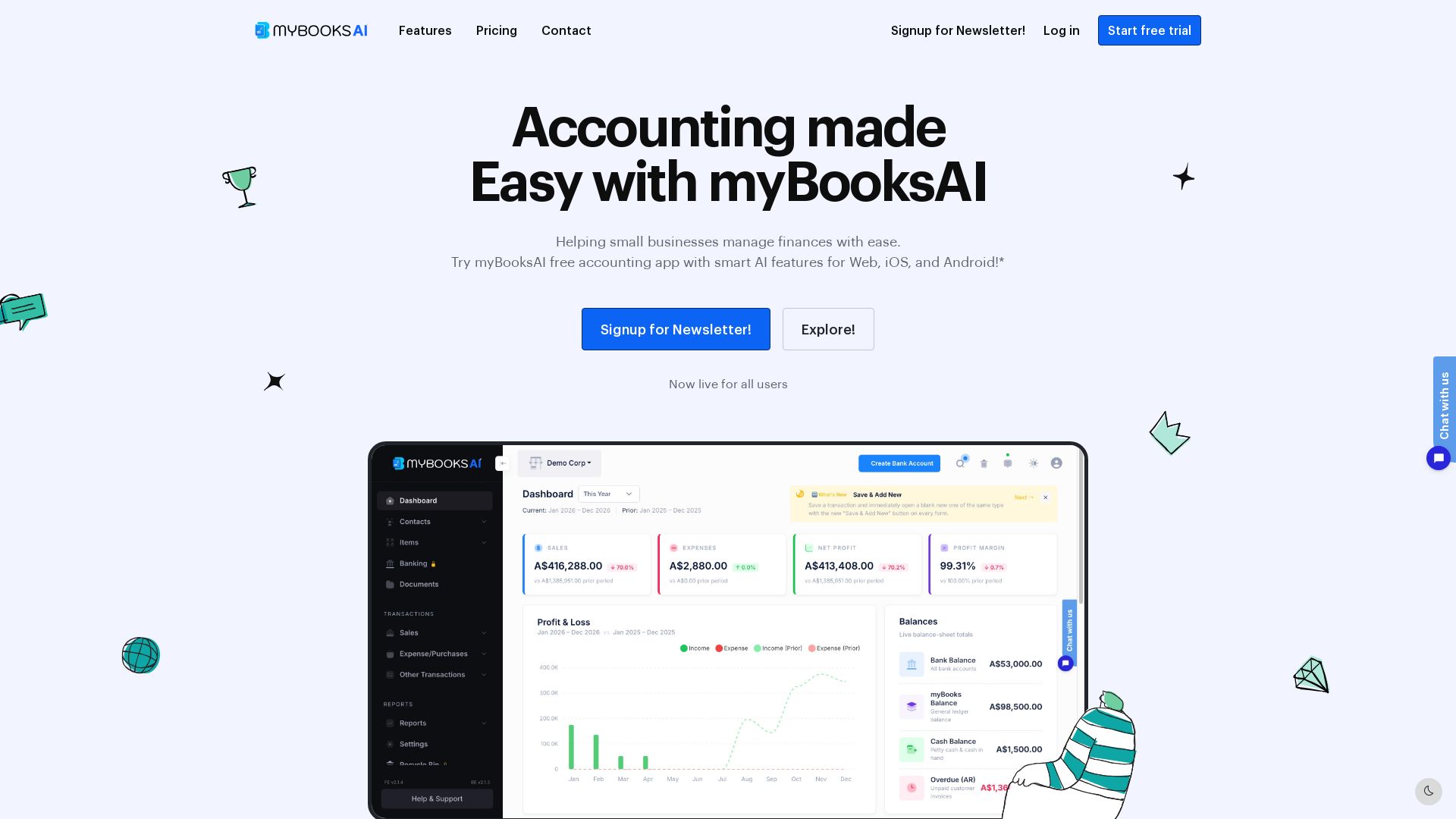
myBooks AI
Simplify your business finances with myBooksAI. Free trial available. Manage invoicing, inventory, bank sync, and GST compliance effortlessly.

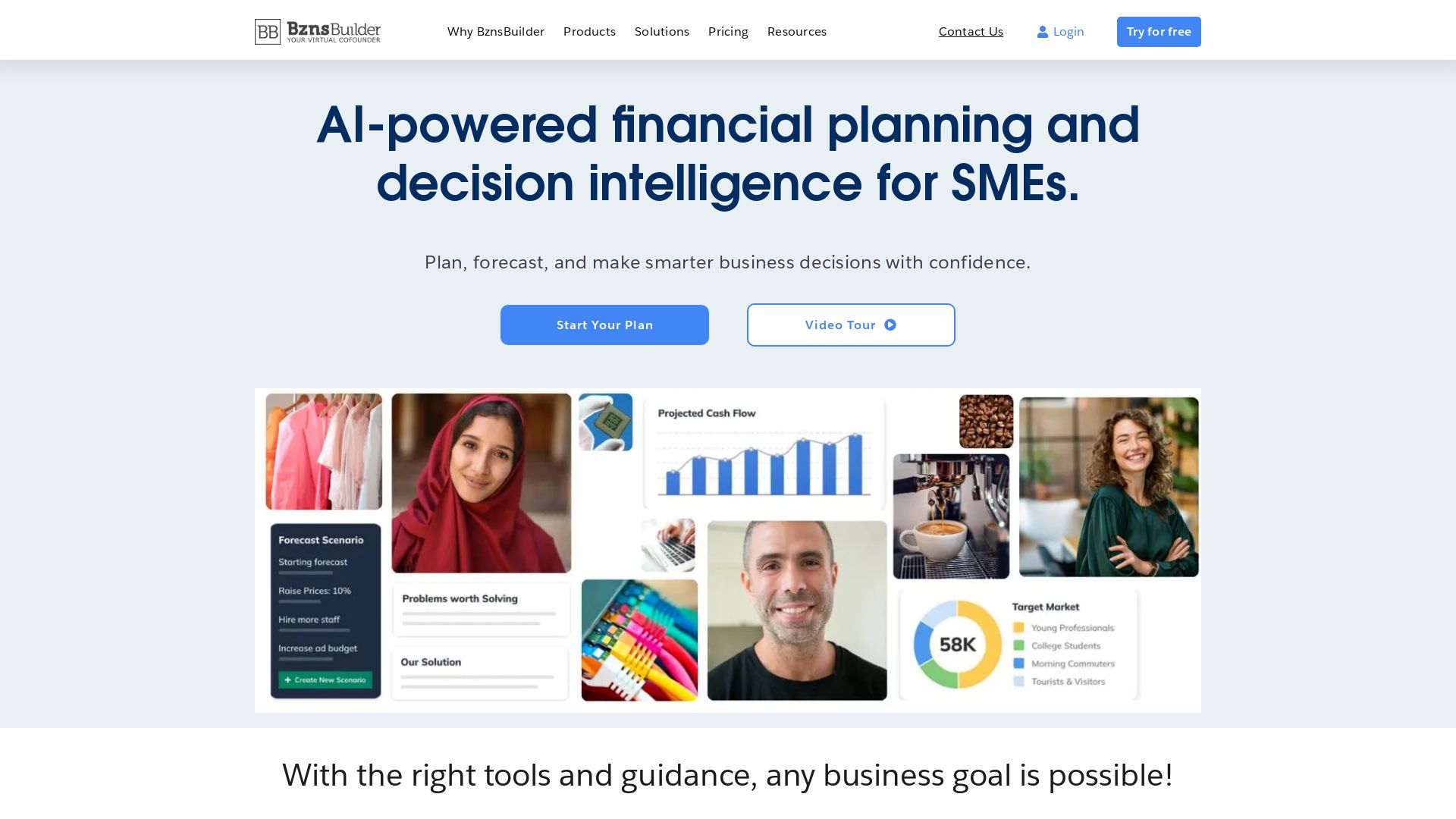
BznsBuilder
AI-powered financial planning and forecasting for SMEs. Build business plans, track KPIs, and make smarter decisions with confidence.


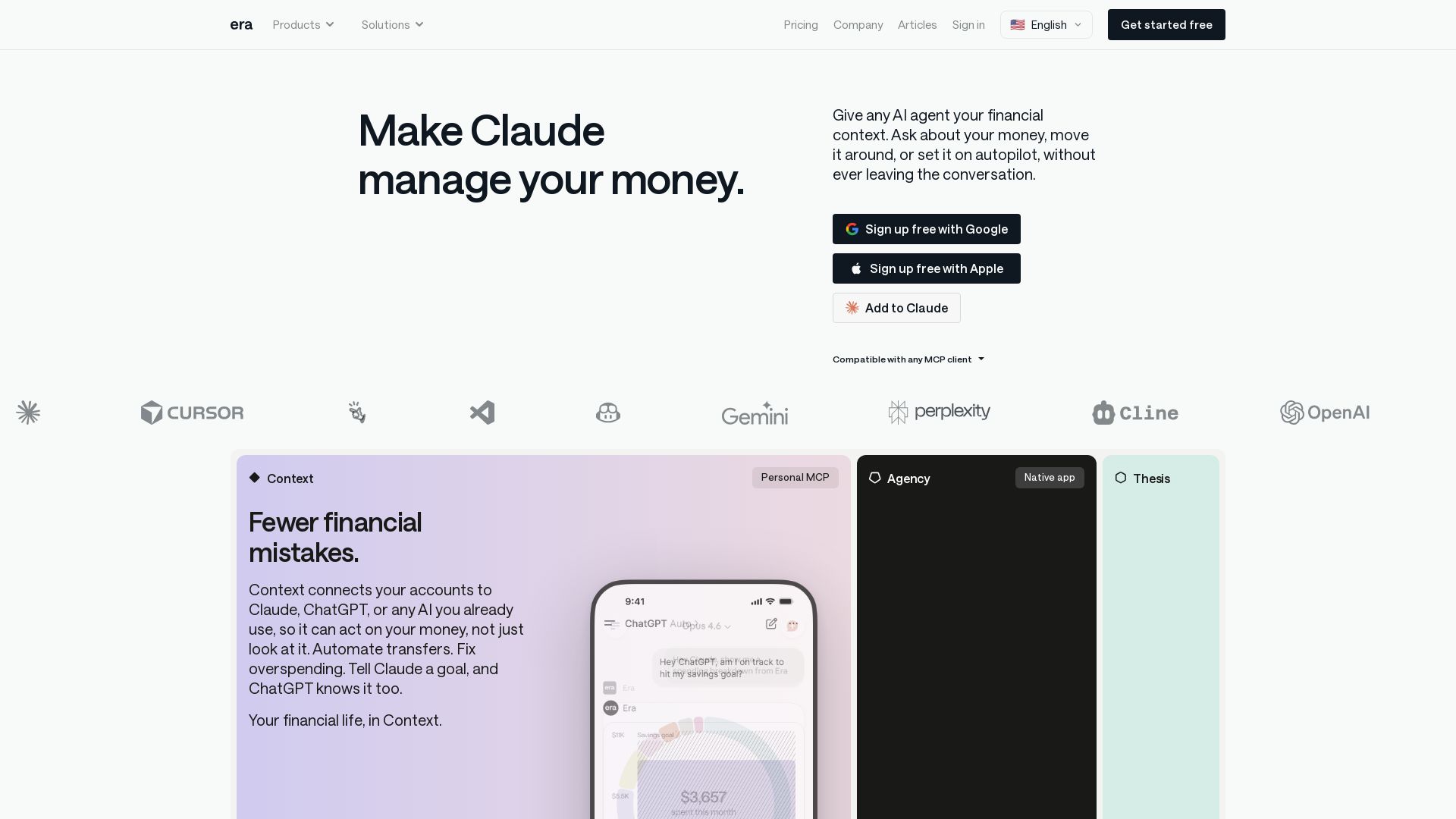
Era
Connect your finances to any AI assistant. Automate money moves, invest smarter, and let AI manage your financial life. Get started free.


BizPlanr
Create a professional business plan in minutes with our free AI-powered generator. Used by 1000+ users. Get your free draft now!

Revefi
Autonomous AI agents optimize cost, performance, and quality across Snowflake, Databricks, BigQuery & LLMs. Reduce data costs by 30-70% in minutes.

ℹ️ Curation Disclosure: The overview and features of Holori were synthesized using AI and fact-checked by our curation team to ensure accuracy.
