
GPT Workspace
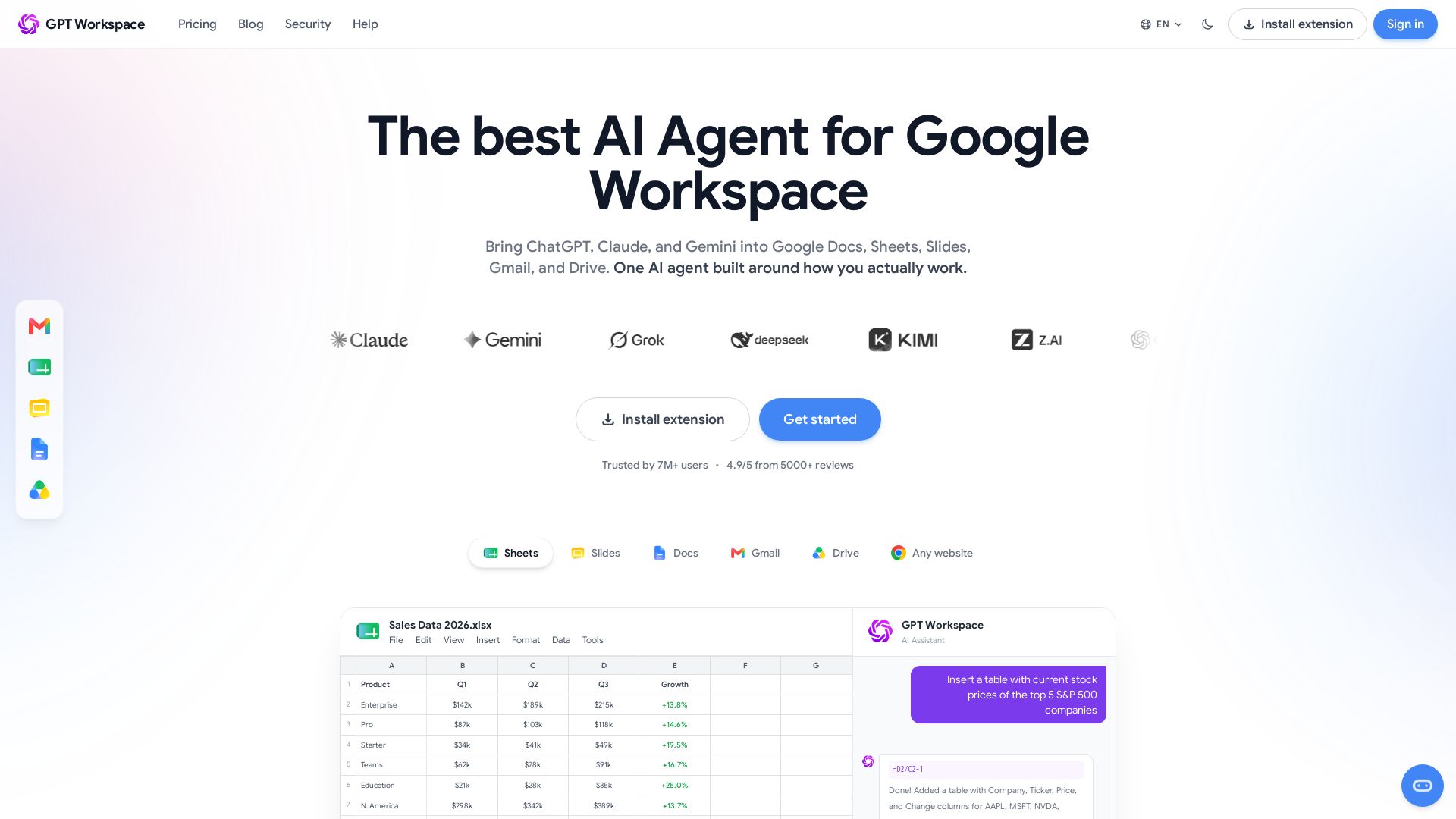
Bring ChatGPT, Claude, and Gemini into Google Workspace. Write faster, automate spreadsheets, summarize docs, and draft emails—all without leaving your apps.

Editor's Verdict
Key Takeaways
- AI Email Writer
- GPT for Sheets
- GPT for Docs
- GPT for Slides
In-Depth Review: What is GPT Workspace?
GPT Workspace is the ultimate AI agent for Google Workspace, trusted by over 7 million users. It integrates ChatGPT, Claude, and Gemini directly into Google Docs, Sheets, Slides, Gmail, and Drive. With features like AI-powered writing, formula generation in Sheets, email drafting in Gmail, and slide creation from prompts, it boosts productivity without context switching. Securely process your documents in real time with enterprise-grade privacy (ISO 27001, GDPR compliant). Start free and upgrade for advanced models and team billing.
Core Features
AI Email Writer
Draft context-aware email replies directly in Gmail, saving time and maintaining your voice.
GPT for Sheets
Use AI formulas like =GPT() to generate content, classify data, and automate tasks in Google Sheets.
GPT for Docs
Write, rewrite, summarize, and translate documents in Google Docs with AI assistance.
GPT for Slides
Create full presentations from a prompt, with layout, content, and visuals automatically placed.
GPT for Drive
Summarize PDFs, ask questions, extract information, and organize files using natural language.
Multi-Model Support
Access ChatGPT, Claude, Gemini, and more, switching between models for different tasks.
Chrome Extension
Use AI on any website, including Google Workspace, with a browser extension that follows you everywhere.
Pricing
Starter
- 5M AI credits per month
- ChatGPT, Claude & Gemini in Chat
- AI formulas in Google Sheets
- GPT in Docs, Slides, Gmail & Drive
- Standard support
- Unlimited conversations
- Advanced AI models
- Team billing
Standard
- Unlimited AI conversations in Chat
- 25M Sheets formula credits per month
- Advanced AI models (GPT-5.5, Claude Opus, Gemini Pro)
- Team billing & shared credits
- Pay-per-use for unlimited Sheets
- Standard support
Pro
- Everything in Standard
- 100M Sheets formula credits per month
- Priority access to new AI models
- Priority support
- Advanced team management
Pros and Cons
Pros
- Seamless IntegrationWorks directly inside Google Docs, Sheets, Slides, Gmail, and Drive without switching tabs.
- Time SavingsAutomates repetitive tasks like writing emails, summarizing documents, and generating formulas, saving hours per week.
- Multi-Model FlexibilityAccess multiple AI models (ChatGPT, Claude, Gemini) and switch based on task complexity.
- User-FriendlyIntuitive interface with chat box right in the app, easy to use for both beginners and experts.
- Privacy-FocusedData never stored on servers, end-to-end encryption, and no training on user data.
Cons
- Subscription CostPaid plans may be expensive for individuals, especially with monthly subscriptions adding up.
- Credit LimitsFree and Starter plans have monthly credit caps, which may be insufficient for heavy users.
- Dependence on CreditsMany features require credits, and running out can disrupt workflow unless upgrading.
- Chrome-CentricPrimarily a Chrome extension, limiting use on other browsers or mobile platforms.
Use Cases & Recommended Professions
Marketing Manager→ View Toolkit
Draft emails, social media content, and blog posts faster; analyze campaign data in Sheets.
Data Analyst→ View Toolkit
Automate data cleaning, formula generation, and pivot tables in Sheets, saving hours of manual work.
Sales Representative→ View Toolkit
Write personalized cold emails and follow-ups using AI, and summarize customer interactions.
Student→ View Toolkit
Summarize research papers, write essays, and create presentations efficiently.
Administrative Assistant→ View Toolkit
Organize Drive files, draft correspondence, and schedule emails with AI assistance.
Product Manager→ View Toolkit
Create product specs, analyze spreadsheets, and generate meeting summaries in Docs.
Frequently Asked Questions
Alternative AI Tools
View Detailed Comparison →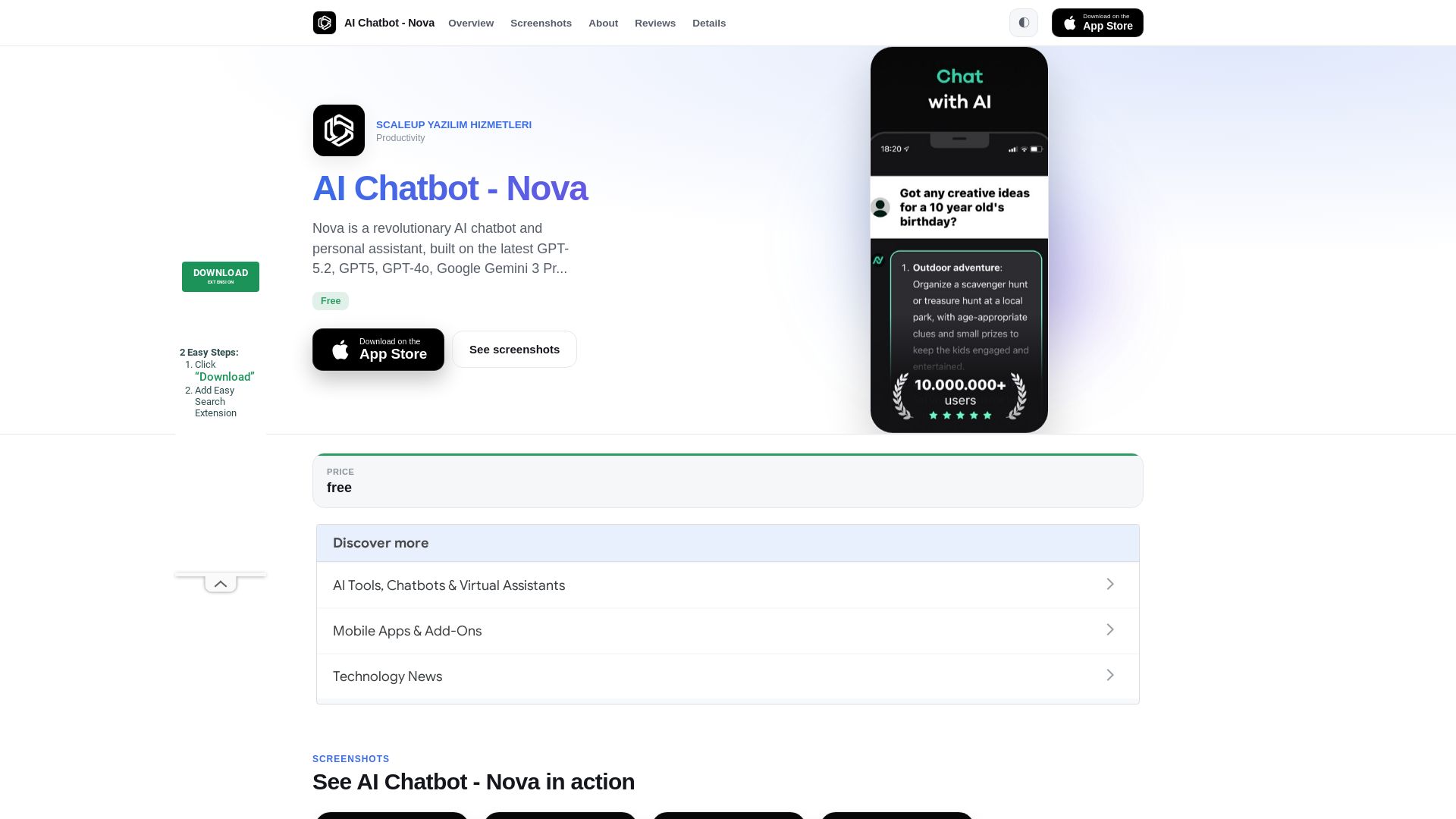
Nova
Nova AI chatbot uses GPT-5.2, GPT-5, and Gemini for human-like chat, writing, and proofreading. Free unlimited access. Download now!


Making AI think and act: my approach to the Hugging Face AI ...
Experienced AI engineer specializing in medical imaging and LLM-powered agents. Built globally deployed radiology AI at AZmed. Now building AI agents at Matrix One.

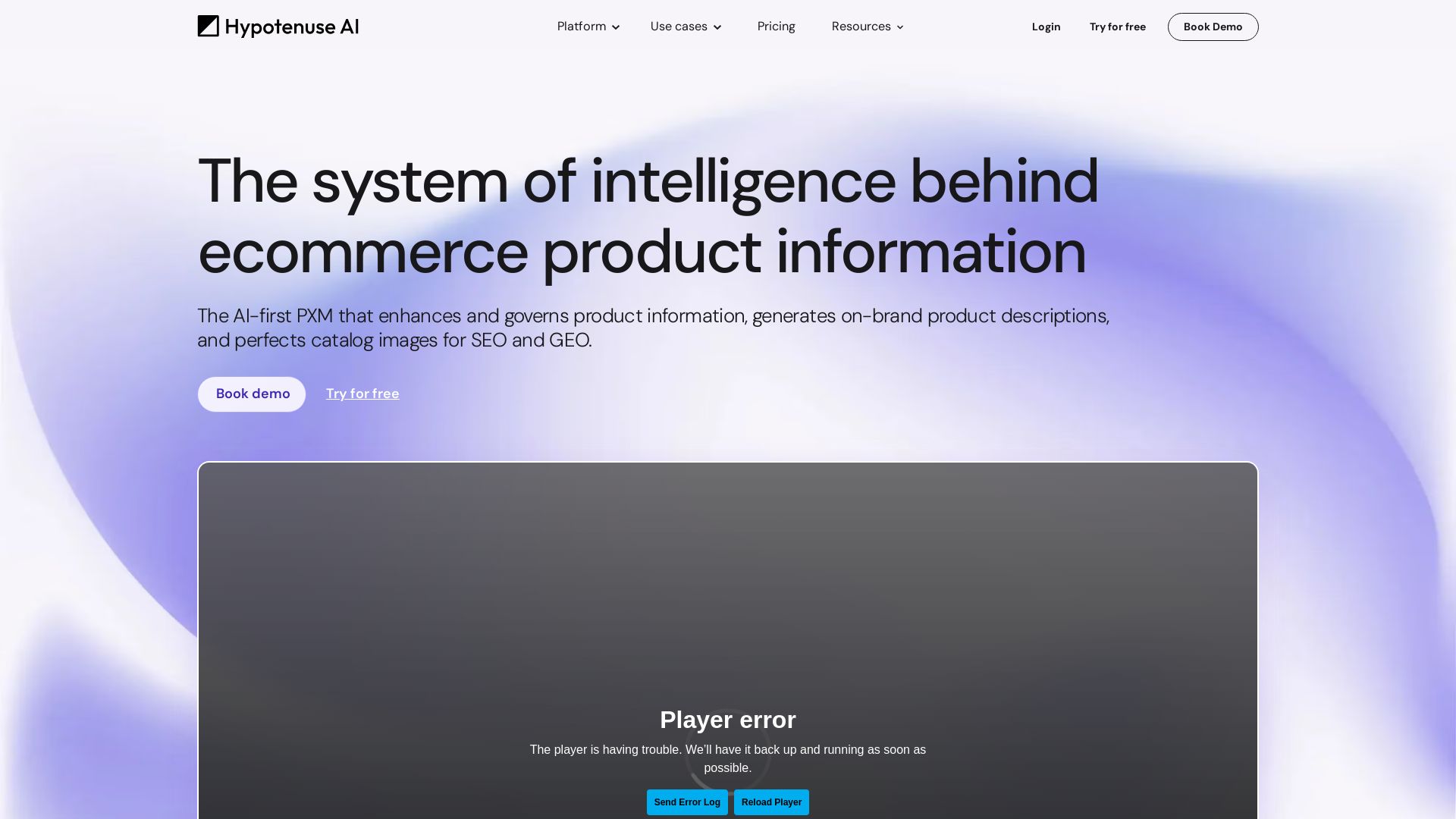
Hypotenuse AI
Enhance product data, generate SEO-optimized descriptions, and perfect images with AI. Trusted by global brands. Try free.


Section AI
Turn AI investment into workforce transformation with Section. Command center, coaching, and strategic support to drive measurable ROI.


SF AI Labs
End-to-end AI services from strategy to launch. Proven delivery framework, expert network in San Francisco. Maximize ROI with custom AI solutions for modern companies.

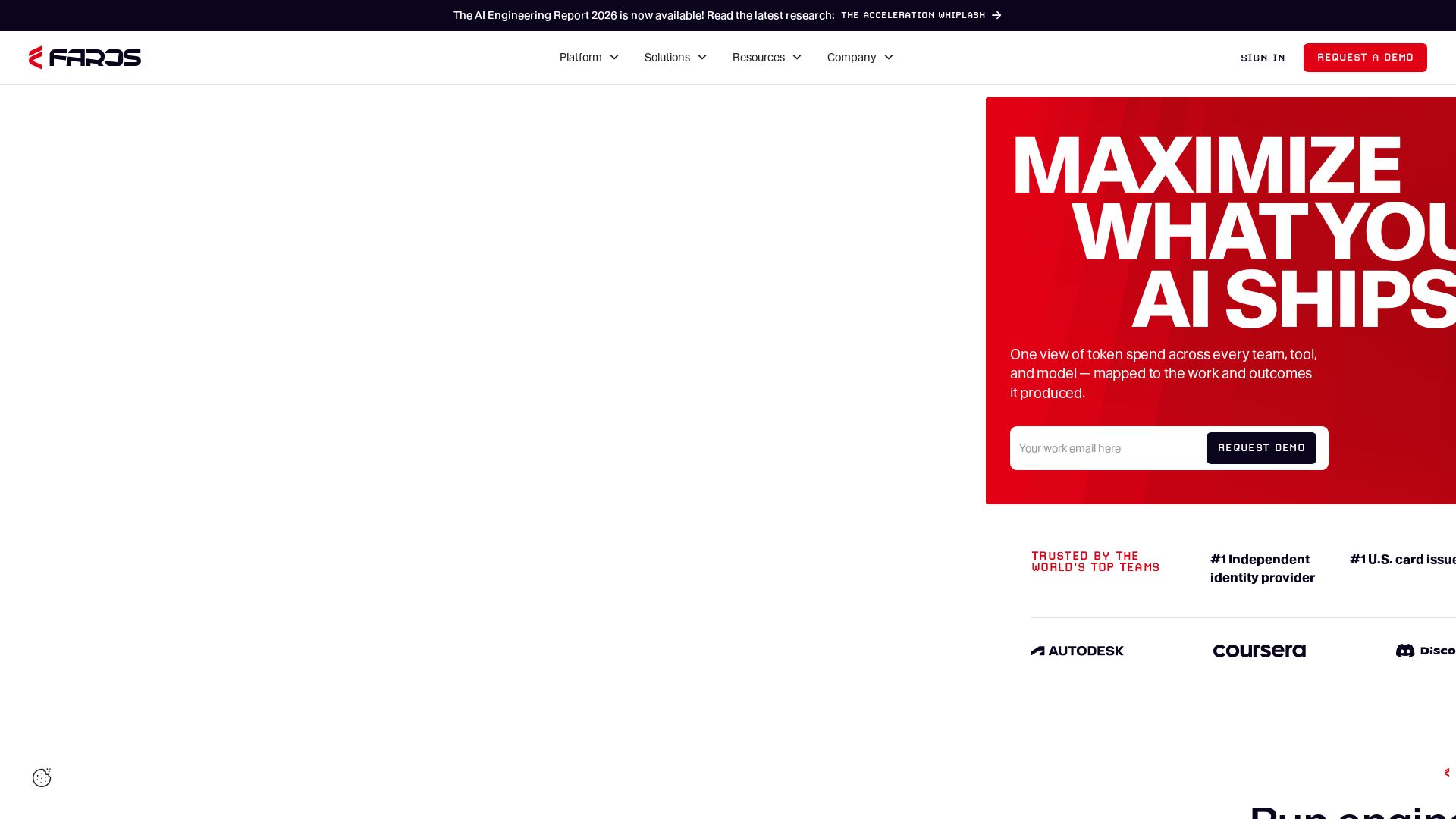
Faros
Trace every AI dollar to outcomes. Improve engineering productivity, measure AI impact, and provide context for AI agents. Trusted by top teams.

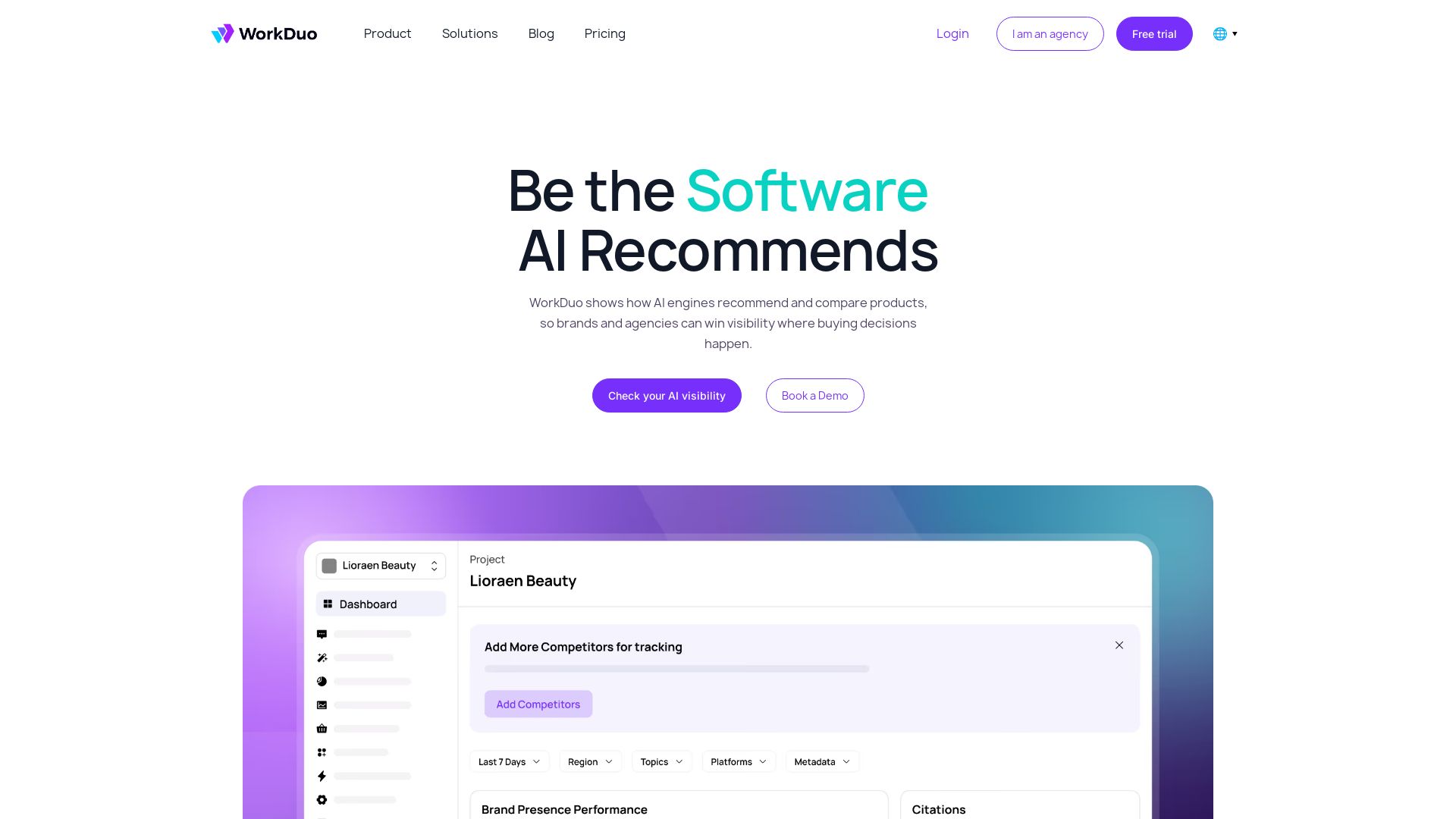


AI SDK AGENTS
The toolkit for AI engineers. Install, copy, or export 125 AI SDK patterns for agents, tool calling, human-in-the-loop, and generative UI. Full source code, own your stack.


Scuti AI
We specialize in generative AI, AI-OCR, RAG, and offshore development. Combining Vietnam's speed with Japan's quality to automate tasks and boost business.

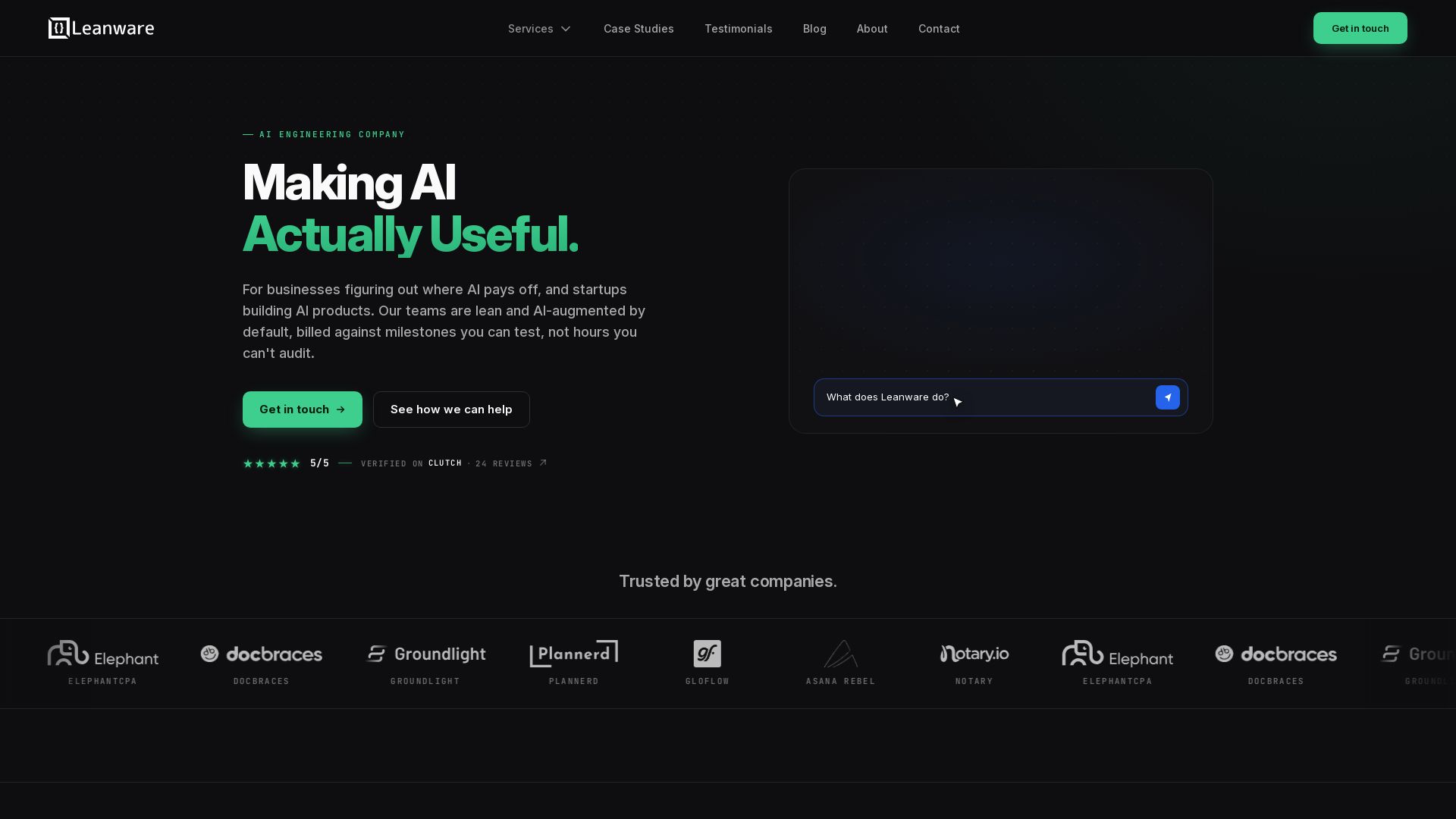
Leanware
We build custom AI agents, ship AI products, and assess AI ROI. Milestone-billed, lean teams, no handoffs. Trusted by startups and businesses.

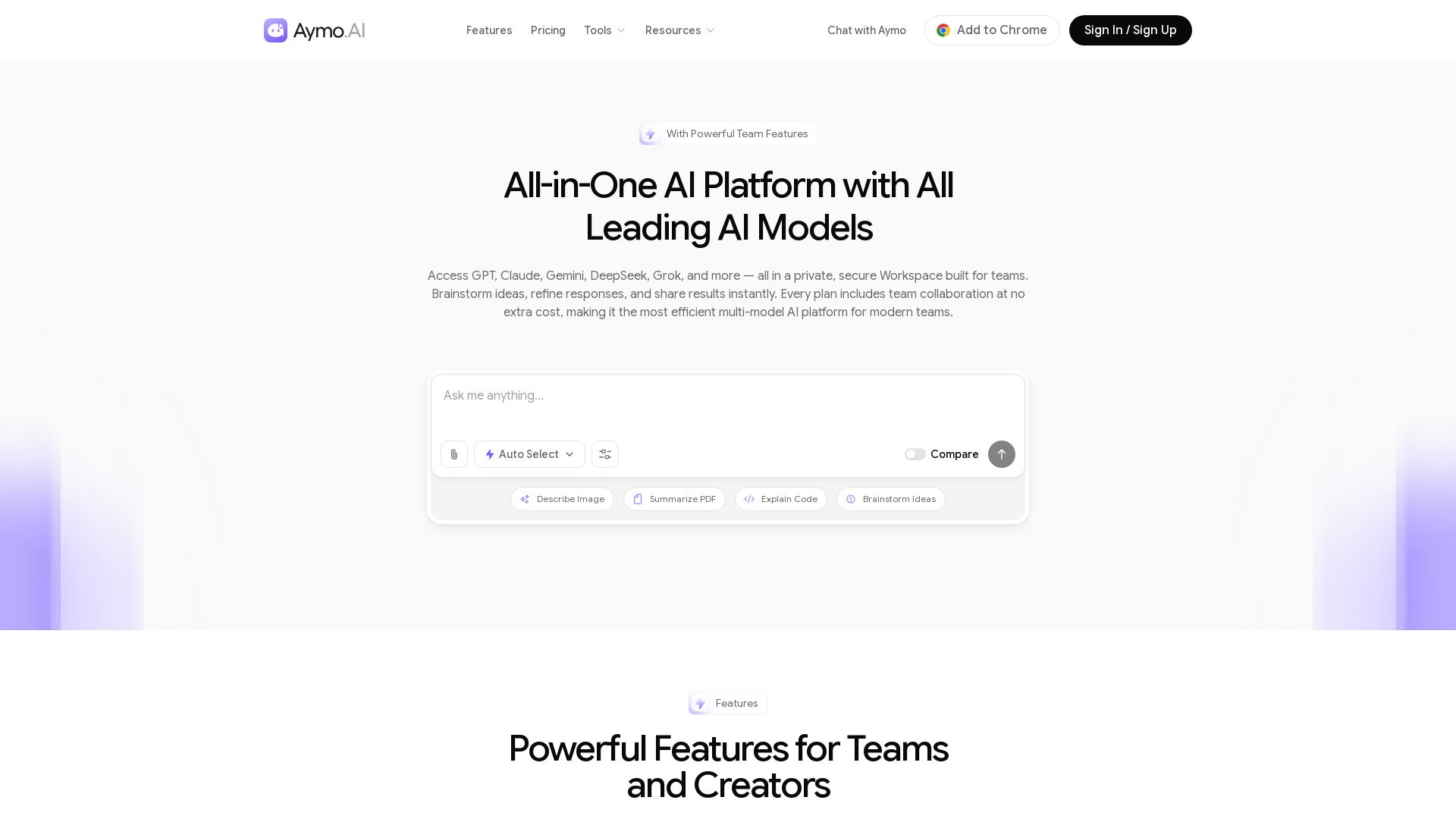
Aymo AI
Access GPT, Claude, Gemini, DeepSeek, Grok & more in one workspace. Save 90% on subscriptions. Built-in team tools. Try free!


ProductCrafters
Get a free 2-week trial sprint for your AI product. Working prototype in 30 days, production-ready in 90. No contract, no credit card. Test your dev team risk-free.

ℹ️ Curation Disclosure: The overview and features of GPT Workspace were synthesized using AI and fact-checked by our curation team to ensure accuracy.
