
NaviGator AI
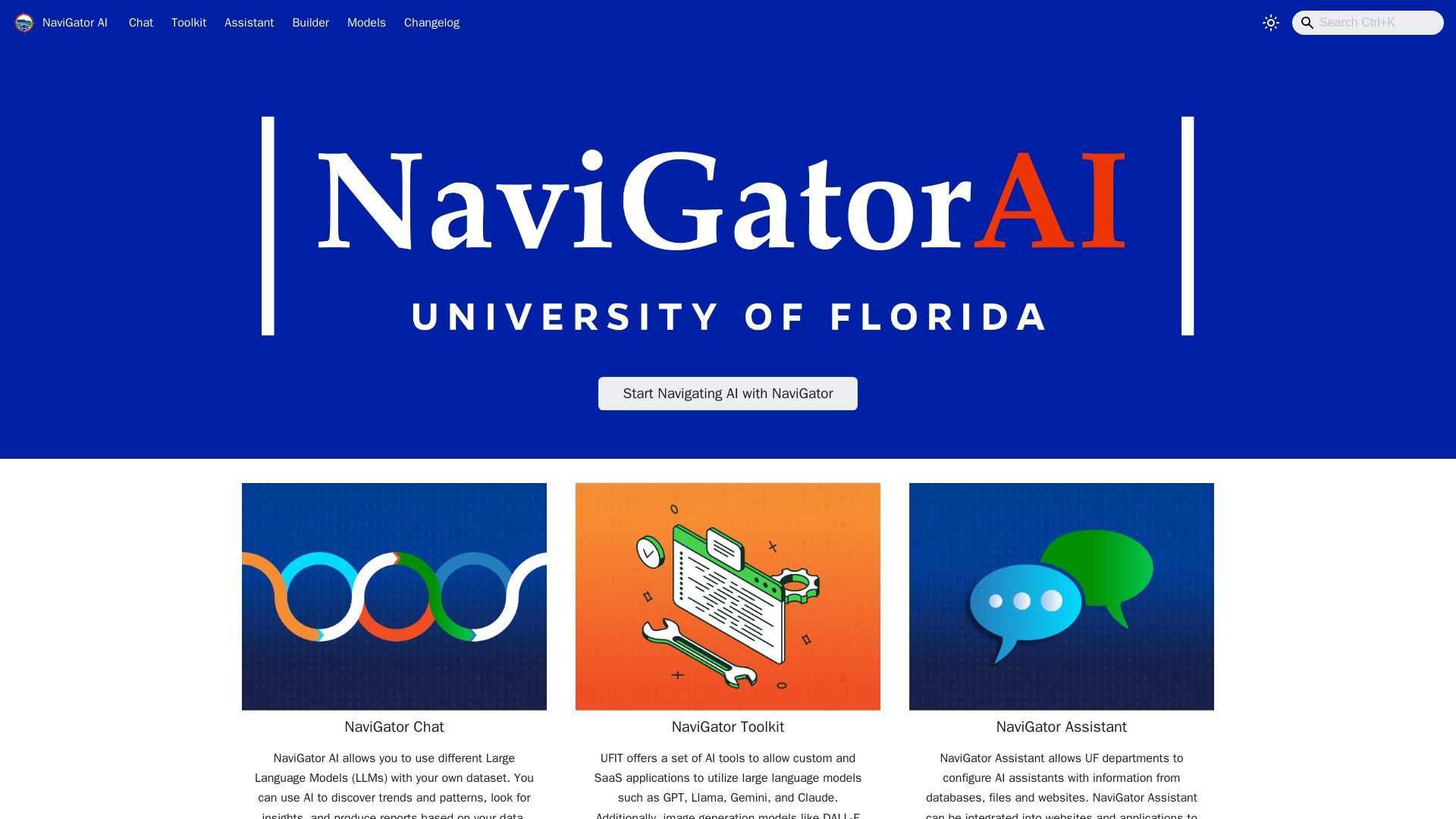
Leverage multiple LLMs with your data. Use NaviGator Chat, Toolkit, and Assistant to discover insights, build apps, and create custom AI assistants.
Editor's Verdict
Key Takeaways
- NaviGator Chat
- NaviGator Toolkit
- NaviGator Assistant
In-Depth Review: What is NaviGator AI?
NaviGator AI is the University of Florida's unified platform for exploring and applying artificial intelligence. It offers three main services: NaviGator Chat allows you to interact with leading large language models (like GPT, Llama, Gemini, Claude) using your own datasets to uncover trends and generate reports. NaviGator Toolkit provides APIs for custom applications, including image generation (DALL-E) and speech-to-text (Whisper). NaviGator Assistant enables UF departments to configure AI assistants that answer context-specific questions by integrating with databases, files, and websites. Built on UFIT's infrastructure, NaviGator AI is governed by clear privacy and terms of service policies to ensure responsible use.
Core Features
NaviGator Chat
Use different Large Language Models with your own dataset to discover trends, patterns, and produce reports based on your data.
NaviGator Toolkit
A set of AI tools for custom and SaaS applications, supporting models like GPT, Llama, Gemini, Claude, DALL-E, and Whisper.
NaviGator Assistant
Configure AI assistants for UF departments using information from databases, files, and websites, and integrate into websites and applications.
Pricing
NaviGator Suite
- NaviGator Chat
- NaviGator Toolkit
- NaviGator Assistant
- Access to multiple LLMs
- Custom dataset integration
Pros and Cons
Pros
- Multi-LLM SupportAccess to a variety of large language models such as GPT, Llama, Gemini, and Claude.
- Custom Data IntegrationAbility to use your own datasets for tailored insights and reports.
- Versatile ToolsOffers Chat, Toolkit, and Assistant for different use cases including application development and departmental support.
- University-BackedDeveloped by UFIT, ensuring security and reliability within an academic environment.
- Integration CapabilitiesEasily integrate AI assistants into websites and applications for context-specific answers.
Cons
- Unclear PricingNo transparent pricing information available; likely requires contacting sales.
- Learning CurveMultiple tools and features may require training or documentation to use effectively.
- Limited AccessibilityPrimarily intended for University of Florida affiliates; others may not have access.
- Dependency on InternetRequires a stable internet connection to use cloud-based LLMs.
- Data Privacy ConcernsUsing proprietary data with external models may raise privacy issues.
Use Cases & Recommended Professions
Data Scientist→ View Toolkit
Needs to analyze large datasets and extract insights using multiple LLMs.
Software Developer→ View Toolkit
Integrates AI capabilities into custom applications via the Toolkit.
Researcher→ View Toolkit
Leverages AI to discover patterns and trends in academic research data.
Educator→ View Toolkit
Creates AI assistants to provide course-specific information and support to students.
Business Analyst→ View Toolkit
Generates reports and dashboards from business data using Chat and Toolkit.
IT Administrator→ View Toolkit
Deploys and manages AI assistants for university departments.
Frequently Asked Questions
Alternative AI Tools
View Detailed Comparison →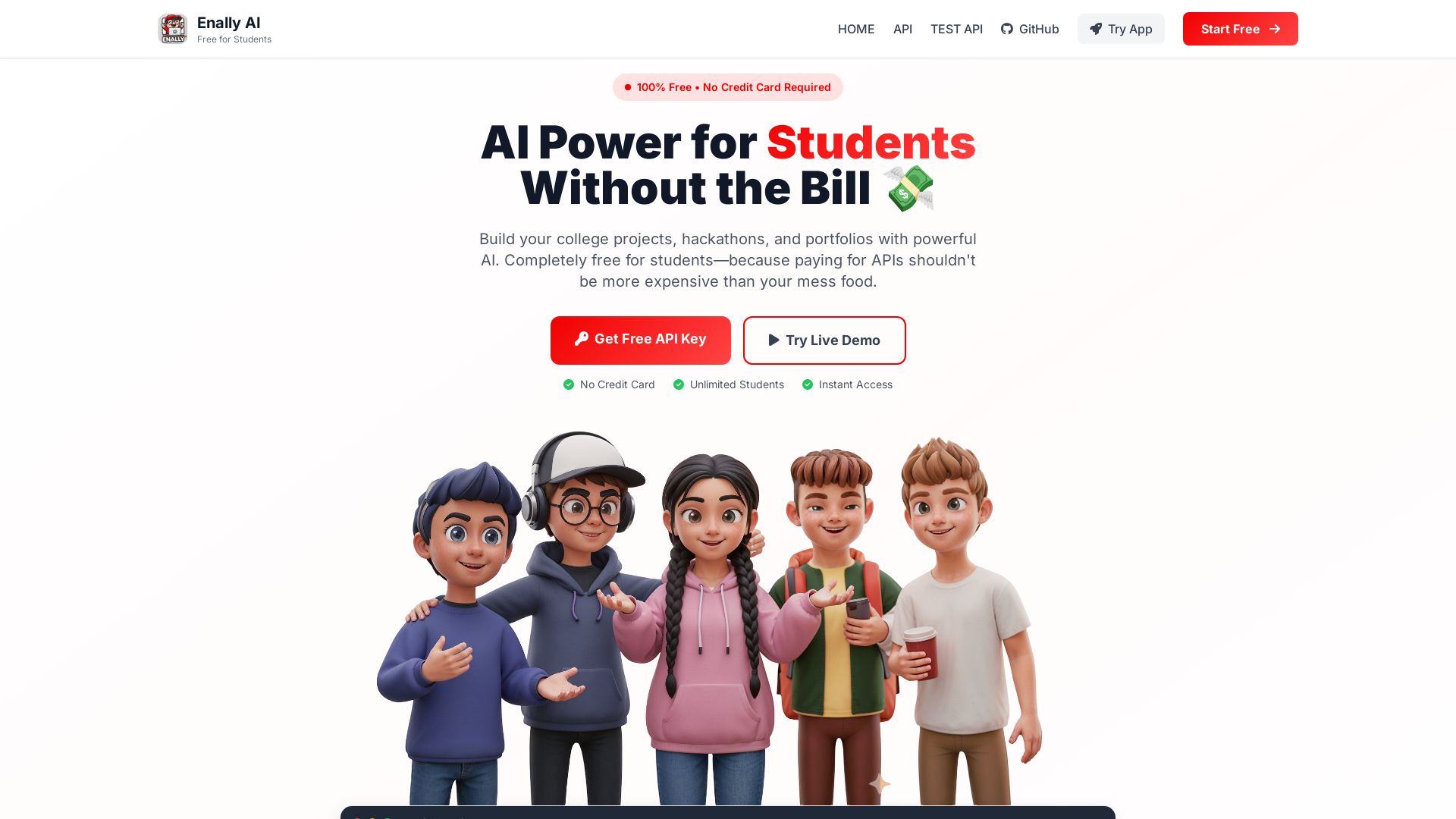
Enally AI
Get unlimited free AI APIs for college projects, hackathons, and portfolios. Chat, multimodal, reasoning. No credit card required. Start building now!


Making AI think and act: my approach to the Hugging Face AI ...
Experienced AI engineer specializing in medical imaging and LLM-powered agents. Built globally deployed radiology AI at AZmed. Now building AI agents at Matrix One.

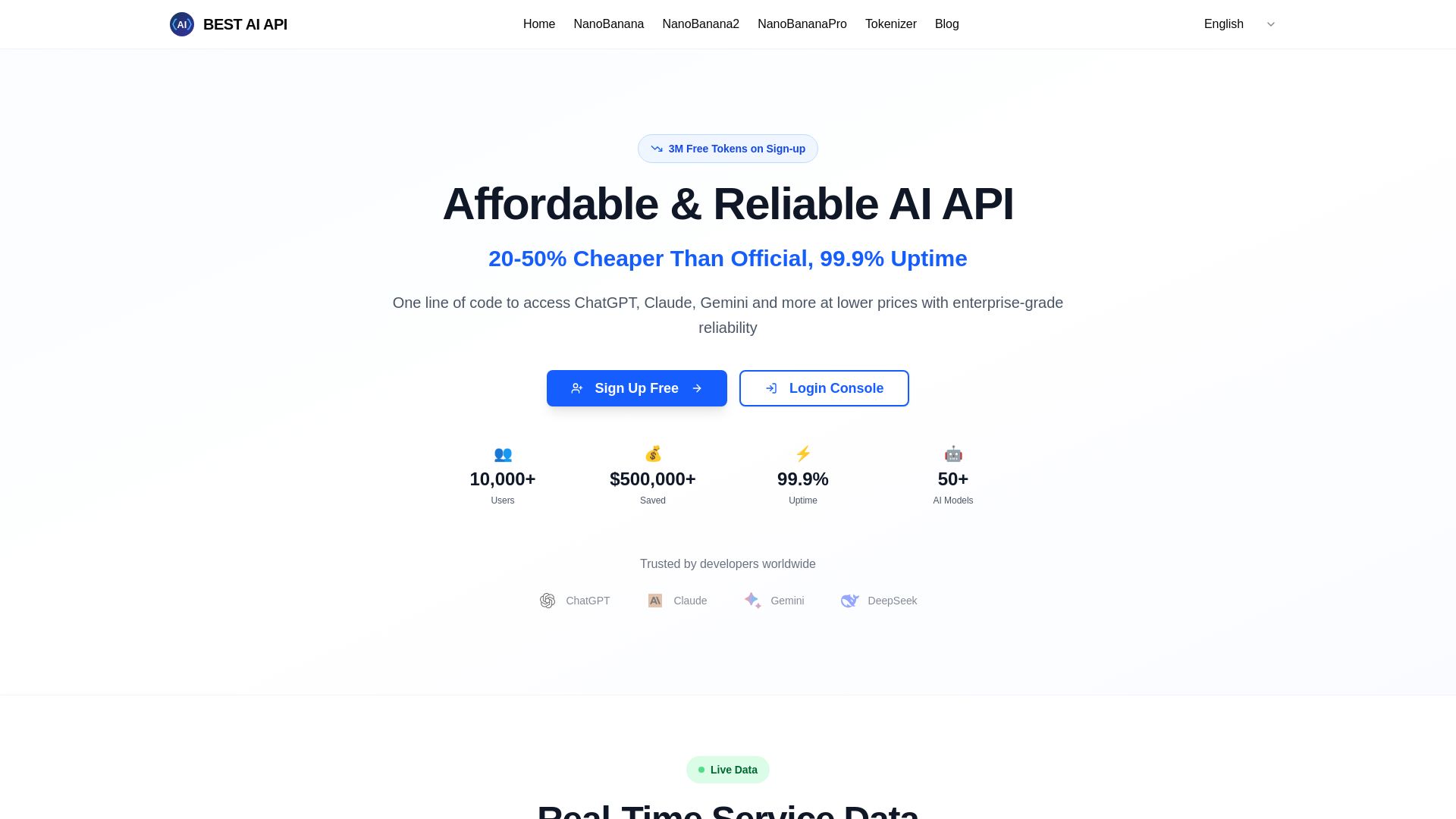
Best AI API
Affordable AI API with 99.9% uptime, 50+ models, 3M free tokens. Pay-as-you-go, OpenAI compatible. Start saving now!
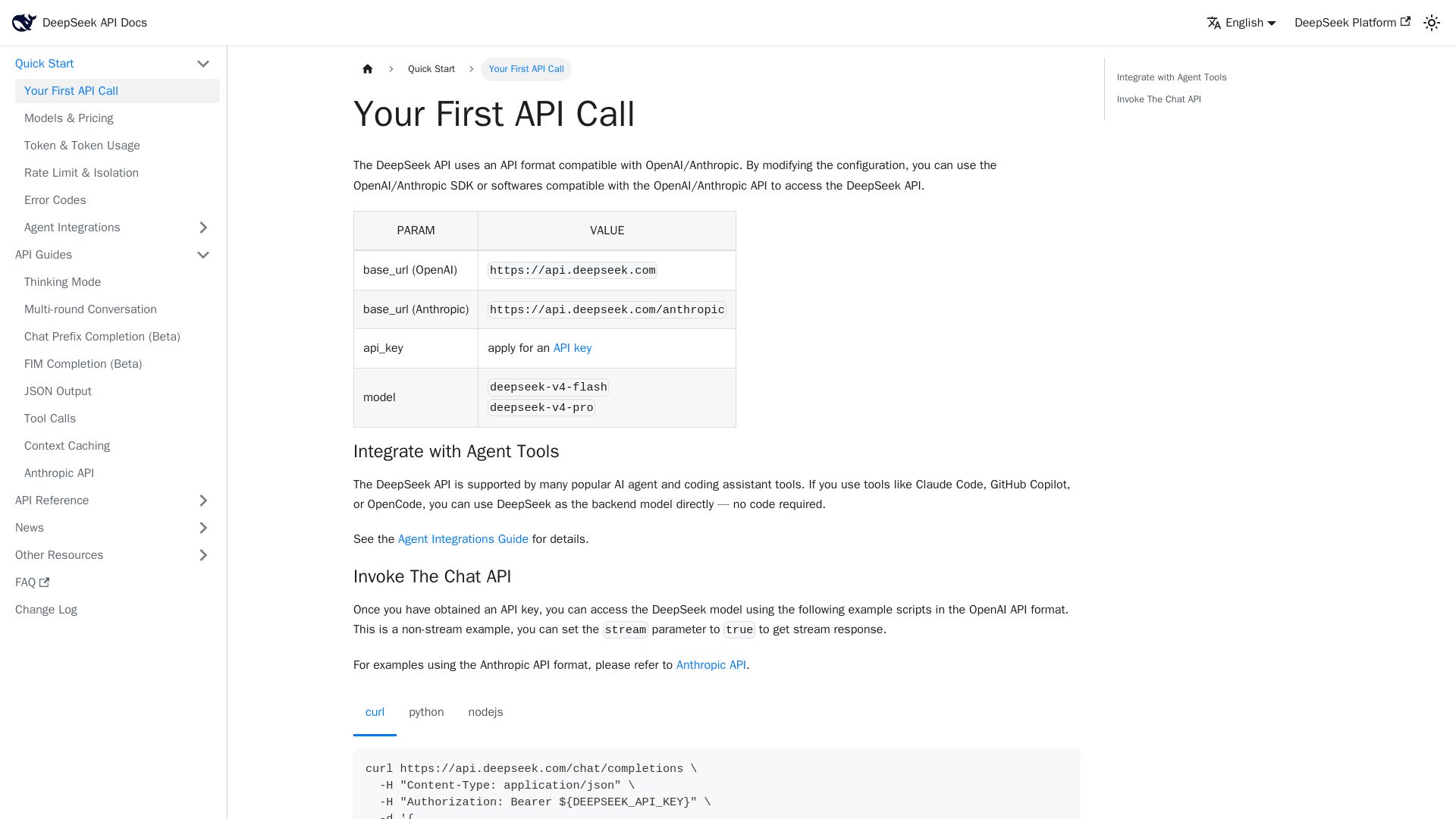
DeepSeek API
Integrate DeepSeek's high-performance AI models with OpenAI/Anthropic compatible API. Start building smarter apps today.

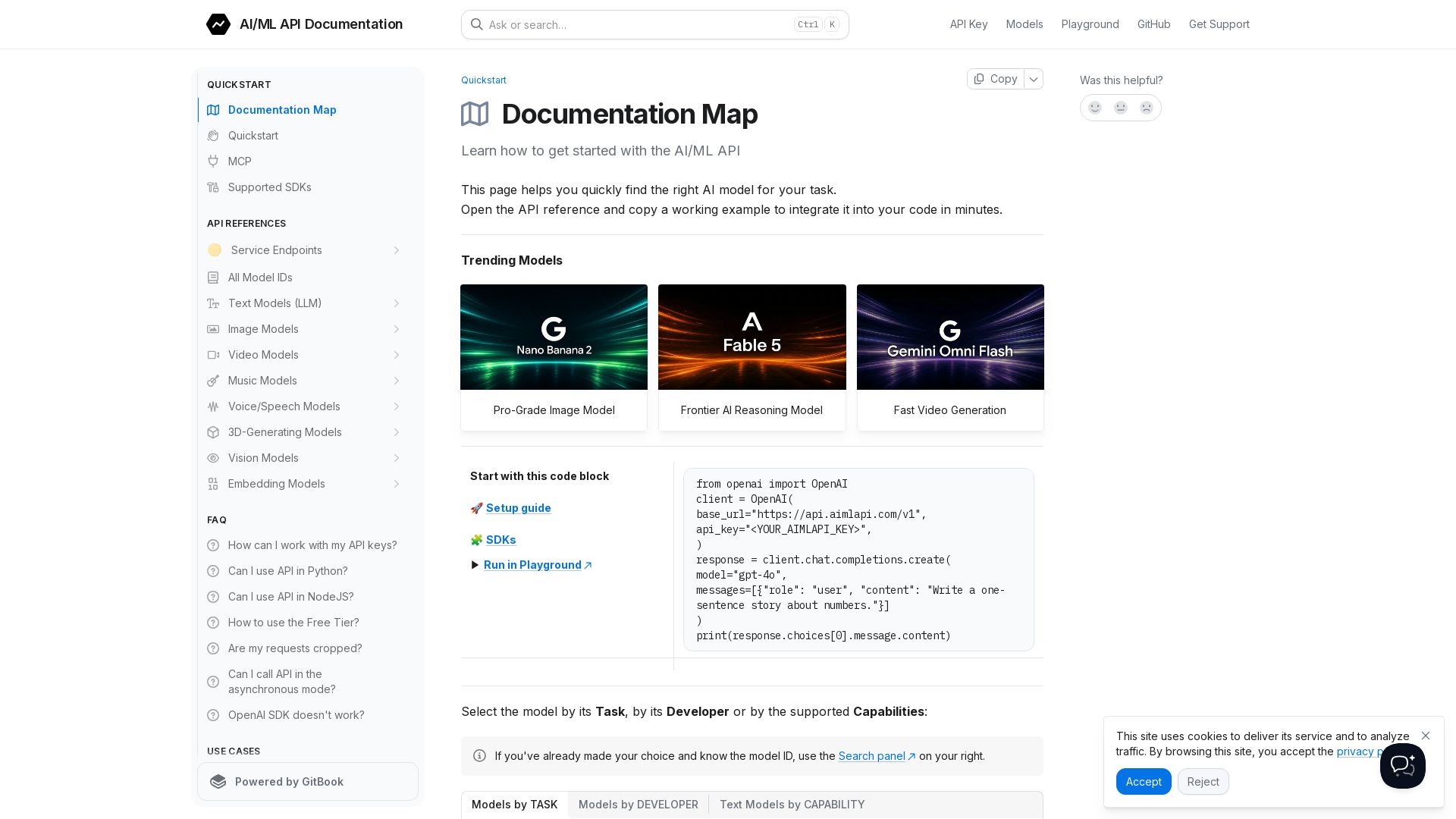
AI/ML API
Build AI-powered apps fast. One API for LLMs, image, video, music, 3D models. Free tier, OpenAI-compatible SDK, streaming, function calling.

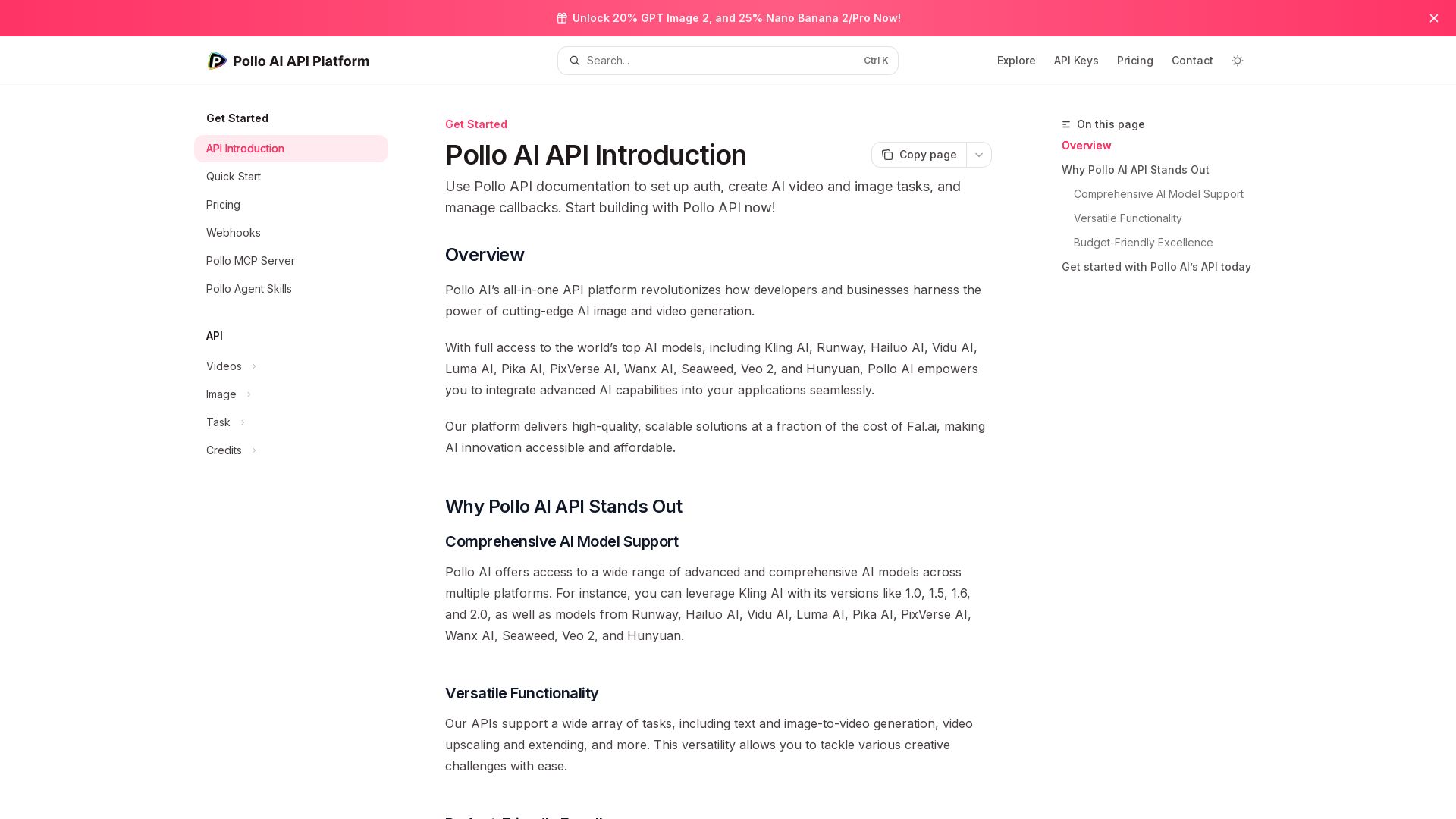
Pollo API
Integrate cutting-edge AI video and image generation with Pollo AI API. Access Kling, Runway, Hailuo, and more. Budget-friendly, high quality.


Expo AI Chatbot
Build AI chatbot apps for iOS, Android & web with Expo SDK 54, AI SDK 5, voice, long-term memory, and more. Open-source codebase.


Massachusetts AI Hub
Explore no-cost Google AI training, startup accelerator, and major investments. Join the global leader in applied AI.

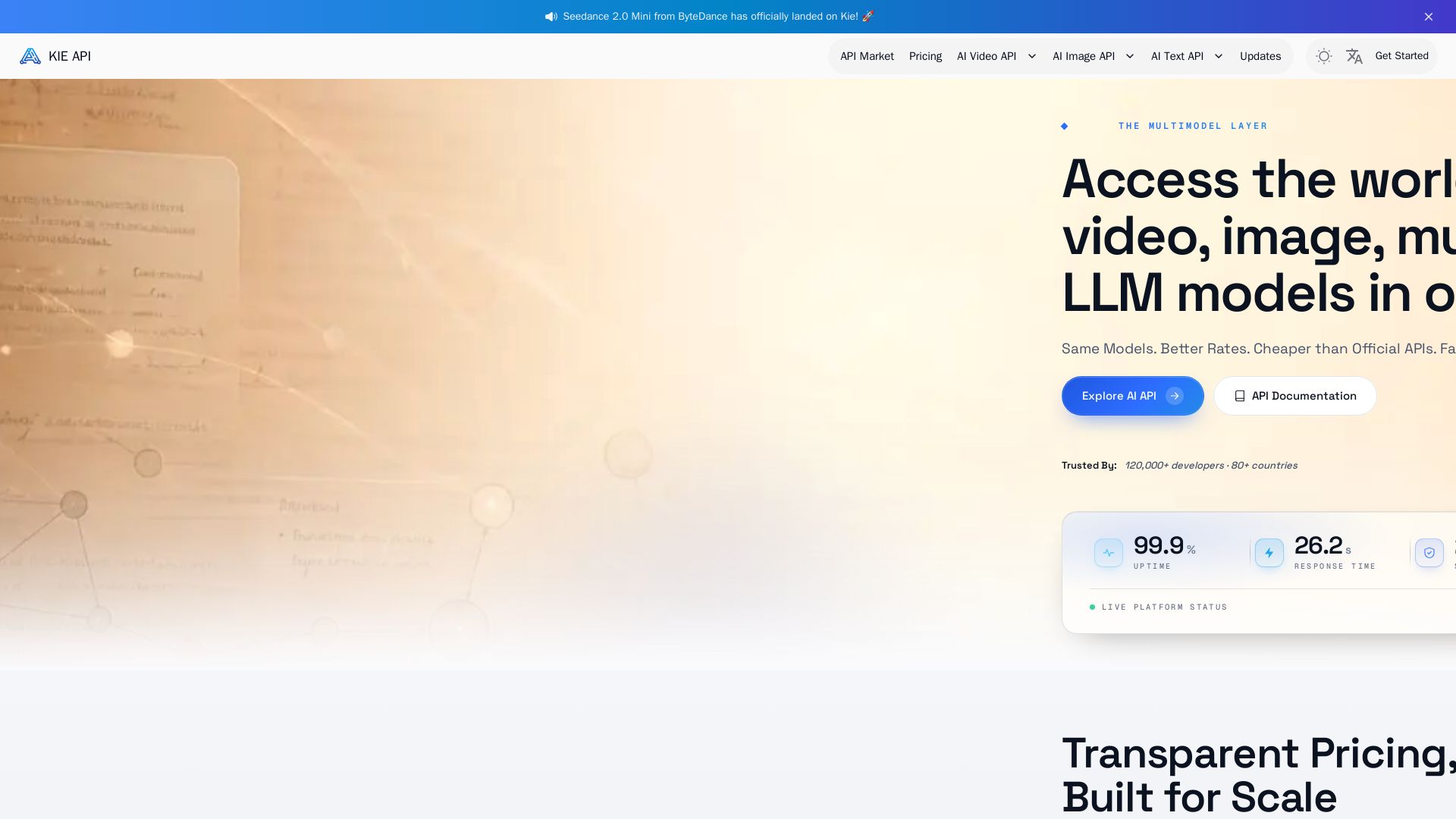
Kie.ai
Access 100+ video, image, audio & LLM models via one unified API. Save up to 84% vs official APIs. Zero cost for failed tasks. 99.9% uptime.

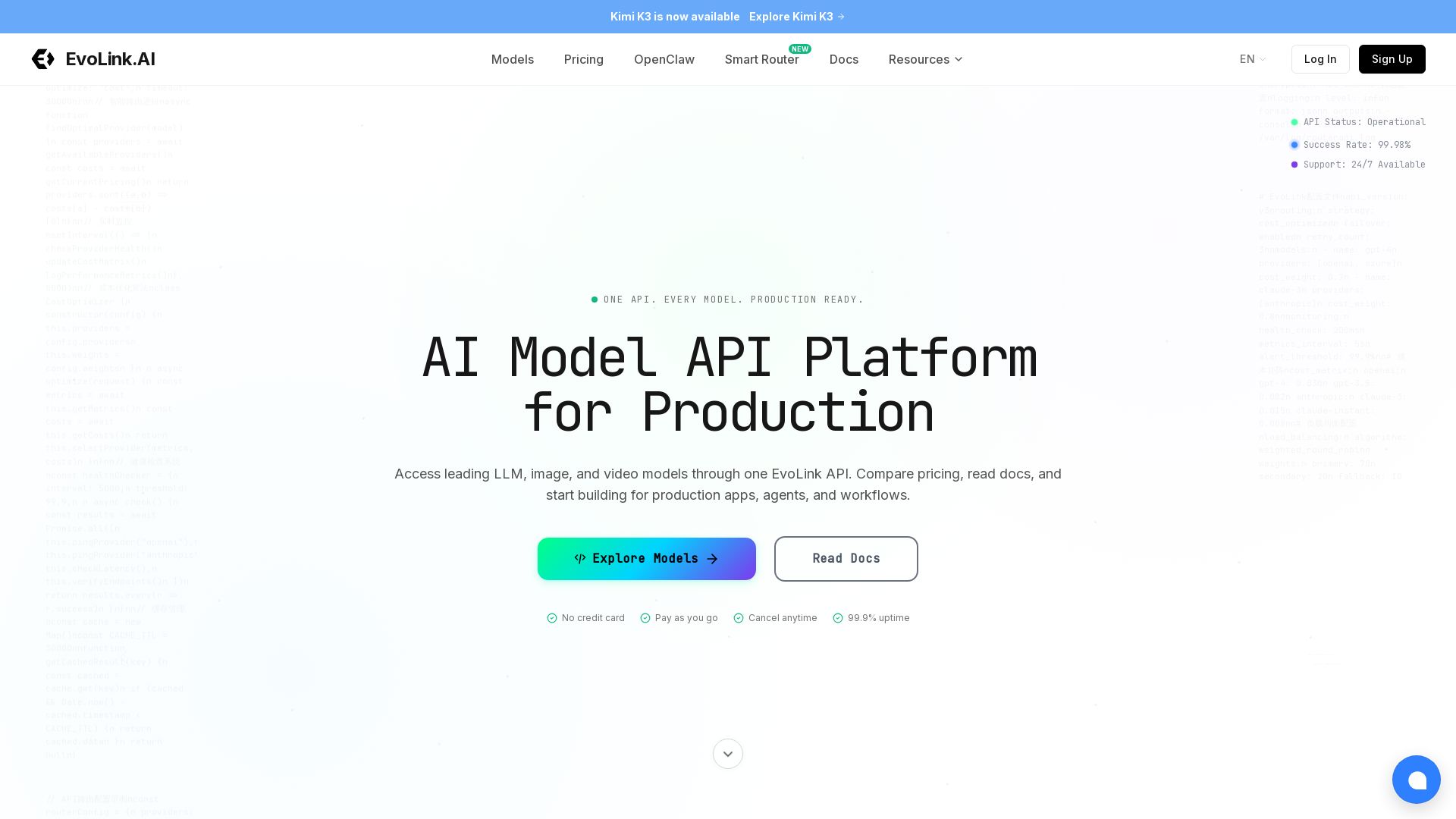
EvoLink
Access GPT, Claude, Gemini, and more via one API. 99.9% uptime, auto failover, pay-as-you-go. Integrate in minutes.

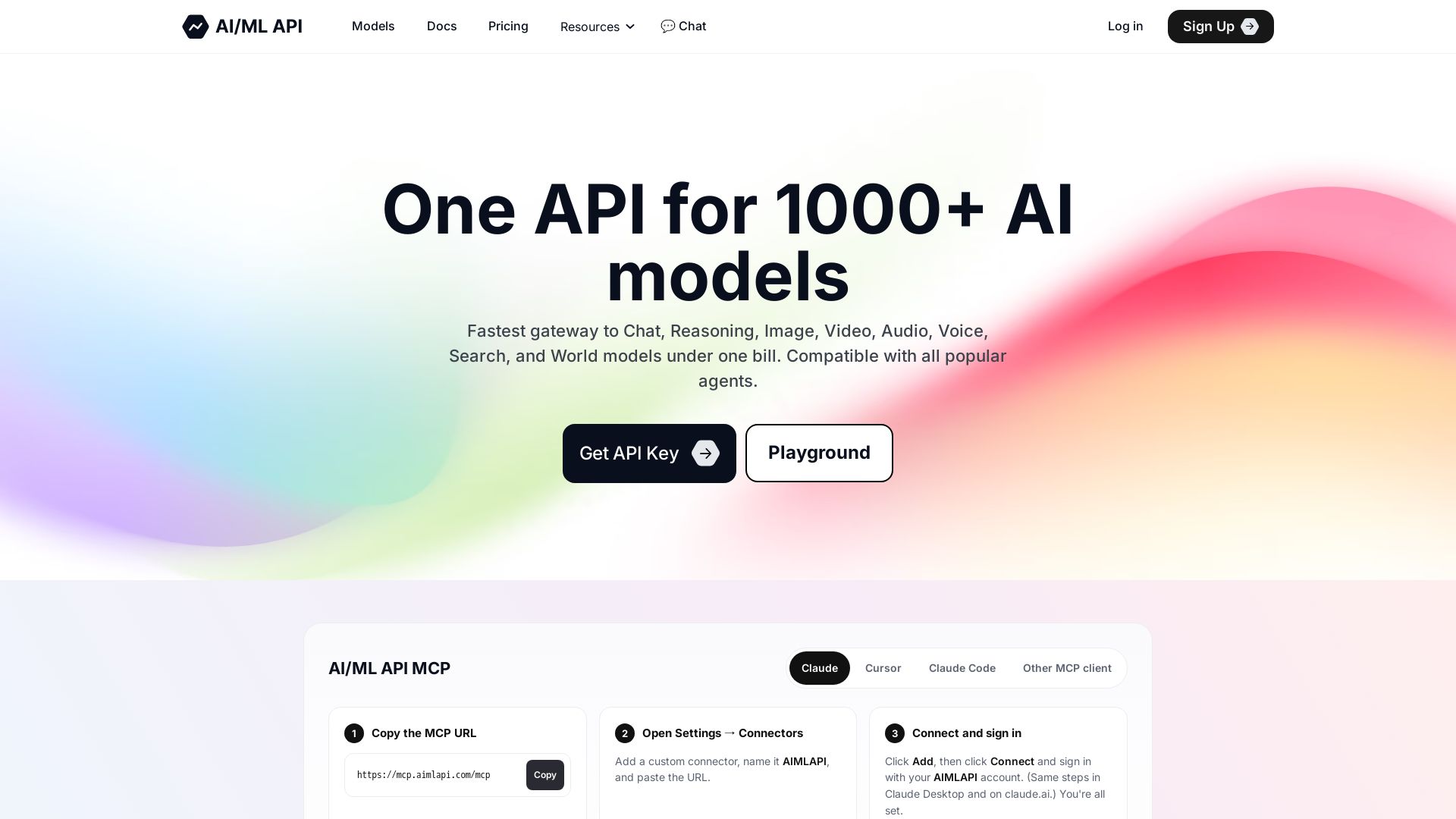
AIMLAPI
Unified gateway to 1000+ AI models: Chat, Image, Video, Audio, Voice, Search & more. OpenAI-compatible, low latency, scalable. Get started in minutes.

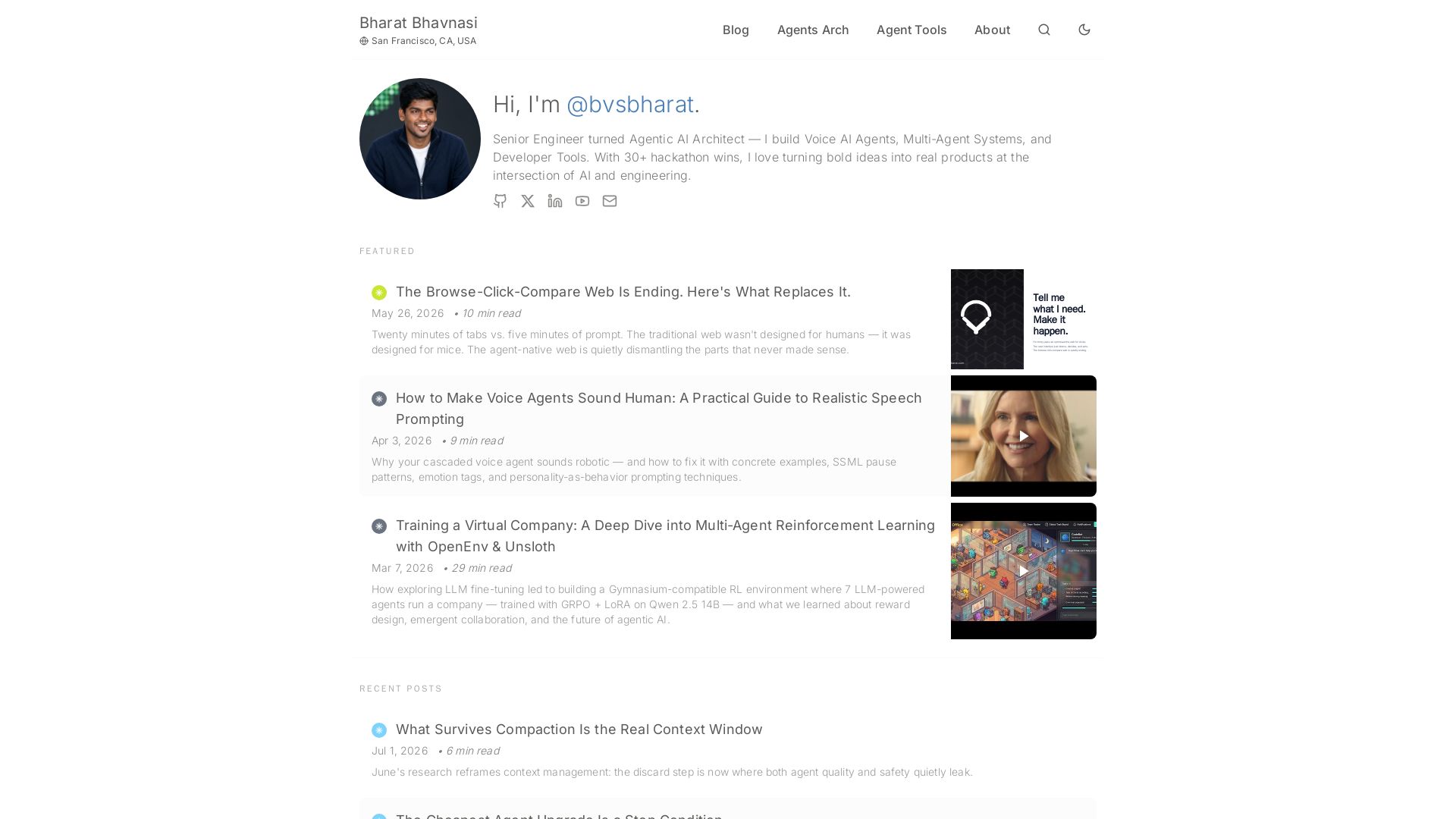
I Tested Every Major Open-Source AI Agent SDK So You Don't ...
Explore insights on Voice AI Agents, Multi-Agent Systems, and Developer Tools from a 30+ hackathon winner. Practical guides and cutting-edge research.

ℹ️ Curation Disclosure: The overview and features of NaviGator AI were synthesized using AI and fact-checked by our curation team to ensure accuracy.
